GeezerVisonThe World Wide Web, restored to 800 pixels of glory. | ||||||||||||||||||||||||||||||||||||||||||||||||||||
| Home|About|Gaming cabinet|Archives|How it works|Starter sites | ||||||||||||||||||||||||||||||||||||||||||||||||||||
GeezerVison is showing plugins.compzets.com — FailSafe - A jQuery Plugin to make your App Robust .:.: How this plugin gonna help you?
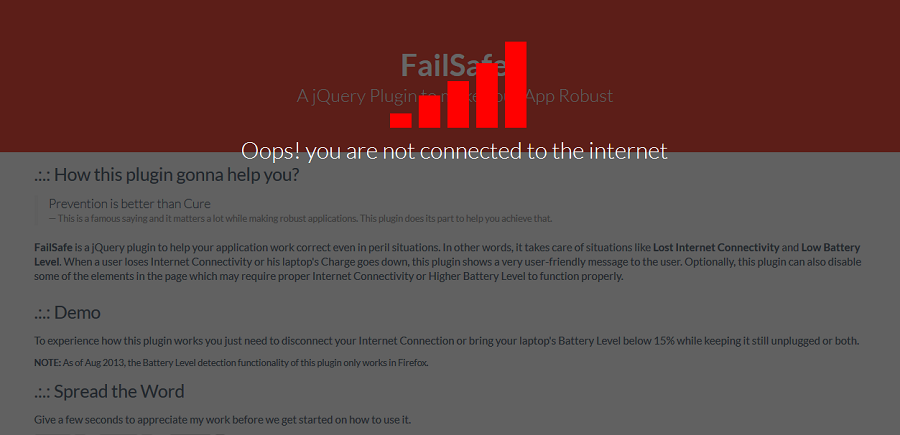
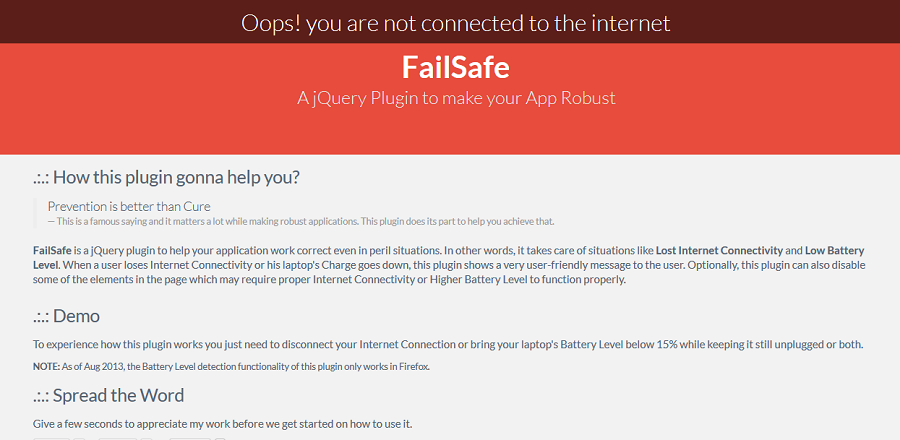
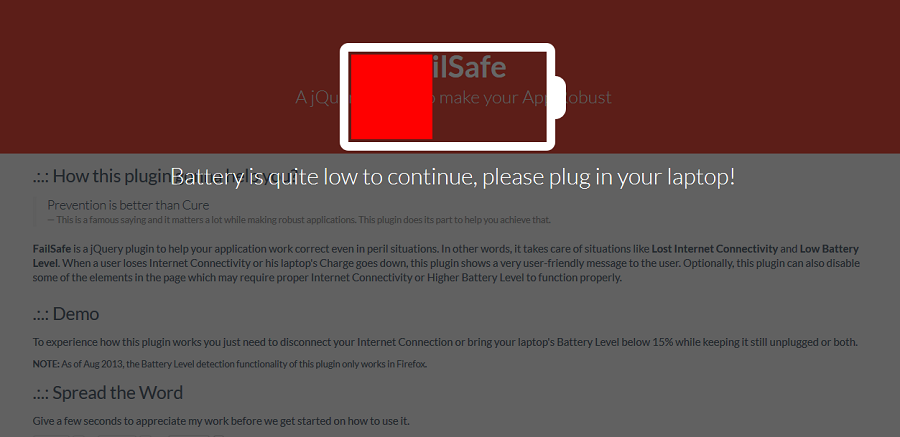
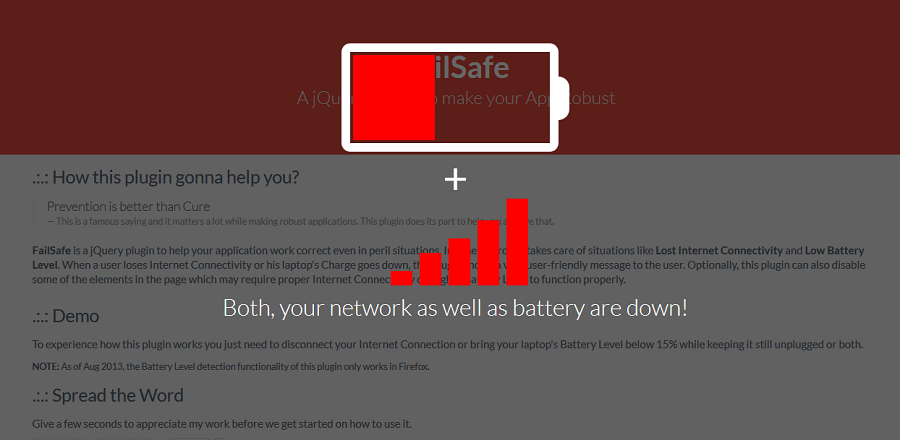
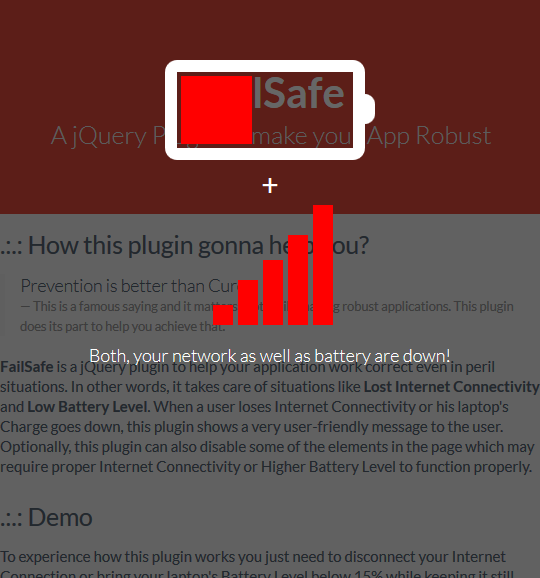
FailSafe is a jQuery plugin to help your application work correct even in peril situations. In other words, it takes care of situations like Lost Internet Connectivity and Low Battery Level. When a user loses Internet Connectivity or his laptop's Charge goes down, this plugin shows a very user-friendly message to the user. Optionally, this plugin can also disable some of the elements in the page which may require proper Internet Connectivity or Higher Battery Level to function properly. .:.: Screenshots.:.: DemoTo experience how this plugin works you just need to disconnect your Internet Connection or bring your laptop's Battery Level below 15% while keeping it still unplugged or both.
If the plugin is initialized with See this Sample Form's Submit Button below,
Heads Up! This plugin will be supporting
LocalStorage in its next release. .:.: Spread the WordGive a few seconds to appreciate my work before we get started on how to use it. .:.: Getting StartedYou need to include a total of 3 files to use this plugin, just keep in mind that failsafe.js file to be included after the jQuery Library -
.:.: UsageNow this is where FailSafe plugin is unique, it can be used in two ways: Method 1:
If your app makes a XHR request somewhere than you can simply call
var XHR_function = function(url) {
    var xhr;
    if (window.XMLHttpRequest) {
        xhr=new XMLHttpRequest();
    }
    else {
        xhr=new ActiveXObject("Microsoft.XMLHTTP");
    }

    xhr.onreadystatechange = function(e) {
        if (xhr.readyState != 4) {
        return;
        }
        if (xhr.status == 200) {
            $.failsafe.onOnline(options);
        } else {
            $.failsafe.onOffline(options);
        }
    };
    xhr.open("GET", url, true);
    xhr.send();
};
Method 2:
If your app doesn't make a XHR request anywhere in the page (like this current page) then call
the <html>
<head>
<script src="js/jquery-1.8.3.min.js"></script>
<link rel="stylesheet" type="text/css" href="css/failsafe.css"/>
<script src="js/failsafe.js"></script>
<script>$.failsafe({checkUrl:'test.html'});</script>
</head>
</html>
The FailSafe plugin in this page is implemented via "Method 2", the code below shows how its called: <script>
$(function(){
$.failsafe({checkUrl:'test.html',checkInterval:5000,disableElements:".btn"});
});
</script>
.:.: DownloadYou can directly download the zip file or goto to GitHub for a Fork or Clone: Download Download from Github.:.: Options
.:.: About the DeveloperHey peeps, I am Ram Patra and I make apps, websites, plugins, and more. After receiving an overwhelming response for my 1st plugin, AnimateScroll, I decided to take a stab at another one, and I ended up with this. Please, feel free to share your feedback on twitter, or on facebook. Thank you!
Developed & Designed by Ram Patra | ||||||||||||||||||||||||||||||||||||||||||||||||||||
| You are visitor 01402792 — GeezerVison does not store the pages you look up. Best viewed with Netscape Navigator 4.7 or Internet Explorer 6 at 800×600. No cookies required. |