Q&A
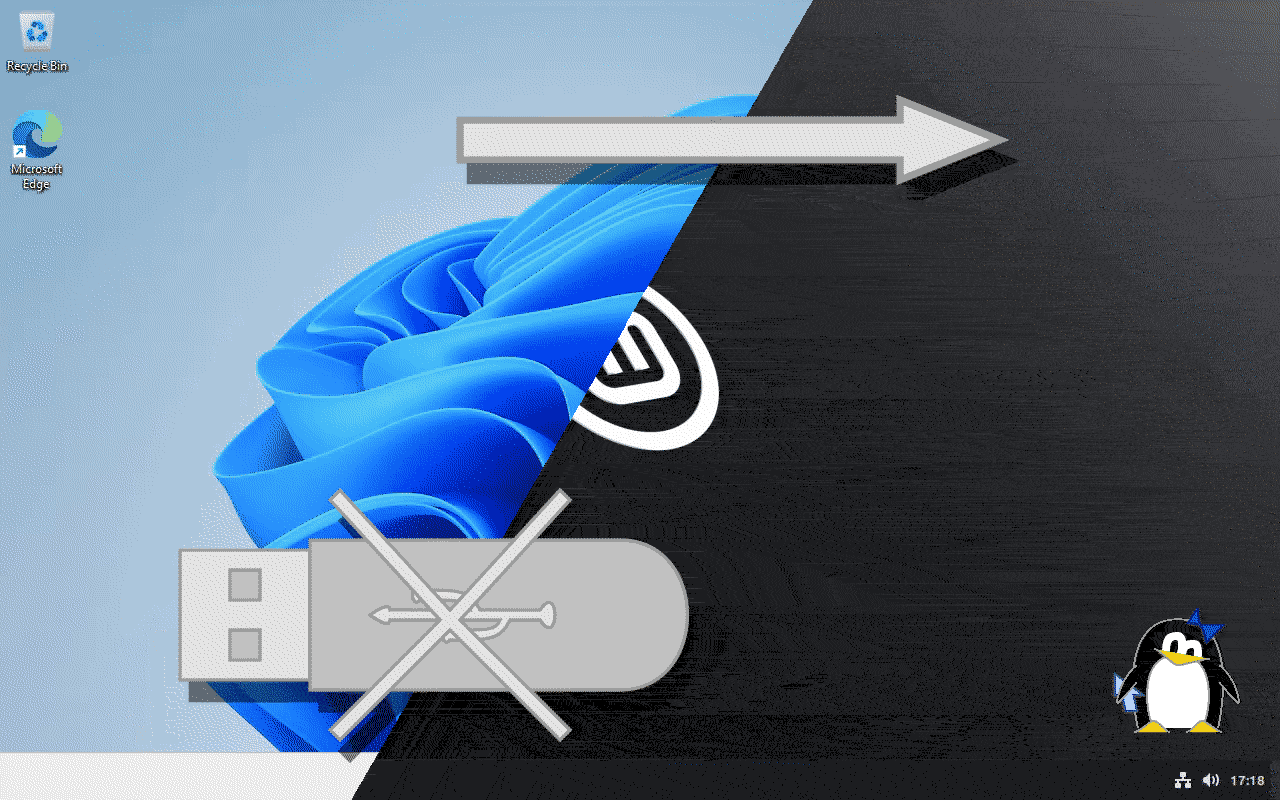
Q: How to install Linux without USB?
A: USB installation used to be recommended, but not anymore.
The easiest way currently is to use a dedicated USB-less Linux installer like 1-Click Linux.
Q: Who is 1-Click Linux for?
A: 1-Click Linux is for Windows users who want to install Linux,
but don't have external storage and don't want to buy a USB.
Q: Why should I use it?
A: Windows is getting worse and worse, but quitting is difficult.
1-Click Linux makes it as simple as it can probably get.
Q: Can I keep Windows?
A: Yes, it's called dual boot and the recommended distros support it.
If you are not sure whether to keep it, keep it.
Q: Is this a WUBI reboot? LICK reboot? Is this ULLI?
A: Yes, and it goes even further: the system actually installs on a disk partition.
Q: I love this! Where can I get this?
A: You can buy it here.
Q: How do I know when the beta or the official release comes?
A: Sign up for the newsletter. Never sending junk - unsubscribe any time.
Q: Why should I pay for this? Isn't Linux free?
A: Because I worked hard to make this installer and paid for this website.
You are still free to install Linux your way.
Especially if you currently use Windows, which cost >$100 USD3,
you might as well pay me some minor amount.
I want to eat too.
Q: If I need to pay, can I get something for spreading the word?
A: YES! Once you buy it, you get a referral code to share with others. They get a discount, and you earn.4
Q: Can I (or someone else) review the source code? What is the license?
A: However commercial, this is libre software.
You get the source with the binaries,
and you can experiment with it however you please,
provided you adhere to the GPLv3.
This means you can also sell your modifications to me!
Q: How does this software protect my privacy?
A: It only makes network connections when explicitly asked for it, and never collects any data whatsoever.
You can uninstall it any time by running the downloaded binary and choosing the option.
Q: What distros will be supported?
A: For now I only want to support two distros, Zorin Core and Linux Mint Cinnamon Edition,
and only the latest version at any given time.
Feature requests welcome!
Any Ubuntu-based distro can be added relatively easily
(their casper installer cooperates pretty well),
but I will have to find something more generic for other distros.
Q: [your question here! email us]
News
New video 🔗
2026-10-14
I made a full comprehensive video on how to Install Linux Mint without USB
(also features ZorinOS) to maybe get some some new users from YouTube.
Let's see how it goes!
Sponsoring Linux Mint! 🔗
2026-10-13
1-Click Linux is now a proud sponsor of Linux Mint!
This way you know that what you pay for this installer helps fund the distro and other cool open source projects.
Video tutorial 🔗
2026-06-09
Wondering how to install Linux on your Windows computer without thumb drives? I made a video on
Installing Linux without USB or CD/DVD using 1-Click Linux
(Polish version).
This recording features new alpha 0.2 release with its new full network boot.
Live at P.I.W.O. 🔗
2026-05-30
1-Click Linux presented at P.I.W.O. (Poznań Free Software Fest) in Poznań, PL.
Live at 20. Sesja Linuksowa 🔗
2026-04-26
1-Click Linux got presented at 20th Linux Session in Wrocław, PL.
You can watch the recording of the presentation on YouTube (Polish).
It should shortly come to Peertube, too.
Alpha out! 🔗
2026-04-21
The alpha is out! Get it here. I decided to use Stripe for payments. This allows me to never collect any personal information myself.
Showcase recording 🔗
2026-04-20
I have now recorded how it works, so that you can see for yourself before you buy!
Running on Windows 10, legacy BIOS, with English locale (YouTube)
Running on Windows 11, EFI + Secure Boot, with Polish locale (YouTube)
It works! 🔗
2026-03-20
The current prototype consists of two files:
a self-contained executable file and an official disk image from the recommended distro (Zorin Core).
Once you click on the executable, it prompts for disk access and asks several questions
in order to configure a one-time reboot to live Linux, with the option to install permanently.
The only piece left before starting the public beta is figuring out some per-download payments.