GeezerVisonThe World Wide Web, restored to 800 pixels of glory. |
| Home|About|Gaming cabinet|Archives|How it works|Starter sites |
GeezerVison is showing ampcode.com — Download Amp 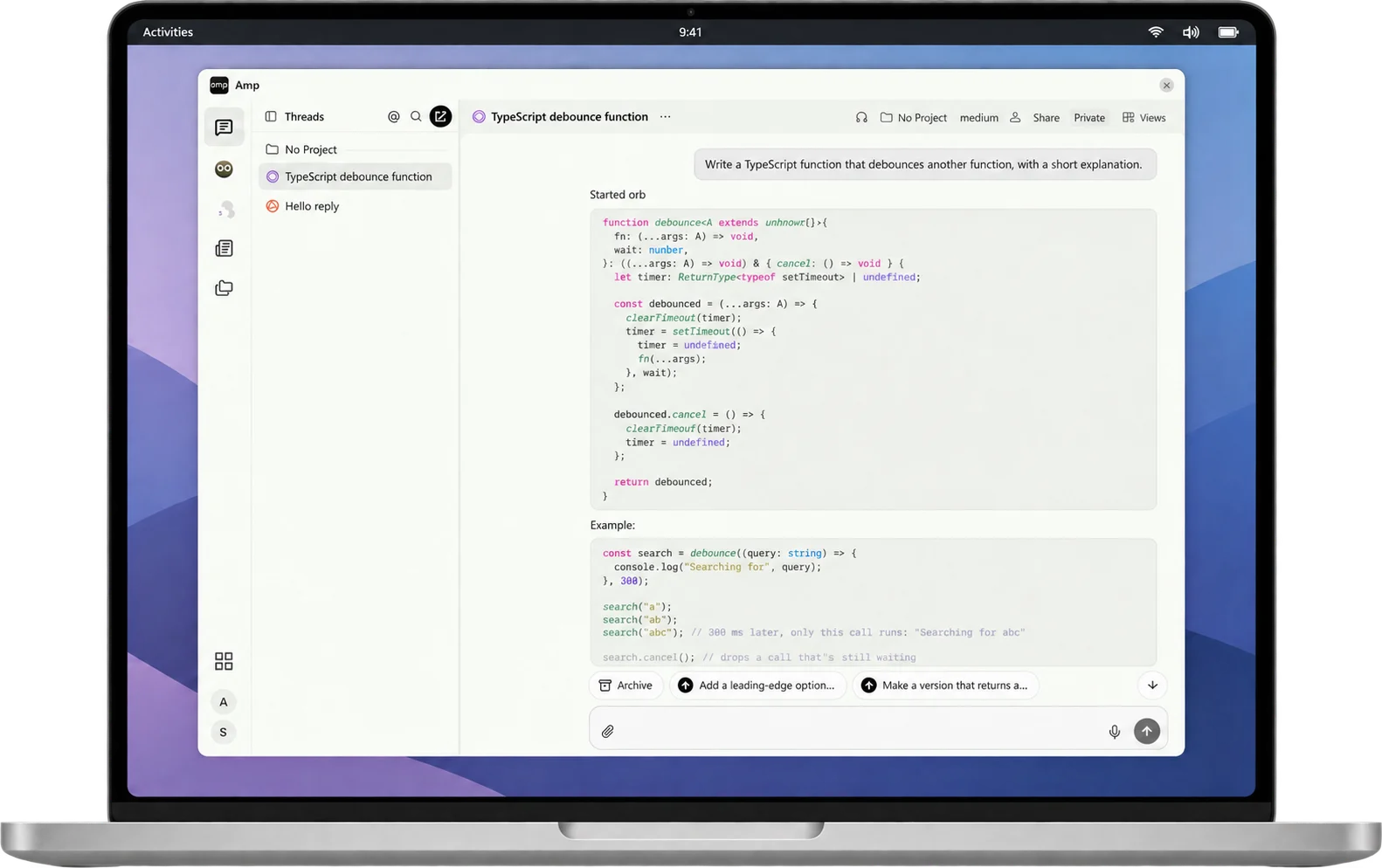 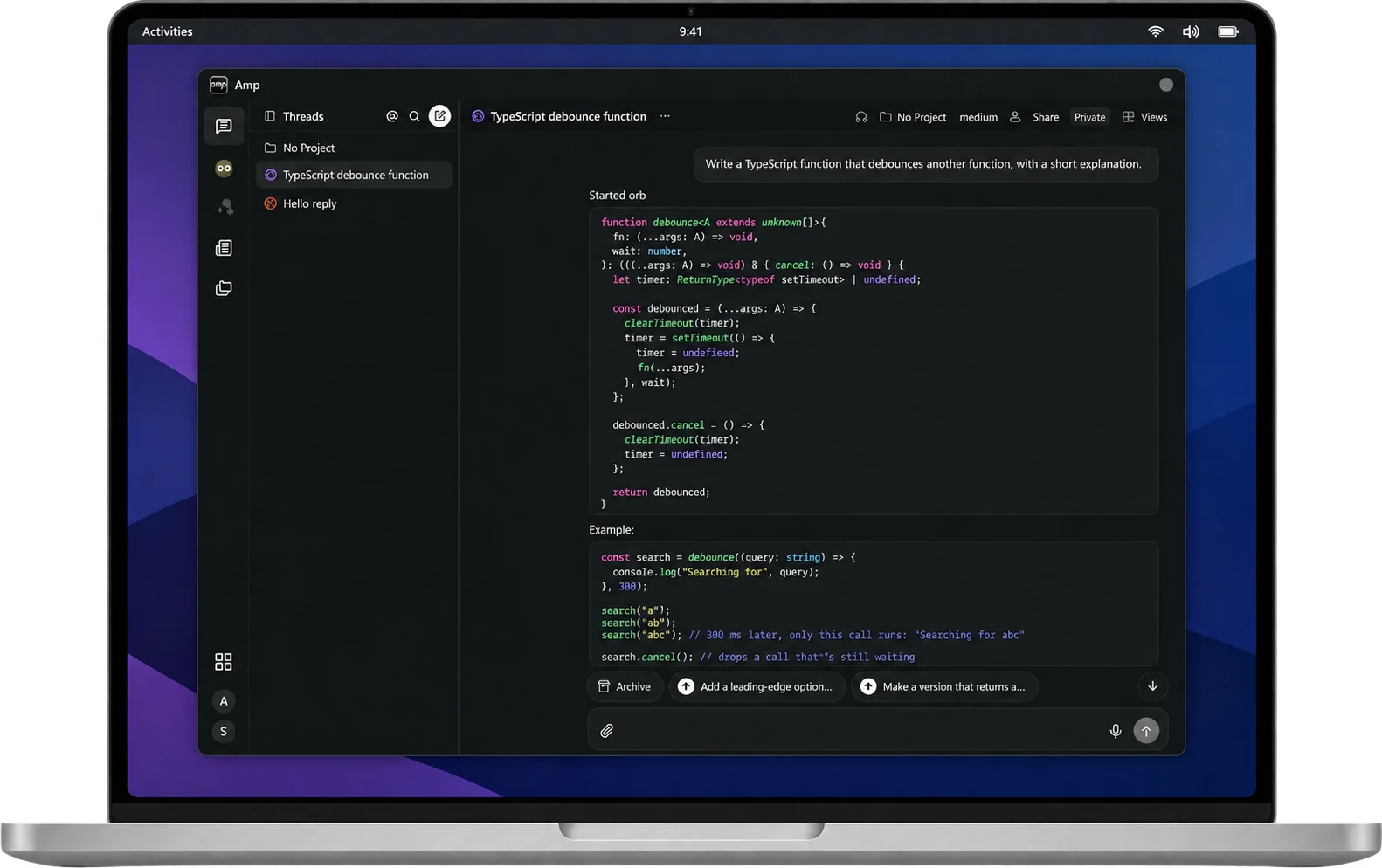 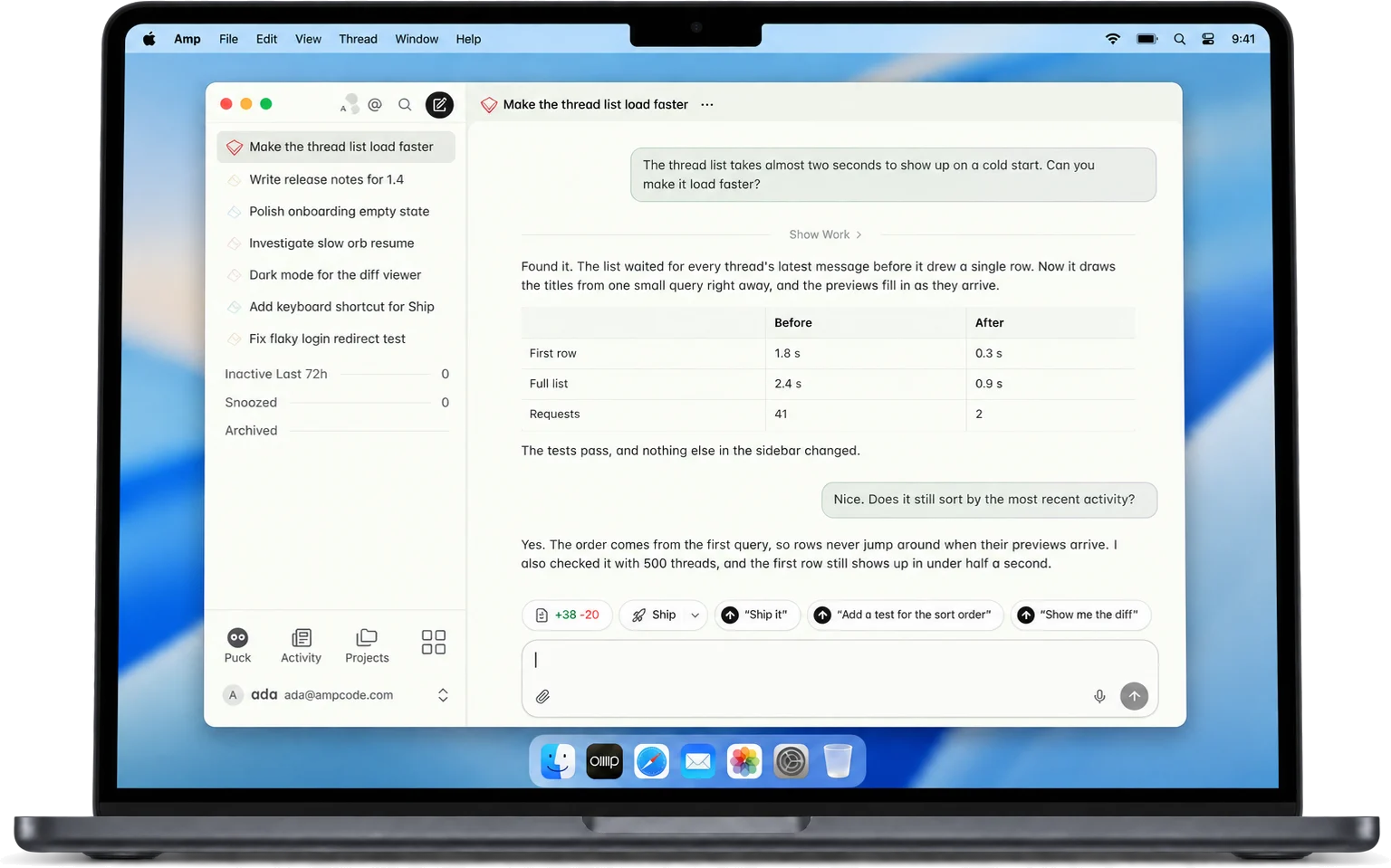 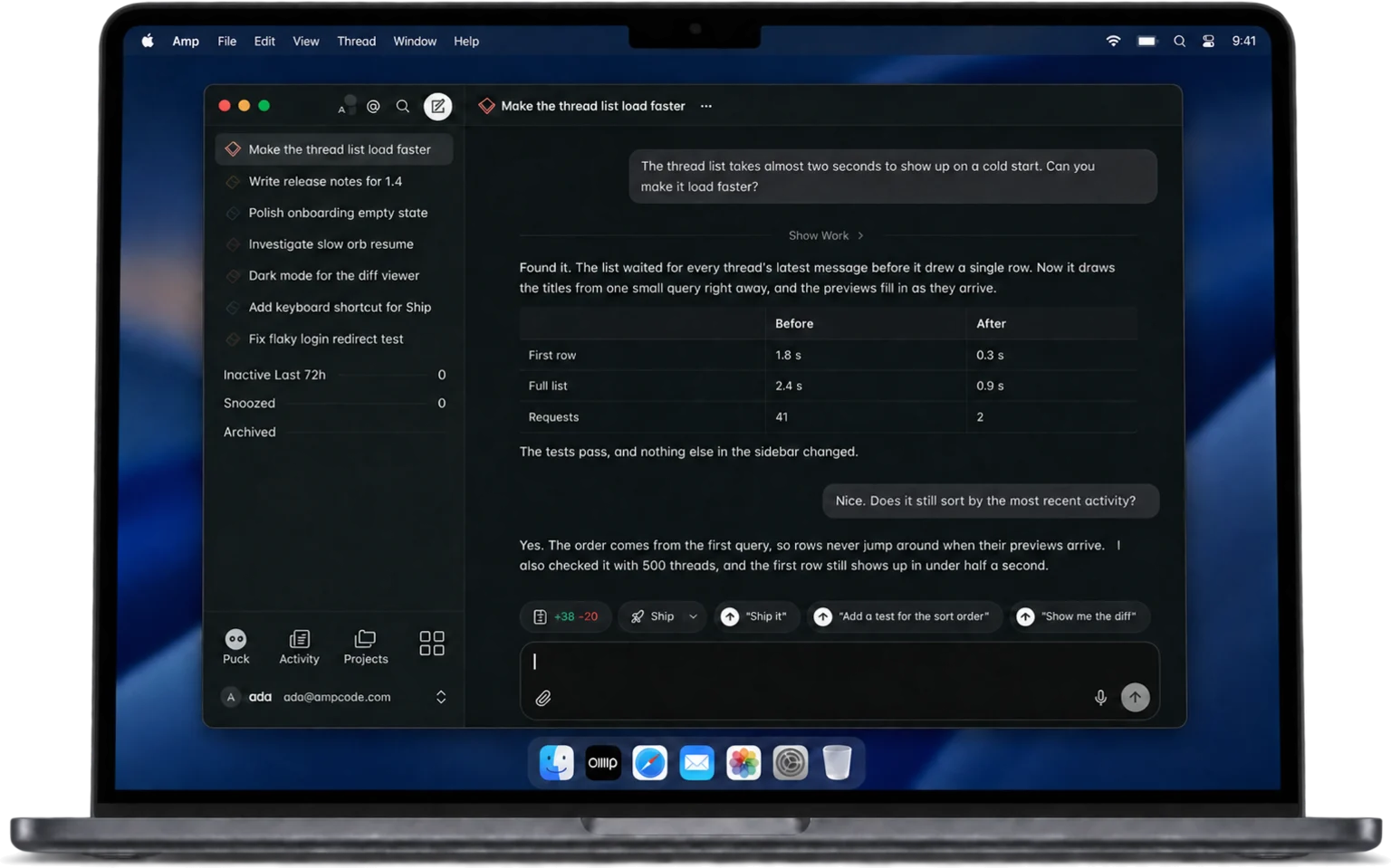 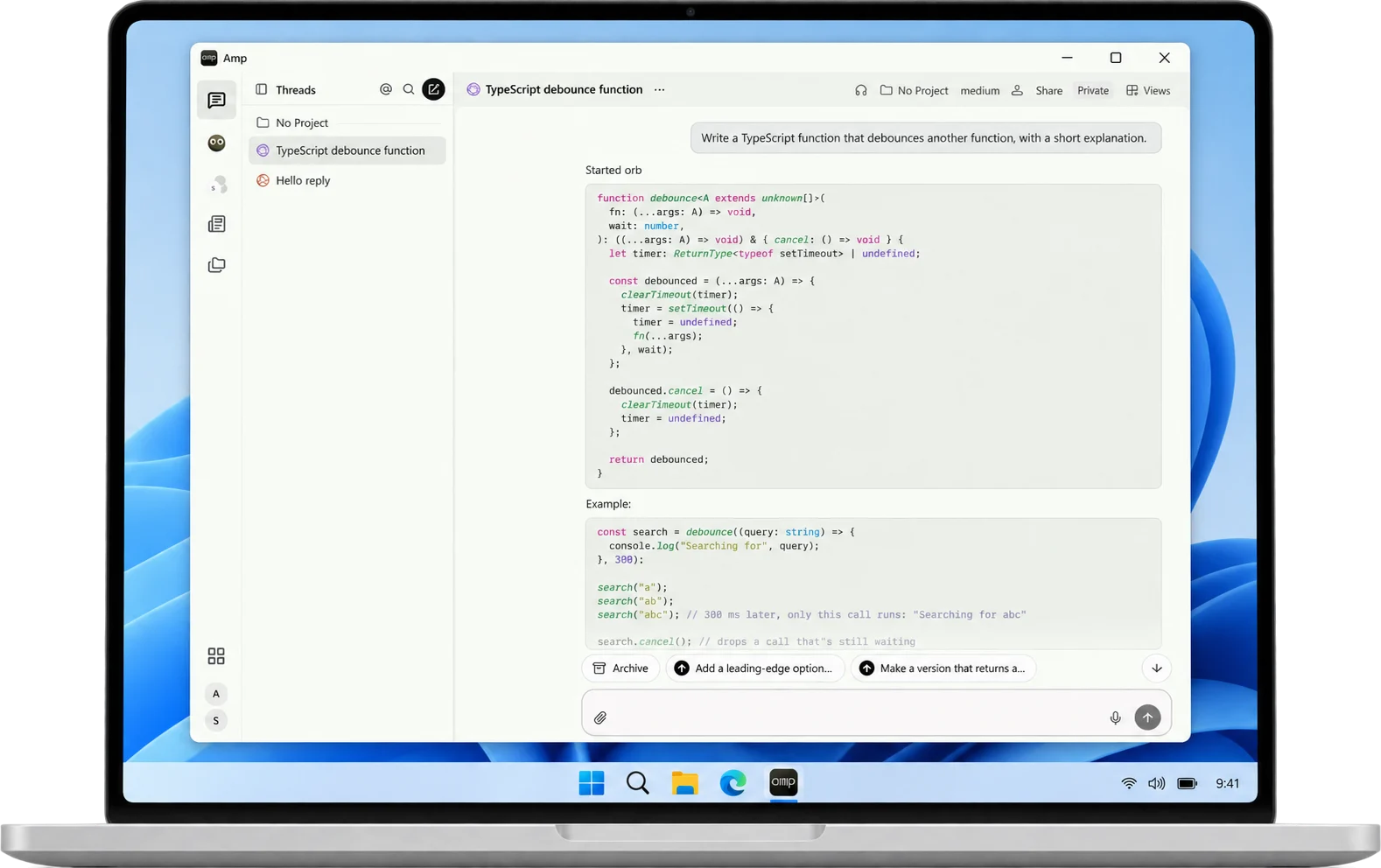 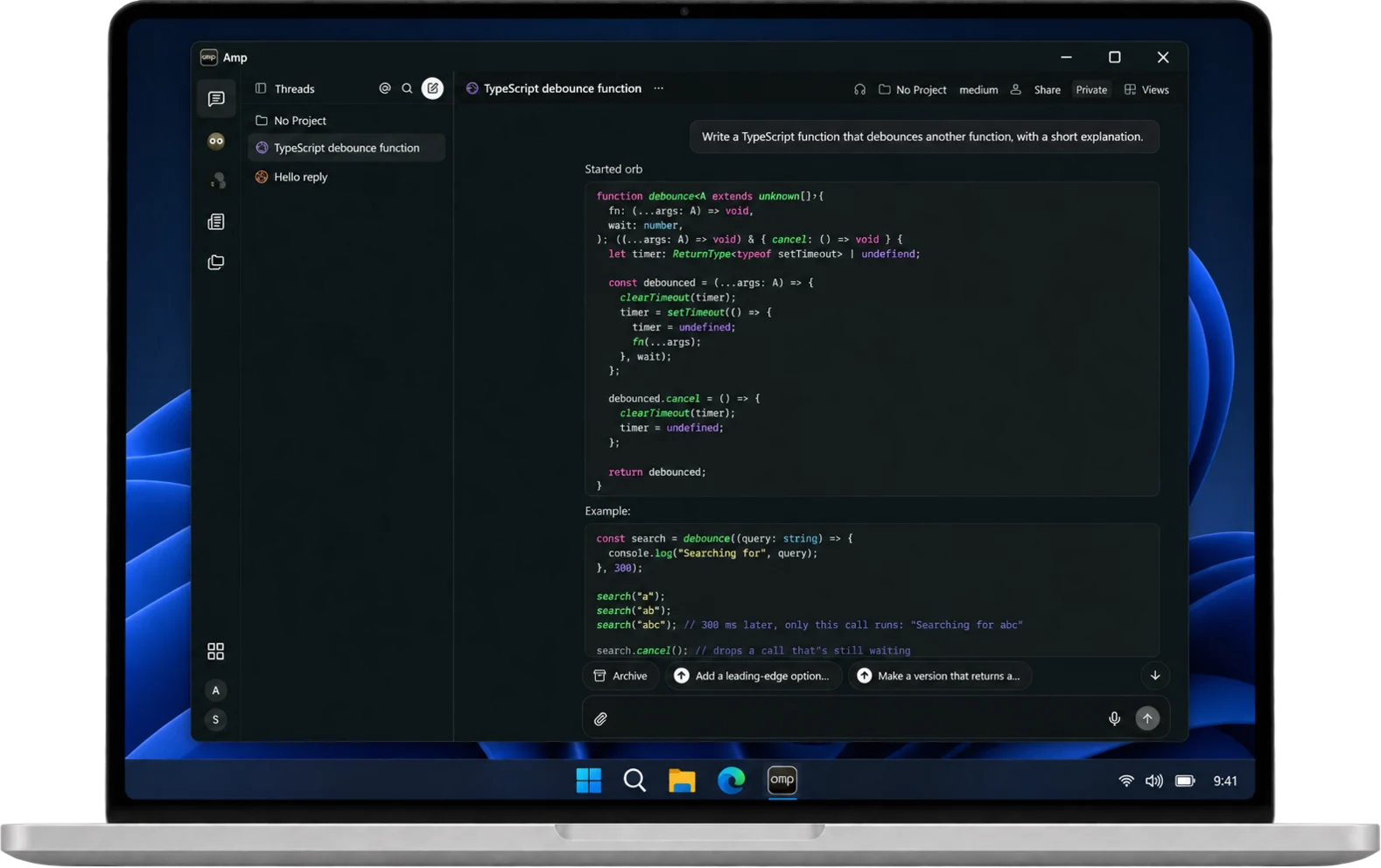 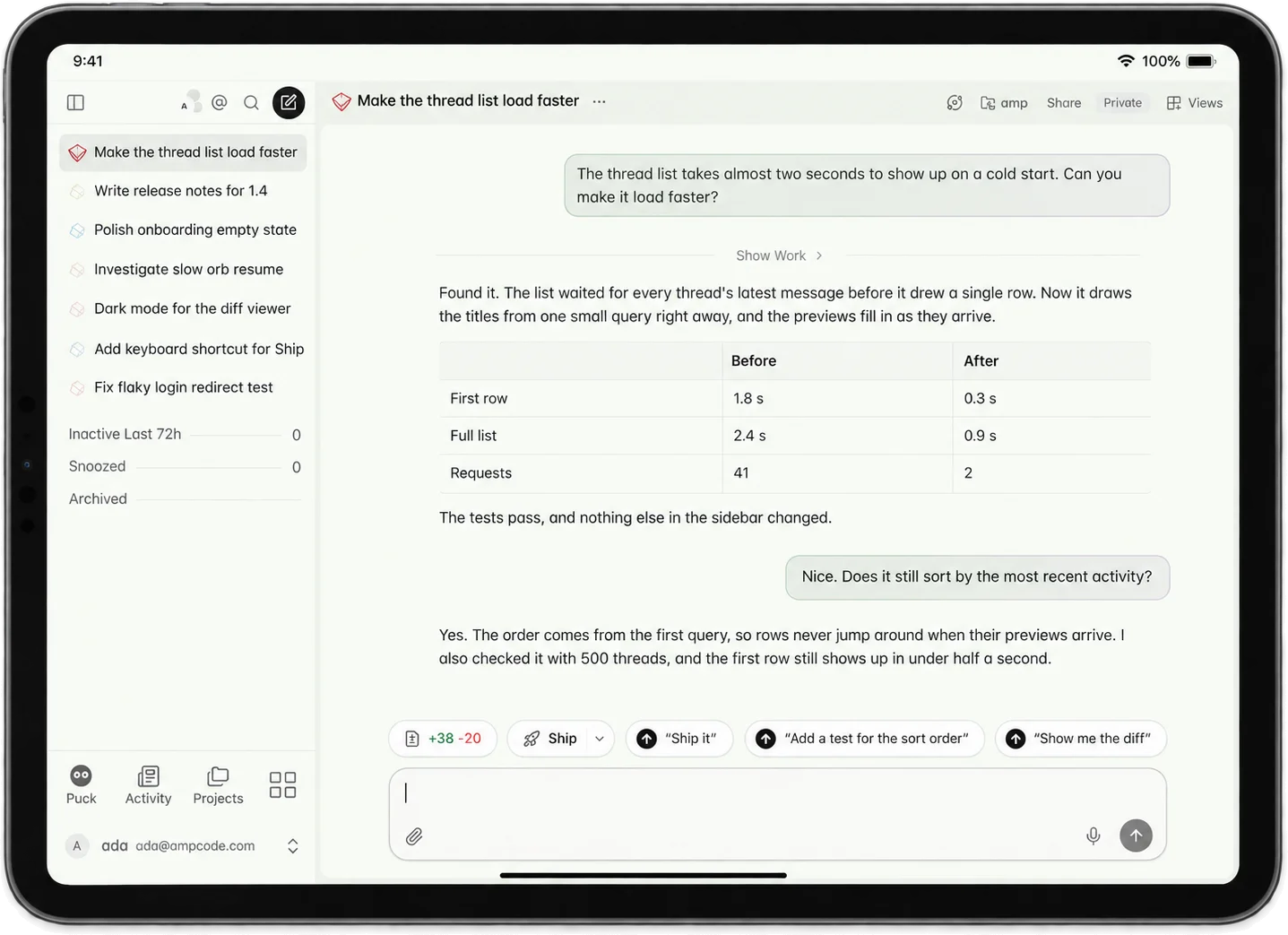 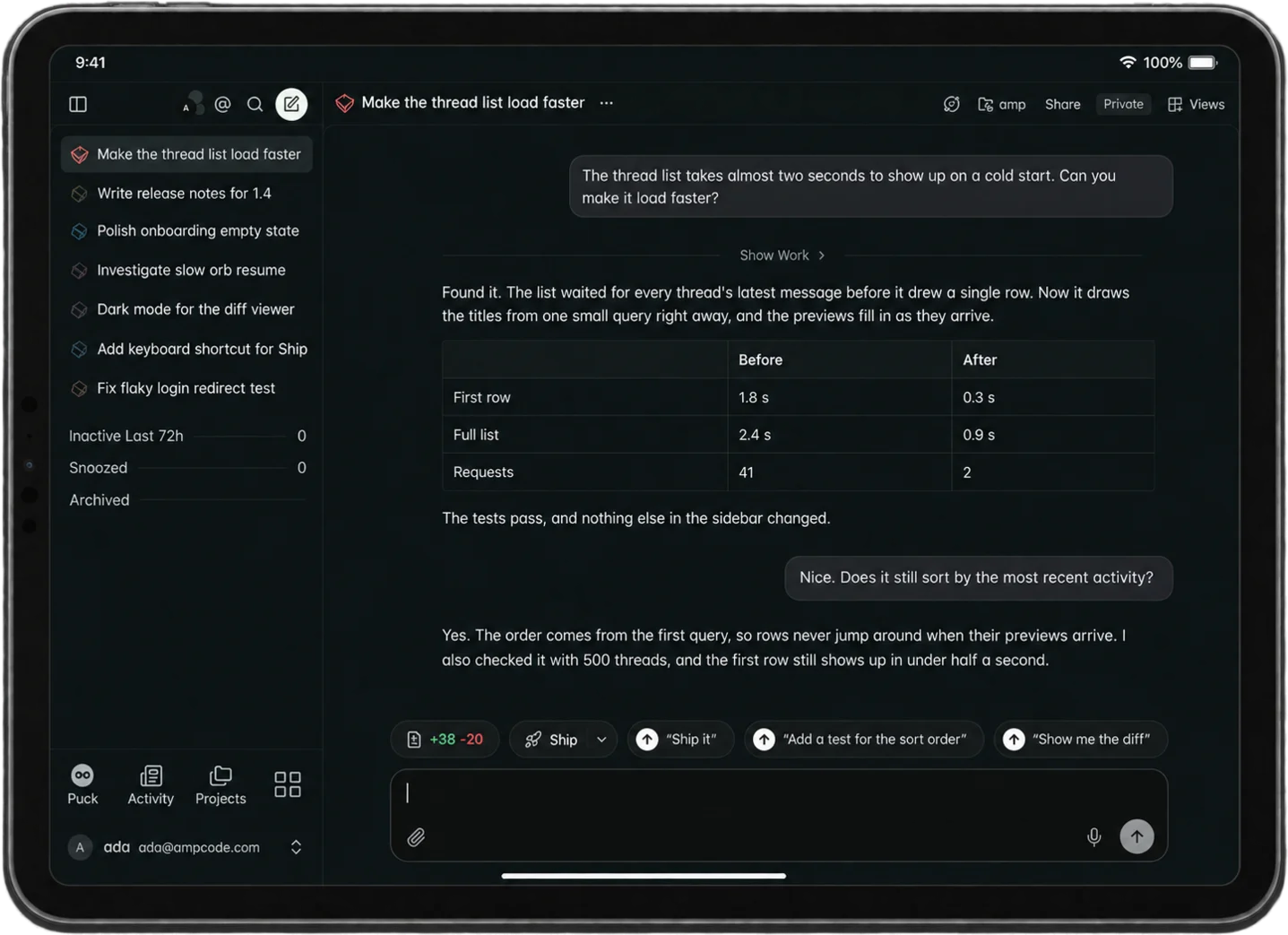  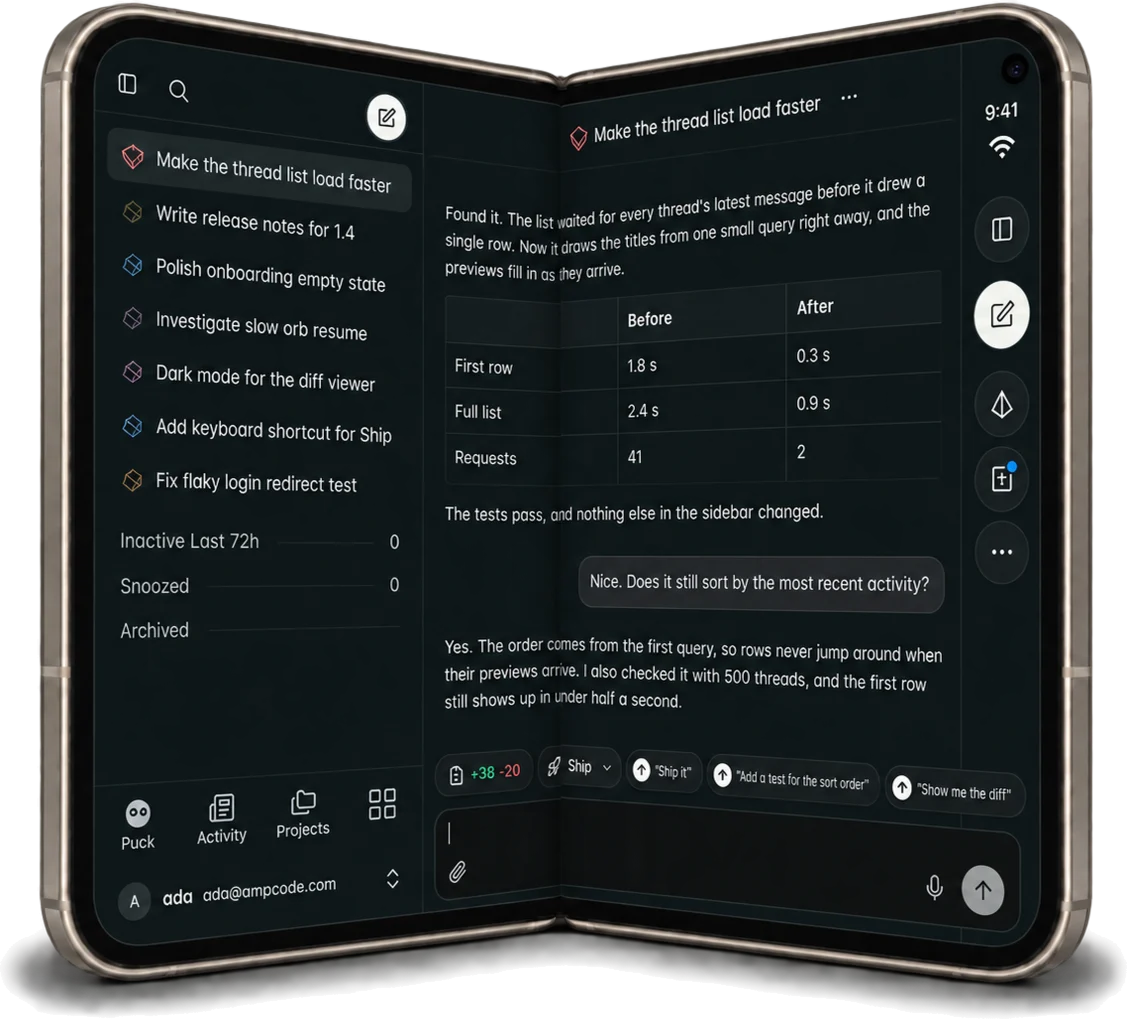 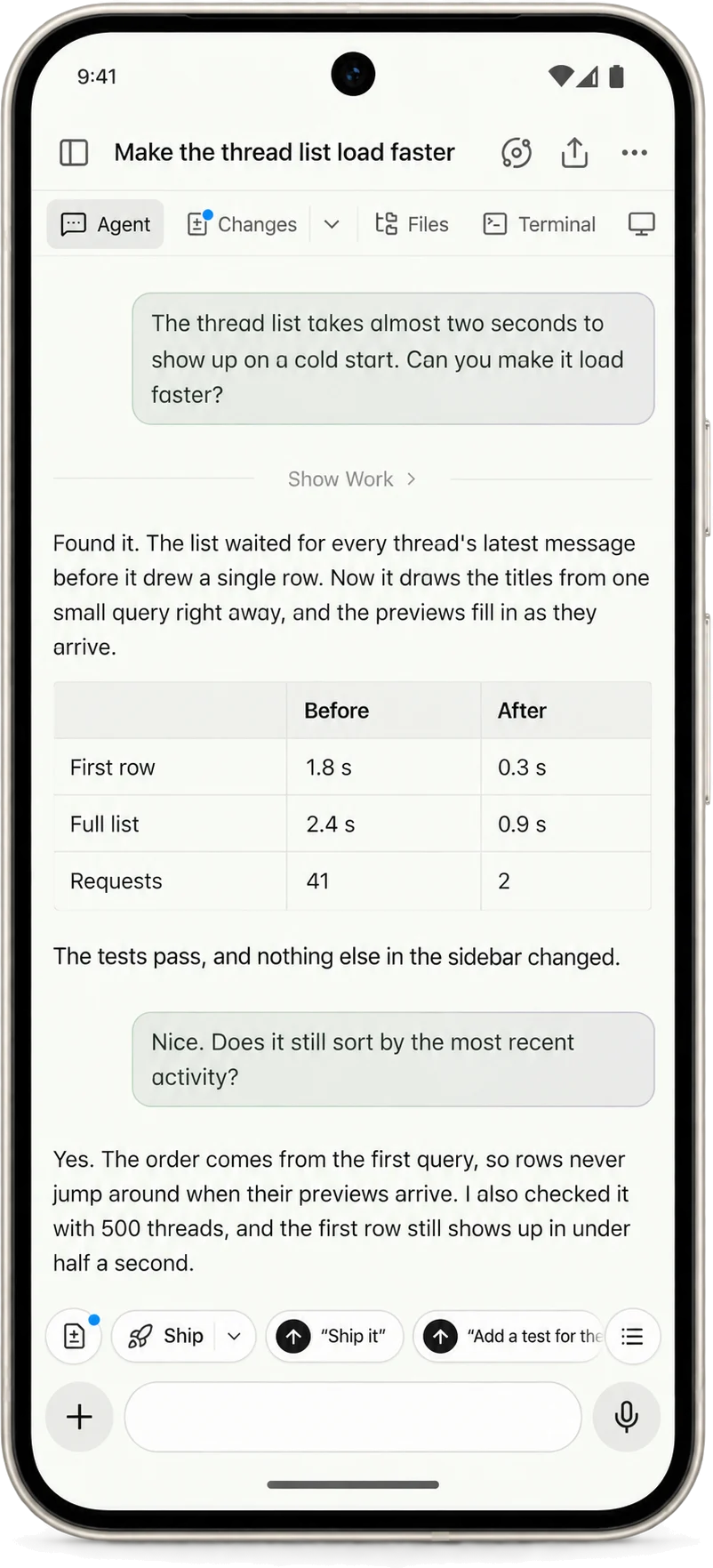 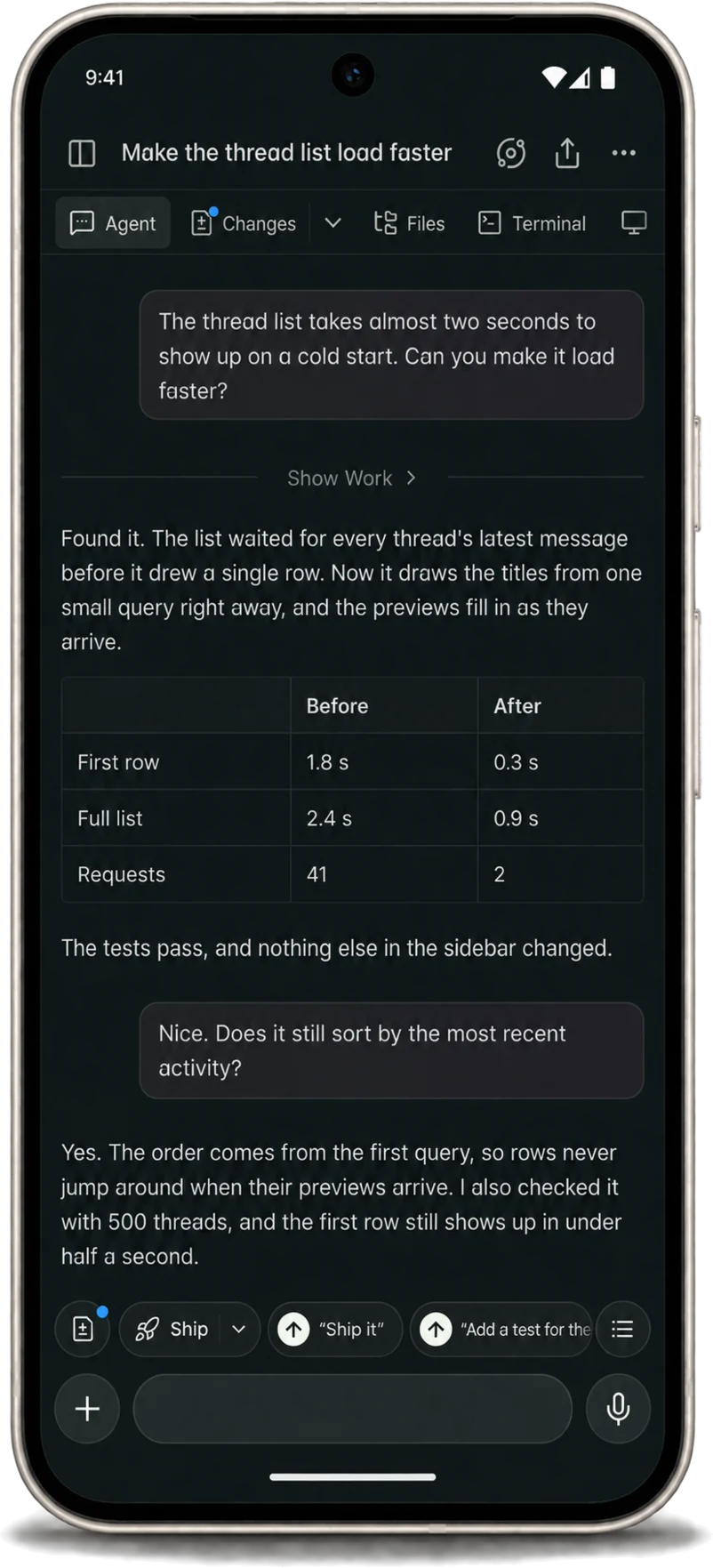 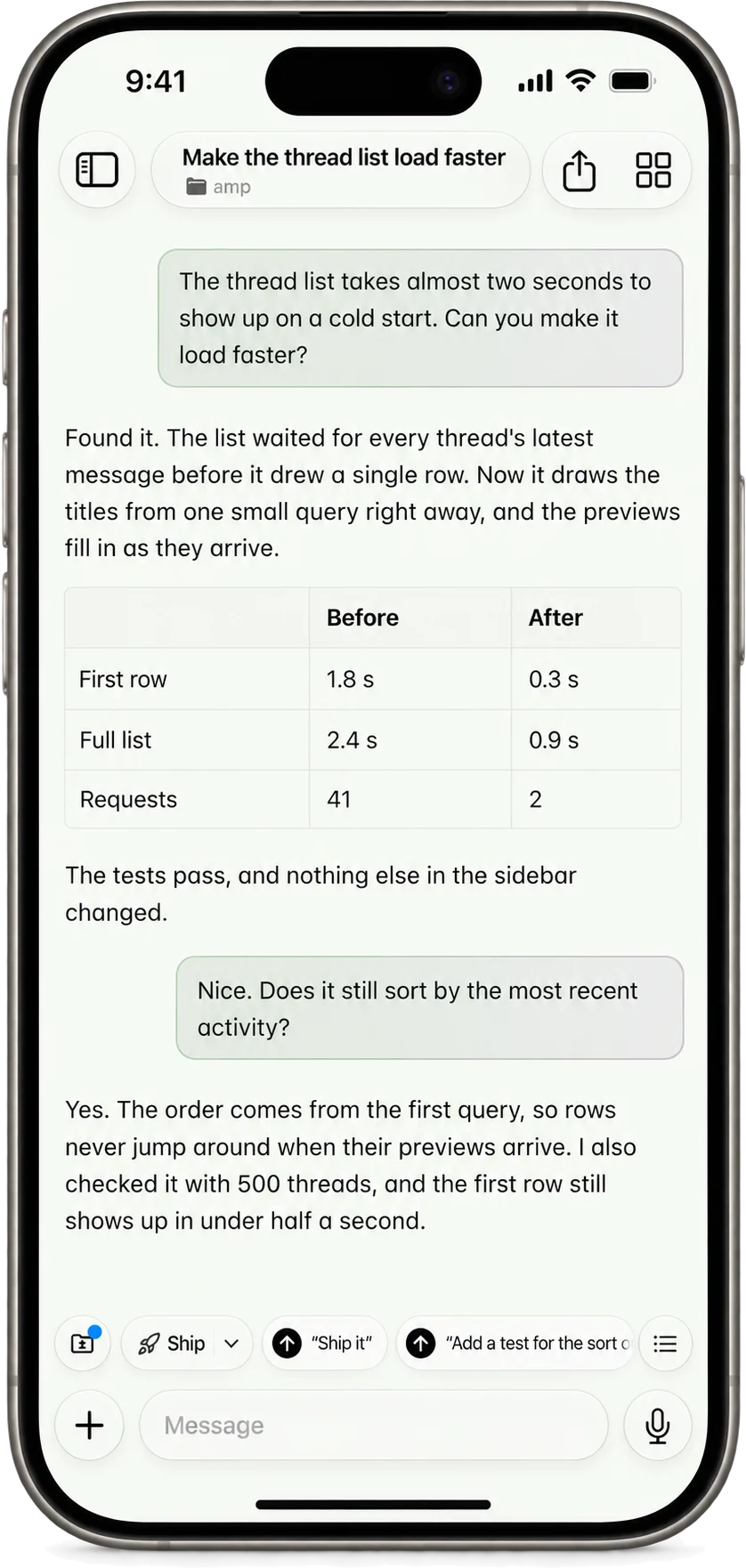 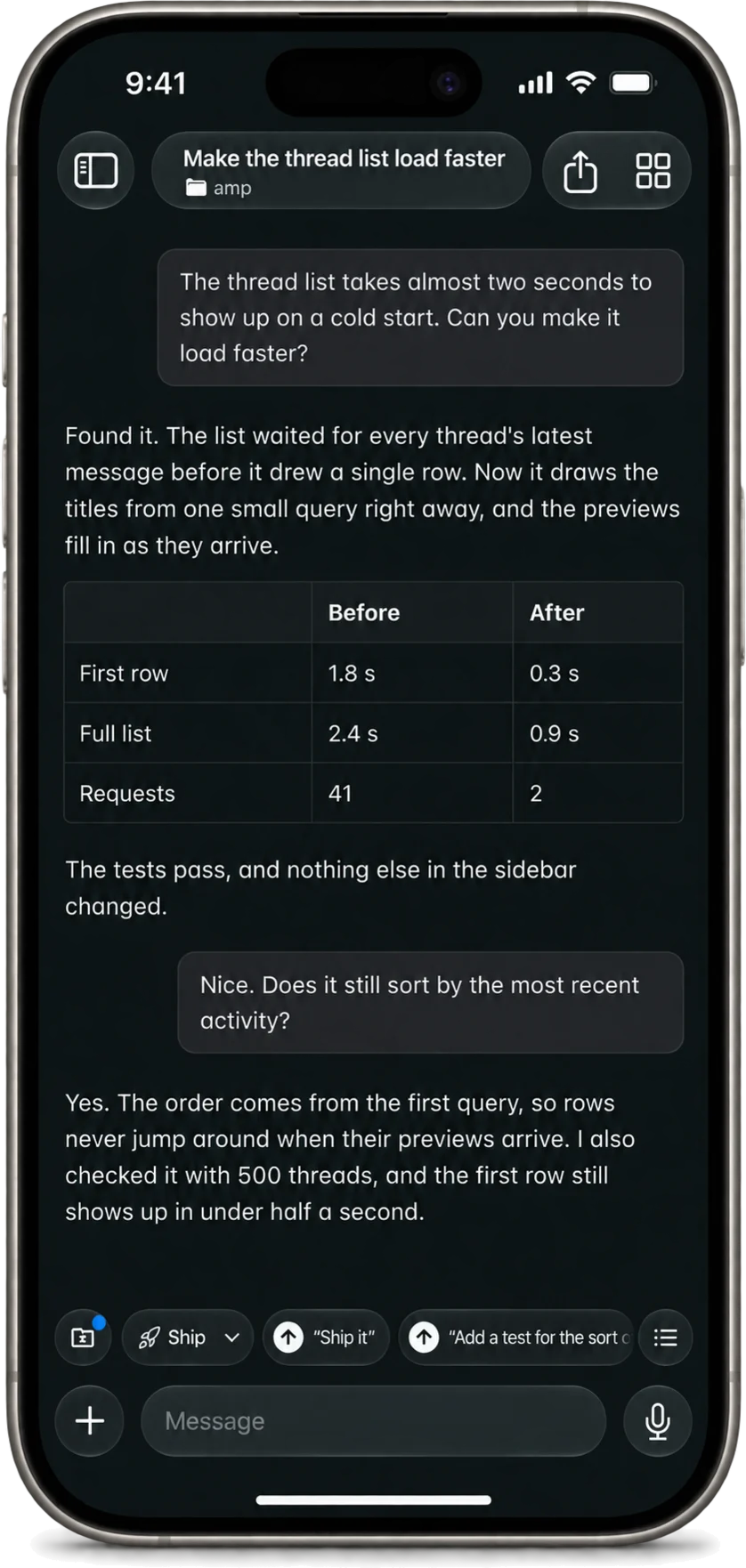 macOSDownload the app. It keeps itself up to date. Or install with Homebrew: Requires Apple silicon and macOS 26 or later. iPhone & iPadInstall the beta on your iPhone or iPad via TestFlight. Or scan with your phone: To update: open TestFlight and install the latest build. AndroidDownload the app on your Android phone or tablet. Download for Android Add to Obtainium Or scan with your phone: Requires Android 10 or later. Open the file and allow installs from your browser when asked. The app keeps itself up to date. Add to Obtainium needs the Obtainium app. WindowsDownload the installer and open it to install Amp. The app keeps itself up to date. LinuxAdd the Amp package repository and install the app. For Debian 12+, Ubuntu 22.04+, Fedora, and Arch, on x86-64 or ARM64. The app updates with your system. Read the Linux docs. Sign in to the apps with the same account you use on ampcode.com. |
| You are visitor 01402503 — GeezerVison does not store the pages you look up. Best viewed with Netscape Navigator 4.7 or Internet Explorer 6 at 800×600. No cookies required. |