Give Caps Lock
a real job
Caps Lock becomes a physical keep-awake switch. Flip it on, close the lid, and let your background work keep running.
macOS 14+ · Open source · 2.5M+ views on X · 13,000+ downloads
Caps Lock on
Runs pmset -a disablesleep 1 — sleep is disabled.
Caps Lock off
Runs pmset -a disablesleep 0 — normal sleep behavior.
A physical switch for AI agents
Flip Caps Lock on, close the lid, and let long-running local work continue. Capsomnia keeps your MacBook awake until you turn it off. The Caps Lock LED shows the sleep-prevention state at a glance.
-
AI agents
Keep long Codex or Claude Code tasks running with the lid closed.
-
SSH sessions
Drive your Mac remotely without it dropping into sleep mid-session.
-
Builds & downloads
Long compiles and large downloads finish on their own time.
-
Mobile connections
Keep Codex Mobile and other mobile sessions connected so work does not stop.
Features
Keep your Mac working after the lid closes
Capsomnia is a small Mac app focused on closed-lid continuity, physical status visibility, and transparent open-source design.
Closed lid
Keeps work running with the lid closed
Turn Caps Lock on, close the MacBook, and local jobs keep running. Your Mac can remain reachable over SSH when remote login and networking are available.
Physical state
The Caps Lock LED shows status
When the light is on, sleep prevention is on. You can check the state from the keyboard and keep your menu bar clean.
Auto-off
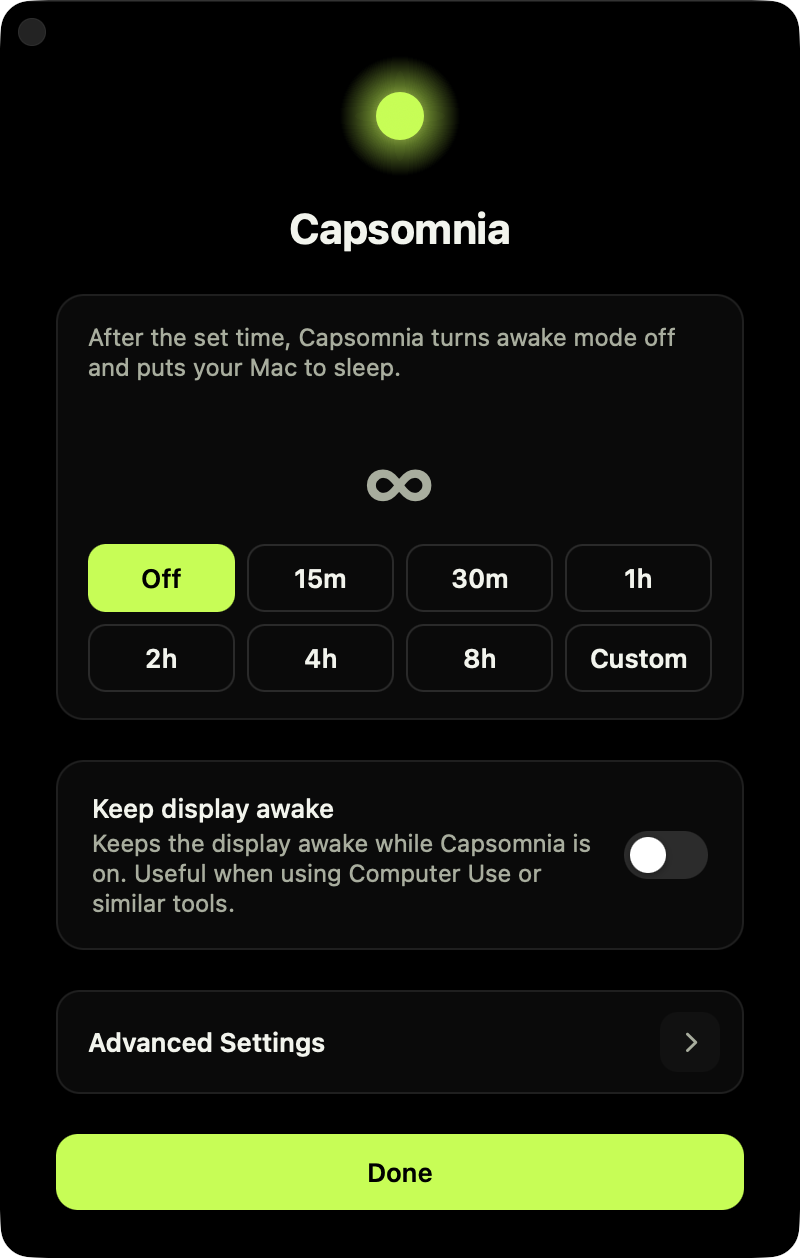
Sleep automatically when the timer ends
Choose a preset from 15 minutes to 8 hours or a custom duration from 1 minute to 24 hours. Capsomnia turns off, confirms sleep prevention is released, and then puts the Mac to sleep.
Open source
Completely free, open-source design
Released under the MIT License. You can inspect the source, package install scripts, helper commands, and security model before installing.
Custom shortcut
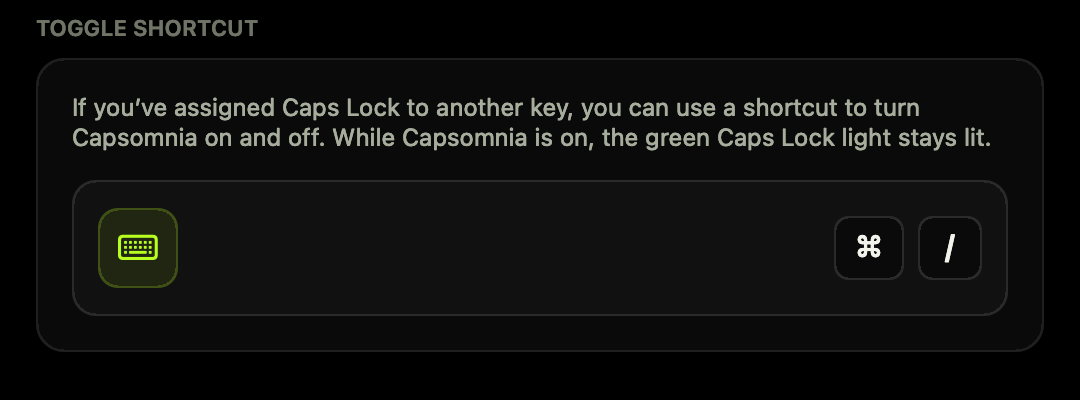
Use the key that works for you
Already using Caps Lock for something else? Assign your preferred shortcut to turn Capsomnia on and off. While Capsomnia is on, the keyboard’s green Caps Lock light stays lit.
Privacy & transparency
Capsomnia runs locally on your Mac, with no account required and no telemetry. The source code is open for anyone to inspect.
-
No account required
-
No telemetry
-
Runs locally
-
Open source