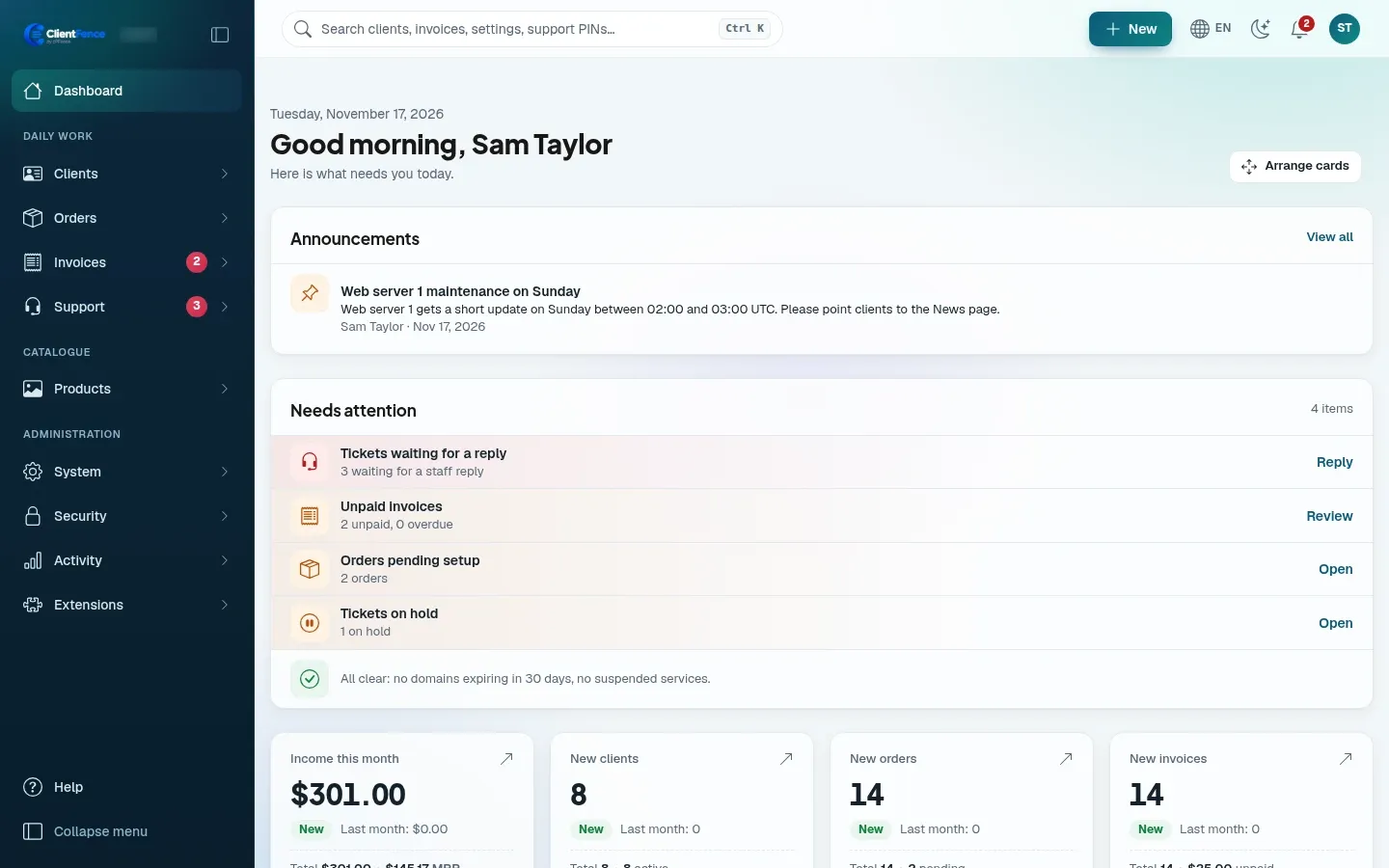
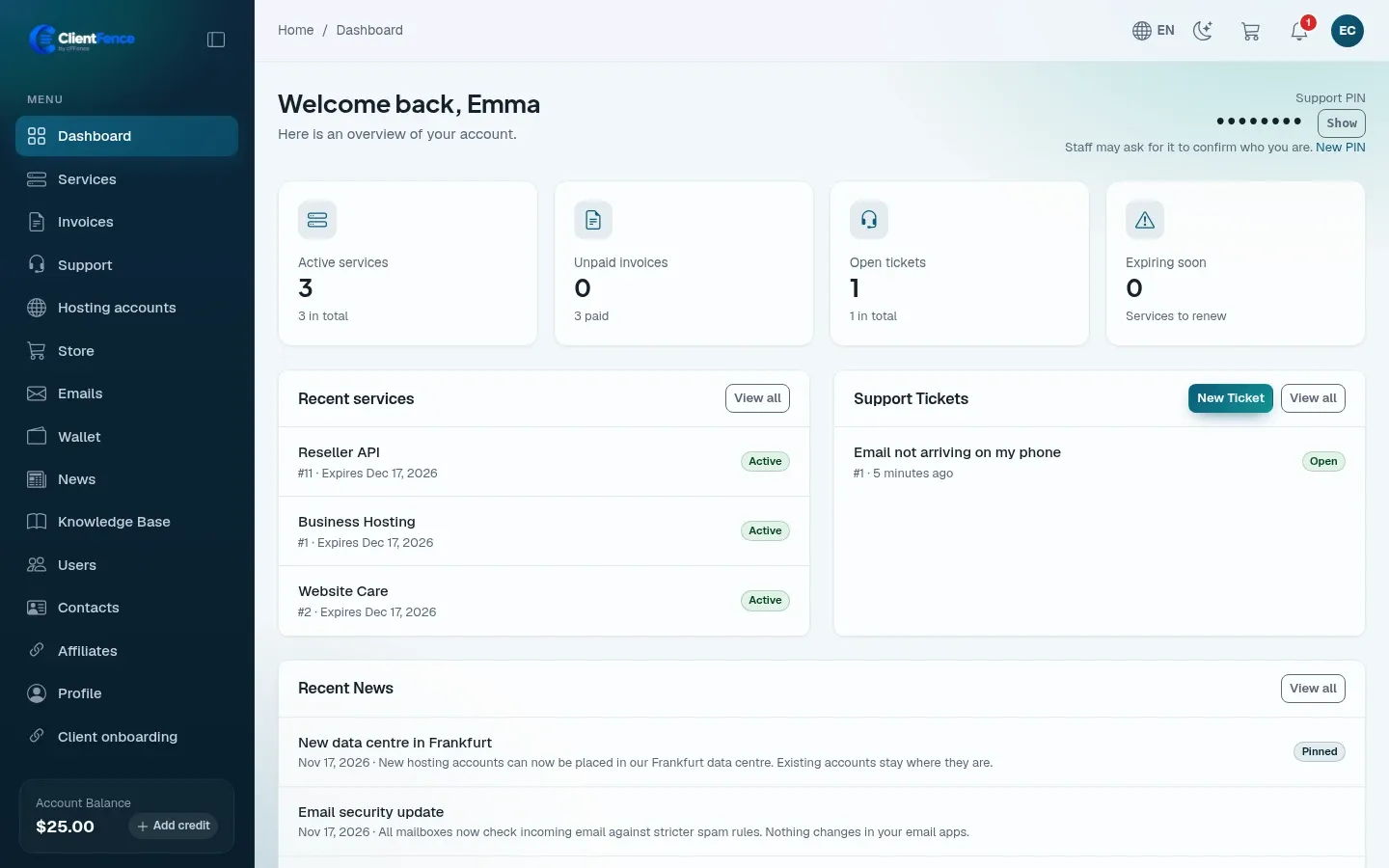
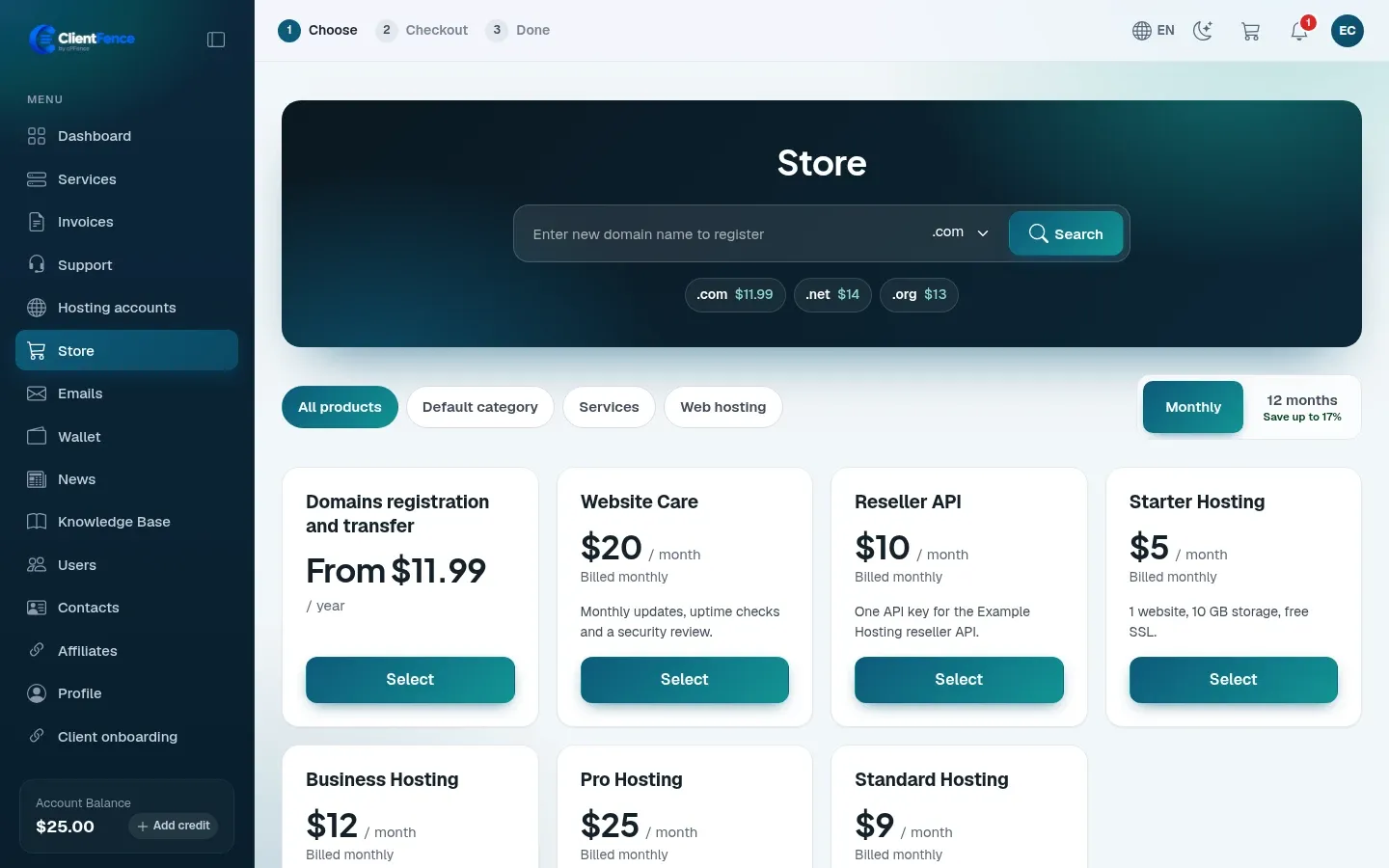
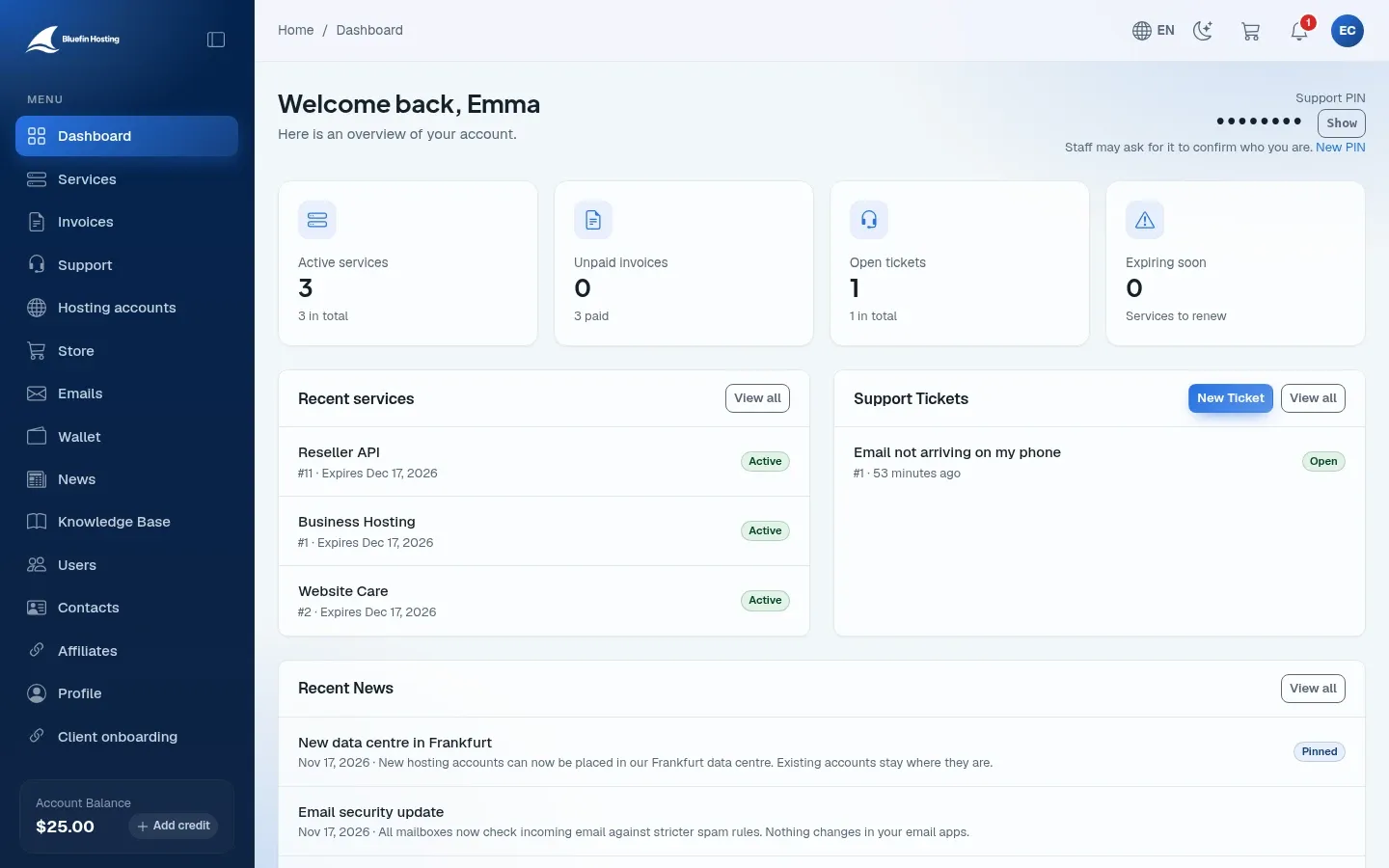
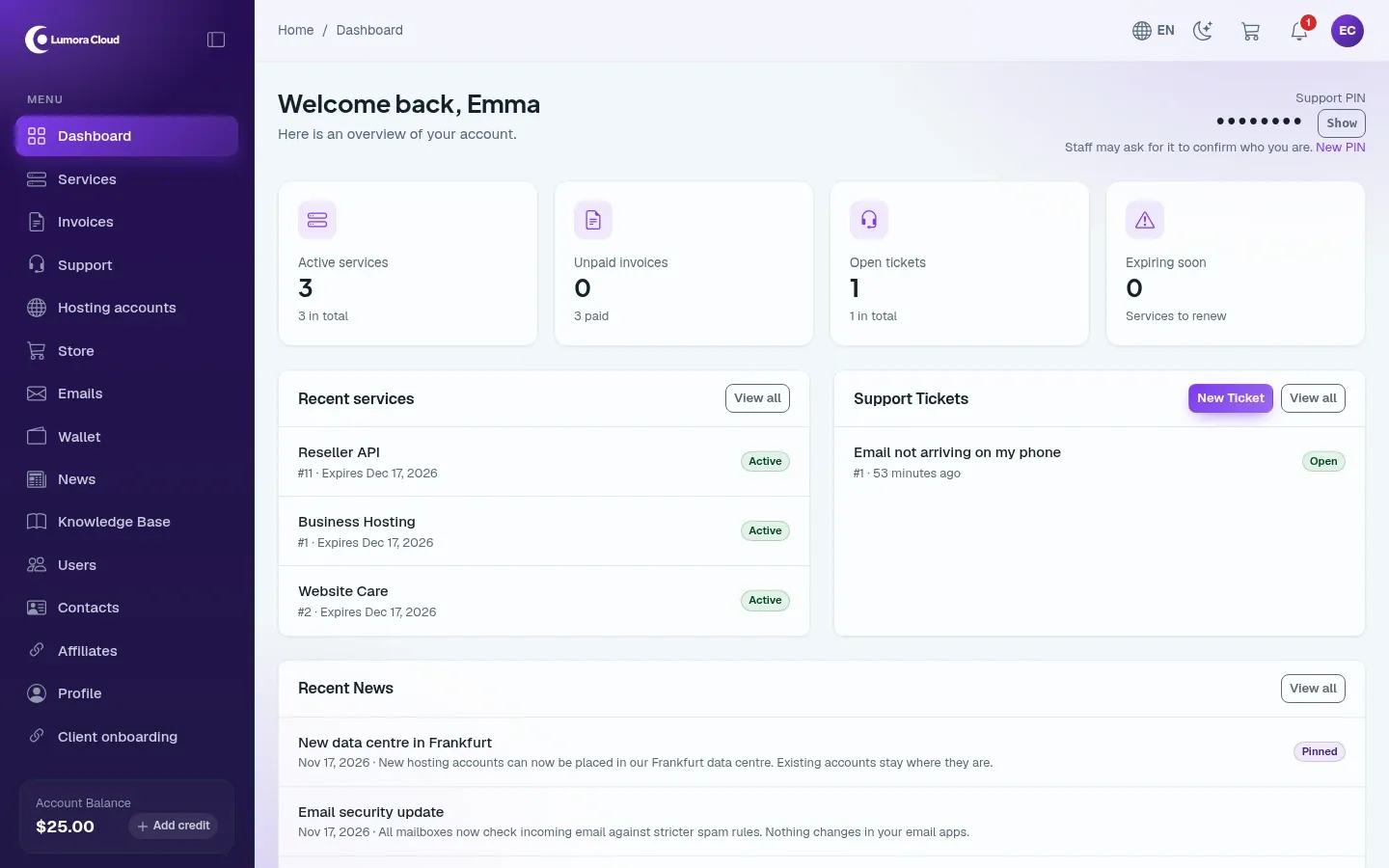
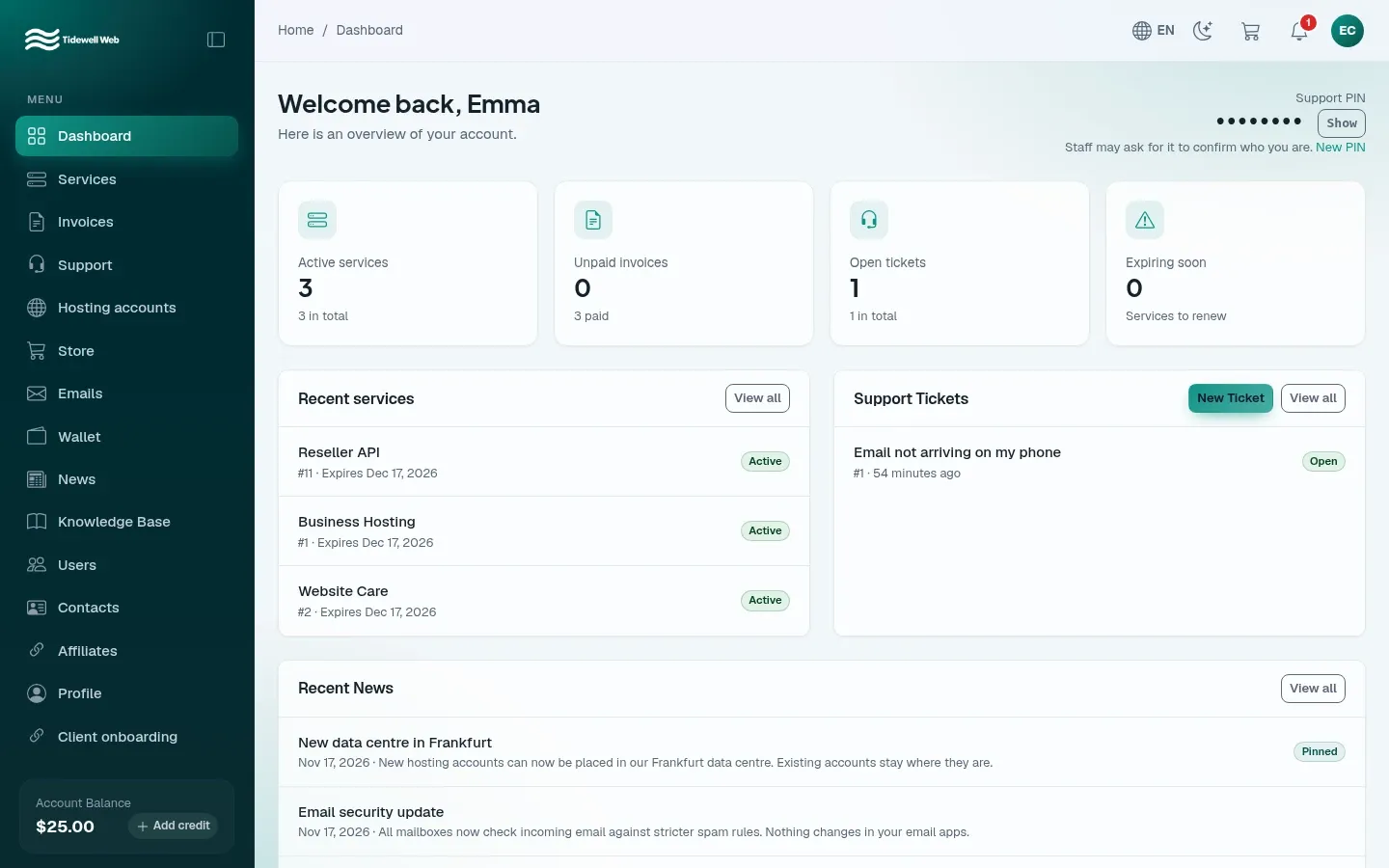
ClientFence started from FOSSBilling 0.8.8 and has grown into a near-new platform, with 142 features FOSSBilling does not have, fully translated into 46 languages.
Hosting accounts: every Enhance account of the client, with its plan and renewal date.
Overview: disk space, bandwidth, plan limits and each website.
Domains: checked in public DNS, Cloudflare included.
Mailboxes in the client area
Email without the control panel
Clients look after the mailboxes of each hosting account from its Email tab, right in the client area.
Create mailboxes and forwarders, with a size and forwarding addresses.
Change a mailbox password, or generate a strong one.
Change a mailbox’s size and where its mail is forwarded.
Automatic replies with a start date and an optional end date.
Mail app settings: IMAP, POP3 and SMTP hosts, ports and security.
A Webmail button and the space each mailbox uses.
Switch without starting over
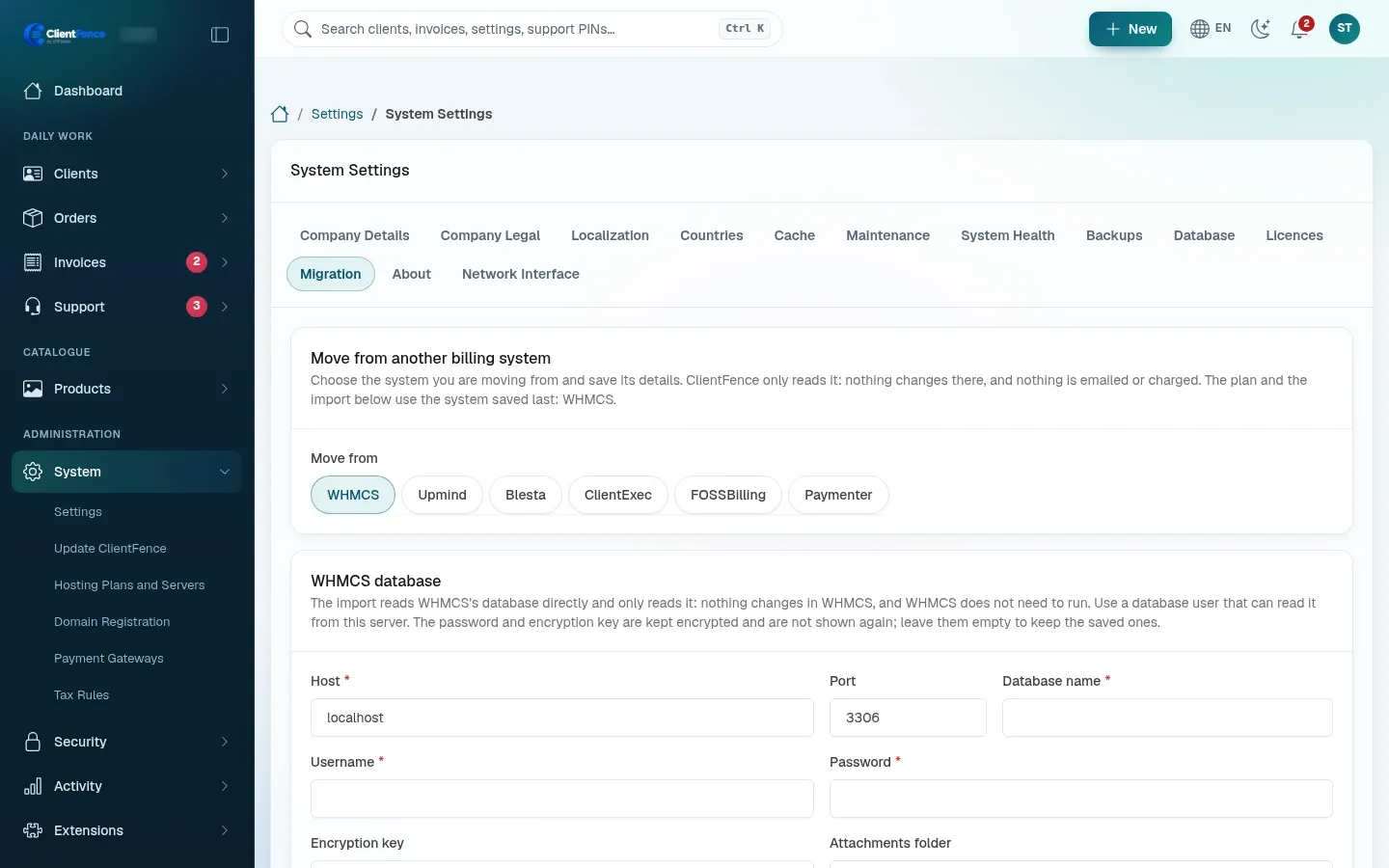
Move from your old billing system in one import
WHMCS, Blesta, Upmind, ClientExec, FOSSBilling and Paymenter, each with its own import.
Brings clients, services, domains, invoices, payments and tickets into a fresh install, with checks before it starts, and gives you the plan and an audit file as CSV.
WHMCS, Blesta and ClientExec imports keep ids, invoice numbers and client passwords; FOSSBilling and Paymenter imports keep invoice numbers and passwords.
The WHMCS import also brings custom client fields, client options and each service’s payment method.
Before the import, choose whether a product stays custom or becomes a hosting product on a server and plan you pick.
Upmind is read through its API: nothing to export first.
It only reads the old system: nothing changes there, and nothing is emailed or charged.
Passkeys (fingerprint or face), two-factor sign-in you can require, Google sign-in, sign-in history, an email PIN from new places, staff country limits, an email to Super Administrators when a staff sign-in fails, and built-in hardening.
Quotes, Mass Pay for several invoices in one payment, part payments on any payment method, draft invoices to check before sending, client options as in WHMCS (Overdue Notices, Separate Invoices, Disable CC Processing), custom client fields that can print on invoices, a payment method per service, configurable options, saved cards that pay on the due date (Stripe, PayPal, PayTabs, eWAY), PayU India and CCAvenue, payment method fees, EU VAT reverse charge, an accounting sync to Xero, FreeAgent and QuickBooks Online, 10 financial reports and MRR, prorated upgrades with credit notes, fixed prices and wallet amount buttons per currency, your company name and address in each client’s language on invoices and emails, and tax names in their language on invoices, quotes and the checkout.
A failed-actions queue with Retry, a Module Commands row on each service, WHMCS-style suspension and termination rules, add-ons for a service a client already has, moving a service to another client, moving the services of one product to another in bulk, an Inactive client status with WHMCS’s automatic status update, cancellation requests and a maintenance mode.
Email-to-ticket, attachments, ratings, escalation and assignment rules, ticket merge, the client’s services on their tickets, editing a client’s reply as in WHMCS, and a network status page.
Sell domain registrations of up to 10 years, transfers, and renewals through 22 built-in registrars, including Enom, NameSilo, Namecheap, OpenSRS, CentralNic Reseller, OVHcloud, Openprovider, Nominet, Porkbun, Spaceship, Subreg and WebHosting|4U (.gr and .ελ), with TLD prices imported from your registrar and kept in sync, a Test Connection button for each registrar, and, with most registrars, your company as the admin, tech and billing contact, as in WHMCS. Sell DNS hosting too, at Cloudflare, PowerDNS, Hetzner DNS, ClouDNS, DigitalOcean or deSEC, with a records page for the client.
Professional PDF invoices: right-to-left support built in.88 professional email templates: ready out of the box.
Secured by the cPFence team
Built by the team behind cPFence
The cPFence team builds hosting security. ClientFence ships hardened by default: strict script security policy, passkeys and two-factor sign-in, fraud checks on new orders, DKIM-verified senders, and the security fixes found in independent testing.
No telemetry: the only call home is a daily check of the release list, and you can turn it off.
Language totals include regional variants. FOSSBilling 0.8.8 source; WHMCS facts from whmcs.com and enhance.com, checked .
Questions
Questions, answered
Is ClientFence really free?
Yes. ClientFence is released under the Apache License 2.0 and there is no licence fee. You run it on your own server.
Is ClientFence secure and ready for production?
We already use ClientFence in production for our own business, Linkers Gate, and plan to use it for cPFence billing soon. Our team has carried out extensive penetration testing and code review, fixing security issues and strengthening the platform. Running it ourselves means we rely on the same software we offer you. Our testing has been limited to our own stack and servers. Before going live, carry out extensive testing on your own setup to confirm that ClientFence works as expected for your business. Security is an ongoing effort. We welcome developers and security researchers to review the source code, test their own installations, and report potential vulnerabilities privately to our team. The more eyes on the code, the better we can make ClientFence.
Do I need Enhance?
No. ClientFence also has server managers for cPanel/WHM, Plesk, DirectAdmin, CWP, HestiaCP, Dashmox, NovaPanel, CyberPanel and OpenPanel, and a Custom one. Enhance has the deepest integration, with client hosting pages for mailboxes, usage, DNS checks and one-click sign-in. Connect an Enhance server.
Can I move from WHMCS, Blesta, Upmind, ClientExec, FOSSBilling or Paymenter?
Yes. ClientFence has a built-in import for each. It brings clients, services, domains, invoices, payments and tickets into a fresh install, with checks before it starts, and it only reads the old system: nothing changes there, and nothing is emailed or charged. WHMCS, Blesta and ClientExec imports keep ids, invoice numbers and client passwords; FOSSBilling and Paymenter imports keep invoice numbers and client passwords; Upmind is read through its API. Read the guide for WHMCS, Blesta, Upmind, ClientExec, FOSSBilling or Paymenter.
What do I need to run it?
PHP 8.3, 8.4 or 8.5 (64-bit) with the usual extensions, MySQL or MariaDB, Apache, LiteSpeed or Nginx, and cron every five minutes. See the requirements.
Does ClientFence send data home?
No. There is no telemetry. The only call home is the daily check of the release list on clientfence.com, which sends nothing about your site, and you can turn it off.
Where do I get help?
Report bugs in GitHub Issues and ask questions on the ClientFence forum. ClientFence is free, so there is no ticket support.
You are visitor 01402775 — GeezerVison does not store the pages you look up. Best viewed with Netscape Navigator 4.7 or Internet Explorer 6 at 800×600. No cookies required.