I’ve often had to test various aspects of web requests such as whether the right headers, querystrings, body, methods, etc. were being passed correctly.
This Docker image echoes various HTTP request properties back to client, as well as in docker logs. An https connection is also available. There are a lot of features available, see the repo for more details.
How to use it
You can get started quickly with just this command
docker run -p 8080:8080 -p 8443:8443 --rm -t mendhak/http-https-echoThis will bring up the image and start listening (quietly) on port 8080 for http and 8443 for https. You can substitute with your own ports.
Once the container is up, issue a request via your browser or curl -
curl -k -X PUT -H "Arbitrary:Header" -d aaa=bbb https://localhost:8443/hello-world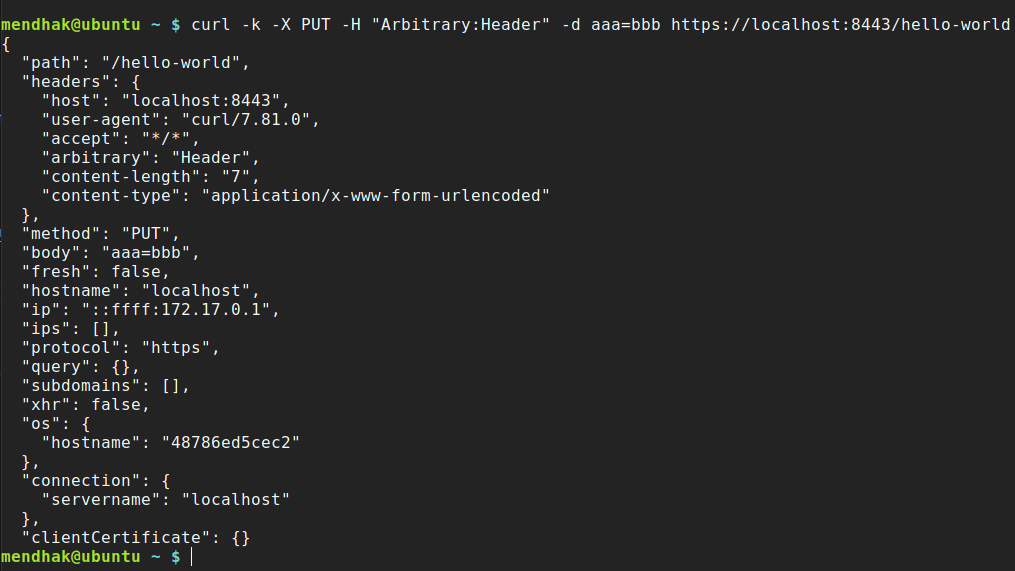
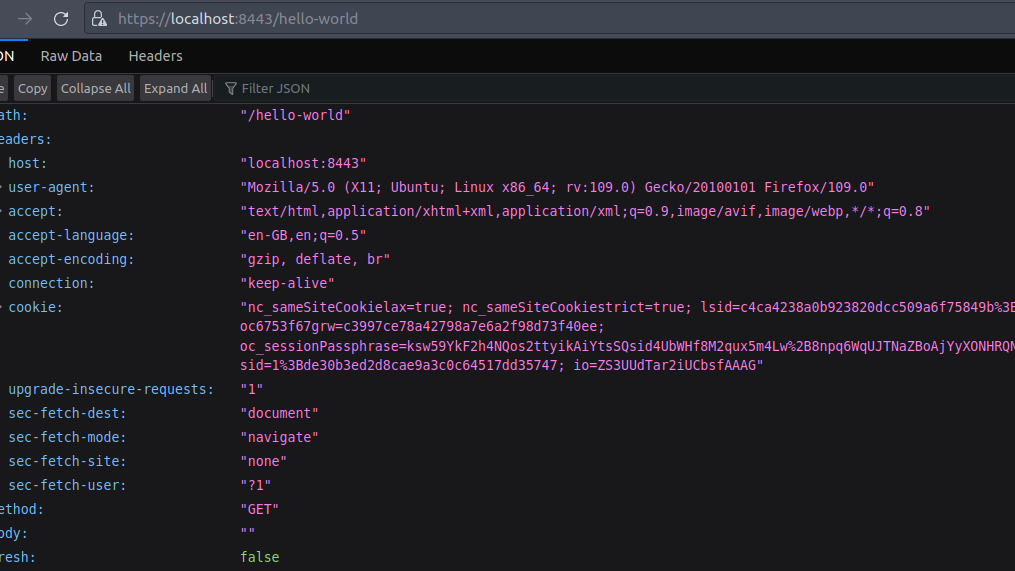
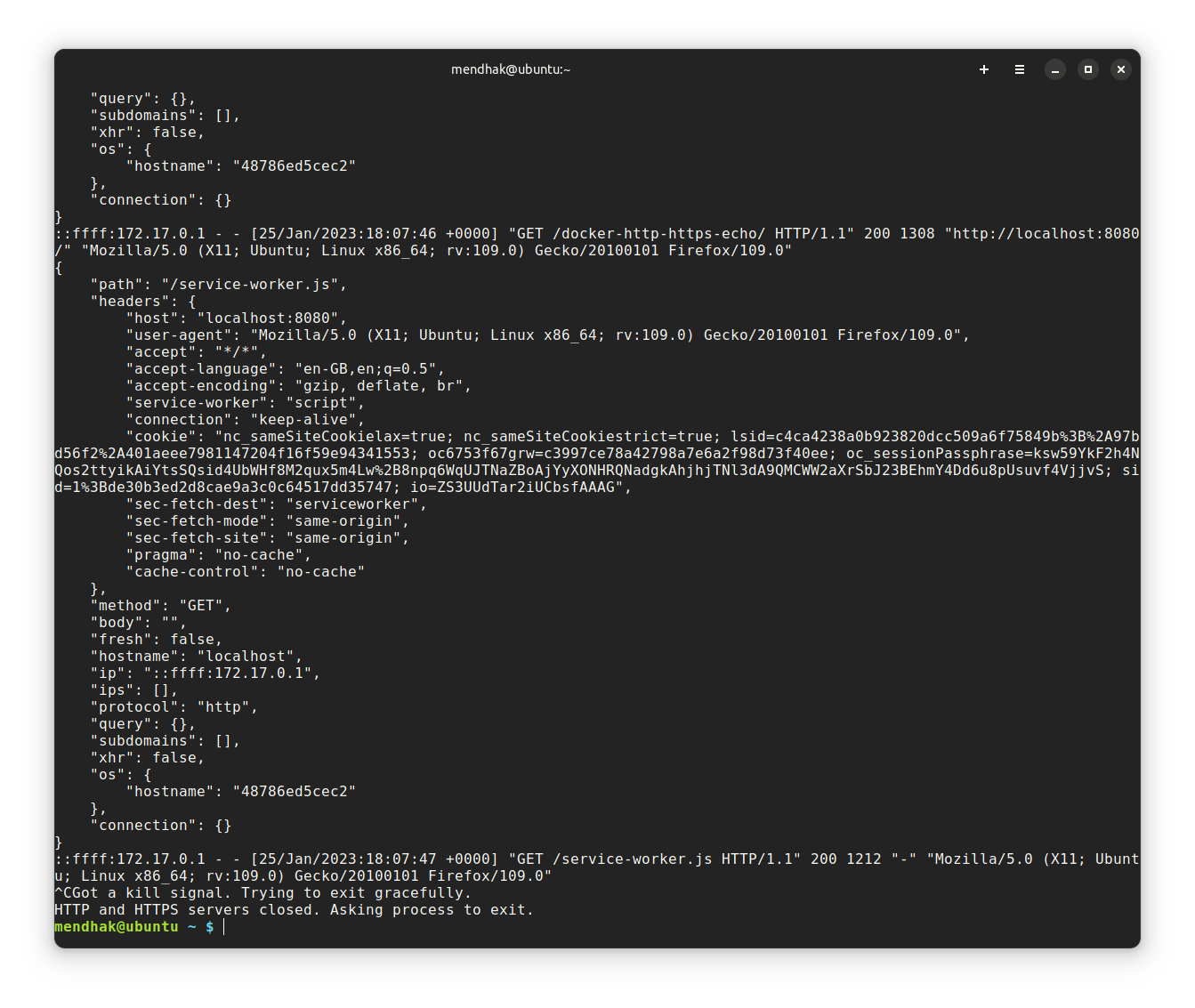
curl and browser outputYou can also see the request appear in the docker logs
Features
The image comes with extra parameters or headers that can be passed in for various functionality.
- Choose your ports
- Use your own certificates
- Decode JWT headers
- Disable ExpressJS log lines
- Do not log specific path
- JSON payloads and JSON output
- No newlines
- Send an empty response
- Custom status code
- Set response Content-Type
- Add a delay before response
- Only return body in the response
- Include environment variables in the response
- Client certificate details (mTLS) in the response
Details on using these features are in the README.