GV

GeezerVison

The World Wide Web, restored to 800 pixels of glory.

Home|About|Gaming cabinet|Archives|How it works|Starter sites

On this site

  • CrateDB Cloud
  • CrateDB Enterprise
  • CrateDB OSS
  • Overview
  • High cardinality
  • SQL syntax
  • Integrations
  • Security
  • Time-series
  • Document/JSON
  • Vector
  • Full-text
  • Spatial
  • Relational

This view

  • Original page
  • New address

GeezerVison is showing cratedb.com — Authentication

Security

Authentication

Securely verify every connection, protecting your CrateDB clusters from unauthorized access.

Authentication is the first line of defense in database security. CrateDB ensures that every connection, whether from an application, user, or AI agent, is properly authenticated before access is granted. This protects your clusters from unauthorized use while maintaining the flexibility needed for modern, distributed deployments.
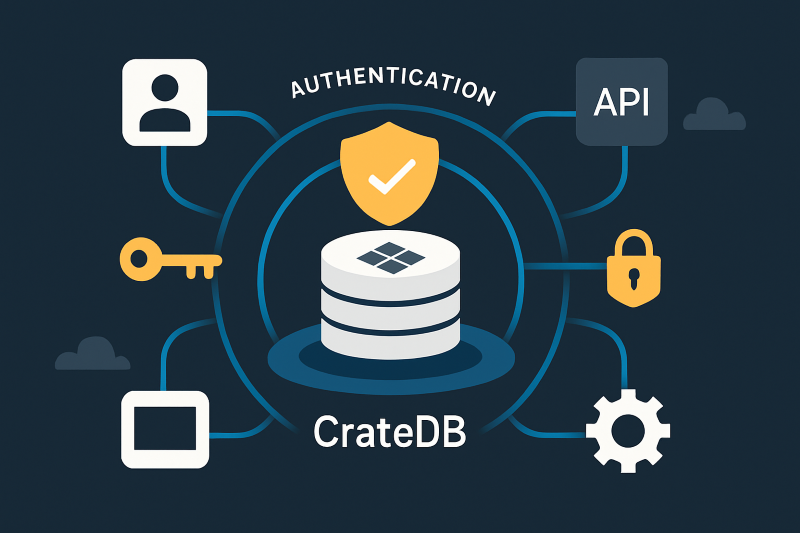
CrateDB supports password-based authentication and TLS-protected connections on every deployment. CrateDB Cloud adds sign-in with your GitHub, Google, or Microsoft account and scoped access tokens for applications and services.

Authentication

How authentication works

When a client connects to CrateDB (via the PostgreSQL Wire Protocol, HTTP endpoint, or driver), the system verifies identity through one or more configured mechanisms.

  • User accounts and credentials: Each database user has an associated password or authentication method stored securely within the cluster.
  • Transport Layer Security (TLS): All authentication exchanges can be encrypted using TLS/SSL to prevent credential interception.
  • Token-based authentication: (CrateDB Cloud) Access tokens and scoped credentials simplify secure access from applications and services.
  • Cloud sign-in: (CrateDB Cloud) Sign in with your GitHub, Google, or Microsoft account, or with a username and password.
CrateDB Cloud manages all authentication settings for you, while self-managed deployments can be configured directly via the CrateDB Admin UI or SQL interface.

Why it matters

  • Access control begins with verification: Only authenticated users can access the cluster.
  • Consistent management: Manage users and roles with SQL on self-managed clusters, and through the Cloud Console or API on CrateDB Cloud.
  • Defense in depth: Combine authentication with RBAC, encryption, and auditing for a layered security approach.
  • Compliance alignment: Authentication policies support enterprise security standards (ISO 27001).

Best practices

  • Enforce strong passwords and rotations for all local users.
  • Use TLS connections to protect credentials during transmission.
  • On CrateDB Cloud, sign in with a GitHub, Google, or Microsoft account instead of a separate password.
  • Regularly review and disable inactive accounts.
  • Use scoped tokens or service accounts for automation and applications instead of shared credentials.
cr-quote-image

CrateDB architecture guide

This comprehensive guide covers all the key concepts you need to know about CrateDB's architecture. It will help you gain a deeper understanding of what makes it performant, scalable, flexible and easy to use. Armed with this knowledge, you will be better equipped to make informed decisions about when to leverage CrateDB for your data projects. 

Download the white paper

CrateDB-Architecture-Guide-Cover

Additional resources

Page

Security overview

Page

Authorization

Page

Encryption

Page

Audit logging

Page

Compliance & certifications

Want to learn more?

Start free
You are visitor 01402503 — GeezerVison does not store the pages you look up.
Best viewed with Netscape Navigator 4.7 or Internet Explorer 6 at 800×600. No cookies required.