GeezerVisonThe World Wide Web, restored to 800 pixels of glory. |
| Home|About|Gaming cabinet|Archives|How it works|Starter sites |
GeezerVison is showing deepstackpython.readthedocs.io — DeepStack Beta - Python Guide — DeepStack 0.1 documentation DeepStack Beta - Python Guide¶DeepStack is an AI server that empowers every developer in the world to easily build state-of-the-art AI systems both on premise and in the cloud. The promises of Artificial Intelligence are huge but becoming a machine learning engineer is hard. DeepStack runs on the docker platform and can be used from any programming language. You can learn more about Docker on Docker’s Website Visit Docker Getting Started for instructions on setting up and using Docker for the first time. DeepStack is developed and maintained by DeepQuest AI
Below, using DeepStack we attempt to classify the scene of the above image import requests image_data = open("test-image5.jpg","rb").read() response = requests.post("http://localhost:80/v1/vision/scene",files={"image":image_data}).json() print(response) Result { success: true, label: 'highway', confidence: 63.377846 } You simply send in an image by POST and deepstack returns a JSON response detailing the label of the image as well as the confidence of the prediction on a scale of 0 - 1. Installing DeepStack - CPU Version¶The code above demonstrates using DeepStack to predict the scene of an image, to run this, you can install DeepStack and start it with a single docker command. Step 1: Install Docker¶If you already have docker installed, you can skip this step. On Linux sudo apt-get update sudo apt-get install curl curl -fsSL get.docker.com -o get-docker.sh && sh get-docker.sh On Windows or MacOS
Step 2: Install DeepStack¶docker pull deepquestai/deepstack Once installed, you can run DeepStack with the command below docker run -e VISION-SCENE=True -v localstorage:/datastore -p 80:5000 deepquestai/deepstack The command above runs deepstack with the scene recognition activated, once this is running, you can run the example above. Step 3: Activate DeepStack¶The first time you run deepstack, you need to activate it following the process below. Once you initiate the run command above, visit localhost:80/admin in your browser. The interface below will appear. 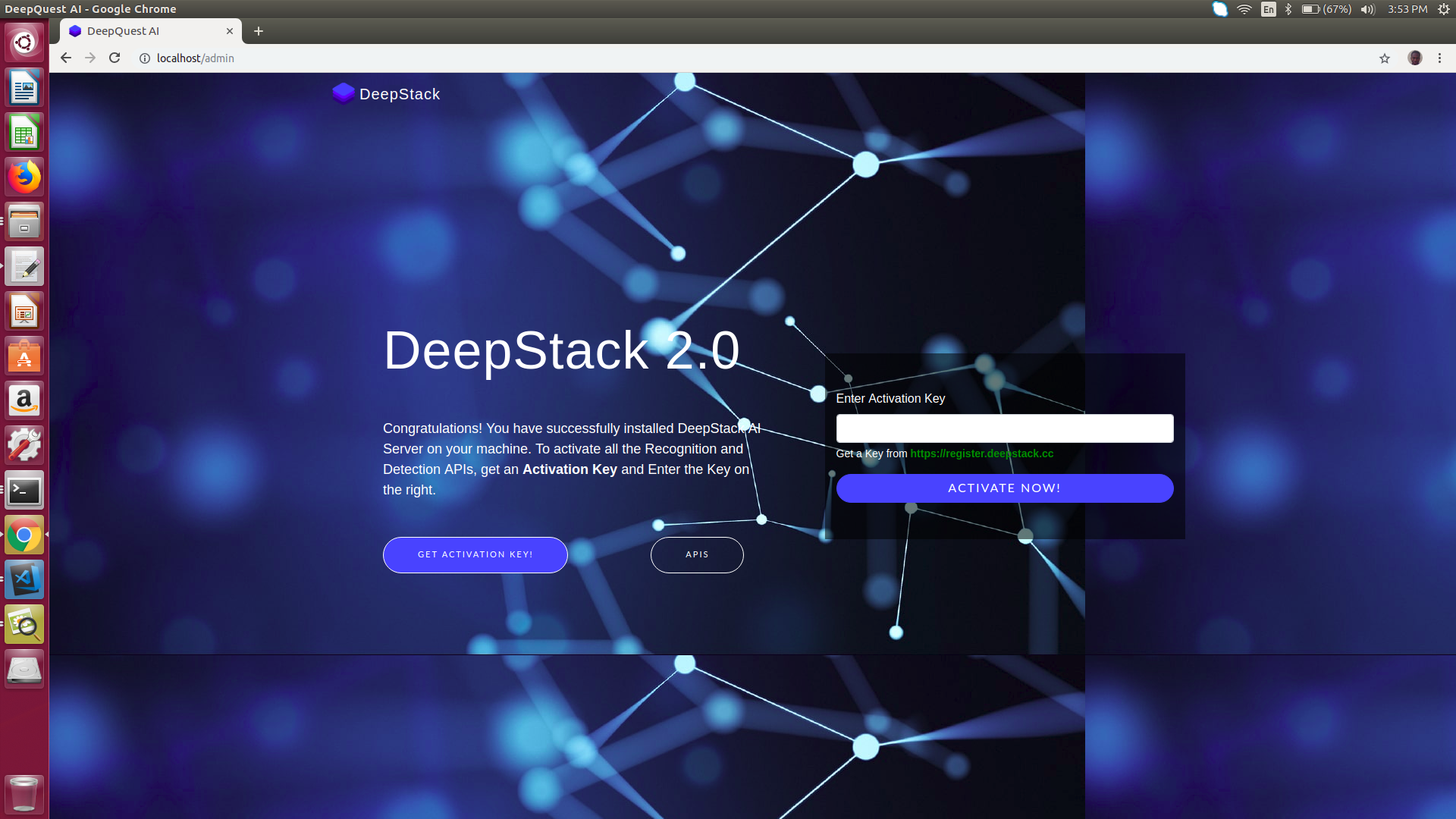
You can obtain a free activation key from https://register.deepstack.cc Enter your key and click Activate Now The interface below will appear. 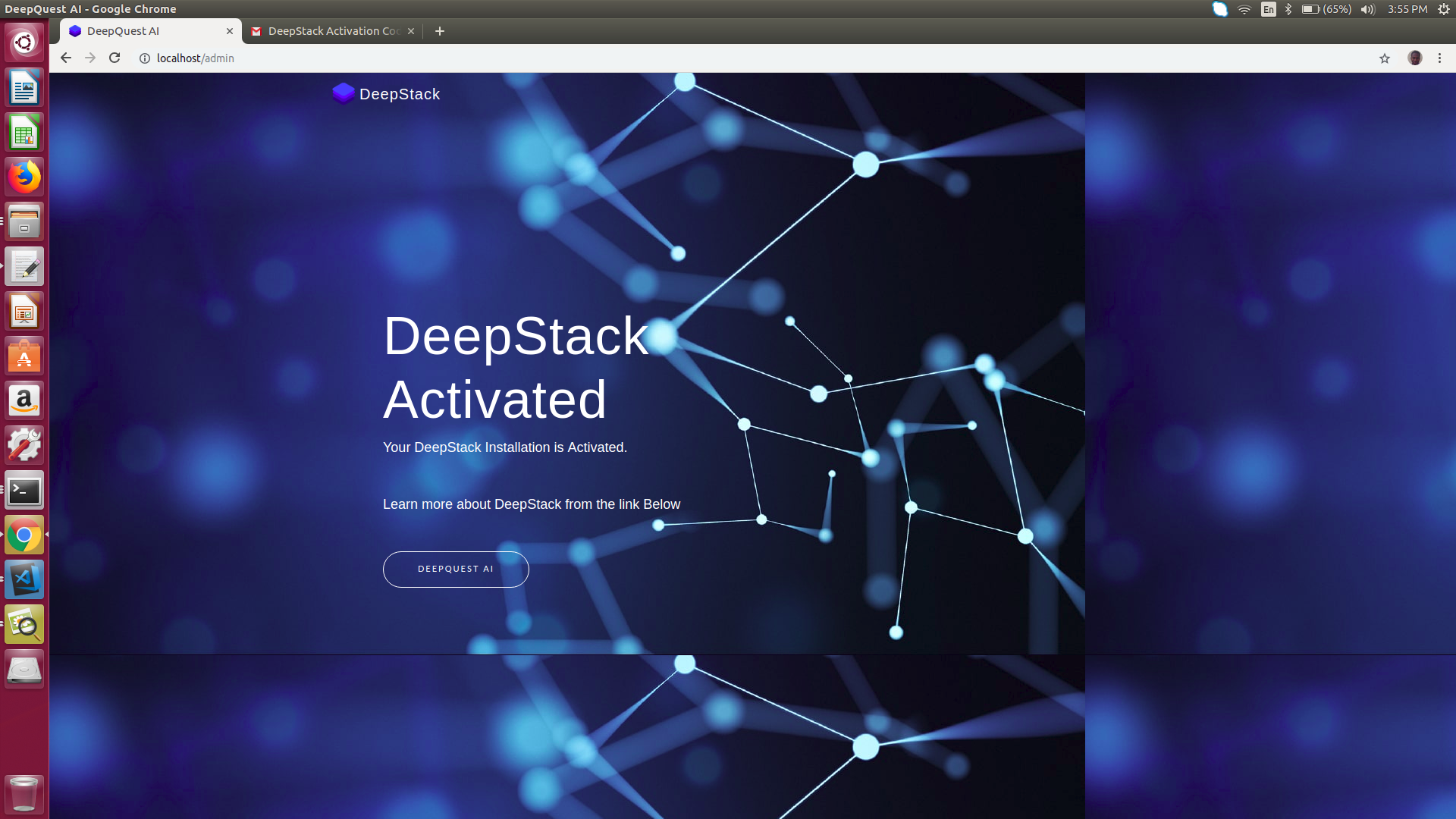
This step is only required the first time you run deepstack. GPU Accelerated Version¶DeepStack runs many times faster on machines with NVIDIA GPUS, to install and use the GPU Version, read Using DeepStack with NVIDIA GPU HARDWARE AND SOFTWARE REQUIREMENTS DeepStack runs on any platform with Docker installed. However, for best performance, the following minimum requirements are highly recommended.
NOTE DeepStack works best on linux Systems Indices and tables¶ |
| You are visitor 01402503 — GeezerVison does not store the pages you look up. Best viewed with Netscape Navigator 4.7 or Internet Explorer 6 at 800×600. No cookies required. |