GeezerVisonThe World Wide Web, restored to 800 pixels of glory. |
| Home|About|Gaming cabinet|Archives|How it works|Starter sites |
GeezerVison is showing docs.datadoghq.com — GitLab Source Code For AI agents: A markdown version of this page is available at https://docs.datadoghq.com/integrations/gitlab-source-code.md.
A documentation index is available at /llms.txt.
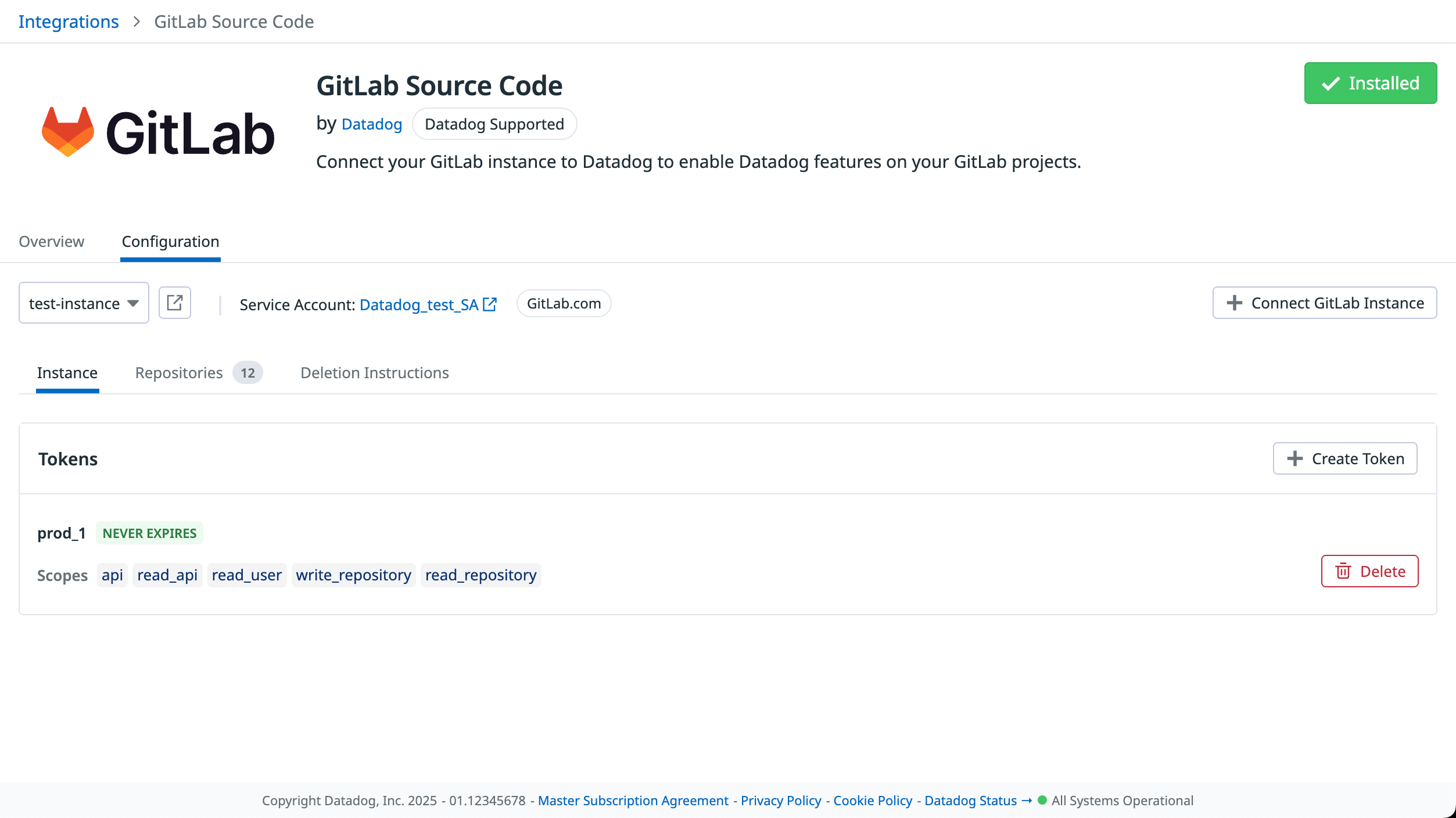
GitLab Source CodeIntegration version1.0.0 This product is not supported for your selected Datadog site. (). OverviewIntegrate Datadog with your GitLab projects to streamline troubleshooting of code issues and get suggested changes on your source code. Get context-relevant code snippets while investigating issues in Error Tracking, Continuous Profiler, Code Security, and many more areas within Datadog. Protect your production code base with merge request comments from Code Security, Test Optimization, and CI Visibility that provide automated code reviews and suggested changes. GitLab instancesUsing the GitLab Source Code integration, connect your GitLab.com or GitLab Self-Managed instance to Datadog to enable source code functionality and monitor your GitLab environment. Manage your GitLab instances through the Configuration tab to get started.
Source code functionalityWhen installed with the correct scopes, this integration powers source code integration features across Datadog to help you troubleshoot and take action on your code:
GitLab pipelinesFor more in-depth monitoring of your GitLab pipelines, check out CI Pipeline Visibility. CI Pipeline Visibility provides granular insights into your user workflow, lets you access detailed Git metadata, and tracks pipeline performance over time. SetupYou must have the Integrations Manage permission in Datadog and be an admin of your GitLab instance to install this integration. Some features require additional setup beyond installing the GitLab Source Code integration. Installing the integration to connect your GitLab groups and projects to Datadog only grants the scopes and roles that features require as prerequisites. It doesn't enable any billable functionality by default, and you won't incur additional charges unless you explicitly configure a paid feature.
After setup, you’re returned to your original location in Datadog. To enable inline code snippets in APM, set up Source Code Integration. Required GitLab scopesFor both service account tokens (for GitLab.com) and OAuth apps (for GitLab Self-Managed), the following scopes are required:
Automatic token rotationTo help keep your GitLab Source Code integration running without interruption, Datadog automatically rotates your service account access token before it expires, as long as the token has the Data CollectedMetricsGitLab Source Code does not include any metrics. EventsGitLab Source Code does not include any events. Troubleshooting“Token is invalid or missing some scopes” errorIf you see this error after creating a service account token, check whether a group email address was entered during service account creation. Group emails are not valid for service account tokens. Delete the service account, create a new one, and leave the email and username fields blank or enter an individual user email. Need help? Contact Datadog support. |
| You are visitor 01402775 — GeezerVison does not store the pages you look up. Best viewed with Netscape Navigator 4.7 or Internet Explorer 6 at 800×600. No cookies required. |