GeezerVisonThe World Wide Web, restored to 800 pixels of glory. |
| Home|About|Gaming cabinet|Archives|How it works|Starter sites |
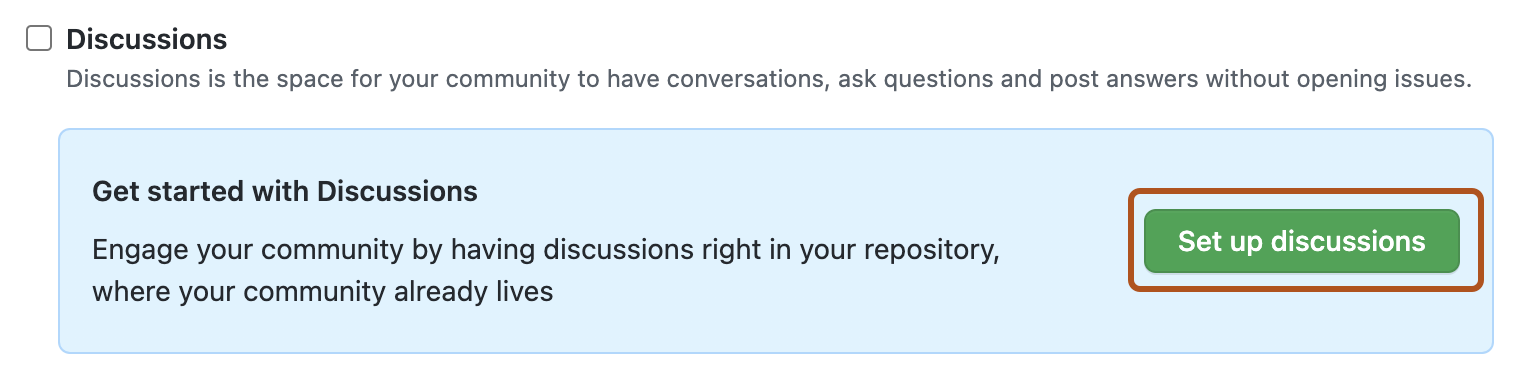
GeezerVison is showing docs.github.com — Quickstart for GitHub Discussions - GitHub Docs Quickstart for GitHub DiscussionsEnable GitHub Discussions on an existing repository or organization and start conversations with your community. In this articleIntroductionGitHub Discussions is a collaborative communication forum for the community around an open source or internal project. Discussions are for conversations that need to be transparent and accessible but do not need to be tracked on a project and are not related to code, unlike GitHub Issues. Discussions enable fluid, open conversation in a public forum. Discussions give a space for more collaborative conversations by connecting and giving a more centralized area to connect and find information. Enabling GitHub Discussions on your repositoryRepository owners and people with write access can enable GitHub Discussions for a community on their public and private repositories. The visibility of a discussion is inherited from the repository the discussion is created in. When you first enable GitHub Discussions, you will be invited to configure a welcome post.
Enabling GitHub Discussions on your organizationOrganization owners can enable GitHub Discussions for their organization. When you enable organization discussions, you will choose a repository in the organization to be the source repository for your organization discussions. You can use an existing repository or create a repository specifically to hold your organization discussions. Discussions will appear both on the discussions page for the organization and on the discussion page for the source repository. Permission to participate in or manage discussions in your organization is based on permission in the source repository. For example, a user needs write permission to the source repository in order to delete an organization discussion. This is identical to how a user needs write permission in a repository in order to delete a repository discussion. You can change the source repository at any time. If you change the source repository, discussions are not transferred to the new source repository.
Welcoming contributions to your discussionsYou can welcome your community and introduce a new way to communicate in a repository or organization by creating a welcome post and pinning the post to your GitHub Discussions page. Pinning and locking discussions helps people know that a post is meant as an announcement. You can use announcements as a way to link people to more resources and offer guidance for opening discussions in your community. For more information about pinning a discussion, see Managing discussions. Setting up community guidelines for contributorsFor repository discussions, you can set contributing guidelines to encourage collaborators to have meaningful, useful conversations that are relevant to the repository. You can also update the repository's README to communicate expectations on when collaborators should open an issue or discussion. For more information about providing guidelines for your project, see Adding a code of conduct to your project and Setting up your project for healthy contributions. For organization discussions, you share information about how to engage with your organization by creating an organization profile README. For more information, see Customizing your organization's profile. Creating a new discussionAny authenticated user who can view the repository can create a discussion in that repository. Similarly, since organization discussions are based on a source repository, any authenticated user who can view the source repository can create a discussion in that organization.
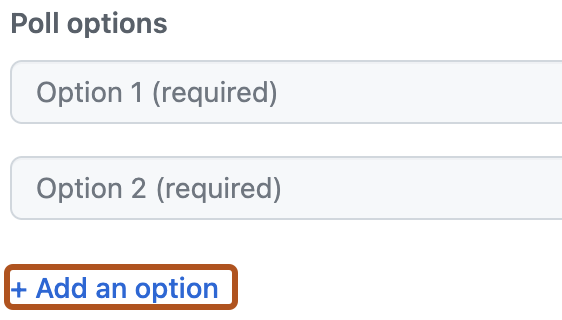
Creating a new pollAny authenticated user who can view a repository can create a poll. Similarly, since organization discussions are based on a source repository, any authenticated user who can view the source repository can create a poll in that organization.
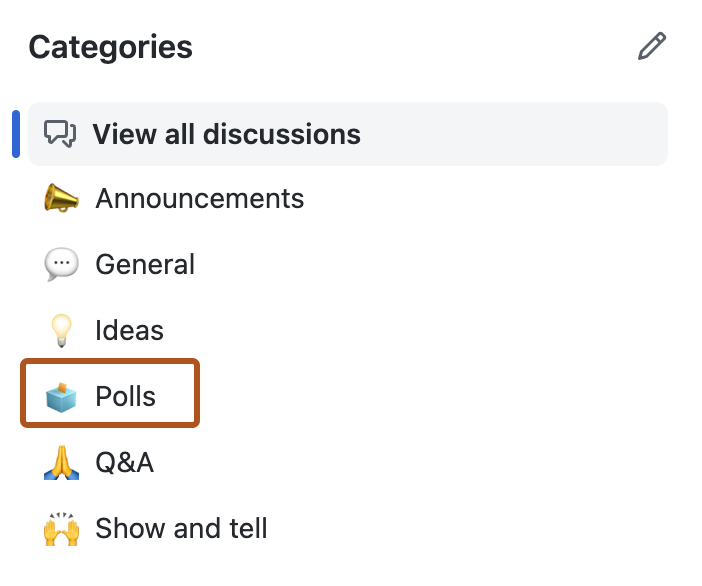
Organizing discussionsRepository owners and people with write access to the repository can create new categories to keep discussions organized. Similarly, since organization discussions are based on a source repository, repository owners and people with write access to the source repository can create new categories for organization discussions. Collaborators participating in and creating new discussions can group discussions into the most relevant existing categories. Discussions can also be recategorized after they are created. For more information, see Managing categories for discussions. To organize discussions more granularly, you can apply labels. For example, you can use labels to indicate the status of a discussion to make triaging more efficient. Each repository has one shared set of labels for issues, pull requests, and discussions. For more information, see Managing labels. Promoting healthy conversationsPeople with write permissions for the repository, or for the source repository for organization discussions, can help surface important conversations by pinning discussions, deleting discussions that are no longer useful or are damaging to the community, and transferring discussions to more relevant repositories owned by the organization. For more information, see Managing discussions. People with triage permissions for the repository, or for the source repository for organization discussions, can help moderate a project's discussions by marking comments as answers, locking discussions that are no longer useful or are damaging to the community, and converting issues to discussions when an idea is still in the early stages of development. For more information, see Moderating discussions. Next stepsOnce there is a clear path to scope work out and move an idea from concept to reality, you can create an issue and start tracking your progress. For more information on creating an issue from a discussion, see Moderating discussions. |
| You are visitor 01402503 — GeezerVison does not store the pages you look up. Best viewed with Netscape Navigator 4.7 or Internet Explorer 6 at 800×600. No cookies required. |