GeezerVisonThe World Wide Web, restored to 800 pixels of glory. |
| Home|About|Gaming cabinet|Archives|How it works|Starter sites |
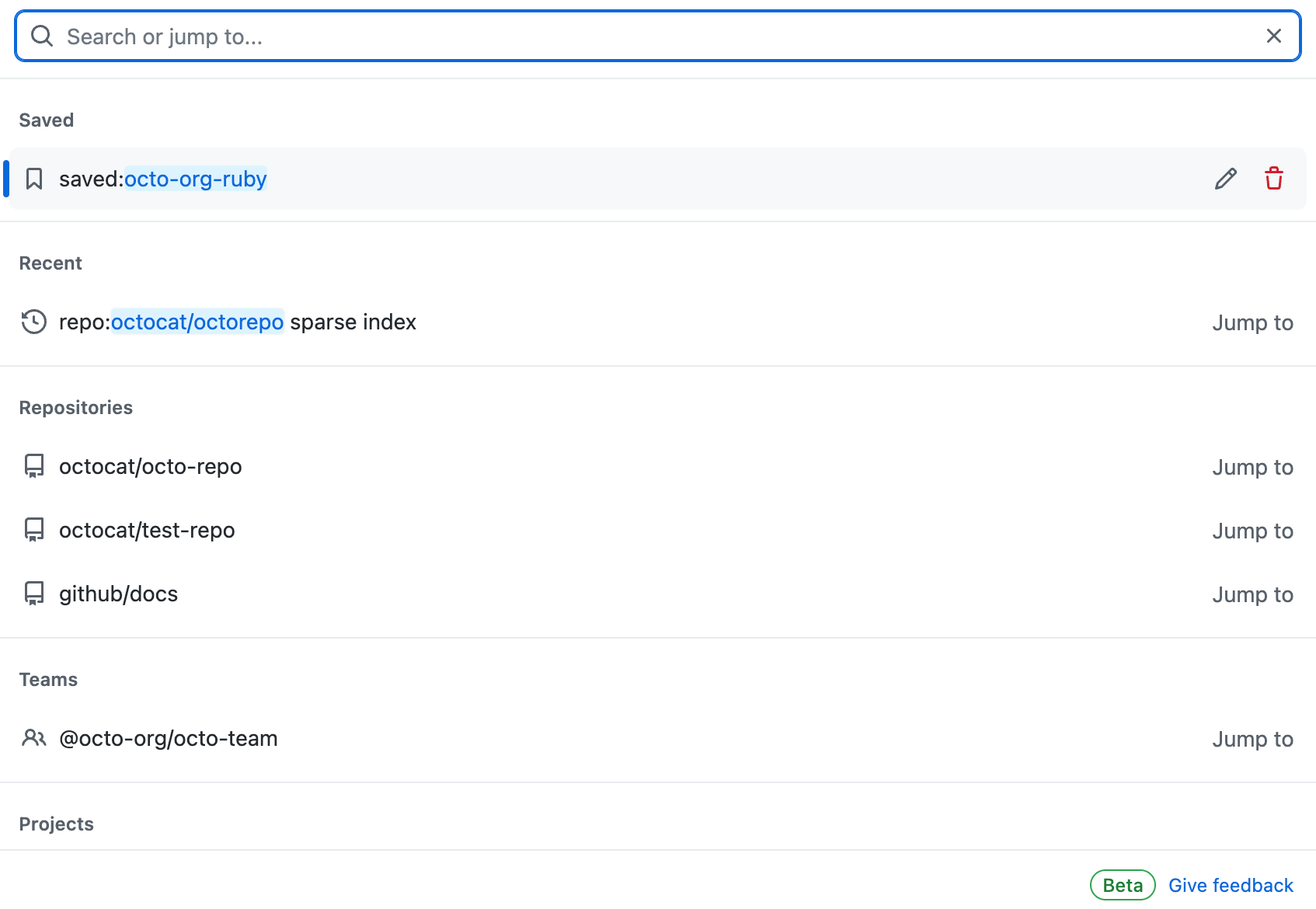
GeezerVison is showing docs.github.com — Using GitHub Code Search - GitHub Docs Using GitHub Code SearchYou can use suggestions, completions and saved searches in the upgraded search interface to quickly find what you are looking for across GitHub. In this articleAbout using GitHub code searchGitHub indexes repositories you own and repositories in organizations you are a member of, whether public, private, or internal. This means that you can search across all of your repositories, in addition to the public repositories on GitHub that have already been indexed. Only users with permission to view your code will be able to see your code in search results. Forks are indexed and searchable in the same way as other repositories. Not all code is indexed, and you can currently only search the default branches of repositories. For more information on known limitations, see About GitHub Code Search. You must be logged in to a GitHub account to use code search, including for searching code in public repositories. Using the search barYou can search using the search interface on GitHub. Using suggestions, completions, and saved searches, you can quickly find what you are looking for, often without having to fully type a query or view the search results page. For more information about the search syntax of code search, see Understanding GitHub Code Search syntax. Note that the syntax and qualifiers for searching for non-code content, such as issues, users, and discussions, is not the same as the syntax for code search. For more information on non-code search, see About searching on GitHub and Searching on GitHub.
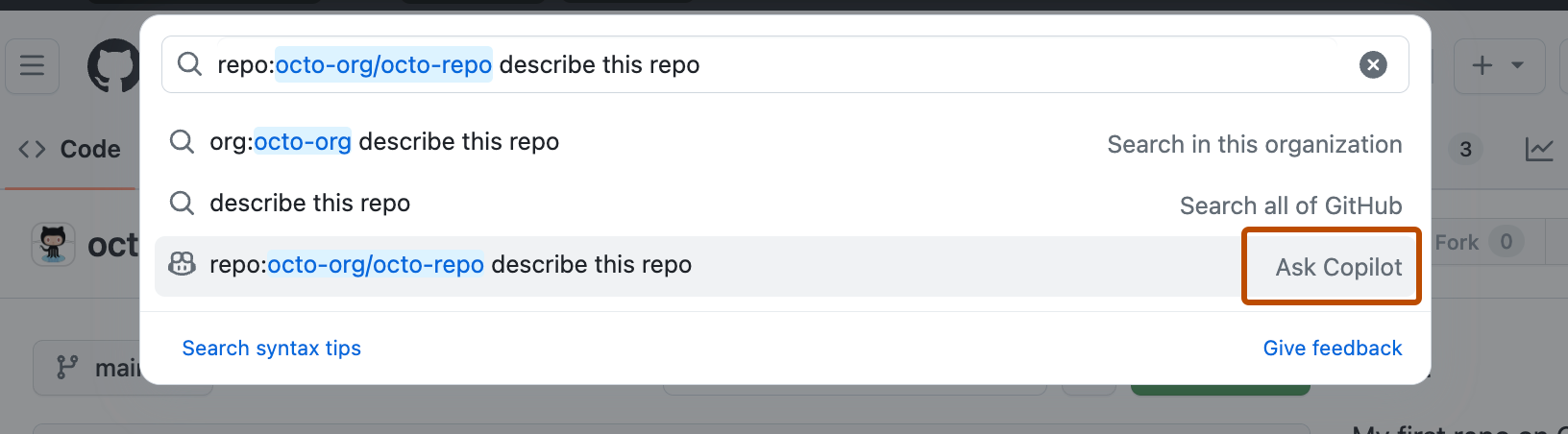
Getting answers with Copilot from the search barNote You'll need access to GitHub Copilot. For more information, see About GitHub Copilot. You can use GitHub Copilot to ask questions about an entire repository directly from the main search box. Simply type your question into the search bar, and Copilot can provide insights or explanations about the repository’s structure, purpose, or specific components. This makes it easy to get quick answers without navigating through multiple files, helping you stay focused and maintain your workflow.
Creating and managing saved searches
Using the search results viewTo construct a search query, as well as view and filter results, using a visual interface, you can use the search page or advanced search page. If you press Enter after typing a search query in the search bar, you will also be taken to the search results view. On the search results view, you can navigate between different types of search results, including code, issues, pull request, repositories, and more. You can also view and use filters. Using GitHub code search on GitHub MobileOn GitHub Mobile, you can use code search directly from the search bar in the home screen. Code search on GitHub Mobile uses the same syntax as code search on GitHub. For more information, see About GitHub Code Search. Once you start typing a search query, you will see a list of completions and suggestions that match your query. You can click on a suggestion to jump to a specific location. As you type more qualifiers, you will see more specific suggestions, such as code files you can jump to directly. |
| You are visitor 01402503 — GeezerVison does not store the pages you look up. Best viewed with Netscape Navigator 4.7 or Internet Explorer 6 at 800×600. No cookies required. |