GeezerVisonThe World Wide Web, restored to 800 pixels of glory. |
| Home|About|Gaming cabinet|Archives|How it works|Starter sites |
GeezerVison is showing docs.orbstack.dev — Debug Shell · OrbStack Docs Debug Shell OrbStack Debug Shell provides useful commands & tools, making it easy to debug any container (even minimal/distroless/read-only containers that have no shell or commands). You can debug containers running on remote Docker hosts in addition to local containers. Compared to
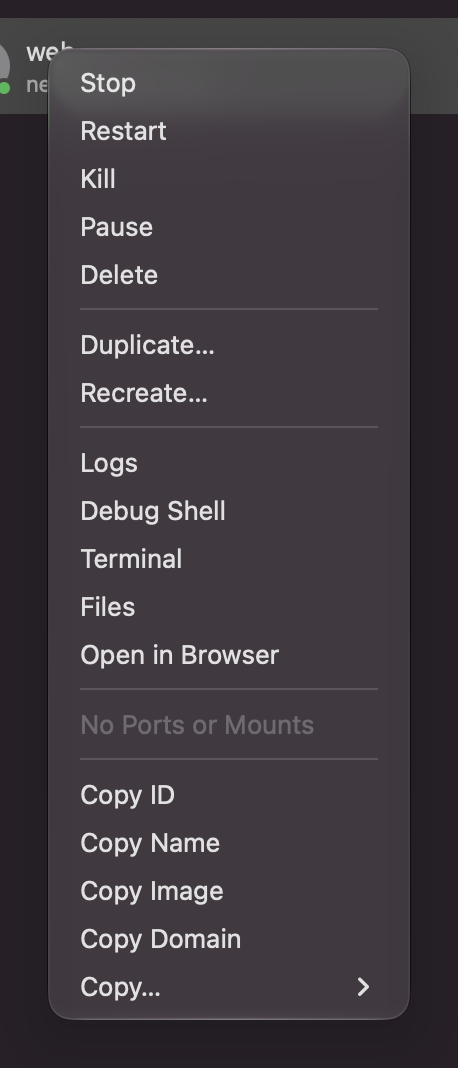
Debug Shell makes it possible to build minimal, distroless container images that are small and secure, while still being able to debug them. Usage To start a Debug Shell in a new terminal, right-click a container in the app and choose "Debug Shell".
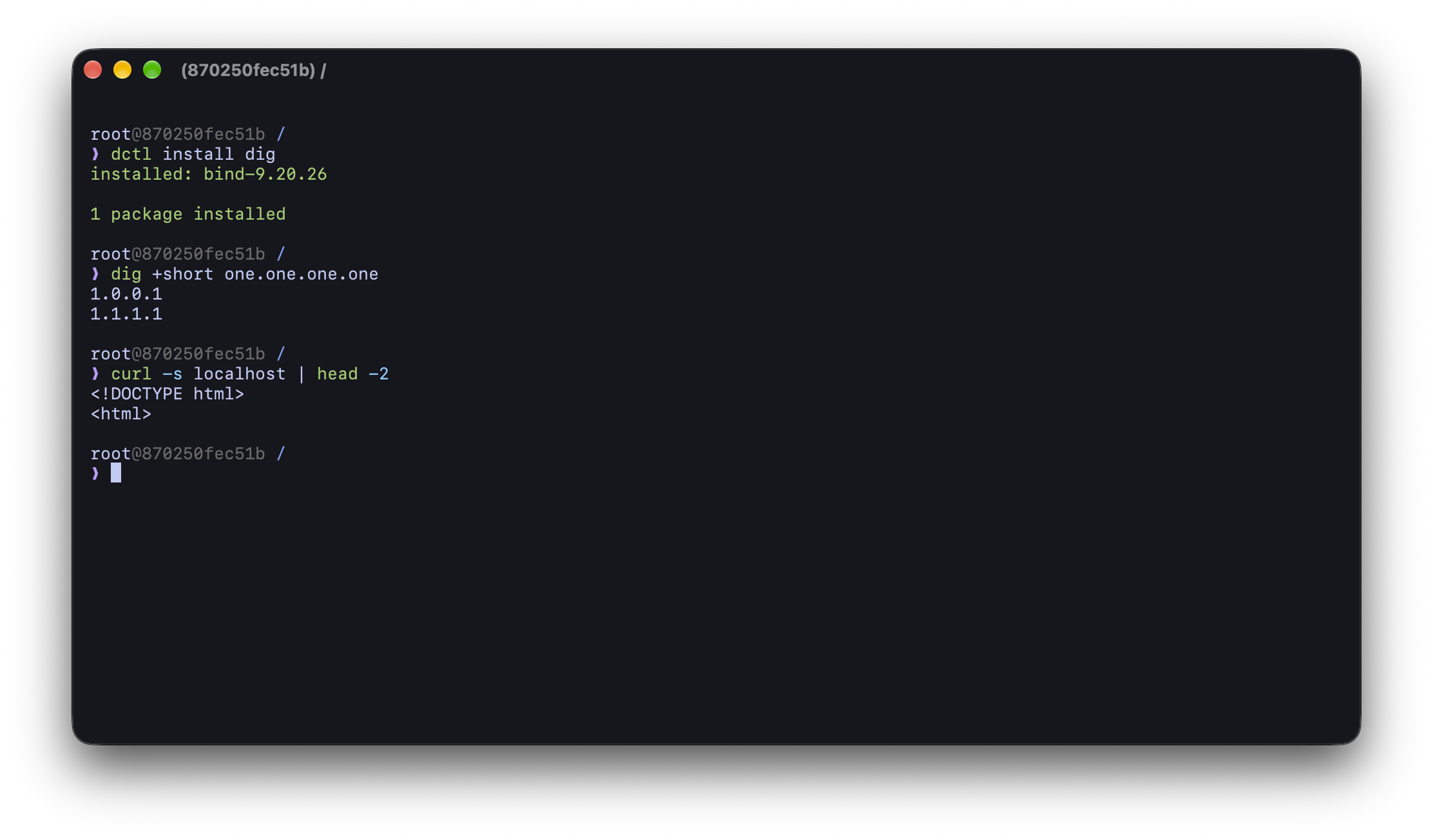
You can also start a Debug Shell from the command line: bash Remote debugging It's also possible to debug containers running on remote Docker hosts — for example, on production servers. To connect to a remote Docker host, add a Docker CLI context with your remote host's address and credentials (SSH, TLS certificates, or plain TCP). For example, to connect to a remote host at bash Then, you can use the bash This uses the same contexts as the Packages Inside the Debug Shell, use bash There's no need to search for package names; just use the name of the command you want to install. You can also run commands directly and OrbStack will automatically ask to install the package. bash Installed packages are available across all containers, as long as you're using Debug Shell. Installing and removing packages does not modify the container, so it works even in read-only containers. Several tools are included:
|
| You are visitor 01402503 — GeezerVison does not store the pages you look up. Best viewed with Netscape Navigator 4.7 or Internet Explorer 6 at 800×600. No cookies required. |