GeezerVisonThe World Wide Web, restored to 800 pixels of glory. |
| Home|About|Gaming cabinet|Archives|How it works|Starter sites |
GeezerVison is showing docs.orbstack.dev — Cloud-init · OrbStack Docs Cloud-init Cloud-init is a common way to automatically provision and configure Linux machines. OrbStack supports Cloud-init, so you can use the same configuration (user data) as AWS EC2 and other cloud providers. This makes it easy to replicate, test, and debug environments locally before deploying to production. It can also be a convenient way to provision development environments for your team. See the Cloud-init docs for more information.
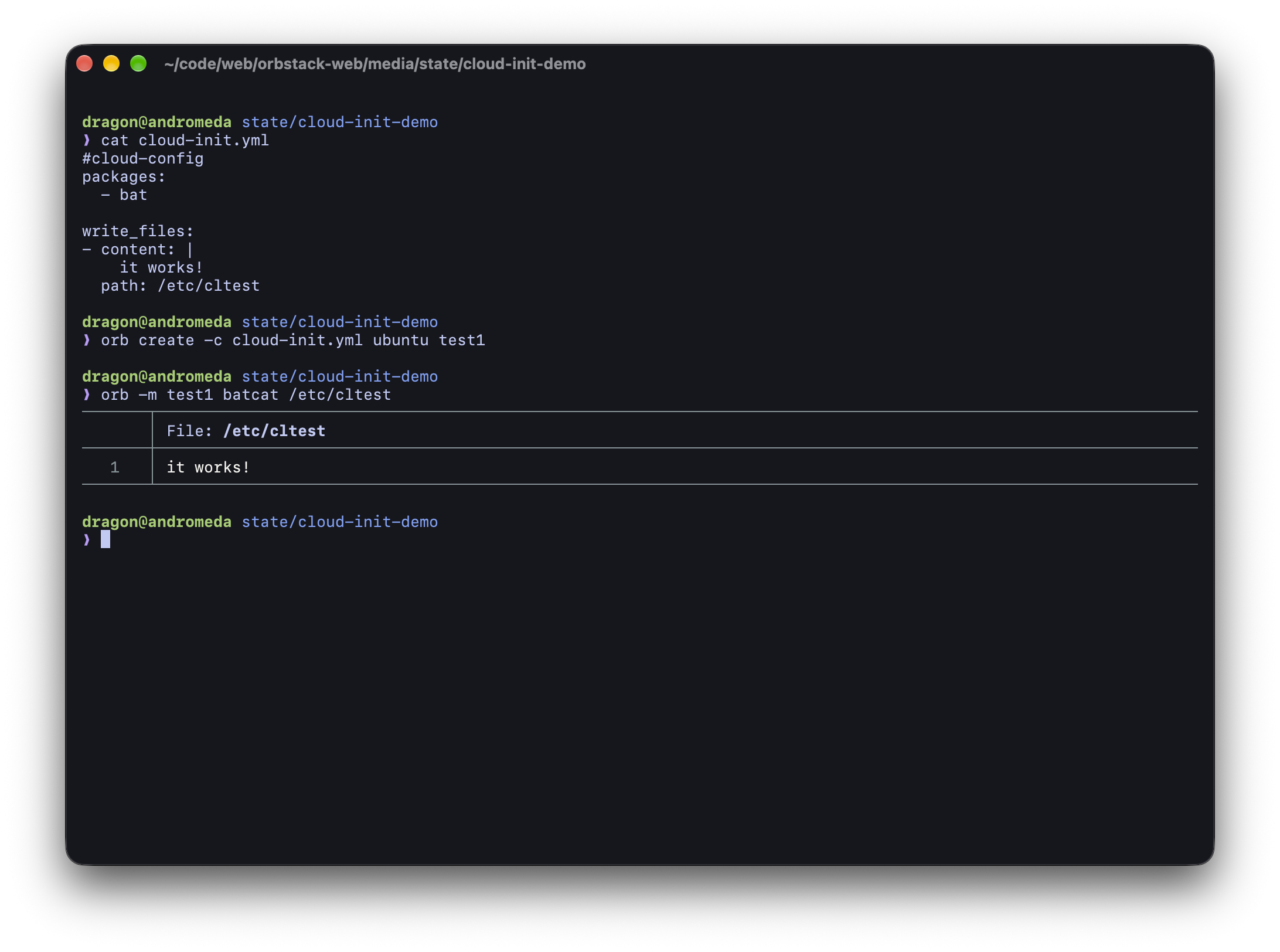
Usage Cloud-init user data files can be written in the YAML cloud-config format, or as simple shell scripts. To create a machine with Cloud-init user data, use the bash Example yaml More examples are available in the Cloud-init docs. |
| You are visitor 01402520 — GeezerVison does not store the pages you look up. Best viewed with Netscape Navigator 4.7 or Internet Explorer 6 at 800×600. No cookies required. |