GeezerVisonThe World Wide Web, restored to 800 pixels of glory. |
| Home|About|Gaming cabinet|Archives|How it works|Starter sites |
GeezerVison is showing echokit.dev — Voice Chat Waiting for your EchoKit device?Try any EchoKit server from your computer! 1
Download a web app
2
Open the web app
Double-click on the downloaded file. It should open in your web browser and you can start chatting with your EchoKit server!
3
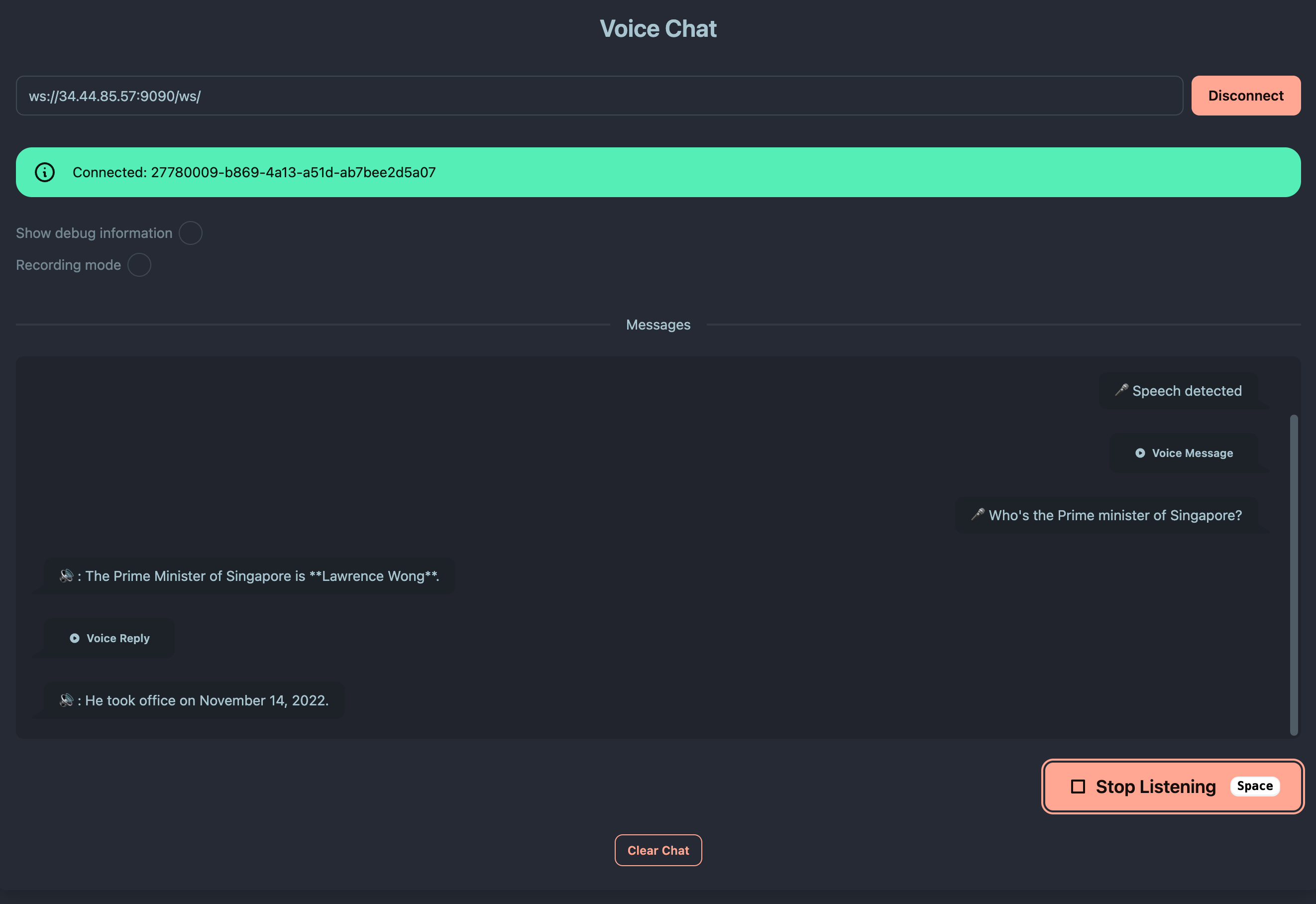
Chat
Enter the chat mode to have the EchoKit server answer your questions using voice.
Steps:
4
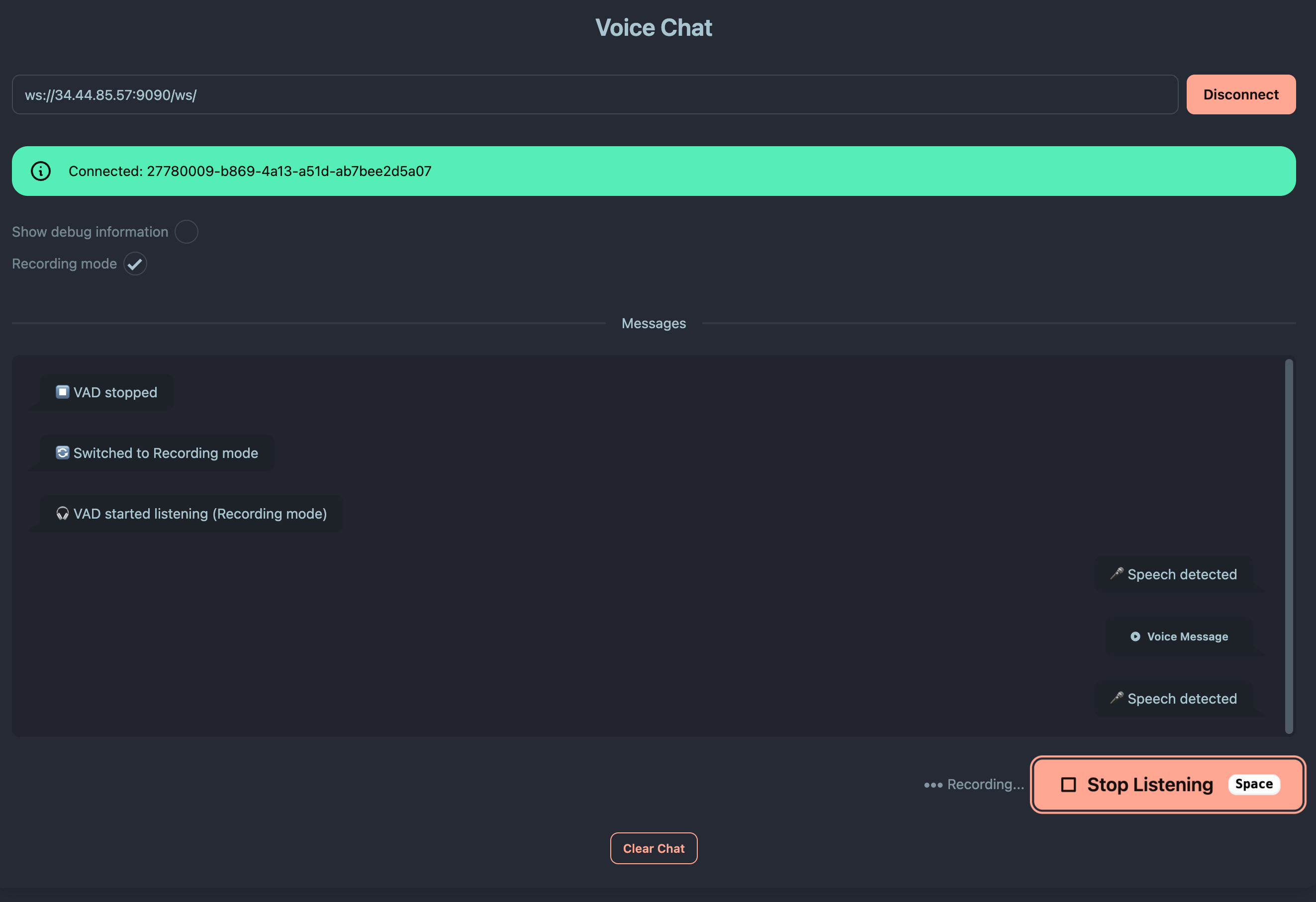
Record
Have the application listening and recording whenever someone speaks!
Steps:
✅
The recorded audio files are in the
record folder on the EchoKit server.
|
| You are visitor 01402775 — GeezerVison does not store the pages you look up. Best viewed with Netscape Navigator 4.7 or Internet Explorer 6 at 800×600. No cookies required. |