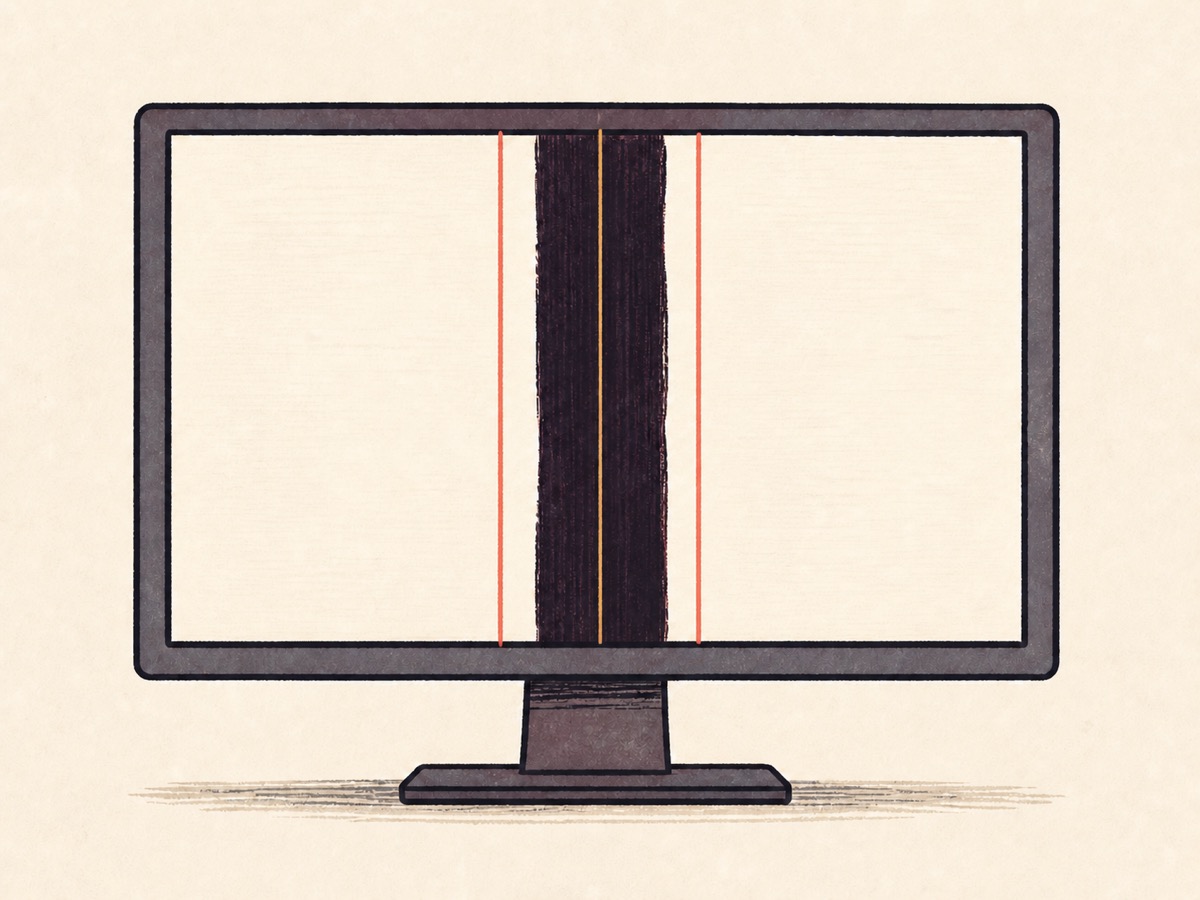
Mark the damaged strip.
Open calibration and drag the guides to mark the damaged strip on the selected display.
GeezerVisonThe World Wide Web, restored to 800 pixels of glory. |
| Home|About|Gaming cabinet|Archives|How it works|Starter sites |
GeezerVison is showing far1h.github.io — ScreenFix — Use the working part of a broken screen Use the working part of a damaged screen.ScreenFix blacks out the broken strip and keeps ordinary windows inside the part of your screen that still works.
Download for Windows x64Recommended for this device
Download for macOS Apple SiliconRecommended for this device
Releases and versioned checksums
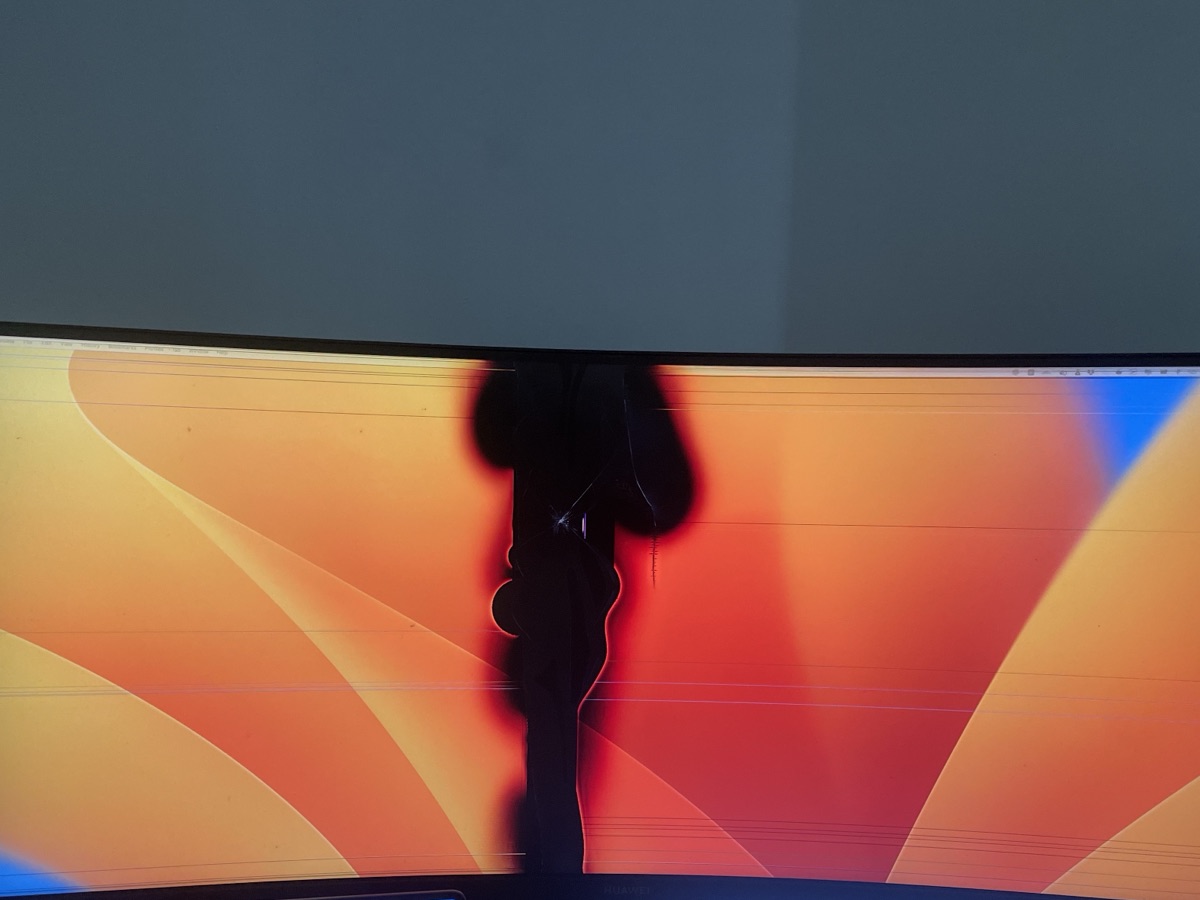
Give the damage its own space.
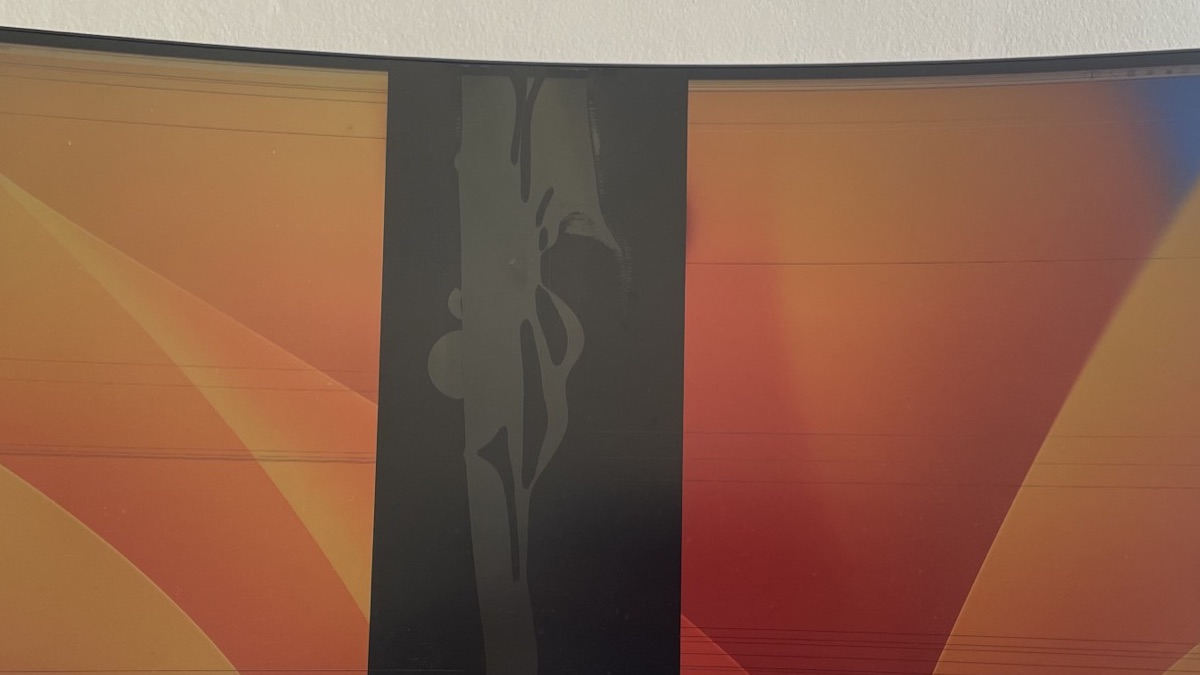
Mark the damaged strip.Open calibration and drag the guides to mark the damaged strip on the selected display. 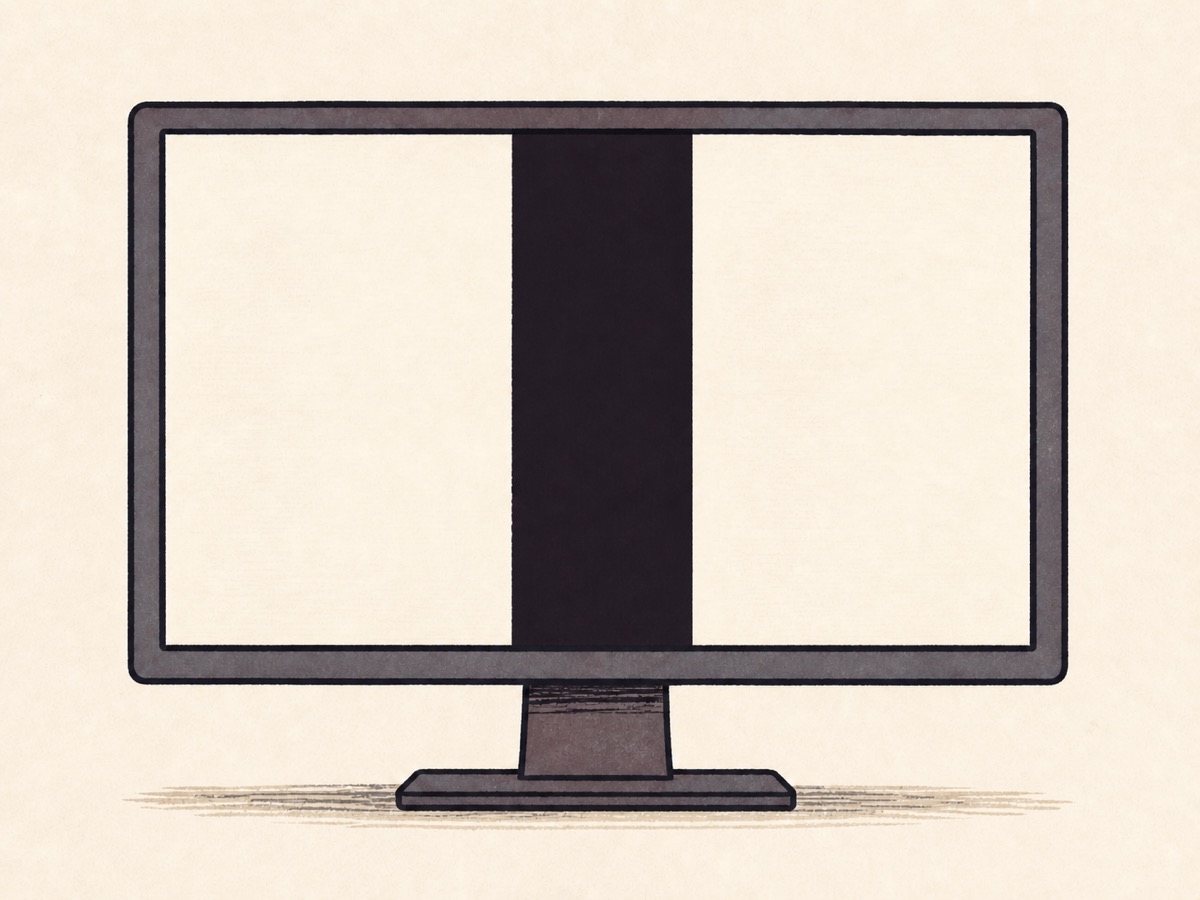
Keep it dark.Save the calibration to place an opaque black mask over the damaged strip. 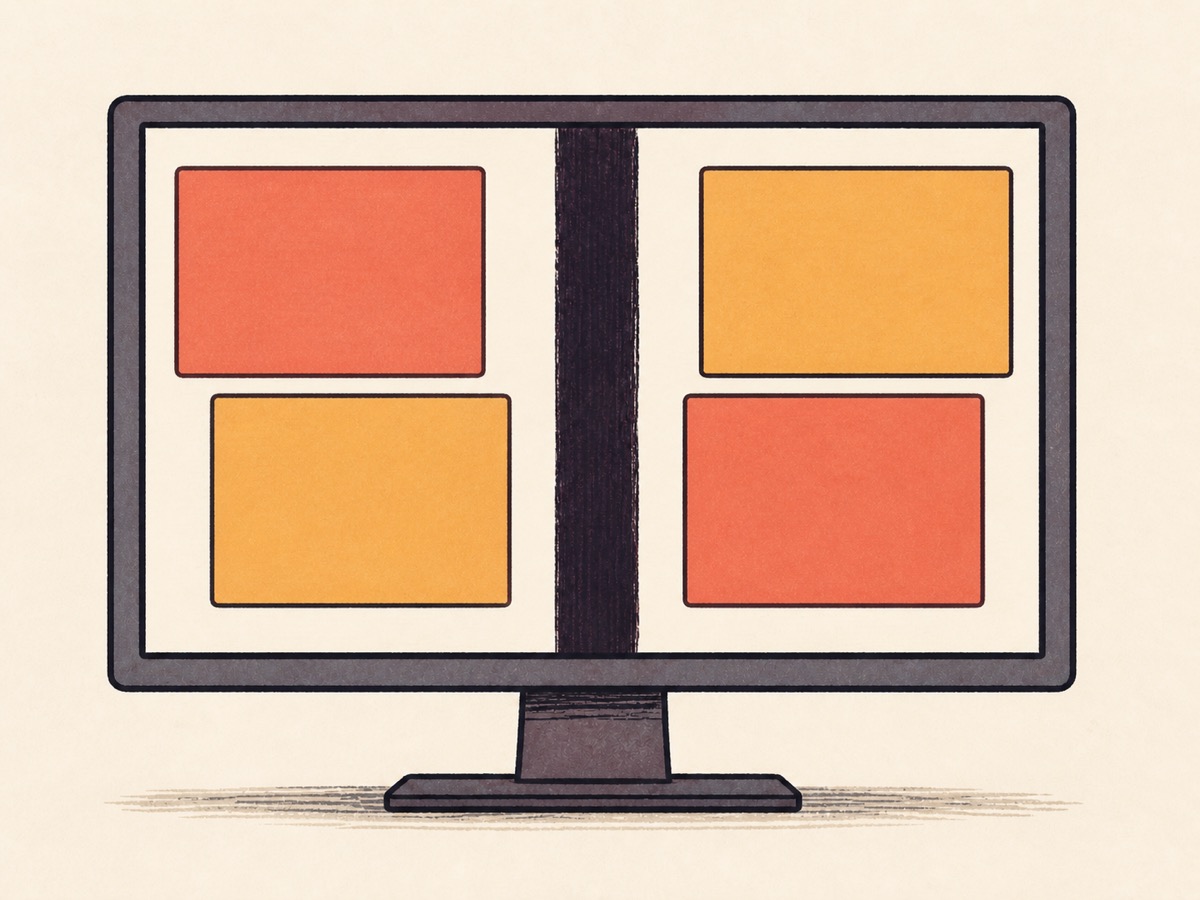
Use the remaining space.ScreenFix keeps ordinary movable windows inside the usable space on either side. What it looks like in use.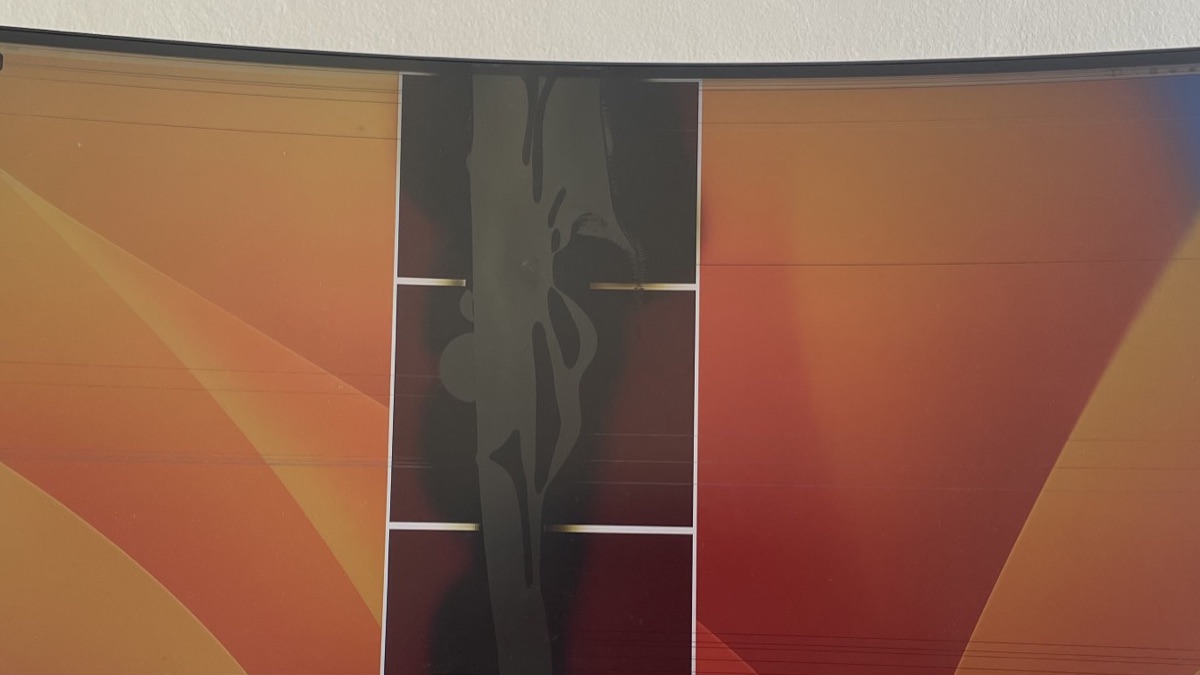
Download ScreenFix.Windows x64Recommended for this deviceThe executable targets ordinary Intel or AMD x64 Windows. It is self-contained, needs no separate .NET runtime, and requires no ZIP extraction. Download ScreenFix for Windows x64Windows may show SmartScreen because this build is unsigned. If compressed startup or extraction causes trouble, use the behavior-identical Windows x64 uncompressed fallback. macOS Apple SiliconRecommended for this deviceThis build supports macOS 13 or later on Apple Silicon, not Intel Macs. Extract the archive, move ScreenFix to Applications, then Control-click and choose Open for the ad hoc signed build. Download ScreenFix for macOS Apple SiliconAccessibility permission enables automatic window placement. Masks and calibration continue to work without that permission. ScreenFix stays on your computer.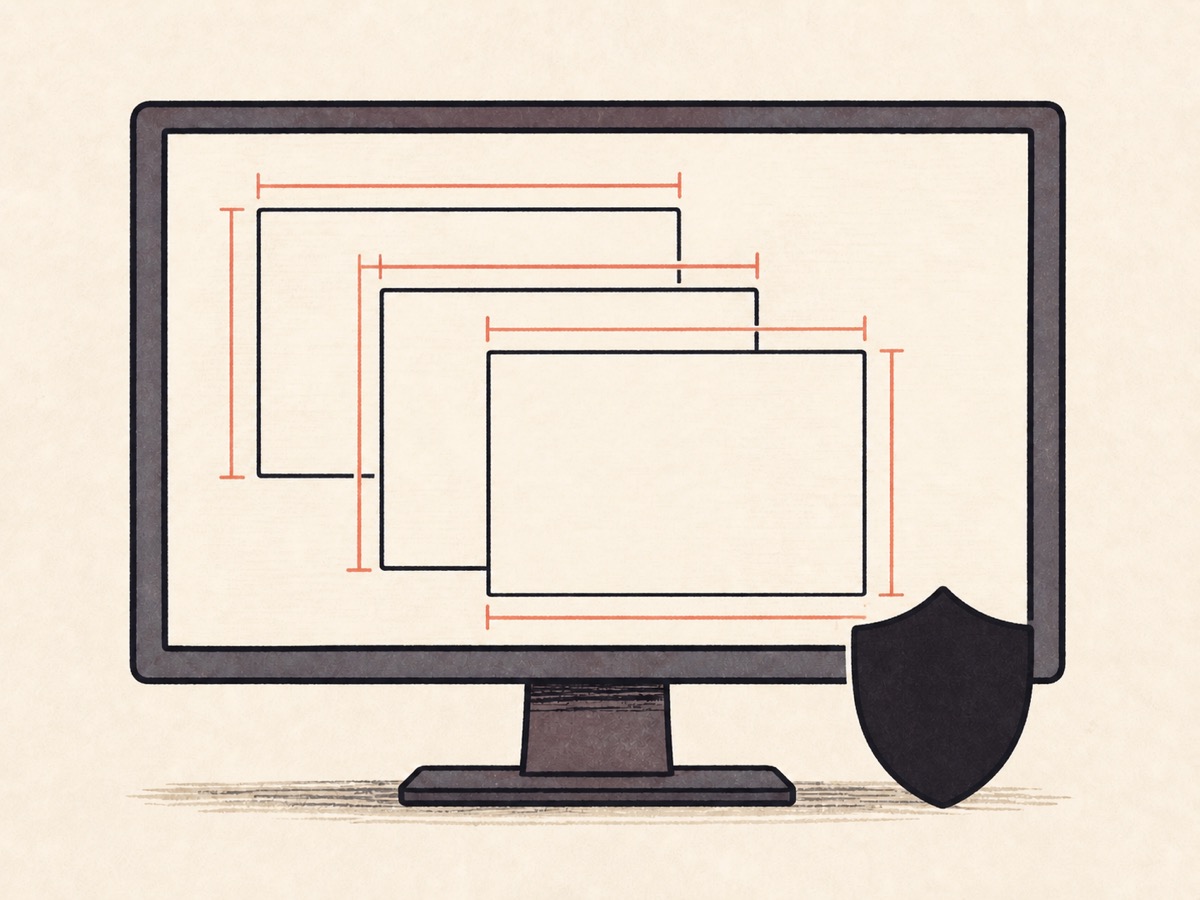
The ScreenFix application does not capture the screen, read window contents, use the network, or send telemetry. It observes only the window geometry needed to keep ordinary windows in usable space. Requirements and limits.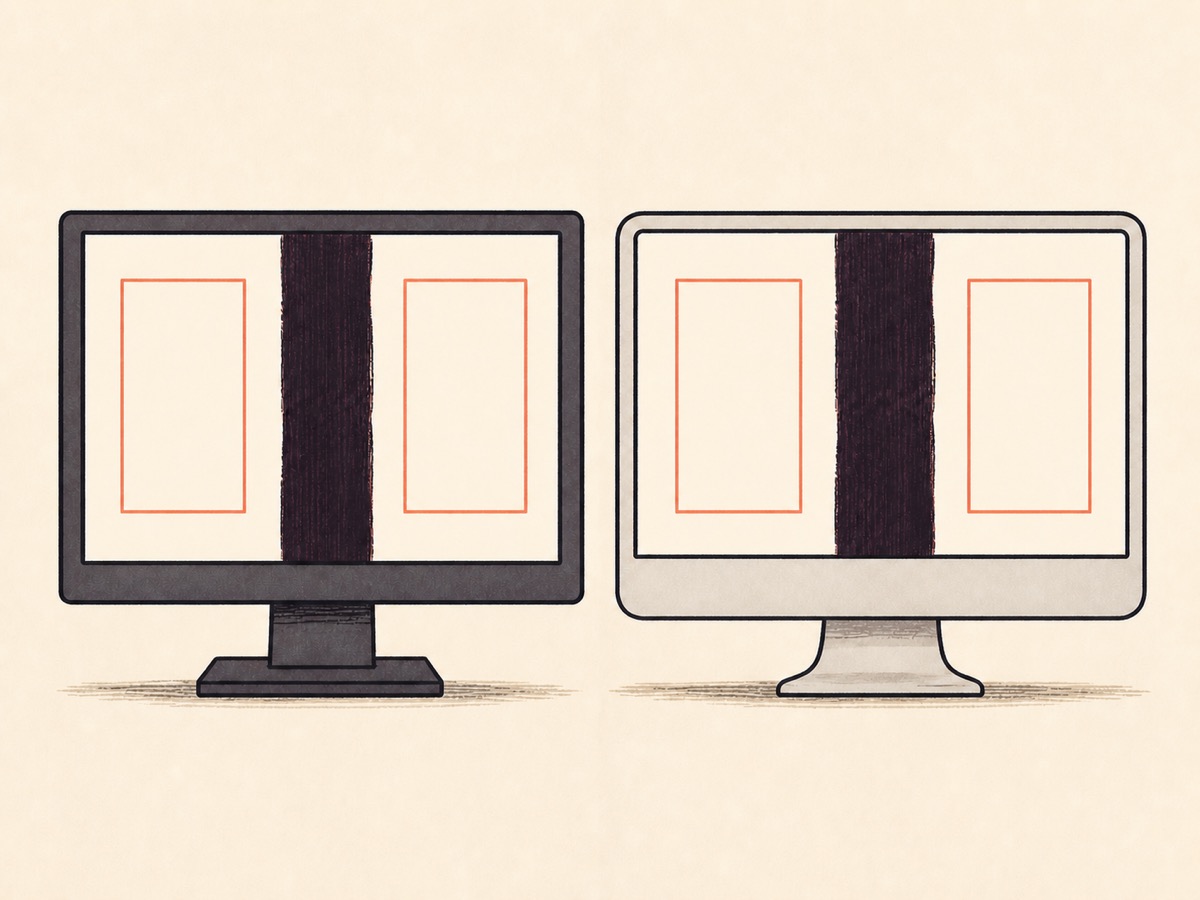
Questions before you download.Can I use only the working part of a broken screen?ScreenFix can black out a damaged strip and keep ordinary movable windows in the remaining usable space. It does not repair the panel, restore dead pixels, or control every full-screen, protected, custom, or fixed-size window. Does ScreenFix repair the damaged panel?No. ScreenFix places an opaque mask over responsive pixels in the damaged strip and manages usable window space. It cannot repair physical panel damage or restore dead pixels. Which windows may remain unchanged?Protected, administrator-launched, custom, fixed-size, non-movable, borderless, exclusive, and full-screen windows may be left unchanged. Ordinary movable windows are the intended target. Why does my operating system warn about ScreenFix?The Windows executable is unsigned, so SmartScreen may warn. The macOS app is ad hoc signed but not notarized, so Gatekeeper may require Control-click and Open. When does ScreenFix need macOS Accessibility permission?Accessibility permission is needed only for automatic window placement. The mask and calibration editor continue to work without it. |
| You are visitor 01402775 — GeezerVison does not store the pages you look up. Best viewed with Netscape Navigator 4.7 or Internet Explorer 6 at 800×600. No cookies required. |