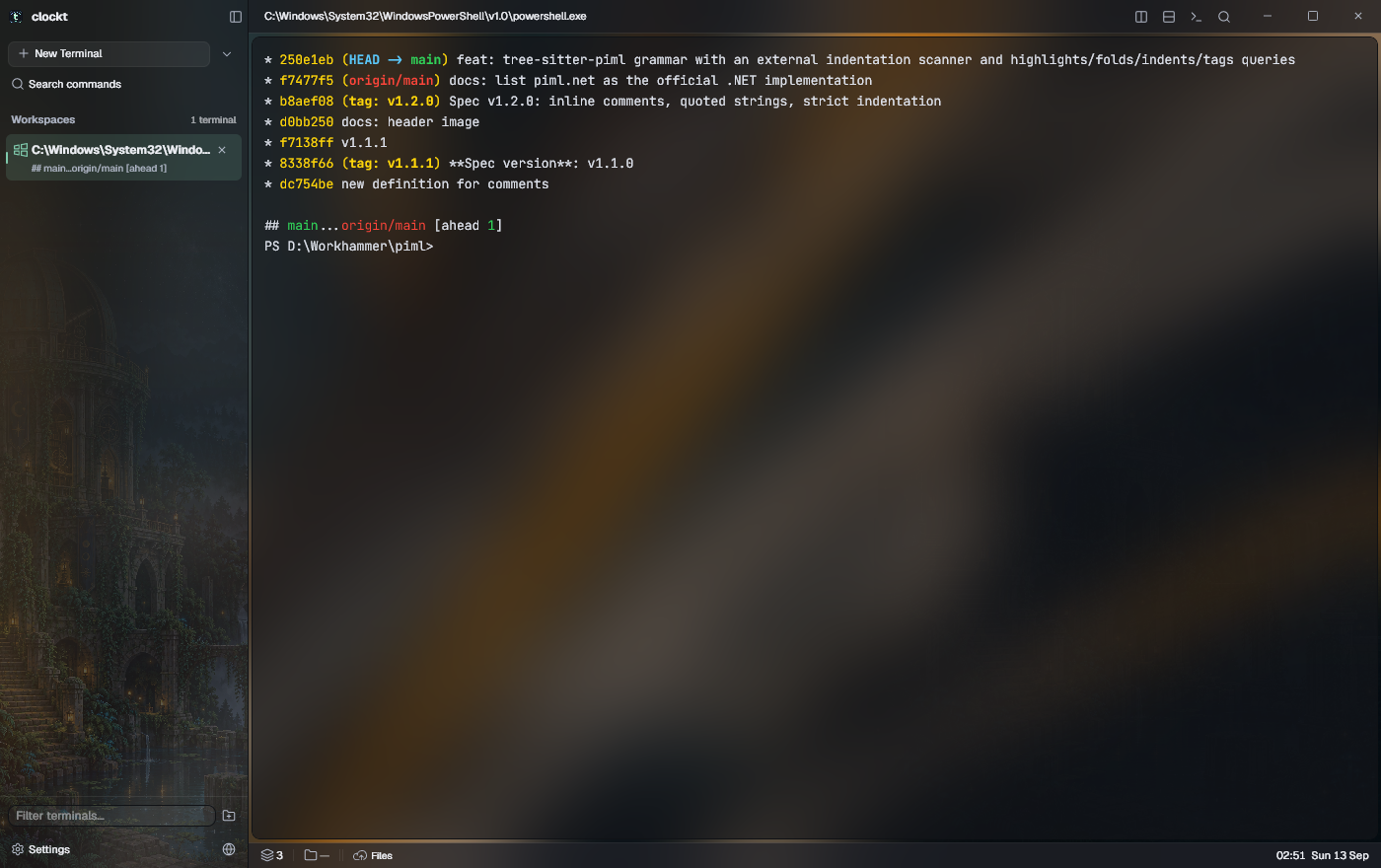
clockt new -n buildSplit a pane. Find your flow.npm run devOne workspace for every idea.clockt attach buildYour shells are still running.git switch something-great
YOUR TERMINAL. YOUR TERRITORY.
Close the window. Keep the shell.
A terminal that keeps your work alive. Persistent sessions, thoughtful workspaces, and room for everything you’re building.
A terminal emulator and multiplexer for Windows. Built to pick up where you left off.
A LITTLE SPACE TO DO GREAT WORK
Everything in its right place.
One home for your shells, projects, and all the work in between.
Named workspaces Tabs & splits Developer panels 14 built-in themes
A real workspace. A real terminal.VT100 / xterm · 24-bit colour
Underneath is a real emulator, not a wrapper: a VT100/xterm state machine with 24-bit colour, synchronized output, OSC 8 hyperlinks, prompt marks, bracketed paste, mouse reporting and scrollback reflow on resize.
PICK UP WHERE YOU LEFT OFF
A window closes. Your work lives on.
Published builds run shells in a separate session host, outside the installation folder. Close a window and the shells keep running; update clockt and the new UI reattaches to the sessions the old one left behind.
Detach on purpose. Reattach from any console. Your next session starts right where this one ends.
Status bar plugins are .ckt bundles loaded into isolated AssemblyLoadContexts behind a permission gate; four ship in the box — sessions, working directory, git and clock. Implement IClocktPlugin and IStatusWidget against Clockt.Sdk and pack with tools/ckt-pack.
For scripts and agents, clockt ls --json | read | send | rename | cmd | browser drives sessions and windows from the outside, including screenshots and workspace creation.
You are visitor 01402503 — GeezerVison does not store the pages you look up. Best viewed with Netscape Navigator 4.7 or Internet Explorer 6 at 800×600. No cookies required.