GeezerVison is showing flows.2plot.dev — dash-flows | Home dash-flows — React Flow node graphs for Dash
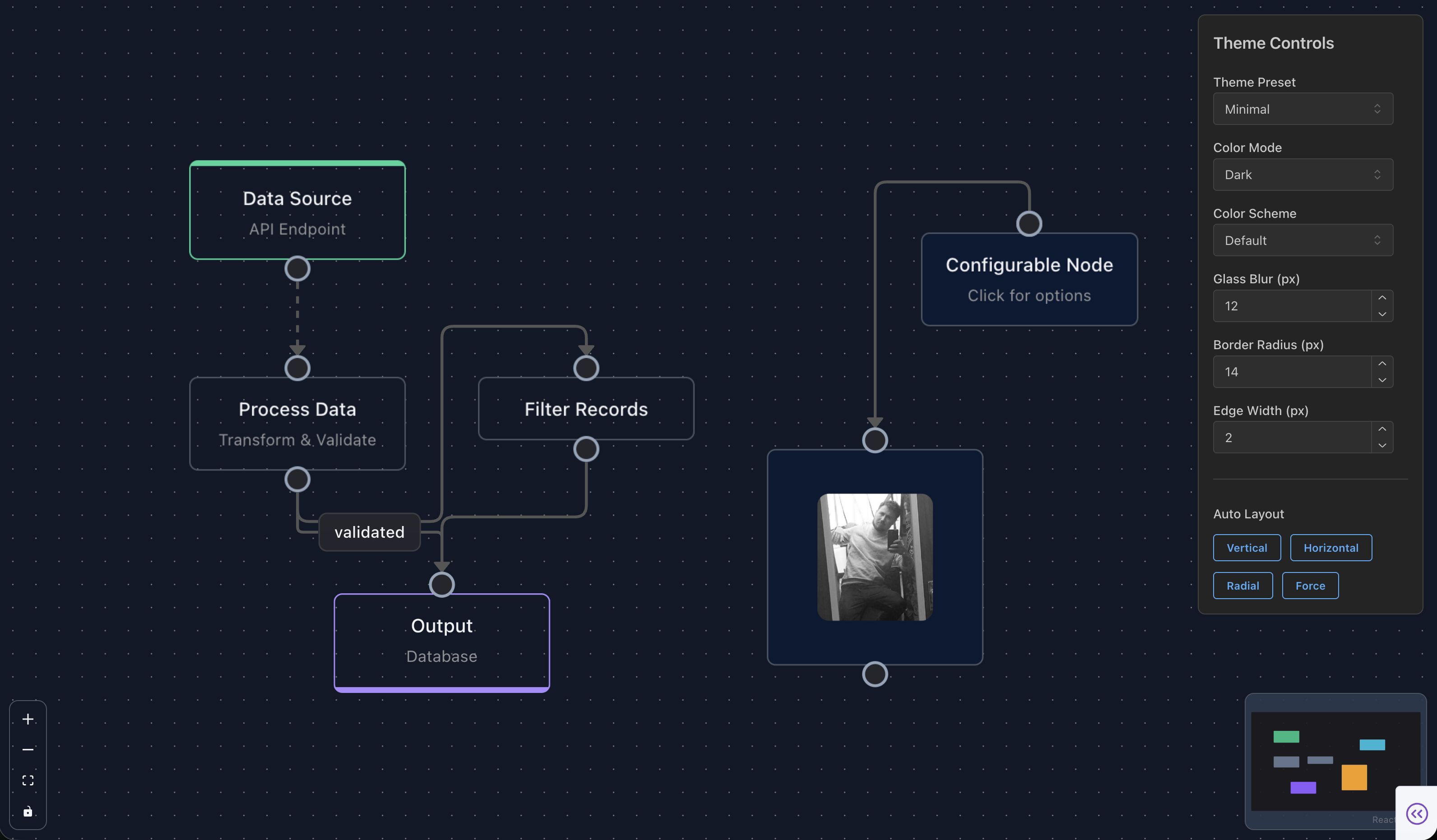
React Flow (@xyflow/react) node-graph components for Plotly Dash — glass-morphism theming, ELK layouts, DashIconify icons, and full Dash callback interoperability.
What is dash-flows?
dash-flows wraps React Flow 12 (@xyflow/react) as a Plotly Dash component library. Build interactive, node-based diagrams — workflows, pipelines, org charts, state machines — that talk to your Python callbacks like any other Dash component.
- React Flow 12.11 under the hood — nodes, edges, handles, minimap, controls, background
- Glass-morphism theme with light/dark/system color modes and 6 color schemes
- ELK layouts for automatic graph arrangement
- Rich node & edge types — default, input, output, group, resizable, circle, toolbar; straight, step, smoothstep, bezier, button, data, animated, floating
- Deep Dash integration — clicks, selection, connections, drag/drop, context menus, undo/redo, copy/paste, save/restore, image export — all as callback props
- Dash 4.1+ compatible (React 18; docs site developed against 4.2+)
Install
pip install dash-flows
import dash
from dash import html
import dash_flows

app = dash.Dash(__name__)

app.layout = html.Div(
    dash_flows.DashFlows(
        id="flow",
        nodes=[
            {"id": "1", "type": "input",  "data": {"label": "Start"}, "position": {"x": 100, "y": 100}},
            {"id": "2", "type": "default","data": {"label": "Process"}, "position": {"x": 100, "y": 240}},
            {"id": "3", "type": "output", "data": {"label": "End"}, "position": {"x": 100, "y": 380}},
        ],
        edges=[
            {"id": "e1-2", "source": "1", "target": "2", "animated": True},
            {"id": "e2-3", "source": "2", "target": "3"},
        ],
        style={"height": "500px"},
        showControls=True,
        showMiniMap=True,
    ),
    style={"height": "100vh"},
)

if __name__ == "__main__":
    app.run(debug=True)
Explore the docs
Use the sidebar to explore each area of the library. Every page shows live, runnable examples with their source code:
- Getting Started — your first flow, nodes, edges, and styling
- Nodes — all built-in node types, handle configuration, Dash components & icons inside nodes
- Edges — every edge type, including floating edges
- Canvas & Controls — backgrounds, controls, minimap, viewport
- Interactions & Selection — clicks, context menus, connection validation & limits
- Layout & Handles — ELK layouts, smart handles, helper lines, animated layout
- Save, Restore & Export — persistence, image export, copy/paste
- Drag & Drop — palette drag-and-drop and add-node-on-edge-drop
- Theming & UI — color modes, color schemes, and UI building blocks
- Advanced Features — undo/redo, computing flows, sub-flows, viewport portal, accessibility
- API Reference — the full
DashFlows prop table
Built by Pip Install Python · GitHub · MIT licensed |