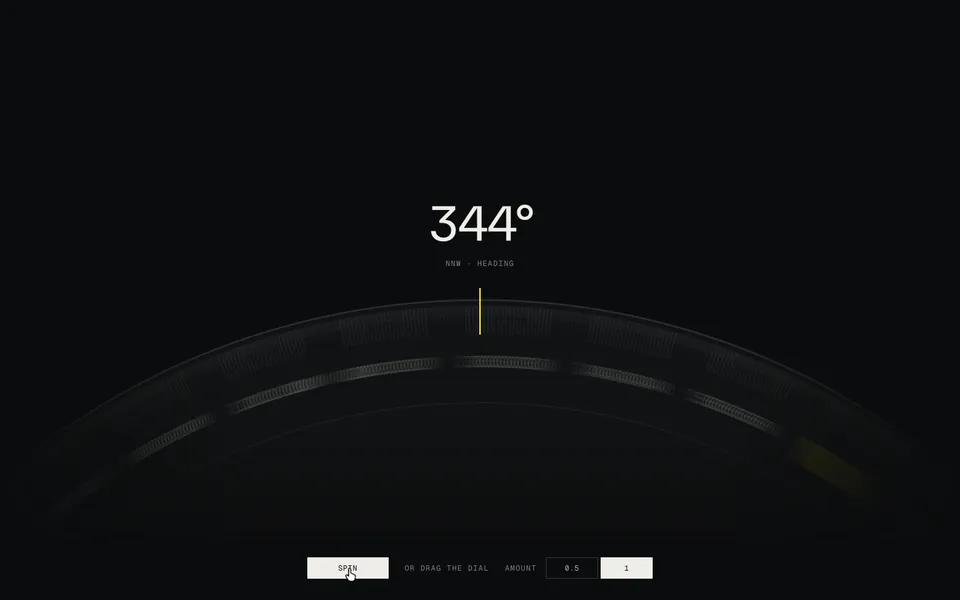
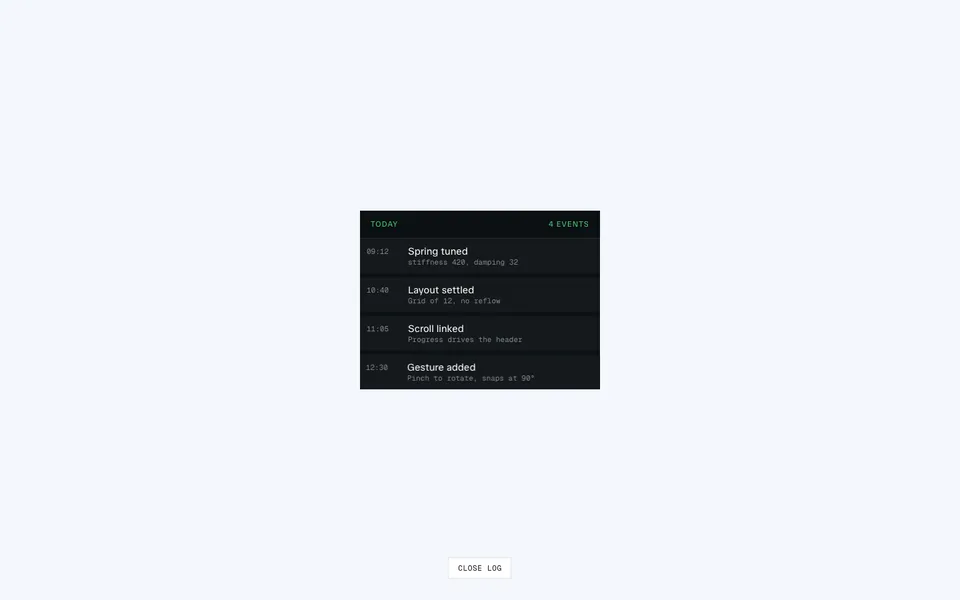
GeezerVison is showing motion.dev — Motion (prev Framer Motion): JavaScript & React animation library Motion is deployed and sponsored
by the best teams in the industry The animation library loved by humans and agents alike.Layout, scroll, gestures, 3D, and hardware acceleration for React, Vue and JavaScript. Free and open source. Previously Framer Motion. Small APIs.
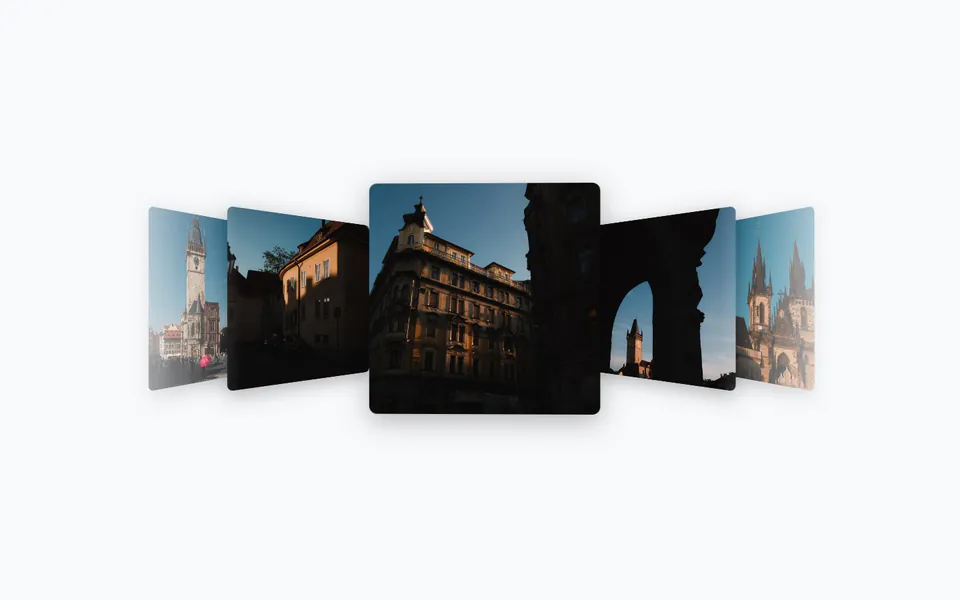
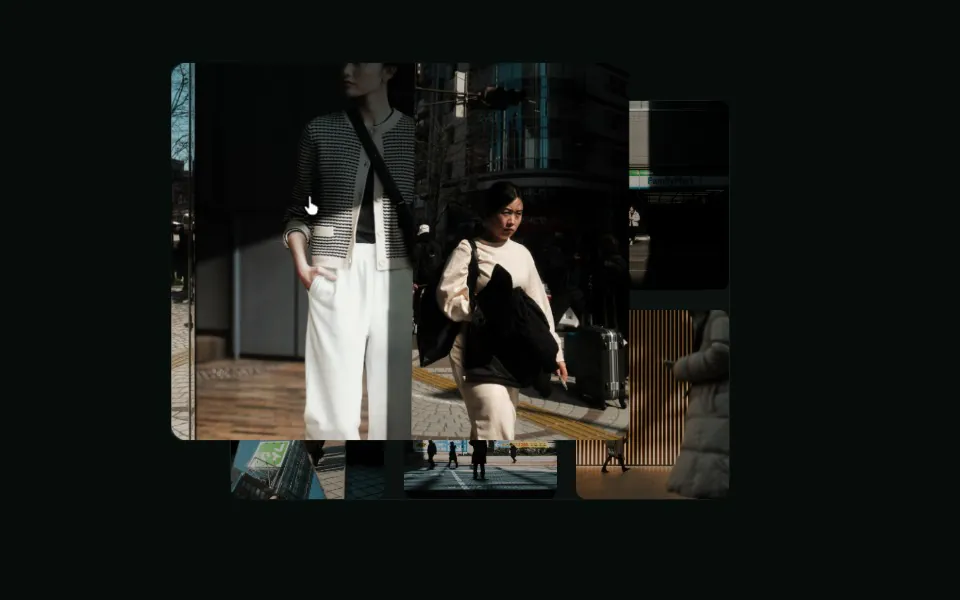
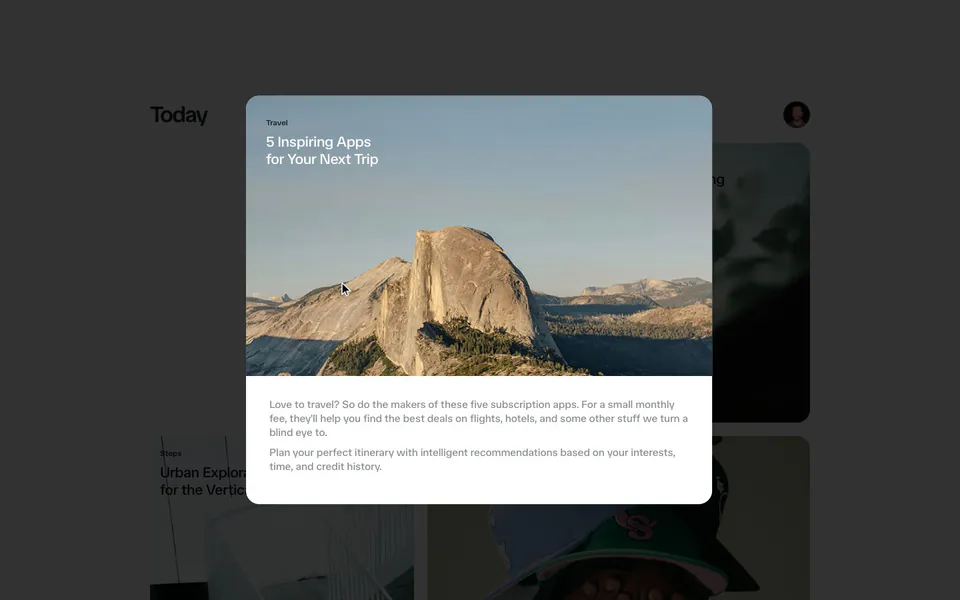
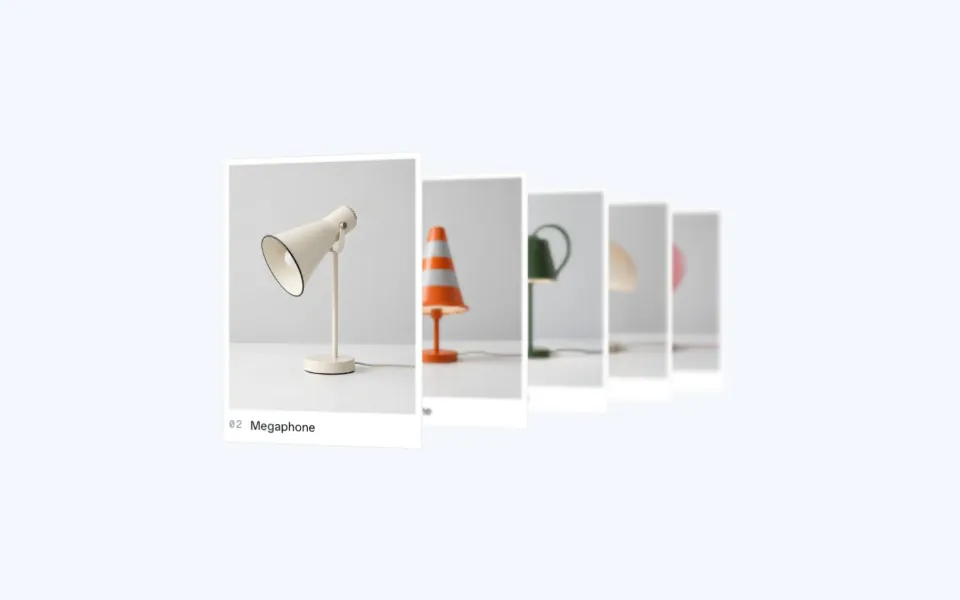
Expressive interfaces.It only takes a few lines of Motion to bring an interface to life in React, JavaScript or Vue. Learn once, build anything. ShowcaseLayout animations Layout animationsAnimate changes to size, position and order that CSS can’t, even from one component to another, with fast transforms. <motion.img layoutId={id} onClick={() => setOpen(id)} />
<AnimatePresence>
{open && <motion.img layoutId={open} className="detail" />}
</AnimatePresence>
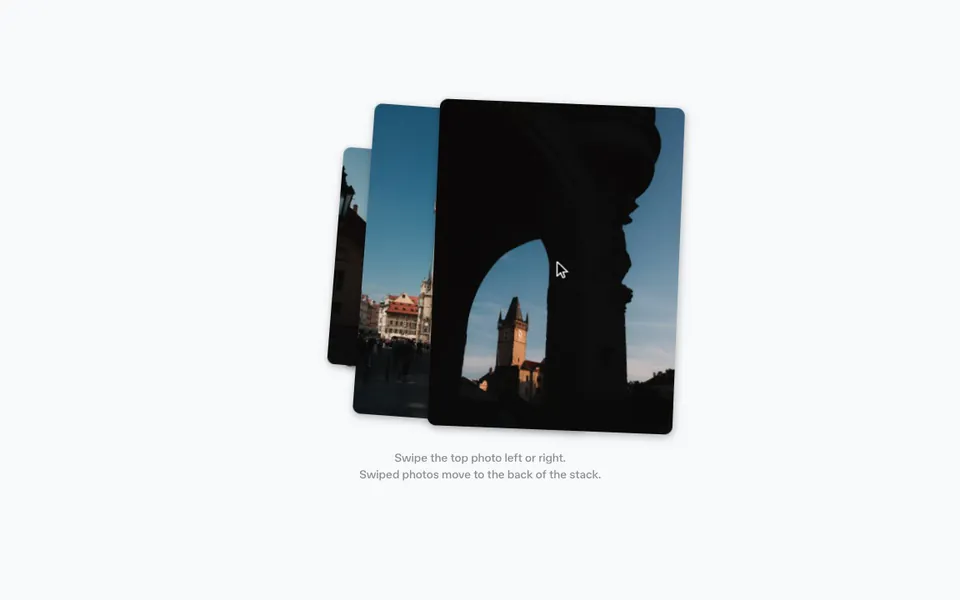
Gesture animationsGestures that feel native. Press works from the keyboard, hover ignores touch, and drag throws with momentum. <motion.div
drag
dragSnapToOrigin
whileHover={{ scale: 1.1 }}
whileTap={{ scale: 1 }}
whileDrag={{ scale: 1.2 }}
/>
Scroll animationsLink any value to scroll progress. Motion uses the browser’s ScrollTimeline when possible for smooth, hardware-accelerated scroll effects. const { scrollXProgress } = useScroll({ container })
<motion.div style={{ scaleX: scrollXProgress }} />
StiffnessDampingMass Spring animationsPhysics springs that carry velocity. A value follows its target with real stiffness, damping and mass, and stays fluid when the target moves again mid-flight. const x = useSpring(0, { stiffness: 200, damping: 18, mass: 1 })
const y = useSpring(0, { stiffness: 200, damping: 18, mass: 1 })
<div onPointerMove={(e) => { x.set(e.clientX); y.set(e.clientY) }}>
<motion.div style={{ x, y }} />
</div>
Most animations run on the browser’s own animation engine, so they stay smooth while your JavaScript is busy. AnimatePresence keeps a component on the page until its exit animation finishes.
Animate Three.js meshes, materials and shader uniforms with the same springs and timelines as the DOM. Start at 3.2kb with the mini animate function, or load features as you need them with LazyMotion.
Premium Motion UI componentsAccessible, beautiful components that adopt to your existing design with CSS, AI or shadcn. Explore Motion UIAccess the full vaultA trove of performance-graded examples and tutorials for React, JavaScript and Vue. Adapt to your site with one click. Browse the examplesYour agent, now a Motion expertGive your agent the latest docs, the full examples vault, and access to Motion UI, before it writes an animation. About AI KitRankB3 of 18 animations need work.Fix them to reach rank AFix all 3Fix all 3 -const top = card.getBoundingClientRect().top+frame.read(() => top = card.getBoundingClientRect().top)
-animate={{ width: open ? 320 : 0 }}+animate={{ scaleX: open ? 1 : 0 }}
Find and fix slow animationsThe Performance Doctor skill finds and fixes slow animations via code analysis and local runtime audits. About Performance DoctorEdit animations visuallyTune timing, easing and springs on a visual timeline editor directly in your real website, then send changes to your local coding agent to implement with one click. - Examples with source
- 0+012345678901234567890+
- Tutorials
- 0+012345678901234567890+
- Motion UI components
- 0012345678901234567890
- Motion UI sections
- 0012345678901234567890
ShowcaseGallery Motion+ exclusivePartnered with the best.Framer, Cursor and Figma build with Motion and help fund its development. Become a partner. Made with Motion.Recent work from the Motion community. Show moreLatest from Motion.New examples, release notes and magazine stories from the Motion team. Our most popular
guides and examples.Go straight to popular techniques, comparisons and production-ready starting points. |