GV

GeezerVison

The World Wide Web, restored to 800 pixels of glory.

Home|About|Gaming cabinet|Archives|How it works|Starter sites

On this site

  • Sign in
  • ActionsCI/CD and automation
  • CodespacesCloud development environments
  • All Features
  • Documentation
  • Training
  • Certifications
  • Build with Copilot
  • Customize Copilot
  • Integrations
  • Trending repos
  • GitHub Sponsors
  • Developer articles
  • Enterprises

This view

  • Original page
  • New address

GeezerVison is showing github.com — GitHub - daonb/opencode at a53f9165e9d6614310f7b4eb9efc355192fdc26e

BranchesTags
Open more actions menu

Latest commit


History

703 Commits
703 Commits

Folders and files

NameName
Last commit message
Last commit date
.github/workflows
.github/workflows
 
 
infra
infra
 
 
packages
packages
 
 
scripts
scripts
 
 
.gitignore
.gitignore
 
 
LICENSE
LICENSE
 
 
README.md
README.md
 
 
bun.lock
bun.lock
 
 
bunfig.toml
bunfig.toml
 
 
install
install
 
 
package.json
package.json
 
 
screenshot.png
screenshot.png
 
 
sst-env.d.ts
sst-env.d.ts
 
 
sst.config.ts
sst.config.ts
 
 
tsconfig.json
tsconfig.json


Repository files navigation

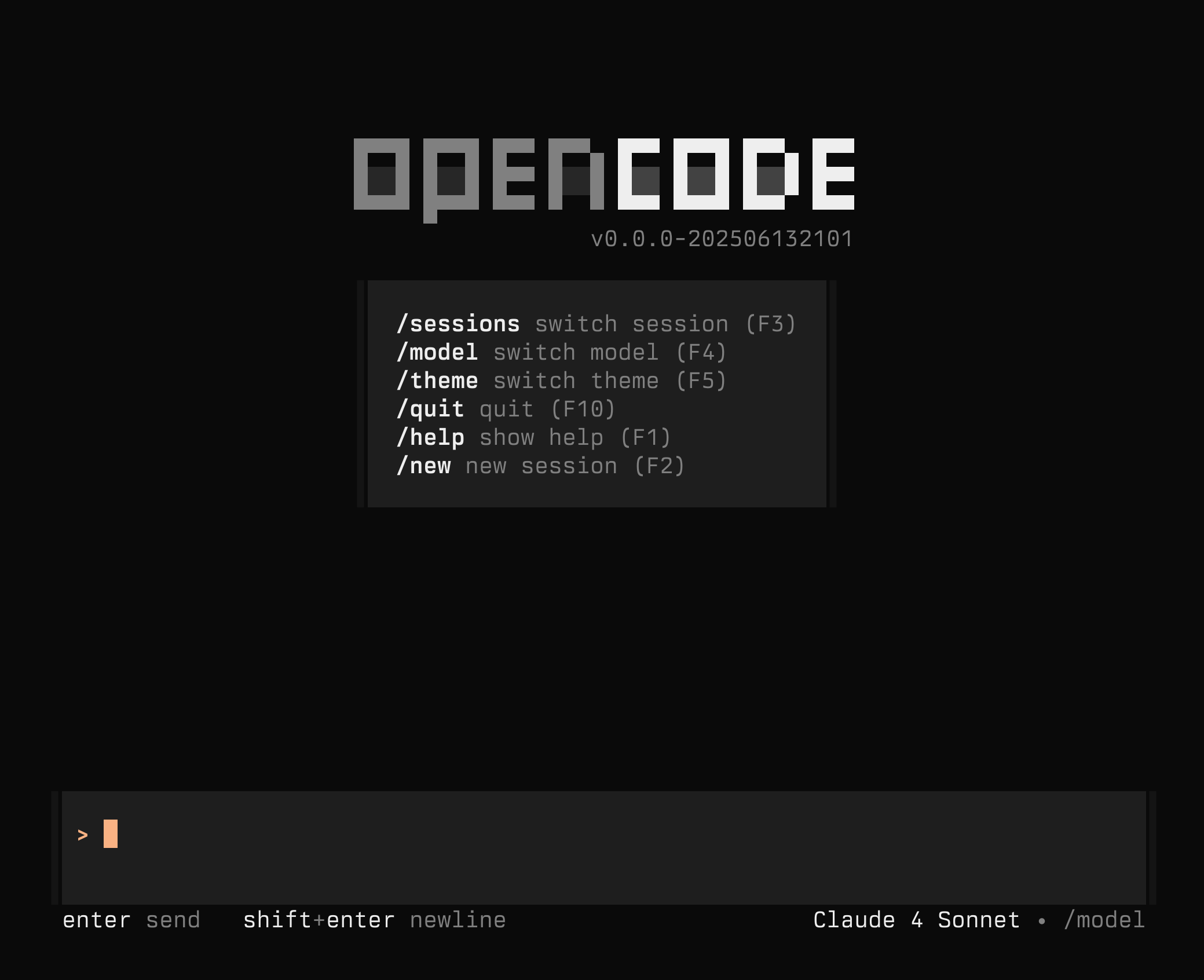
OpenCode Terminal UI

AI coding agent, built for the terminal.

āš ļø Note: version 0.1.x is a full rewrite and we do not have proper documentation for it yet. Should have this out week of June 17th 2025 šŸ“š

Installation

# YOLO
curl -fsSL https://opencode.ai/install | bash

# Package managers
npm i -g opencode-ai@latest        # or bun/pnpm/yarn
brew install sst/tap/opencode      # macOS
paru -S opencode-bin               # Arch Linux

Note: Remove previous versions < 0.1.x first if installed

Providers

The recommended approach is to sign up for claude pro or max and do opencode auth login and select Anthropic. It is the most cost effective way to use this tool.

Additionally opencode is powered by the provider list at models.dev so you can use opencode auth login to configure api keys for any provider you'd like to use. This is stored in ~/.local/share/opencode/auth.json

$ opencode auth login

ā”Œ  Add credential
│
ā—†  Select provider
│  ā— Anthropic (recommended)
│  ā—‹ OpenAI
│  ā—‹ Google
│  ā—‹ Amazon Bedrock
│  ā—‹ Azure
│  ā—‹ DeepSeek
│  ā—‹ Groq
│  ...
ā””

The models.dev dataset is also used to detect common environment variables like OPENAI_API_KEY to autoload that provider.

If there are additional providers you want to use you can submit a PR to the models.dev repo. If configuring just for yourself check out the Config section below

Project Config

Project configuration is optional. You can place an opencode.json file in the root of your repo and it will be loaded.

{
  "$schema": "http://opencode.ai/config.json"
}

MCP

{
  "$schema": "http://opencode.ai/config.json",
  "mcp": {
    "localmcp": {
      "type": "local",
      "command": ["bun", "x", "my-mcp-command"],
      "environment": {
        "MY_ENV_VAR": "my_env_var_value"
      }
    },
    "remotemcp": {
      "type": "remote",
      "url": "https://my-mcp-server.com"
    }
  }
}

Contributing

To run opencode locally you need

  • bun
  • golang 1.24.x

To run

$ bun install
$ cd packages/opencode
$ bun run src/index.ts

About

AI coding agent, built for the terminal.

opencode.ai

Resources

Readme
License
Activity

Stars

0 stars

Watchers

0 watching

Forks

0 forks
Report repository

Releases

Packages

Contributors

Languages

You are visitor 01402792 — GeezerVison does not store the pages you look up.
Best viewed with Netscape Navigator 4.7 or Internet Explorer 6 at 800Ɨ600. No cookies required.