The maintainers are able to issue a new release. The steps to publish release is a handful of manual steps since we want to ensure that issuing a release is a very conscious decision, requiring peer review, and cannot easily happen accidentally. There are main two steps to publish a new release:
-
Create a new branch locally for the release, for example:
git checkout -b releases/v0.1.0 -
Tell Poetry to bump the version:
poetry version [patch|minor|major]Note: This command is updating the version number in the pyproject.toml. You can totally do this manually. Helpful docs: Poetry version command, Semantic Versioning
-
Update the CHANGELOG with the appropriate new version number and release date with the clear description
-
Create a pull request for these changes, and get it approved
Once your PR has been merged, the final piece is to actually create the new release.
-
Go to the sample-size releases page and click on
Create a new release. -
Enter an appropriate tag version or create a new tag. Please prefix the version names with the letter
v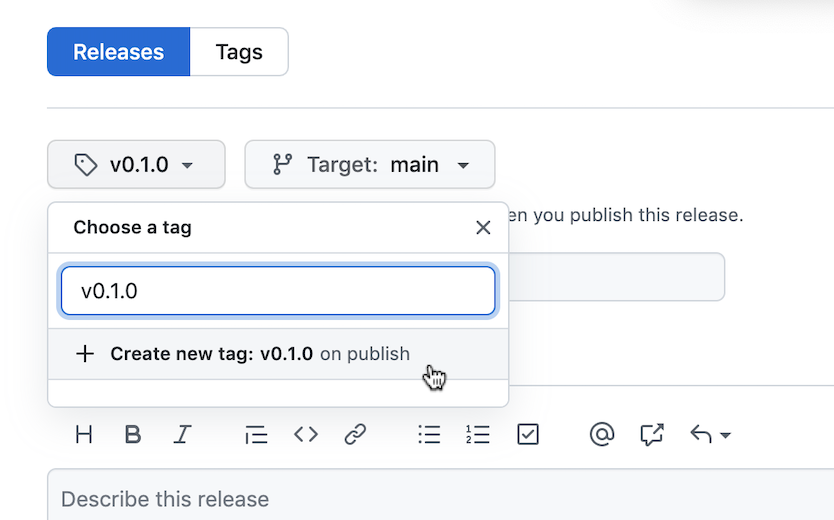
-
Title the release. Generally these would just be in the form
Sample-Size 0.1.0 -
Copy-paste the CHANGELOG entries for this new version into the description.
-
Click
Publish release! -
The publish workflow will be triggered automatically to release it to PyPI for the new version!
