GeezerVisonThe World Wide Web, restored to 800 pixels of glory. |
| Home|About|Gaming cabinet|Archives|How it works|Starter sites |
GeezerVison is showing github.com — To do app specification To do app specification
Jose Alcérreca edited this page
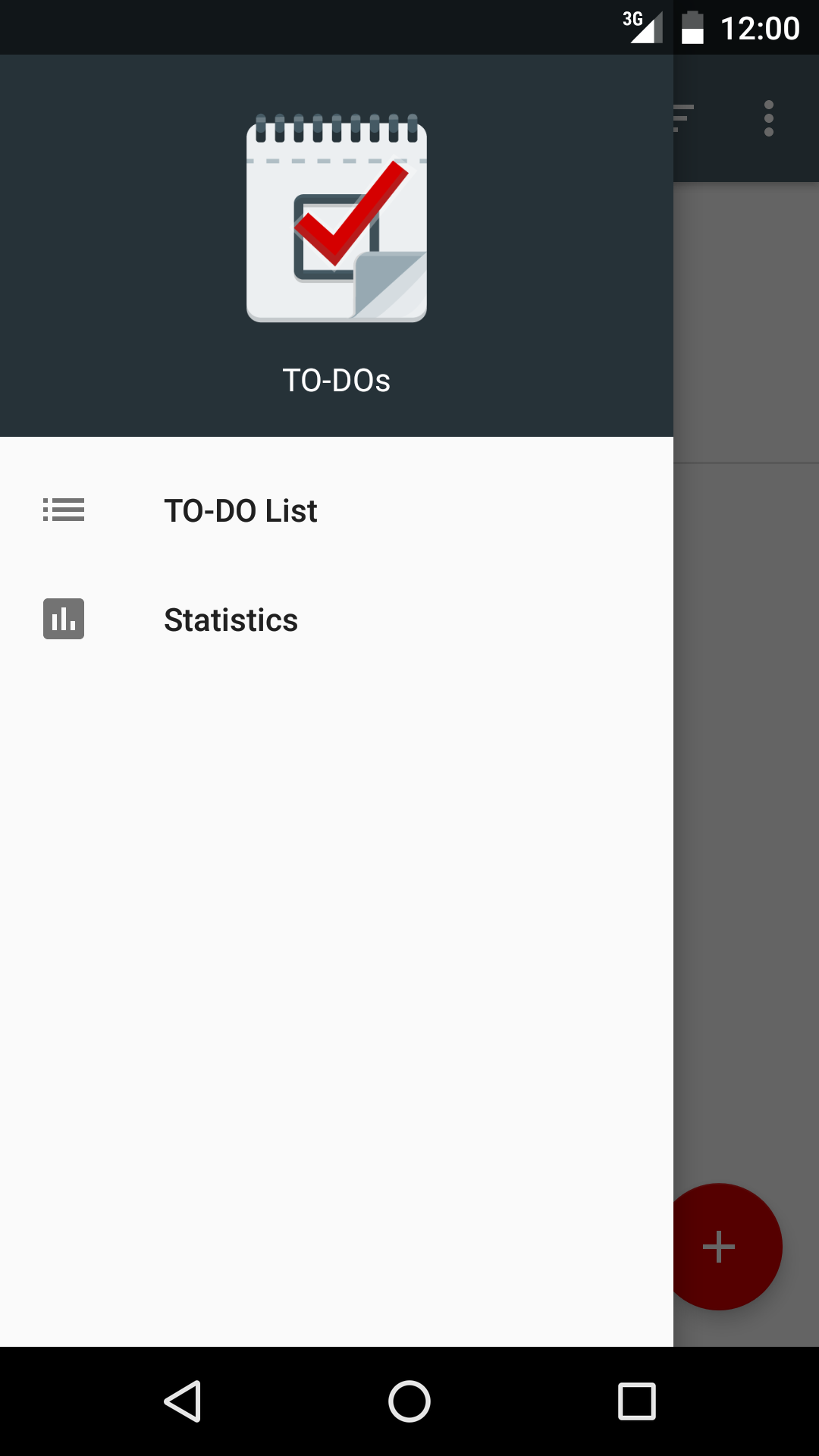
The TODO app lets a user create, read, update and delete to-do tasks. A task has a title and description and can be completed or active. Completed tasks can be deleted at once. All screens have a drawer to switch between "Tasks" and "Statistics" and a toolbar.
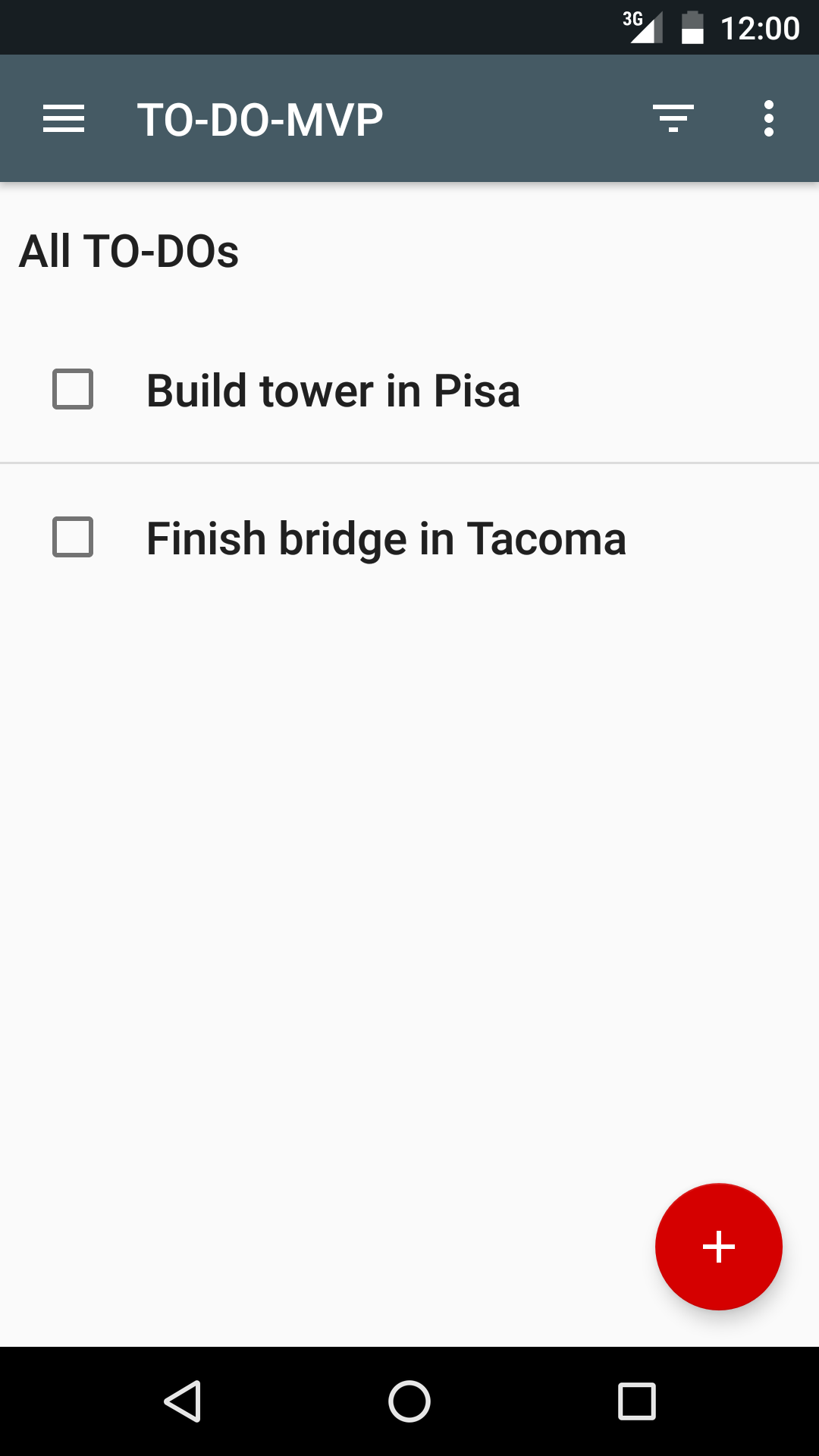
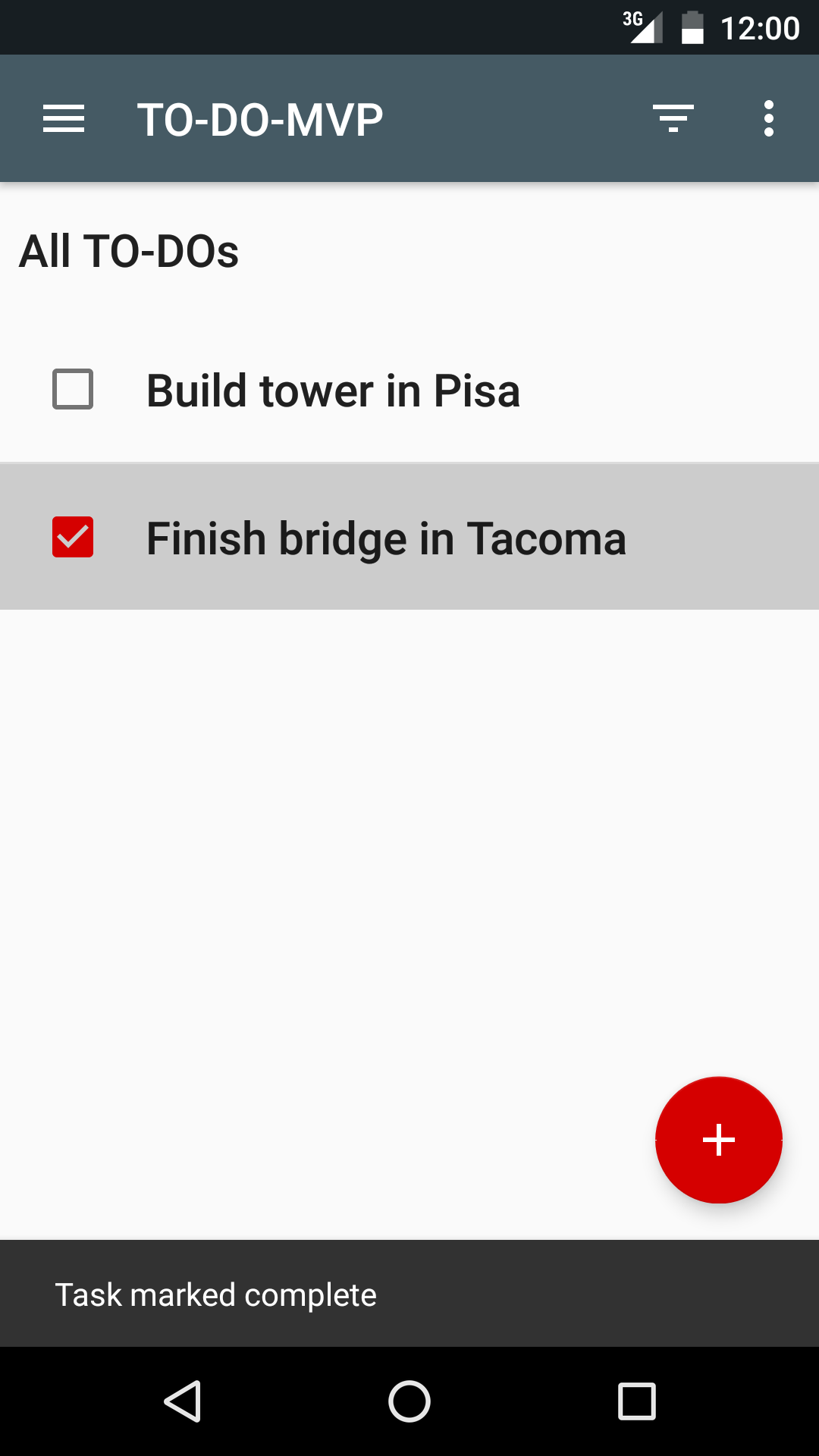
Shows a list with the tasks' titles. Tasks can be marked completed/active. The menu shows actions to refresh the list and delete completed tasks. The toolbar has a filtering menu to show all, active or completed tasks.
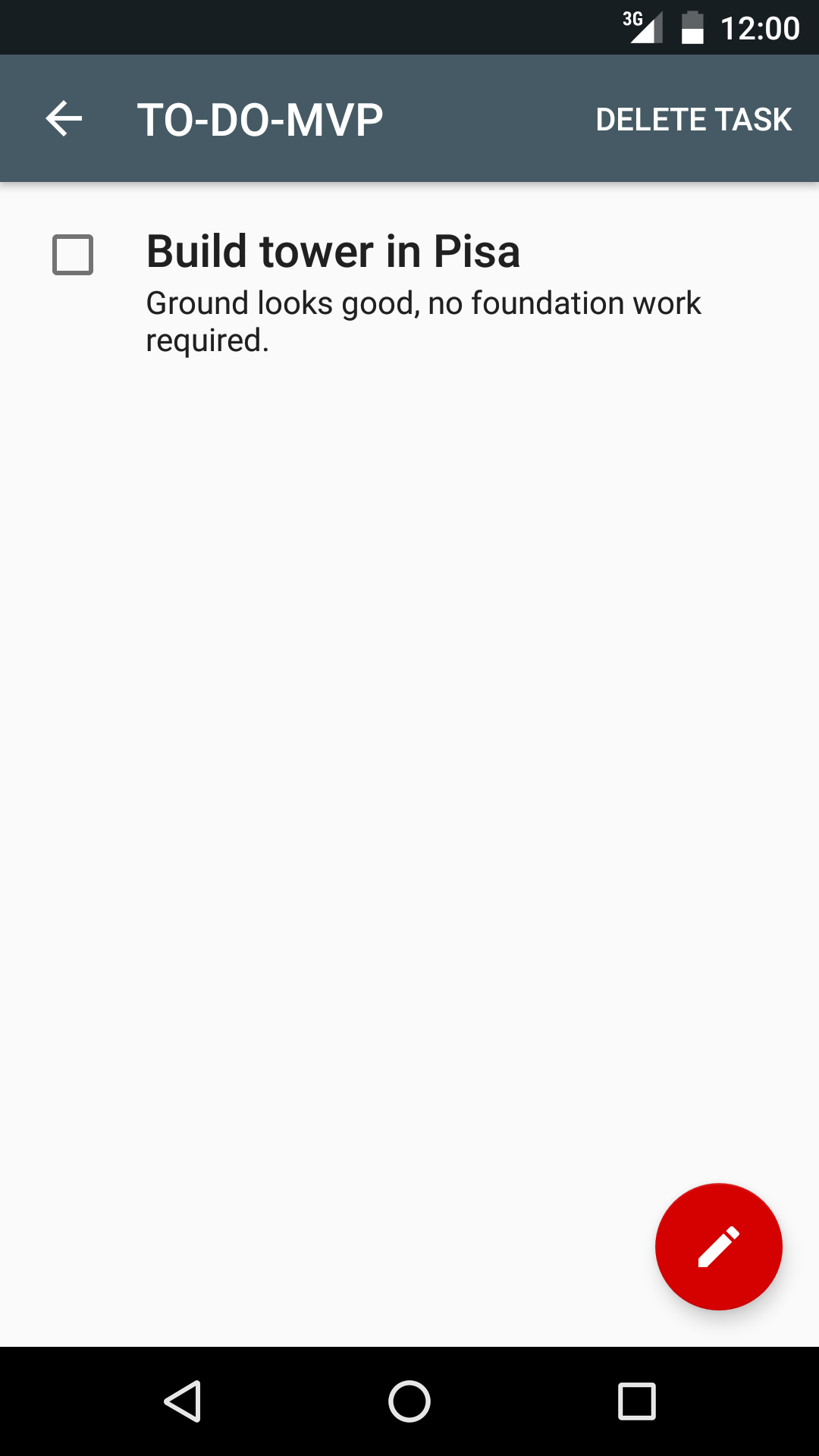
Shows the title and the description. Tasks can be marked completed/active. The menu shows an action to delete the task.
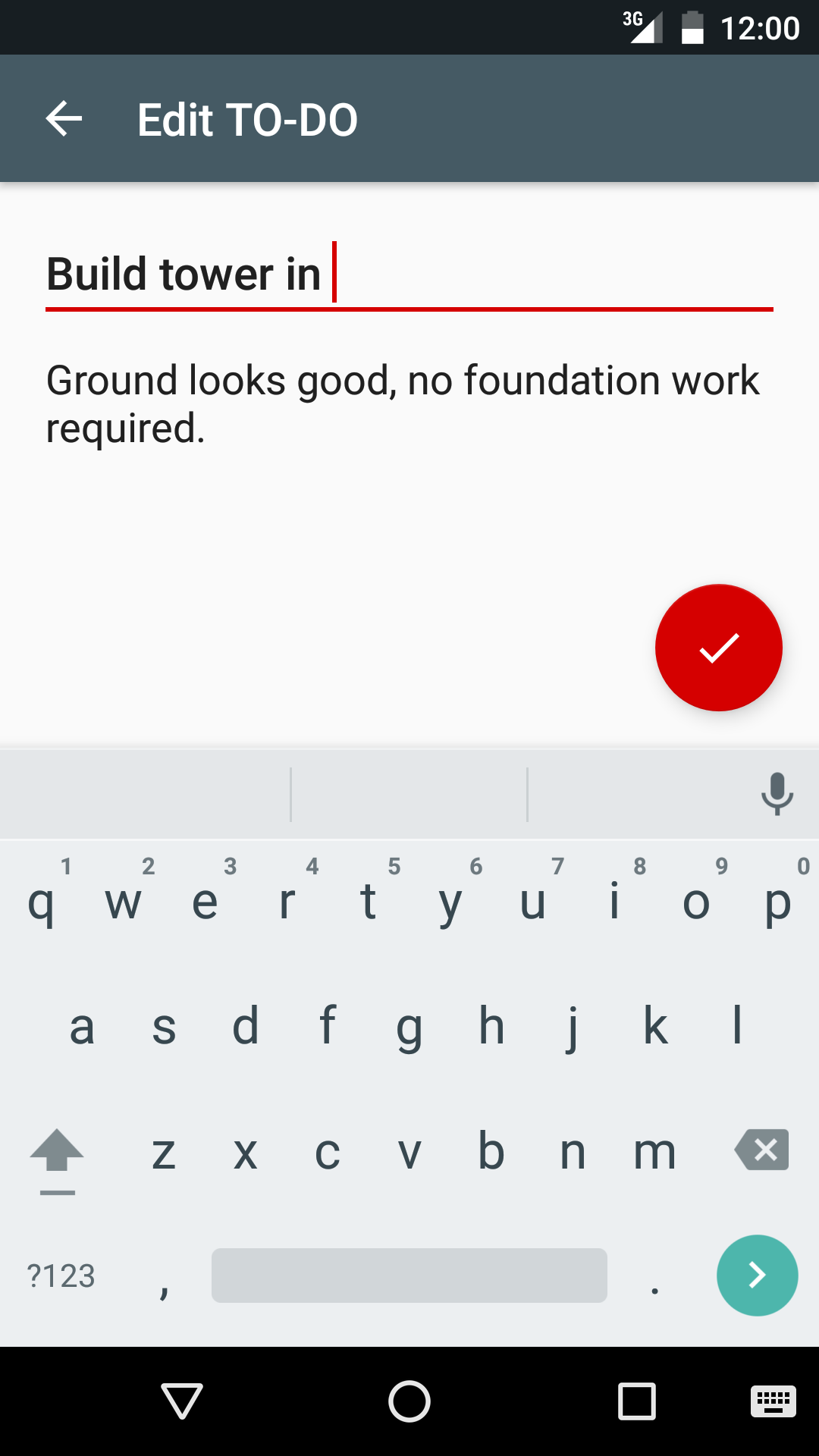
Lets the user edit the title and description of a new or existing task.
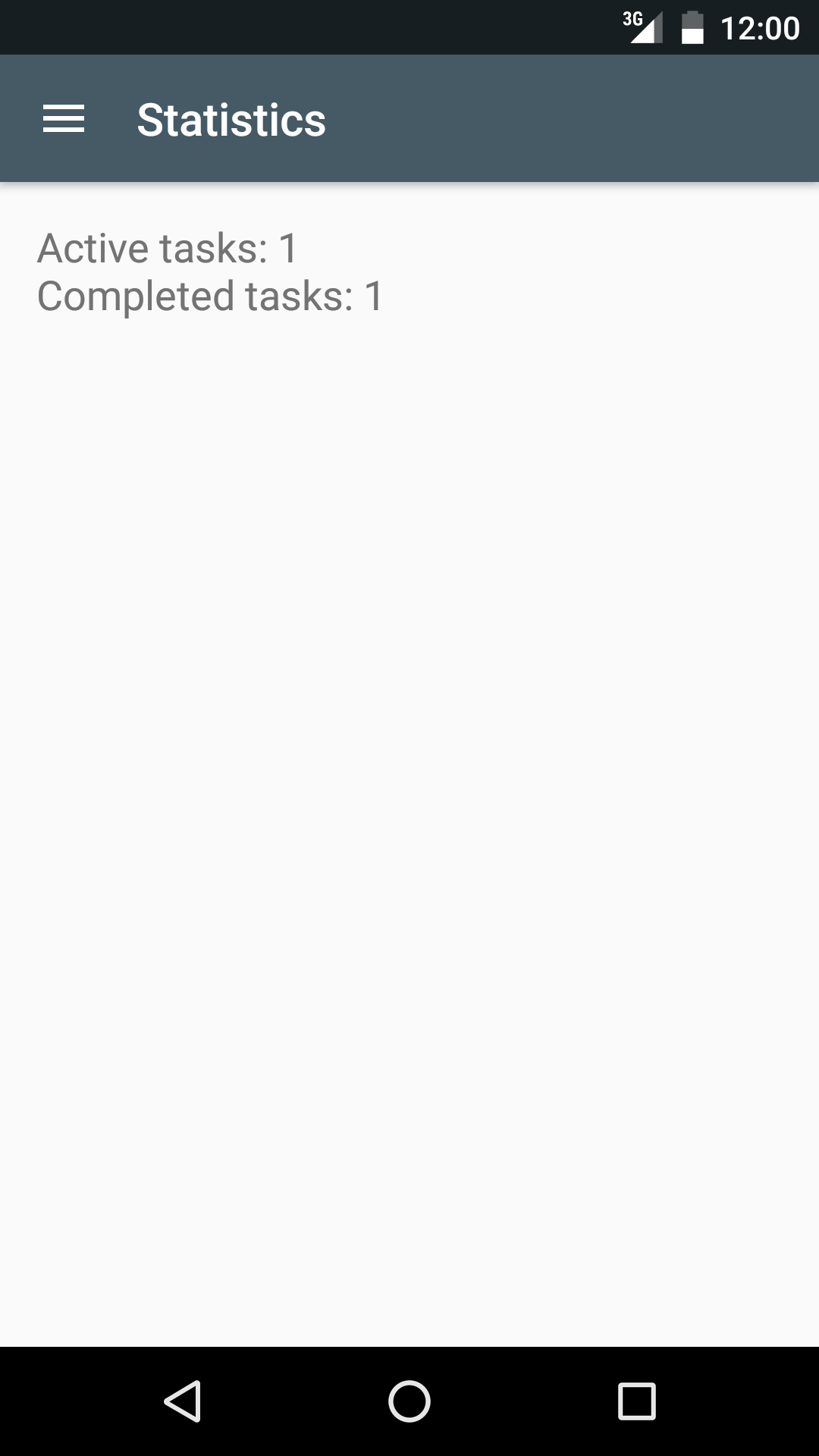
Shows the percentage of active tasks and completed tasks.
The project has a flavor dimension to let the developer test against fake data
or the real remote data source. There are three levels of data persistence:
Synchronization between layers is hard and depends on the case so it's out of the scope for the samples. The chosen sync implementation is very simple:
Note that after the first request to the network, it's never hit again except when a refresh is forced by the user. Using the The The There are two options when it comes to running Android tests:
UI tests are equal in all architectures as the app's behavior must not change between variants. Run tests with the mock version executing: (or cMDAT) Or from Android Studio running all Android tests. Device/emulator requirements:
Those tests are for individual classes and as such, they vary between architectures. Run unit test executing: Or from Android Studio choosing all JUnit tests. Tests in the Clone this wiki locally |
| You are visitor 01402792 — GeezerVison does not store the pages you look up. Best viewed with Netscape Navigator 4.7 or Internet Explorer 6 at 800×600. No cookies required. |