GeezerVisonThe World Wide Web, restored to 800 pixels of glory. |
| Home|About|Gaming cabinet|Archives|How it works|Starter sites |
GeezerVison is showing github.com — VSCode Extension VSCode Extension
Stef Tervelde edited this page
Create and run Processing sketches in Visual Studio Code.
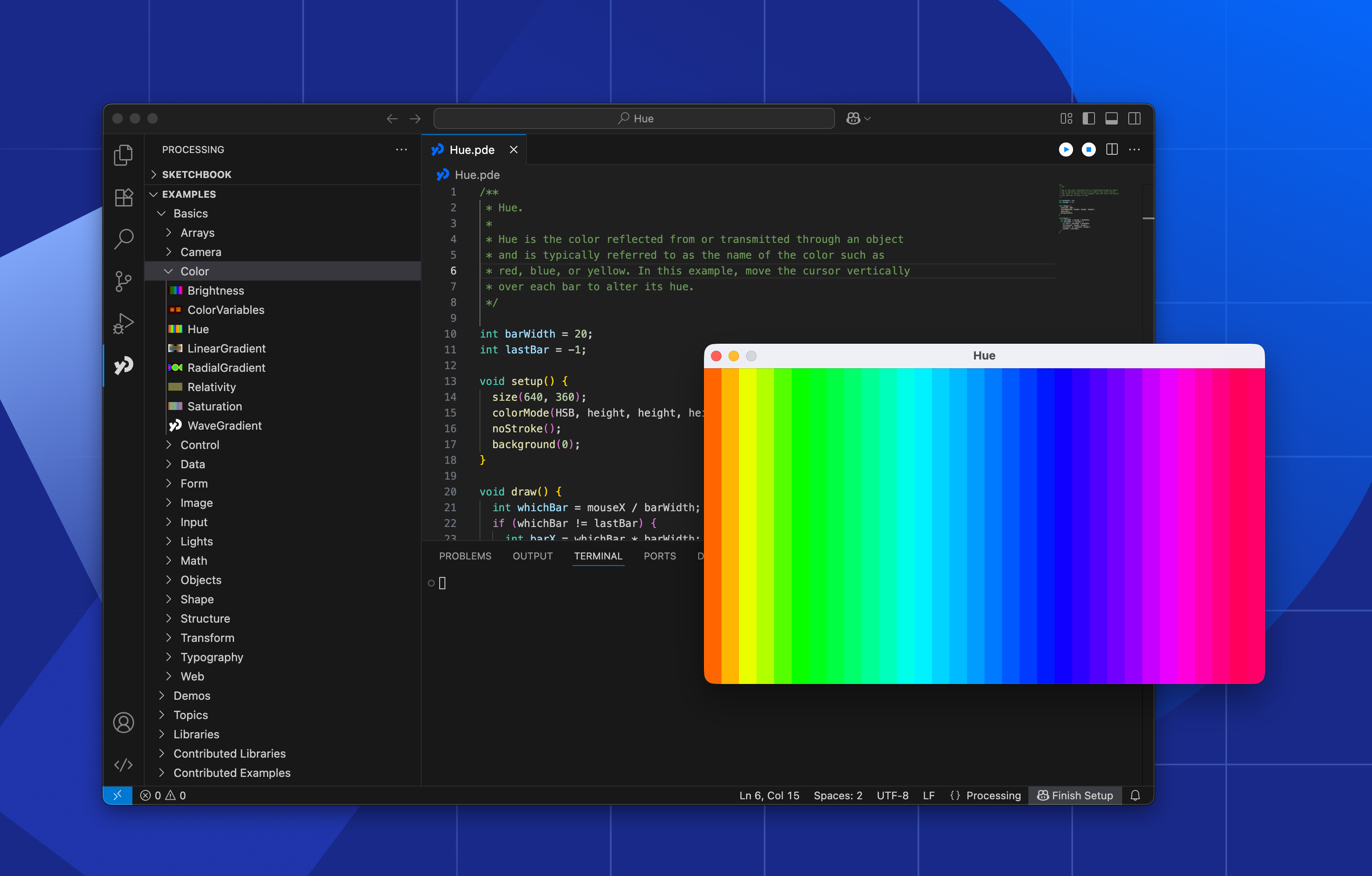
This extension adds support for Processing sketches in VSCode. Includes familiar run and stop buttons, syntax highlighting, code suggestions, and easy access to your sketchbook and examples. If you prefer coding in VS Code, this extension makes it easier to work with Processing. You will need Processing 4.4.6 or later installed on your computer (Download Processing). IMPORTANT: Run Processing at least once after installing it. This creates the files the extension needs.
Install the extension from the Visual Studio Marketplace or search for "Processing" in the Extension Marketplace within VS Code.
When you run a sketch, a terminal will open at the bottom of VS Code to show the build output, and the Processing sketch window will appear. You can customize the extension in VS Code settings
If something doesn’t work:
The extension has been tested on:
Clone this wiki locally |
| You are visitor 01402503 — GeezerVison does not store the pages you look up. Best viewed with Netscape Navigator 4.7 or Internet Explorer 6 at 800×600. No cookies required. |