GV

GeezerVison

The World Wide Web, restored to 800 pixels of glory.

Home|About|Gaming cabinet|Archives|How it works|Starter sites

On this site

  • hunk
  • Docs
  • Extensions
  • Changelog
  • Discord
  • Star9.8k

This view

  • Original page
  • New address

GeezerVison is showing www.hunk.dev — hunk — review-first terminal diff viewer

Terminal diffs
for humans & agents

Hunk is a review-first diff viewer that plays nice with agents. It's fast, it looks good, and it works everywhere.

curl install command

$curl -fsSL https://hunk.dev/install.sh | sh

Homebrew install command

$brew install hunk

npm install command

$npm i -g hunkdiff

mise install command

$mise use -g hunk

Nix install command

$nix run github:modem-dev/hunk
v0.25.0Preview images, review enterprise code, share feedback→
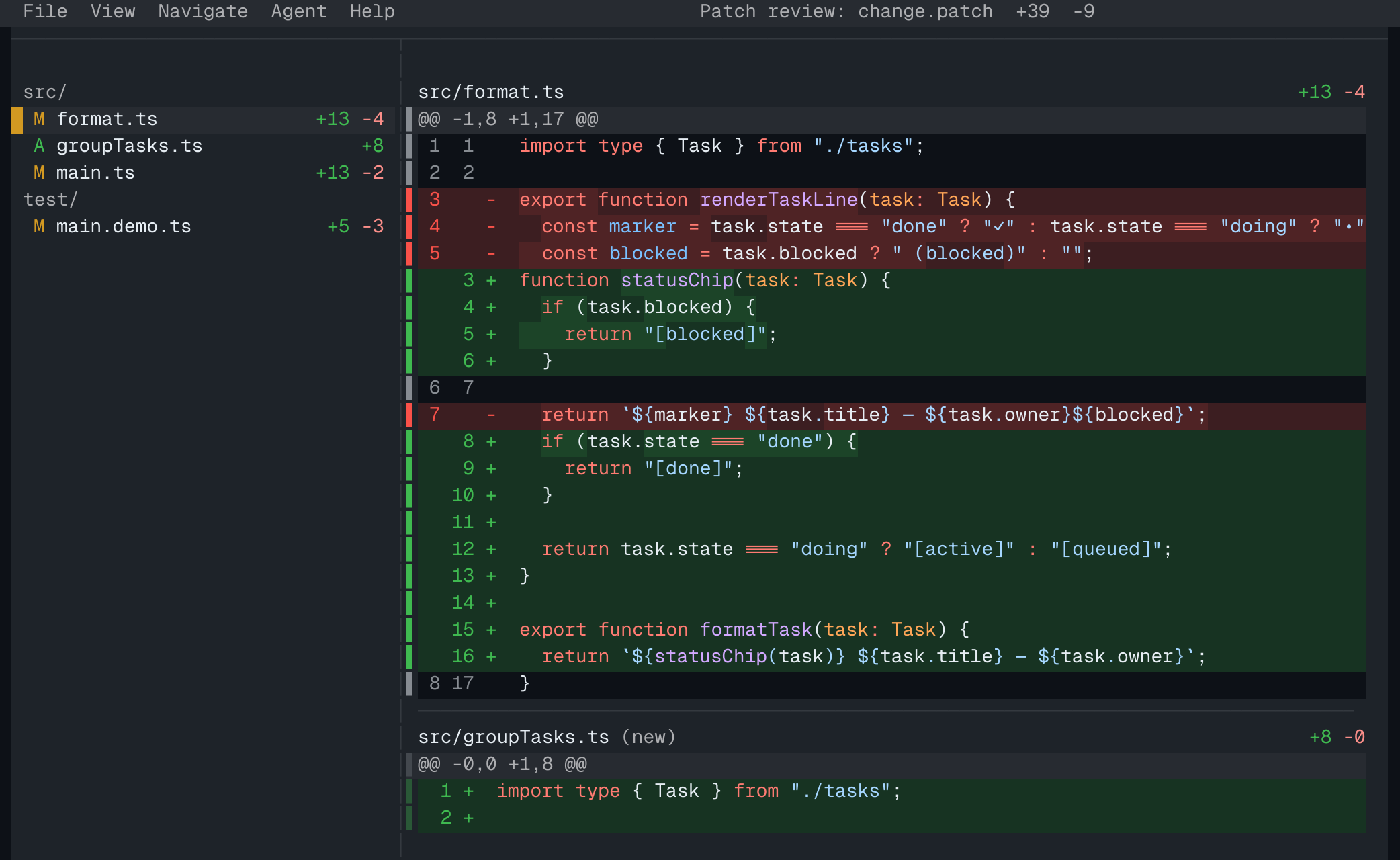
hunk diff — split view
Hunk split-view diff in the GitHub Dark theme
and 59 more

# from the community

Watch a video walkthrough.

JHunk changed the way I write and review code with my agent5:14Jilles · watch on YouTubeDI Was Definitely Using The Wrong Terminal Code Reviewer13:33DevOps Toolbox · watch on YouTube

# what you get

Don't just read code, understand it.

One stream, every file.

The whole changeset reads top to bottom in sidebar order — no flipping between single-file views. File counts at a glance, hunk jumps with [ and ], and the sidebar takes you straight to any file.

How reviews work →
Hunk's multi-file review stream: a sidebar lists changed files while the main pane shows consecutive file diffs top to bottom

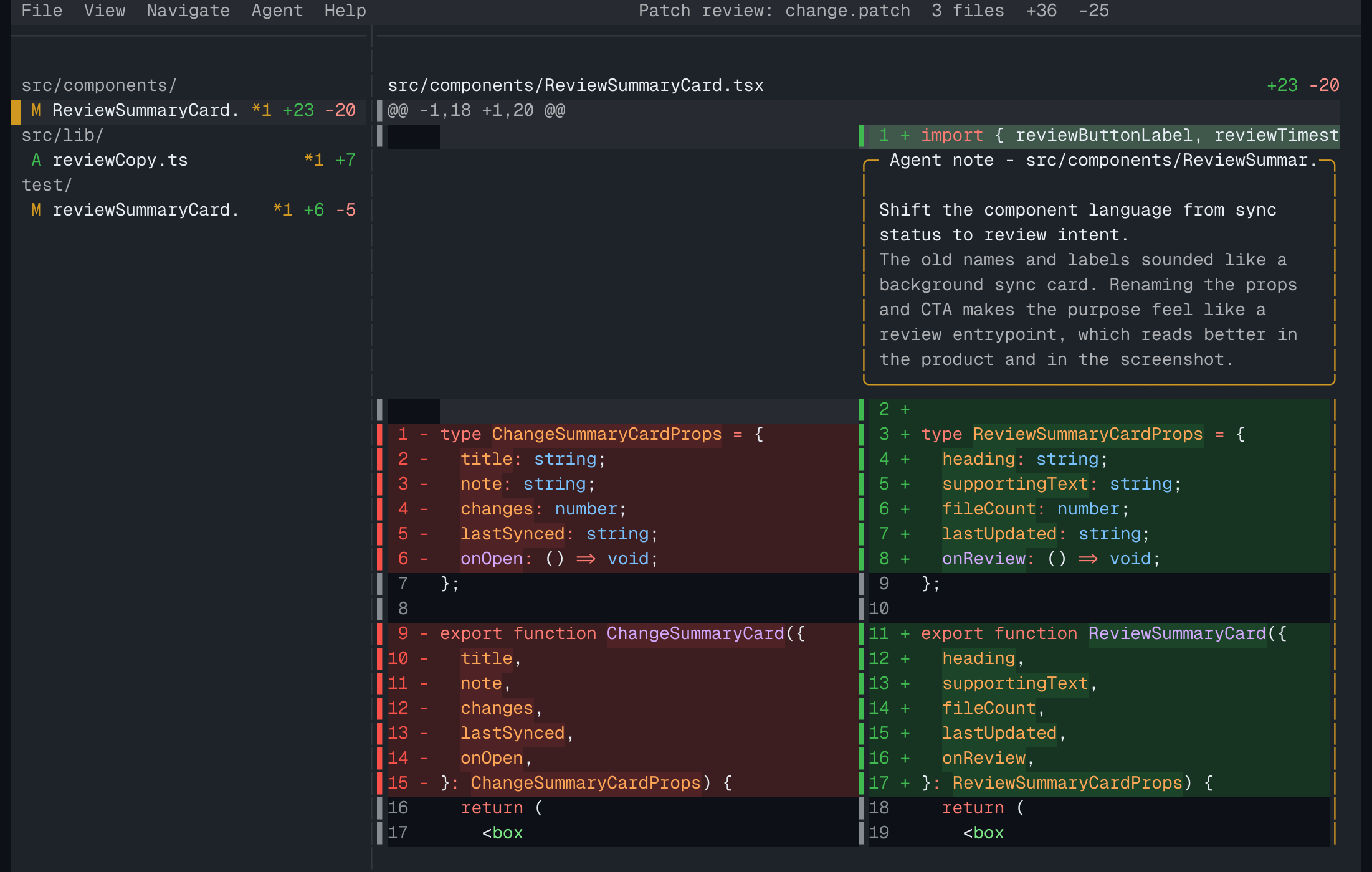
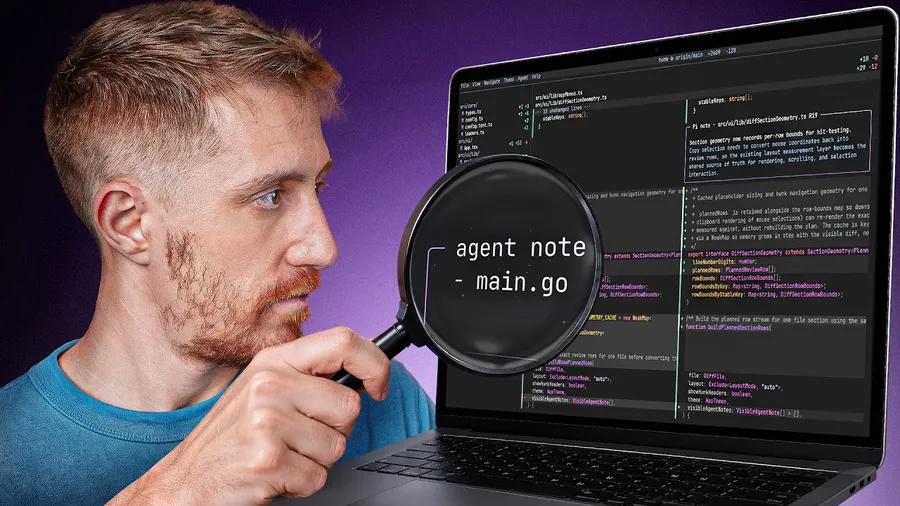
Your agent's reasoning, beside the code it explains.

Agents leave notes in a sidecar; hunk renders each one inside the diff, right above the hunk it annotates — summary, rationale, and author. Step through hunks with [ and ] and the notes follow.

Agent annotations, in depth →
“
Hunk is very good. It has replaced any other local diff viewer for me.
Mitchell Hashimoto, creator of Ghostty & Vagrant

Keys when you're fast, mouse when you're browsing.

Click a file in the sidebar to jump, wheel-scroll the stream, hover a row to leave a note — or never leave the keyboard. Pipe patches straight in and hunk is your pager, too.

Keyboard & mouse reference →

Split or unified — or let auto decide.

Side-by-side when your terminal is wide, unified when it's narrow. Auto picks for you; press 1, 2, or 0 to override at any time, with wrapping and line numbers toggled live.

Layout & display options →
“
Love hunk.
DHH, creator of Omarchy and Ruby on Rails

Real syntax highlighting. Dozens of themes.

Understand structure, not just added and removed lines. Ships with its own looks plus the classics — Catppuccin, Dracula, Gruvbox, GitHub, and more — or roll your own in config.

Theme gallery & config →

Extend it however you want.

Add a theme, a command, a new way to preview a file, a docked pane, or a whole version-control backend. Extensions are plain TypeScript, and you can install one from any git repository.

Writing extensions →
~/.config/hunk/extensions/hello.ts
import type { HunkExtensionAPI } from "hunkdiff/extension";

export default function (hunk: HunkExtensionAPI) {
  hunk.registerCommand(
    { id: "hello", title: "Say hello", key: "f6" },
    (ctx) => ctx.notify("Hello from my extension"),
  );
}

# and the rest

Watch mode — reloads as the tree changesLive sessions — agents steer a running reviewJujutsu & Sapling — first-class, like GitPager & difftool — pipe any patch inCross-platform — macOS, Linux, WindowsYour own themes — roll a palette in config

Try hunk on your next changeset.

Install hunk
You are visitor 01402503 — GeezerVison does not store the pages you look up.
Best viewed with Netscape Navigator 4.7 or Internet Explorer 6 at 800×600. No cookies required.