GeezerVisonThe World Wide Web, restored to 800 pixels of glory. |
| Home|About|Gaming cabinet|Archives|How it works|Starter sites |
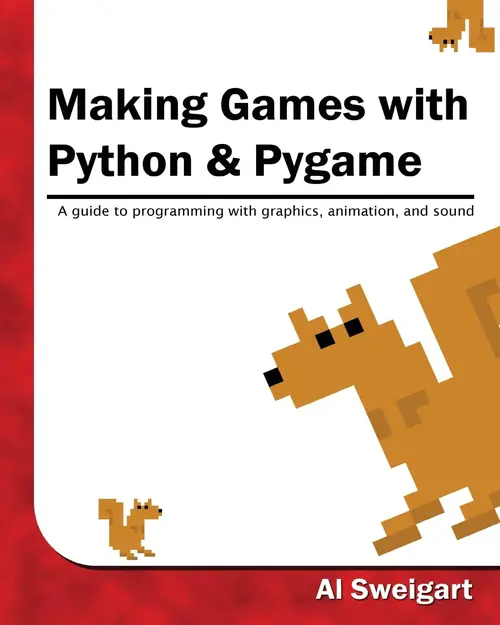
GeezerVison is showing inventwithpython.com — Making Games with Python & Pygame
Making Games with Python & Pygame covers the Pygame library with the source code for 11 games. Making Games was written as a sequel for the same age range as Invent with Python. Once you have an understanding of the basics of Python programming, you can now expand your abilities using the Pygame library to make games with graphics, animation, and sound. The book features the source code to 11 games. The games are clones of classics such as Nibbles, Tetris, Simon, Bejeweled, Othello, Connect Four, Flood It, and others. "This series is a bunch of programs that the kids type in and explanations of how the programs work. It's a great jumping off point to messing around -- you start with something that works and change it up to do other things that are more interesting to you." "When I was a kid, I'd get these magazines every month full of code. You had to type it into your Apple or Commodore. I looked forward every month to doing this. I have to say this is the first time in 30 years I had that same feeling." "Al presents python and pygame concepts in context of re-creating several typical games - like tetris, memory, othello, wormy, etc. Overall excellent pygame book." Read the Book Online
Downloads |
| You are visitor 01402503 — GeezerVison does not store the pages you look up. Best viewed with Netscape Navigator 4.7 or Internet Explorer 6 at 800×600. No cookies required. |