GeezerVison is showing iurika-n-t-r.github.io — DroRef
Your reference board,
in your pocket.
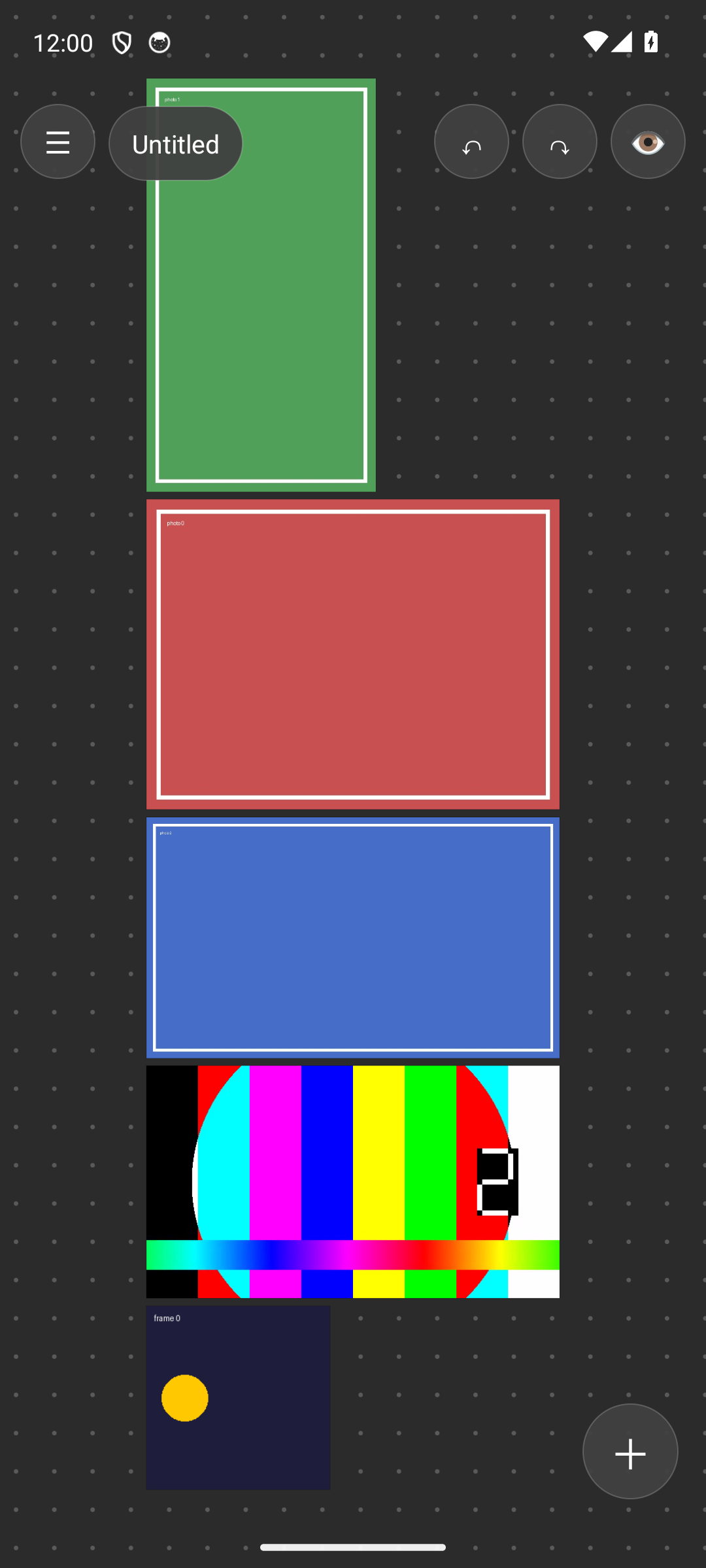
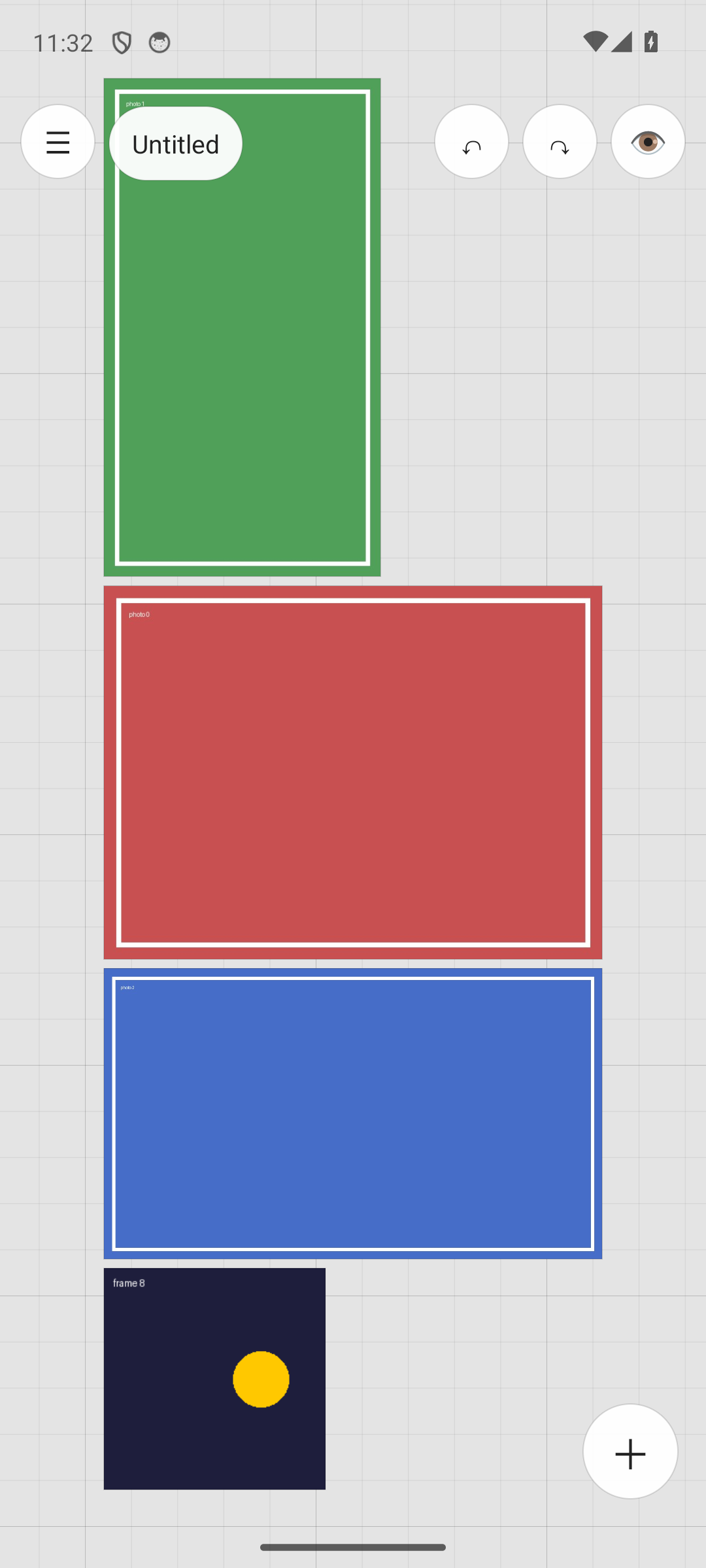
DroRef is a free, open-source reference board for Android. Collect images on an infinite canvas, arrange them, and float them over your drawing app. It opens and saves PureRef .pur files.
Android 7+ · No ads, no account, no tracking · MIT licensed · All releases
Everything a reference board needs
Built for artists who draw on a tablet or phone.
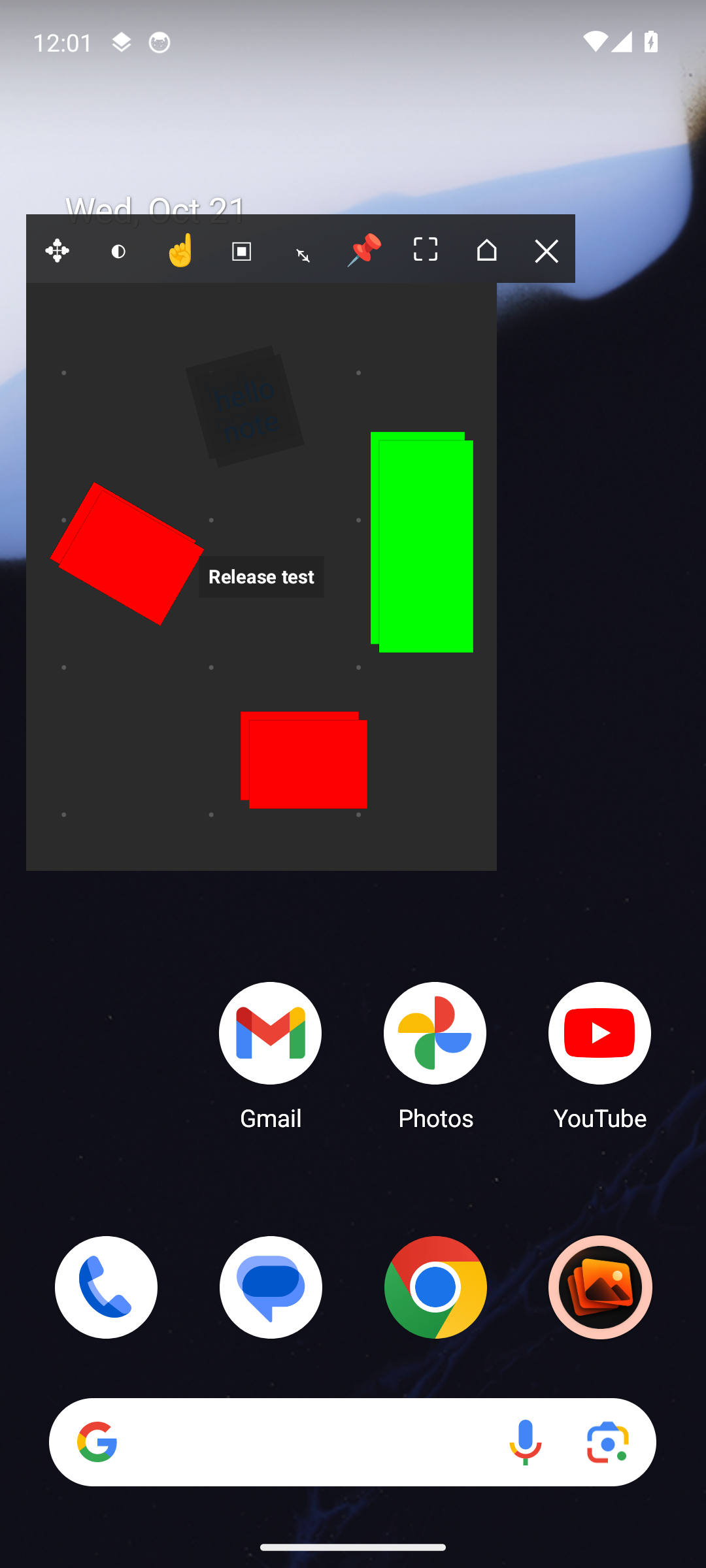
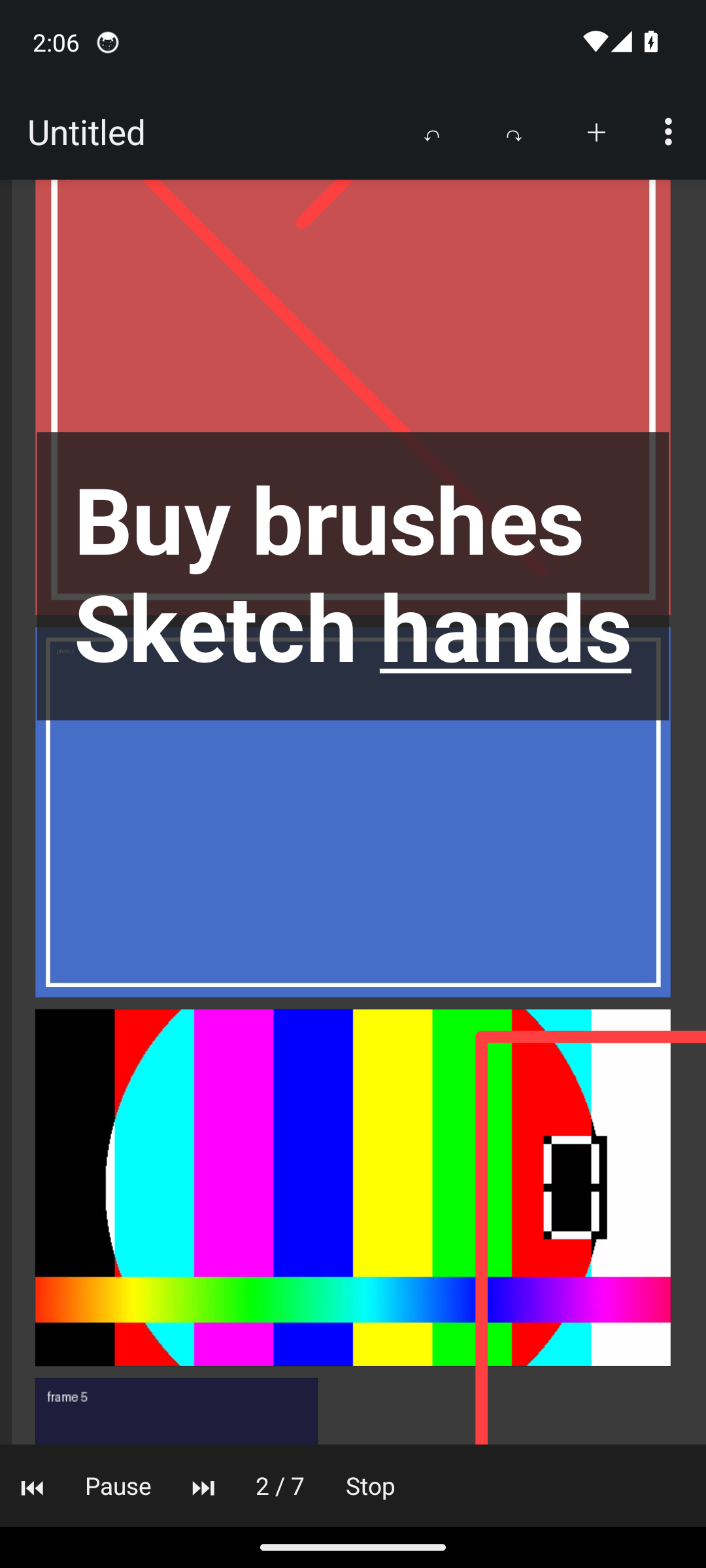
📥CollectAdd images and videos from the gallery, paste them, share to DroRef, paste a link, or drag and drop from another app in split screen. ✋ArrangeMove, scale and rotate with your fingers. Crop, flip, align, distribute, stack, normalize sizes, group and parent. 📌Always on topFloat the board over any app, or only over one. Set opacity, make it transparent to touch for tracing, or hide the background. 🎞️GIFs & video loopsPlay, pause, step frames, scrub and change speed. Loop a video between two points and grab any frame as an image. 🎨StudyColor picker with RGB, HSV and HEX, grayscale canvas, a reference simplifier (big shapes and value bands, color kept, your own presets), slideshow, and a focus mode that hides all the UI. ⌨️Keyboard & mouseWith a keyboard cover or a Chromebook, it works like PureRef on a PC: the same shortcuts, drag to select, Ctrl-drag to rotate, right-click menu. 🗂️Scenes & foldersEvery board as a preview in a grid, sorted into folders. Jump back to the previous scene with one shortcut. ✏️AnnotateRich-text notes with checklists and links, drawing tools with arrows, and comments on images.
Boards that go between phone and PC
Open a .pur from PureRef, edit it on your phone, save it back. PureRef opens it on your computer. From PureRef 2, use Save as → Legacy PureRef scene first.
DroRef is an independent app, not affiliated with PureRef or Idyllic Pixel. On PC, use the original: pureref.com
📱 DroRef⇄.pur⇄🖥️ PureRef
Support DroRef
One person builds and maintains DroRef, and it will stay free. If it helps your work, a coffee helps keep it going.
☕ Buy me a coffee
|