GeezerVisonThe World Wide Web, restored to 800 pixels of glory. |
| Home|About|Gaming cabinet|Archives|How it works|Starter sites |
GeezerVison is showing visualstudio.microsoft.com — Visual Studio IDE - AI-Powered Integrated Development Environment
Visual Studio IDE – AI for coding debugging and testing2026-09-24T07:32:14-07:00
Powerful IDE, made smarter with AIAgent mode – now available in GitHub Copilot Free Experience AI-powered coding assistance that reasons through problems, coordinates next steps, applies changes, and iterates on errors. Productivity boosting AI assistance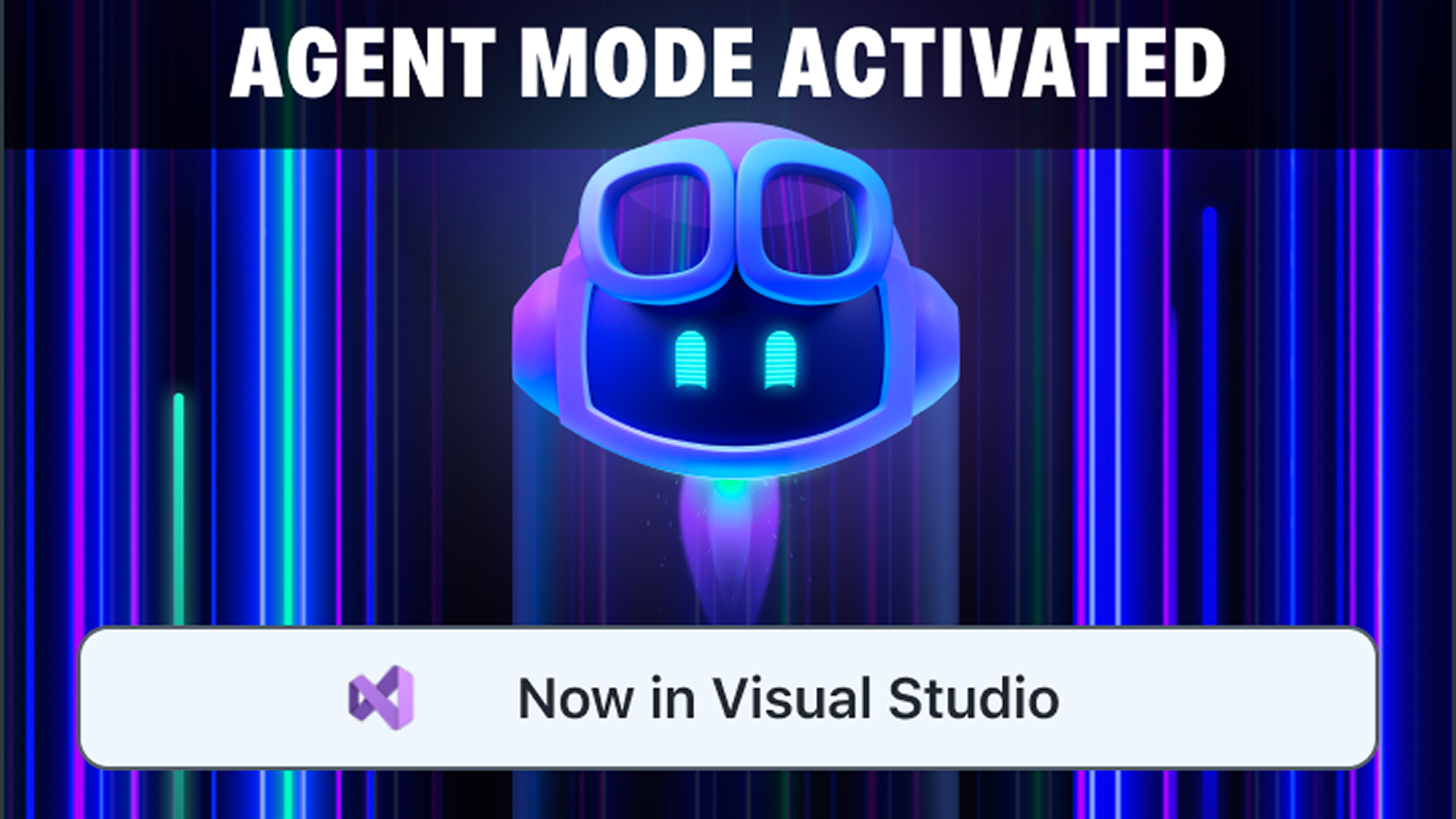 Real AI-solutions with agent mode
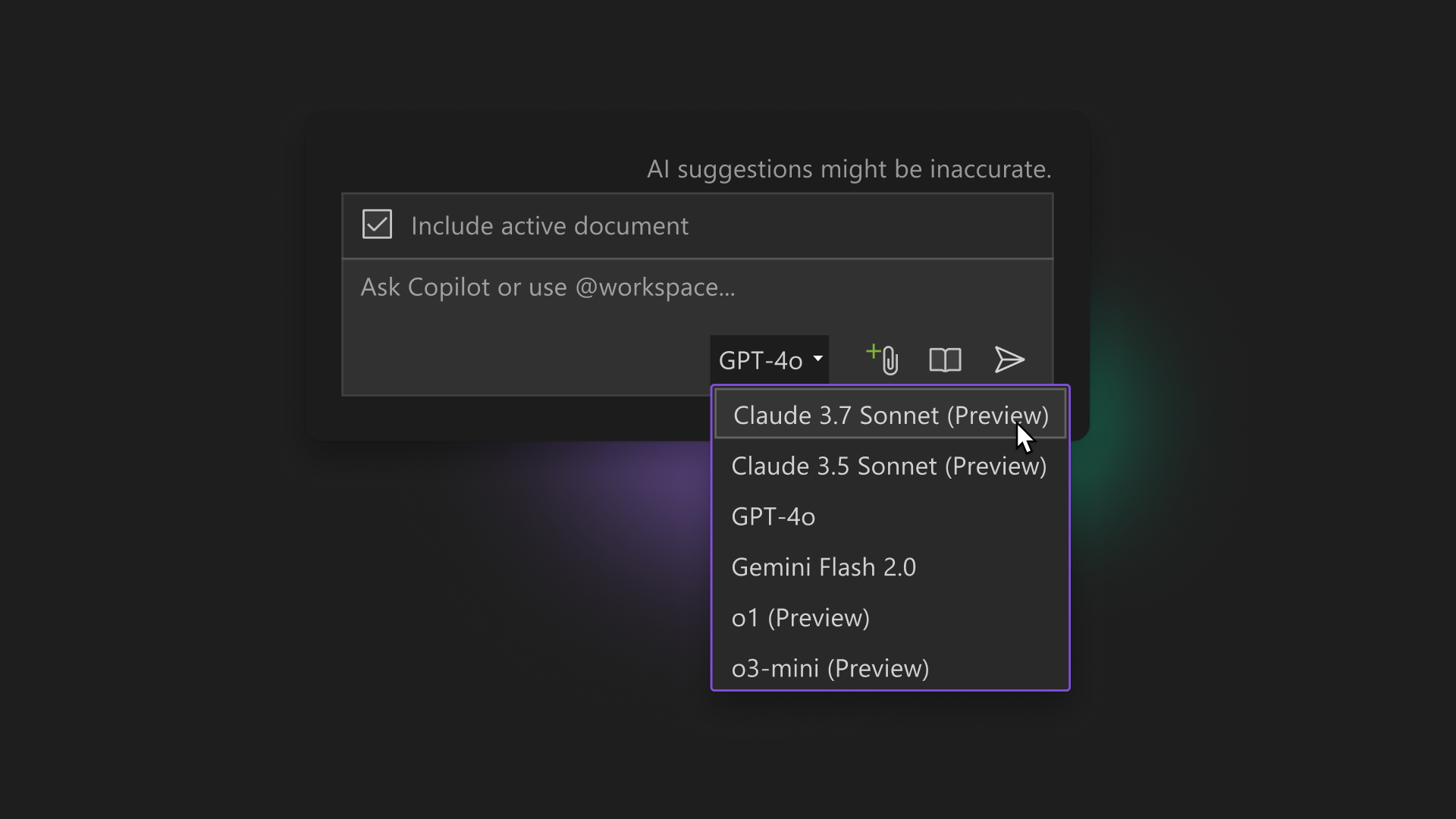 Always up-to-date AI models
 Free and fully integrated in Visual Studio
Watch GitHub Copilot in action

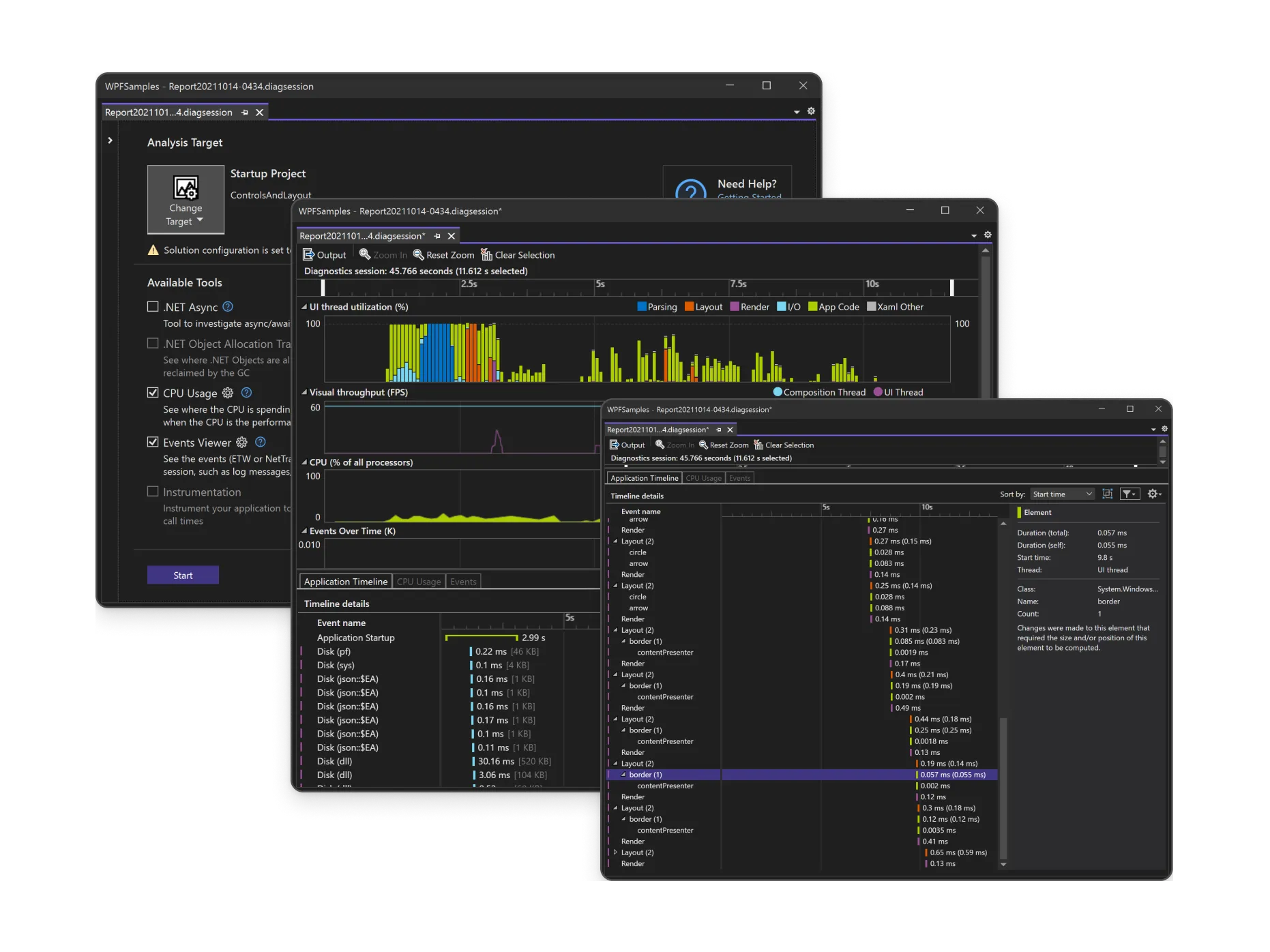
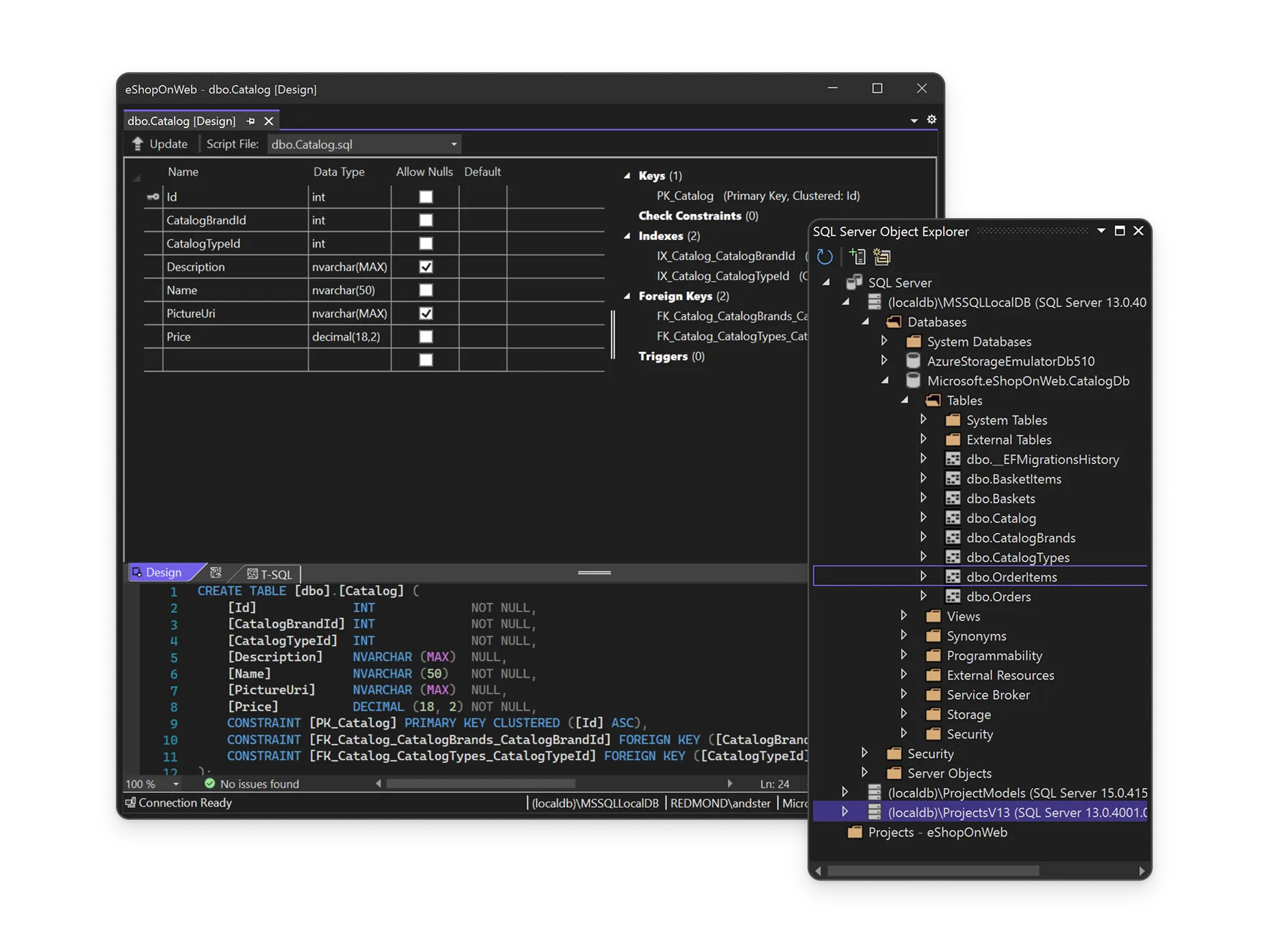
Copilot: your pair programmerSpeed up development with context-aware code completion suggestions for a single line or an entire code snippet. Use Copilot Edits for multi-file editing with code review, in-file preview, and rollback experience. 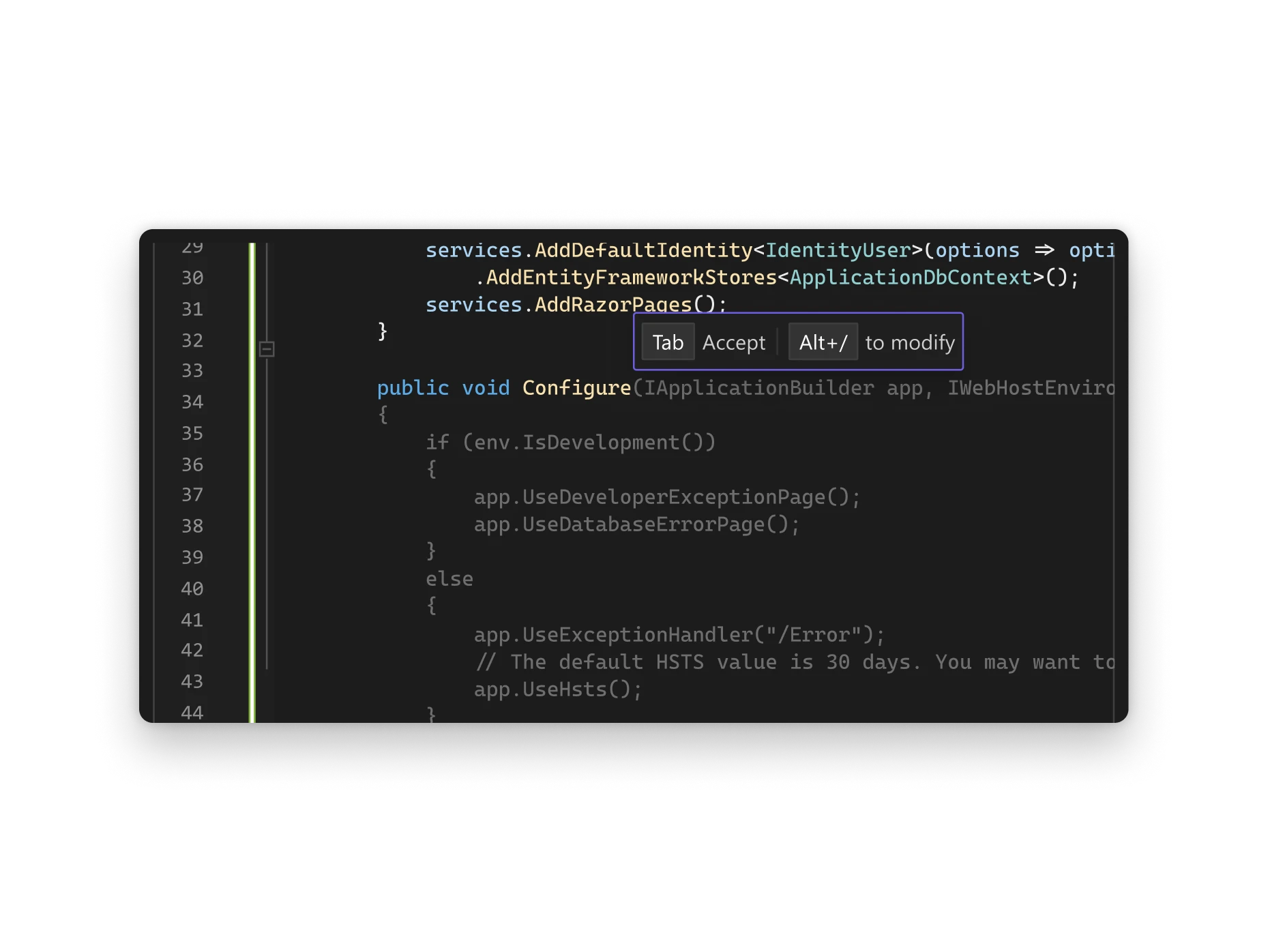 Chat for assistance with code and queriesGet real-time help for your coding queries with GitHub Copilot Chat. The conversational Chat interface provides instant context aware suggestions, assists with debugging, and generates units tests, all within your development environment. 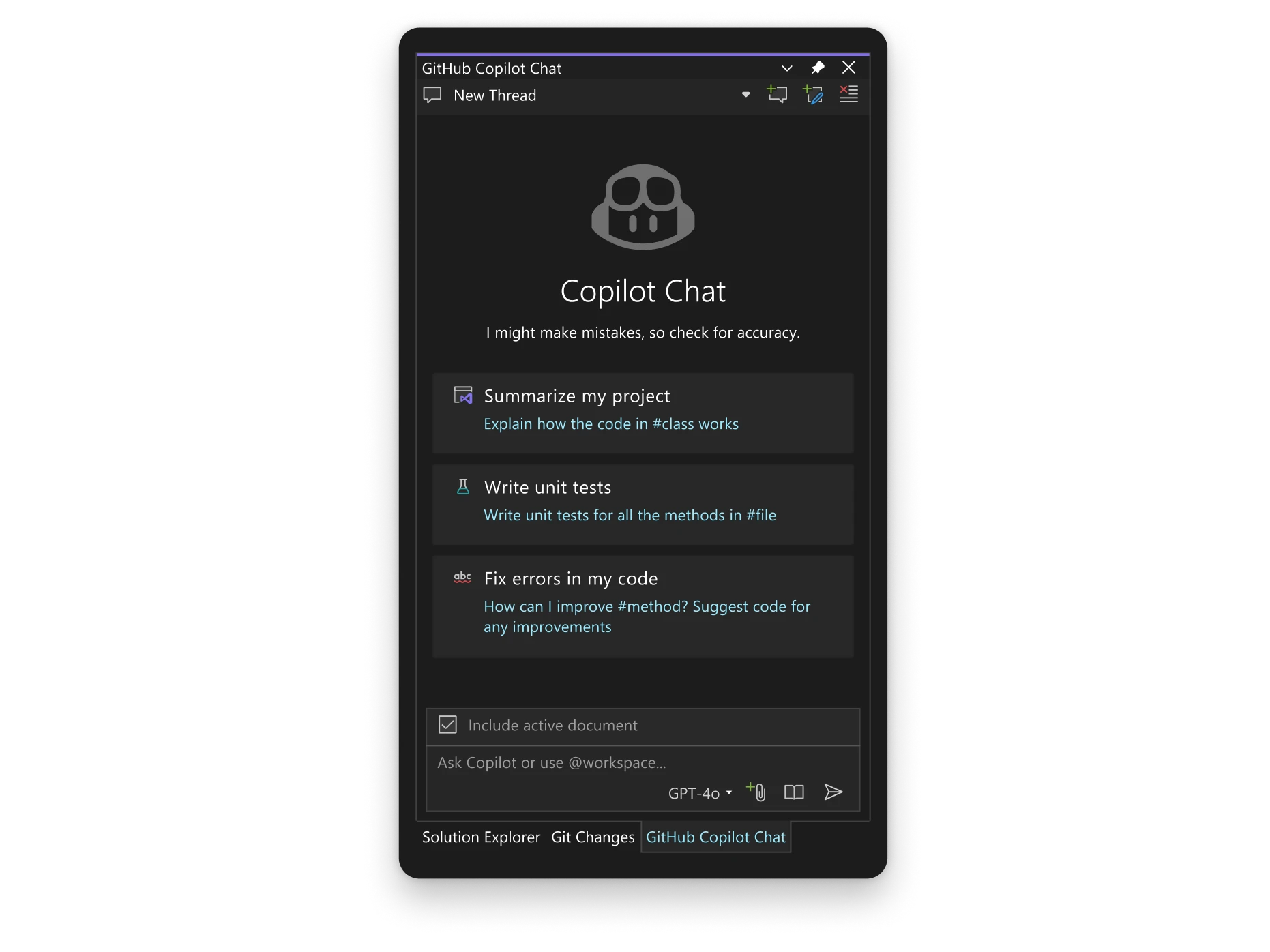 Debugging made easy with CopilotAccelerate debugging with deep insights into your code, powered by AI. Copilot offers in-depth analysis and explanations to provide targeted solutions for exceptions, deadlocks, and other debugging scenarios. 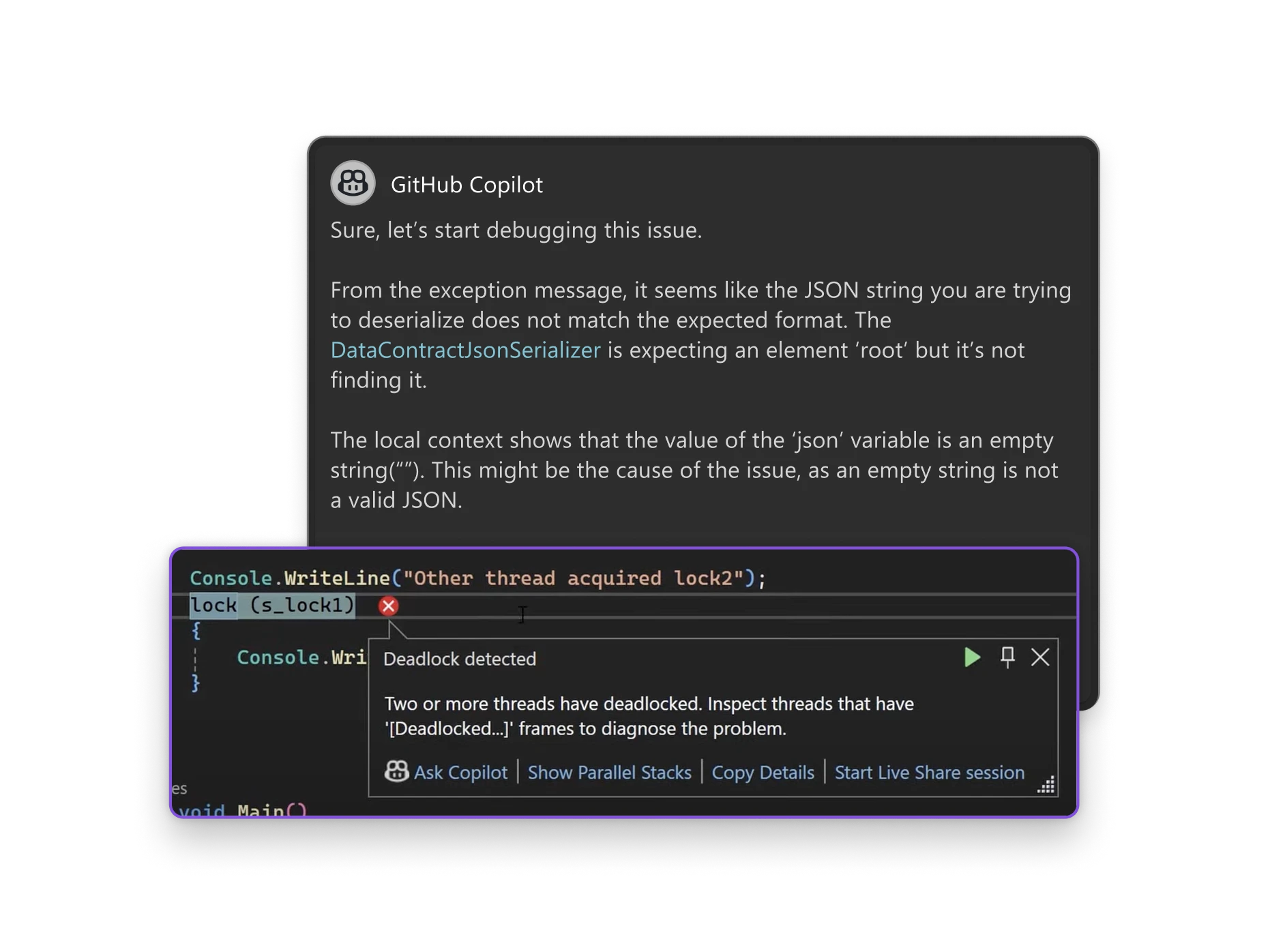 Improve testing efficiency through CopilotReduce time spent on manual test creation and maintaining code quality. Copilot’s automation helps you improve reliability by identifying errors early with unit and integration tests based on your existing code. 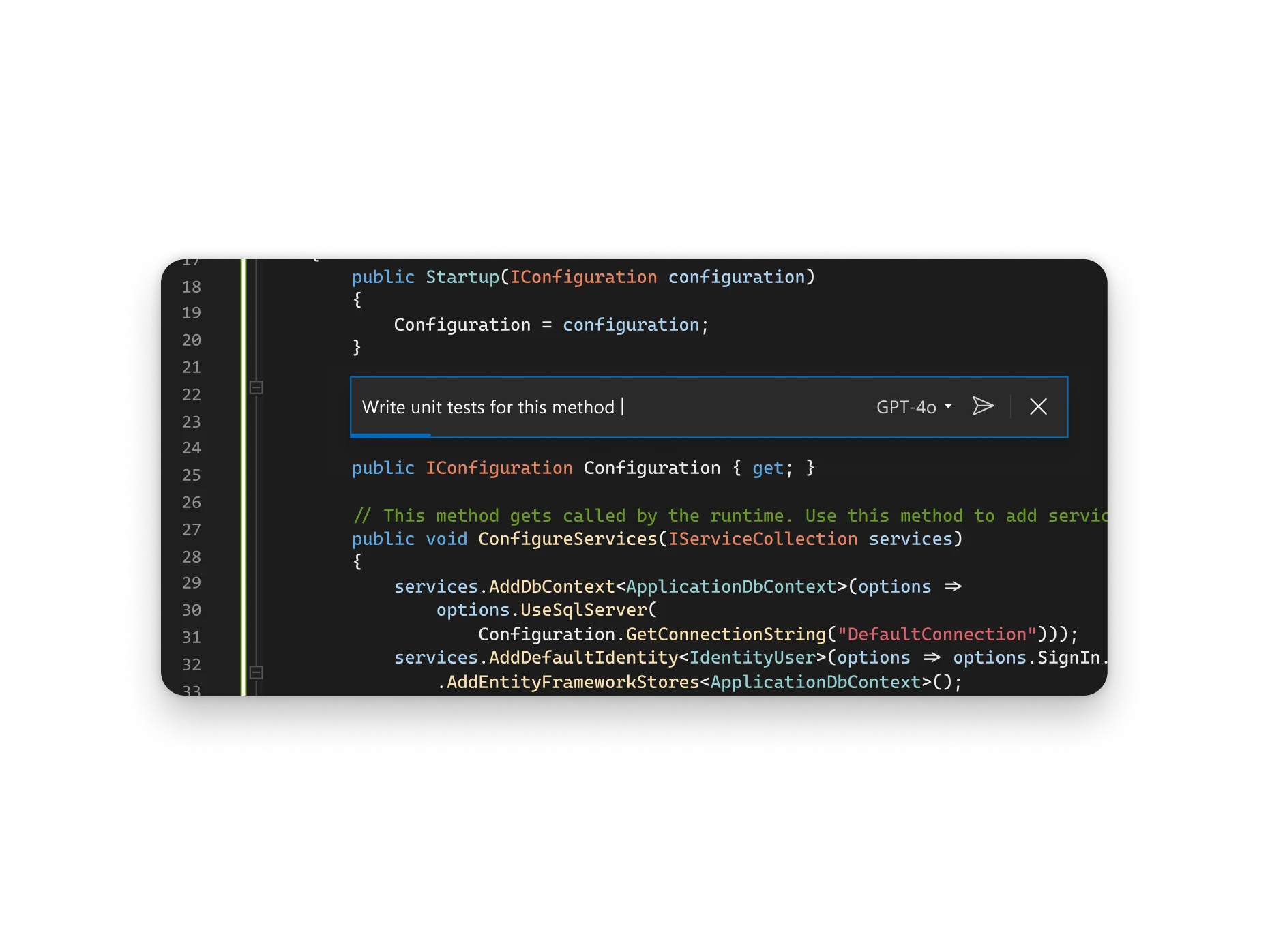 Leverage Copilot to streamline version controlMaintain a clean and organized codebase with AI-generated commit messages based on code changes. GitHub Copilot simplifies your version control by ensuring clarity in your workflow, branch management, and merge conflicts. 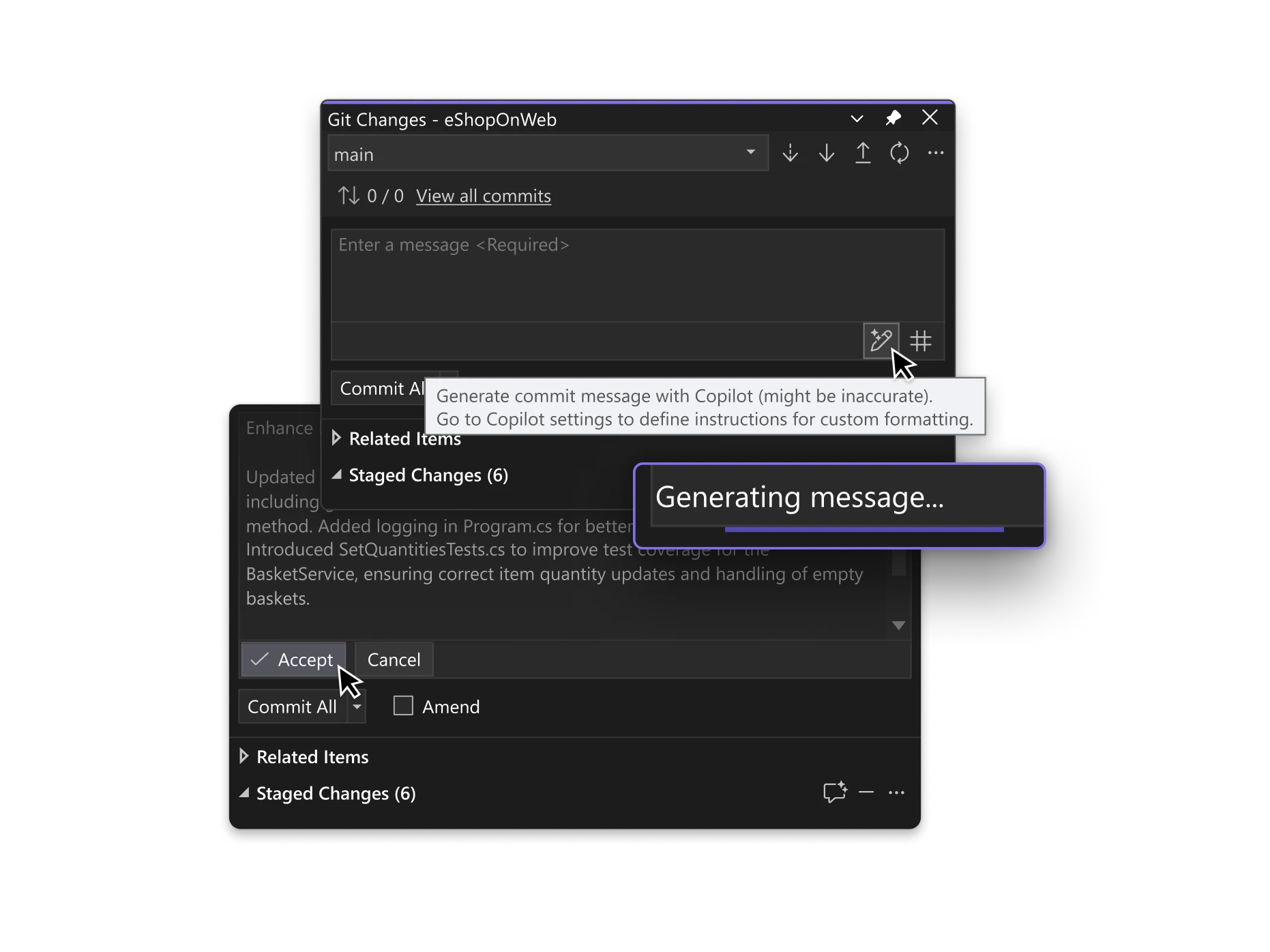 Share more than screensLive Share’s real-time collaboration sessions speed up your team’s edit and debugging cycles, no matter the language or platform. Personalized sessions with access controls and custom editor settings make sure everyone stays code-consistent. 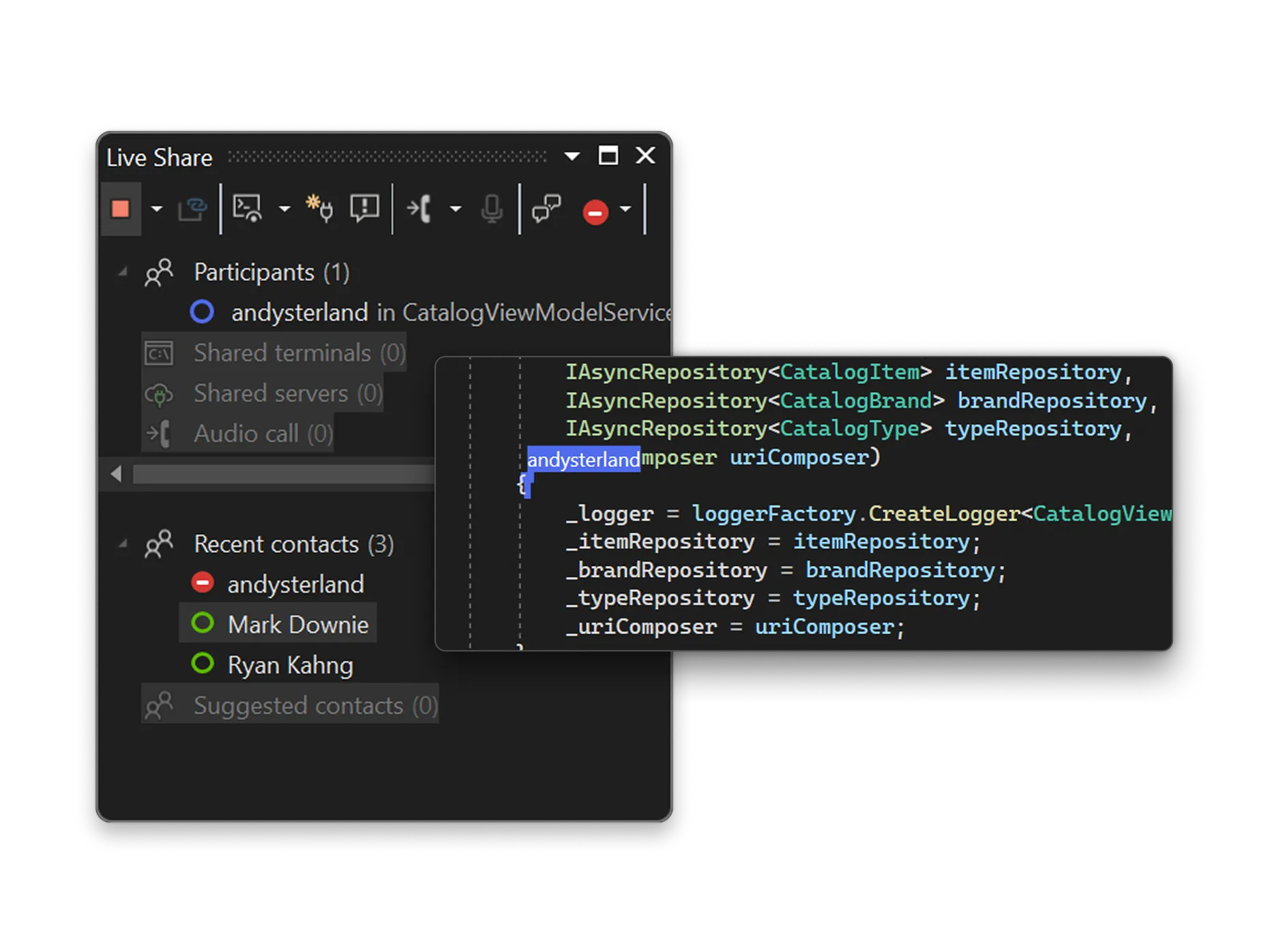 Azure in Visual StudioBuild, deploy, and scale with Azure in Visual Studio: Create cloud-first applications efficiently and securely using integrated tools and AI capabilities—all within your IDE. Whether developing web apps, APIs, or AI-powered solutions, Visual Studio offers seamless Azure integration for a streamlined coding experience. Explore tutorials, elevate your coding, and automate deployments with Azure DevOps and GitHub Actions. Connect to Azure services, deploy applications, and debug in real-time with Visual Studio’s powerful tools.  Design beautiful cross platform appsVisual Studio is the best IDE for building modern, cross-platform applications for Windows, Mac, Linux, iOS, and Android. Create rich client apps with WinForms, WPF, WinUI, and MAUI, using powerful visual designers that simplify complex layouts and bring your UI to life. 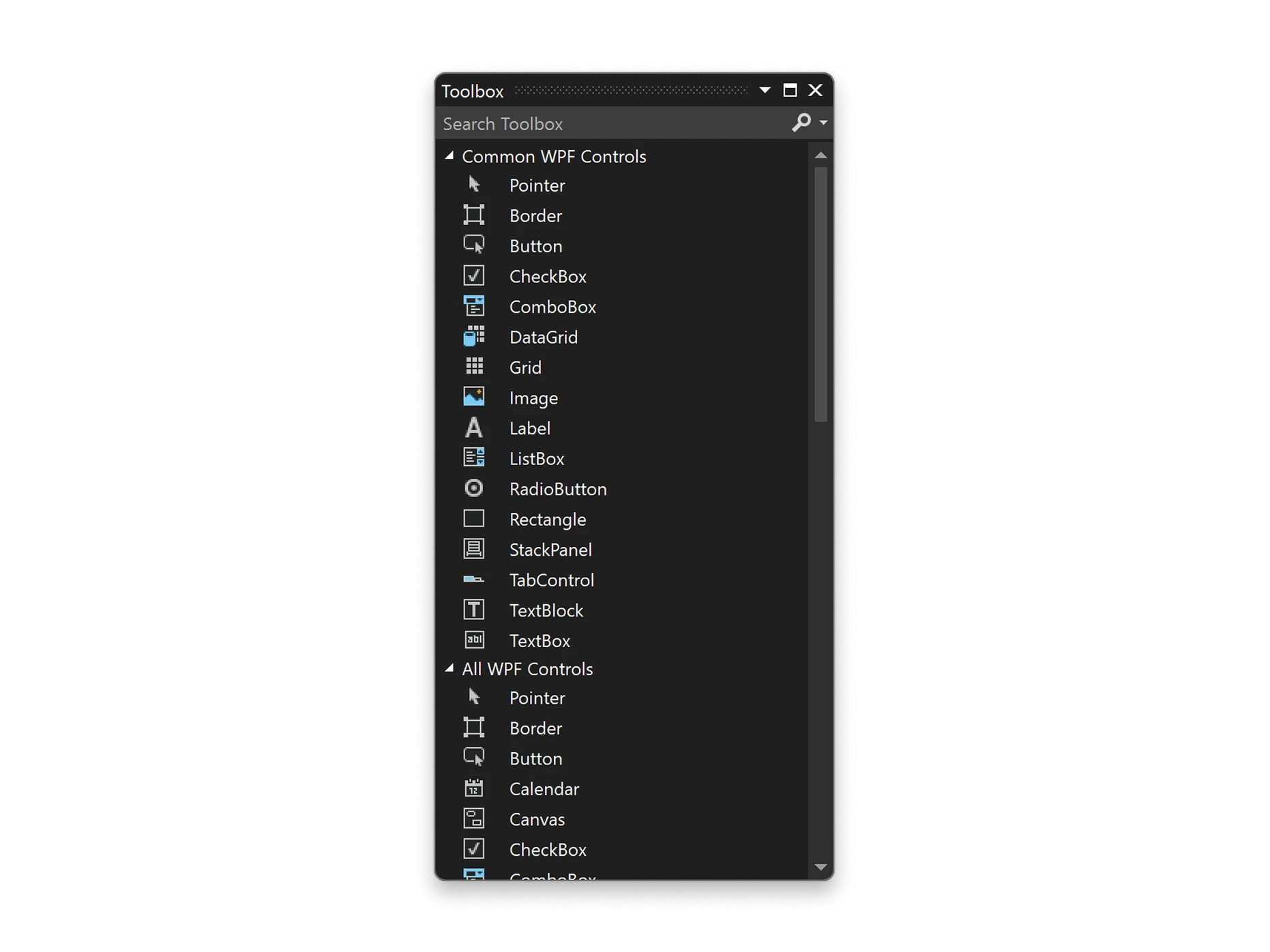 Build fast and responsive apps with the built-in
|
| You are visitor 01402503 — GeezerVison does not store the pages you look up. Best viewed with Netscape Navigator 4.7 or Internet Explorer 6 at 800×600. No cookies required. |