GV

GeezerVison

The World Wide Web, restored to 800 pixels of glory.

Home|About|Gaming cabinet|Archives|How it works|Starter sites

On this site

  • Installation
  • Documentation
  • Examples
  • Tutorials
  • Contributing
  • index
  • modules
  • next
  • previous
  • home
  • API Overview
  • matplotlib.pyplot
  • matplotlib.pyplot
  • matplotlib.pyplot.ion

This view

  • Original page
  • New address

GeezerVison is showing matplotlib.org — matplotlib.pyplot.ion — Matplotlib 3.4.3 documentation

You are reading an old version of the documentation (v3.4.3). For the latest version see https://matplotlib.org/stable/api/_as_gen/matplotlib.pyplot.ion.html
Version 3.4.3
matplotlib
Fork me on GitHub

matplotlib.pyplot.ion

matplotlib.pyplot.ion()[source]

Enable interactive mode.

See pyplot.isinteractive for more details.

See also

ioff
Disable interactive mode.
isinteractive
Whether interactive mode is enabled.
show
Show all figures (and maybe block).
pause
Show all figures, and block for a time.

Notes

For a temporary change, this can be used as a context manager:

# if interactive mode is off
# then figures will not be shown on creation
plt.ioff()
# This figure will not be shown immediately
fig = plt.figure()

with plt.ion():
    # interactive mode will be on
    # figures will automatically be shown
    fig2 = plt.figure()
    # ...

To enable usage as a context manager, this function returns an _IonContext object. The return value is not intended to be stored or accessed by the user.

Examples using matplotlib.pyplot.ion

Usage Guide

Usage Guide

You are visitor 01402520 — GeezerVison does not store the pages you look up.
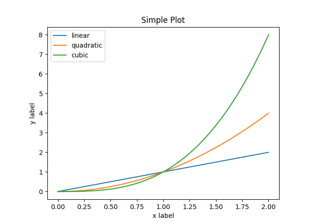
Best viewed with Netscape Navigator 4.7 or Internet Explorer 6 at 800×600. No cookies required.