GV

GeezerVison

The World Wide Web, restored to 800 pixels of glory.

Home|About|Gaming cabinet|Archives|How it works|Starter sites

On this site

  • Plot types
  • User guide
  • Tutorials
  • Examples
  • Reference
  • Contribute
  • Releases
  • Gitter
  • Discourse
  • GitHub
  • Lines, bars and markers
  • Line plot
  • Linestyles
  • Dashed line style configuration

This view

  • Original page
  • New address

GeezerVison is showing matplotlib.org — Cursor — Matplotlib 3.11.2 documentation

Note

Go to the end to download the full example code.

Cursor#

import matplotlib.pyplot as plt
import numpy as np

from matplotlib.widgets import Cursor

# Fixing random state for reproducibility
np.random.seed(19680801)

fig, ax = plt.subplots(figsize=(8, 6))

x, y = 4*(np.random.rand(2, 100) - .5)
ax.plot(x, y, 'o')
ax.set_xlim(-2, 2)
ax.set_ylim(-2, 2)

# Set useblit=True on most backends for enhanced performance.
cursor = Cursor(ax, useblit=True, color='red', linewidth=2)

plt.show()
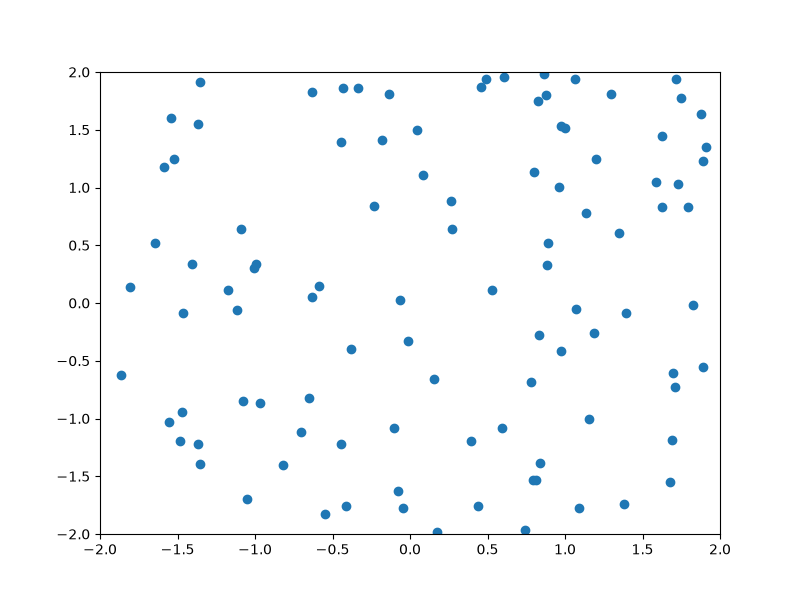
cursor

References

The use of the following functions, methods, classes and modules is shown in this example:

  • matplotlib.widgets.Cursor

Download Jupyter notebook: cursor.ipynb

Download Python source code: cursor.py

Download zipped: cursor.zip

Gallery generated by Sphinx-Gallery

You are visitor 01402503 — GeezerVison does not store the pages you look up.
Best viewed with Netscape Navigator 4.7 or Internet Explorer 6 at 800×600. No cookies required.