GeezerVisonThe World Wide Web, restored to 800 pixels of glory. |
| Home|About|Gaming cabinet|Archives|How it works|Starter sites |
GeezerVison is showing matrix.org — Try Matrix Try MatrixJoin the Matrix ecosystem! Just want to try it?Open Element in your browser — no download needed. You'll be on matrix.org, the server run by The Matrix.org Foundation, which is a fine place to start. If you're planning longer-term use or want your own domain, read through the steps below first. Get started using Element X. You'll be on matrix.org, the server run by The Matrix.org Foundation, which is a fine place to start. If you're planning longer-term use or want your own domain, read through the steps below first. 
Get a client appTo use Matrix you need a client. Below are some well‑established, featured clients — choose the one that best suits your platform and needs. You can switch between them at any time, as all clients use the same account, and you can run multiple clients simultaneously to find your preferred option.

Element Web / Desktop
Stable
#
Good for: New users and those coming from Slack or Teams
Windows
macOS
Linux
Web
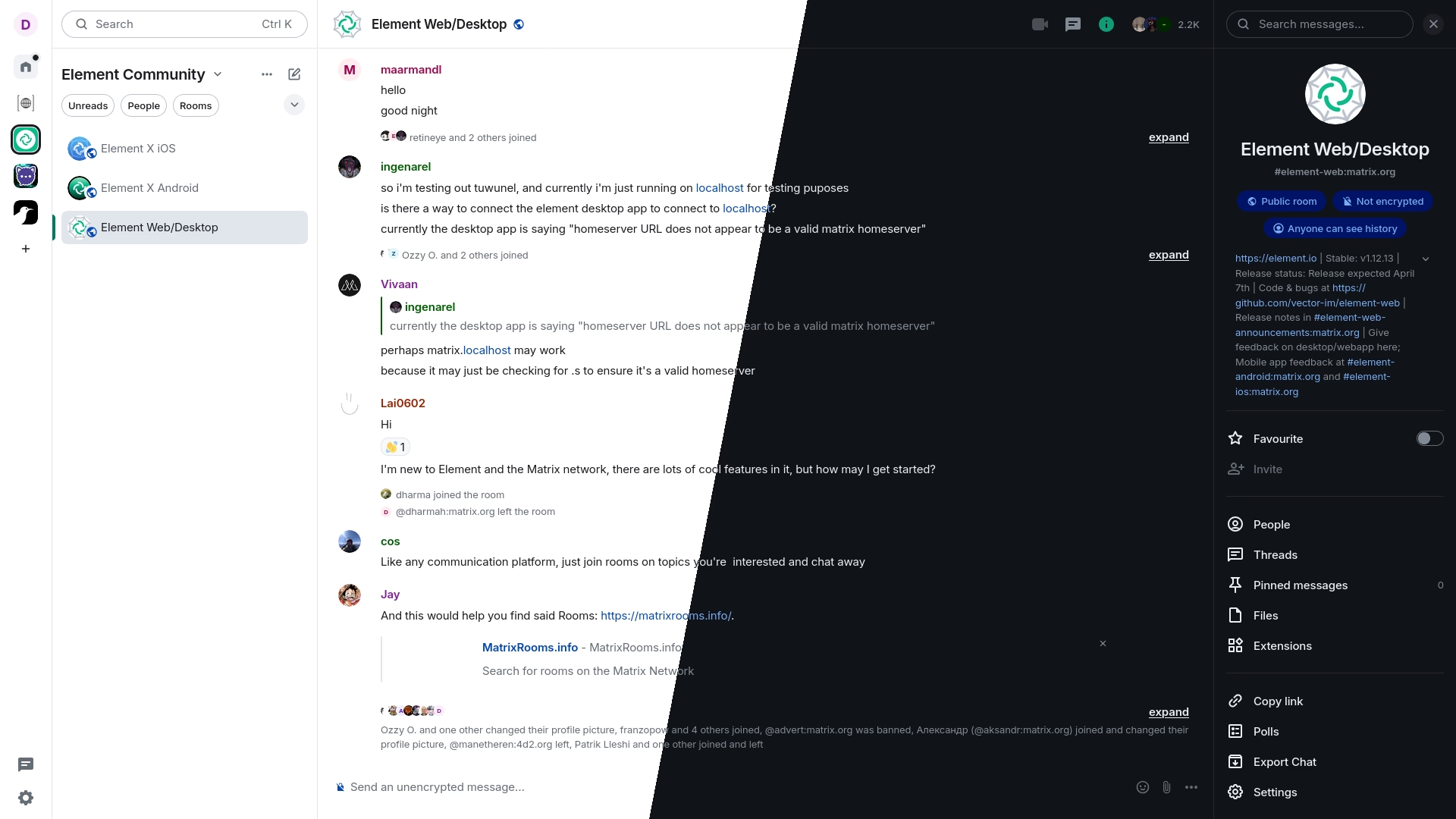
A glossy web and desktop client with an emphasis on performance and usability.
End-to-end encryption
End-to-end encryption, including media and calls if supported
Spaces
Browse, join and manage Matrix spaces
Voice and Video Calls (1:1)
1-to-1 voice/video calls
Threads
Read, start and participate in threads
Legacy SSO
Log in with Single Sign-On using the legacy API
Voice and Video Calls (Jitsi)
Jitsi-based group calls
Multi-Language
Client user interface supports multiple languages
OAuth 2.0
Log in using the new API based on the OAuth 2.0/OIDC standard
Voice and Video Calls (MatrixRTC)
Matrix-native voice/video calls based on MSC4143 MatrixRTC


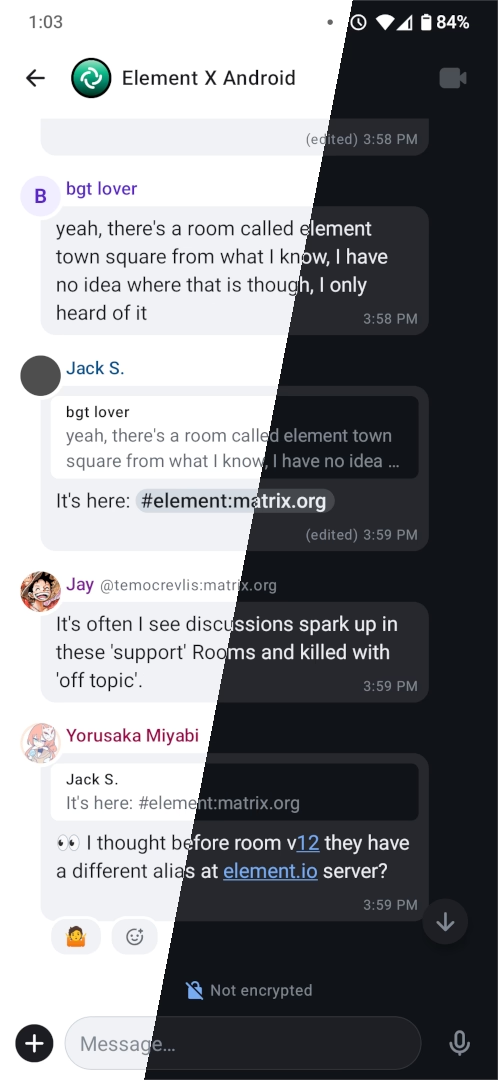
Next generation Element on mobile with native OIDC, sliding sync and Matrix RTC for calls.
End-to-end encryption
End-to-end encryption, including media and calls if supported
Spaces
Browse, join and manage Matrix spaces
Multi-Language
Client user interface supports multiple languages
OAuth 2.0
Log in using the new API based on the OAuth 2.0/OIDC standard
Voice and Video Calls (MatrixRTC)
Matrix-native voice/video calls based on MSC4143 MatrixRTC
Simplified Sliding Sync
Swift and efficient login and messaging using the next generation API from MSC4186


FluffyChat
Stable
#
Good for: Users who want something simple and approachable, especially on mobile
iOS
Android
Linux
Web
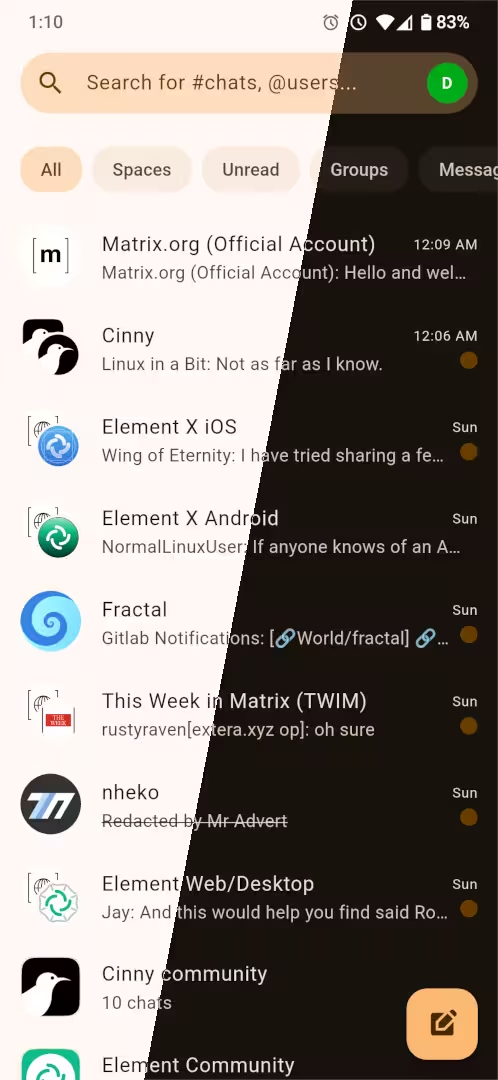
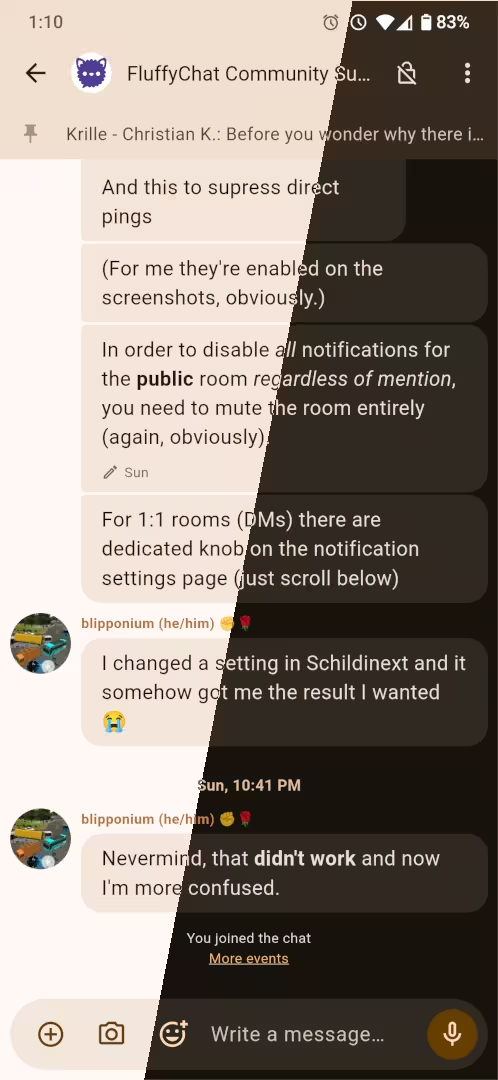
Cute instant messaging app for all platforms.
End-to-end encryption
End-to-end encryption, including media and calls if supported
Spaces
Browse, join and manage Matrix spaces
Threads
Read, start and participate in threads
Legacy SSO
Log in with Single Sign-On using the legacy API
Multi-Account
Log into multiple accounts at the same time using a single client instance
Multi-Language
Client user interface supports multiple languages

Cinny
Stable
#
Good for: Users coming from Discord who want a familiar layout
Windows
macOS
Linux
Web
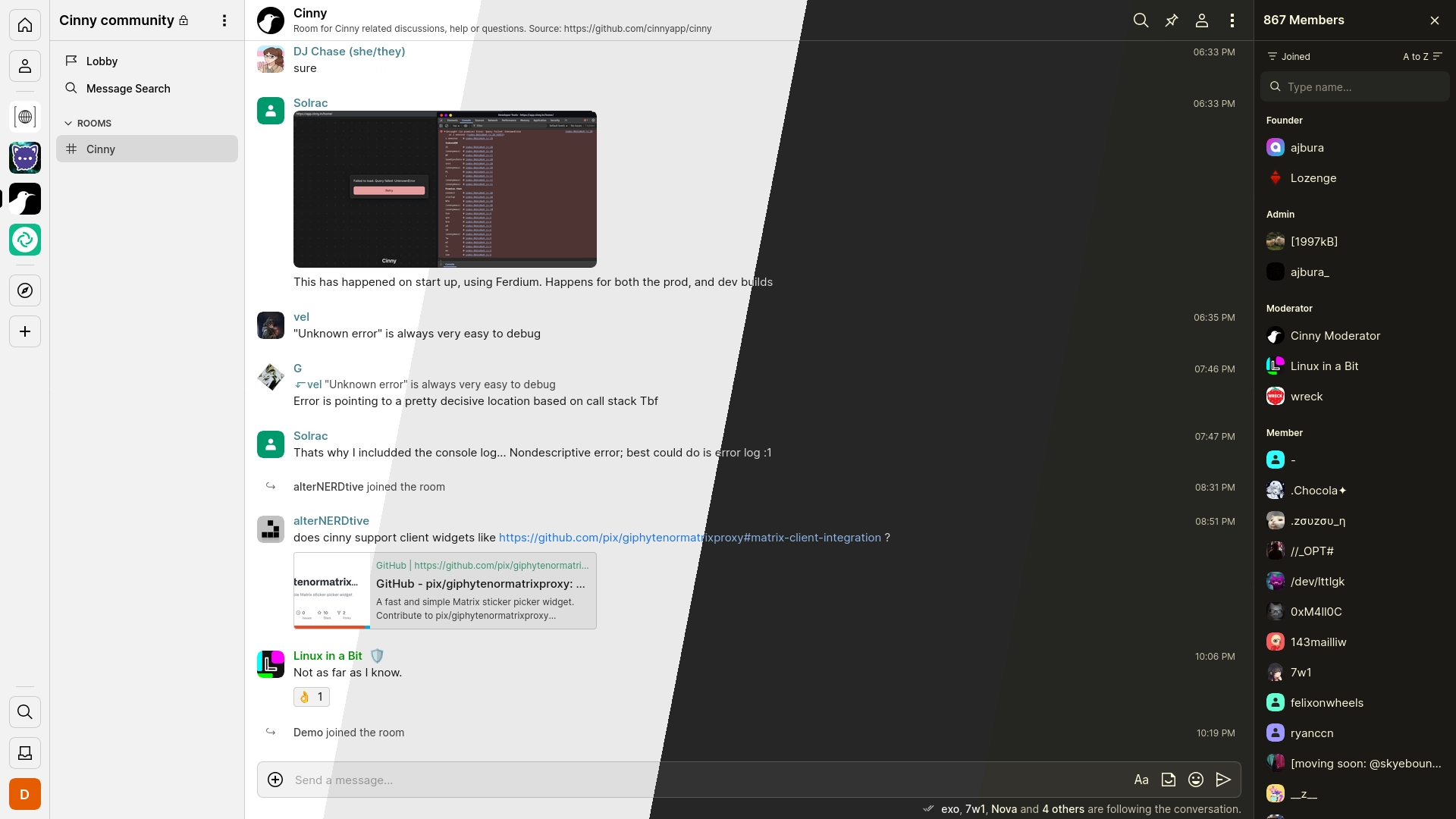
A Matrix client focusing primarily on simple, elegant and secure interface.
End-to-end encryption
End-to-end encryption, including media and calls if supported
Spaces
Browse, join and manage Matrix spaces
Legacy SSO
Log in with Single Sign-On using the legacy API
Voice and Video Calls (MatrixRTC)
Matrix-native voice/video calls based on MSC4143 MatrixRTC

Nheko
Beta
#
Good for: Power users and tinkerers who prefer a lean native desktop app
Windows
macOS
Linux
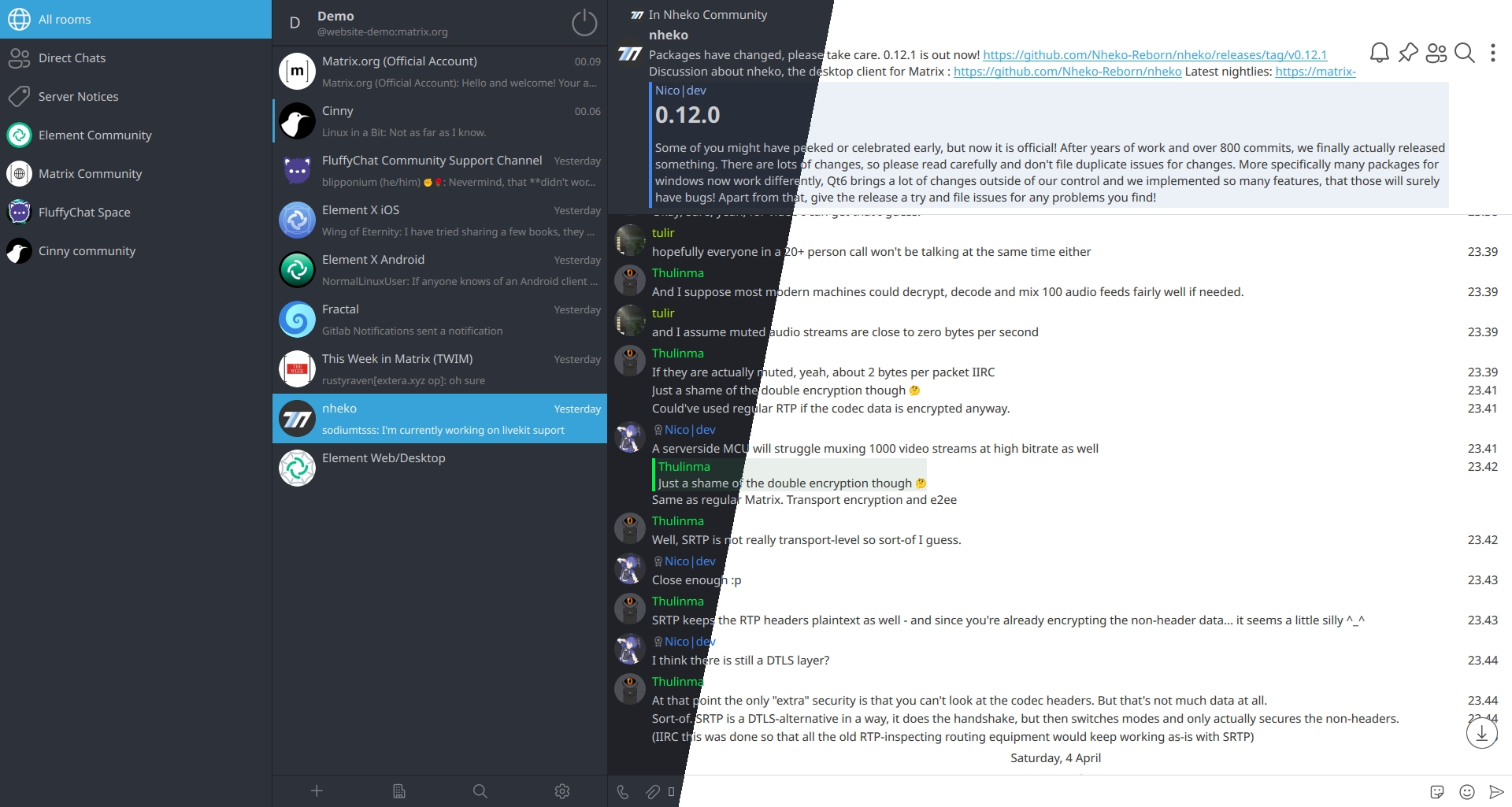
Desktop client for Matrix using Qt and C++20.
End-to-end encryption
End-to-end encryption, including media and calls if supported
Spaces
Browse, join and manage Matrix spaces
Voice and Video Calls (1:1)
1-to-1 voice/video calls
Threads
Read, start and participate in threads
Legacy SSO
Log in with Single Sign-On using the legacy API
Multi-Language
Client user interface supports multiple languages
Create an account
Matrix is decentralised: like email, your account lives on a provider and you
can reach anyone regardless of which provider they use. If you want your address
to use your own domain (e.g. matrix.org homeserverFoundation-run
The Matrix.org Foundation hosts a server open to everyone.
Enter Premium
Managed hostingPaidThese services run a Matrix server for you — good if you want your own domain, dedicated resources, or more storage.  Communick
Since 2018
Individuals
Offers accounts for individual, personal use.  Datanauten
Since 2022
Individuals
Offers accounts for individual, personal use.
Business
Offers dedicated accounts, contracts, or support for organizations.  etke.cc
Since 2021
Individuals
Offers accounts for individual, personal use.
Business
Offers dedicated accounts, contracts, or support for organizations.  Federated Computer
Since 2022
Individuals
Offers accounts for individual, personal use.
Business
Offers dedicated accounts, contracts, or support for organizations.  Hostsharing eG
Since 2000
Individuals
Offers accounts for individual, personal use.
Business
Offers dedicated accounts, contracts, or support for organizations.  Ossrox
Since 2022
Individuals
Offers accounts for individual, personal use.
Business
Offers dedicated accounts, contracts, or support for organizations.  Ungleich.ch
Since 2020
Individuals
Offers accounts for individual, personal use. Self-hostingCommunityRun your own Matrix server for full control over your data and community. Browse available server software, or use a distribution — pre-packaged setups like Ansible playbooks or Docker images that handle the hard parts for you. Start chatting
Once you have an account, explore public
rooms and Spaces to find communities built around topics you care about.
You can message anyone on Matrix directly using their address
( |
| You are visitor 01402503 — GeezerVison does not store the pages you look up. Best viewed with Netscape Navigator 4.7 or Internet Explorer 6 at 800×600. No cookies required. |
