GeezerVisonThe World Wide Web, restored to 800 pixels of glory. |
| Home|About|Gaming cabinet|Archives|How it works|Starter sites |
GeezerVison is showing micro-editor.github.io — Micro - Home micro a modern and intuitive terminal-based text editor
Star
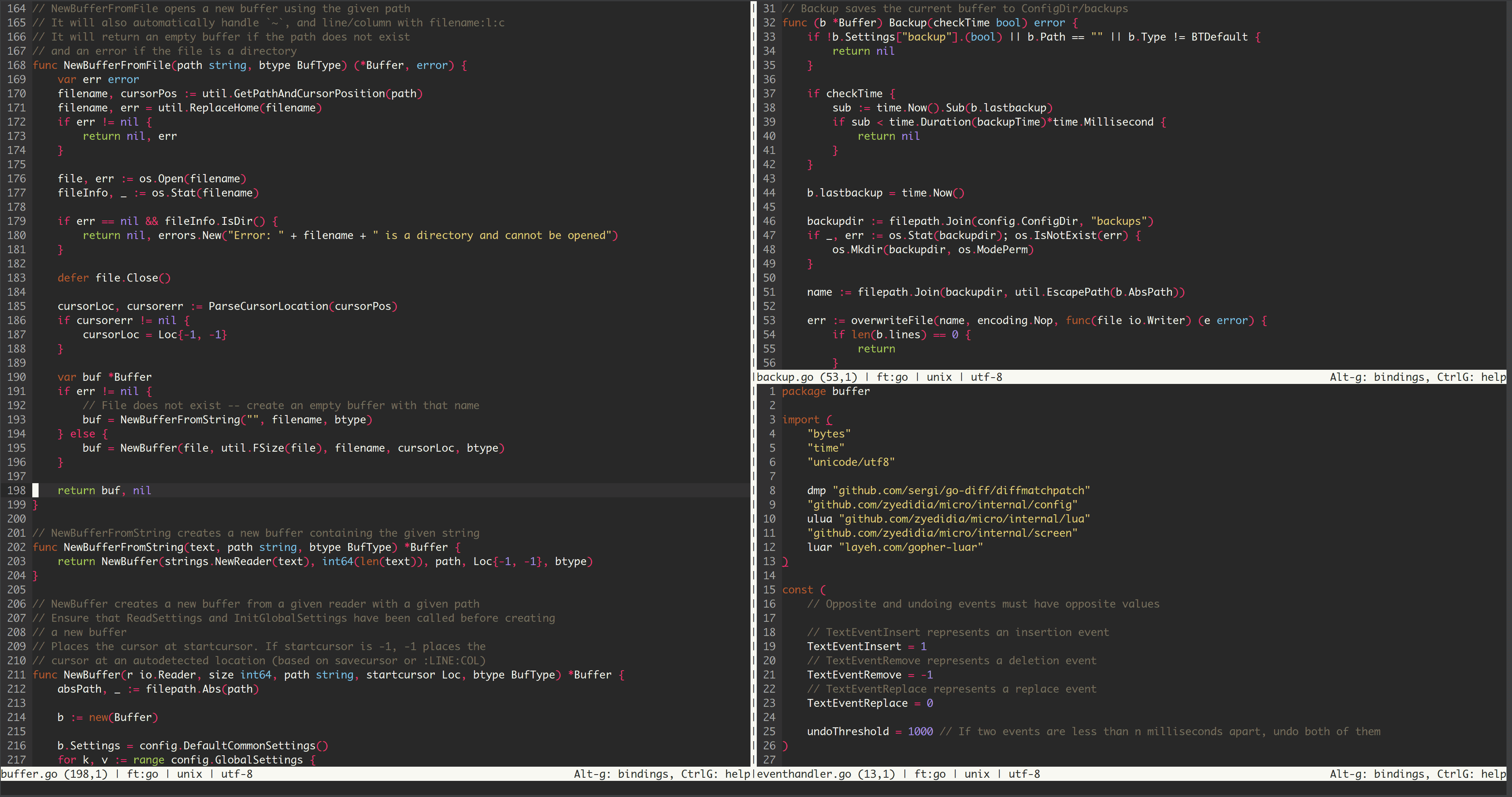
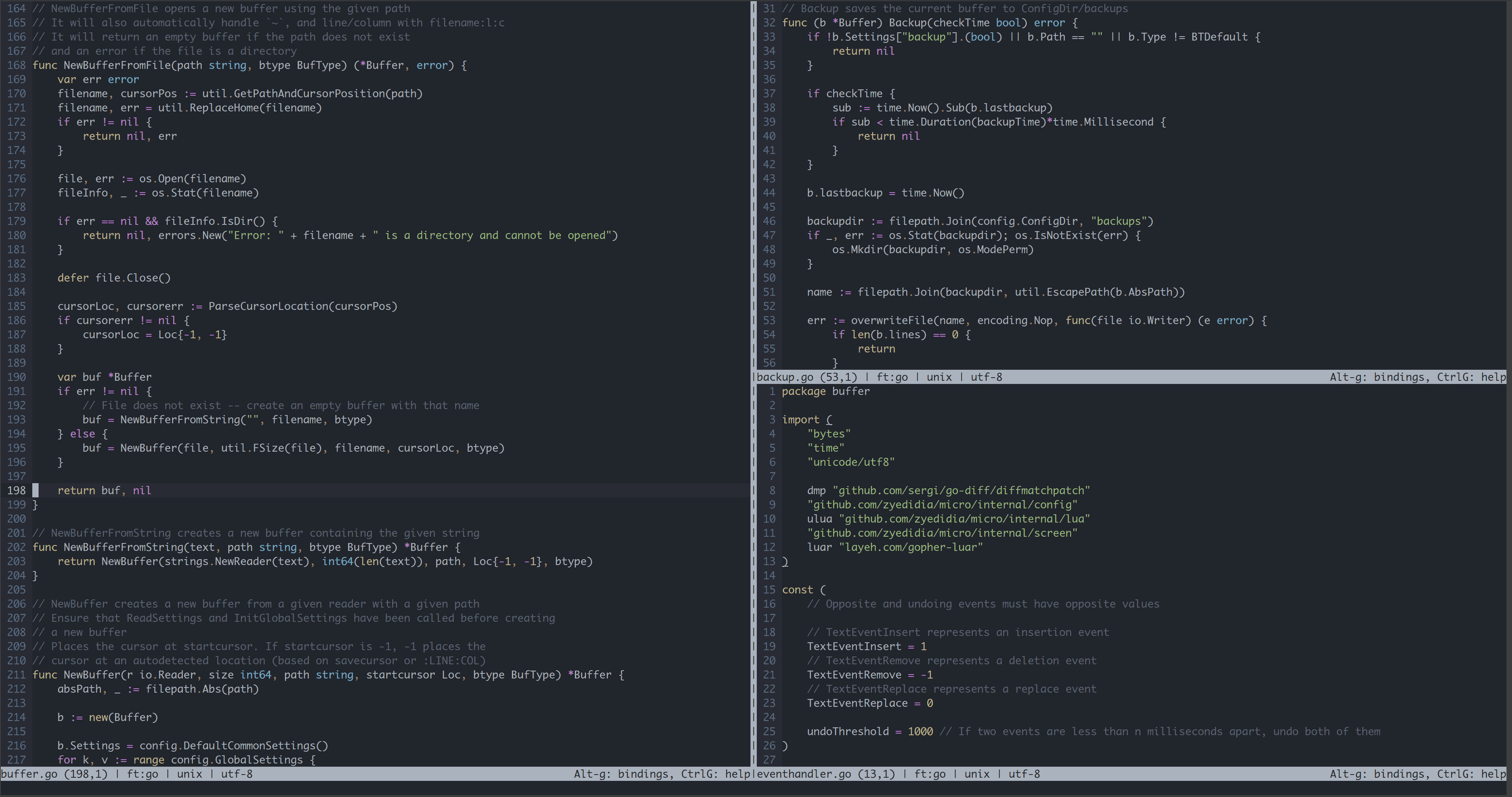
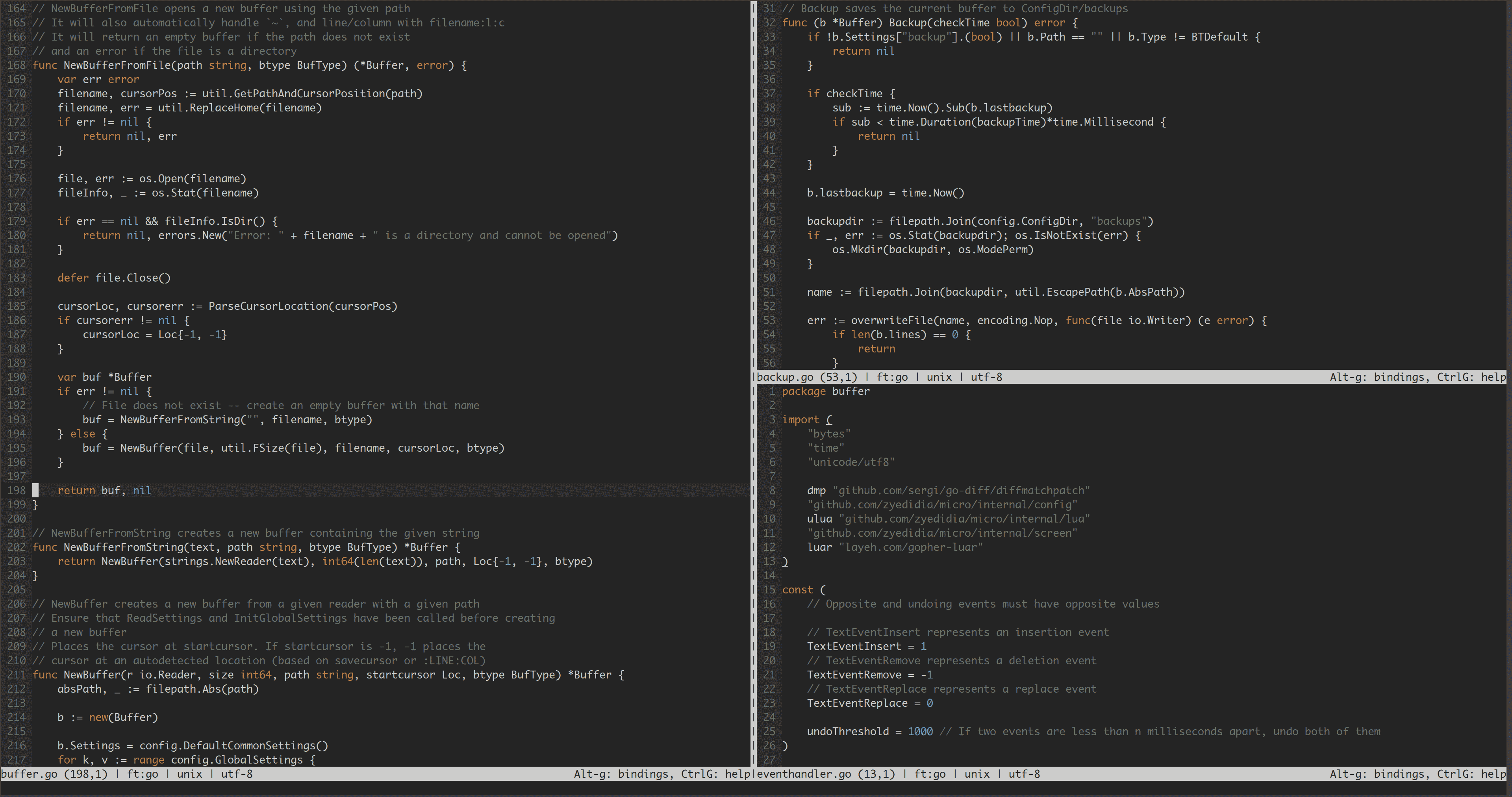
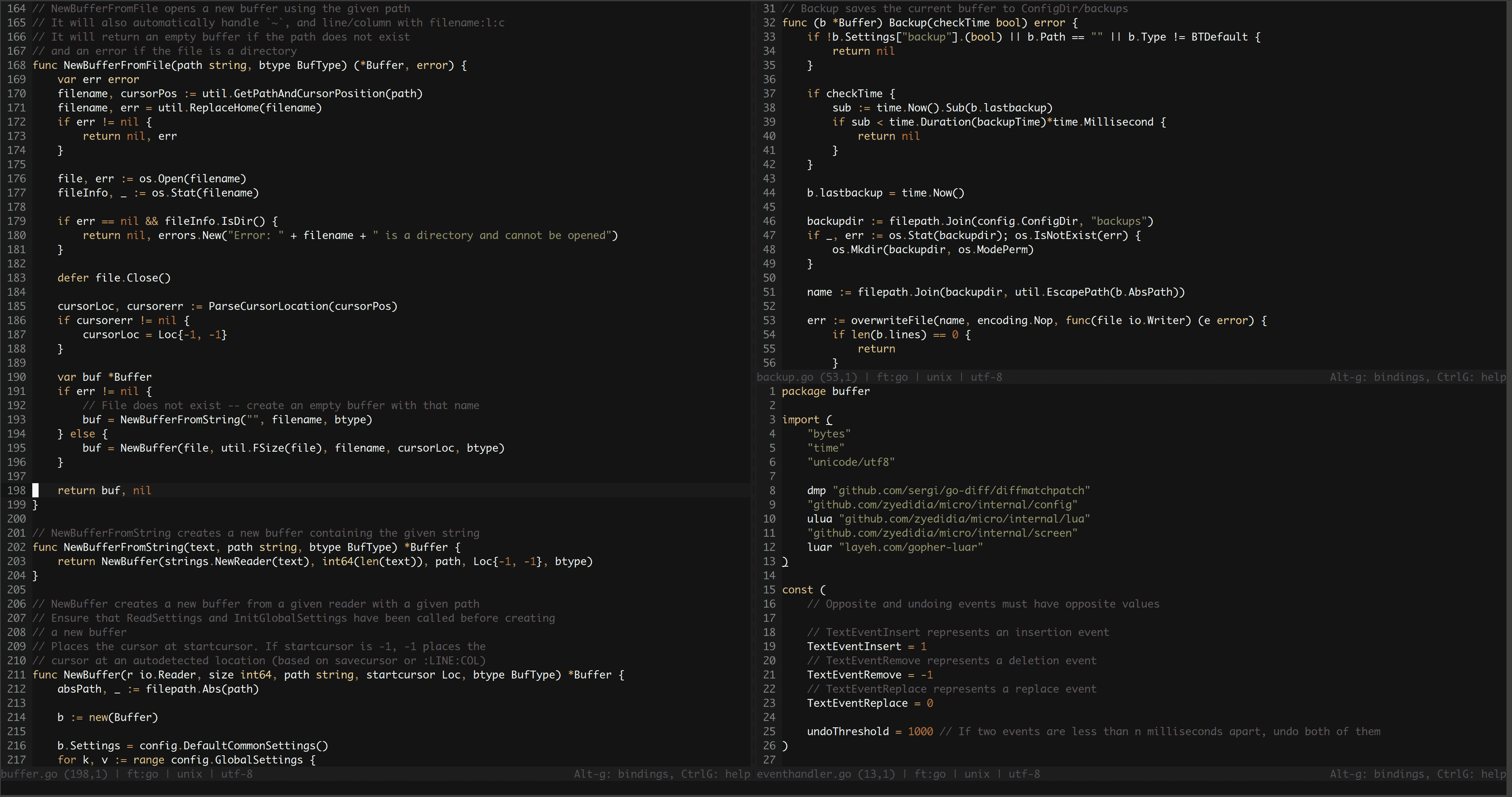
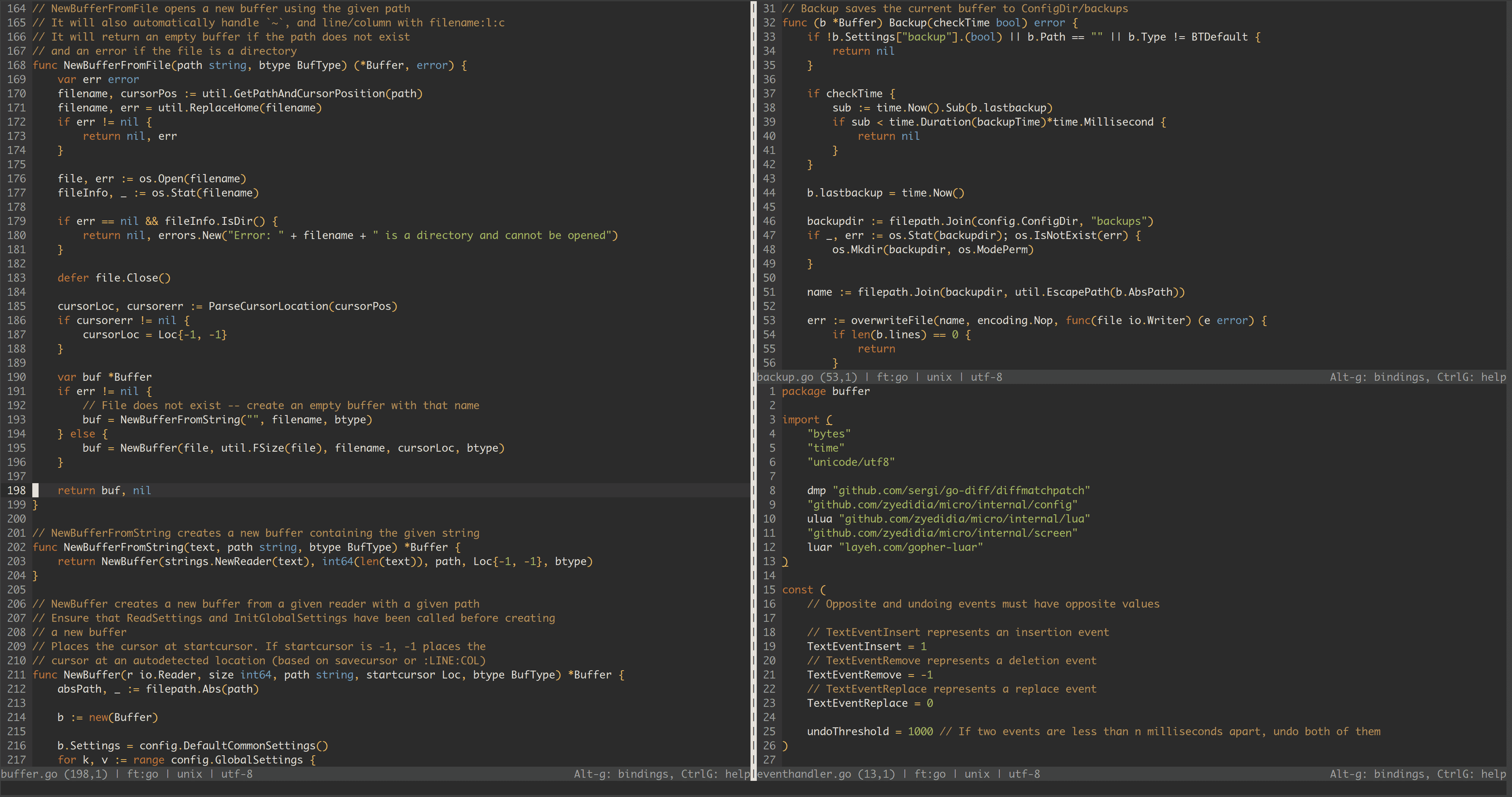
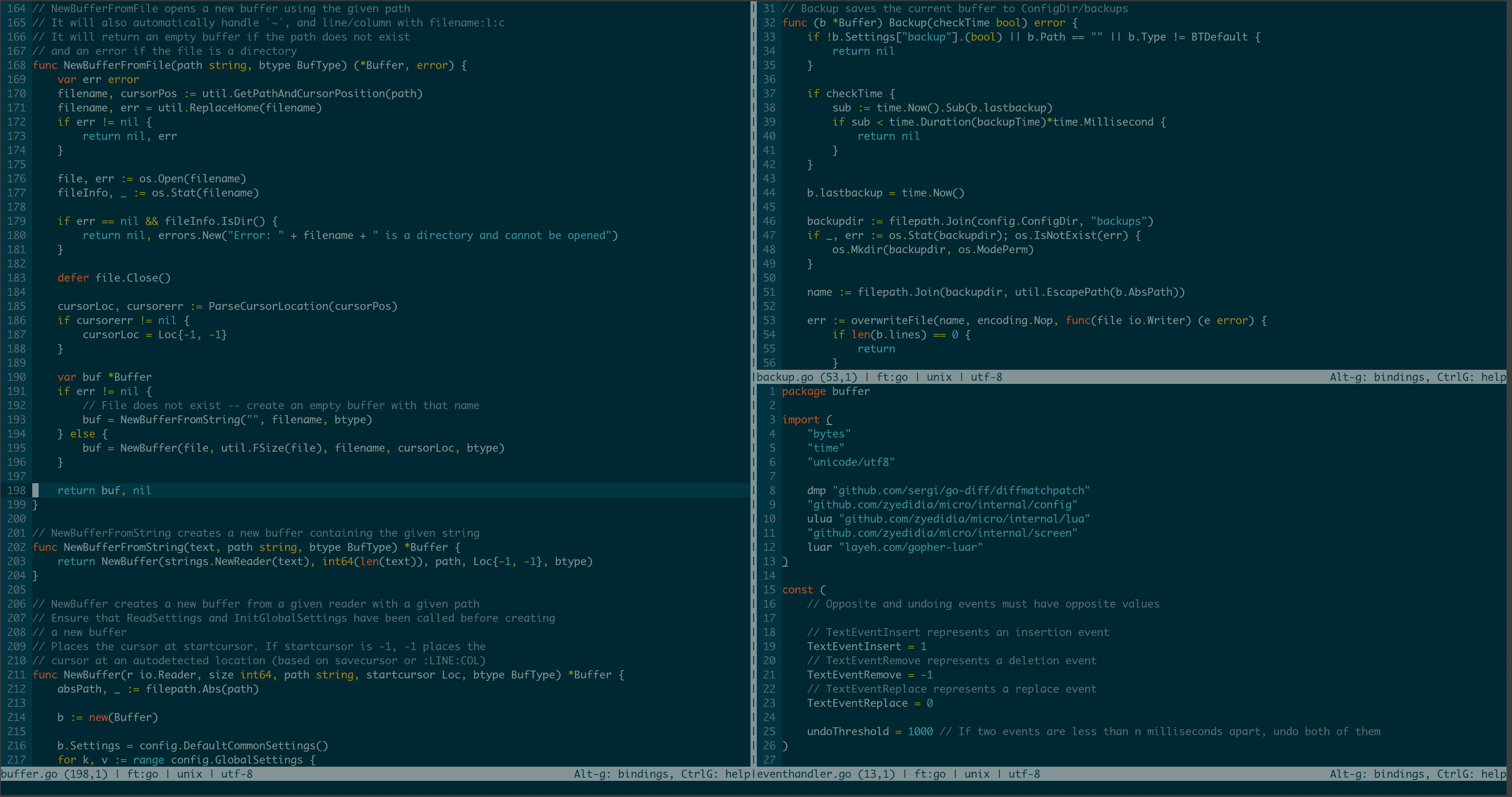
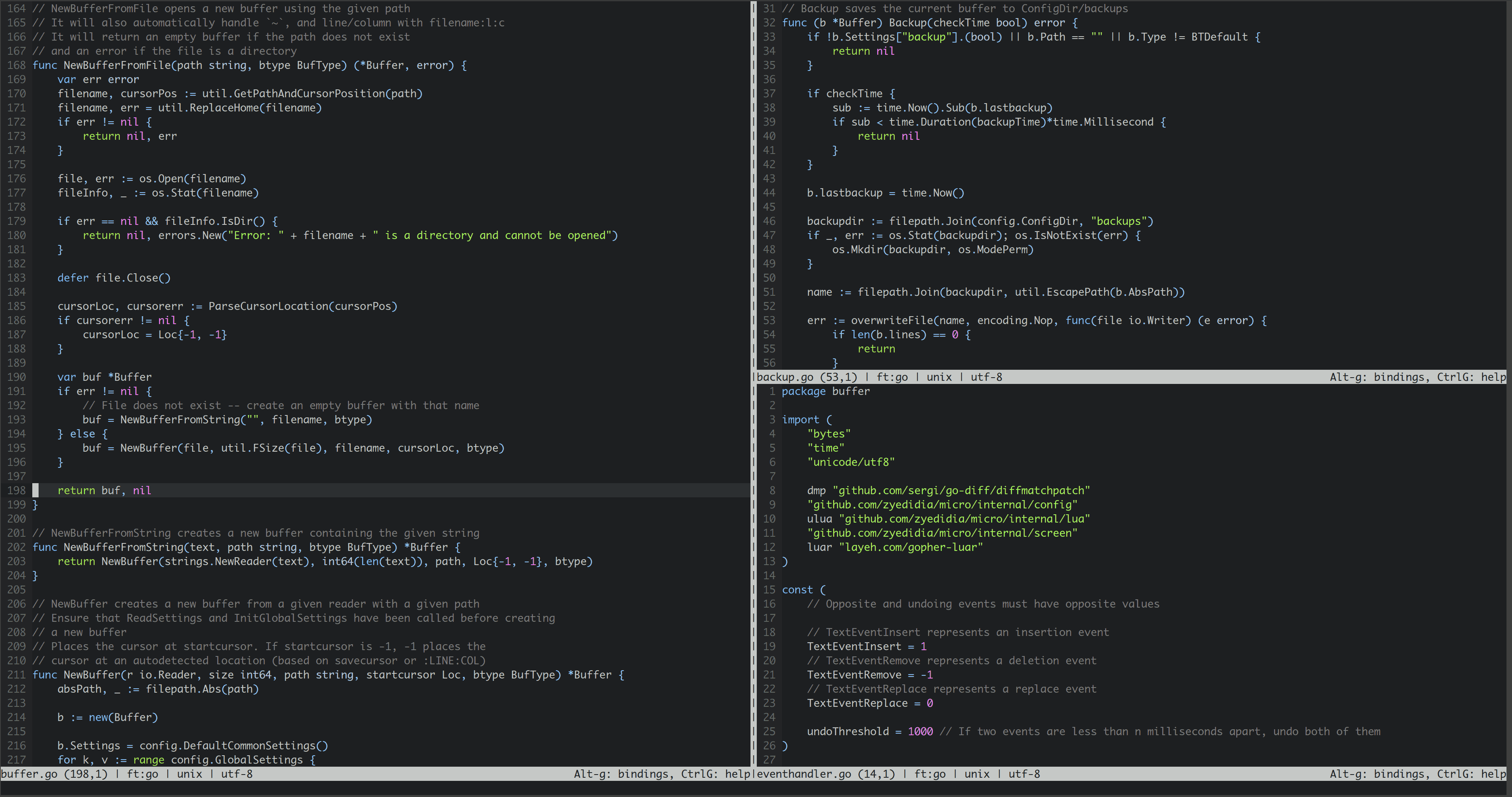
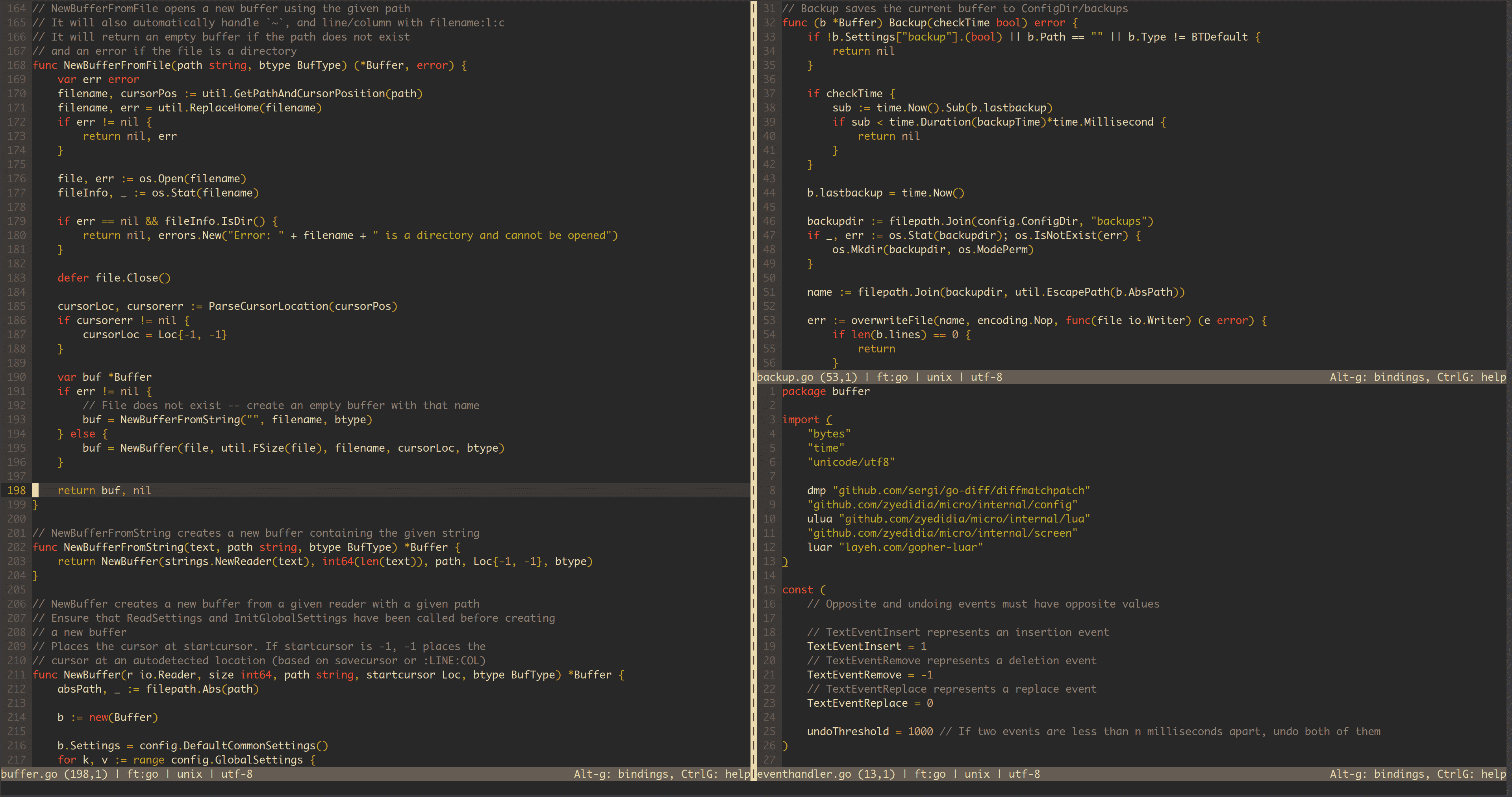
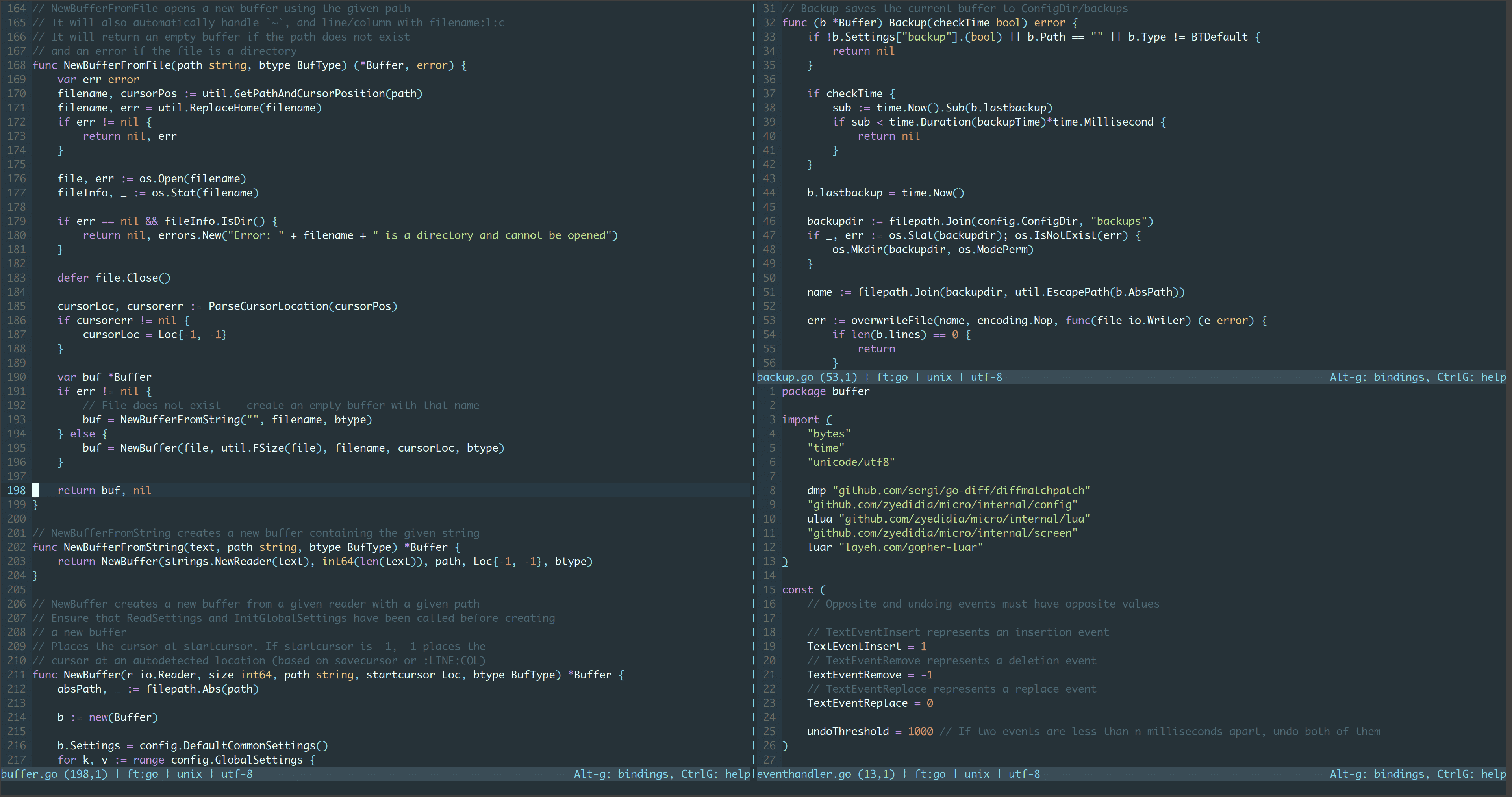
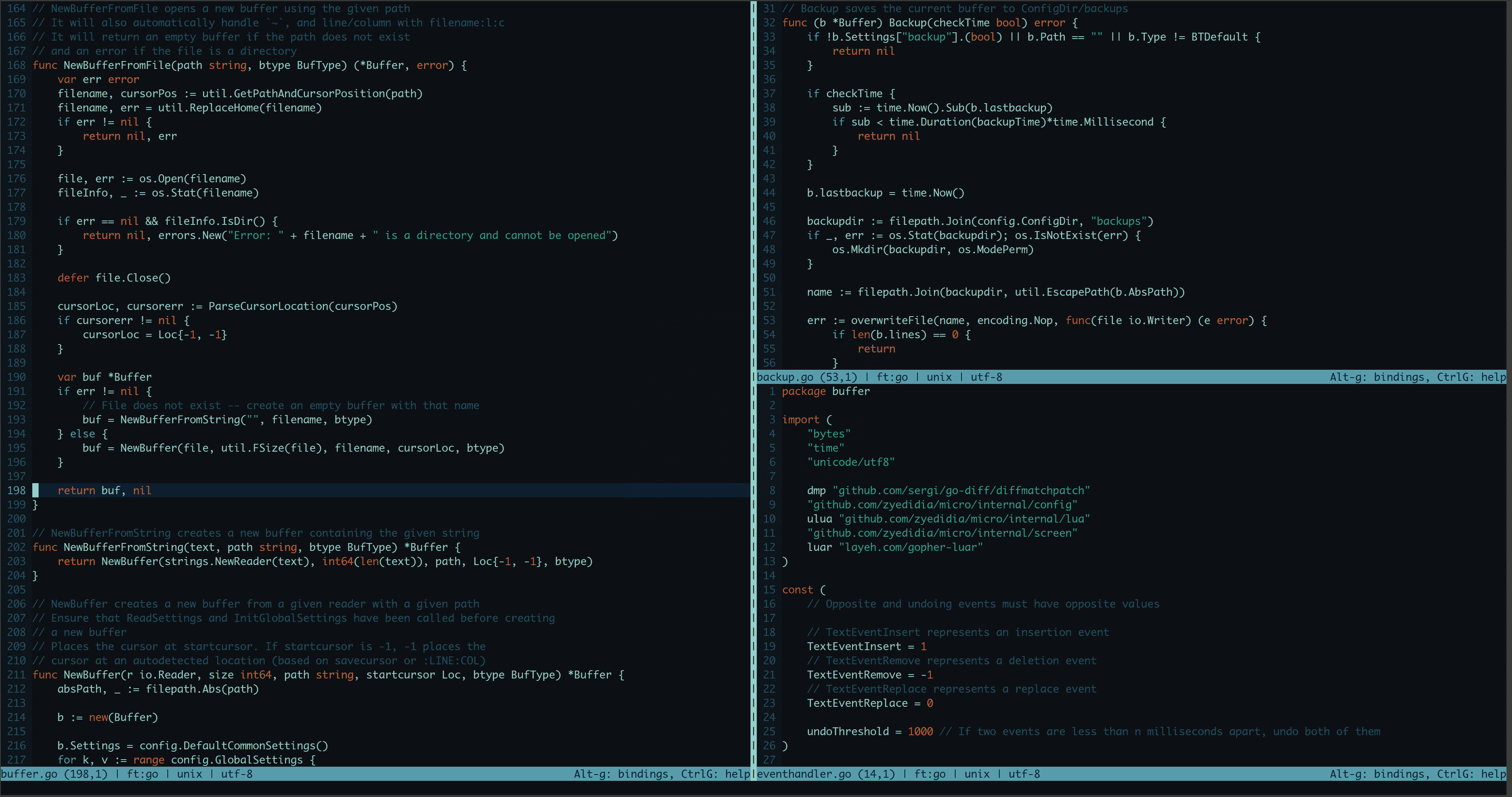
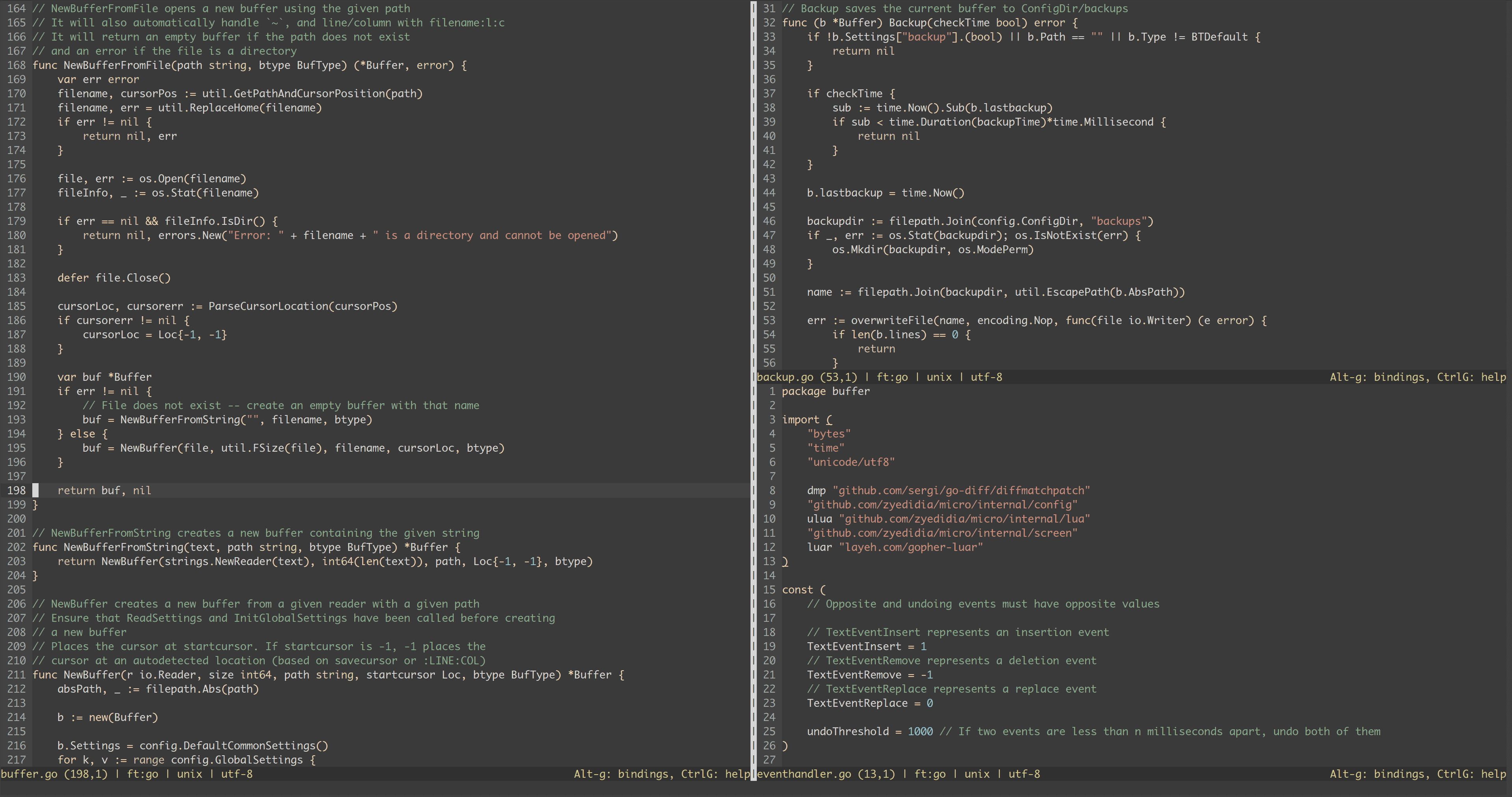
Third party pipe to shell script (not under the control of micro): FeaturesEasy to UseMicro's number one feature is being easy to install (it's just a static binary with no dependencies) and easy to use. Highly CustomizableUse a simple json format to configure your options and rebind keys to your liking. If you need more power, you can use Lua to configure the editor further. Colors and HighlightingMicro supports over 75 languages and has 7 default colorschemes to choose from. Micro supports 16, 256, and truecolor themes. Syntax files and colorschemes are also very simple to make. Multiple CursorsMicro has support for Sublime-style multiple cursors, giving you lots of editing power directly in your terminal. Plugin SystemMicro supports a full-blown plugin system. Plugins are written in Lua and there is a plugin manager to automatically download and install your plugins for you. Common KeybindingsMicro's keybindings are what you would expect from a simple-to-use editor. You can also rebind any of the bindings without problem in the Mouse SupportMicro has full support for the mouse. This means you can click and drag to select text, double click select by word, and triple click to select by line. Terminal EmulatorRun a real interactive shell from within micro. You could open up a split with code on one side and bash on the other -- all from within micro. ContributingIf you find any bugs, please report them! I am also happy to accept pull requests from anyone. You can use the GitHub issue tracker to report bugs, ask questions, or suggest new features. For a more informal setting to discuss the editor, you can join the Gitter chat. |
| You are visitor 01402503 — GeezerVison does not store the pages you look up. Best viewed with Netscape Navigator 4.7 or Internet Explorer 6 at 800×600. No cookies required. |