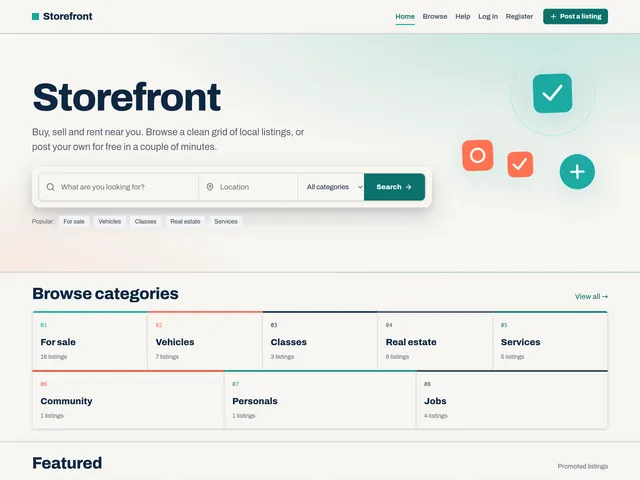
The default ShopClass theme for classifieds sites. It has a card-grid layout, three colour palettes, light and dark schemes, and plain JavaScript with no jQuery.
Requirements
ShopClass 7.0.0 or later. Sites on an older core stay on Storefront 1.3.x.
PHP 8.0 or later
No plugins needed.
Install
ShopClass bundles Storefront and activates it on a fresh install. To install it yourself:
Go to Appearance → Manage themes.
Find Storefront in Browse, or upload storefront_X.Y.Z.zip from the releases.
Click Install, then Activate.
Set up
Go to Appearance → Storefront: Brand:
Site name: the wordmark shown when no logo is set.
Logo: SVG, PNG or JPG. An SVG is cleaned on upload and follows the text colour, so one file works in light and dark. PNG and JPG are saved to oc-content/uploads/.
Compact logo (optional): a small mark for phones. The main logo shows if it is empty.
Go to Appearance → Storefront: Settings:
Colour palette: Teal, Indigo or Violet.
Colour scheme: Light, Dark or Auto (follow device).
Home / Hero: Headline and Tagline, plus switches for the decorative graphic, the popular-category chips and the featured listings row.
Search & Location: Post & edit form location (autocomplete or dropdowns; on ShopClass 7.1 and newer core's Location field setting takes over, a dropdowns site keeps dropdowns and an autocomplete site gets core's one box), Search page location (country, region and city; region and city; or autocomplete), Search box placeholder and Default results view (gallery or list).
Footer & Social: Footer tagline, links for Facebook, X, Instagram, YouTube and LinkedIn, and the "Powered by ShopClass" credit.
Press Save. An empty text field restores its default.
Features
Every palette and scheme pair meets WCAG 2.1 AA contrast.
Right-to-left locales switch the layout by themselves.
Featured listings on the home page, related listings and custom fields on the item page.
Widget zones: header, footer and item_sidebar.
Core draws the account, sign-in, profile, contact and credits pages inside Storefront's header and footer. The theme styles them through hooks in inc/core-pages.php.
Customising
Settings are stored as theme preferences, so they survive updates. For deeper changes, edit the design tokens at the top of css/storefront.css (--color-*, --font-*, --space-*, --radius-*, --shadow-*) or use a child theme.
For developers
Hooks fired:
| Hook | Where | |---|---| | header, footer | End of <head>, before </body> | | before-main, after-main | Around the main content | | search_ads_listing_top | Top of home and search results | | search_ads_listing_medium | Every 6 search results | | home_before_featured, home_after_featured | Around the featured row | | home_before_listings, home_after_listings | Around the latest-listings row | | item_meta, item_detail | Item page body | | item_before_related, item_after_related | Around the related row | | item_sidebar | Item page aside | | item_contact_form | Inside the seller contact form |
css/ and js/ run as they are. npm install then npm run build writes the *.min.* files and compiles languages/*/theme.mo. Both are gitignored.
Strings use the text domain storefront. Run npm run i18n to update languages/storefront.pot and languages/en_US/theme.po.
To work on the theme, clone it and symlink it into oc-content/themes/storefront.
A vX.Y.Z tag runs .github/workflows/release.yml, which builds and publishes storefront_X.Y.Z.zip.
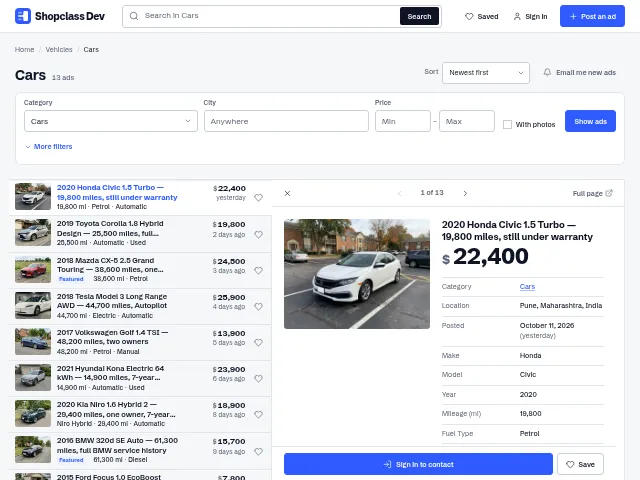
GlanceFor classifiedsA classifieds theme for comparing ads: read each ad in a side panel without losing your place in the list.FreeGPL-3.0+v1.3.0Live preview on the demo
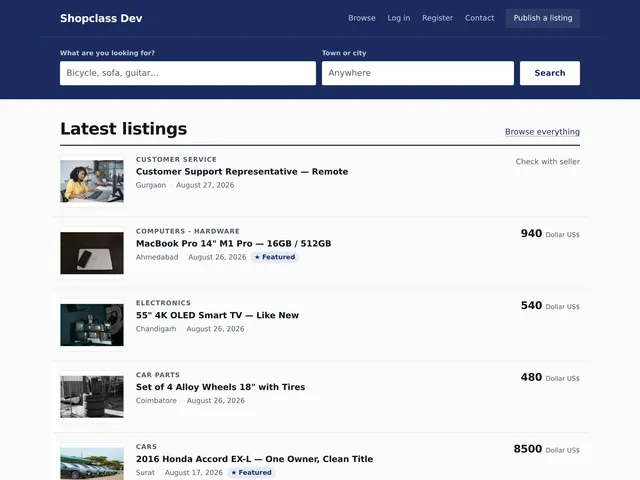
FolioFor classifiedsA typography-first ShopClass theme built on native HTML5 elements: one hand-written stylesheet, eight lines of JavaScript, no build step.FreeGPL-3.0+v0.8.0Live preview on the demo
You are visitor 01402792 — GeezerVison does not store the pages you look up. Best viewed with Netscape Navigator 4.7 or Internet Explorer 6 at 800×600. No cookies required.