Otherwise, it defaults to 0, no 802.1Q tagging, and this feature is not used.
Mongoose's TCP/IP stack allows users to define an interface event handler, that will be called when certain events occur:
Mongoose implements a built-in TLS 1.3 stack. It can be enabled by one of the
following ways:
Mongoose Library provides several reference projects - "complete" projects that can be used as a base for a production firmware.
Mongoose Wizard is a no-code visual tool for creating connected applications on
embedded devices. Mongoose Wizard generates ready-to-go projects for a variety
of microcontrollers, as well as for Windows/Mac/Linux, which makes it very
easy to develop/iterate/test. You can start using Mongoose Wizard immediately at
https://mongoose.ws/wizard/.
The core concept of Mongoose Wizard is the JSON configuration file, which
describes your application options, target hardware / software, Web UI,
and RESTful API.
Mongoose Wizard's frontend is a visual way of editing configuration file.
Alternatively, it can be edited manually using your favorite editor.
Mongoose Wizard's backend takes a configuration file as an input, and
generates a ready-to-go project as an output.
You can download that project to your workstation and build/flash/run it.
Alternatively, if you're using Chrome browser (which provides Web USB support),
you can build and flash generated project directly from a browswer.
The network functionality is generated using Mongoose Library, and interfaces
with the rest of the firmware via a set of "glue" functions and structures.
The glue API is consolidated in the mongoose_glue.{c,h} files, and is meant
to be modified by the user to "glue" the generated functionality to the
hardware.
For example, a Web UI can show a panel with a toggle button, and the generated
glue code is:
In order to glue that implementation to the hardware, a getter and setter
function should be modified to "synchronise" the hardware to the structure.
This is done by following steps:
Different REST API endpoint types generate use different callbacks. The list
below contains the summary:
Similarly, callback for other protocols can be overridden too. Here is the
relevant API:
Below is a brief explanation of the REST API configuration and the
corresponding usage using the curl command.
The "layout" attribute for pages describe UI elements, which could be nested.
Here's the format for the UI element:
Container. Use flex class for horizonal, flex flex-col
for vertical flex. The most common issue is to set the width of the child
elements - for example, panels, or titles. Here is the quick guide:
Element's attributes can have embedded Javascript expressions inside.
For example, element's css attribute, which translates to the HTML style,
can be a simple text like color: red;, but can also contain expressions.
Javascript expressions are specified inside the curly brackets prepended
by the dollar sign: ${...}. Expressions can be conditional, which allows
to alter any element depending on the value of the REST API.
For example, this alters the background of element:
In the Wizard UI, those can be set in the "Extra" field,
which should be a valid JSON object that one or more of the above keys.
For example, a default dashboard project defines two users, "user" with
access level 3 and "admin" with access level 7. A "leds" API endpoint
allows "user" to read /api/leds, but not modify it. "admin" can both
read and write to it:
If Web UI login is activated on a settings page, then Wizard enables
granular access control to pages, panels, and variables in the following way:
Sometimes a certain function needs to be executed after a delay. For example,
device must be rebooted after a configuration change. In order to execute
such function after some delay, Mongoose API function mg_timer_add() can
be used:
If API value is changed somewhere else in the firmware code, the UI must be
notified about this change by calling glue_update_state() function.
Also, that periodic poll updates a toolbar indicator, that
shows device connection status. Normally it is green:

In other words, auto-refresh ensures that you're looking at the Web UI that is
not stale.
If Websocket support is enabled in the HTTP settings, then device can send
frequent periodic updates to all connected Web UI clients. The API function
that enabled websocket updates is this:
Therefore, if you'd like to send a real-time data from a device, first
configure the "data" API endpoint, override its handlers, and then call
the mongoose_add_ws_reporter(). The getter function will be called with
the specified frequency, sending data to the UI:
Mongoose Wizard makes it easy to create REST API handlers that are represented
by JSON objects or array of objects. Those objects are mapped to C structures
which are easy to handle.
However sometimes it is required to create an API handler that returns
arbitrary data. For such cases, Mongoose Wizard provides an API function
to register a custom API handler:
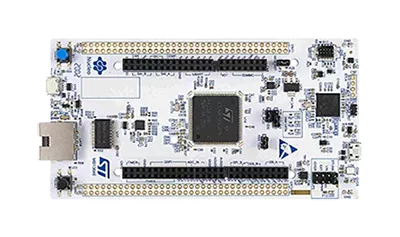
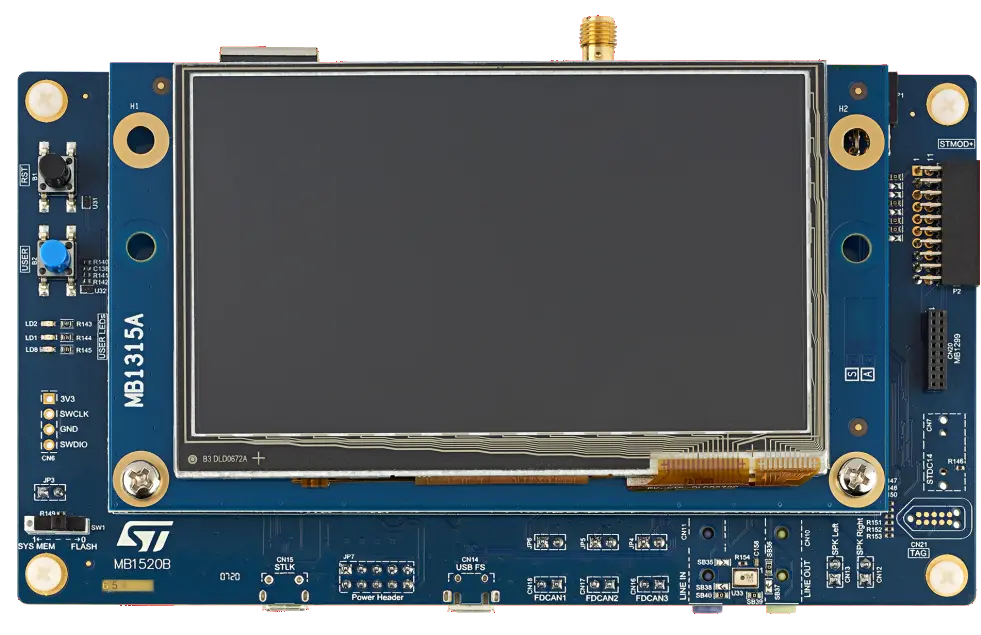
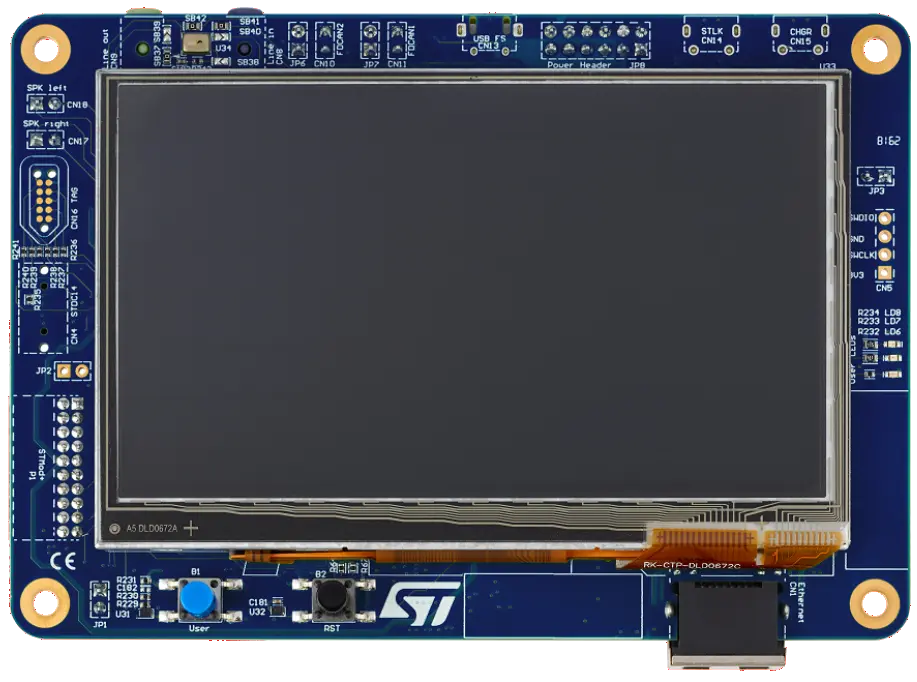
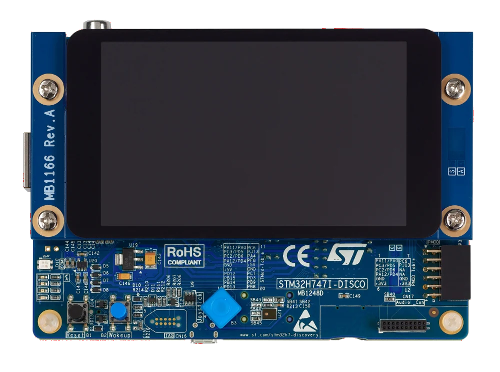
Below is the list of development boards Mongoose Wizard supports.
The generated UI cannot be manually edited. The Wizard does not generate HTML.
Instead, the Wizard UI engine renders the configuration ui section
dynamically. If you want full manual control over your UI, do not use the
Wizard and create your own UI manually, see the device dashboard
tutorial
Development Environment
- Build tools - A guide on setting up a development environment for building and running Mongoose Library examples, as well as developing new applications.
Common Tasks
Redirect printf to UART
Different C libraries provide different hooks. In all examples below,
the STM32 Cube function HAL_UART_Transmit() is used - change if required.
int _write(int fd, unsigned char *buf, int len) {
  HAL_UART_Transmit(&huart3, buf, len, HAL_MAX_DELAY);
  return len;
}
int __io_putchar(int ch) {
  HAL_UART_Transmit(&huart3, (uint8_t*) &ch, 1, HAL_MAX_DELAY);
  return ch;
}
int fputc(int ch, FILE *f){
  HAL_UART_Transmit(&huart3, (uint8_t*) &ch, 1, HAL_MAX_DELAY);
  return ch;
}
Report free RAM
// Works in ARM GCC (newlib C library)
extern unsigned char _end[];                   // Heap start
static unsigned char *s_break_address = _end;  // Heap end (dynamic)

size_t ramUsed(void) {
  return (size_t) (s_break_address - _end);
}

size_t ramFree(void) {
  unsigned char endofstack;
  return (size_t) (&endofstack - s_break_address);
}

void *_sbrk(int incr) {
  unsigned char *prev_heap;
  unsigned char *heap_end = (unsigned char *) ((size_t) &heap_end - 256);
  prev_heap = s_break_address;
  if (s_break_address + incr > heap_end) {
    errno = ENOMEM;
    return (void *) -1;
  }
  s_break_address += incr;
  return prev_heap;
}
In order to report free RAM number in the bare metal superloop,
see this example for Cube:
  uint32_t timer = 0, period = 1000;  // milliseconds
  while (1) {
    uint32_t now = HAL_GetTick();

    if ((int32_t)(now - timer) >= 0) {
      printf("RAM: %u\n", ramFree());
      while ((int32_t)(now - timer) >= 0) timer += period;
    }
Integrate Mongoose into existing embedded project
First, setup low level. For MCUs with built-in Ethernet controller, enable
that controller and setup pins. Then, add Mongoose:
Step 1. Copy mongoose.h. Open https://github.com/cesanta/mongoose in your browser,
click on "mongoose.h". Click on "Raw" button, and copy file contents into
the clipboard. Create mongoose.h file in your project, and paste the copied
content there.
Step 2. Copy mongoose.c - repeat the same for mongoose.c
Step 3. Create mongoose_config.h file in your
project, and paste the following contents. Uncomment the driver appropriate
for your device, and save:
#pragma once

// See https://mongoose.ws/documentation/#build-options
#define MG_ENABLE_TCPIP 1          // Enable build-in TCP/IP stack
#define MG_ARCH MG_ARCH_CUBE       // Change this if not Cube
#define MG_ENABLE_DRIVER_STM32F 1  // Change this if not STM32Fxx
You can see the full list of all available options at
https://mongoose.ws/documentation/#build-options
Step 4. Add #include "mongoose.h" to the top of you main C file
Step 5. Add run_mongoose() function:
// In RTOS environment, run this function in a separate task. Give it 8k stack
static void run_mongoose(void) {
  struct mg_mgr mgr;        // Mongoose event manager
  mg_log_set(MG_LL_DEBUG);  // Set log level to debug
  mg_mgr_init(&mgr);        // Initialise event manager
  for (;;) {                // Infinite event loop
    mg_mgr_poll(&mgr, 0);   // Process network events
  }
}
Step 6. Update main() function to call run_mongoose() instead of
running at infinite loop.
Step 7. Rebuild the firmware, and flash it. Notice the log messages.
You should see something like this:
7f5    1 mongoose.c:5089:onstatechange  Link up
7f9    3 mongoose.c:5189:tx_dhcp_discov DHCP discover sent. Our MAC: 02:2d:cf:46:29:04
915    3 mongoose.c:5168:tx_dhcp_reques DHCP req sent
a30    2 mongoose.c:5296:rx_dhcp_client Lease: 86400 sec (86402)
a36    2 mongoose.c:5084:onstatechange  READY, IP: 192.168.0.60
a3c    2 mongoose.c:5085:onstatechange         GW: 192.168.0.1
a42    2 mongoose.c:5086:onstatechange        MAC: 02:2d:cf:46:29:04
bcf    2 mongoose.c:5755:mg_tcpip_poll  Status: ready, IP: 192.168.0.60, rx:6, tx:3, dr:0, er:0
fb7    2 mongoose.c:5755:mg_tcpip_poll  Status: ready, IP: 192.168.0.60, rx:6, tx:3, dr:0, er:0
If instead you see DHCP requests message like this:
130b0  3 mongoose.c:4776:tx_dhcp_discov DHCP discover sent. Our MAC: 02:03:04:05:06:07
13498  3 mongoose.c:4776:tx_dhcp_discov DHCP discover sent. Our MAC: 02:03:04:05:06:07
Then the most common cause for this is you have your Ethernet pins wrong.
Click on the .ioc file, go to the Ethernet configuration, and double-check
the Ethernet pins against the table above.
NOTE: if you want to to use RTOS for your firmware, for example FreeRTOS,
then simply start run_mongoose() in a sepatate task.
In a separate terminal, ping the board and make sure it is alive:
$ ping 192.168.0.60
PING 192.168.0.60 (192.168.0.60): 56 data bytes
64 bytes from 192.168.0.60: icmp_seq=0 ttl=64 time=15.197 ms
64 bytes from 192.168.0.60: icmp_seq=1 ttl=64 time=2.201 ms
Done! We have a functional TCP/IP stack running on our board. Notice that we
did not use any extra middleware - no RTOS, no lwIP.
Web User Interface
- Device dashboard - This tutorial shows an example of how to build a device dashboard, what can be very useful for headless devices.
- REST basics - This tutorial will show you the basics of how to implement and use a REST-based user interface (UI).
- Pure JavaScript UI - This tutorial will show you how to implement a plain JavaScript-based user interface (UI) over a REST-based backend.
- Preact UI - This tutorial will show you how to implement a Preact-based frontend for a user interface (UI) over a REST-based backend. We'll concentrate here on the basics of the Preact UI frontend.
- User authentication - This tutorial will show you how to implement a session login with a Preact-based user interface (UI) over a REST-based backend. We'll concentrate here on the basics of the login process.
- Data push - This tutorial will show you how to push data from the device to a JavaScript-based user interface (UI) running on the browser; either using WebSocket or a REST-based API.
- MQTT dashboard - This tutorial shows an example of how to build a remote device dashboard, what can be very useful to handle remote devices.
HTTP
- HTTP server - A basic HTTP server tutorials will show you how to configure a HTTP server, while you get familiar with the event manager and the server API.
- HTTP client - This tutorial will show you how to implement an HTTP client using Mongoose Library.
- HTTP proxy client - This tutorial will show you how to use Mongoose as an HTTP client in places where connections must be done through a proxy.
- HTTP reverse proxy - This tutorial will show you how to use Mongoose to implement a reverse proxy.
- File uploads - This tutorial will show you how to upload a file to a Mongoose web server.
- Huge response - This tutorial will show you how to send large amounts of data, larger than available buffer memory.
- Video stream - This tutorial will show you how to send a video stream as a series of MJPEG frames.
Websocket
- Websocket server - This tutorial demonstrates how Mongoose Library can be used to implement a Websocket server.
- Websocket client - This tutorial demonstrates how Mongoose Library can be used to implement a Websocket client.
- JSON-RPC over WS - This tutorial demonstrates how Mongoose Library can be used to implement JSON-RPC functionality over WebSocket.
MQTT
- MQTT client - This tutorial demonstrates how Mongoose Library can be used to implement an MQTT client.
- MQTT server - This tutorial demonstrates how Mongoose Library can be used to implement a simple MQTT 3.1.1 server.
- MQTT over WS client - This tutorial demonstrates how Mongoose Library can be used to implement an MQTT client that connects to the broker over WebSocket.
- MQTT dashboard - This tutorial shows an example of how to build an MQTT-controlled headless device.
SSL/TLS
- SSL/TLS - In this tutorial we describe how to enable SSL/TLS for servers and clients.
Firmware Update
- Firmware Update - This tutorial will show you how to use Mongoose Library functions to implement firmware updates.
Core
- Timers - This tutorial will guide you to configure a timer callback, a mechanism to perform some periodic actions.
- Multithreading - This tutorial will show you how to work with Mongoose on a multithreaded environment.
- Embedded filesystem - This tutorial shows an example of how to embed files in a packed filesystem that is linked into the server binary; forming a read-only file system that can be used to hold credentials and/or web files to be served.
Misc
- Error handling - If a connection fails for some reason, you can find answers what to do in this section.
- UART bridge - This tutorial shows an example of how to send UART data over the network.
- CMSIS driver - Write your own driver, port our generic CMSIS-Driver to your ARM device
SMTP
- SMTP client - This simple tutorial demonstrates how Mongoose Library can be used to implement an SMTP client over TLS.
TCP
- TCP client and server - This simple tutorial demonstrates how Mongoose Library can be used to implement TCP clients and servers, even over TLS.
- SOCKS5 server - This tutorial will show you how to use Mongoose Library functions to implement a TCP-based server, in this case a SOCKS5 proxy server.
UDP
- Captive DNS server - This tutorial demonstrates how Mongoose Library can be used to implement a captive DNS portal. It is usually required for device configuration.
- SNTP time sync - This tutorial will show you how to synchronize time with a remote SNTP server.
- SSDP search - This tutorial demonstrates how to use Mongoose Library for UDP communication, by performing an SSDP search.
TCP/IP stack drivers
STM32
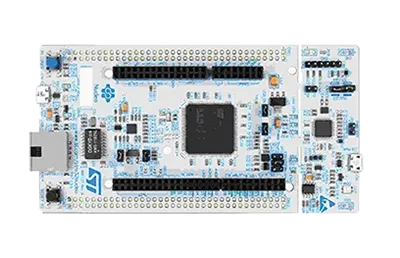
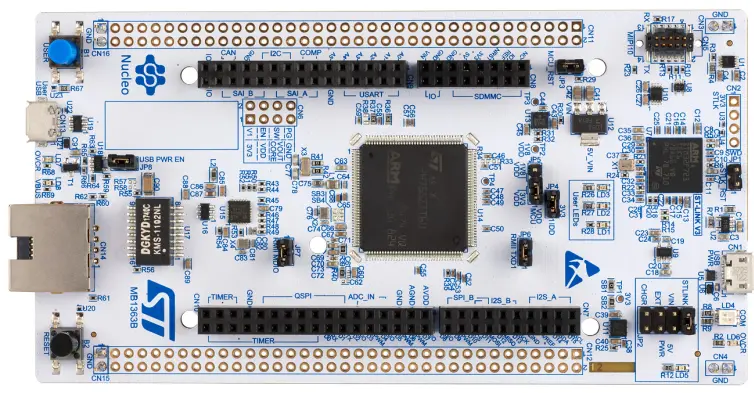
Nucleo-F207ZG
ram: 128k
flash: 1m
freq: 120MHz
net: Ethernet
| Framework |
OS |
IP stack |
Tutorial |
| Cube |
baremetal |
built-in |
Wizard |
| Cube |
FreeRTOS |
built-in |
Wizard |
| VSCode |
baremetal |
built-in |
Wizard |
| VSCode |
FreeRTOS |
built-in |
Wizard |
| GCC+make |
baremetal |
built-in |
Wizard |
| GCC+make |
FreeRTOS |
built-in |
Wizard |
| Zephyr |
Zephyr |
Zephyr |
Wizard |
Nucleo-F429ZI
ram: 256k
flash: 2m
freq: 180MHz
net: Ethernet
| Framework |
OS |
IP stack |
Tutorial |
| Cube |
baremetal |
built-in |
Wizard |
| Cube |
FreeRTOS |
built-in |
Wizard |
| VSCode |
baremetal |
built-in |
Wizard |
| VSCode |
FreeRTOS |
built-in |
Wizard |
| GCC+make |
baremetal |
built-in |
Wizard |
| GCC+make |
FreeRTOS |
built-in |
Wizard |
| Cube |
FreeRTOS |
lwIP |
tutorial |
| Keil |
baremetal |
built-in |
tutorial |
| Keil |
FreeRTOS |
built-in |
tutorial |
| Zephyr |
Zephyr |
Zephyr |
Wizard |
| GCC+make |
baremetal |
built-in USB |
tutorial |
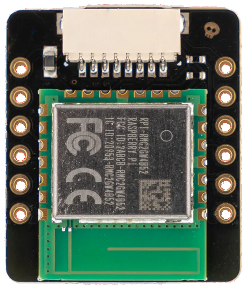
Nucleo-F429ZI + RM2 breakout
net: WiFi
| Framework |
OS |
IP stack |
Tutorial |
| GCC+make |
baremetal |
built-in |
example |
Nucleo-F439ZI
ram: 256k
flash: 2m
freq: 180MHz
net: Ethernet
| Framework |
OS |
IP stack |
Tutorial |
| Cube |
baremetal |
built-in |
Wizard |
| Cube |
FreeRTOS |
built-in |
Wizard |
| VSCode |
baremetal |
built-in |
Wizard |
| VSCode |
FreeRTOS |
built-in |
Wizard |
| GCC+make |
baremetal |
built-in |
Wizard |
| GCC+make |
FreeRTOS |
built-in |
Wizard |
| Cube |
FreeRTOS |
lwIP |
tutorial |
| Keil |
baremetal |
built-in |
tutorial |
| Keil |
FreeRTOS |
built-in |
tutorial |
| Zephyr |
Zephyr |
Zephyr |
Wizard |
| GCC+make |
baremetal |
built-in USB |
tutorial |
Nucleo-F746ZG
ram: 320k
flash: 1m
freq: 216MHz
net: Ethernet
Nucleo-F746ZG + RM2 breakout
net: WiFi
| Framework |
OS |
IP stack |
Tutorial |
| GCC+make |
baremetal |
built-in |
example |
Nucleo-F756ZG
ram: 320k
flash: 1m
freq: 216MHz
net: Ethernet
Nucleo-F767ZI
ram: 512k
flash: 2m
freq: 216MHz
net: Ethernet
| Framework |
OS |
IP stack |
Tutorial |
| Cube |
baremetal |
built-in |
Wizard |
| Cube |
FreeRTOS |
built-in |
Wizard |
| VSCode |
baremetal |
built-in |
Wizard |
| VSCode |
FreeRTOS |
built-in |
Wizard |
| GCC+make |
baremetal |
built-in |
Wizard |
| GCC+make |
FreeRTOS |
built-in |
Wizard |
| Zephyr |
Zephyr |
Zephyr |
Wizard |
| Cube |
FreeRTOS |
lwIP |
tutorial |
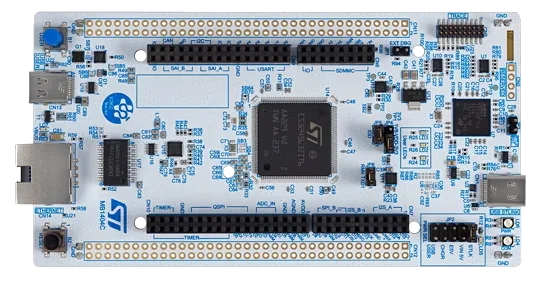
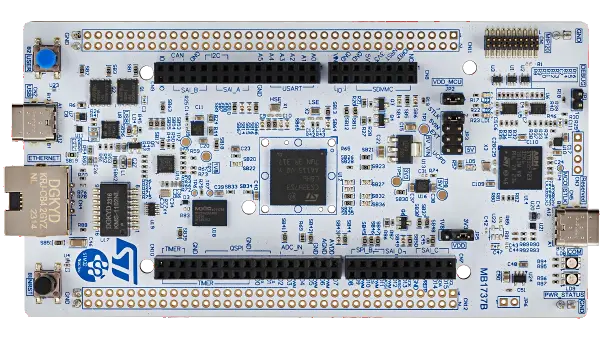
Nucleo-H563ZI
ram: 640k
flash: 2m
freq: 250MHz
net: Ethernet
| Framework |
OS |
IP stack |
Tutorial |
| Cube |
baremetal |
built-in |
Wizard |
| Cube |
FreeRTOS |
built-in |
Wizard |
| VSCode |
baremetal |
built-in |
Wizard |
| VSCode |
FreeRTOS |
built-in |
Wizard |
| GCC+make |
baremetal |
built-in |
Wizard |
| GCC+make |
FreeRTOS |
built-in |
Wizard |
| Zephyr |
Zephyr |
Zephyr |
Wizard |
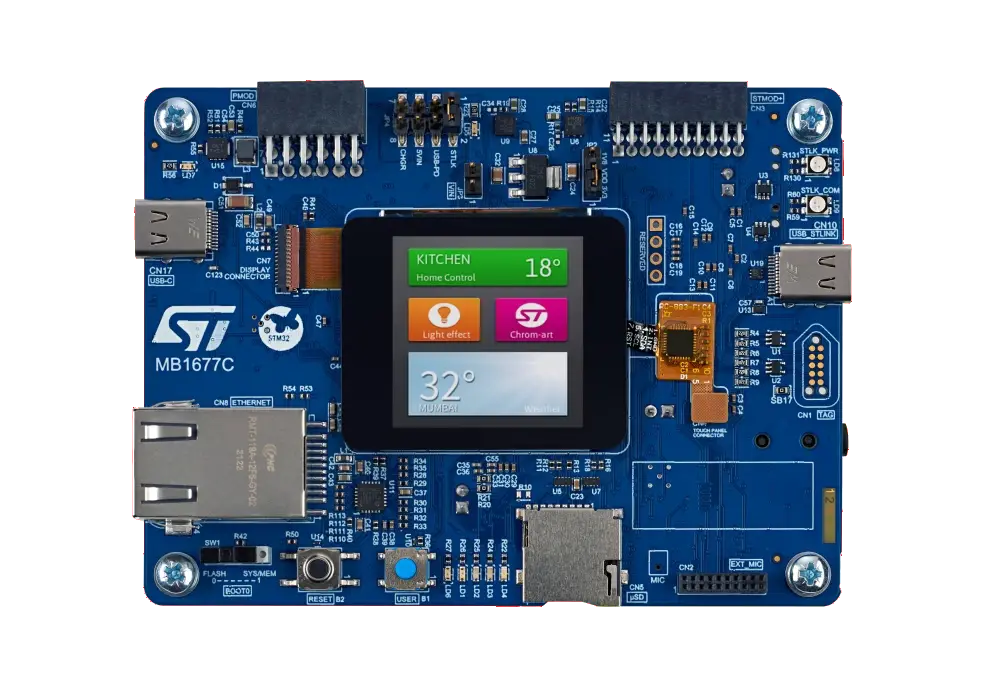
STM32H573I-DK
ram: 640k
flash: 2m
freq: 250MHz
net: Ethernet
| Framework |
OS |
IP stack |
Tutorial |
| Cube |
baremetal |
built-in |
Wizard |
| Cube |
FreeRTOS |
built-in |
Wizard |
| VSCode |
baremetal |
built-in |
Wizard |
| VSCode |
FreeRTOS |
built-in |
Wizard |
| GCC+make |
baremetal |
built-in |
Wizard |
| GCC+make |
FreeRTOS |
built-in |
Wizard |
| Zephyr |
Zephyr |
Zephyr |
Wizard |
Nucleo-H723ZG
ram: 564k
flash: 1m
freq: 550MHz
net: Ethernet
STM32H735G-DK
ram: 564k
flash: 1m
freq: 550MHz
net: Ethernet
| Framework |
OS |
IP stack |
Tutorial |
| Cube |
baremetal |
built-in |
Wizard |
| Cube |
FreeRTOS |
built-in |
Wizard |
| VSCode |
baremetal |
built-in |
Wizard |
| VSCode |
FreeRTOS |
built-in |
Wizard |
| GCC+make |
baremetal |
built-in |
Wizard |
| GCC+make |
FreeRTOS |
built-in |
Wizard |
| Zephyr |
Zephyr |
Zephyr |
Wizard |
Nucleo-H743ZI2
ram: 1m
flash: 2m
freq: 480MHz
net: Ethernet
| Framework |
OS |
IP stack |
Tutorial |
| Cube |
baremetal |
built-in |
Wizard |
| Cube |
FreeRTOS |
built-in |
Wizard |
| VSCode |
baremetal |
built-in |
Wizard |
| VSCode |
FreeRTOS |
built-in |
Wizard |
| GCC+make |
baremetal |
built-in |
Wizard |
| GCC+make |
FreeRTOS |
built-in |
Wizard |
| Zephyr |
Zephyr |
Zephyr |
Wizard |
| Cube |
FreeRTOS |
lwIP |
tutorial |
STM32H745I-Disco
ram: 1m
flash: 2m
freq: 480MHz
net: Ethernet
| Framework |
OS |
IP stack |
Tutorial |
| Cube |
baremetal |
built-in |
Wizard |
| Cube |
FreeRTOS |
built-in |
Wizard |
| VSCode |
baremetal |
built-in |
Wizard |
| VSCode |
FreeRTOS |
built-in |
Wizard |
| GCC+make |
baremetal |
built-in |
Wizard |
| GCC+make |
FreeRTOS |
built-in |
Wizard |
| Zephyr |
Zephyr |
Zephyr |
Wizard |
STM32H747I-Disco
ram: 1m
flash: 2m
freq: 480MHz
net: Ethernet
| Framework |
OS |
IP stack |
Tutorial |
| Cube |
baremetal |
built-in |
Wizard |
| Cube |
FreeRTOS |
built-in |
Wizard |
| VSCode |
baremetal |
built-in |
Wizard |
| VSCode |
FreeRTOS |
built-in |
Wizard |
| GCC+make |
baremetal |
built-in |
Wizard |
| GCC+make |
FreeRTOS |
built-in |
Wizard |
| Zephyr |
Zephyr |
Zephyr |
Wizard |
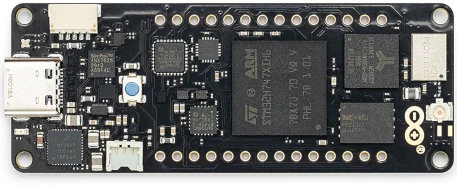
Arduino Portenta H7
ram: 1m
flash: 2m
freq: 400MHz
net: WiFi
| Framework |
OS |
IP stack |
Tutorial |
| GCC+make |
baremetal |
built-in |
example |
| Cube |
baremetal |
built-in |
example |
Nucleo-H753ZI
ram: 1m
flash: 2m
freq: 480MHz
net: Ethernet
| Framework |
OS |
IP stack |
Tutorial |
| Cube |
baremetal |
built-in |
Wizard |
| Cube |
FreeRTOS |
built-in |
Wizard |
| VSCode |
baremetal |
built-in |
Wizard |
| VSCode |
FreeRTOS |
built-in |
Wizard |
| GCC+make |
baremetal |
built-in |
Wizard |
| GCC+make |
FreeRTOS |
built-in |
Wizard |
| Zephyr |
Zephyr |
Zephyr |
Wizard |
Nucleo-H755ZI-Q
ram: 1m
flash: 2m
freq: 480MHz
net: Ethernet
| Framework |
OS |
IP stack |
Tutorial |
| Cube |
baremetal |
built-in |
Wizard |
| Cube |
FreeRTOS |
built-in |
Wizard |
| VSCode |
baremetal |
built-in |
Wizard |
| VSCode |
FreeRTOS |
built-in |
Wizard |
| GCC+make |
baremetal |
built-in |
Wizard |
| GCC+make |
FreeRTOS |
built-in |
Wizard |
| Zephyr |
Zephyr |
Zephyr |
Wizard |
Nucleo-H7S3L8
ram: 620k
flash: 64k
freq: 600MHz
net: Ethernet
| Framework |
OS |
IP stack |
Tutorial |
| Cube |
baremetal |
built-in |
Wizard |
| VSCode |
baremetal |
built-in |
Wizard |
| GCC+make |
baremetal |
built-in |
Wizard |
Nucleo-N657X0-Q
ram: 4.2m
flash: 64m
freq: 800MHz
net: Ethernet
| Framework |
OS |
IP stack |
Tutorial |
| Cube |
baremetal |
built-in |
Wizard |
| VSCode |
baremetal |
built-in |
Wizard |
Nucleo-U5A5ZJ-Q + X-NUCLEO-67W61M1
ram: 2.5m
flash: 4m
freq: 160MHz
net: WiFi
| Framework |
OS |
IP stack |
Tutorial |
| Cube |
baremetal |
built-in |
Wizard |
| Cube |
FreeRTOS |
built-in |
Wizard |
| GCC+make |
baremetal |
built-in |
Wizard |
| GCC+make |
FreeRTOS |
built-in |
Wizard |
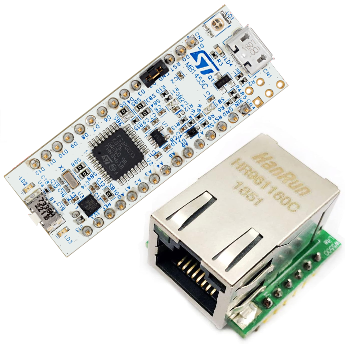
Nucleo-G031K8 + W5500 module
ram: 8k
flash: 64k
freq: 64MHz
net: Ethernet
| Framework |
OS |
IP stack |
Example |
| GCC+make |
baremetal |
built-in |
example |
NXP
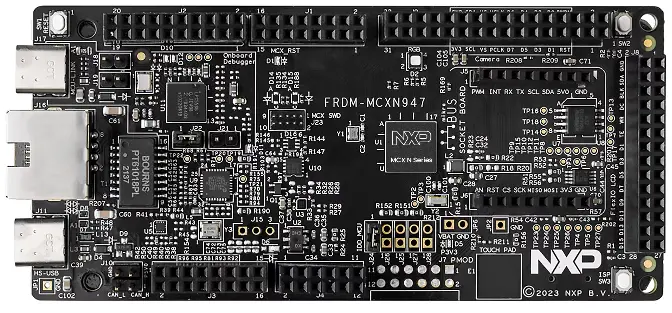
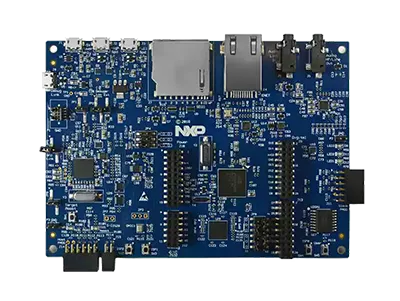
FRDM-MCXN947
ram: 512k
flash: 2m
freq: 150MHz
net: Ethernet
| Framework |
OS |
IP stack |
Tutorial |
| GCC+make |
baremetal |
built-in |
Wizard |
| GCC+make |
FreeRTOS |
built-in |
Wizard |
| MCUXpresso |
baremetal |
built-in |
Wizard |
| MCUXpresso |
FreeRTOS |
built-in |
Wizard |
| VSCode |
baremetal |
built-in |
Wizard |
| VSCode |
FreeRTOS |
built-in |
Wizard |
| Zephyr |
Zephyr |
Zephyr |
Wizard |
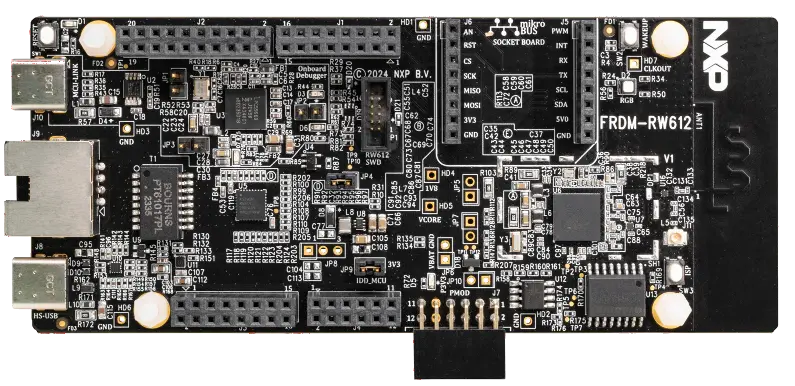
FRDM-RW612
ram: 1.2m
flash: 64m
freq: 260MHz
net: Ethernet
net: WiFi
| Framework |
OS |
IP stack |
Tutorial |
| GCC+make |
baremetal |
built-in |
Wizard |
| GCC+make |
FreeRTOS |
built-in |
Wizard |
| MCUXpresso |
baremetal |
built-in |
Wizard |
| MCUXpresso |
FreeRTOS |
built-in |
Wizard |
| VSCode |
baremetal |
built-in |
Wizard |
| VSCode |
FreeRTOS |
built-in |
Wizard |
| MCUXpresso |
FreeRTOS |
built-in (Wi-Fi) |
example |
| MCUXpresso |
FreeRTOS |
built-in (Wi-Fi) |
Wizard |
| MCUXpresso |
FreeRTOS |
lwIP (Ethernet) |
example |
| MCUXpresso |
FreeRTOS |
lwIP (Wi-Fi) |
example |
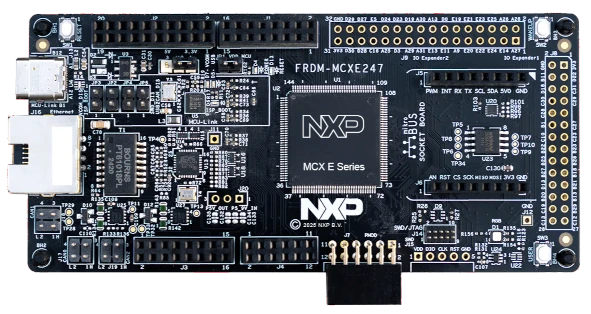
FRDM-MCXE247
ram: 256k
flash: 2m
freq: 112MHz
net: Ethernet
| Framework |
OS |
IP stack |
Tutorial |
| GCC+make |
baremetal |
built-in |
Wizard |
| GCC+make |
baremetal |
built-in |
Wizard |
| MCUXpresso |
baremetal |
built-in |
Wizard |
| MCUXpresso |
baremetal |
built-in |
Wizard |
| VSCode |
baremetal |
built-in |
Wizard |
| VSCode |
baremetal |
built-in |
Wizard |
| Zephyr |
Zephyr |
Zephyr |
Wizard |
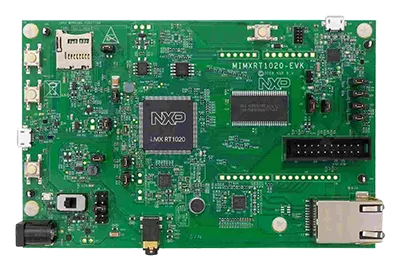
MIMXRT1020-EVK
ram: 256k
flash: 8m
freq: 500MHz
net: Ethernet
| Framework |
OS |
IP stack |
Tutorial |
| GCC+make |
baremetal |
built-in |
Wizard |
| GCC+make |
FreeRTOS |
built-in |
Wizard |
| MCUXpresso |
baremetal |
built-in |
Wizard |
| MCUXpresso |
FreeRTOS |
built-in |
Wizard |
| VSCode |
baremetal |
built-in |
Wizard |
| VSCode |
FreeRTOS |
built-in |
Wizard |
| MCUXpresso |
FreeRTOS |
lwIP |
tutorial |
| MCUXpresso |
AzureRTOS |
Azure |
tutorial |
| Zephyr |
Zephyr |
Zephyr |
Wizard |
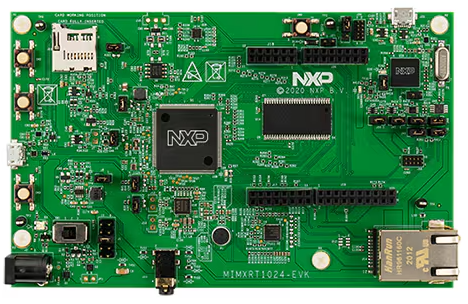
MIMXRT1024-EVK
ram: 256k
flash: 4m
freq: 500MHz
net: Ethernet
| Framework |
OS |
IP stack |
Tutorial |
| GCC+make |
baremetal |
built-in |
Wizard |
| GCC+make |
FreeRTOS |
built-in |
Wizard |
| MCUXpresso |
baremetal |
built-in |
Wizard |
| MCUXpresso |
FreeRTOS |
built-in |
Wizard |
| VSCode |
baremetal |
built-in |
Wizard |
| VSCode |
FreeRTOS |
built-in |
Wizard |
| Zephyr |
Zephyr |
Zephyr |
Wizard |
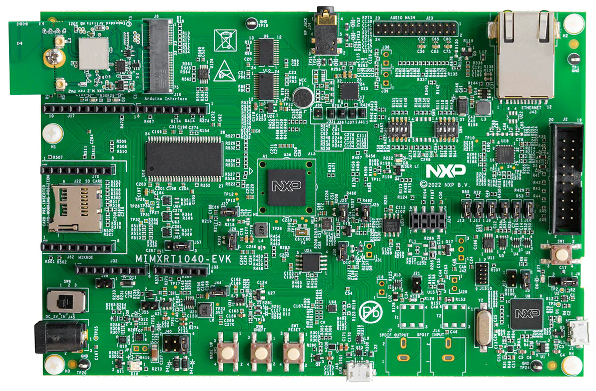
MIMXRT1040-EVK
ram: 512k
flash: 8m
freq: 600MHz
net: Ethernet
| Framework |
OS |
IP stack |
Tutorial |
| GCC+make |
baremetal |
built-in |
Wizard |
| GCC+make |
FreeRTOS |
built-in |
Wizard |
| MCUXpresso |
baremetal |
built-in |
Wizard |
| MCUXpresso |
FreeRTOS |
built-in |
Wizard |
| VSCode |
baremetal |
built-in |
Wizard |
| VSCode |
FreeRTOS |
built-in |
Wizard |
| Zephyr |
Zephyr |
Zephyr |
Wizard |
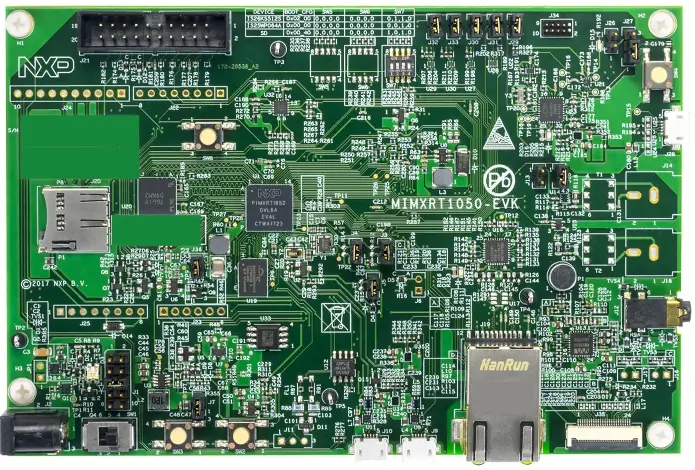
MIMXRT1050-EVKB
ram: 1m
flash: 64m
freq: 600MHz
net: Ethernet
| Framework |
OS |
IP stack |
Tutorial |
| GCC+make |
baremetal |
built-in |
Wizard |
| GCC+make |
FreeRTOS |
built-in |
Wizard |
| MCUXpresso |
baremetal |
built-in |
Wizard |
| MCUXpresso |
FreeRTOS |
built-in |
Wizard |
| VSCode |
baremetal |
built-in |
Wizard |
| VSCode |
FreeRTOS |
built-in |
Wizard |
| Zephyr |
Zephyr |
Zephyr |
Wizard |
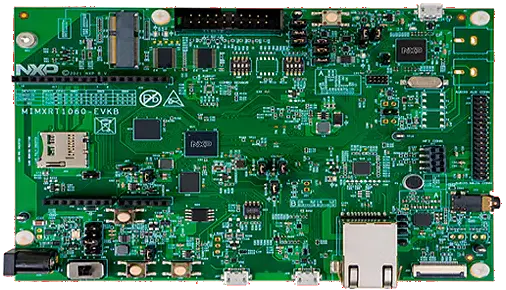
MIMXRT1060-EVKB
ram: 512k
flash: 8m
freq: 600MHz
net: Ethernet
| Framework |
OS |
IP stack |
Tutorial |
| GCC+make |
baremetal |
built-in |
Wizard |
| GCC+make |
FreeRTOS |
built-in |
Wizard |
| MCUXpresso |
baremetal |
built-in |
Wizard |
| MCUXpresso |
FreeRTOS |
built-in |
Wizard |
| VSCode |
baremetal |
built-in |
Wizard |
| VSCode |
FreeRTOS |
built-in |
Wizard |
| MCUXpresso |
baremetal |
built-in |
example |
| Zephyr |
Zephyr |
Zephyr |
Wizard |
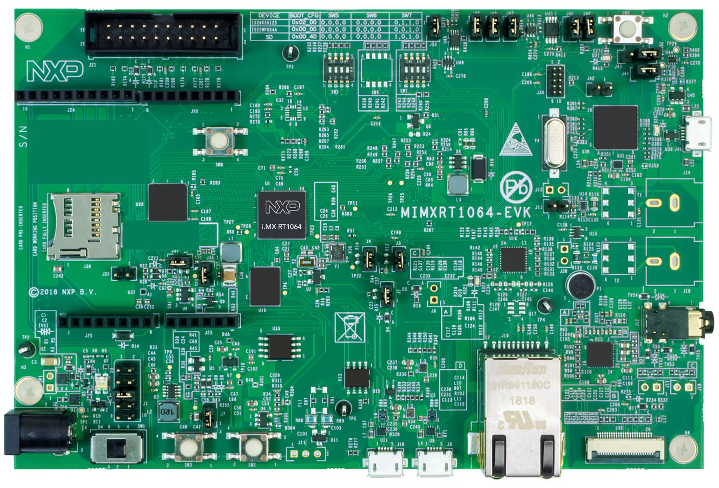
MIMXRT1064-EVK
ram: 512k
flash: 4m
freq: 600MHz
net: Ethernet
| Framework |
OS |
IP stack |
Tutorial |
| GCC+make |
baremetal |
built-in |
Wizard |
| GCC+make |
FreeRTOS |
built-in |
Wizard |
| MCUXpresso |
baremetal |
built-in |
Wizard |
| MCUXpresso |
FreeRTOS |
built-in |
Wizard |
| VSCode |
baremetal |
built-in |
Wizard |
| VSCode |
FreeRTOS |
built-in |
Wizard |
| Zephyr |
Zephyr |
Zephyr |
Wizard |
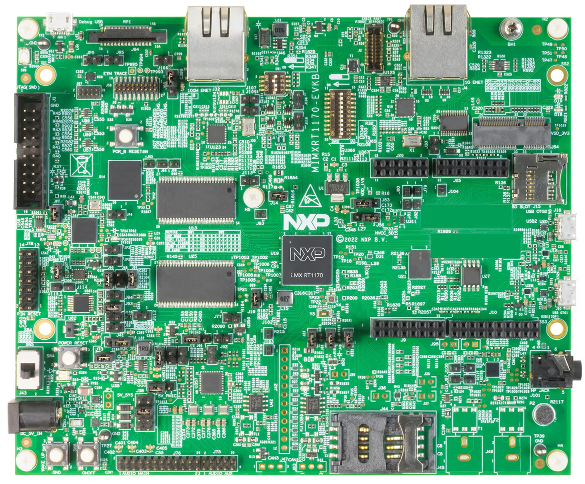
MIMXRT1170-EVKB
ram: 64m
flash: tons
freq: 1GHz
net: Ethernet
| Framework |
OS |
IP stack |
Tutorial |
| GCC+make |
baremetal |
built-in |
Wizard |
| GCC+make |
FreeRTOS |
built-in |
Wizard |
| VSCode |
baremetal |
built-in |
Wizard |
| VSCode |
FreeRTOS |
built-in |
Wizard |
| Zephyr |
Zephyr |
Zephyr |
Wizard |
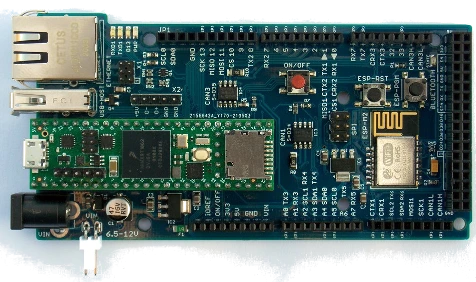
Teensy 4.1 + expansion board
ram: 1m
flash: 8m
freq: 600MHz
net: Ethernet
| Framework |
OS |
IP stack |
Tutorial |
| Arduino |
|
built-in |
Wizard |
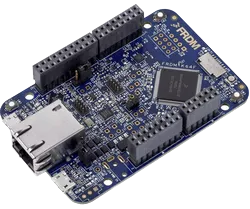
FRDM-K64F
ram: 256k
flash: 1m
freq: 120MHz
net: Ethernet
| Framework |
OS |
IP stack |
Example |
| MCUXpresso |
FreeRTOS |
lwIP |
example |
FRDM-K66F
ram: 256k
flash: 2m
freq: 180MHz
net: Ethernet
| Framework |
OS |
IP stack |
Tutorial |
| MCUXpresso |
FreeRTOS |
lwIP |
tutorial |
NXP LPC54S018M-EVK
ram: 128m
flash: 128m
freq: 180MHz
net: Ethernet
| Framework |
OS |
IP stack |
Tutorial |
| MCUXpresso |
FreeRTOS |
lwIP |
tutorial |
ESP
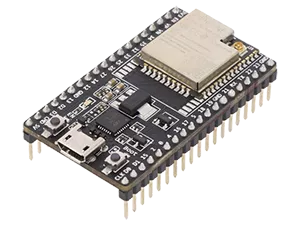
ESP32 DevkitC
ram: 220k
flash: 2/4m@40MHz
freq: 160/240MHz
net: WiFi
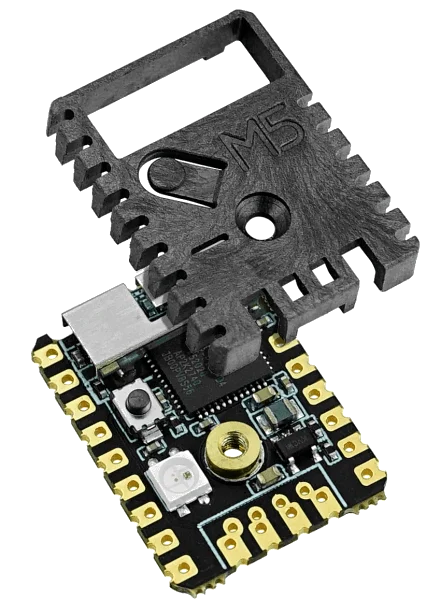
M5 STAMP PICO
ram: 220k
flash: 4m@80MHz
freq: 240MHz
net: WiFi
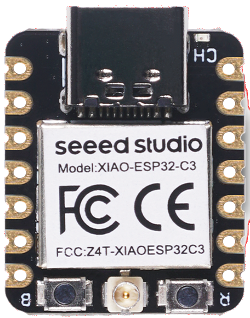
XIAO-ESP32-C3
ram: 400k
flash: 4m@80MHz
freq: 160MHz
net: WiFi
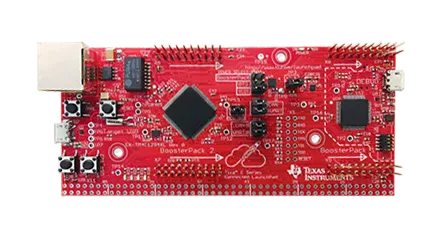
Texas Instruments
EK-TM4C1294xxx
ram: 256k
flash: 1m
freq: 120MHz
net: Ethernet
| Framework |
OS |
IP stack |
Tutorial |
| GCC+make |
baremetal |
built-in |
Wizard |
| GCC+make |
FreeRTOS |
built-in |
Wizard |
| CCS |
TI-RTOS |
TI-RTOS |
tutorial |
| GCC+make |
baremetal |
built-in USB |
example |
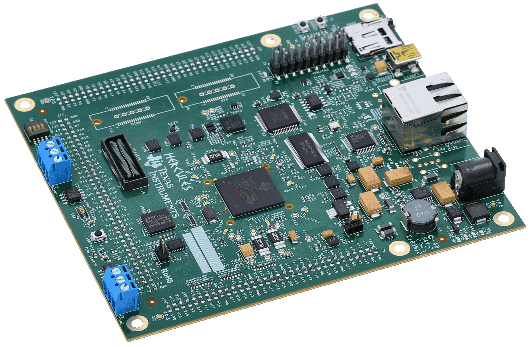
TMDX570LC43HDK (TMS570)
ram: 512k
flash: 4m
freq: 300MHz
net: Ethernet
| Framework |
OS |
IP stack |
Tutorial |
| CGT+make |
baremetal |
built-in |
Wizard |
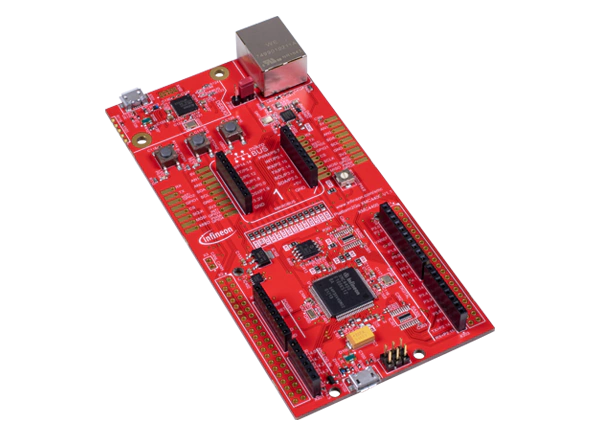
Infineon
KIT_XMC_PLT2GO_XMC4400
ram: 80k
flash: 512k
freq: 120MHz
net: Ethernet
| Framework |
OS |
IP stack |
Example |
| GCC+make |
baremetal |
built-in |
Wizard |
| Modus IDE |
baremetal |
built-in |
Wizard |
KIT_XMC47_RELAX_V1
ram: 352k
flash: 2m
freq: 144MHz
net: Ethernet
| Framework |
OS |
IP stack |
Example |
| GCC+make |
baremetal |
built-in |
Wizard |
| Modus IDE |
baremetal |
built-in |
Wizard |
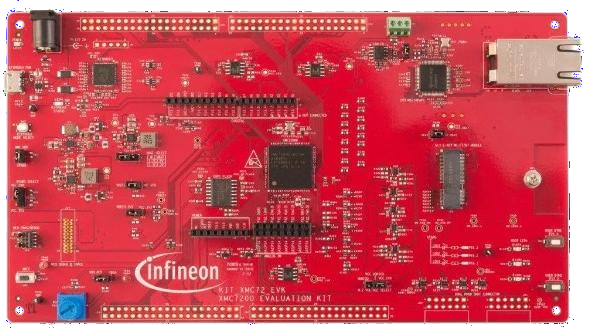
KIT_XMC72_EVK
ram: 1m
flash: 8m
freq: 350MHz
net: Ethernet
| Framework |
OS |
IP stack |
Example |
| GCC+make |
baremetal |
built-in |
Wizard |
| Modus IDE |
baremetal |
built-in |
Wizard |
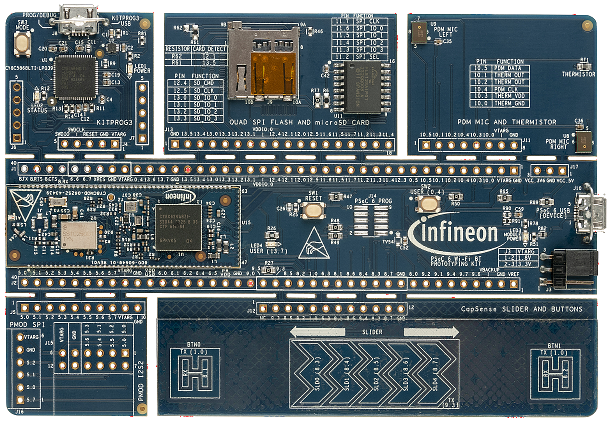
CY8CPROTO-062S2-43439
ram: 1m
flash: 2m
freq: 150MHz
net: WiFi
| Framework |
OS |
IP stack |
Tutorial |
| GCC+make |
baremetal |
built-in |
Wizard |
Nordic Semiconductor
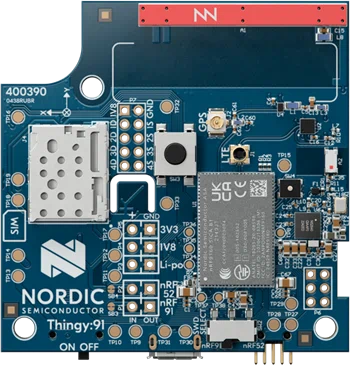
Nordic Thingy:91
ram: 256k
flash: 1m
freq: 64MHz
net: Cellular
| Framework |
OS |
IP stack |
Tutorial |
| Zephyr |
Zephyr |
Zephyr |
Wizard |
Raspberry Pi RPxxxx
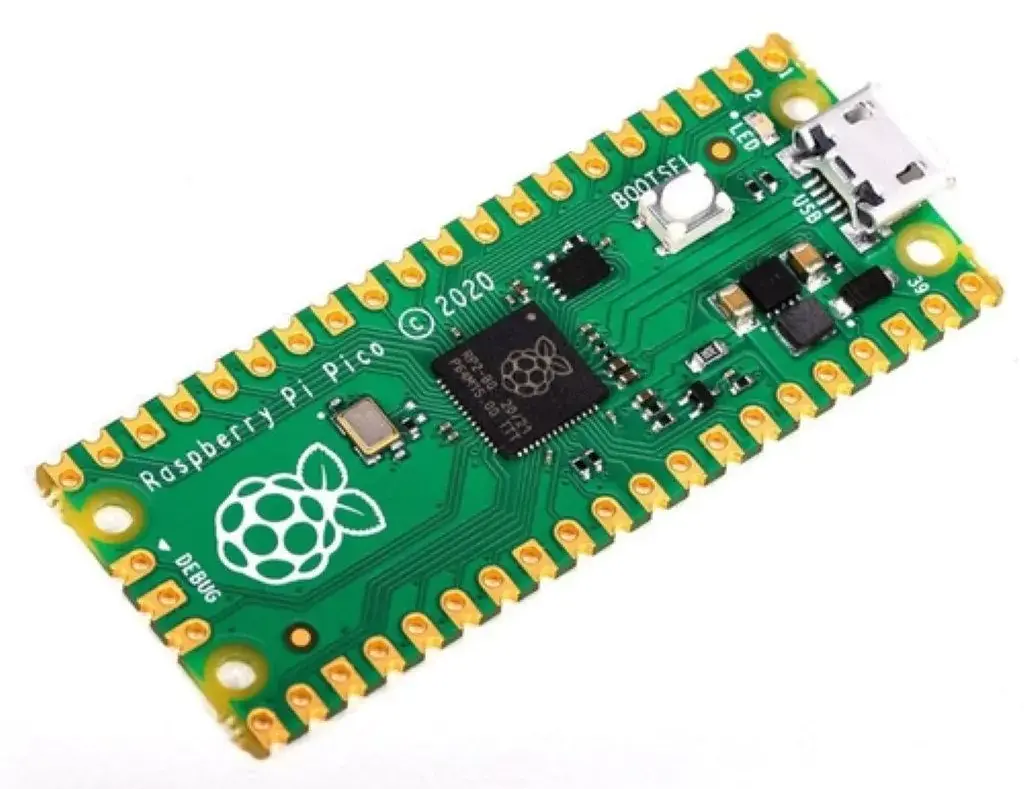
Pico (RP2040)
ram: 264k
flash: 2m
freq: 133MHz
net: USB (RNDIS/CDC-ECM)
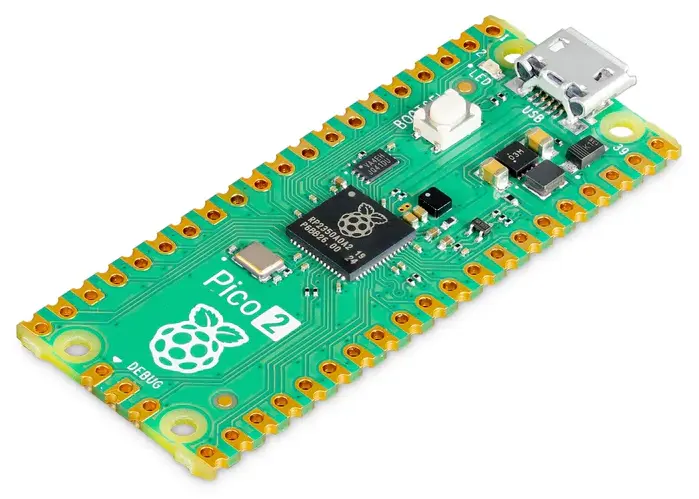
Pico 2 (RP2350)
ram: 520k
flash: 4m
freq: 150MHz
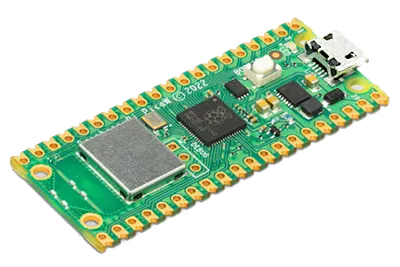
Pico W (RP2040)
ram: 264k
flash: 2m
freq: 133MHz
net: WiFi
| Framework |
OS |
IP stack |
Tutorial |
| RPI PICO C SDK |
Baremetal |
builtin |
Wizard |
| RPI PICO C SDK |
FreeRTOS |
lwIP |
tutorial |
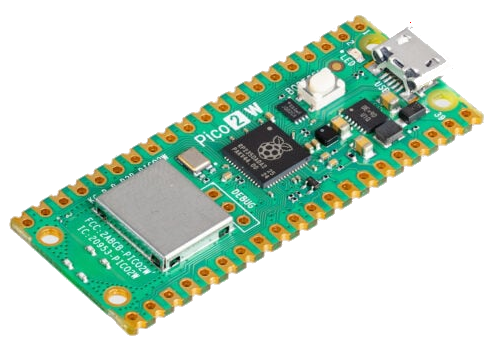
Pico 2 W (RP2350)
ram: 520k
flash: 4m
freq: 150MHz
net: WiFi
| Framework |
OS |
IP stack |
Tutorial |
| RPI PICO C SDK |
Baremetal |
builtin |
Wizard |
| RPI PICO C SDK |
FreeRTOS |
lwIP |
tutorial |
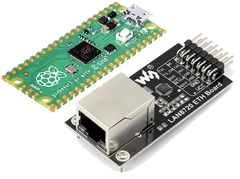
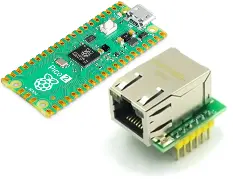
Pico + LAN8720 module
ram: 264k
flash: 2m
freq: 133MHz
net: Ethernet
| Framework |
OS |
IP stack |
Tutorial |
| RPI PICO C SDK |
baremetal |
built-in |
tutorial |
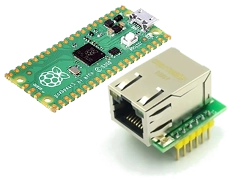
Pico + W5500 module
ram: 264k
flash: 2m
freq: 133MHz
net: Ethernet
| Framework |
OS |
IP stack |
Tutorial |
| RPI PICO C SDK |
baremetal |
built-in |
tutorial |
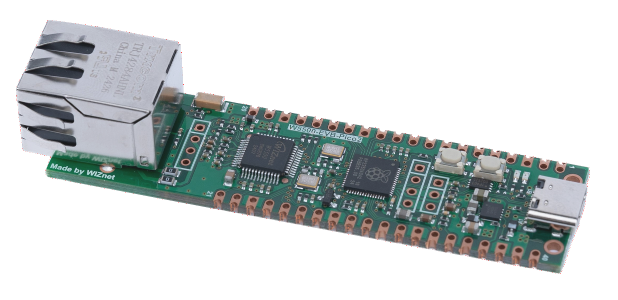
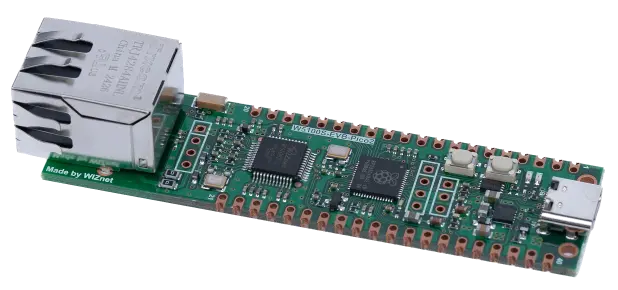
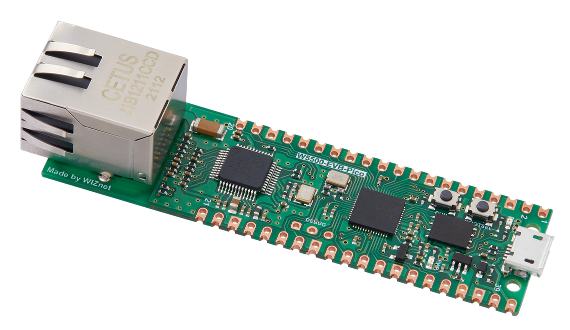
W5500-EVB-Pico
ram: 264k
flash: 2m
freq: 133MHz
net: Ethernet
| Framework |
OS |
IP stack |
Tutorial |
| RPI PICO C SDK |
baremetal |
built-in |
Wizard |
| Zephyr |
Zephyr |
Zephyr |
Wizard |
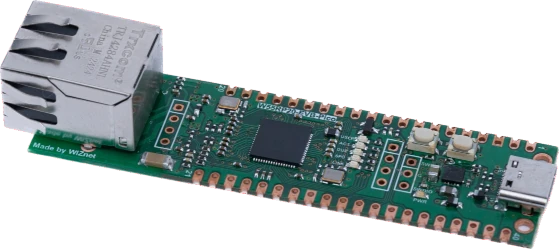
W55RP20-EVB-Pico
ram: 264k
flash: 2m
freq: 133MHz
net: Ethernet
| Framework |
OS |
IP stack |
Tutorial |
| RPI PICO C SDK |
baremetal |
built-in |
Wizard |
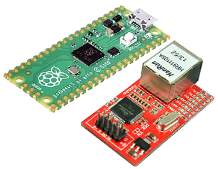
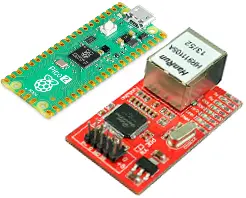
Pico + W5100 module
ram: 264k
flash: 2m
freq: 133MHz
net: Ethernet
| Framework |
OS |
IP stack |
Tutorial |
| RPI PICO C SDK |
baremetal |
built-in |
tutorial |
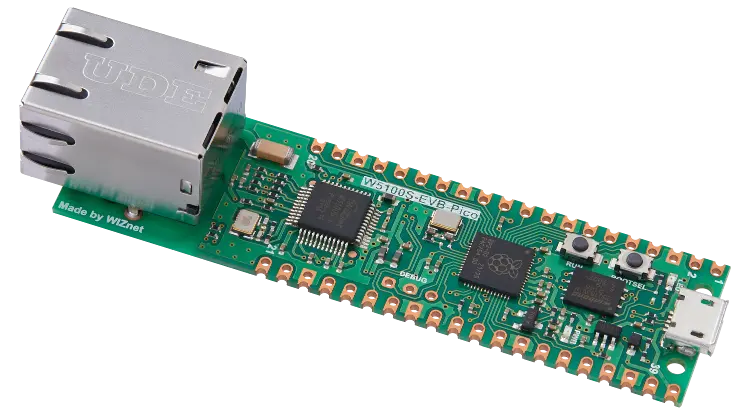
W5100S-EVB-Pico
ram: 264k
flash: 2m
freq: 133MHz
net: Ethernet
| Framework |
OS |
IP stack |
Tutorial |
| RPI PICO C SDK |
baremetal |
built-in |
tutorial |
Pico + RM2 breakout
ram: 264k
flash: 2m
freq: 133MHz
net: WiFi
| Framework |
OS |
IP stack |
Tutorial |
| GCC+make |
baremetal |
built-in |
example |
Pico 2 + W5500 module
ram: 520k
flash: 4m
freq: 150MHz
net: Ethernet
| Framework |
OS |
IP stack |
Tutorial |
| RPI PICO C SDK |
baremetal |
built-in |
tutorial |
W5500-EVB-Pico2
ram: 520k
flash: 4m
freq: 150MHz
net: Ethernet
| Framework |
OS |
IP stack |
Tutorial |
| RPI PICO C SDK |
baremetal |
built-in |
Wizard |
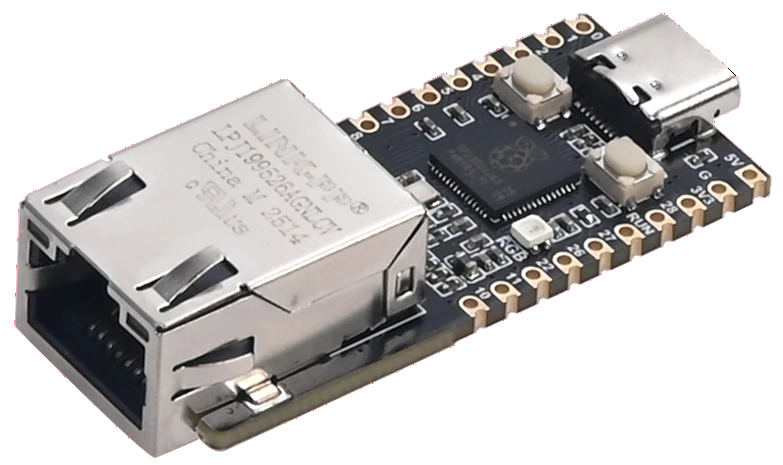
Seengreat RP2350-MINI(ETH)
ram: 520k
flash: 4m
freq: 150MHz
net: Ethernet
| Framework |
OS |
IP stack |
Tutorial |
| RPI PICO C SDK |
baremetal |
built-in |
Wizard |
Pico 2 + W5100 module
ram: 520k
flash: 4m
freq: 150MHz
net: Ethernet
| Framework |
OS |
IP stack |
Tutorial |
| RPI PICO C SDK |
baremetal |
built-in |
tutorial |
W5100S-EVB-Pico2
ram: 520k
flash: 4m
freq: 150MHz
net: Ethernet
| Framework |
OS |
IP stack |
Tutorial |
| RPI PICO C SDK |
baremetal |
built-in |
Wizard |
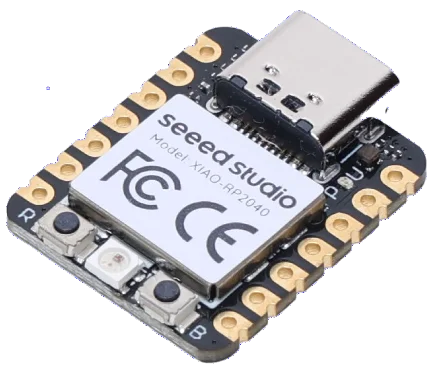
XIAO RP2040
ram: 264k
flash: 2m
freq: 133MHz
net: USB (RNDIS/CDC-ECM)
| Framework |
OS |
IP stack |
Tutorial |
| RPI PICO C SDK |
baremetal |
built-in USB RNDIS |
tutorial |
Renesas RA
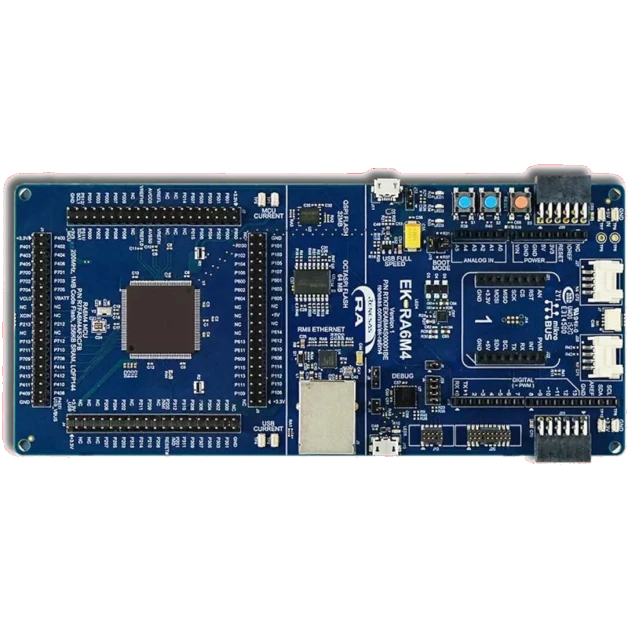
EK-RA6M4
ram: 1024k
flash: 2m
freq: 200MHz
net: Ethernet
| Framework |
OS |
IP stack |
Tutorial |
| GCC+make |
baremetal |
built-in |
Wizard |
| E2studio |
baremetal |
built-in |
Wizard |
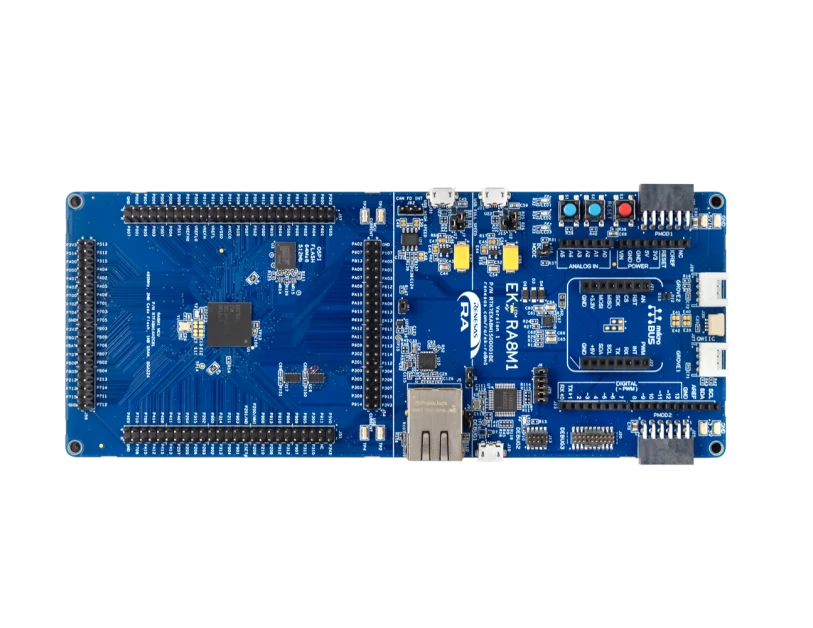
EK-RA8M1
ram: 1024k
flash: 2m
freq: 480MHz
net: Ethernet
| Framework |
OS |
IP stack |
Tutorial |
| GCC+make |
baremetal |
built-in |
Wizard |
| E2studio |
baremetal |
built-in |
Wizard |
Microchip SAMxx
SAM E54 Xplained Pro
ram: 256k
flash: 1m
freq: 120MHz
net: Ethernet
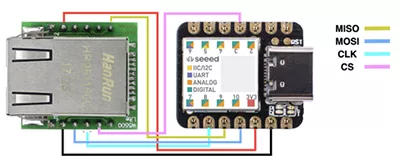
XIAO M0 + W5500 module
ram: 32k
flash: 256k
freq: 48MHz
net: Ethernet
| Framework |
OS |
IP stack |
Tutorial |
| Arduino |
|
built-in |
tutorial |
WCH
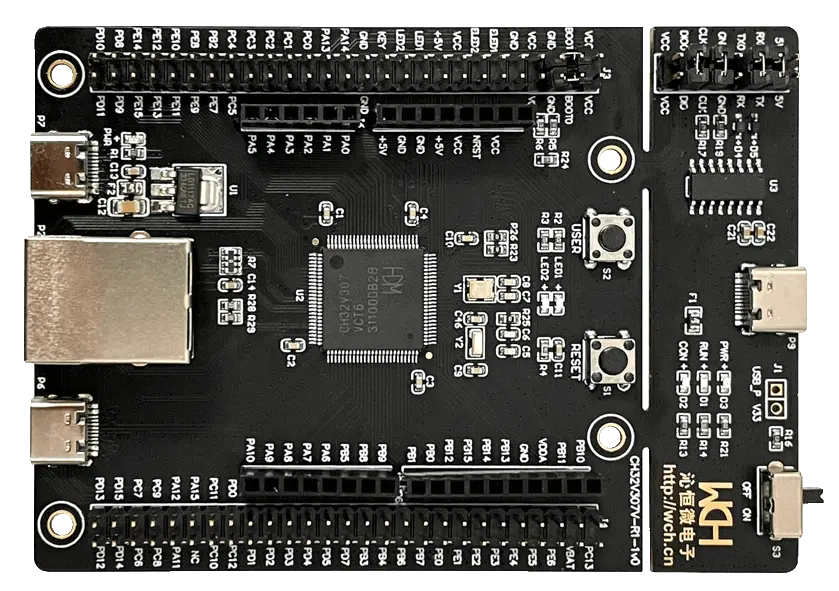
CH32V307
ram: 64k
flash: 256k
freq: 144MHz
net: Ethernet
| Framework |
OS |
IP stack |
Example |
| GCC+make |
baremetal |
built-in |
example |
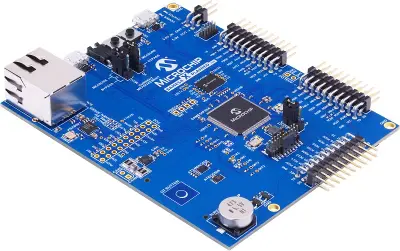
Zephyr
Windows
Mac and Linux
Embedded Linux
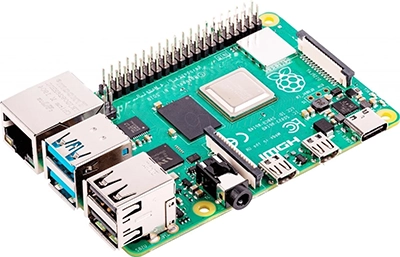
Raspberry Pi
ram: 1G
flash: SD
freq: 1.2+ GHz
net: Ethernet
net: WiFi
Video Tutorials
Introduction - setting up tools on Windows and
building a basic example
A detailed HTTP server example walk-through
Implementing Web UI device dashboard on STM32F7 board using Keil RTX
Implementing Web UI device dashboard on STM32F7 board using Cube IDE
How does TCP/CP stack work on embedded device - an animated tutorial
API Reference
Core
struct mg_addr
struct mg_addr {
  uint8_t ip[16];    // Holds IPv4 or IPv6 address, in network byte order
  uint16_t port;     // TCP or UDP port in network byte order
  uint8_t scope_id;  // IPv6 scope ID
  bool is_ip6;       // True when address is IPv6 address
};
This structure contains a network address; it can be considered as the Mongoose equivalent for the sockets sockaddr structure.
struct mg_mgr
struct mg_mgr {
  struct mg_connection *conns;  // List of active connections
  struct mg_dns dns4;           // DNS for IPv4
  struct mg_dns dns6;           // DNS for IPv6
  struct mg_connection *mdns;   // mDNS connection
  int dnstimeout;               // DNS resolve timeout in milliseconds
  bool use_dns6;                // Use DNS6 server by default
  unsigned long nextid;         // Next connection ID
  void *userdata;               // Arbitrary user data pointer
  ...
  struct mg_tcpip_if *ifp;      // Builtin TCP/IP stack only. Interface pointer
};
Event management structure that holds a list of active connections, together
with some housekeeping information.
struct mg_connection
struct mg_connection {
  struct mg_connection *next;  // Linkage in struct mg_mgr :: connections
  struct mg_mgr *mgr;          // Our container
  struct mg_addr loc;          // Local address
  struct mg_addr rem;          // Remote address
  void *fd;                    // Connected socket, or LWIP data
  unsigned long id;            // Auto-incrementing unique connection ID
  struct mg_iobuf recv;        // Incoming data
  struct mg_iobuf send;        // Outgoing data
  mg_event_handler_t fn;       // User-specified event handler function
  void *fn_data;               // User-specified function parameter
  mg_event_handler_t pfn;      // Protocol-specific handler function
  void *pfn_data;              // Protocol-specific function parameter
  char data[MG_DATA_SIZE];     // Arbitrary connection data, MG_DATA_SIZE defaults to 32 bytes
  void *tls;                   // TLS specific data
  unsigned is_listening : 1;   // Listening connection
  unsigned is_client : 1;      // Outbound (client) connection
  unsigned is_accepted : 1;    // Accepted (server) connection
  unsigned is_resolving : 1;   // Non-blocking DNS resolve is in progress
  unsigned is_connecting : 1;  // Non-blocking connect is in progress
  unsigned is_tls : 1;         // TLS-enabled connection
  unsigned is_tls_hs : 1;      // TLS handshake is in progress
  unsigned is_udp : 1;         // UDP connection
  unsigned is_websocket : 1;   // WebSocket connection
  unsigned is_hexdumping : 1;  // Hexdump in/out traffic
  unsigned is_draining : 1;    // Send remaining data, then close and free
  unsigned is_closing : 1;     // Close and free the connection immediately
  unsigned is_full : 1;        // Stop reads, until cleared
  unsigned is_readable : 1;    // Connection is ready to read
  unsigned is_writable : 1;    // Connection is ready to write
};
A connection - either a listening connection, or an accepted connection,
or an outbound connection.
c->rem is the remote address reported by the network packet. It is not an
authenticated client identity.
mg_mgr_init()
void mg_mgr_init(struct mg_mgr *mgr);
Initialize event manager structure:
- Set a list of active connections to NULL
- Set default DNS servers for IPv4 and IPv6
- Set default DNS lookup timeout
Parameters:
mgr - a pointer to mg_mgr structure that needs to be initialized
Return value: none
Usage example:
struct mg_mgr mgr;
mg_mgr_init(&mgr);
mg_mgr_poll()
void mg_mgr_poll(struct mg_mgr *mgr, int ms);
Perform a single poll iteration. For each connection in the mgr->conns list:
- See if there is incoming data. If there is, read it into the
c->recv buffer, send MG_EV_READ event
- See if there is data in the
c->send buffer, and write it, send MG_EV_WRITE event
- If a connection is listening, accept an incoming connection if any, and send
MG_EV_ACCEPT event to it
- Send
MG_EV_POLL event
Parameters:
mgr - an event manager to usems - a timeout in milliseconds
Return value: none
Usage example:
while (running == true) mg_mgr_poll(&mgr, 1000 /* 1 sec */);
mg_mgr_free()
void mg_mgr_free(struct mg_mgr *mgr);
Close all connections, and free all resources.
Parameters:
mgr - an event manager to cleanup
Return value: none
Usage example:
struct mg_mgr mgr;
mg_mgr_init(&mgr);
while (running == true) mg_mgr_poll(&mgr, 1000);   // Event loop
mg_mgr_free(&mgr);
mg_listen()
struct mg_connection *mg_listen(struct mg_mgr *mgr, const char *url,
                                mg_event_handler_t fn, void *fn_data);
Create a listening connection, append this connection to mgr->conns.
Parameters:
mgr - an event manager to useurl - a URL. Specifies local IP address and port to listen on, e.g.
tcp://127.0.0.1:1234 or udp://0.0.0.0:9000. If this URL is a known TLS URL, the is_tls flag will be setfn - an event handler functionfn_data - an arbitrary pointer, which will be stored in the connection structure as c->fn_data, so the event handler can use it when called.
Return value: created connection, or NULL on error.
Usage example:
struct mg_connection *c = mg_listen(&mgr, "tcp://127.0.0.1:8080", fn, NULL);
mg_connect()
struct mg_connection *mg_connect(struct mg_mgr *mgr, const char *url,
                                 mg_event_handler_t fn, void *fn_data);
Create an outbound connection, append this connection to mgr->conns.
Parameters:
mgr - An event manager to useurl - A URL, specifies the remote IP address/port to connect to, e.g. http://a.com. If this URL is a known TLS URL, the is_tls flag will be set. If it requires name resolution, an asynchronous address resolution process will start, either mDNS ('.local' domain) or DNS.fn - An event handler functionfn_data - an arbitrary pointer, which will be stored in the connection structure as c->fn_data, so the event handler can use it when called.
Return value: created connection, or NULL on error. Possible errors are: not enough memory, a NULL URL, or, in the case of our built-in TCP/IP stack, the network not being ready.
Note: This function does not connect to the requested peer, it allocates required resources and starts the connection process. Once our peer is really connected, an MG_EV_CONNECT event is sent to the connection event handler.
Note: mDNS resolution of '.local' domain addresses requires an mDNS listener. It is the user's responsibility to start one, otherwise resolution will fail. You just need to call mg_mdns_listen() with a NULL handler pointer.
Usage example:
struct mg_connection *c = mg_connect(&mgr, "http://example.org", fn, NULL);
mg_dscp()
bool mg_dscp(struct mg_connection *c, uint8_t dscp);
Set the 6-bit Differentiated Services Code Point (DSCP) for outgoing packets.
Use MG_DSCP_CS(class_), MG_DSCP_AF(class_, drop_), or MG_DSCP_EF to
select a standard DSCP value.
Call this function on MG_EV_OPEN for UDP listeners, MG_EV_CONNECT for
clients, or MG_EV_ACCEPT for TCP servers, before sending application data.
Parameters:
c - A connection pointerdscp - A 6-bit DSCP value
Return value: true on success, false otherwise.
Usage example:
static void fn(struct mg_connection *c, int ev, void *ev_data) {
  if (ev == MG_EV_ACCEPT) mg_dscp(c, MG_DSCP_AF(4, 1));
  (void) ev_data;
}
mg_send()
bool mg_send(struct mg_connection *c, const void *data, size_t size);
Append data of size size to the c->send buffer. Return success / failure.
Note: Except when using UDP on the Mongoose TCP/IP stack, this function does not push data to the network. It only appends data to the output buffer. Data is sent when mg_mgr_poll() is called. If mg_send() is called multiple times, the output buffer grows.
When calling this function to send UDP on the Mongoose TCP/IP stack, an Ethernet frame gets sent immediately, the c->send buffer is bypassed.
Parameters:
c - A connection pointerdata - A pointer to data to append to the send buffersize - A data size
Return value: true if data appended successfully and false otherwise
Usage example:
mg_send(c, "hi", 2); // Append string "hi" to the output buffer
mg_wakeup()
void mg_wakeup(struct mg_mgr *mgr, unsigned long id, const void *data, size_t size);
Any thread/task can send data, size to Mongoose manager executing in
another thread. This is the only Mongoose function that can be called from a
different task/thread. Calling
this function wakes up the event manager and generates an MG_EV_WAKEUP event
in the respective event handler. Call mg_wakeup_init()
in the event manager thread before first using it.
The data could be anything. It could be a structure. Or it could be a pointer.
The receiving connection gets MG_EV_WAKEUP, and gets that data as a chunk
of memory: struct mg_str *data = ev_data. Note that the sent data should be
small, ideally less than 512 bytes. If you need to send a large piece of data,
allocate it and send a pointer instead - see examples below.
Parameters:
mgr - An event managerid - A destination connection IDdata - A pointer to data to append to the send buffersize - A data size
Usage example:
Sending small data
// Sender side:
struct foo foo = {0};                   // Small structure, size < 512 bytes
mg_wakeup(mgr, id, &foo, sizeof(foo));  // Send a structure

// Receiver side:
if (ev == MG_EV_WAKEUP) {
  struct mg_str *data = (struct mg_str *) ev_data;
  struct foo *foo = (struct foo *) data->buf;
}
Sending large data. Sender allocates it, receiver deallocates
// Sender side:
struct foo *foo = malloc(sizeof(*foo));  // Big structure, allocate it
mg_wakeup(mgr, id, &foo, sizeof(foo));   // Send a pointer to structure

// Receiver side:
if (ev == MG_EV_WAKEUP) {
  struct mg_str *data = (struct mg_str *) ev_data;
  struct foo *foo = * (struct foo **) data->buf;
  // Do something with foo ...
  free(foo);   // Deallocate foo
}
mg_wakeup_init()
void mg_wakeup_init(struct mg_mgr *mgr);
Initialize the wakeup scheme used by mg_wakeup()
Parameters:
Usage example:
mg_wakeup_init(&mgr); // Initialise wakeup socket pai
mg_printf(), mg_vprintf()
int mg_printf(struct mg_connection *, const char *fmt, ...);
int mg_vprintf(struct mg_connection *, const char *fmt, va_list *ap);
Same as mg_send(), but formats data using printf() semantics. Return
number of bytes appended to the output buffer.
NOTE: See mg_snprintf for the list of supported
format specifiers
Parameters:
c - a connection pointerfmt - a format string in printf semantics
Return value: number of bytes appended to the output buffer.
Usage example:
mg_printf(c, "Hello, %s!", "world"); // Add "Hello, world!" to output buffer
mg_wrapfd()
struct mg_connection *mg_wrapfd(struct mg_mgr *mgr, int fd,
                                mg_event_handler_t fn, void *fn_data);
Wrap a given file descriptor fd into a connection, and add that connection
to the event manager. An fd descriptor must support send(), recv(),
select() syscalls, and be non-blocking. Mongoose will treat it as a TCP
socket. The c->rem and c->loc addresses will be empty.
Parameters:
fd - A file descriptor to wrapmgr - An event managerfn - A pointer to event handler functionfn_data - an arbitrary pointer, which will be stored in the connection
structure as c->fn_data, so the event handler can use it when called.
Return value: Pointer to the created connection or NULL in case of error
HTTP
struct mg_http_header
struct mg_http_header {
  struct mg_str name;   // Header name
  struct mg_str value;  // Header value
};
Structure represents HTTP header, like Content-Type: text/html.
Content-Type is a header name and text/html is a header value.
struct mg_http_message
struct mg_http_message {
  struct mg_str method, uri, query, proto;             // Request/response line
  struct mg_http_header headers[MG_MAX_HTTP_HEADERS];  // Headers
  struct mg_str body;                                  // Body
  struct mg_str message;                               // Request line + headers + body
};
Structure represents the HTTP message.

mg_http_listen()
struct mg_connection *mg_http_listen(struct mg_mgr *mgr, const char *url,
                                     mg_event_handler_t fn, void *fn_data);
Create HTTP listener.
Parameters:
mgr - An event managerurl - A URL, specifies local IP address and port to listen on, e.g. http://0.0.0.0:8000. If this URL is 'https', the is_tls flag will be setfn - An event handler functionfn_data - an arbitrary pointer, which will be stored in the connection structure as c->fn_data, so the event handler can use it when called.
Return value: Pointer to created connection or NULL in case of error
Usage example:
struct mg_connection *c = mg_http_listen(&mgr, "0.0.0.0:8000", fn, arg);
if (c == NULL) fatal_error("Cannot create listener");
mg_http_connect()
struct mg_connection *mg_http_connect(struct mg_mgr *, const char *url,
                                      mg_event_handler_t fn, void *fn_data);
Create HTTP client connection.
Parameters:
mgr - An event managerurl - A URL, specifies the remote URL, e.g. http://google.com. If this URL is 'https', the is_tls flag will be set. See mg_connect()fn - An event handler functionfn_data - an arbitrary pointer, which will be stored in the connection structure as c->fn_data, so the event handler can use it when called.
Return value: created connection, or NULL on error. Possible errors are: not enough memory, a NULL URL, or, in the case of our built-in TCP/IP stack, the network not being ready.
Note: This function does not connect to the requested peer, it allocates required resources and starts the connection process. Once our peer is really connected, an MG_EV_CONNECT event is sent
to the connection event handler.
Usage example:
struct mg_connection *c = mg_http_connect(&mgr, "http://google.com", fn, NULL);
if (c == NULL) fatal_error("Cannot create connection");
mg_http_status()
int mg_http_status(const struct mg_http_message *hm);
Get status code of the HTTP response.
Parameters:
hm - Parsed HTTP response
Return value: status code, e.g. 200 for success.
mg_http_get_request_len()
int mg_http_get_request_len(const unsigned char *buf, size_t buf_len);
Get length of request.
The length of request is a number of bytes till the end of HTTP headers. It does
not include length of HTTP body.
Parameters:
buf - A pointer to a buffer with requestbuf_len - Buffer length
Return value: -1 on error, 0 if a message is incomplete, or the length of request
Usage example:
const char *buf = "GET /test \n\nGET /foo\n\n";
int req_len = mg_http_get_request_len(buf, strlen(buf));  // req_len == 12

mg_http_parse()
int mg_http_parse(const char *s, size_t len, struct mg_http_message *hm);
Parse string request into mg_http_message structure
Parameters:
s - A request stringlen - A request string lengthhm - A pointer to a structure to store parsed request
Return value: request length (see mg_http_get_request_len())
Usage example:
struct mg_http_message hm;
const char *buf = "GET / HTTP/1.0\n\n";
if (mg_http_parse(buf, strlen(buf), &hm) > 0) { /* success */ }
mg_http_printf_chunk()
void mg_http_printf_chunk(struct mg_connection *c, const char *fmt, ...);
Write a chunk of data in chunked encoding format, using printf() semantic.
Parameters:
c - A connection pointerfmt - A string, format specified in printf semantics
Return value: None
Usage example:
mg_http_printf_chunk(c, "Hello, %s!", "world");
mg_http_write_chunk()
void mg_http_write_chunk(struct mg_connection *c, const char *buf, size_t len);
Write a chunk of data in chunked encoding format.
Parameters:
c - A connection pointerbuf - Data to writelen - Data length
Return value: None
Usage example:
mg_http_write_chunk(c, "hi", 2);
struct mg_http_serve_opts
struct mg_http_serve_opts {
  const char *root_dir;       // Web root directory, must be non-NULL
  const char *ssi_pattern;    // SSI file name pattern, e.g. #.shtml
  const char *extra_headers;  // Extra HTTP headers to add in responses
  const char *mime_types;     // Extra mime types, ext1=type1,ext2=type2,..
  const char *page404;        // Path to the 404 page, or NULL by default
  struct mg_fs *fs;           // Filesystem implementation. Use NULL for POSIX
  bool enable_delete;         // Allow DELETE requests
  bool enable_upload;         // Allow POST/PUT requests
  bool enable_dir_listing;    // Enable directory listing
};
A structure passed to mg_http_serve_dir() and mg_http_serve_file(), which
drives the behavior of those two functions.
In addition to overwriting autodetection based on an extension, you can also use * as an extension in mime_types to force a particular MIME type for unknown extensions:
sopts.mime_types = "*=preferred/default,txt=override/text"
mg_http_serve_dir()
void mg_http_serve_dir(struct mg_connection *c, struct mg_http_message *hm,
                       const struct mg_http_serve_opts *opts);
Serve static files according to the given options. Files can also be gzip compressed, including the directory index. All compressed files must end in .gz and there must not exist a file with the same name without the extension, otherwise it will take precedence; see mg_http_serve_file()
Directory listings are disabled by default. Set opts->enable_dir_listing to
true to enable them; otherwise directory requests receive 403 Forbidden.
NOTE: In order to enable SSI, you need to set the -DMG_ENABLE_SSI=1 build
flag.
NOTE: Avoid double dots .. in the root_dir. If you need to reference an
upper-level directory, use an absolute path.
Parameters:
c - Connection to usehm - HTTP message, that should be servedopts - Serve options. Note that opts.root_dir can optionally accept
extra comma-separated uri=path pairs, see example below
Return value: None
Usage example:
// Mongoose events handler
void fn(struct mg_connection *c, int ev, void *ev_data) {
  if (ev == MG_EV_HTTP_MSG) {
    struct mg_http_message *hm = (struct mg_http_message *) ev_data;
    struct mg_http_serve_opts opts;
    memset(&opts, 0, sizeof(opts));
    opts.root_dir = "/var/www,/conf=/etc";  // Serve /var/www. URIs starting with /conf are served from /etc
    mg_http_serve_dir(c, hm, &opts);
  }
}
mg_http_serve_file()
void mg_http_serve_file(struct mg_connection *c, struct mg_http_message *hm,
                        const char *path, struct mg_http_serve_opts *opts);
Serve a static file. If a file with the filename specified in path does not exist, Mongoose tries appending .gz; and if such a file exists, it will serve it with a Content-Encoding: gzip header
NOTE: opts->root_dir settings is ignored by this function.
NOTE: opts->extra_headers, if not NULL, must end with \r\n.
Parameters:
c - Connection to usehm - HTTP message to servepath - Path to file to serveopts - Serve options
Return value: None
Usage example:
// Mongoose events handler
void fn(struct mg_connection *c, int ev, void *ev_data) {
  if (ev == MG_EV_HTTP_MSG) {
    struct mg_http_message *hm = (struct mg_http_message *) ev_data;
    struct mg_http_serve_opts opts = {
      .mime_types = "png=image/png",
      .extra_headers = "AA: bb\r\nCC: dd\r\n"
    };
    mg_http_serve_file(c, hm, "a.png", &opts);
  }
}
mg_http_reply()
void mg_http_reply(struct mg_connection *c, int status_code,
                   const char *headers, const char *body_fmt, ...);
Send simple HTTP response using printf() semantic. This function formats
response body according to a body_fmt, and automatically appends a correct
Content-Length header. Extra headers could be passed via headers parameter.
Parameters:
c - Connection to usestatus_code - An HTTP response codeheaders - Extra headers, default NULL. If not NULL, must end with \r\nfmt - A format string for the HTTP body, in a printf semantics
Return value: None

Usage examples:
Send a simple JSON response:
mg_http_reply(c, 200, "Content-Type: application/json\r\n", "{\"result\": %d}", 123);
Send JSON response:
char *json = mg_mprintf("{%m:%d}", MG_ESC("name"), 123);
mg_http_reply(c, 200, "Content-Type: application/json\r\n", "%s\n", json);
mg_free(json);
Send a 302 redirect:
mg_http_reply(c, 302, "Location: /\r\n", "");
Send error:
mg_http_reply(c, 403, "", "%s", "Not Authorized\n");
mg_http_get_header()
struct mg_str *mg_http_get_header(struct mg_http_message *hm, const char *name);
Get HTTP header value
Parameters:
hm - HTTP message to look for headername - Header name
Return value: HTTP header value or NULL if not found
Usage example:
// Mongoose event handler
void fn(struct mg_connection *c, int ev, void *ev_data) {
  if (ev == MG_EV_HTTP_MSG) {
    struct mg_http_message *hm = (struct mg_http_message *) ev_data;
    struct mg_str *s = mg_http_get_header(hm, "X-Extra-Header");
    if (s != NULL) {
      mg_http_reply(c, 200, "", "Holly molly! Header value: %.*s", (int) s->len, s->buf);
    } else {
      mg_http_reply(c, 200, "", "Oh no, header is not set...");
    }
  }
}
mg_http_get_header_var()
struct mg_str mg_http_get_header_var(struct mg_str s, struct mg_str v);
Parse HTTP header (e.g. Cookie header) which has form
name1=value1; name2=value2; ... and fetch a given variable.
Parameters:
s - HTTP headername - variable name name
Return value: a requested variable, or an empty string.
Usage example:
struct mg_str *cookie = mg_http_get_header(hm, "Cookie");
struct mg_str token = mg_str("");

if (cookie != NULL) {
  token = mg_http_get_header_var(*cookie, mg_str("access_token"));
}
mg_http_var()
struct mg_str mg_http_var(struct mg_str buf, struct mg_str name);
Fetch an undecoded HTTP variable. Parameters:
buf - a url-encoded string: HTTP request body or query stringname - a variable name to fetch
Return value: variable's value. If not found, it is a NULL string.
// We have received a request to /my/uri?a=b&c=d%20
// The hm->query points to "a=b&c=d%20"
struct mg_str v = mg_http_var(hm->query, mg_str("c"));  // v = "d%20"
mg_http_get_var()
int mg_http_get_var(const struct mg_str *var, const char *name, char *buf, int len);
Fetch and decode an HTTP variable
Parameters:
var - HTTP request bodyname - Variable namebuf - Buffer to write decoded variablelen - Buffer size
Return value: Length of decoded variable. A zero or negative value means error
Usage example:
char buf[100] = "";
mg_http_get_var(&hm->body, "key1", buf, sizeof(buf)) {
  ...
}
mg_http_creds()
void mg_http_creds(struct mg_http_message *hm, char *user, size_t userlen,
                   char *pass, size_t passlen);
Fetch authentication credential from the request, and store into the
user, userlen and pass, passlen buffers. The credentials are looked
up in the following order:
- from the
Authorization HTTP header,
- Basic auth fills both user and pass
- Bearer auth fills only pass
- from the
access_token cookie, fills pass
- from the
?access_token=... query string parameter, fills pass
If none is found, then both user and pass are set to empty nul-terminated strings.
For JWT Bearer authorization, see the
JWT Bearer Authorization guide.
NOTE: Network filtering is not authentication. Use application credentials
and authorization for privileged operations. Protect credentials with TLS;
use mutual TLS where client certificate authentication is appropriate.
Parameters:
hm - HTTP message to look for credentialsuser - buffer to receive user nameuserlen - size of user bufferpass - buffer to receive passwordpasslen - size of pass buffer
Return value: None
Usage example:
// Mongoose events handler
void fn(struct mg_connection *c, int ev, void *ev_data) {
  if (ev == MG_EV_HTTP_MSG) {
    struct mg_http_message *hm = (struct mg_http_message *) ev_data;
    char user[100], pass[100];
    mg_http_creds(hm, user, sizeof(user), pass, sizeof(pass)); // "user" is now user name and "pass" is now password from request
  }
}
mg_http_bauth()
void mg_http_bauth(struct mg_connection *c, const char *user, const char *pass);
Write a Basic Authorization header to the output buffer.
Parameters:
c - Connection to useuser - User namepass - Password
Return value: None
Usage example which uses Basic auth to create Stripe subscription:
  mg_printf(c, "POST /v1/subscriptions HTTP/1.1\r\n"
               "Host: api.stripe.com\r\n"
               "Transfer-Encoding: chunked\r\n");
  mg_http_bauth(c, stripe_private_key, NULL);     // Add Basic auth header
  mg_printf(c, "%s", "\r\n");                     // End HTTP headers

  mg_http_printf_chunk(c, "&customer=%s", customer_id);   // Set customer
  mg_http_printf_chunk(c, "&items[0][price]=%s", price);  // And price
  mg_http_printf_chunk(c, "");                            // End request
struct mg_http_part
// Parameter for mg_http_next_multipart
struct mg_http_part {
  struct mg_str name;      // Form field name
  struct mg_str filename;  // Filename for file uploads
  struct mg_str body;      // Part contents
};
Structure that describes a single part of a HTTP multipart message.

mg_http_next_multipart()
size_t mg_http_next_multipart(struct mg_str body, size_t offset, struct mg_http_part *part);
Parse the multipart chunk in the body at a given offset. An initial
offset should be 0. Fill up parameters in the provided part, which could be
NULL. Return offset to the next chunk, or 0 if there are no more chunks.
Parameters:
body- Message bodyoffset - Start offsetpart - Pointer to struct mg_http_part to fill
Return value: offset to the next chunk, or 0 if there are no more chunks.
Usage example (or see form upload tutorial ):
struct mg_http_part part;
size_t pos = 0;

while ((pos = mg_http_next_multipart(body, pos, &part)) != 0) {
  MG_INFO(("Chunk name: [%.*s] filename: [%.*s] length: %lu bytes",
           part.name.len, part.name.buf,
           part.filename.len, part.filename.buf, part.body.len));
  // Use this chunk ....
}
A diagram below shows how mg_http_next_multipart() in action:

mg_http_upload()
long mg_http_upload(struct mg_connection *c, struct mg_http_message *hm,
                    struct mg_fs *fs, const char *dir, size_t max_size);
This is a helper utility function that is used to upload large files by small
chunks.
Append HTTP POST data to a file in a specified directory. A file name and
file offset are specified by the query string parameters:
POST /upload?file=firmware.bin&offset=2048 HTTP/1.1. If the offset is 0, then the
file is truncated. It is the client's responsibility to divide files into
smaller chunks and send a sequence of POST requests that will be handled by
this function. The full path will be checked for sanity
Parameters:
c- a connectionhm - a parsed HTTP messagefs - a filesystem where to write the files, e.g. &mg_fs_posixdir - a directory path where to write the filesmax_size - maximum allowed file size
Return value: file size after write, or negative number on error
Usage example:
static void fn(struct mg_connection *c, int ev, void *ev_data) {
  if (ev == MG_EV_HTTP_MSG) {
    struct mg_http_message *hm = (struct mg_http_message *) ev_data;
    if (mg_match(hm->uri, mg_str("/upload"), NULL)) {
      mg_http_upload(c, hm, &mg_fs_posix, "/tmp", 99999);
    } else {
      struct mg_http_serve_opts opts = {.root_dir = "."};   // Serve
      mg_http_serve_dir(c, ev_data, &opts);                 // static content
    }
  }
}
mg_http_stream_body()
void mg_http_stream_body(struct mg_connection *c, struct mg_http_message *hm,
                         bool (*upload_fn)(struct mg_http_message *,
                                           struct mg_str *, void **user_data),
                         void *user_data);
Stream a POST or PUT request body to a callback without buffering it in full.
Call this function from an MG_EV_HTTP_HDRS handler after matching the request
URI. It always takes over the connection. On a server, invalid requests receive
HTTP 405 for a method other than POST or PUT, HTTP 400 when
Transfer-Encoding is present, and HTTP 411 when Content-Length is missing.
The callback is called in three stages:
- at the start, with
hm set and data NULL; open the destination and set
*user_data
- for each body chunk, with
hm NULL and data set; chunks are 512-byte
aligned except for the last one
- at the end, with both
hm and data NULL; this happens exactly once,
including after validation fails before the start callback or a connection
drops early
Return true from the callback on success, or false on error. A callback failure
stops streaming immediately, calls the end callback, and closes the connection.
After this function returns, it owns the connection; the previous event handler
is not called again, and hm is no longer valid. Replies and connection
draining are handled internally.
Parameters:
c - a connectionhm - a parsed HTTP messageupload_fn - callback that receives the start, body chunks, and end eventsuser_data - callback state, passed through *user_data
Usage example:
static bool upload(struct mg_http_message *hm, struct mg_str *data, void **p) {
  struct mg_fd *fd = (struct mg_fd *) *p;
  if (hm != NULL) {
    *p = mg_fs_open(&mg_fs_posix, "/tmp/file.bin", MG_FS_WRITE);
    return *p != NULL;
  } else if (data != NULL) {
    return fd != NULL && fd->fs->wr(fd->fd, data->buf, data->len) == data->len;
  }
  if (fd != NULL) mg_fs_close(fd);
  *p = NULL;
  return fd != NULL;
}

static void fn(struct mg_connection *c, int ev, void *ev_data) {
  if (ev == MG_EV_HTTP_HDRS) {
    struct mg_http_message *hm = (struct mg_http_message *) ev_data;
    if (mg_match(hm->uri, mg_str("/upload"), NULL)) {
      mg_http_stream_body(c, hm, upload, NULL);
    }
  }
}
WebSocket
struct mg_ws_message
struct mg_ws_message {
  struct mg_str data; // WebSocket message data
  uint8_t flags;      // WebSocket message flags
};
This structure represents the WebSocket message, the flags element
corresponds to the first byte as described in RFC 6455 section
5.2.
To extract the message type from an incoming message, check the four LSBs in
the flags element of the struct mg_ws_message.
Possible WebSocket message types:
#define WEBSOCKET_OP_CONTINUE 0
#define WEBSOCKET_OP_TEXT 1
#define WEBSOCKET_OP_BINARY 2
#define WEBSOCKET_OP_CLOSE 8
#define WEBSOCKET_OP_PING 9
#define WEBSOCKET_OP_PONG 10
// Mongoose events handler
void fn(struct mg_connection *c, int ev, void *ev_data) {
  if (ev == MG_EV_WS_MSG) {
    struct mg_ws_message *wm = (struct mg_ws_message *) ev_data;
    msgtype = wm->flags & 0x0F;
    if (msgtype == WEBSOCKET_OP_BINARY) {
      // This is a binary data message
    } else if (msgtype == WEBSOCKET_OP_TEXT) {
      // This is a text data message
    }
  }
}
To send a message, use the proper message type as described in RFC 6455 section 5.6 for data frames. when calling mg_ws_send() or mg_ws_printf() below
mg_ws_connect()
struct mg_connection *mg_ws_connect(struct mg_mgr *mgr, const char *url,
                                    mg_event_handler_t fn, void *fn_data,
                                    const char *fmt, ...);
Create a client WebSocket connection.
Parameters:
mgr - Event manager to useurl - Specifies the remote URL, e.g. ws://somewhere.com. If this URL is 'wss', the is_tls flag will be set. See mg_connect()fn - An event handler functionfn_data - an arbitrary pointer, which will be stored in the connection structure as c->fn_data, so the event handler can use it when called.fmt - format string in printf semantics for additional HTTP headers, or NULL. See mg_snprintf
for the list of supported format specifiers
Return value: created connection, or NULL on error. Possible errors are: not enough memory, a NULL URL, or, in the case of our built-in TCP/IP stack, the network not being ready.
Note: This function does not connect to the requested peer, it allocates required resources and starts the connection process. Once our peer is really connected, an MG_EV_CONNECT event is sent
to the connection event handler.
Usage example:
struct mg_connection *c = mg_ws_connect(&mgr, "ws://test_ws_server.com:1000",
                                        handler, NULL, "%s", "Sec-WebSocket-Protocol: echo\r\n");
if(c == NULL) fatal("Cannot create connection");
mg_ws_upgrade()
void mg_ws_upgrade(struct mg_connection *c, struct mg_http_message *,
                   const char *fmt, ...);
Upgrade given HTTP connection to WebSocket. Parameter fmt is a printf-like
format string for the extra HTTP headers returned to the client in a
WebSocket handshake. Set it to NULL if no extra headers need to be passed.
Parameters:
c - Connection to usehm - HTTP messagefmt - format string in printf semantics for additional HTTP headers, or NULL. See mg_snprintf
for the list of supported format specifiers
Return value: None
Usage example:
// Mongoose events handler
void fn(struct mg_connection *c, int ev, void *ev_data) {
  if (ev == MG_EV_HTTP_MSG) {
    struct mg_http_message *hm = (struct mg_http_message *) ev_data;
    mg_ws_upgrade(c, hm, NULL);  // Upgrade HTTP to WS
  }
}
mg_ws_send()
size_t mg_ws_send(struct mg_connection *c, const void *buf, size_t len, int op);
Send data to WebSocket peer
Parameters:
c - Connection to usebuf - Data to sendlen - Data sizeop - WebSocket message type, see WebSocket message type above
Return value: sent bytes count
Usage example:
// Mongoose events handler
void fn(struct mg_connection *c, int ev, void *ev_data) {
  if (ev == MG_EV_WS_OPEN) {
    struct mg_http_message *hm = (struct mg_http_message *) ev_data;
    mg_ws_send(c, "opened", 6, WEBSOCKET_OP_BINARY);  // Send "opened" to web socket connection
  }
}
mg_ws_printf(), mg_ws_vprintf()
size_t mg_ws_printf(struct mg_connection *, int op, const char *fmt, ...);
size_t mg_ws_vprintf(struct mg_connection *, int op, const char *fmt, va_list *);
Same as mg_ws_send(), but formats data using printf() semantics.
Parameters:
c - Connection to useop - WebSocket message type, see WebSocket message type abovefmt - format string in printf semantics. See mg_snprintf
for the list of supported format specifiers
Return value: sent bytes count
Usage example:
mg_ws_printf(c, WEBSOCKET_OP_TEXT, "Hello, %s!", "world");
mg_ws_wrap()
size_t mg_ws_wrap(struct mg_connection *c, size_t len, int op)
Convert data in output buffer to WebSocket format. Useful when implementing a protocol over WebSocket
See tutorials/mqtt/mqtt-over-ws-client for a full example.
Parameters:
c - Connection to uselen - Bytes count to convertop - Websocket message type (see mg_ws_send)
Return value: New size of connection output buffer
Usage example:
size_t len = c->send.len;         // Store output buffer len
mg_mqtt_login(c, s_url, &opts);   // Write MQTT login message
mg_ws_wrap(c, c->send.len - len, WEBSOCKET_OP_BINARY); // Wrap it into WS
SNTP
mg_sntp_connect()
struct mg_connection *mg_sntp_connect(struct mg_mgr *mgr, const char *url,
                                      mg_event_handler_t fn, void *fn_data)
Connect to an SNTP server.
Parameters:
mgr - Event manager to useurl - Specifies the remote URL, time.google.com if NULL. See mg_connect()fn - A user event handler function, use NULL if you don't need onefn_data - an arbitrary pointer, which will be stored in the connection
structure as c->fn_data, so the event handler can use it when called.
Return value: created connection, or NULL on error. Possible errors are: not enough memory, a NULL URL, or, in the case of our built-in TCP/IP stack, the network not being ready.
Simplest usage example: see mg_now()
Full usage example:
static void sntp_cb(struct mg_connection *c, int ev, void *ev_data) {
  if (ev == MG_EV_SNTP_TIME) {
    // Time received, the internal protocol handler updates what mg_now() returns
    uint64_t curtime = mg_now();
    // otherwise, you can process the server returned data yourself
    uint64_t epoch_millis = *(uint64_t *) ev_data;
  }
}
...
mg_sntp_connect(mgr&, NULL /* connect to time.google.com */, sntp_cb, NULL);
mg_sntp_request()
void mg_sntp_request(struct mg_connection *c)
Send time request to SNTP server
Parameters:
Return value: None
Usage example:
mg_sntp_request(c);
MQTT
struct mg_mqtt_opts
struct mg_mqtt_opts {
  struct mg_str user;               // Username, can be empty
  struct mg_str pass;               // Password, can be empty
  struct mg_str client_id;          // Client ID
  struct mg_str topic;              // message/subscription topic
  struct mg_str message;            // message content
  uint8_t qos;                      // message quality of service
  uint8_t version;                  // Can be 4 (3.1.1), or 5. If 0, assume 4
  uint16_t keepalive;               // Keep-alive timer in seconds
  uint16_t retransmit_id;           // For PUBLISH, init to 0
  bool retain;                      // Retain flag
  bool clean;                       // Clean session flag
  struct mg_mqtt_prop *props;       // MQTT5 props array
  size_t num_props;                 // number of props
  struct mg_mqtt_prop *will_props;  // Valid only for CONNECT packet (MQTT5)
  size_t num_will_props;            // Number of will props
};
Structure used when connecting to a broker and when sending messages, to specify connection options and last-will message or to specify message and options
struct mg_mqtt_message
struct mg_mqtt_message {
  struct mg_str topic;  // Parsed topic for PUBLISH
  struct mg_str data;   // Parsed message for PUBLISH
  struct mg_str dgram;  // Whole MQTT packet, including headers
  uint16_t id;          // For PUBACK, PUBREC, PUBREL, PUBCOMP, SUBACK, PUBLISH
  uint8_t cmd;          // MQTT command, one of MQTT_CMD_*
  uint8_t qos;          // Quality of service
  uint8_t ack;          // CONNACK return code, 0 = success
  size_t props_start;   // Offset to the start of the properties (MQTT5)
  size_t props_size;    // Length of the properties
};
Structure representing an MQTT packet, either control or data
mg_mqtt_connect()
struct mg_connection *mg_mqtt_connect(struct mg_mgr *mgr, const char *url,
                                      const struct mg_mqtt_opts *opts,
                                      mg_event_handler_t fn, void *fn_data);
Create a client MQTT connection
Parameters:
mgr - Event manager to useurl - Specifies the broker URL, e.g. mqtt://cloud.hivemq.com. If this URL is 'mqtts', the is_tls flag will be set. See mg_connect()opts - pointer to MQTT options like client ID, clean session, last will, etc. Can be NULLfn - The event handler functionfn_data - an arbitrary pointer, which will be stored in the connection structure as c->fn_data, so the event handler can use it when called.
Return value: created connection, or NULL on error. Possible errors are: not enough memory, a NULL URL, or, in the case of our built-in TCP/IP stack, the network not being ready.
Note: This function does not connect to a broker; it allocates the required resources and
starts the TCP connection process. Once that connection is established, an MG_EV_CONNECT event is
sent to the connection event handler, then the MQTT connection process is started (by means of mg_mqtt_login()); and once the MQTT connection request gets a response from the broker, an MG_EV_MQTT_OPEN event is sent to the connection event handler; connection results are inside a struct mg_mqtt_message
Usage example:
void fn(struct mg_connection *c, int ev, void *evd, void *fnd) {
  if (ev == MG_EV_CONNECT) {
    // TCP connection succeeded,
    // If target URL is TLS, set it up
  } else if (ev == MG_EV_MQTT_OPEN) {
    // MQTT connection process finished
    struct mg_mqtt_message *mm = (struct mg_mqtt_message *) ev_data;
    if(mm->ack)  // MQTT connection succeeded
  }
}
mg_mqtt_connect(&mgr, "mqtt://test.org:1883", NULL, fn, NULL);
or
struct mg_mqtt_opts opts = {.qos = 1,
                            .retain = true,
                            .topic = mg_str("mytopic"),
                            .message = mg_str("goodbye")};
mg_mqtt_connect(&mgr, "mqtt://test.org:1883", &opts, fn, NULL);
mg_mqtt_listen()
struct mg_connection *mg_mqtt_listen(struct mg_mgr *mgr, const char *url,
                                     mg_event_handler_t fn, void *fn_data);
Create an MQTT listener (act like a broker).
Parameters:
mgr - Event manager to useurl - Specifies the local IP address and port to listen on, e.g. mqtt://0.0.0.0:1883. If this URL is 'mqtts', the is_tls flag will be setfn - The event handler functionfn_data - an arbitrary pointer, which will be stored in the connection structure as c->fn_data, so the event handler can use it when called.
Return value: Pointer to the created connection or NULL on error
Usage example:
struct mg_connection *c = mg_mqtt_listen(&mgr, "mqtt://0.0.0.0:1883", fn, arg);
if (c == NULL) return -1; // Could not create connection
mg_mqtt_login()
void mg_mqtt_login(struct mg_connection *c, const struct mg_mqtt_opts *opts);
Send MQTT CONNECT request. Once the MQTT connection request gets a response from the broker, an MG_EV_MQTT_OPEN event is sent to the connection event handler.
This function is usually called by mg_mqtt_connect(), you will only need to call it when you manually start the MQTT connect process, e.g: when using MQTT over WebSocket. Connection results are inside a struct mg_mqtt_message
Parameters:
c - Connection to useopts - pointer to MQTT connect options, containing user name and password to use, if any, and other options
Return value: None
Usage example:
// Mongoose event handler
void fn(struct mg_connection *c, int ev, void *evd, void *fnd) {
  if (ev == MG_EV_WS_OPEN) {
    // WS connection established. Perform MQTT login
    struct mg_mqtt_opts opts = {.qos = 1,
                                .retain = true,
                                .topic = mg_str("mytopic"),
                                .message = mg_str("goodbye")};
    mg_mqtt_login(c, &opts);
  } else if (ev == MG_EV_MQTT_OPEN) {
    // MQTT connection process finished
    struct mg_mqtt_message *mm = (struct mg_mqtt_message *) ev_data;
    if(mm->ack)  // MQTT connection succeeded
  }
}
mg_mqtt_pub()
uint16_t mg_mqtt_pub(struct mg_connection *c, const struct mg_mqtt_opts *opts);
Publish a message to a specified topic, each contained in a struct msg_str
Note: This function does not actually send the message, it delivers to the underlying TCP/IP stack which will be checked later when the manager runs.
Note that Mongoose does not handle retries for QoS 1 and 2. That has to be handled by the application in the event handler, if needed. You can check if a publish request with QoS 1 or 2 succeeded by catching MG_EV_MQTT_CMD events and checking for reception of PUBACK/PUBREC and PUBCOMP messsages; and their result codes inside a struct mg_mqtt_message
Parameters:
c - Connection to useopts - pointer to publish MQTT options, like QoS, and retain flag. The message body is expected at opts->message, the topic at opts->topic; both as mg_str
Return value: When using QoS other than 0, this function returns the id field sent to the broker, suitable to be held in opts->retransmit_id for a possible retransmission. See this tutorial. Discard the returned value if not interested in doing retransmissions, and initialize opts->retransmit_id as 0.
Usage example:
struct mg_mqtt_opts pub_opts = {.topic = mg_str("mytopic"),
                                .message = mg_str("hello"),
                                .qos = 1,
                                .retain = false};
mg_mqtt_pub(c, &pub_opts);
mg_mqtt_sub()
void mg_mqtt_sub(struct mg_connection *c, const struct mg_mqtt_opts *opts);
Subscribe to a topic specified as a struct msg_str. You can check if a subscription request succeeded by catching MG_EV_MQTT_CMD events and checking for reception of a PUBACK messsage and its result code inside the struct mg_mqtt_message
Reception of a message will trigger an MG_EV_MQTT_MSG event providing a struct mg_mqtt_message. Note that Mongoose does not handle broker retries for QoS 2 and duplicated messages have to be handled by the application in the event handler, if required
Parameters:
c - Connection to useopts - pointer to subscription MQTT options, like QoS. The topic is expected at opts->topic as an mg_str
Return value: None
// Mongoose event handler
void fn(struct mg_connection *c, int ev, void *evd, void *fnd) {
  if (ev == MG_EV_MQTT_MSG) {
    struct mg_mqtt_message *mm = (struct mg_mqtt_message *) ev_data;
    MG_INFO(("%.*s\t%.*s", (int) mm->topic.len, mm->topic.buf),
             (int) mm->data.len, mm->data.buf);
  }
}

struct mg_mqtt_opts sub_opts = {.topic = mg_str("mytopic"),
                                .qos = 1};
mg_mqtt_sub(c, &sub_opts);
mg_mqtt_send_header()
void mg_mqtt_send_header(struct mg_connection *c, uint8_t cmd, uint8_t flags, uint32_t len);
Send an MQTT command header. Useful in handling QoS 2 and MQTT server implementations. The command can be one of the following:
#define MQTT_CMD_CONNECT 1
#define MQTT_CMD_CONNACK 2
#define MQTT_CMD_PUBLISH 3
#define MQTT_CMD_PUBACK 4
#define MQTT_CMD_PUBREC 5
#define MQTT_CMD_PUBREL 6
#define MQTT_CMD_PUBCOMP 7
#define MQTT_CMD_SUBSCRIBE 8
#define MQTT_CMD_SUBACK 9
#define MQTT_CMD_UNSUBSCRIBE 10
#define MQTT_CMD_UNSUBACK 11
#define MQTT_CMD_PINGREQ 12
#define MQTT_CMD_PINGRESP 13
#define MQTT_CMD_DISCONNECT 14
Parameters:
c - Connection to usecmd - Command (see above)flags - Command flags (see MQTT specs)len - Size of what follows this header
Return value: None
Usage example:
// Mongoose event handler
void fn(struct mg_connection *c, int ev, void *ev_data) {
  if (ev == MG_EV_MQTT_CMD) {
    struct mg_mqtt_message *mm = (struct mg_mqtt_message *) ev_data;
    if (mm->cmd == MQTT_CMD_CONNECT) {
        uint8_t response[] = {0, 0};
        mg_mqtt_send_header(c, MQTT_CMD_CONNACK, 0, sizeof(response));  // Send acknowledgement
        mg_send(c, response, sizeof(response));
    }
  }
}
mg_mqtt_ping()
void mg_mqtt_ping(struct mg_connection *c);
Send an MQTT_CMD_PINGREQ command via mg_mqtt_send_header()
Parameters:
Return value: None
Usage example:
// Send periodic pings to all (MQTT over) WS connections
static void timer_fn(void *arg) {
  struct mg_mgr *mgr = (struct mg_mgr *) arg;
  for (struct mg_connection *c = mgr->conns; c != NULL; c = c->next) {
    if (c->is_websocket) mg_mqtt_ping(c);
  }
}
mg_mqtt_parse()
int mg_mqtt_parse(const uint8_t *buf, size_t len, struct mg_mqtt_message *m);
Parse a buffer and fill an mg_mqtt_message structure if it contains a valid MQTT packet.
Parameters:
buf - buffer with MQTT packet to parselen - buffer lengthm - pointer to a struct mg_mqtt_message to be filled with the parsed message
Return value: MQTT_OK if message is successfully parsed, MQTT_INCOMPLETE if message
isn't fully received and MQTT_MALFORMED if message has a wrong format.
Usage example:
// Iterate over all MQTT frames contained in buf, len
struct mg_mqtt_message mm;
while ((mg_mqtt_parse(buf, len, &mm)) == MQTT_OK) {
  switch (mm.cmd) {
    case MQTT_CMD_CONNACK:
      ...
  }
  buf += mm.dgram.len;
  len -= mm.dgram.len;
}
mg_mqtt_unsub()
void mg_mqtt_unsub(struct mg_connection *c, const struct mg_mqtt_opts *opts);
Remove subscription (unsubscribe) to a topic previously subscribed to using mg_mqtt_sub().
Parameters:
c - Connection to useopts - pointer to MQTT options. The topic is expected at opts->topic as an mg_str
Return value: None
struct mg_mqtt_opts sub_opts = {.topic = mg_str("mytopic"),
                                .qos = 1};
mg_mqtt_sub(c, &sub_opts);
...
mg_mqtt_unsub(c, &sub_opts);
mg_mqtt_disconnect()
void mg_mqtt_disconnect(struct mg_connection *c, const struct mg_mqtt_opts *opts);
End an client MQTT connection
Note: This function does not destroy a connection; it just sends a disconnect request to the broker. Once the connection is terminated, an MG_EV_CLOSE event will be sent to the connection event handler
Parameters:
c - Connection to useopts - pointer to MQTT options, can be NULL for MQTT 3.1.1 connections
Return value: None
mDNS
struct mg_mdns_req
struct mg_mdns_req {
  struct mg_dns_rr *rr;         // Parsed resource record from the incoming query
  struct mg_dnssd_record *r;    // User-supplied service record to include in the response
  struct mg_str reqname;        // Queried hostname, without the .local suffix
  struct mg_str respname;       // Hostname to use in response; defaults to fn_data if empty
  struct mg_addr *addr;         // IP address for A record; uses local interface if NULL
  bool is_listing;  // True if this is a service-discovery listing (_services._dns-sd._udp)
  bool is_resp;     // Set to true in the handler to trigger a response
  bool is_unicast;  // True if the client requested a unicast (QU) response
};
Structure pointed to by ev_data on an mDNS event handler function for an MG_EV_MDNS_REQ event.
DNS-SD users will store a valid pointer to a struct mg_dnssd_record in the r field, based on the requested name available in reqname.
struct mg_mdns_resp
struct mg_mdns_resp {
  struct mg_dns_rr *rr;  // Resource record from the response (1st in chain)
  struct mg_str name;    // Resolved hostname, without the .local suffix
  struct mg_addr addr;   // Resolved IP address
  struct mg_dnssd_record sd; // Service Discovery data
};
Structure pointed to by ev_data on an mDNS event handler function for an MG_EV_MDNS_RESP event.
mg_mdns_listen()
struct mg_connection *mg_mdns_listen(struct mg_mgr *mgr, mg_event_handler_t fn, void *fn_data);
Create an mDNS listener/responder [for the given hostname].
Parameters:
c - Connection to usefn - The event handler function, if any; can be NULLfn_data - an arbitrary pointer, which will be stored in the connection structure as c->fn_data, so the event handler can use it when called; can be NULL
Return value: mDNS connection.
Server usage example:
If fn_data is passed, then it is a pointer to a buffer that holds a NUL-terminated hostname string. Must be valid during the connection lifetime.
Mongoose accepts only name queries for that host name, answering by itself; regardless of an event handler function.
If an event handler function is passed, this function is called for mDNS requests with an MG_EV_MDNS_REQ event, as follows:
- If
fn_data is passed, only those requests (name or service queries) for that host name are processed, as described above. This can be used to implement a DNS-SD listener/responder for a typical host, using mDNS.
- Otherwise, all mDNS requests trigger the event handler. This can be used, for example, to support several host names on a device.
Client usage example:
An event handler function is not always required. If passed, this function will be called for mDNS responses, with an MG_EV_MDNS_RESP event. Users will then compare the received information to what they're looking for. However, if you just want to have a listener so Mongoose resolver can resolve '.local' address via mDNS, you will pass NULL as argument.
mg_mdns_query()
bool mg_mdns_query(struct mg_connection *c, const char *name, unsigned int rtype);
Issue an mDNS request of type rtype for the given name. Any responses will be handled by an event handler registered at opening a listener, by calling mg_mdns_listen.
Parameters:
c - Connection to use, returned when opening the listenername - The host or service name to queryrtype - The type of record (MG_DNS_RTYPE_A, PTR, SRV, TXT) to request
Return value: success/failure
Usage example:
DNS-SD
struct mg_dnssd_record
// DNS-SD response record
struct mg_dnssd_record {
  struct mg_str srvcproto;  // Service and protocol label, e.g. "_http._tcp"
  struct mg_str txt;        // TXT record contents, verbatim
  uint16_t port;            // Port number for the SRV record
};
Structure used to tell mDNS how to answer to PTR, TXT and SRV record requests, so implementing a DNS-SD service. It is also present on a response to a DNS-SD query
Server usage example:
Client usage example:
TLS
struct mg_tls_opts
struct mg_tls_opts {
  struct mg_str ca;    // CA certificate; for both listeners and clients. PEM or DER
  struct mg_str cert;  // Certificate. PEM or DER
  struct mg_str key;   // Private key. PEM or DER
  struct mg_str name;  // If not empty, enable server name verification
};
TLS options structure:
ca - Certificate Authority, an mg_str. Used to verify the certificate that the other end sends to us. If NULL, then server authentication for clients and client authentication for servers are disabledcert - Our own certificate; an mg_str. If NULL, then we don't authenticate ourselves to the other peerkey - Our own private key; an mg_str. Sometimes, a certificate and its key are bundled in a single PEM file, in which case the values for cert and key could be the samename - Server name; an mg_str. If not empty, enable server name verification
NOTE: if both ca and cert are set, then two-way (mutual) TLS authentication is enabled,
both sides authenticate each other. Usually, for one-way (server) TLS authentication,
server connections set both key and cert, whilst clients only ca and/or possibly name.
For more information on developing TLS clients and servers, and how to load credentials, see the TLS tutorial
mg_tls_init()
void mg_tls_init(struct mg_connection *c, const struct mg_tls_opts *);
Initialise TLS on a given connection.
NOTE: The mbedTLS implementation uses mg_random as RNG. The mg_random function can be
overridden by setting MG_ENABLE_CUSTOM_RANDOM=1 and defining your own mg_random() implementation.
Parameters:
c - Connection, for which TLS should be initializedopts - TLS initialization parameters
Return value: None
Usage example:
// client event handler:
  if (ev == MG_EV_CONNECT) {
    struct mg_tls_opts opts = {.ca = mg_str(s_tls_ca)};
    mg_tls_init(c, &opts);

// server event handler:
  if (ev == MG_EV_ACCEPT) {
    struct mg_tls_opts opts = {.cert = mg_str(s_tls_cert),
                               .key = mg_str(s_tls_key)};
    mg_tls_init(c, &opts);
For more information on developing TLS clients and servers, see the TLS tutorial
mg_p256_parse_private_key()
size_t mg_p256_parse_private_key(struct mg_str key, uint8_t *buf, size_t len);
Extract a 32-byte P-256 private scalar from a PEM or DER EC PRIVATE KEY or
PKCS#8 PRIVATE KEY.
Parameters:
key - PEM or DER private keybuf - Buffer to receive the private scalarlen - Buffer length
Return value: Private key size, or 0 on error.
Notes:
Available only when MG_TLS == MG_TLS_BUILTIN.
Timer
mg_timer_add()
struct mg_timer *mg_timer_add(struct mg_mgr *mgr,
                           uint64_t period_ms, unsigned flags,
                           void (*fn)(void *), void *fn_data);
Setup a timer. This is a high-level timer API that allows to add a software
timer to the event manager. This function mg_calloc()s a new timer and
adds it to the mgr->timers list. All added timers are polled when
mg_mgr_poll() is called, and called if expired.
NOTE: Make sure that the timer interval is equal or more to the
mg_mgr_poll() timeout.
Parameters:
mgr - Pointer to mg_mgr event manager structurems - An interval in millisecondsflags - Timer flags bitmask, MG_TIMER_REPEAT and MG_TIMER_RUN_NOWfn - Function to invokefn_data - Function argument to be passed on call
Return value: Pointer to created timer
Usage example:
void timer_fn(void *data) {
  // ...
}

mg_timer_add(mgr, 1000, MG_TIMER_REPEAT, timer_fn, NULL);
struct mg_timer
struct mg_timer {
  uint64_t period_ms;       // Timer period in milliseconds
  uint64_t expire;          // Expiration timestamp in milliseconds
  unsigned flags;           // Possible flags values below
#define MG_TIMER_ONCE 0     // Call function once
#define MG_TIMER_REPEAT 1   // Call function periodically
#define MG_TIMER_RUN_NOW 2  // Call immediately when timer is set
  void (*fn)(void *);       // Function to call
  void *arg;                // Function argument
  struct mg_timer *next;    // Linkage
};
Timer structure. Describes a software timer. Timer granularity is the same
as the mg_mgr_poll() timeout argument in the main event loop.
mg_timer_init()
void mg_timer_init(struct mg_timer **head,
                   struct mg_timer *t, uint64_t period_ms, unsigned flags,
                   void (*fn)(void *), void *fn_data);
Setup a timer.
Parameters:
head - Pointer to mg_timer list headt - Pointer to mg_timer that should be initializedms - An interval in millisecondsflags - Timer flags bitmask, MG_TIMER_REPEAT and MG_TIMER_RUN_NOWfn - Function to invokefn_data - Function argument to be passed on call
Return value: None
Usage example:
void timer_fn(void *data) {
  // ...
}

struct mg_timer timer, *head = NULL;
mg_timer_init(&head, &timer, 1000, MG_TIMER_REPEAT, timer_fn, NULL);
mg_timer_free()
void mg_timer_free(struct mg_timer **head, struct mg_timer *t);
Free timer, remove it from the internal timers list.
Parameters:
head - Pointer to mg_timer list headt - Timer to free
Return value: None
Usage example:
struct mg_timer timer;
// ...
mg_timer_free(&timer);
mg_timer_poll()
void mg_timer_poll(struct mg_timer **head, uint64_t uptime_ms);
Traverse list of timers and call them if current timestamp uptime_ms is
past the timer's expiration time.
Note, that mg_mgr_poll function internally calls mg_timer_poll; therefore,
in most cases it is unnecessary to call it explicitly.
Parameters:
head - Pointer to mg_timer list headuptime_ms - current timestamp
Return value: None
Usage example:
mg_timer_poll(mg_millis());
Time
mg_millis()
uint64_t mg_millis(void);
Return current uptime in milliseconds.
Parameters: None
Return value: Current uptime
Usage example:
uint64_t uptime = mg_millis();
mg_now()
uint64_t mg_now(void);
Return current time in milliseconds, requires an SNTP server connection (see mg_sntp_connect())
Parameters: None
Return value: If an SNTP server connection has been configured, returns current time. Otherwise, returns current uptime just like mg_millis()
Usage example:
mg_sntp_connect(mgr&, NULL /* connect to time.google.com */, NULL, NULL);
...
uint64_t curtime = mg_now();
mg_timer_expired()
bool mg_timer_expired(uint64_t *t, uint64_t period, uint64_t now);
Parameters:
t - Pointer to a the timer valueperiod - timer intervalnow - current monotonic time, normally mg_millis()
Return true if a given timer t has expired: now >= *t, false otherwise.
If the timer has expired, the t is advanced by the period.
Usage example:
uint64_t timer = 0, period = 500;  // Milliseconds
for (;;) {
  if (mg_timer_expired(&timer, period, mg_millis())) {
    MG_INFO(("Hi!"));   // Print a message every 1/2 second
  }
  mg_mgr_poll(&mgr, 10);
}
For periodic work, use mg_millis(). Use mg_now() only when the deadline is
intentionally tied to UTC time: successful SNTP syncs adjust its value, so a
forward adjustment can fire the timer early and a backward adjustment can delay
it.
String
struct mg_str
struct mg_str {
  const char *buf;  // Pointer to string data
  size_t len;       // String len
};
This structure represent an arbitrary chunk of memory, not necessarily
zero-terminated. This is a "mongoose string", and it gets used extensively
in the codebase instead of C zero-terminated strings.
For example, when an HTTP request is received, Mongoose created a
struct mg_http_message which has a collection of struct mg_str pointing
to request method, URI, headers, and so on. This way, Mongoose avoids
any heap allocations and does not modify the received buffer - instead, it
uses struct mg_str to describe various parts of HTTP request.
Same goes with many other cases.
NOTE: since buf is not necessarily zero-terminated, do not use libc string
functions against it - like strlen() or sscanf().
mg_str()
struct mg_str mg_str(const char *s)
Create Mongoose string from NULL-terminated C-string. This function doesn't
duplicate provided string, and stores pointer within created mg_str structure.
Note, that is you have problems in C++ (constructor shadowing), there is mg_str_s
synonym for this function.
Parameters:
s - Pointer to NULL-terminated string to store in created mg_str
Return value: Created Mongoose string
Usage example:
struct mg_str str = mg_str("Hello, world!);
mg_str_n()
struct mg_str mg_str_n(const char *s, size_t n);
Create Mongoose string from C-string s (can be non-NULL terminated, length is
specified in n). Note: This function doesn't duplicate provided string,
but stores pointer within created mg_str structure.
Parameters:
s - Pointer to string to store in created mg_strn - String length
Return value: Created Mongoose string
Usage example:
struct mg_str str = mg_str_n("hi", 2);
mg_casecmp()
int mg_casecmp(const char *s1, const char *s2);
Case insensitive compare two NULL-terminated strings.
Parameters:
s1, s2 - Pointers to strings to compare
Return value: Zero if strings are equal, more than zero if first argument is greater then second, and less than zero otherwise
Usage example:
if (mg_casecmp("hello", "HELLO") == 0) {
  // Strings are equal
}
mg_strcmp()
int mg_strcmp(const struct mg_str str1, const struct mg_str str2);
Compare two mongoose strings.
Parameters:
str1, str2 - Pointers to Mongoose strings to compare
Return value: Zero if strings are equal, more than zero if first argument is
greater than the second, and less than zero otherwise
Usage example:
struct mg_str str1 = mg_str("hello");
struct mg_str str2 = mg_str("hello");
if (mg_strcmp(str1, str2) == 0) {
  // Strings are equal
}
mg_strcasecmp()
int mg_strcasecmp(const struct mg_str str1, const struct mg_str str2);
Compare two mongoose strings, ignoring the case of the characters.
Parameters:
str1, str2 - Pointers to Mongoose strings to compare
Return value: Zero if strings are equal, more than zero if first argument is
greater than the second, and less than zero otherwise
Usage example:
struct mg_str str1 = mg_str("hello");
struct mg_str str2 = mg_str("HELLO");
if (mg_strcasecmp(str1, str2) == 0) {
  // Strings are equal
}
mg_strdup()
struct mg_str mg_strdup(const struct mg_str s);
Duplicate provided string. Return new string or MG_NULL_STR on error.
Note: This function allocates memory for the returned string, you must free it using the mg_free function.
Parameters:
s - Mongoose string to duplicate
Return value: Duplicated string
Usage example:
struct mg_str str1 = mg_str("hello");
struct mg_str str2 = mg_strdup(str1);
//...
mg_free((void *)str2.buf);
mg_match()
bool mg_match(struct mg_str str, struct mg_str pattern, struct mg_str *caps);
Check if string str matches glob pattern pattern, and optionally capture
wildcards into the provided array caps.
NOTE: If caps is not NULL, then the caps array size must be at least the
number of wildcard symbols in pattern plus 1. The last cap will be
initialized to an empty string.
The glob pattern matching rules are as follows:
? matches any single character* matches zero or more characters except /# matches zero or more characters- any other character matches itself
Parameters:
str - a string to matchpattern - a pattern to match againstcaps - an optional array of captures for wildcard symbols ?, *, '#'
Return value: true if matches, false otherwise
Usage example:
// Assume that hm->uri holds /foo/bar. Then we can match the requested URI:
struct mg_str caps[3];  // Two wildcard symbols '*' plus 1
if (mg_match(hm->uri, mg_str("/*/*"), caps)) {
  // caps[0] holds `foo`, caps[1] holds `bar`.
}
mg_span()
bool mg_span(struct mg_str s, struct mg_str *a, struct mg_str *b, char delim);
Span string s at the first occurence of character delim. Store the first part in a, and the rest of the string in b. Both a and b can be NULL.
If delim is not present in s, then a spans to the end of s.
Parameters:
s - String being scanneda - Pointer to mg_str to store the prefix. Can be NULLb - Pointer to mg_str to store the rest. Can be NULLdelim - A delimiter character
Return value: true if s is non-empty, false if it is empty
Usage example - scan comma-separated key=value pairs:
struct mg_str entry, key, val;
struct mg_str s = mg_str("a=333,b=777,hello");

while (mg_span(s, &entry, &s, ',')) {
  mg_span(entry, &key, &val, '=');
  printf("key: %.*s, val: %.*s\n", (int) key.len, key.buf, (int) val.len, val.buf);
}

// This loop outputs the following:
// key: a, val: 333
// key: b, val: 777
// key: hello, val:

mg_str_to_num()
bool mg_str_to_num(struct mg_str s, int base, void *val, size_t val_len);
Parse the string s for unsigned numbers in base base. The result is stored at the address pointed to by val. No white space allowed.
Parameters:
s - String to parsebase - Number base: 2 for binary, 10 for decimal, 16 for hex; or 0 for auto, in which case binary numbers must start with 0b and hexadecimal numbers with 0x. When the base is specified, do not prepend these.val - Where to store the numberval_len - destination size; e.g.: sizeof(uint8_t) to sizeof(uint64_t)
Return value: Returns true if a number has been parsed successfully
Usage example:
uint32_t val;
mg_str_to_num(mg_str_n("010203", 6), 16, &val, sizeof(val)); // returns true and val is now 0x10203
mg_path_is_sane()
bool mg_path_is_sane(struct mg_str path);
Check path for starting with double dots in it.
Parameters:
path - Mongoose string to check
Return value: true if OK, false otherwise
Usage example:
char data[] = "../../a.txt";
bool res = mg_path_is_sane(mg_str(data));  // returns false
mg_snprintf(), mg_vsnprintf()
size_t mg_snprintf(char *buf, size_t len, const char *fmt, ...);
size_t mg_vsnprintf(char *buf, size_t len, const char *fmt, va_list ap);
Print formatted string into a string buffer, just like snprintf()
standard function does, but in a predictable way that does not depend on
the C library or the build environment. The return value can be larger
than the buffer length len, in which case the overflow bytes are not printed.
Mongoose library supports two non-standard specifiers: %M and %m, for invoking custom print functions
Parameters:
buf - Pointer to pointer to output bufferlen - Buffer sizefmt - format string in printf semantics.
Return value: Number of bytes printed
Supported format specifiers:
%c - expect char%f, %g - expect double%hhd, %hd, %d, %ld, %lld - for char, short, int, long, int64_t%hhu, %hu, %u, %lu, %llu - same but for unsigned variants%hhx, %hx, %x, %lx, %llx - same, unsigned and hex output%p - expects any pointer, prints 0x..... hex value%s - expects char *%% - prints the % character itself%X.Y - optional width and precision modifiers (e.g.: %1.2d)%.* - optional precision modifier, expected as int argument (e.g.: %.*d)%M - (EXTENSION) expects a pointer to a custom print function and its arguments%m - (EXTENSION) exactly like %M but double-quotes the output
List of built-in print functions for %m or %M:
Usage example:
mg_snprintf(buf, sizeof(buf), "%lld", (int64_t) 123);                  // 123                  (64-bit integer)
mg_snprintf(buf, sizeof(buf), "%.2s", "abcdef");                       // ab                   (part of a string)
mg_snprintf(buf, sizeof(buf), "%.*s", 2, "abcdef");                    // ab                   (part of a string)
mg_snprintf(buf, sizeof(buf), "%05x", 123);                            // 00123                (padded integer)
mg_snprintf(buf, sizeof(buf), "%%-%3s", "a");                          // %-  a                (padded string)
mg_snprintf(buf, sizeof(buf), "hi, %m", mg_print_base64, 1, "a");      // hi, "YWJj"           (base64-encode)
mg_snprintf(buf, sizeof(buf), "[%m]", mg_print_esc, 0, "two\nlines");  // ["two\nlines"]       (JSON-escaped string)
mg_snprintf(buf, sizeof(buf), "{%m:%g}", mg_print_esc, 0, "val", 1.2); // {"val": 1.2}         (JSON object)
mg_snprintf(buf, sizeof(buf), "hi, %M", mg_print_hex, 3, "abc");       // hi, 616263           (hex-encode)
mg_snprintf(buf, sizeof(buf), "IP: %M", mg_print_ip, &c->rem);         // IP: 1.2.3.4          (struct mg_addr)
mg_snprintf(buf, sizeof(buf), "Peer: %M", mg_print_ip_port, &c->rem);  // Peer: 1.2.3.4:21345  (struct mg_addr with port)
mg_snprintf(buf, sizeof(buf), "%M", mg_print_ip4, "abcd");             // 97.98.99.100         (IPv4 address)
mg_snprintf(buf, sizeof(buf), "%M", mg_print_ip6, "abcdefghijklmnop"); // [4142:4344:4546:4748:494a:4b4c:4d4e:4f50]
mg_snprintf(buf, sizeof(buf), "%M", mg_print_mac, "abcdef");           // 61:62:63:64:65:66    (MAC address)
It is easy to implement a custom print function. For example, to format
a structure as JSON string:
struct a { int a, b; };

size_t print_a(void (*out)(char, void *), void *ptr, va_list *ap) {
  struct a *p = va_arg(*ap, struct a *);
  return mg_xprintf(out, ptr, "{%m:%d}", MG_ESC("a"), p->a); // MG_ESC invokes mg_print_esc
}

struct a temp = { 42, 43 };
mg_snprintf(buf, sizeof(buf), "%M", print_a, &temp);    // {"a":42}
mg_mprintf(), mg_vmprintf()
char *mg_mprintf(const char *fmt, ...);
char *mg_vmprintf(const char *fmt, va_list *ap);
Print message into an allocated memory buffer. Caller must mg_free() the result.
Parameters:
fmt - format string in printf semantics. See mg_snprintf
for the list of supported format specifiers
Return value: allocated memory buffer
Usage example:
char *msg = mg_mprintf("Build the message: %s", "hi!");
mg_free(msg);
mg_xprintf(), mg_vxprintf()
size_t mg_xprintf(void (*out)(char, void *), void *param, const char *fmt, ...);
size_t mg_vxprintf(void (*out)(char, void *), void *param, const char *fmt,
                   va_list *ap);
Print message using a specified character output function
Parameters:
out - function to be used for printing charsparam - argument to be passed to outfmt - format string in printf semantics. See mg_snprintf
for the list of supported format specifiers
Return value: Number of bytes printed
Usage example:
void myfn(char c, void *p);

size_t len = mg_xprintf(myfn, myfn_p, "Print the string: %s!", "hi");
mg_pfn_iobuf()
void mg_pfn_iobuf(char ch, void *param);
Print a character to a Generic IO buffer
Parameters:
ch - char to be printedparam - must be struct mg_iobuf *
Usage example:
mg_xprintf(mg_pfn_iobuf, &c->send, "hi!"); // Append to the output buffer
mg_aton()
bool mg_aton(struct mg_str str, struct mg_addr *addr);
Parse IP address held by str and store it in addr.
Parameters:
str - String to parse, for example 1.2.3.4, [::1], 01:02::03addr - Pointer to mg_addr string to receive parsed value
Return value: true on success, false otherwise
Usage example:
struct mg_addr addr;
if (mg_aton(mg_str("127.0.0.1"), &addr)) {
  // addr is now binary representation of 127.0.0.1 IP address
}
JSON
Mongoose library is often used to exchange data in JSON format, therefore we have provided utility functions to format JSON strings easily:
mg_http_reply(c, 200, "Content-Type: application/json\r\n",
              "{%m: %u}", MG_ESC("value"), 123);  // {"value": 123}
Therefore, for full JSON support, a set of parsing functions is required -
which is described below.
mg_json_get()
enum { MG_JSON_TOO_DEEP = -1, MG_JSON_INVALID = -2, MG_JSON_NOT_FOUND = -3 };
int mg_json_get(struct mg_str json, const char *path, int *toklen);
Parse JSON string json and return the offset of the element
specified by the JSON path. The length of the element is stored
in the toklen.
Parameters:
json - a string containing valid JSONpath - a JSON path. Must start with $, e.g. $.usertoklen - a pointer that receives element's length, can be NULL
Return value: offset of the element, or negative MG_JSON_* on error.
Usage example:
// Create a json string: { "a": 1, "b": [2, 3] }
char *buf = mg_mprintf("{ %m: %d, %m: [%d, %d] }",
                       MG_ESC("a"), 1,
                       MG_ESC("b"), 2, 3);
struct mg_str json = mg_str(buf);
int offset, length;

// Lookup "$", which is the whole JSON. Can be used for validation
offset = mg_json_get(json, "$", &length);    // offset = 0, length = 23

// Lookup attribute "a". Point to value "1"
offset = mg_json_get(json, "$.a", &length);  // offset = 7, length = 1

// Lookup attribute "b". Point to array [2, 3]
offset = mg_json_get(json, "$.b", &length);  // offset = 15, length = 6

// Lookup attribute "b[1]". Point to value "3"
offset = mg_json_get(json, "$.b[1]", &length); // offset = 19, length = 1

mg_free(buf);
mg_json_get_tok()
struct mg_str mg_json_get_tok(struct mg_str json, const char *path);
Parse JSON string json and return a struct mg_str pointing to the value of the element
specified by the JSON path. Useful to check if a token is present, or inspect when it can have different types.
Parameters:
json - a string containing valid JSONpath - a JSON path. Must start with $, e.g. $.user
Return value: a struct mg_str pointing to the value of the element, or with a NULL pointer on error.
Usage example:
  json = mg_str("{\"a\":\"b:c\"}");
  val = mg_json_get_tok(json, "$.a"); // "b:c"
mg_json_get_num()
bool mg_json_get_num(struct mg_str json, const char *path, double *v);
Fetch numeric (double) value from the json string json at JSON path
path into a placeholder v. Return true if successful.
Parameters:
json - a string containing valid JSONpath - a JSON path. Must start with $v - a placeholder for value
Return value: true on success, false on error
Usage example:
double d = 0.0;
mg_json_get_num(mg_str("[1,2,3]", "$[1]", &d));     // d == 2
mg_json_get_num(mg_str("{\"a\":1.23}", "$.a", &d)); // d == 1.23
mg_json_get_bool()
bool mg_json_get_bool(struct mg_str json, const char *path, bool *v);
Fetch boolean (bool) value from the json string json at JSON path
path into a placeholder v. Return true if successful.
Parameters:
json - a string containing valid JSONpath - a JSON path. Must start with $v - a placeholder for value
Return value: true on success, false on error
Usage example:
bool b = false;
mg_json_get_bool(mg_str("[123]", "$[0]", &b));   // Error. b remains to be false
mg_json_get_bool(mg_str("[true]", "$[0]", &b));  // b is true
mg_json_get_long()
long mg_json_get_long(struct mg_str json, const char *path, long default_val);
Fetch integer numeric (long) value from the json string json at JSON path
path. Return it if found, or default_val if not found.
Parameters:
json - a string containing valid JSONpath - a JSON path. Must start with $default_val - a default value for the failure case
Return value: found value, or default_val value
Usage example:
long a = mg_json_get_long(mg_str("[123]", "$a", -1));   // a = -1
long b = mg_json_get_long(mg_str("[123]", "$[0]", -1)); // b = 123
mg_json_get_str()
char *mg_json_get_str(struct mg_str json, const char *path);
Fetch string value from the json string json at JSON path
path. If found, a string is allocated using mg_calloc(),
un-escaped, and returned to the caller. It is the caller's responsibility to
mg_free() the returned string.
Parameters:
json - a string containing valid JSONpath - a JSON path. Must start with $
Return value: non-NULL on success, NULL on error
Usage example:
struct mg_str json = mg_str("{\"a\": \"hi\"}");  // json = {"a": "hi"}
char *str = mg_json_get_str(json, "$.a");        // str = "hi"
mg_free(str);
mg_json_get_hex()
char *mg_json_get_hex(struct mg_str json, const char *path, int *len);
Fetch hex-encoded buffer from the json string json at JSON path
path. If found, a buffer is allocated using mg_calloc(), decoded,
and returned to the caller. It is the caller's responsibility to
mg_free() the returned string. Returned buffer is nul-terminated.
Parameters:
json - a string containing valid JSONpath - a JSON path. Must start with $len - a pointer that receives decoded length. Can be NULL
Return value: non-NULL on success, NULL on error
Usage example:
struct mg_str json = mg_str("{\"a\": \"6869\"}"); // json = {"a": "6869"}
char *str = mg_json_get_hex(json, "$.a", NULL);   // str = "hi"
mg_free(str);
mg_json_get_b64()
char *mg_json_get_b4(struct mg_str json, const char *path, int *len);
Fetch base64-encoded buffer from the json string json at JSON path
path. If found, a buffer is allocated using mg_calloc(), decoded,
and returned to the caller. It is the caller's responsibility to
mg_free() the returned string. Returned buffer is nul-terminated.
Parameters:
json - a string containing valid JSONpath - a JSON path. Must start with $len - a pointer that receives decoded length. Can be NULL
Return value: non-NULL on success, NULL on error
Usage example:
struct mg_str json = mg_str("{\"a\": \"YWJj\"}"); // json = {"a": "YWJj"}
char *str = mg_json_get_b64(json, "$.a", NULL);   // str = "abc"
mg_free(str);
mg_json_unescape()
bool mg_json_unescape(struct mg_str str, char *buf, size_t len);
Unescape a JSON string
Parameters:
str - a string containing valid JSON to be unescapedbuf - buffer where to place the resultlen - buffer length
Return value: true on success, false on error
Usage example:
struct mg_str str = mg_str("{\"a\": \"b\\u0063d\"}"); // escaped json = {"a": "b\u0063d"}
char json[20];
bool result = mg_json_unescape(str, result, 20);    // json = {"a": "bcd"}
mg_json_next()
size_t mg_json_next(struct mg_str obj, size_t ofs, struct mg_str *key, struct mg_str *val);
Iterate over elements of an object or array. An initial value for ofs must be
0, then on each iteration a previously returned value should be passed.
Parameters:
json - a string containing valid JSONofs - an offset of the elementkey - a pointer that receives key. For arrays, set to empty. Can be NULLval - a pointer that receives value. Can be NULL
Return value: non-0 on success, 0 when there are no more elements
Usage example:
struct mg_str key, val, obj = mg_str("{\"a\": [true], \"b\": 12345}");
size_t ofs = 0;
while ((ofs = mg_json_next(obj, ofs, &key, &val)) > 0) {
  printf("%.*s -> %.*s\n", (int) key.len, key.buf, (int) val.len, val.buf);
}
For an example on how to iterate over an arbitrary JSON string, see
json_scan()
function in the unit test.
JSON Web Tokens (JWT)
Mongoose can sign and verify compact JSON Web Tokens (JWTs). HS256 is available
in every build. ES256 is available when MG_TLS == MG_TLS_BUILTIN.
JWT compact serialization uses unpadded Base64url
encoding.
Full example:
JWT Bearer authentication
struct mg_jwt_opts
struct mg_jwt_opts {
  struct mg_str claims;  // JSON payload
  struct mg_str header;  // Extra header members, no braces; alg/typ are set
  struct mg_str kid;     // Key ID protected header
  struct mg_str secret;  // HS256 secret
  const uint8_t *private_key;  // ES256 private key (MG_TLS_BUILTIN only)
  const uint8_t *public_key;   // ES256 public key (MG_TLS_BUILTIN only)
};
JWT options structure:
claims - JSON claims to signheader - additional protected-header members, without surrounding braceskid - optional protected-header key IDsecret - shared secret for HS256private_key - 32-byte ES256 private key for signingpublic_key - 64-byte ES256 public key for verification
Mongoose always writes the alg and typ protected-header members. kid and
header are used when signing only; verification selects its algorithm
explicitly and does not select a key from kid.
mg_jwt_sign_hs256()
size_t mg_jwt_sign_hs256(const struct mg_jwt_opts *opts, char *buf,
                         size_t len);
Sign JSON claims as a compact JWT using HMAC-SHA256.
Parameters:
opts - JWT options. Set claims and secretbuf - buffer to receive the JWTlen - size of buf
Return value: JWT length, or 0 on error. The output is not NUL-terminated.
Usage example:
char jwt[256];
struct mg_jwt_opts opts = {
    .claims = mg_str("{\"sub\":\"admin\"}"),
    .secret = mg_str("replace-with-a-secret"),
};
size_t n = mg_jwt_sign_hs256(&opts, jwt, sizeof(jwt));
if (n > 0 && n < sizeof(jwt)) jwt[n] = '\0';
mg_jwt_verify_hs256()
size_t mg_jwt_verify_hs256(struct mg_str jwt, const struct mg_jwt_opts *opts,
                           char *buf, size_t len);
Verify a compact HS256 JWT and decode its JSON claims.
Parameters:
jwt - compact JWT to verifyopts - JWT options. Set secretbuf - buffer to receive decoded claimslen - size of buf
Return value: claims length, or 0 if the JWT is malformed, has a different
algorithm, has an invalid signature, or does not fit in buf. The claims are
not NUL-terminated.
Usage example:
char claims[256];
struct mg_jwt_opts opts = {.secret = mg_str("replace-with-a-secret")};
size_t n = mg_jwt_verify_hs256(mg_str(jwt), &opts, claims, sizeof(claims));
if (n > 0 && mg_json_get_long(mg_str_n(claims, n), "$.admin", 0) == 1) {
  // Valid administrator token
}
Notes:
The function verifies the JWT format, algorithm, and signature. Validate
expiry, issuer, audience, and application authorization claims separately.
mg_jwt_sign_es256()
size_t mg_jwt_sign_es256(const struct mg_jwt_opts *opts, char *buf,
                         size_t len);
Sign JSON claims as a compact JWT using ECDSA P-256 and SHA-256.
Parameters:
opts - JWT options. Set claims and private_keybuf - buffer to receive the JWTlen - size of buf
Return value: JWT length, or 0 on error. The output is not NUL-terminated.
Usage example:
extern uint8_t private_key[32];  // Application-provisioned P-256 private key
char jwt[256];
struct mg_jwt_opts opts = {
    .claims = mg_str("{\"sub\":\"admin\"}"),
    .private_key = private_key,
};
size_t n = mg_jwt_sign_es256(&opts, jwt, sizeof(jwt));
if (n > 0 && n < sizeof(jwt)) jwt[n] = '\0';
Notes:
Available only when MG_TLS == MG_TLS_BUILTIN. For PEM or DER private-key
input, use mg_p256_parse_private_key() to
obtain the required 32-byte scalar.
mg_jwt_verify_es256()
size_t mg_jwt_verify_es256(struct mg_str jwt, const struct mg_jwt_opts *opts,
                           char *buf, size_t len);
Verify a compact ES256 JWT and decode its JSON claims.
Parameters:
jwt - compact JWT to verifyopts - JWT options. Set public_keybuf - buffer to receive decoded claimslen - size of buf
Return value: claims length, or 0 if the JWT is malformed, has a different
algorithm, has an invalid signature, or does not fit in buf. The claims are
not NUL-terminated.
Usage example:
extern uint8_t public_key[64];  // Application-provisioned P-256 public key
char claims[256];
struct mg_jwt_opts opts = {.public_key = public_key};
size_t n = mg_jwt_verify_es256(mg_str(jwt), &opts, claims, sizeof(claims));
if (n > 0 && mg_json_get_long(mg_str_n(claims, n), "$.admin", 0) == 1) {
  // Valid administrator token
}
Notes:
Available only when MG_TLS == MG_TLS_BUILTIN. Validate expiry, issuer,
audience, and application authorization claims separately.
JWT Bearer authorization
Use a compact JWT in an HTTP Authorization: Bearer header to protect an HTTP
endpoint. Check the header scheme before calling mg_http_creds(): that
function also accepts Basic credentials, an access_token cookie, and an
access_token query parameter.
For a complete runnable example, see
JWT Bearer authentication.
static bool authorized(struct mg_http_message *hm) {
  struct mg_str *auth = mg_http_get_header(hm, "Authorization");
  char user[1], token[512], claims[256];
  struct mg_jwt_opts opts = {.secret = mg_str("replace-with-a-secret")};
  size_t n;

  if (auth == NULL || !mg_match(*auth, mg_str("Bearer *"), NULL)) return false;
  mg_http_creds(hm, user, sizeof(user), token, sizeof(token));
  n = mg_jwt_verify_hs256(mg_str(token), &opts, claims, sizeof(claims));
  if (n == 0 || n >= sizeof(claims)) return false;
  return mg_json_get_long(mg_str_n(claims, n), "$.admin", 0) == 1;
}

static void fn(struct mg_connection *c, int ev, void *ev_data) {
  if (ev == MG_EV_HTTP_MSG) {
    struct mg_http_message *hm = (struct mg_http_message *) ev_data;
    if (!authorized(hm)) {
      mg_http_reply(c, 401, "WWW-Authenticate: Bearer\r\n", "Unauthorized\n");
    } else {
      mg_http_reply(c, 200, "", "OK\n");
    }
  }
}
After signature verification, validate every claim that your authorization
policy requires. In particular, enforce expiry and issuer/audience constraints
when present, and use a trusted clock when evaluating time-based claims.
RPC
Mongoose includes a set of functions to ease server-side processing by means of RPC methods.
struct mg_rpc
The RPC method handler structure. Each method has an entry in a linked list, each entry points to a string describing the pattern that will invoke it and the function that will be called to satisfy the method invocation, with a proper function argument.
struct mg_rpc {
  struct mg_rpc *next;              // Next in list
  struct mg_str method;             // Method pattern
  void (*fn)(struct mg_rpc_req *);  // Handler function
  void *fn_data;                    // Handler function argument
};
struct mg_rpc_req
The RPC request descriptor. An invoked method receives a descriptor containing the request, and a pointer to a function to be called to print the output response, with a proper function argument; e.g.: mg_pfn_realloc() or mg_pfn_iobuf()
struct mg_rpc_req {
  struct mg_rpc **head;  // RPC handlers list head
  struct mg_rpc *rpc;    // RPC handler being called
  mg_pfn_t pfn;          // Response printing function
  void *pfn_data;        // Response printing function data
  void *req_data;        // Arbitrary request data
  struct mg_str frame;   // Request, e.g. {"id":1,"method":"add","params":[1,2]}
};
mg_rpc_add()
void mg_rpc_add(struct mg_rpc **head, struct mg_str method_pattern,
                void (*handler)(struct mg_rpc_req *), void *handler_data);
Add the method method_pattern to the list head of RPC methods. Invoking this method will call handler and pass handler_data to it with the request (as r->fn_data in the usage example below).
Parameters:
head - the linked list pointermethod_pattern - the name of the methodhandler - the RPC function performing the action for this methodhandler_data - Arbitrary function data
NOTE: if method_pattern is an empty string, this handler will be called to
process JSON-RPC responses. Handling responses might be necessary if the JSON
requests are initiated by both sides.
Usage example:
struct mg_rpc *s_rpc_head = NULL;

static void rpc_sum(struct mg_rpc_req *r) {
  double a = 0.0, b = 0.0;
  mg_json_get_num(r->frame, "$.params[0]", &a);
  mg_json_get_num(r->frame, "$.params[1]", &b);
  mg_rpc_ok(r, "%g", a + b);
}

static void rpc_mul(struct mg_rpc_req *r) {//...}


  mg_rpc_add(&s_rpc_head, mg_str("sum"), rpc_sum, NULL);
  mg_rpc_add(&s_rpc_head, mg_str("mul"), rpc_mul, NULL);
mg_rpc_del()
void mg_rpc_del(struct mg_rpc **head, void (*handler)(struct mg_rpc_req *));
Remove the method with RPC function handler handler from the list head of RPC methods.
Parameters:
head - the linked list pointerhandler - the RPC function performing the action for this method, use NULL to deallocate all
Usage example:
struct mg_rpc *s_rpc_head = NULL;
// add methods
// ...

// Time to cleanup
mg_rpc_del(&s_rpc_head, rpc_mul);    // Deallocate specific handler
mg_rpc_del(&s_rpc_head, NULL);       // Deallocate all RPC handlers
mg_rpc_process()
void mg_rpc_process(struct mg_rpc_req *req);
Invoke the proper method for this request. If the requested method does not exist, mg_rpc_err() will be invoked and an error indication will be printed
Parameters:
Usage example:
struct mg_rpc *s_rpcs = NULL;                               // Empty RPC list head
mg_rpc_add(&s_rpcs, mg_str("rpc.list"), mg_rpc_list, NULL); // Add rpc.list
// ... add more RPC methods

// On request, process the incoming frame
struct mg_str req = mg_str("{\"id\":1,\"method\":\"sum\",\"params\":[1,2]}");
struct mg_iobuf io = {0, 0, 0, 512};  // Empty IO buf, with 512 realloc granularity
struct mg_rpc_req r = {
  .head = &s_rpcs,        // RPC list head
  .rpc = NULL,            // This will be set by mg_rpc_process()
  .pfn = mg_pfn_iobuf,    // Printing function: print into the io buffer
  .pfn_data = &io,        // Pass our io buffer as a parameter
  .req_data = NULL,       // No specific request data
  .frame = req,           // Specify incoming frame
};

mg_rpc_process(&r);
if (io.buf != NULL) printf("Response: %s\n", (char *) io.buf);
mg_iobuf_free(&io);
mg_rpc_ok(), mg_rpc_vok()
void mg_rpc_ok(struct mg_rpc_req *, const char *fmt, ...);
void mg_rpc_vok(struct mg_rpc_req *, const char *fmt, va_list *ap);
Helper functions to print result frames
Parameters:
req - a requestfmt - format string in printf semantics. See mg_snprintf
for the list of supported format specifiers
Usage example:
static void rpc_sum(struct mg_rpc_req *r) {
  double a = 0.0, b = 0.0;
  mg_json_get_num(r->frame, "$.params[0]", &a);
  mg_json_get_num(r->frame, "$.params[1]", &b);
  mg_rpc_ok(r, "%g", a + b);
}
mg_rpc_err(), mg_rpc_verr()
void mg_rpc_err(struct mg_rpc_req *, int code, const char *fmt, ...);
void mg_rpc_verr(struct mg_rpc_req *, int code, const char *fmt, va_list *);
Helper functions to print error frames
Parameters:
req - a requestfmt - format string in printf semantics. See mg_snprintf
for the list of supported format specifiers
Usage example:
static void rpc_dosome(struct mg_rpc_req *r) {
  ...
  mg_rpc_err(r, -32109, "\"%.*s not found\"", len, &r->frame.buf[offset]);
}
mg_rpc_list()
void mg_rpc_list(struct mg_rpc_req *r);
Built-in RPC method to list all registered RPC methods. This function is not usually called directly, but registered as a method.
Parameters:
Usage example:
mg_rpc_add(&s_rpc_head, mg_str("rpc.list"), mg_rpc_list, &s_rpc_head);
(see also mg_rpc_add())
Utility
mg_call()
void mg_call(struct mg_connection *c, int ev, void *ev_data);
Send ev event to c event handler. This function is useful then implementing
your own protocol.
Parameters:
c - Connection to send eventev - Event to sendev_data - Additional event parameter
Return value: None
Usage example:
// In a timer callback, send MG_EV_USER event to all connections
static void timer_fn(void *arg) {
  struct mg_mgr *mgr = (struct mg_mgr *) arg;
  for (struct mg_connection *c = mgr->conns; c != NULL; c = c->next) {
    mg_call(c, MG_EV_USER, "hi!");
  }
}
mg_error()
void mg_error(struct mg_connection *c, const char *fmt, ...);
Send MG_EV_ERROR to connection event handler with error message formatted using printf semantics.
Parameters:
c - Connection to send eventfmt - Format string in printf semantics
Return value: None
Usage example:
mg_error(c, "Operation failed, error code: %d", errno);
mg_md5_init()
void mg_md5_init(mg_md5_ctx *c);
Initialize context for MD5 hashing.
Parameters:
c - Pointer to mg_md5_ctx structure to initialize
Return value: None
Usage example:
mg_md5_ctx ctx;
mg_md5_init(&ctx);
mg_md5_update()
void mg_md5_update(mg_md5_ctx *c, const unsigned char *data, size_t len);
Hash len bytes of data pointed by data using MD5 algorithm.
Parameters:
c - MD5 contextdata - Data to hashlen - Data length
Return value: None
Usage example:
mg_md5_ctx ctx;
// Context initialization
// ...

mg_md5_update(&ctx, "data", 4);       // hash "data" string
mg_md5_update(&ctx, "more data", 9);  // hash "more data" string
mg_md5_final()
void mg_md5_final(mg_md5_ctx *c, unsigned char buf[16]);
Get current MD5 hash for context.
Parameters:
c - MD5 contextbuf - Pointer to buffer to write MD5 hash value
Return value: None
Usage example:
mg_md5_ctx ctx;
// Context initialization
// ...

unsigned char buf[16];
mg_md5_final(&ctx, buf);  // `buf` is now MD5 hash
mg_sha1_init()
void mg_sha1_init(mg_sha1_ctx *c);
Initialize context for calculating SHA1 hash
Parameters:
c - pointer to mg_sha1_ctx structure to initialize
Return value: none
Usage example:
mg_sha1_ctx ctx;
mg_sha1_init(&ctx);
mg_sha1_update()
void mg_sha1_update(mg_sha1_ctx *c, const unsigned char *data, size_t len);
Hash len bytes of data using SHA1 algorithm.
Parameters:
c - SHA1 contextdata - Data to hashlen - Data length
Return value: None
Usage example:
mg_sha1_ctx ctx;
// Context initialization
// ...

mg_sha1_update(&ctx, "data", 4);      // hash "data" string
mg_sha1_update(&ctx, "more data", 9); // hash "more data" string
mg_sha1_final()
void mg_sha1_final(unsigned char digest[20], mg_sha1_ctx *c);
Get current SHA1 hash for context.
Parameters:
c - SHA1 contextdigest - Pointer to buffer to receive hash value
Return value: None
Usage example:
mg_sha1_ctx ctx;
// Context initialization
// ...

unsigned char buf[20];
mg_sha1_final(buf, &ctx); // `buf` is now SHA1 hash
mg_base64_update()
size_t mg_base64_update(unsigned char p, char *buf, size_t len);
Encode p byte to base64 and write result into buf buffer
Parameters:
p - Byte to encodebuf - Pointer to buffer to write resultlen - Buffer length
Return value: Number of chars written into buffer
Usage example:
char buf[10];
mg_base64_update((unsigned char)"a", buf, 10); // Encode "a" into base64 and write it to buf
mg_base64_final()
size_t mg_base64_final(char *buf, size_t len);
Add base64 finish mark and \0 symbol to buf
Parameters:
buf - Pointer to buffer to write finish marklen - Buffer length
Return value: Number of chars written into buffer
char buf[10];
// ...

mg_base64_final(buf, 10);
mg_base64_encode()
size_t mg_base64_encode(const unsigned char *p, size_t n, char *buf, size_t len);
Encode n bytes data pointed to by p using base64 and write result into buf.
Parameters:
p - Pointer to data to encoden - Data lengthbuf - Pointer to buffer to write resultlen - Buffer length
Return value: Number of chars written into buffer
Usage example:
char buf[128];
mg_base64_encode((uint8_t *) "abcde", 5, buf, 128); // buf is now YWJjZGU=
mg_base64_decode()
size_t mg_base64_decode(const char *src, size_t n, char *dst, size_t len);
Decode n bytes of base64-ed src and write it to dst.
Parameters:
src - Data to decoden - Data lengthdst - Pointer to output bufferlen - Buffer length
Return value: Number of chars written into buffer
Usage example:
char buf[128];
mg_base64_decode("Q2VzYW50YQ==", 12, buf, 128); // buf is now "Cesanta"
mg_base64url_encode()
size_t mg_base64url_encode(const unsigned char *p, size_t n, char *buf,
                           size_t len);
Encode n bytes of data pointed to by p using unpadded, URL-safe base64 and
write the result into buf. URL-safe base64 uses - and _ instead of +
and / and omits = padding.
Parameters:
p - Pointer to data to encoden - Data lengthbuf - Pointer to buffer to write resultlen - Buffer length
Return value: Number of chars written into buffer. On error, returns 0.
Usage example:
char buf[128];
mg_base64url_encode((uint8_t *) "abcde", 5, buf, 128); // buf is now YWJjZGU
mg_base64url_decode()
size_t mg_base64url_decode(const char *src, size_t n, char *dst, size_t len);
Decode n bytes of URL-safe base64 src and write it to dst.
Parameters:
src - Data to decoden - Data lengthdst - Pointer to output bufferlen - Buffer length
Return value: Number of chars written into buffer. On error, returns 0.
Usage example:
char buf[128];
mg_base64url_decode("Q2VzYW50YQ", 10, buf, 128); // buf is now "Cesanta"
mg_random()
bool mg_random(void *buf, size_t len);
Fill in buffer buf, len with random data. Note: Mongoose uses this
function for TLS and some other routines that require RNG (random number
generator). It is possible to override a built-in mg_random() by specifying
a MG_ENABLE_CUSTOM_RANDOM=1 build preprocessor constant.
Parameters:
buf - Pointer to buffer to receive random datalen - Buffer size
Return value: This function returns false when the system rand() has to be used, because a stronger PRNG for the configured MG_ARCH could not be found.
Usage example:
char buf[10];
mg_random(buf, sizeof(buf)); // `buf` is now random bytes
mg_random_str()
char *mg_random_str(char *buf, size_t len);
Fill in buffer buf, len with random alphanumeric characters: a-zA-Z0-9.
A buffer is zero-terminated.
Parameters:
buf - a pointer to a bufferlen - a buffer size
Return value: buf value.
Usage example:
char buf[10];
printf("Random: %s\n", mg_random_str(buf, sizeof(buf)));
mg_ntohs()
uint16_t mg_ntohs(uint16_t net);
Convert uint16_t value to host order.
Parameters:
net - 16-bit value in network order
Return value: 16-bit value in host order
Usage example:
uint16_t val = mg_ntohs(0x1234);
mg_ntohl()
uint32_t mg_ntohl(uint32_t net);
Convert uint32_t value to host order.
Parameters:
net - 32-bit value in network order
Return value: 32-bit value in host order
Usage example:
uint32_t val = mg_ntohl(0x12345678);
mg_htons()
uint16_t mg_htons(uint16_t h);
Convert uint16_t value to network order.
Parameters:
h - 16-bit value in host order
Return value: 16-bit value in network order
Usage example:
uint16_t val = mg_htons(0x1234);
mg_htonl()
uint32_t mg_ntohl(uint32_t h);
Convert uint32_t value to network order.
Parameters:
h - 32-bit value in host order
Return value: 32-bit value in network order
Usage example:
uint32_t val = mg_htonl(0x12345678);
mg_crc32()
uint32_t mg_crc32(uint32_t crc, const char *buf, size_t len);
Calculate CRC-32/ISO-HDLC (Ethernet CRC-32) checksum for a given buffer. An initial crc value should be 0.
Parameters:
crc - Initial CRC valuebuf - Data to calculate CRC32len - Data size
Return value: Calculated CRC32 checksum
Usage example:
char data[] = "hello";
uint32_t crc = mg_crc32(0, data, sizeof(data));
mg_crc16()
uint16_t mg_crc16(uint16_t crc, const char *buf, size_t len);
Calculate CRC-16/IBM-SDLC (CRC-16/X-25, CRC-16/ISO-HDLC) checksum for a given buffer. An initial crc value should be 0.
Parameters:
crc - Initial CRC valuebuf - Data to calculate CRC16len - Data size
Return value: Calculated CRC16 checksum
Usage example:
char data[] = "hello";
uint16_t crc = mg_crc16(0, data, sizeof(data));
mg_check_ip_acl()
int mg_check_ip_acl(struct mg_str acl, struct mg_addr *remote_ip);
Check IP address remote_ip against the IP ACL acl.
Currently, only the IPv4 address format is supported for the ACL string.
NOTE: mg_check_ip_acl() evaluates the IP address reported by the transport.
It is suitable for network filtering, not for authenticating a remote peer.
Do not use source-IP rules as the sole protection for privileged operations.
Use application authentication and authorization. Where source-IP filtering
is required, enforce anti-spoofing in the network infrastructure.
Parameters:
acl - an ACL string, e.g. -0.0.0.0/0,+1.2.3.4remote_ip - an IP address
Return value: 1 if remote_ip is allowed, 0 if not, and <0 if acl is invalid
Usage example:
if (mg_check_ip_acl(mg_str("-0.0.0.0/0,+1.2.3.4"), c->rem) != 1) {
  LOG(LL_INFO, ("NOT ALLOWED!"));
}
mg_url_decode()
int mg_url_decode(const char *src, size_t src_len, char *dst, size_t dst_len, int form);
Decode URL-encoded string s and write it into to buffer.
Parameters:
src - String to decodesrc_len - Length of the string to decodedst - Pointer to output bufferdst_len - Output buffer sizeform - If non-zero, then + is decoded as whitespace.
Return value: Decoded bytes count or negative value on error
Usage example:
char url[] = "eexample.org%2Ftest";
char buf[1024];
mg_url_encode(url, sizeof(url) - 1, buf, sizeof(buf), 0); // buf is now "example.org/test"
mg_url_encode
size_t mg_url_encode(const char *s, size_t n, char *buf, size_t len);
Encode s string to URL-encoding and write encoded string into buf.
Parameters:
s - String to encoden - String to encode lengthbuf - Output bufferlen - Output buffer size
Return value: Number of characters written to buf
Usage example:
char url[] = "example.org/test";
char buf[1024];
mg_url_encode(url, sizeof(url) - 1, buf, sizeof(buf)); // buf is now "example.org%2Ftest"
mg_print_base64
size_t mg_print_base64(void (*out)(char, void *), void *param, va_list *ap);
Print a buffer as a base64-encoded string. Expects data length and a pointer to the data as next arguments in the va_list ap
Parameters:
out - function to be used for printing charsparam - argument to be passed to out
Return value: Number of bytes printed
Usage example:
mg_snprintf(buf, sizeof(buf), "hi, %m", mg_print_base64, 1, "a"); // hi, "YWJj"
mg_print_esc
size_t mg_print_esc(void (*out)(char, void *), void *param, va_list *ap);
Print a JSON-escaped string. Expects string length and a pointer to the string in the va_list ap. For null-terminated strings use 0 for string length, or the macro MG_ESC()
Parameters:
out - function to be used for printing charsparam - argument to be passed to out
Return value: Number of bytes printed
Usage example:
mg_snprintf(buf, sizeof(buf), "{%m: %u}", MG_ESC("value"), 123); // {"value": 123}
mg_snprintf(buf, sizeof(buf), "{%m: %u}", mg_print_esc, 0, "value", 123); // {"value": 123}
mg_print_hex
size_t mg_print_hex(void (*out)(char, void *), void *param, va_list *ap);
Print a buffer as a hex-encoded string. Expects data length and a pointer to the data as next arguments in the va_list ap
Parameters:
out - function to be used for printing charsparam - argument to be passed to out
Return value: Number of bytes printed
Usage example:
mg_snprintf(buf, sizeof(buf), "hi, %M", mg_print_hex, 1, 255); // hi, ff
mg_print_ip
size_t mg_print_ip(void (*out)(char, void *), void *param, va_list *ap);
Print an IP address using a specified character output function. Expects a pointer to a struct mg_addr as the next argument in the va_list ap
Parameters:
out - function to be used for printing charsparam - argument to be passed to out
Return value: Number of bytes printed
Usage example:
struct mg_addr addr;
addr.ip = MG_U32('a', 'b', 'c', 'd');
mg_snprintf(buf, sizeof(buf), "%M", mg_print_ip, &addr); // 97.98.99.100
mg_print_ip_port
size_t mg_print_ip_port(void (*out)(char, void *), void *param, va_list *ap);
Print an IP address and port, using a specified character output function. Expects a pointer to a struct mg_addr as the next argument in the va_list ap
Parameters:
out - function to be used for printing charsparam - argument to be passed to out
Return value: Number of bytes printed
Usage example:
struct mg_addr addr;
addr.ip = MG_U32('a', 'b', 'c', 'd');
addr.port = mg_htons(1234);
mg_snprintf(buf, sizeof(buf), "%M", mg_print_ip_port, &addr); // 97.98.99.100:1234
mg_print_ip4
size_t mg_print_ip4(void (*out)(char, void *), void *param, va_list *ap);
Print an IP address using a specified character output function. Expects a pointer to a buffer containing the IPv4 address in network order as the next argument in the va_list ap
Parameters:
out - function to be used for printing charsparam - argument to be passed to out
Return value: Number of bytes printed
Usage example:
mg_snprintf(buf, sizeof(buf), "%M", mg_print_ip4, "abcd"); // 97.98.99.100
mg_print_ip6
size_t mg_print_ip6(void (*out)(char, void *), void *param, va_list *ap);
Print an IPv6 address using a specified character output function. Expects a pointer to a buffer containing the IPv6 address in network order as the next argument in the va_list ap
Parameters:
out - function to be used for printing charsparam - argument to be passed to out
Return value: Number of bytes printed
Usage example:
mg_snprintf(buf, sizeof(buf), "%M", mg_print_ip6, "abcdefghijklmnop"); // [4142:4344:4546:4748:494a:4b4c:4d4e:4f50]
mg_print_mac
size_t mg_print_mac(void (*out)(char, void *), void *param, va_list *ap);
Print a MAC address using a specified character output function. Expects a pointer to a buffer containing the hardware address as the next argument in the va_list ap
Parameters:
out - function to be used for printing charsparam - argument to be passed to out
Return value: Number of bytes printed
Usage example:
mg_snprintf(buf, sizeof(buf), "%M", mg_print_mac, "abcdef"); // 61:62:63:64:65:66
mg_print_html_esc
size_t mg_print_html_esc(mg_pfn_t, void *arg, va_list *ap);
Print an HTML-escaped string. Expects string length and a pointer to the string in the va_list ap. For null-terminated strings use 0 for string length, or the macro MG_ESC()
Parameters:
out - function to be used for printing charsparam - argument to be passed to out
Return value: Number of bytes printed
Usage example:
mg_printf(c, "<title>Index of %M</title>", mg_print_html_esc, (int) uri.len, uri.buf);
IO Buffers
IO buffer, described by the struct mg_iobuf, is a simple data structure
that inserts or deletes chunks of data at arbitrary offsets and grows/shrinks
automatically.
struct mg_iobuf
struct mg_iobuf {
unsigned char *buf; // Pointer to stored data
size_t size; // Total size available
size_t len; // Current number of bytes
size_t align; // Alignment during allocation
};
Generic IO buffer. The size specifies an allocation size of the data pointed
by buf, and len specifies number of bytes currently stored.

mg_iobuf_init()
int mg_iobuf_init(struct mg_iobuf *io, size_t size, size_t align);
Initialize IO buffer, allocate size bytes.
Parameters:
io - Pointer to mg_iobuf structure to initializesize - Amount of bytes to allocatealign - Align size to the align mem boundary. 0 means no alignment
Return value: 1 on success, 0 on allocation failure
Usage example:
struct mg_iobuf io;
if (mg_iobuf_init(&io, 0, 64)) {
// io successfully initialized
}
mg_iobuf_resize()
int mg_iobuf_resize(struct mg_iobuf *io, size_t size);
Resize IO buffer, set the new size to size. The io->buf pointer could
change after this, for example if the buffer grows. If size is 0, then the
io->buf is freed and set to NULL, and both size and len are set to 0.
The resulting io->size is always aligned to the io->align byte boundary;
therefore, to avoid memory fragmentation and frequent reallocations, set
io->align to a higher value.
Parameters:
io - iobuf to resizesize - New size
Return value: 1 on success, 0 on allocation failure
Usage example:
struct mg_iobuf io;
mg_iobuf_init(&io, 0, 10); // An empty buffer with 10-byte alignment
if (mg_iobuf_resize(&io, 1)) {
// New io size is 10
}
mg_iobuf_free()
void mg_iobuf_free(struct mg_iobuf *io);
Free memory pointed by io->buf and set to NULL. Both size and len are set to 0.
Parameters:
Return value: None
Usage example:
struct mg_iobuf io;
// IO buffer initialization
// ...
// Time to cleanup
mg_iobuf_free(&io);
mg_iobuf_add()
size_t mg_iobuf_add(struct mg_iobuf *io, size_t offset, const void *buf, size_t len);
Insert data buffer buf, len at offset offset. The iobuf is expanded
if required. The resulting io->size is always aligned to the io->align byte boundary; therefore,
to avoid memory fragmentation and frequent reallocations, set align to a higher value.
Parameters:
io - iobuf to add dataoffset - Offset to add databuf - Data to addlen - Data length
Return value: new io length
Usage example:
struct mg_iobuf io; // Declare buffer
mg_iobuf_init(&io, 0, 16); // Initialise empty buffer with 16 byte alignment

mg_iobuf_add(&io, io.len, "hello", 5); // Append "hello"

mg_iobuf_del()
size_t mg_iobuf_del(struct mg_iobuf *io, size_t offset, size_t len);
Delete up to len bytes starting from offset, shifting the remaining bytes, as detailed in the graph below. There is no further action on the iobuf, offset and len are capped to operate within current iobuf size.
Parameters:
io - iobuf to delete dataoffset - Start offsetlen - Number of bytes to delete
Return value: Number of bytes actually deleted
Usage example:
struct mg_iobuf io;
mg_iobuf_init(&io, 0, 16); // Empty buffer, 16-bytes aligned
mg_iobuf_add(&io, 0, "hello", 5); // io->len is 5, io->size is 16
mg_iobuf_del(&io, 1, 3); // io->len is 2, io->size is still 16

Queue
Single-producer single-consumer non-blocking queue
struct mg_queue
struct mg_queue {
char *buf;
size_t size;
volatile size_t tail;
volatile size_t head;
};
mg_queue_init
void mg_queue_init(struct mg_queue *q, char *buf, size_t size);
Initialize a queue
Parameters:
q - pointer to an mg_queue structuresize - queue size in bytes
Usage example:
struct mg_queue q;
char buf[100];
mg_queue_init(&q, buf, sizeof(buf));
mg_queue_book
size_t mg_queue_book(struct mg_queue *q, char **ptr, size_t len);
Reserve space in a queue
Parameters:
q - pointer to an mg_queue structureptr - pointer to where to store the address of the reserved space in the queuelen - number of bytes requested
Return value: number of bytes actually reserved
Usage example:
struct mg_queue q;
char buf[100];
mg_queue_init(&q, buf, sizeof(buf));
char *ptr;
if (mg_queue_book(&q, &ptr, len) < len) {
// Not enough space
} else {
// Go ahead, memory area pointed to by ptr
}
mg_queue_add
void mg_queue_add(struct mg_queue *q, size_t len);
Add a new message to a queue
Parameters:
q - pointer to an mg_queue structurelen - Data length
Usage example:
struct mg_queue q;
char buf[100];
mg_queue_init(&q, buf, sizeof(buf));
char *ptr;
if (mg_queue_book(&q, &ptr, len) < len) {
// Not enough space
} else {
memcpy(ptr, my_data, len); // Copy data to the queue
mg_queue_add(&q, len); // Add a new message to the queue
}
mg_queue_next
size_t mg_queue_next(struct mg_queue *q, char **ptr);
Get the oldest message in a queue
Parameters:
q - pointer to an mg_queue structureptr - pointer to where to store the address of the message in the queue
Return value: number of bytes in message, 0 if no outstanding messages
Usage example:
struct mg_queue q;
char buf[100];
mg_queue_init(&q, buf, sizeof(buf));
...
char *ptr;
size_t len;
if ((len = mg_queue_next(&q, &ptr)) > 0) {
// message data pointed to by ptr
} else {
// no messages
}
mg_queue_del
void mg_queue_del(struct mg_queue *q, size_t len);
Delete len bytes, oldest message in queue
Parameters:
q - pointer to an mg_queue structurelen - number of bytes to delete
Usage example:
struct mg_queue q;
char buf[100];
mg_queue_init(&q, buf, sizeof(buf));
...
char *ptr;
if ((len = mg_queue_next(&q, &ptr)) > 0) {
memcpy(somewhere, ptr, len);
mg_queue_del(&q, len);
} else {
// no messages
}
mg_queue_printf()
size_t mg_queue_printf(struct mg_queue *q, const char *fmt, ...);
Print message into a queue. Internally calls mg_queue_book() and mg_queue_add(), with the conveniency of printf.
The format string is evaluated first to calculate needed room and then again to actually print if there is available room in the queue; pay attention to side effects when calling.
Parameters:
q - pointer to an mg_queue structurefmt - format string in printf semantics. See mg_snprintf for the list of supported format specifiers
Return value: number of bytes printed
Usage example:
struct mg_queue q;
char buf[100];
mg_queue_init(&q, buf, sizeof(buf));
mg_queue_printf(&q, "hi %s", "Peter");
URL
mg_url_port()
unsigned short mg_url_port(const char *url);
Return port for given URL
Parameters:
url - URL to extract port
Return value: Port for given URL or 0 if URL doesn't contain port and there
isn't default port for URL protocol
Usage example:
unsigned short port1 = mg_url_port("https://myhost.com") // port1 is now 443 (default https port)
unsigned short port2 = mg_url_port("127.0.0.1:567") // port2 is now 567
mg_url_is_ssl()
int mg_url_is_ssl(const char *url);
Check if given URL uses an encrypted scheme
Parameters:
Return value: non-zero if given URL uses an encrypted scheme, zero otherwise
Usage example:
if (mg_url_is_ssl("https://example.org")) {
// scheme is encrypted
}
mg_url_host()
struct mg_str mg_url_host(const char *url);
Extract host name from given URL.
Parameters:
Return value: host name
Usage example:
struct mg_str a = mg_url_host("https://my.example.org:1234"); // a == "my.example.org"
struct mg_str b = mg_url_host("tcp://[::1]"); // b == "[::1]"
mg_url_user()
struct mg_str mg_url_user(const char *url);
Extract user name from given URL.
Parameters:
url - URL to extract user name
Return value: User name or empty string if not found
Usage example:
struct mg_str user_name = mg_url_user("https://user@[email protected]"); // user_name is now "user"
mg_url_pass()
struct mg_str mg_url_pass(const char *url);
Extract password from given URL.
Parameters:
url - URL to extract password
Return value: Password or empty string if not found
Usage example:
struct mg_str pwd = mg_url_user("https://user@[email protected]"); // pwd is now "password"
mg_url_uri()
const char *mg_url_uri(const char *url);
Extract URI from given URL.
Note, that function returns a pointer within url; there is no need to free it explicitly
Parameters:
Return value: URI or \ if not found
Usage example:
const char *uri = mg_url_uri("https://example.org/subdir/subsubdir"); // `uri` is now pointer to "subdir/subsubdir"
Logging
Mongoose provides a set of functions and macros for logging. The application can
use these functions for its own purposes as well as the rest of Mongoose API.
LOG()
#define LOG(level, args)
#define MG_ERROR(args) MG_LOG(MG_LL_ERROR, args)
#define MG_INFO(args) MG_LOG(MG_LL_INFO, args)
#define MG_DEBUG(args) MG_LOG(MG_LL_DEBUG, args)
#define MG_VERBOSE(args) MG_LOG(MG_LL_VERBOSE, args)
Logging macros.
Usage example:
MG_INFO(("Hello %s!", "world")); // Output "Hello, world"
mg_log_set()
void mg_log_set(int level);
Set Mongoose logging level.
Parameters:
level - log level, can be one of the following values:
MG_LL_NONE - Disable loggingMG_LL_ERROR - Log errors onlyMG_LL_INFO - Log errors and info messagesMG_LL_DEBUG - Log errors, info and debug messagesMG_LL_VERBOSE - Log everything, and more
Return value: None
Usage example:
mg_log_set(MG_LL_INFO); // Set log level to info
mg_hexdump()
void mg_hexdump(const void *buf, int len);
Log a hex dump of binary data buf, len.
Parameters:
buf - Data pointerlen - Data length
Return value: none
Usage example:
mg_hexdump(c->recv.buf, c->recv.len); // Hex dump incoming data
mg_log_set_fn()
void mg_log_set_fn(mg_pfn_t logfunc, void *param);
Redirect logs to a custom function. Parameters:
logfunc - a pointer to a function that logs a single characterparam - a parameter for a logging function
Usage example: redirecting logs to syslog.
static void mylog(char ch, void *param) {
static char buf[256];
static size_t len;
buf[len++] = ch;
if (ch == '\n' || len >= sizeof(buf)) {
syslog(LOG_INFO, "%.*s", (int) len, buf); // Send logs
len = 0;
}
}
...
mg_log_set_fn(mylog, NULL);
Filesystem
struct mg_fs
struct mg_fs {
int (*st)(const char *path, size_t *size, time_t *mtime); // stat file
void (*ls)(const char *path, void (*fn)(const char *, void *), void *); // List directory entries: call fn(file_name, fn_data) for each directory entry
void *(*op)(const char *path, int flags); // Open file
void (*cl)(void *fd); // Close file
size_t (*rd)(void *fd, void *buf, size_t len); // Read file
size_t (*wr)(void *fd, const void *buf, size_t len); // Write file
size_t (*sk)(void *fd, size_t offset); // Set file position
bool (*mv)(const char *from, const char *to); // Rename file
bool (*rm)(const char *path); // Delete file
bool (*mkd)(const char *path); // Create directory
};
enum { MG_FS_READ = 1, MG_FS_WRITE = 2, MG_FS_DIR = 4 };
Filesystem virtualisation layer.
Mongoose allows to override file IO operations in order to support different
storages, like programmable flash, no-filesystem devices etc.
In order to accomplish this, Mongoose provides a struct mg_fs API to
specify a custom filesystem. In addition to this, Mongoose provides several
built-in APIs - a standard POSIX, FatFS, and a "packed FS" API:
extern struct mg_fs mg_fs_posix; // POSIX open/close/read/write/seek
extern struct mg_fs mg_fs_packed; // Packed FS, see tutorials/core/embedded-filesystem
extern struct mg_fs mg_fs_fat; // FAT FS
struct mg_fd
struct mg_fd {
void *fd;
struct mg_fs *fs;
};
Opened file abstraction.
mg_fs_open()
struct mg_fd *mg_fs_open(struct mg_fs *fs, const char *path, int flags);
Open a file in a given filesystem.
Parameters:
fs - a filesystem implementationpath - a file pathflags - desired flags, a combination of MG_FS_READ and MG_FS_WRITE
Return value: a non-NULL opened descriptor, or NULL on failure.
Usage example:
struct mg_fd *fd = mg_fs_open(&mg_fs_posix, "/tmp/data.json", MG_FS_WRITE);
mg_fs_close()
void mg_fs_close(struct mg_fd *fd);
Close an opened file descriptor.
Parameters:
fd - an opened file descriptor
Return value: none
mg_file_read()
struct mg_str mg_file_read(struct mg_fs *fs, const char *path);
Read the whole file in memory. This allocates memory that must be freed by calling mg_free
Parameters:
fs - a filesystem implementationpath - a file path
Return value: on success, the struct mg_str points to file data, which is guaranteed
to be nul-terminated, and its len field contains file length. On error, it contains a NULL pointer.
Usage example:
struct mg_str data = mg_file_read(&mg_fs_packed, "/data.json"); // size = data.len
mg_free(data.buf);
mg_file_write()
bool mg_file_write(struct mg_fs *fs, const char *path, const void *buf, size_t len);
Write a piece of data buf, len to a file path. If the file does not
exist, it gets created. The previous content, if any, is deleted.
Parameters:
fs - a filesystem implementationpath - a file pathbuf - a pointer to data to be writtenlen - data size
Return value: true on success, false on error
Usage example:
mg_file_write(&mg_fs_fat, "/test.txt", "hi\n", 3);
mg_file_printf()
bool mg_file_printf(struct mg_fs *fs, const char *path, const char *fmt, ...);
Write a printf-formatted data to a file path. If the file does not
exist, it gets created. The previous content, if any, is deleted.
Parameters:
fs - a filesystem implementationpath - a file pathfmt - format string in printf semantics. See mg_snprintf
for the list of supported format specifiers
Return value: true on success, false on error
Usage example:
mg_file_printf(&mg_fs_fat, "/test.txt", "%s\n", "hi");
mg_fs_ls()
bool mg_fs_ls(struct mg_fs *fs, const char *path, char *buf, size_t len);
Helper function to scan a filesystem in a sequential way, without using a callback function. Each call will return one entry until the list is exhausted
Parameters:
fs - a filesystem implementationpath - a file pathbuf - a pointer to where to store the resultslen - buffer size
Return value: true if there are more entries, need to call again; false when no more entries left.
Usage example:
char buf[100] = "";
while (mg_fs_ls(&mg_fs_posix, "./", buf, sizeof(buf)))
puts(buf);
Wi-Fi
Currently, the following functions work only when using Mongoose built-in TCP/IP stack and drivers, for supported Wi-Fi chipsets.
Usage example:
Interface events
Wi-Fi adds these additional Interface events
enum {
...
MG_TCPIP_EV_WIFI_SCAN_RESULT, // Wi-Fi scan results struct mg_wifi_scan_bss_data *
MG_TCPIP_EV_WIFI_SCAN_END, // Wi-Fi scan has finished NULL
MG_TCPIP_EV_WIFI_CONNECT_ERR, // Wi-Fi connect has failed driver and chip specific
...
};
struct mg_wifi_data
struct mg_wifi_data {
char *ssid, *pass; // STA mode, SSID to connect to
char *apssid, *appass; // AP mode, our SSID
uint32_t apip, apmask; // AP mode, our IP address and mask
uint8_t security; // STA mode, TBD
uint8_t apsecurity; // AP mode, TBD
uint8_t apchannel; // AP mode, channel to use
bool apmode; // start in AP mode; 'false' -> connect to 'ssid' != NULL
};
Structure containing STA and AP credentials and configuration.
When starting up, if apmode is true, AP mode will be entered (the Access Point will start). Otherwise, if ssid is not NULL, STA mode will be entered and a connection to that SSID will be attempted.
struct mg_wifi_scan_bss_data
struct mg_wifi_scan_bss_data {
struct mg_str SSID;
char *BSSID;
int16_t RSSI;
uint8_t security;
#define MG_WIFI_SECURITY_OPEN 0
#define MG_WIFI_SECURITY_WEP MG_BIT(0)
#define MG_WIFI_SECURITY_WPA MG_BIT(1)
#define MG_WIFI_SECURITY_WPA2 MG_BIT(2)
#define MG_WIFI_SECURITY_WPA3 MG_BIT(3)
uint8_t channel;
unsigned band : 2;
#define MG_WIFI_BAND_2G 0
#define MG_WIFI_BAND_5G 1
unsigned has_n : 1;
};
Structure pointed to by ev_data when calling the interface event handler as a consequence of a call to mg_wifi_scan. The MG_TCPIP_EV_WIFI_SCAN_RESULT event is triggered for each entry, and a final MG_TCPIP_EV_WIFI_SCAN_END event is generated last.
mg_wifi_scan()
bool mg_wifi_scan(void);
Initiate a scan for available Wi-Fi networks, must be called in AP mode.
mg_wifi_connect()
bool mg_wifi_connect(struct mg_wifi_data *wifi);
Connect to the desired Wi-Fi network (STA mode), as defined by the argument
mg_wifi_disconnect()
bool mg_wifi_disconnect(void);
Disconnect from the current Wi-Fi network (STA mode)
mg_wifi_ap_start()
bool mg_wifi_ap_start(struct mg_wifi_data *wifi);
Start being an Access Point (AP mode), as defined by the argument
mg_wifi_ap_stop()
bool mg_wifi_ap_stop(void);
Stop being an Access Point
Appendix
Board pinouts: STM32
| Board |
UART,TX,RX |
Ethernet |
LED |
Doc |
| STM32H747I-DISCO |
USART1,A9,A10 |
A1,A2,A7,C1,C4,C5,G11,G12,G13 |
I12,I13,I14 |
UM2411 |
| STM32H735G-DK |
USART3,D8,D9 |
A1,A2,A7,C1,C4,C5,B11,B12,B13 |
C3,C2 |
UM2679 |
| STM32H573I-DK |
USART1,A9,A10 |
A1,A2,A7,C1,C4,C5,G11,G12,G13 |
I8,I9,F1 |
UM3143 |
| Nucleo-N657X0-Q |
USART1,E5,E6 |
F4,F5,F7,F10,F11,F12,F13,F14,F15 |
G0,G8,G10 |
UM3417 |
| Nucleo-H563ZI |
USART3,D8,D9 |
A1,A2,A7,C1,C4,C5,B15,G11,G13 |
B0,F4,G4 |
UM3115 |
| Nucleo-H7S3L8 |
USART3,D8,D9 |
A2,A7,B6,G4,G5,G6,G11,G12,G13 |
D10,D13,B7 |
UM3276 |
| Nucleo-H745ZI-Q |
USART3,B10,B11 |
A1,A2,A7,C1,C4,C5,B13,G11,G13 |
I13,J2,D3 |
UM2408 |
| Nucleo-H755ZI-Q |
USART3,D8,D9 |
A1,A2,A7,C1,C4,C5,G11,G12,G13 |
B0,E1,B14 |
UM2408 |
| Nucleo-H753ZI |
USART3,D8,D9 |
A1,A2,A7,C1,C4,C5,B11,B12,B13 |
C3,C2,C2 |
UM2407 |
| Nucleo-H743ZI |
USART3,D8,D9 |
A1,A2,A7,C1,C4,C5,B13,G11,G13 |
B0,E1,B14 |
UM2407 |
| Nucleo-H723ZG |
USART3,D8,D9 |
A1,A2,A7,C1,C4,C5,B13,G11,G13 |
B0,E1,B14 |
UM2407 |
| Nucleo-Fxxxxx |
USART3,D8,D9 |
A1,A2,A7,C1,C4,C5,B13,G11,G13 |
B0,B7,B14 |
UM1974 |
Board pinouts: NXP
| Board |
UART, TX, RX |
Ethernet |
LED |
| MIMXRT1020-EVK |
LPUART2, B1_08, B1_09 |
B0_08, B0_09, B0_10, B0_11, B0_12, B0_13, B0_14, B0_15, EMC_40, EMC_41 |
B0_05 |
| MIMXRT1024-EVK |
LPUART1, B0_06, B0_07 |
B0_08, B0_09, B0_10, B0_11, B0_12, B0_13, B0_14, B0_15, EMC_40, EMC_41 |
B0_24 |
| MIMXRT1040-EVK |
LPUART1, B0_12, B0_13 |
B1_04, B1_05, B1_06, B1_07, B1_08, B1_09, B1_10, B1_11, EMC_40, EMC_41 |
B0_08 |
| MIMXRT1060-EVK |
LPUART3, B0_06, B0_07 |
B1_04, B1_05, B1_06, B1_07, B1_08, B1_09, B1_10, B1_11, EMC_40, EMC_41 |
B0_08 |
| MIMXRT1064-EVK |
LPUART1, B0_12, B0_13 |
B1_04, B1_05, B1_06, B1_07, B1_08, B1_09, B1_10, B1_11, EMC_40, EMC_41 |
B0_08 |