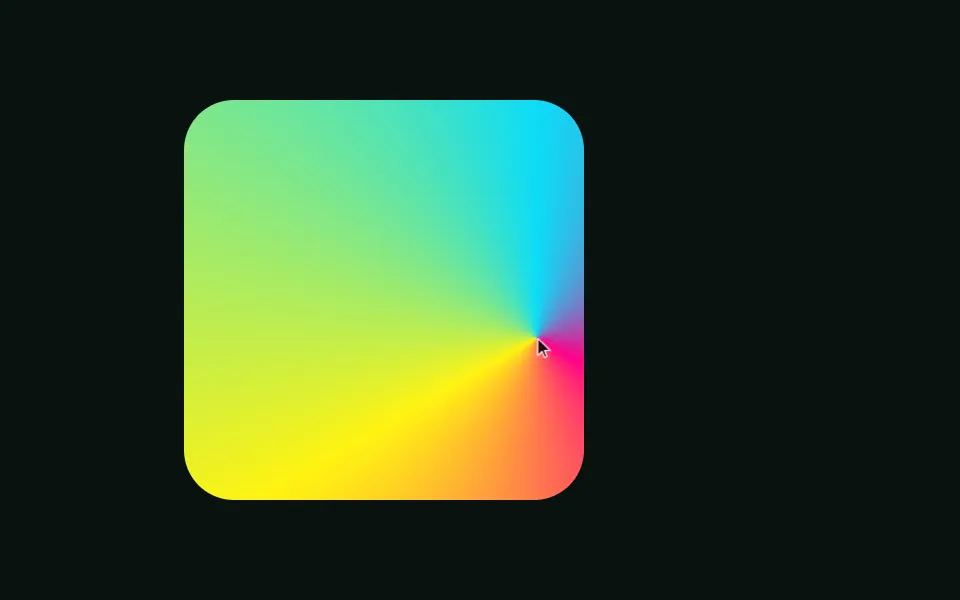
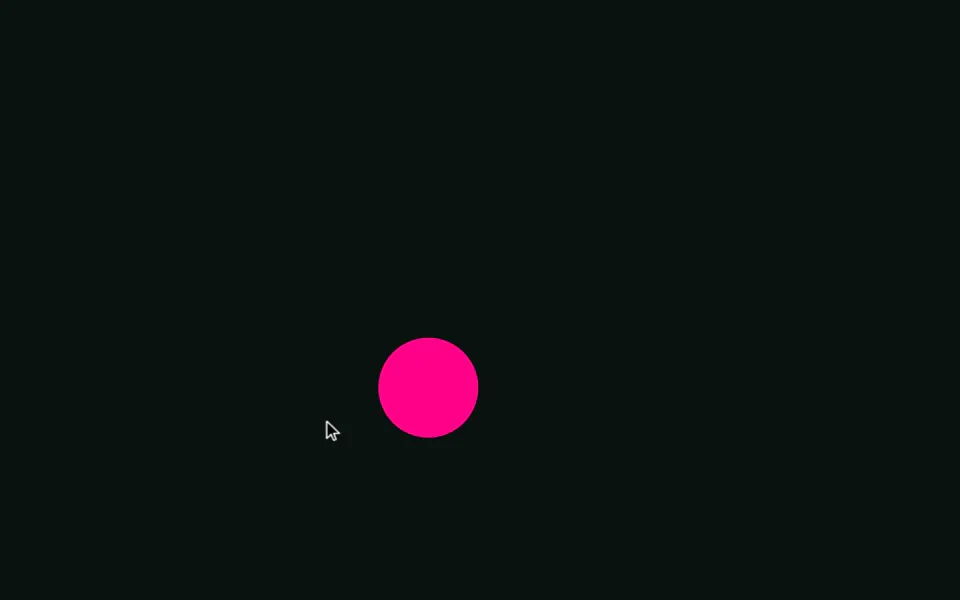
Motion Values track the state and velocity of animated values.
They are composable, signal-like values that are performant because Motion throttles rendering with its optimised frameloop.
Motion Values are usually created automatically by the animate function or motion components. They aren't something you generally have to think about.
But, for advanced use cases, it's possible to create them manually.
const x = motionValue(0)

x.on("change", latest => console.log(latest))

animate(x, 100)
By manually creating motion values you can:
-
Set and get their state.
-
Subscribe to changes via the
onmethod. -
Automatically end existing animations when starting new animations.
const color = motionValue("#f00")

animate(color, "#0f0")

animate(color, "#333") // Will automatically end the existing animationUsage
Motion Values can be created with the motionValue function. The string or number passed to motionValue will act as its initial state.
import { motionValue } from "motion"

const x = motionValue(0)
Changes to a Motion Value can be subscribed to with the .on method.
x.on("change", latest => console.log(latest))Set value
Motion Values can be updated with the set method.
x.set(100)Get value and velocity
The latest value of a Motion Value can be read with .get():
const latest = x.get() // 100It's also possible to get the velocity of the value via .getVelocity():
const velocity = x.getVelocity()Velocity is available for any number-like value, for instance 100, or unit types like "50vh" etc.
Velocity is intelligently calculated by using the value rendered during the previous animation frame (rather than the last value passed via set).
Render
Motion values can be passed to effects like styleEffect, attrEffect or propEffect to render the latest values once per animation frame.
const x = motionValue(0)
const opacity = motionValue(1)

styleEffect("li", { x, opacity })

x.set(100) // Will apply to all <li> elements on the next frame
animate(opacity, 0) // Will animate all <li> opacity
API
get()
Returns the latest state of the Motion Value.
getVelocity()
Returns the latest velocity of the motion value. Returns 0 if the value is non-numerical.
set()
Sets the Motion Value to a new state.
x.set("#f00")jump()
Jumps the Motion Value to a new state in a way that breaks continuity from previous values:
-
Resets
velocityto0. -
Ends active animations.
animate(x, 100)

x.jump(10)
x.getVelocity() // 0
isAnimating()
Returns true if the value is currently animating.
stop()
Stop the active animation.
on()
Subscribe to Motion Value events. Available events are:
-
change -
animationStart -
animationCancel -
animationComplete
import { motionValue, frame } from "motion"

const color = motionValue("#fff")

color.on("change", latest => {
  frame.render(() => element.style.backgroundColor = latest)
})
It returns a function that, when called, will unsubscribe the listener.
const unsubscribe = x.on("change", latest => console.log(latest))destroy()
Destroy and clean up subscribers to this Motion Value.