GeezerVisonThe World Wide Web, restored to 800 pixels of glory. | |||||||||||||||
| Home|About|Gaming cabinet|Archives|How it works|Starter sites | |||||||||||||||
GeezerVison is showing octave.sourceforge.io — Function Reference: lighting
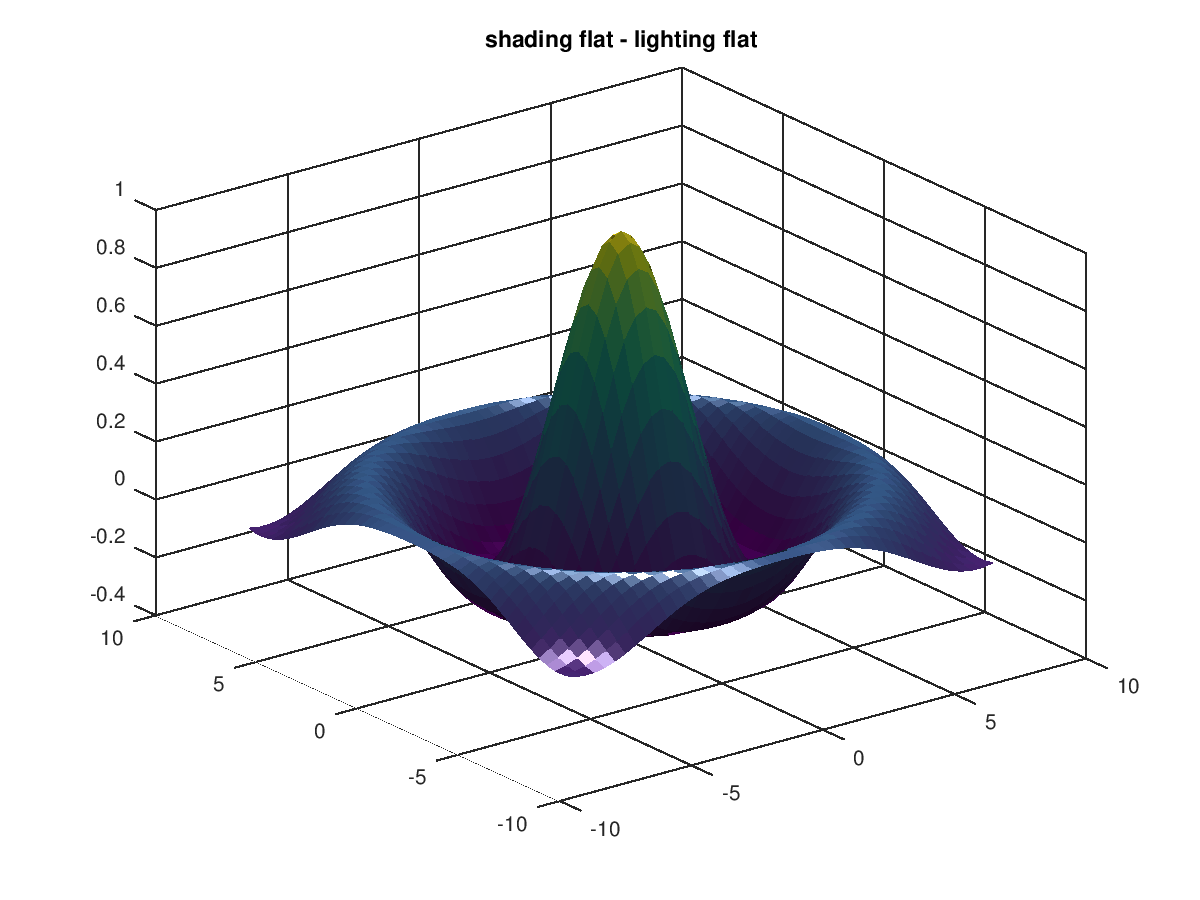
Demonstration 1The following code clf;
colormap ("default");
sombrero ();
shading flat
lighting flat
light ();
title ("shading flat - lighting flat");
Produces the following figure
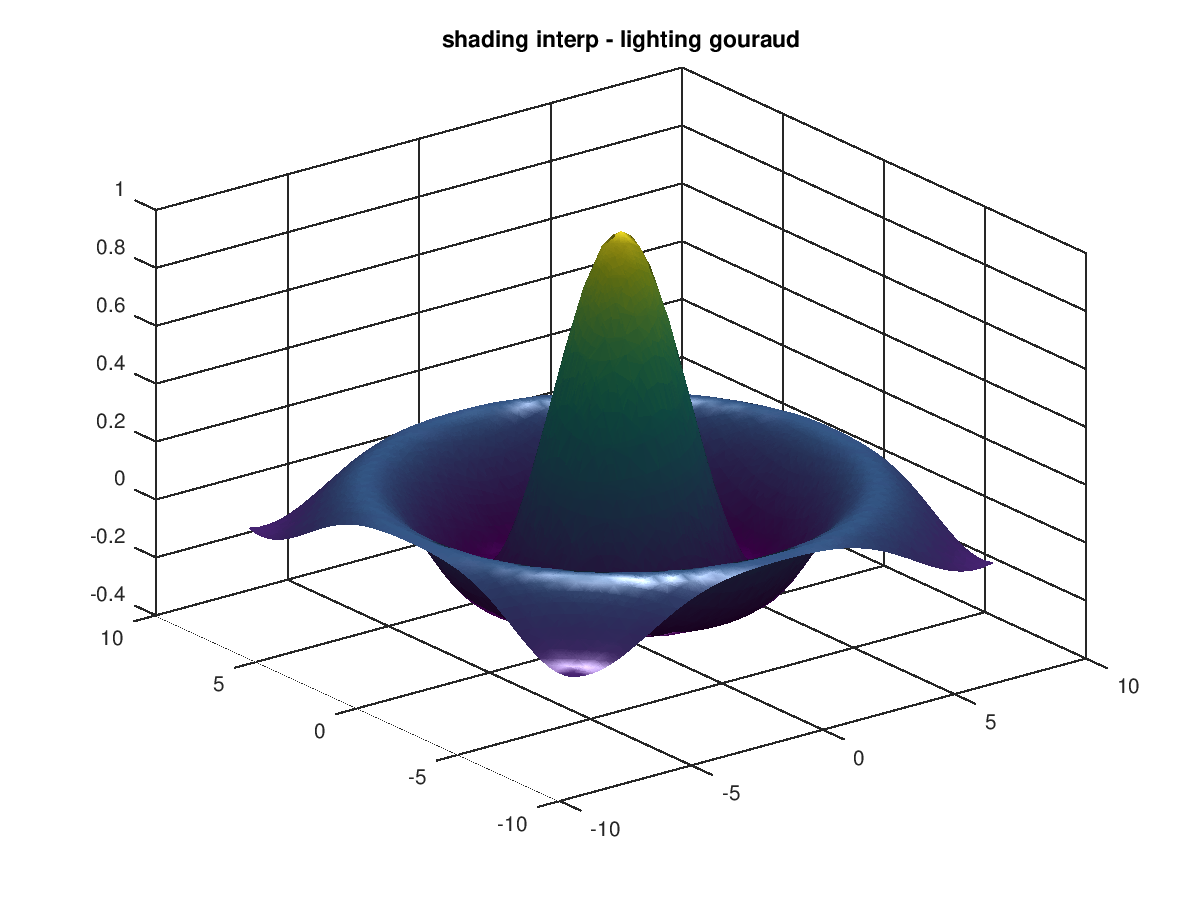
Demonstration 2The following code clf;
colormap ("default");
sombrero ();
shading interp
lighting gouraud
light ();
title ("shading interp - lighting gouraud");
Produces the following figure
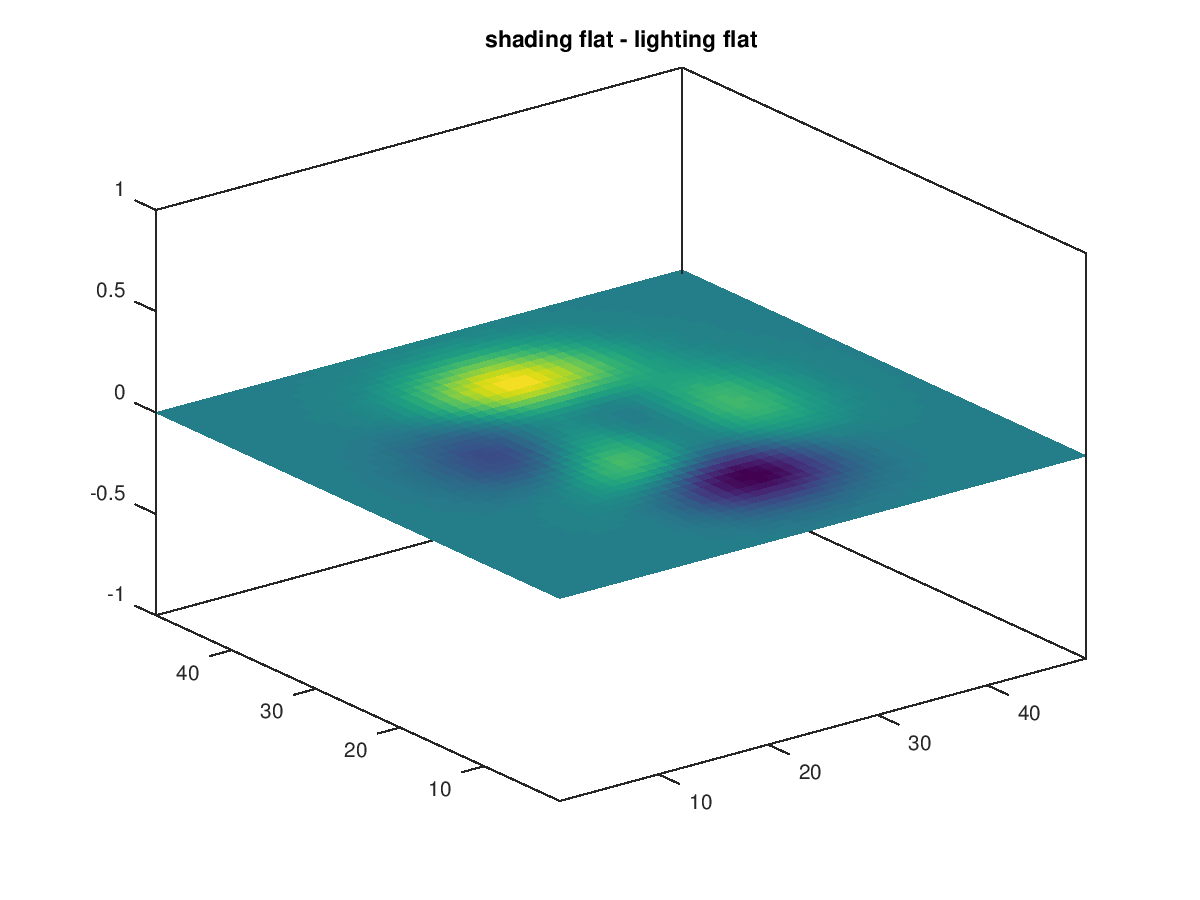
Demonstration 3The following code clf;
colormap ("default");
pcolor (peaks ());
shading flat
lighting flat
light ();
view (3)
title ("shading flat - lighting flat");
Produces the following figure
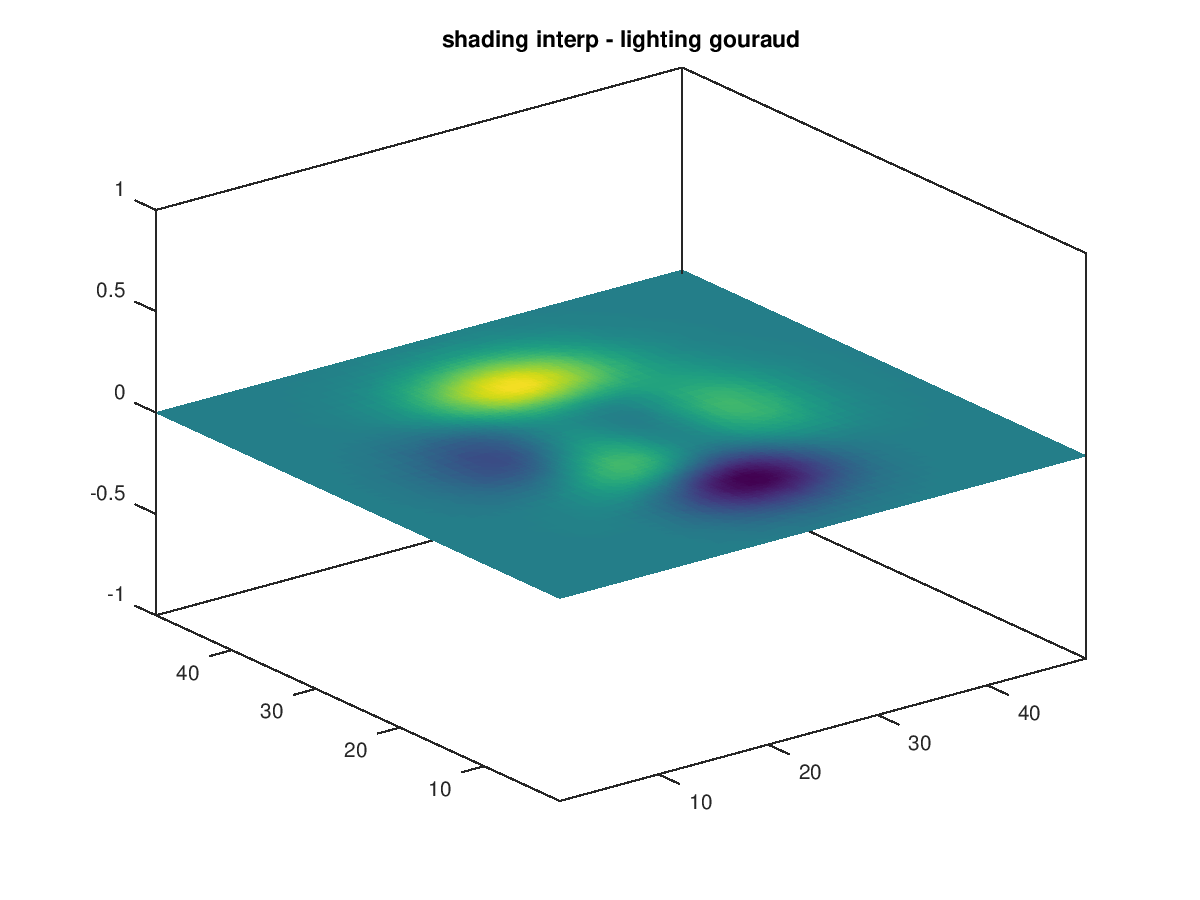
Demonstration 4The following code clf;
colormap ("default");
pcolor (peaks ());
shading interp
lighting gouraud
light ();
view (3)
title ("shading interp - lighting gouraud");
Produces the following figure
Demonstration 5The following code clf;
colormap ("default");
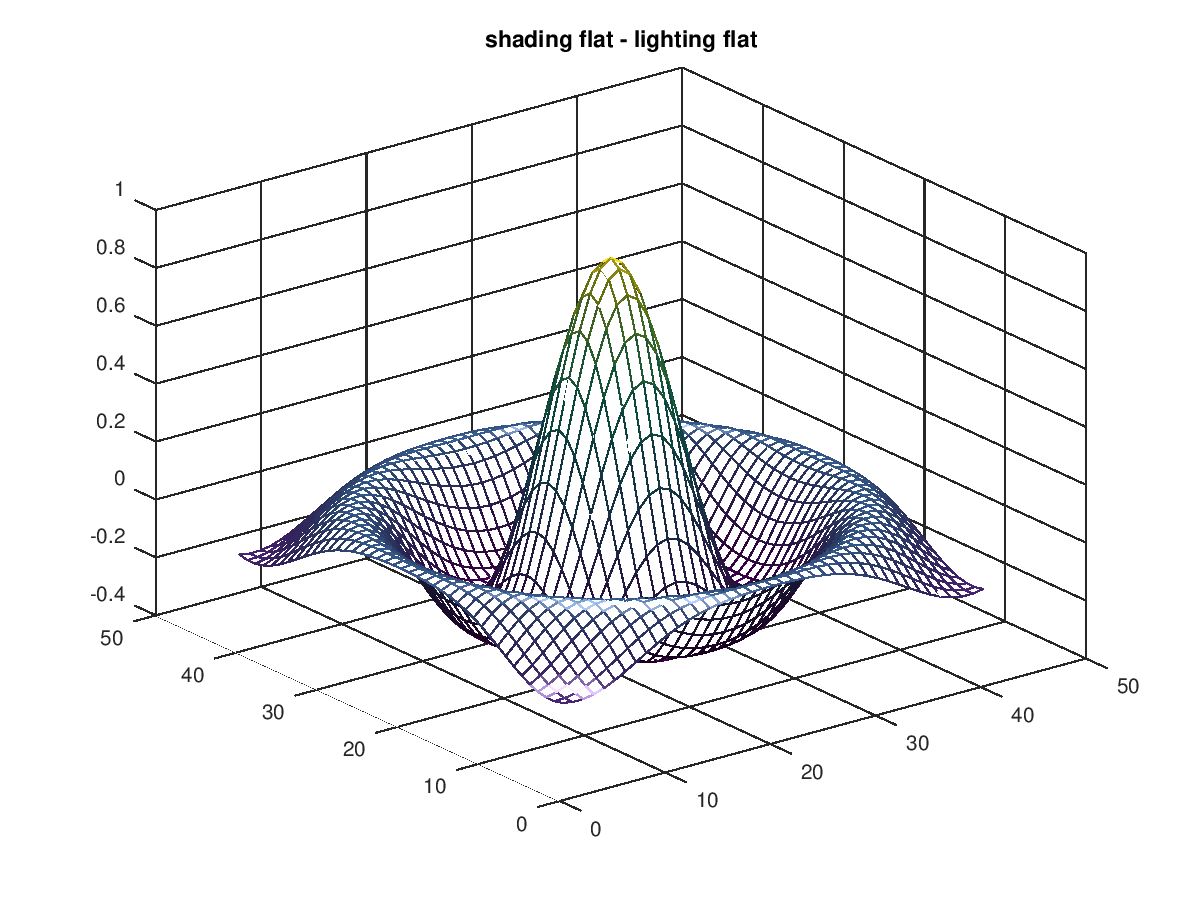
mesh (sombrero ());
shading flat
lighting flat
light ();
title ("shading flat - lighting flat");
Produces the following figure
Demonstration 6The following code clf;
colormap ("default");
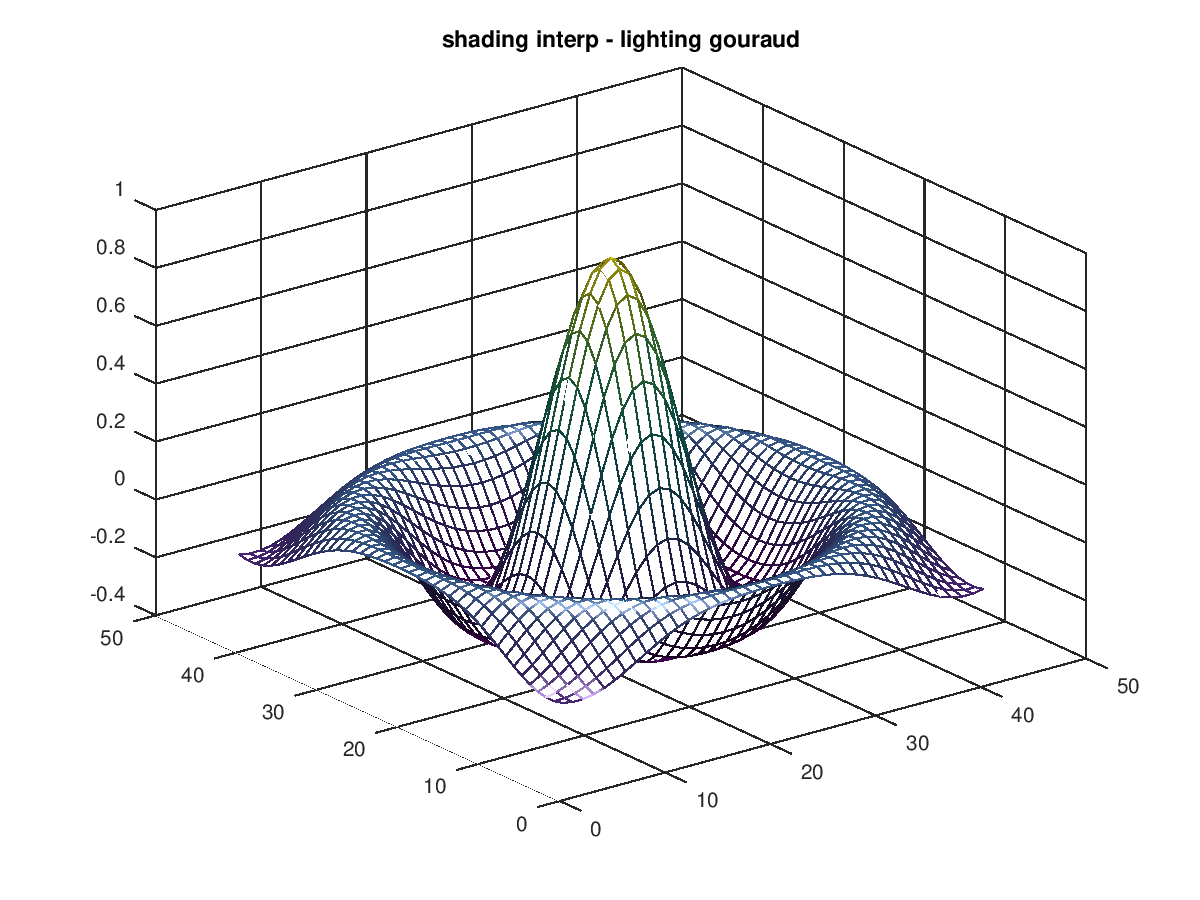
mesh (sombrero ());
shading interp
lighting gouraud
light ();
title ("shading interp - lighting gouraud");
Produces the following figure
Package: octave | |||||||||||||||
| You are visitor 01402503 — GeezerVison does not store the pages you look up. Best viewed with Netscape Navigator 4.7 or Internet Explorer 6 at 800×600. No cookies required. |