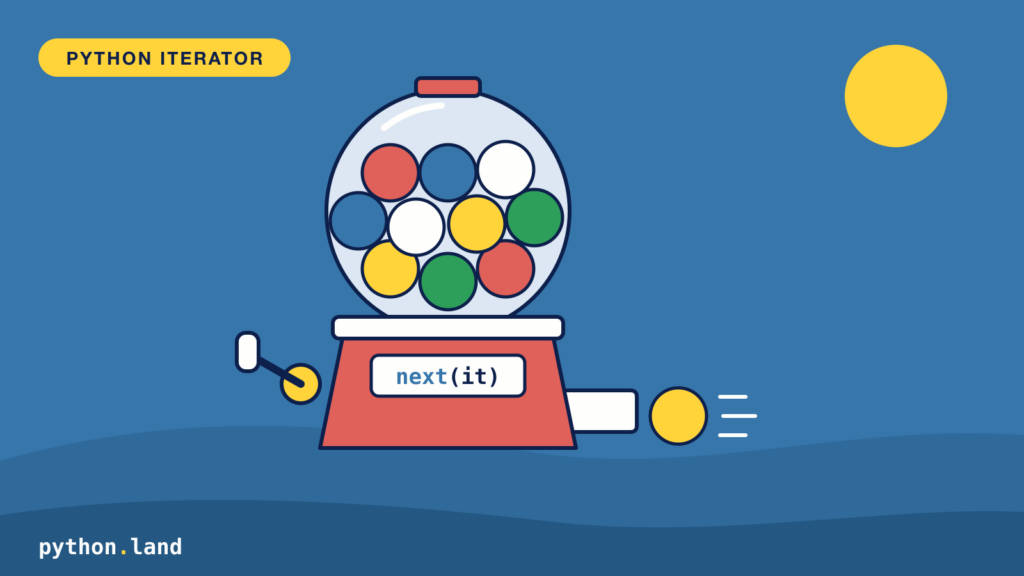
To understand what a Python iterator is, you need to know two terms: iterator and iterable:
- Iterator
- An object that can be iterated, meaning we can keep asking it for a new element until there are no elements left. Elements are requested using a method called
__next__.
- Iterable
- An object that implements another special method, called __iter__. This function returns an iterator.
Thanks to iterators, Python has very elegant for-loops. Iterators also make comprehension possible. Even though it requires some work to understand all the inner workings, they are very easy to use in practice!
How a Python iterator works
As stated above, a Python iterator object implements a function that needs to carry the exact name __next__. This special function keeps returning elements until it runs out of elements to return, in which case an exception is raised of type StopIteration. To get an iterator object, we need to first call the __iter__ method on an iterable object.
We can see this all at work using the built-in Python range function, which is a built-in Python iterable. Let’s do a little experiment:
>>> my_iterable = range(1, 3)
>>> my_iterator = my_iterable.__iter__()
>>> my_iterator.__next__()
1
>>> my_iterator.__next__()
2
>>> my_iterator.__next__()
Traceback (most recent call last):
  File "<stdin>", line 1, in <module>
StopIteration
>>>Code language: Python (python)
As you can see:
- range returns an iterable object, since it has the
__iter__method. - We call the function and assign the iterator it returns to
my_iterator. - Next, we start to repeatedly call the
__next__method, until the end of the range is reached and aStopIterationexception is raised.
Of course, this is not how you use iterators in practice. I’m just demonstrating how they work internally. If you ever need to manually get an iterator, use the iter() function instead. And if you need to manually call the __next__ method, you can use Python’s next() function.
Since there’s only a next function, you can only go forward with an iterator. There is no way to reset an iterator (except for creating a new one) or get previous elements.
Why are iterators and iterables separate objects?
Iterators and iterables can be separate objects, but they don’t have to. Nothing is holding us back here. If you want, you can create a single object that is both an iterator and an iterable. You just need to implement both __iter__ and __next__.
So why did the wise men and women building the language decide to split these concepts? It has to do with keeping state. An iterator needs to maintain information on the position, e.g., the pointer into an internal data object like a list. In other words: it must keep track of which element to return next.
If the iterable itself maintains that state, you can only use it in one loop at a time. Otherwise, the other loop(s) would interfere with the state of the first loop. By returning a new iterator object with its own state, we don’t have this problem.
You run into this more often than you might think. Take a nested loop over the same list, for example to make all combinations of two colors:
colors = ['red', 'green']

for a in colors:
    for b in colors:
        print(a, b)Code language: Python (python)
Each for loop calls iter(colors) and gets its own fresh iterator, so the output is what you’d expect:
If the list kept the position itself, the inner loop would use up all elements, and the outer loop would stop after one round. You’ll see exactly that happen with the iterator we build at the end of this article.
Built-in Python iterators
You’ll find that many Python types are iterable once you start looking for them. Here are some iterable types that are native to Python:
The range type deserves a special mention. A range computes its numbers on demand instead of storing them in an actual list. That saves a lot of memory, since all it needs to know is the start, stop and step to calculate any item. Still, a range is a sequence, just like a list: you can index it, ask for its length and loop over it as often as you like. It is not an iterator itself, so next(range(3)) raises a TypeError.
Generators
There’s also a special kind of iterator called a generator. You create one by writing a function that uses yield instead of return. Each time you ask for the next element, the function runs until it hits the next yield, hands you that value, and pauses there:
def count_to_three():
    yield 1
    yield 2
    yield 3Code language: Python (python)
>>> numbers = count_to_three()
>>> next(numbers)
1
>>> next(numbers)
2
>>> next(numbers)
3
>>> next(numbers)
Traceback (most recent call last):
File "<stdin>", line 1, in <module>
StopIterationCode language: Python (python)A generator expression is the short form. It looks like a list comprehension with parentheses, and it produces its values one at a time instead of building a whole list:
>>> squares = (x * x for x in range(1, 4))
>>> list(squares)
[1, 4, 9]
>>> sum(x * x for x in range(1, 4))
14Code language: Python (python)
Like every iterator, a generator can be used only once. When it’s exhausted, you need to create a new one.
How to use a Python iterator
Now that we understand how iterators work, let’s look at how to use Python iterators. You’ll quickly find out that it feels and looks natural and isn’t difficult at all!
Iterator in a for-loop
Unlike other programming languages, loops require an iterable. Here are two examples in which we iterate a list and a string:
>>> mystring = "ABC"
>>> for letter in mystring:
...     print(letter)
...
A
B
C
>>> mylist = ['A', 'B', 'C']
>>> for letter in mylist:
...     print(letter)
...
A
B
CCode language: Python (python)
As you can see, a Python string behaves the same as a Python list in terms of iterability.
Iterators in comprehensions
Just like for-loops, comprehensions require an iterable object too:
>>> [x for x in 'ABC']
['A', 'B', 'C']
>>> [x for x in [1, 2, 3,4] if x > 2]
[3, 4]
>>>Code language: Python (python)
Iterate Python dictionary keys
Python dictionaries are iterable so that we can loop over all a dictionary’s keys. A dictionary iterator only returns the keys, not the values. Here’s an example:
>>> d = {'name': 'Alice', 'age': 23, 'country': 'NL' }
>>> for k in d:
...     print(k)
...
name
age
countryCode language: Python (python)
Sometimes I see people use this instead: for k in d.keys(). Although the result is the same, it’s obviously less elegant.
Iterate dictionary values
To iterate Python dictionary values, you can use the values() method:
>>> for k in d.values():
...     print(k)
...
Alice
23
NLCode language: Python (python)
Iterate dictionary keys and values
Use the items() method if you want both the keys and the values from a dictionary. You can use items() with a for-loop or with a Python list comprehension:
>>> for k,v in d.items():
...     print(k, v)
...
name Alice
age 23
country NL
>>>
>>> # With a list comprehension and f-string
>>> [f'{k}: {v}' for k, v in d.items()]
['name: Alice', 'age: 23', 'country: NL']Code language: Python (python)
Convert Python Iterator to list, tuple, dict, or set
An iterator can be materialized into a list using the list() function. In the same way, you can materialize an iterator into a set using the set() function or to a tuple using the tuple() function:
>>> list(range(1, 4))
[1, 2, 3]
>>> set(range(1, 4))
{1, 2, 3}
>>> tuple(range(1, 4))
(1, 2, 3)Code language: Python (python)
If you have an iterator that returns (key, value) tuples, you can materialize it with dict().
Read file line-by-line in Python
Reading a file line-by-line in Python is very easy, thanks to iterators:
with open('cities.txt') as cities:
    for line in cities:
        process_city(line)Code language: Python (python)
The open() function returns an iterable object, that can be used in a for-loop. If you like, read my comprehensive article with all the details about handling files in Python.
Creating your own Python iterator
There’s no magic to creating your own iterator. I’ll demonstrate with a simple iterator class that returns even numbers.
As we’ve learned, we need to implement __iter__ and __next__. We’ll do this in one single class to keep things simple. We accomplish this with an __iter__ method that simply returns self. We could make this an endless iterator. But for the sake of demonstration, we’ll raise a StopIteration exception as soon as we pass the number 8.
Remember that if you build an iterator this way, you can only use it in one loop at a time. If you need nested or repeated loops, return a new iterator object on each call to __iter__.
If you need a refresher, read our tutorial on classes and objects first.
class EvenNumbers:
    last = 0

    def __iter__(self):
        return self

    def __next__(self):
        self.last += 2

        if self.last > 8:
            raise StopIteration

        return self.last

even_numbers = EvenNumbers()

for num in even_numbers:
    print(num)Code language: Python (python)
If you run this program, the output will be:
2 4 6 8Because __iter__ returns self, this object is its own iterator. Try it in a nested loop and you’ll see the problem from earlier. The inner loop uses up all the numbers, so the outer loop never gets past 2:
for a in even_numbers:
    for b in even_numbers:
print(a, b)Code language: Python (python)The easy way: a generator function
The class above shows how iterators work, but it’s not how you would usually write one. A generator function does the same in a few lines. Python takes care of __iter__, __next__ and StopIteration for you:
def even_numbers(maximum):
    number = 2
    while number <= maximum:
        yield number
        number += 2

for num in even_numbers(8):
    print(num)Code language: Python (python)
The output is the same 2, 4, 6 and 8 as before. Each call to even_numbers() gives you a new generator, so you can make one per loop.
Before you write your own, check the itertools module. It has ready-made iterators for many common cases, like counting forever, chaining iterables together, or taking a slice of an iterator:
>>> import itertools
>>> list(itertools.islice(itertools.count(2, 2), 4))
[2, 4, 6, 8]
>>> list(itertools.chain('AB', [1, 2]))
['A', 'B', 1, 2]Code language: Python (python)