PHP is a fast scripting language that is ubiquitous with web development. WordPress uses the language as it’s core interface for developers to enhance the platform. It’s relatively easy to learn and is well supported by the development community.
While PHP helps developers create web applications quickly, there is no development environment associated with the language. By contrast, a development environment such as Visual Studio from Microsoft comes with many features available from installation. Visual Studio has features for coding, debugging and deploying available to developers straight out of the box.
There are many packages and supporting tools for PHP. However, they tend to be scattered and piecemeal. This can cause problems for developers looking to enhance their virtual tool chest. This handy guide will bring together popular tools that developers can reference when they need to put their PHP development into overdrive.
Development Environments
There are numerous development environments for PHP. These include Integrated Development Environments (IDEs) and text editors, and hybrid environments that combine multiple tools and processes into one.
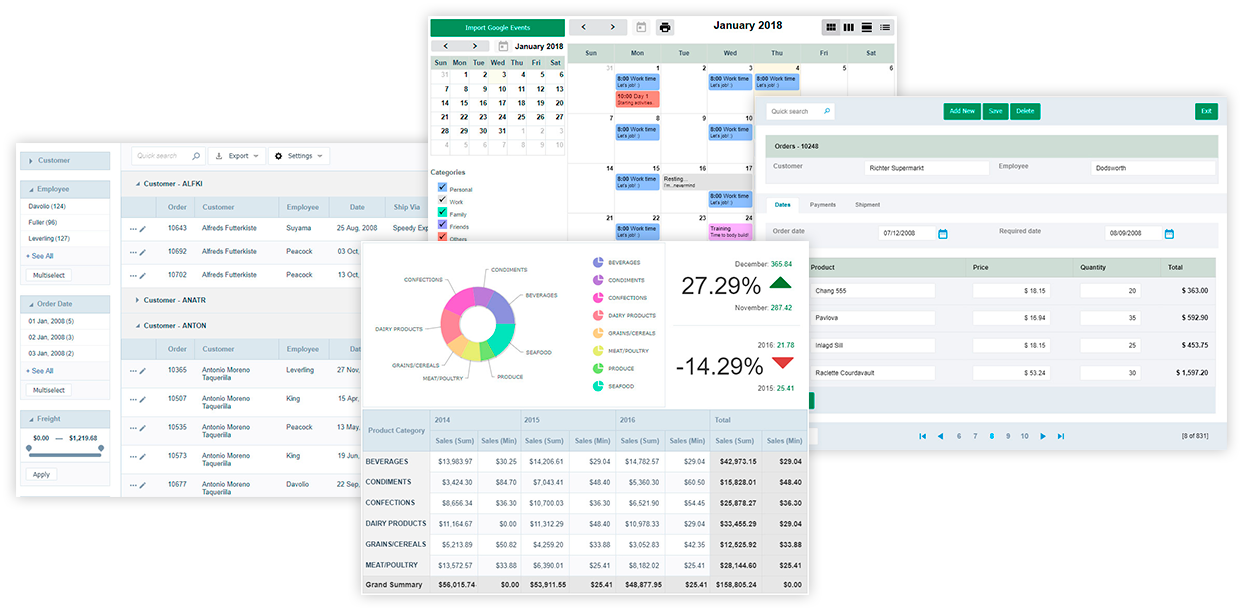
ScriptCase.net allows developers to quickly develop web-enabled applications. These application support connections to databases and report generation. The software allows you to go from prototype to production in a matter of seconds. The cost may prohibit smaller companies from using it. Therefore, it is geared for mid-sized companies.
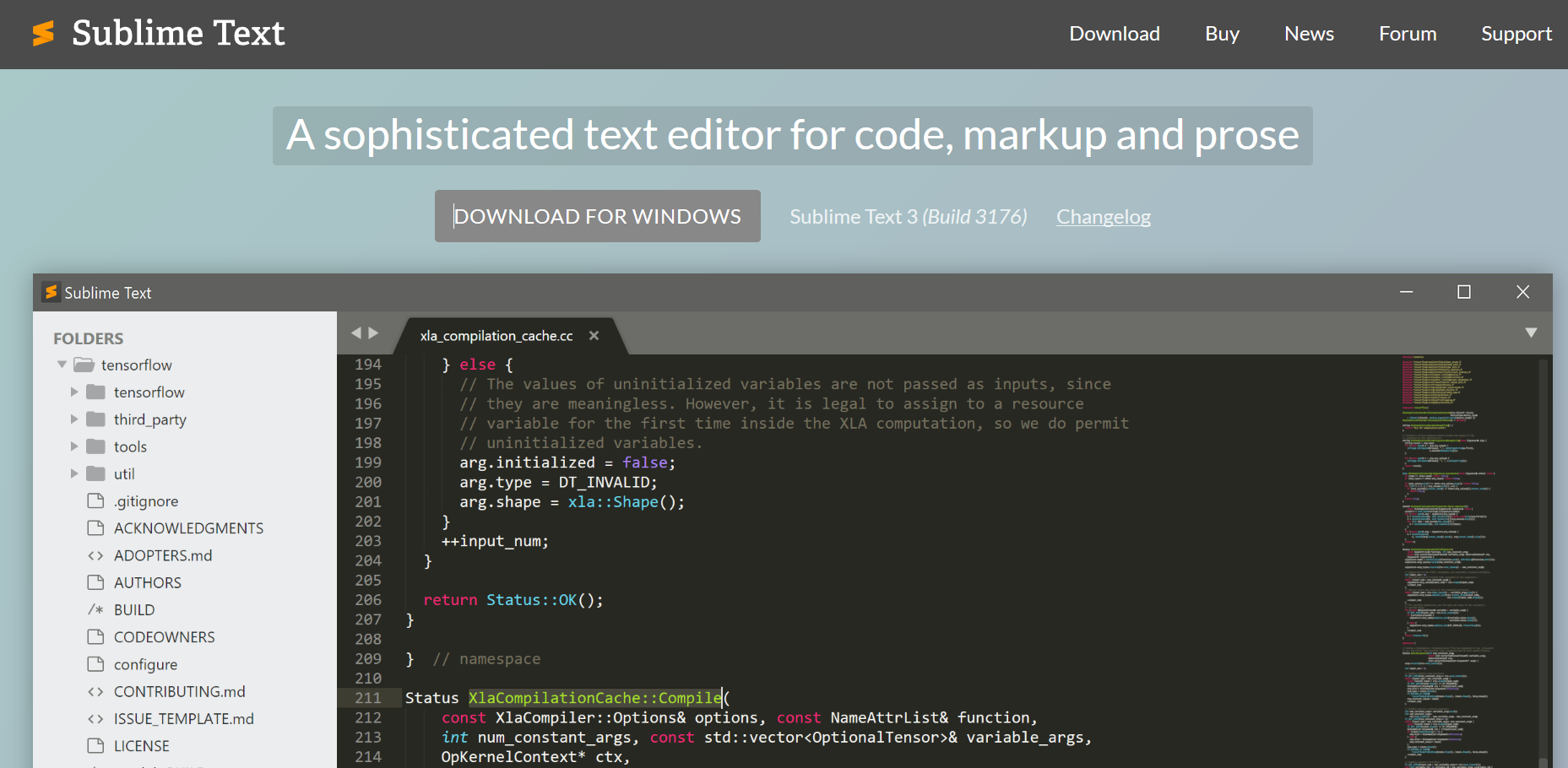
There are reasons to use a text editor over an IDE. Sometimes, an IDE can be overkill for certain projects. Further, when developers are first learning a language, an IDE can be a crutch to their learning. This text editor is great for startup companies who do not have large budgets or large-capacity servers.
Key features:
Go-to-anything feature – can jump to files, text, or lines instantly within the editor
Split editing
Simultaneous edits – can change multiple instances of text or code together
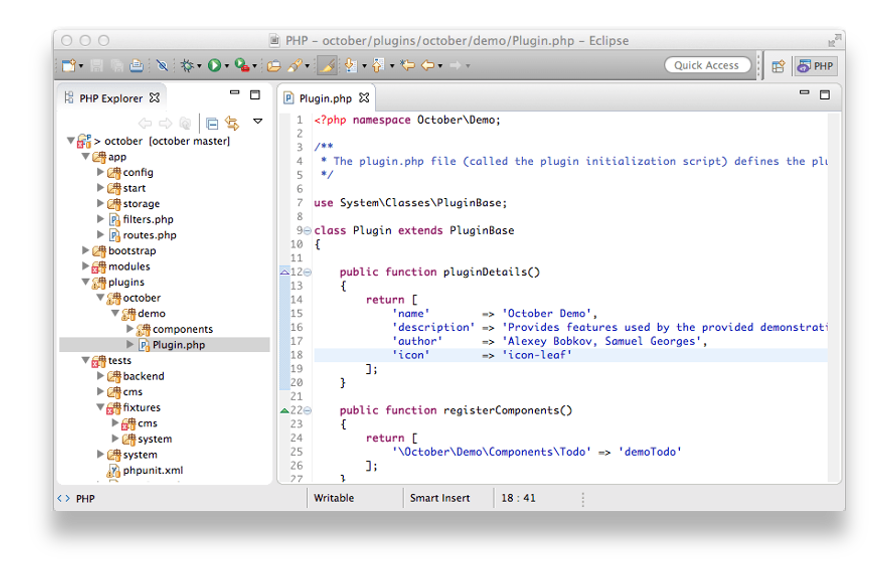
It’s getting difficult to classify a tool like Eclipse as an IDE. It’s become so much more. Eclipse was created for developers working in Java code. It has been extended to include other languages like PHP. Although this tool is open source, it may be overkill for startup companies. It uses up a fair amount of computing resources that could be scarce for smaller companies.
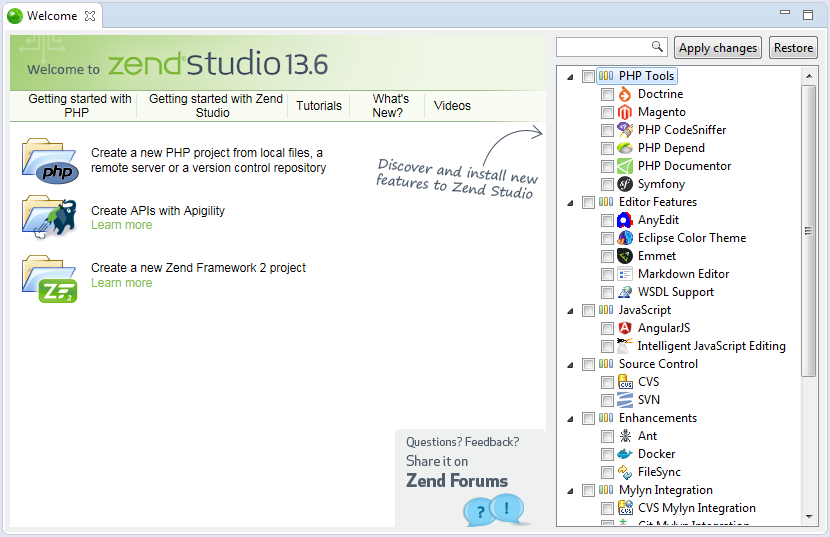
Zend Studio is an IDE that takes PHP development to the next level. It has a robust set of features and can deploy to any server including servers in the cloud. It claims to be optimized for PHP 7, which is significantly faster than previous versions. Zend Studio is a great tool for companies of any size.
Key features
Extensive Eclipse plugin capabilities
Deploy to the cloud, including Microsoft Azure and Amazon AWS
Deploy seamlessly to Zend Server. Zend Server implements continuous integration and robust security features
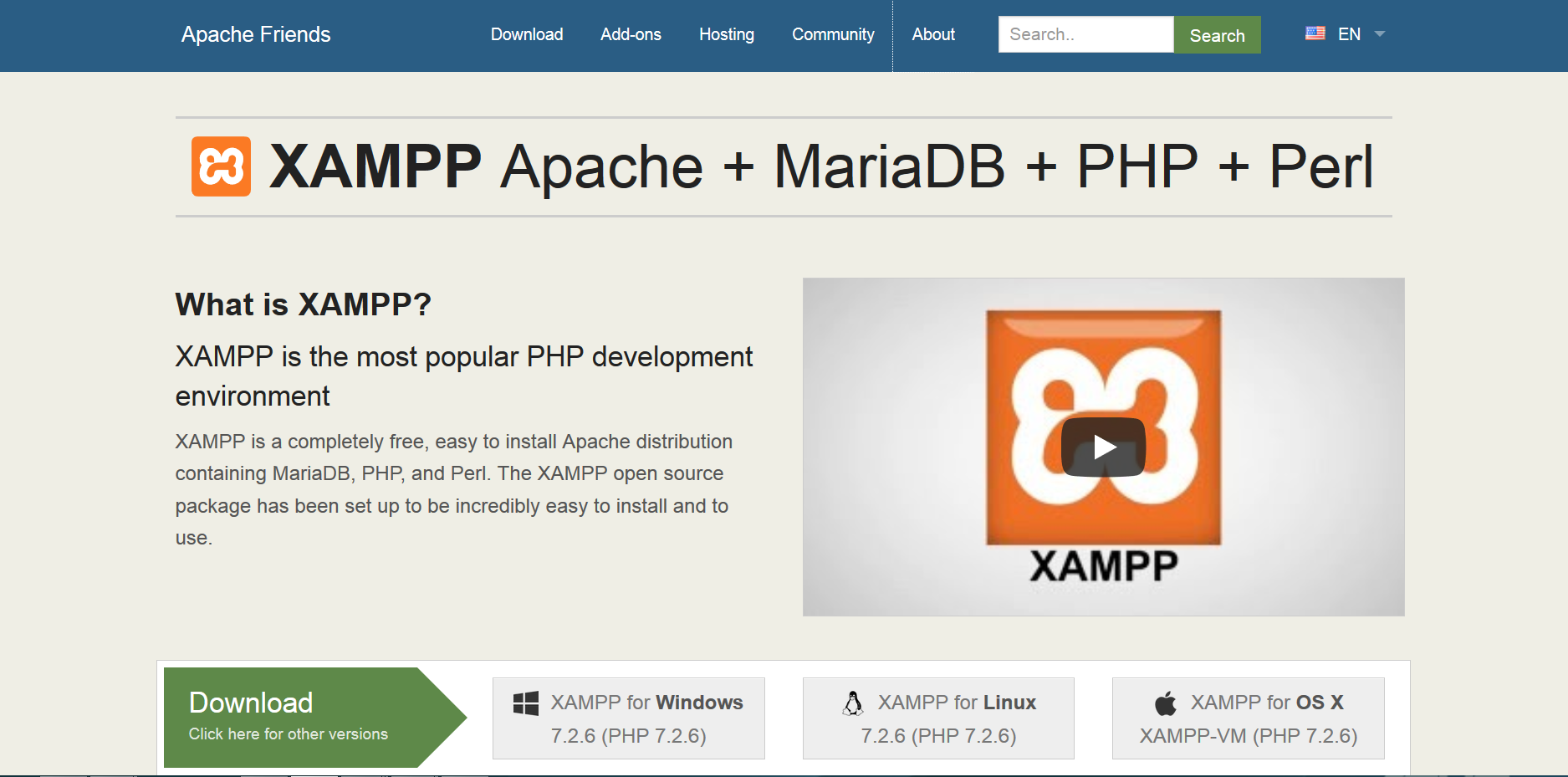
Experienced developers are familiar with Apache solutions. XAMPP is a development platform created by the Apache Friends organization. It is meant for most organizations that require a MySQL database solution. It may be overkill for startup companies, depending on their requirements.
Key features
It is one of the oldest development platforms for PHP. It has the benefit of combined experiences of all the participating developers for over 10 years
Easy-to-Install (via wizard)
Part of Apache family of products
MySQL and Perl are part of the installation
Can install CMS components on top of XAMPP installation (via Bitnami)
Easy control panel for all the components included
Cost
Open source (free)
Performance, Code Profiling, APM, Logging
Performance tools like code profilers, APMs, and log monitors help developers find inefficiencies and errors. Again, there are numerous tools available for PHP. Depending on your stage of development, you might choose one type of tool over another. For example, code profilers are most effective during the development stage, while APMs monitor your app after deployment. Some tools combine all of these performance tools into one.
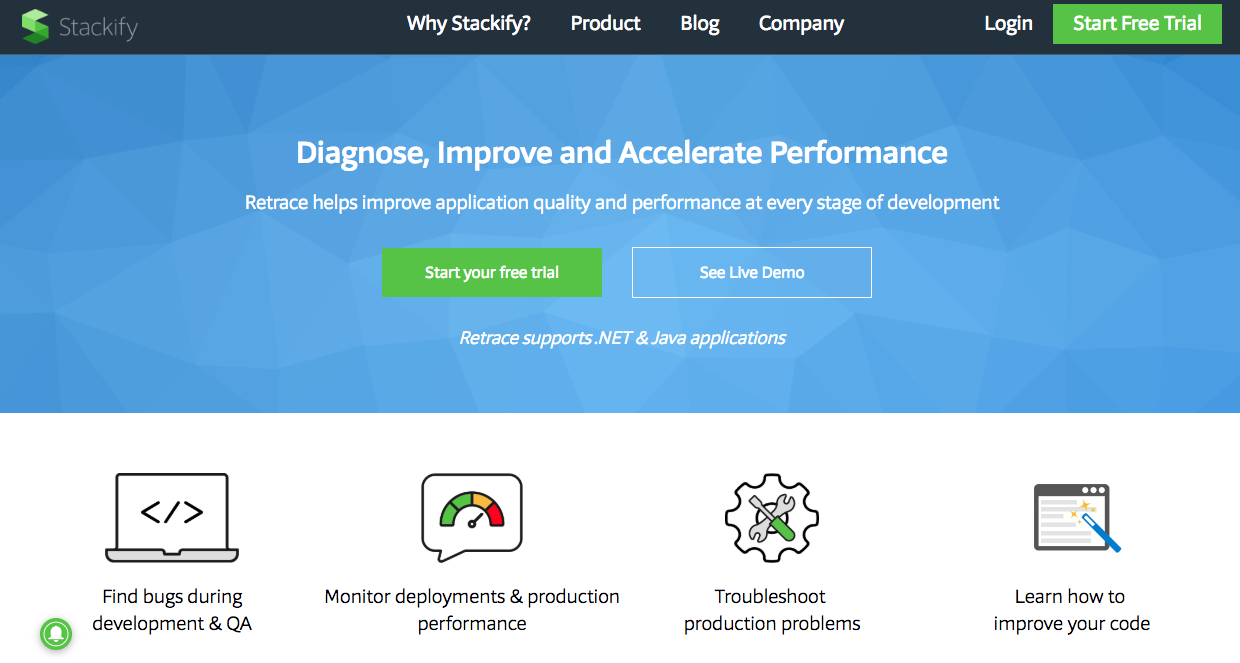
Retrace goes beyond standard APM (Application Performance Monitoring) to give developers all the tools they need in one easy to use solution. It originally supported only Java and .NET, but will soon support PHP. It’s enhanced log and error tracking feature make it stand out from the rest. It is cost-effective, too. The tool is great for teams diagnose, improve, and accelerate application performance.
Key features
View related logging to an exception to quickly find and fix issues before your customers do
Identify which part of your application stack is the bottleneck and which web requests are being affected
Track and monitor all key application & server metrics
Capture critical details about what your code is doing with code profiling
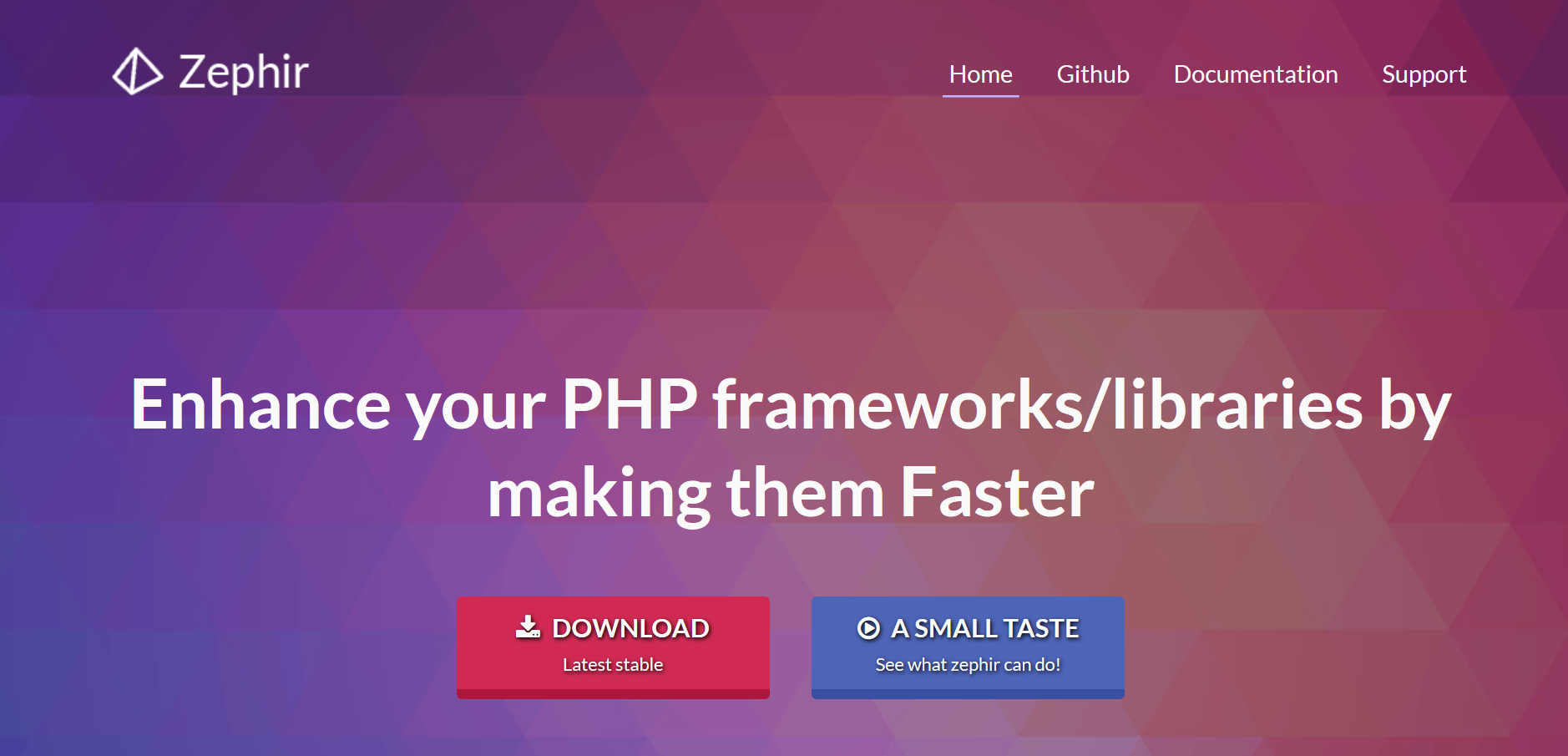
Zephir is considered a code-enhancement tool, but it’s actually a programming language in itself. It gives PHP coders the ability to create functions that are compiled but run by the PHP engine. PHP is an interpreted language, so the compiled nature of Zephir creates faster components than native PHP functions. This tool is geared more towards intermediate developers. Organizations of every size could find this product to be beneficial.
Key features
Creates functions in a language similar to C.
Components are compiled as shared libraries for quicker runtime
No access to pointers. Pointers can cause problems for developers, and Zephir doesn’t allow them.
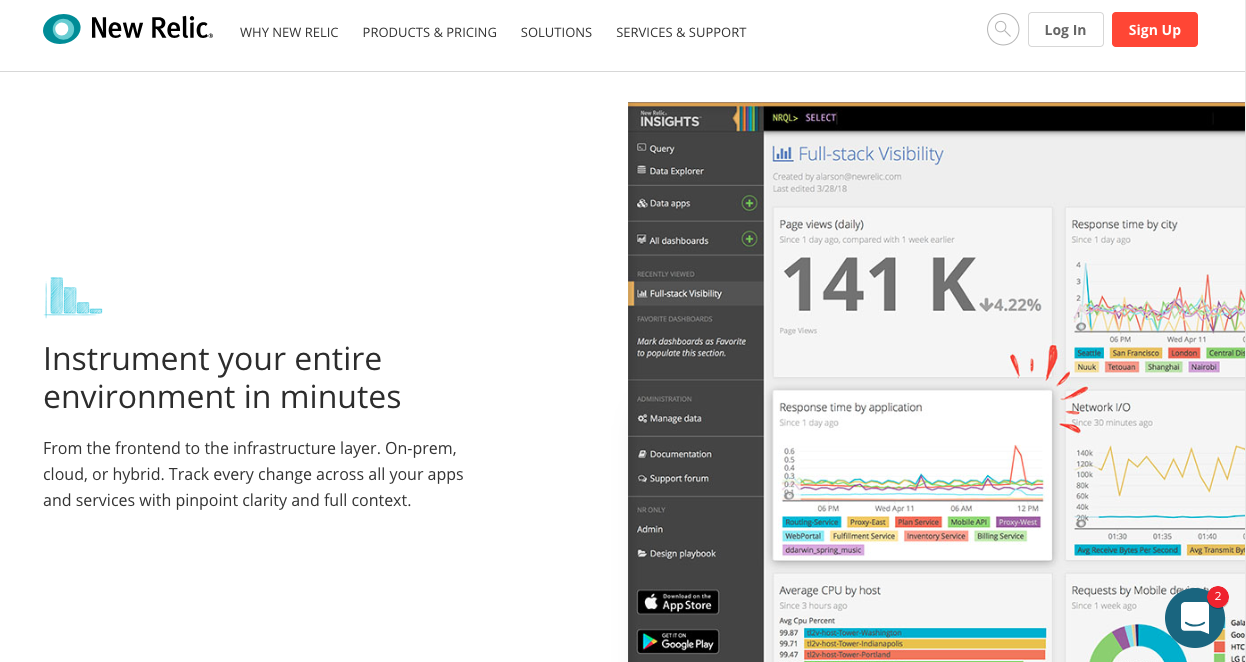
New Relic is an industry-leading APM that supports many of the top languages, including PHP, Ruby, Java, and .NET. It provides full-stack visibility into the performance of your applications, including mobile apps and infrastructure monitoring.
AppDynamics caters to larger enterprises looking for an all-in-one performance monitoring solution. Enterprises can use AppDynamics as a SaaS tool as well as an on-premise option.
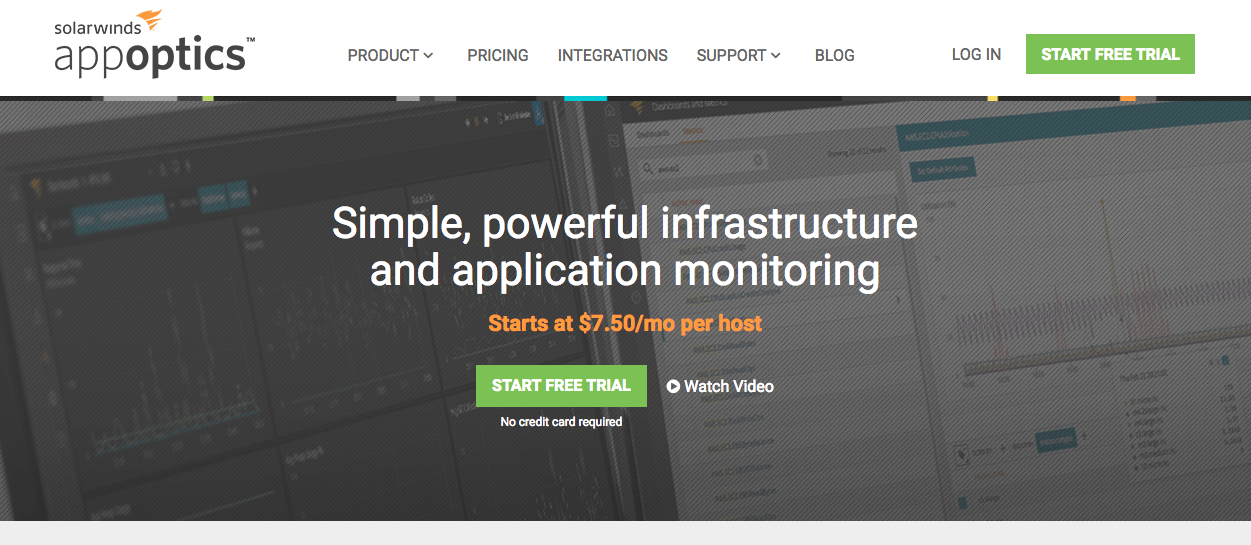
SolarWinds has made a ton of changes to their performance monitoring tools. First they acquired TraceView, a top APM. Most recently, they enhanced and integrated TraceView features into AppOptics, Solarwinds’ infrastructure monitoring tool. AppOptics now supports both infrastructure and application performance monitoring, helping companies visualize their performance from the bottom up.
Key features
150+ integrations and plugins with other top tools
Server and infrastructure monitoring
Application monitoring and visualization
Custom metrics and analytics
Cost
$20 per month per host. Includes infrastructure monitoring services and 400 custom metrics per host.
Debugging
Debugging tools are similar to code profilers and are often used hand-in-hand. Where profilers identify chances to optimize code, debuggers look for errors in the code.
XDebug has become the de facto standard of PHP debuggers. XDebug is an extension that can be integrated into the IDEs, and most IDEs support it. It is useful to developers at all levels. Since most PHP tools incorporate XDebug, most organizations will be using it as part of using those other tools.
Key features
Works with most IDEs
Has been around since 2002
Single-step debugging functionality
Stack trace functionality
Can be used with other front-end debugging solutions
DebugBar is a great tool for developers at any company. It is not specific to PHP, but has its place in the tool chest of web developers. It can find HTML and JavaScript bugs easily.
Key features
Inspect CSS elements
Evaluate JavaScript
Can make changes directly to HTML reflected immediately
Monitor network traffic
Cost
Free
Version Control
Version control systems help development teams manage their source code and code branches. They keep the main branch of code safe while developers work on updates and new features. Version control becomes more important as a team grows. It becomes increasingly difficult to maintain solid infrastructure without a version control system in place.
Git is a version control solution. You can use Git with third-party repositories or as a standalone solution (not recommended). Git is popular with programmers and companies are adopting its use. This solution is good for any company irrespective of size. Your company may have a different solution in place, but many developers use it for personal projects.
Key features
Used by many in the development community. The knowledge is easily transferred
A command-line interface that is relatively easy to learn
People often confuse Git and GitHub, but they are two separate solutions. However, they often work together to provide an overall solution. GitHub is a cloud-based repository, and Git can be used as the mechanism of its transactions. It is widely used by programmers, and many companies are recognizing the benefits of the solution.
Key features
A cloud-based solution, which means it can be accessed anywhere
Easy to learn
Widely accepted making the skills transferable
Can be used to collaborate on development solutions
Cost
Open source for public repositories
Tier-based pricing starting at $7 per month (single user) up to $21 per user per month for business licensing
Vagrant isn’t officially a version control solution in the true sense of the word. However, it can be used to control different versions of environments, which for PHP developers is useful. Vagrant provides developers with the capabilities to create virtual environments. For instance, if they have a reason to support multiple versions of PHP, this can be easily accomplished using
Vagrant. This should not be a preferred solution or one that replaces the need for standard version control.
Key features
Create development environments that have the needed components based on a project
Easily destroy environments when they are no longer needed
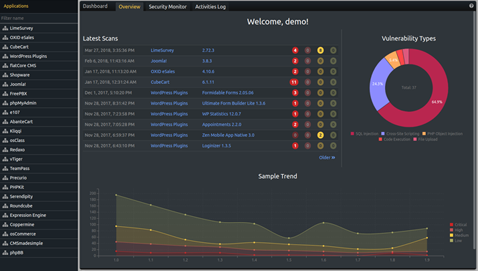
In 2010, an open Source project called RIPS was initiated to help with handling PHP security. The initiative produced a PHP scanner that could check for vulnerabilities. As the functionality grew, it became too robust to handle as an open source project which led RIPS Tech to take over the project. The previous version is still available but not supported.
Developers enjoy using the Chrome browser as it has an extension that reports on the elements of an HTML page. It is easy to configure and learn. Although this is not a PHP solution, any web development (including PHP) uses HTML, and it’s helpful to see what HTML elements are being affected by changes, etc.
Key features
Easy to install and use
Displays helpful information about HTML elements
Cost
Free
Summary
The vast number of tools available to PHP developers make the landscape confusing, especially for developers who are new to the language. Luckily, most software solutions give free (but limited) access to the software to try it out and see if it works for your solution.
As a developer, it’s helpful to keep informed about the newest developments in any tool you use for development. Keep an eye on the Stackify blog as we develop even more resources for PHP developers.
Stackify's APM tools are used by thousands of .NET, Java, PHP, Node.js, Python, & Ruby developers all over the world. Explore Retrace's product features to learn more.
You are visitor 01402503 — GeezerVison does not store the pages you look up. Best viewed with Netscape Navigator 4.7 or Internet Explorer 6 at 800×600. No cookies required.