GeezerVisonThe World Wide Web, restored to 800 pixels of glory. |
| Home|About|Gaming cabinet|Archives|How it works|Starter sites |
GeezerVison is showing universalpython.github.io — Setup Setup¶UniversalPython can be used either online or locally on your computer. Choose the option that best fits your needs. Online¶You don’t need to install UniversalPython to try it out! Simply visit our online playground, where you can write and run UniversalPython code directly in your browser — no installation required. Playground URL: https://universalpython.github.io/playground Benefits
Limitations¶The online playground is designed for experimentation and has a few limitations:
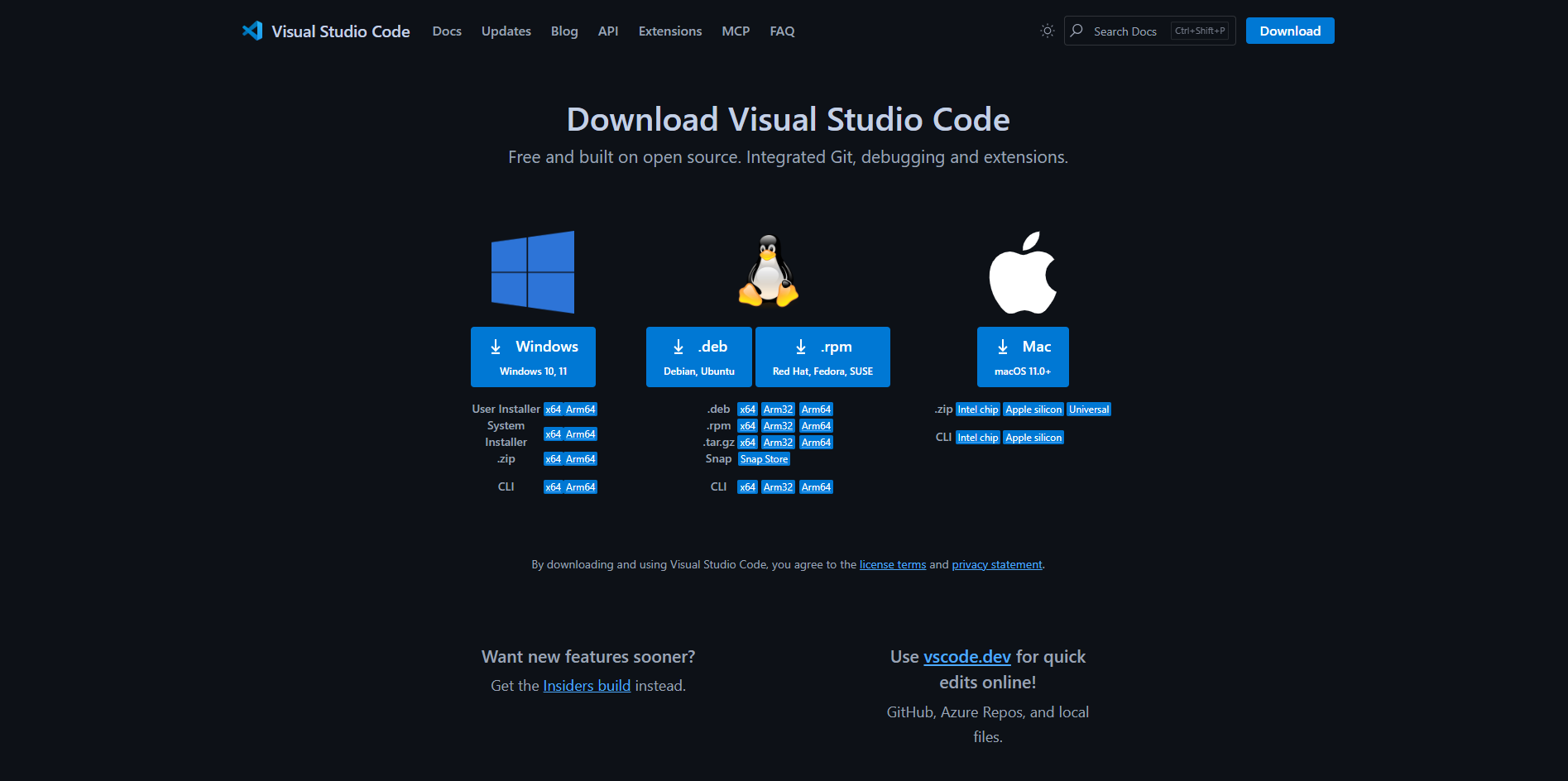
For full functionality, install UniversalPython locally on your computer. On Your Computer¶If you want to use UniversalPython for real projects or contribute to language packs, install it locally. Follow these steps carefully — this guide assumes no prior Python experience. 1. Install Visual Studio Code (Code Editor)
2. Install Python 3.14 or newer¶Download and install Python from the official website:
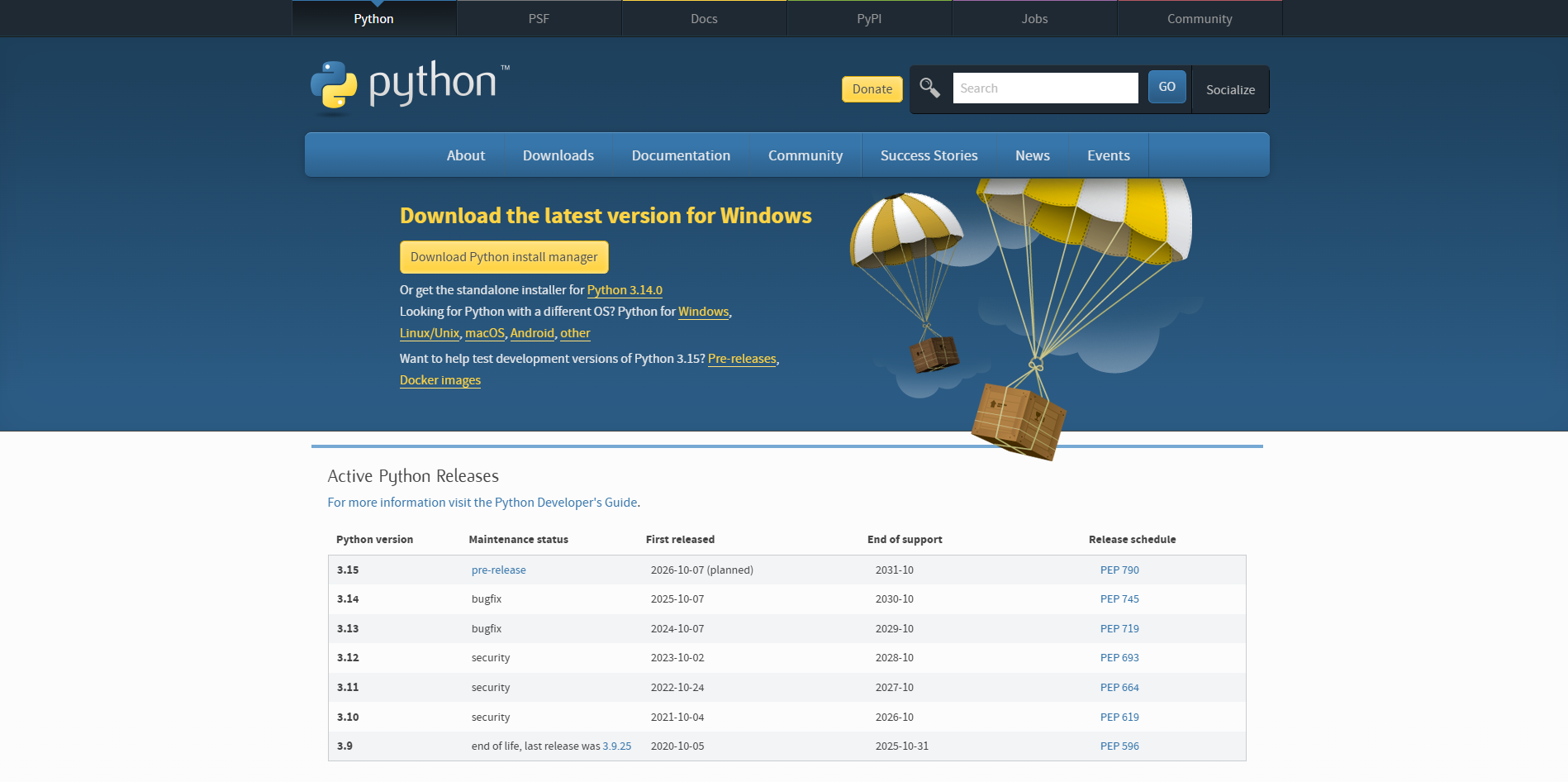
During installation:
Once installed, verify Python is available by running: python --version
You should see something like: Python 3.14.0 3. Verify pip is installed¶pip is Python’s package manager. It should be included with modern Python installations. Check that it’s working by running: pip --version
If you see a version number (e.g., pip 25.0), you’re good to go. If not, refer to the Python documentation on installing pip: 3. Install UniversalPython¶Once Python and pip are ready, install UniversalPython by running: pip install universalpython This will automatically download and install the latest version. 4. Verify installation¶After installation completes, test that UniversalPython is working: universalpython --help
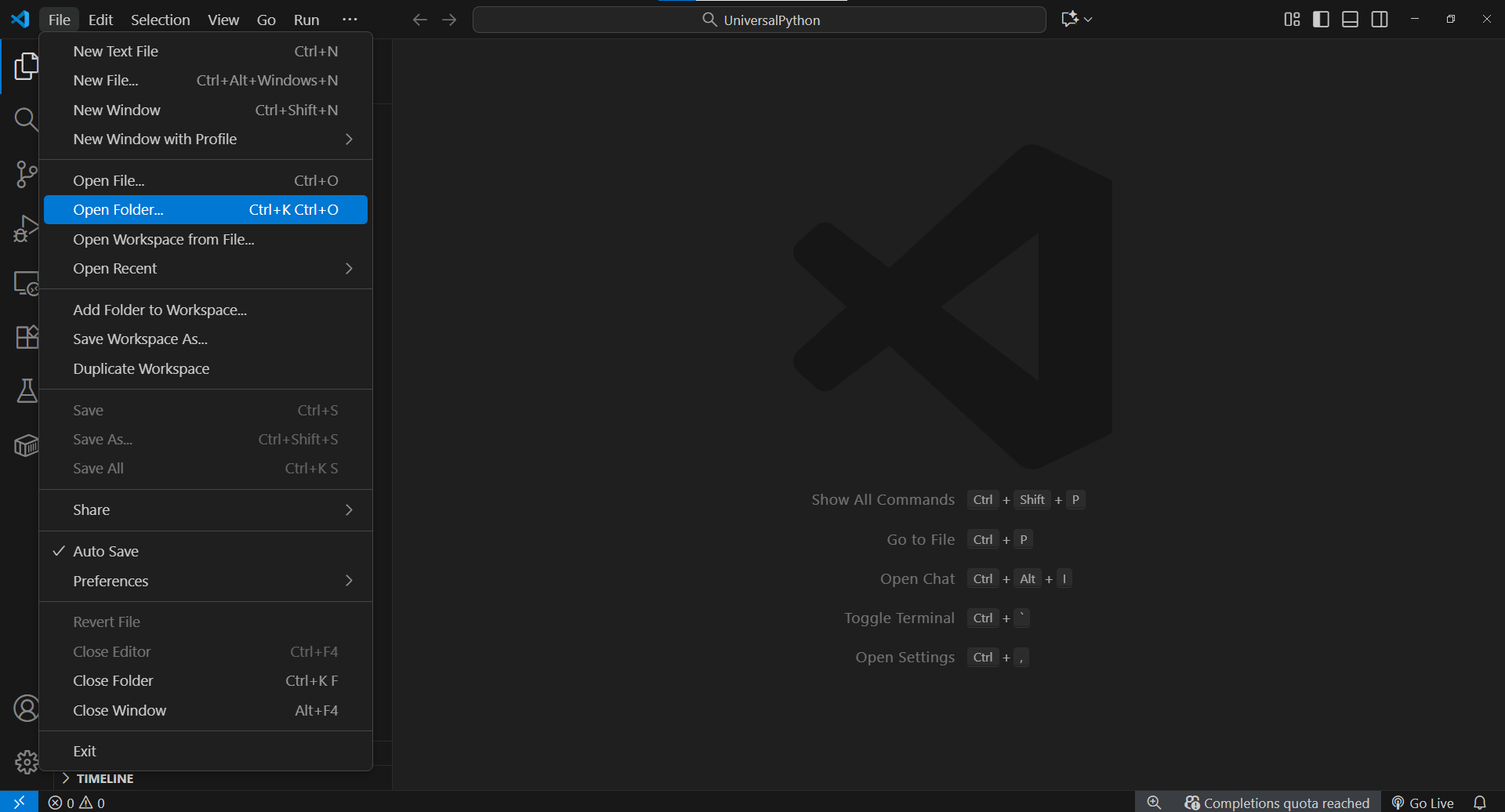
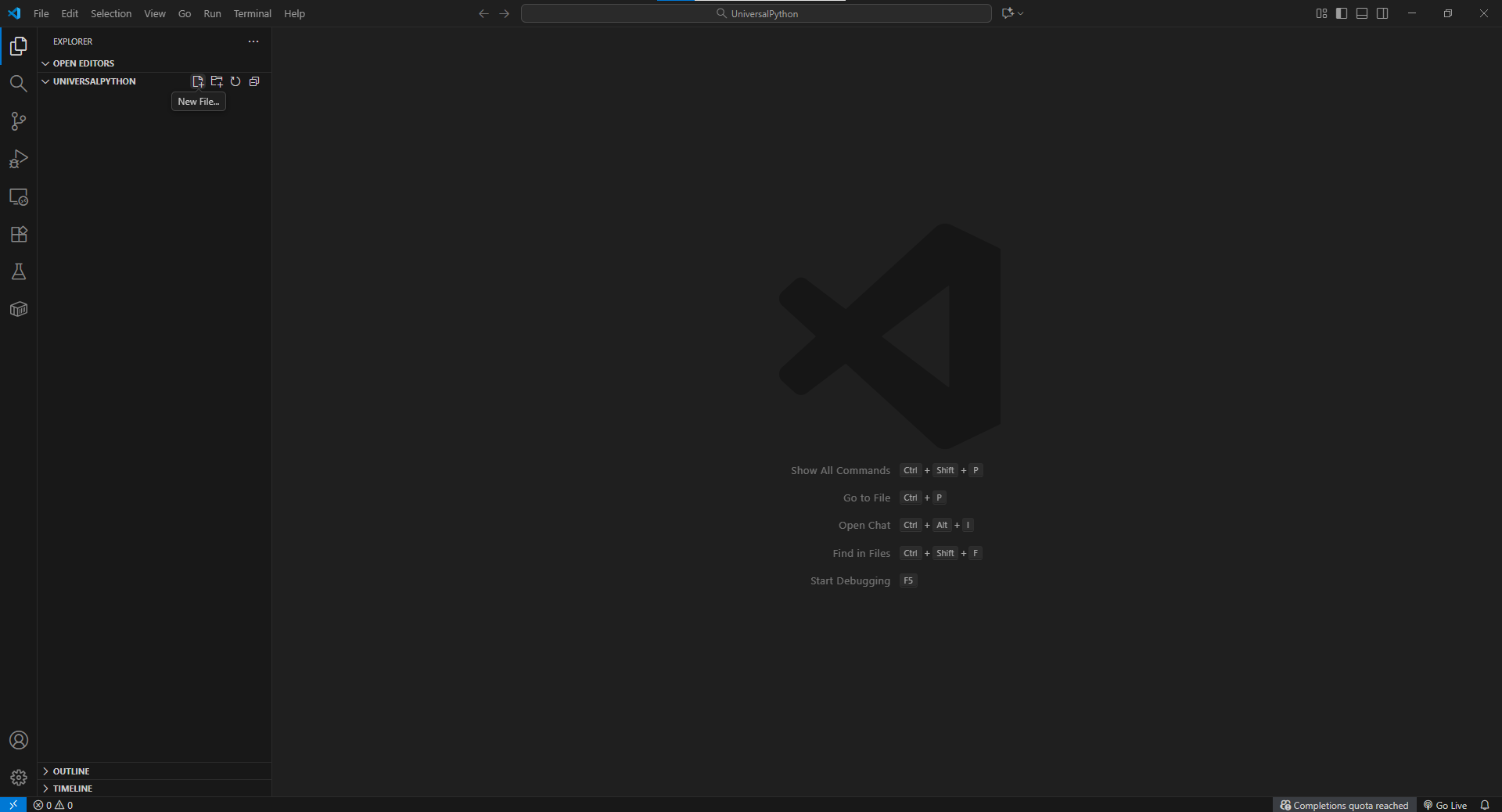
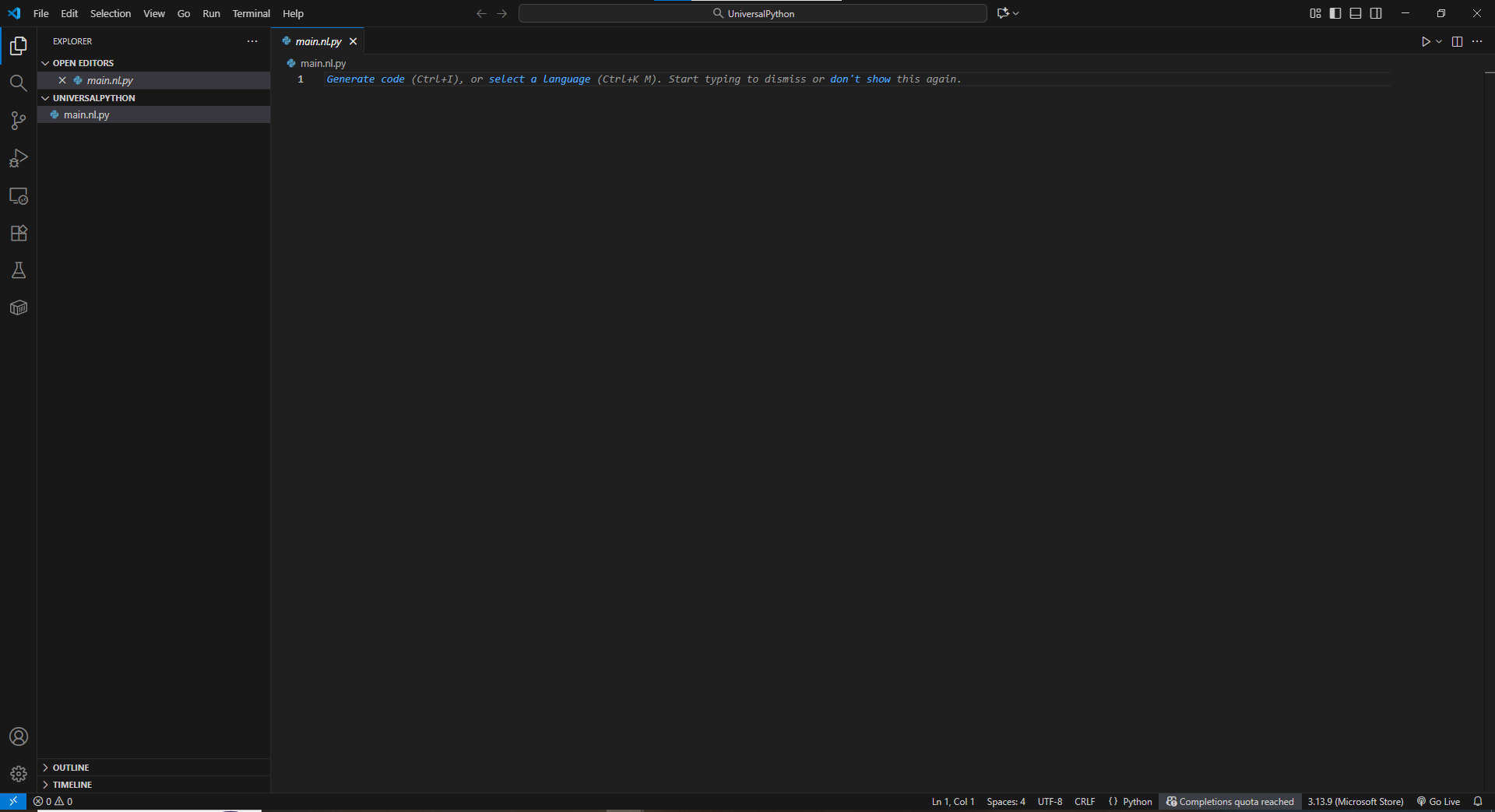
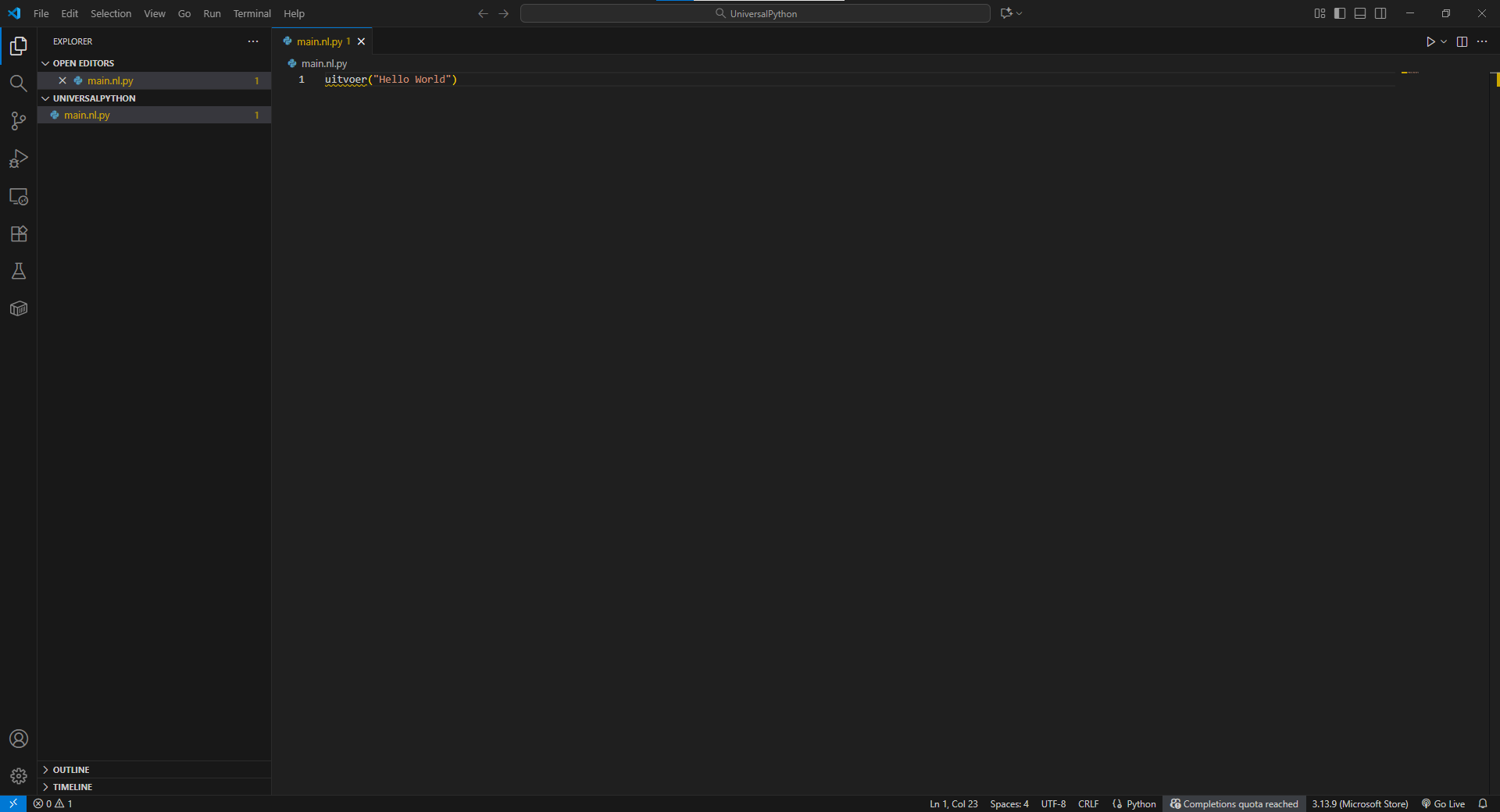
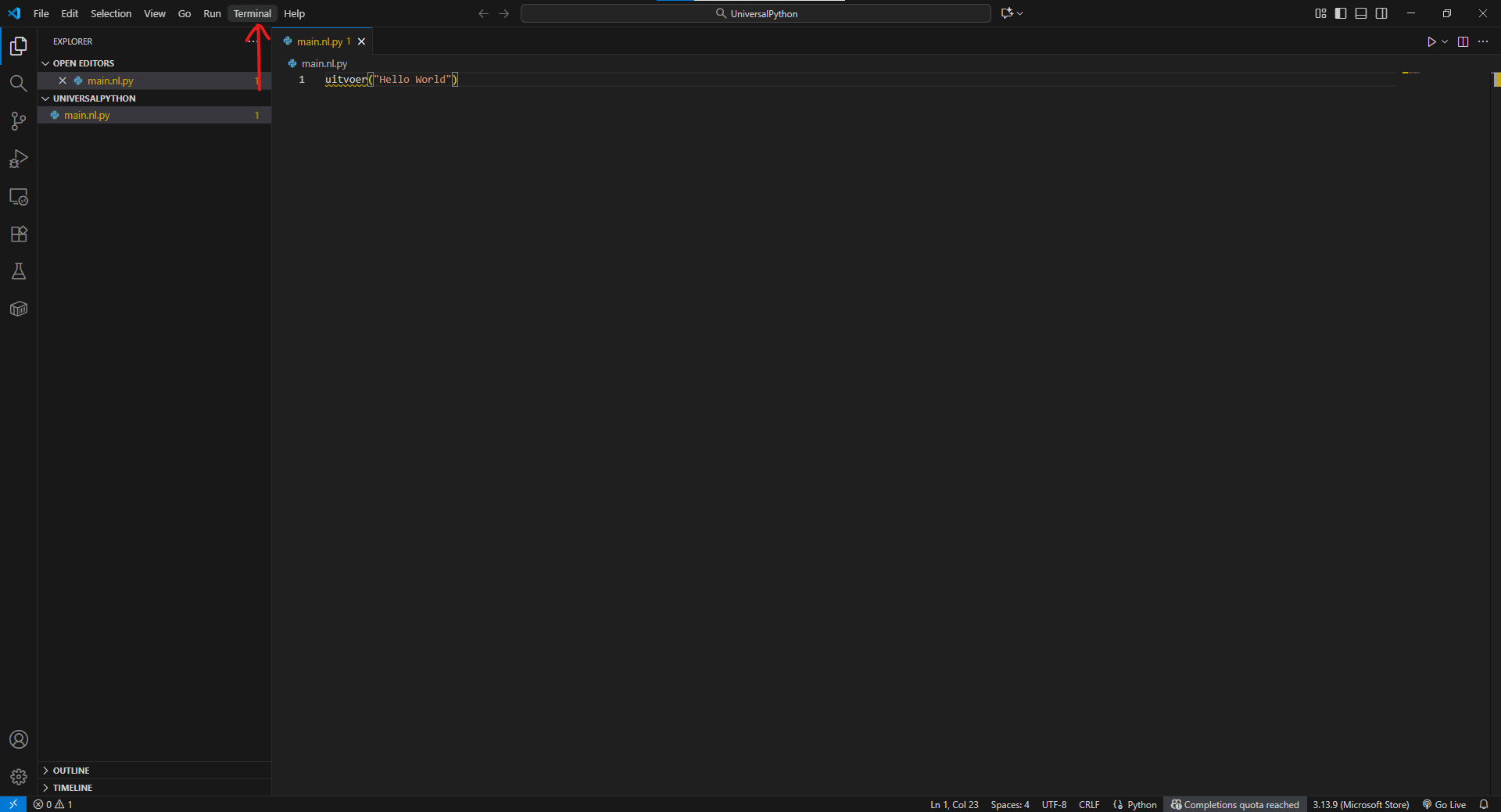
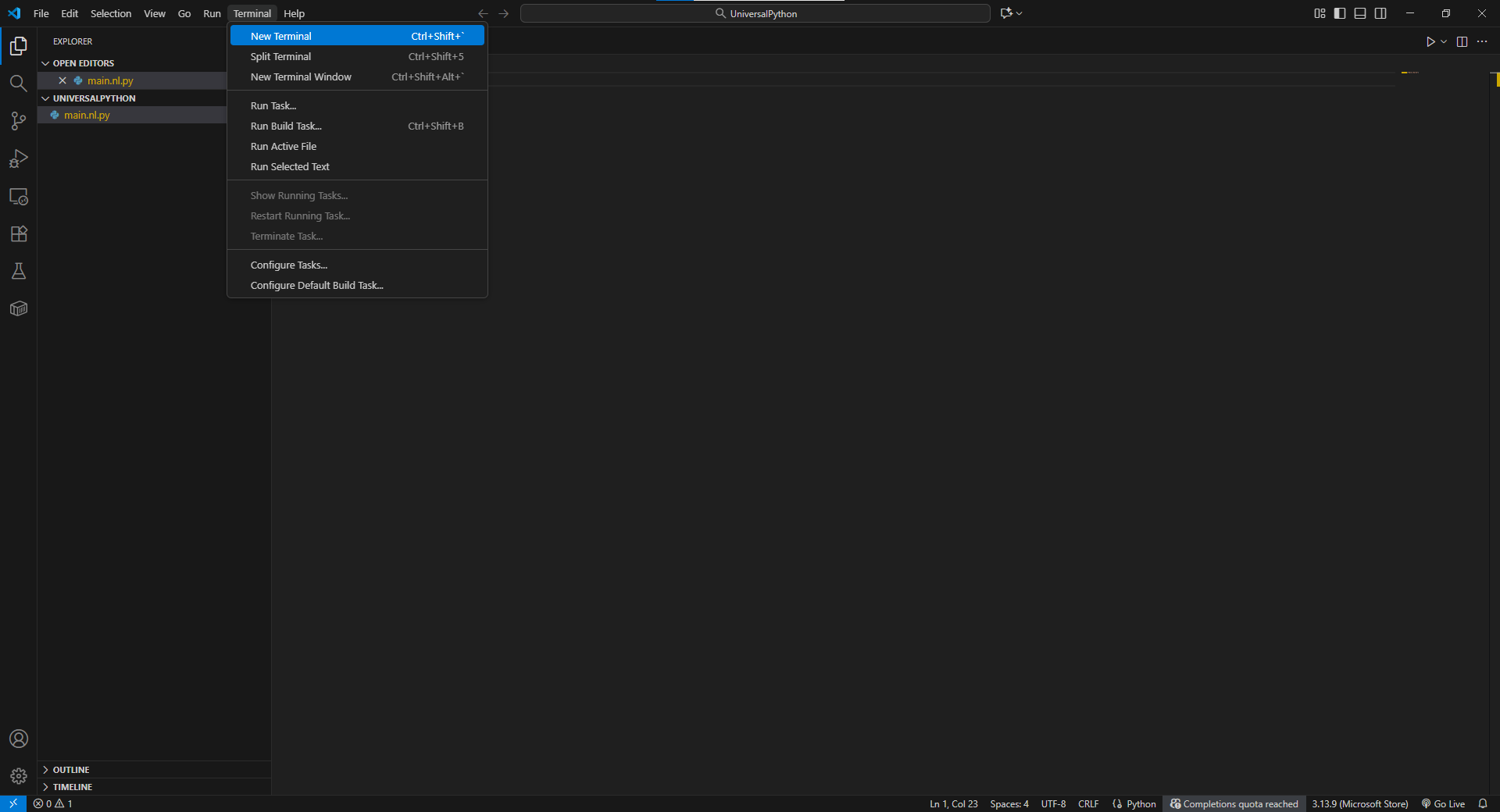
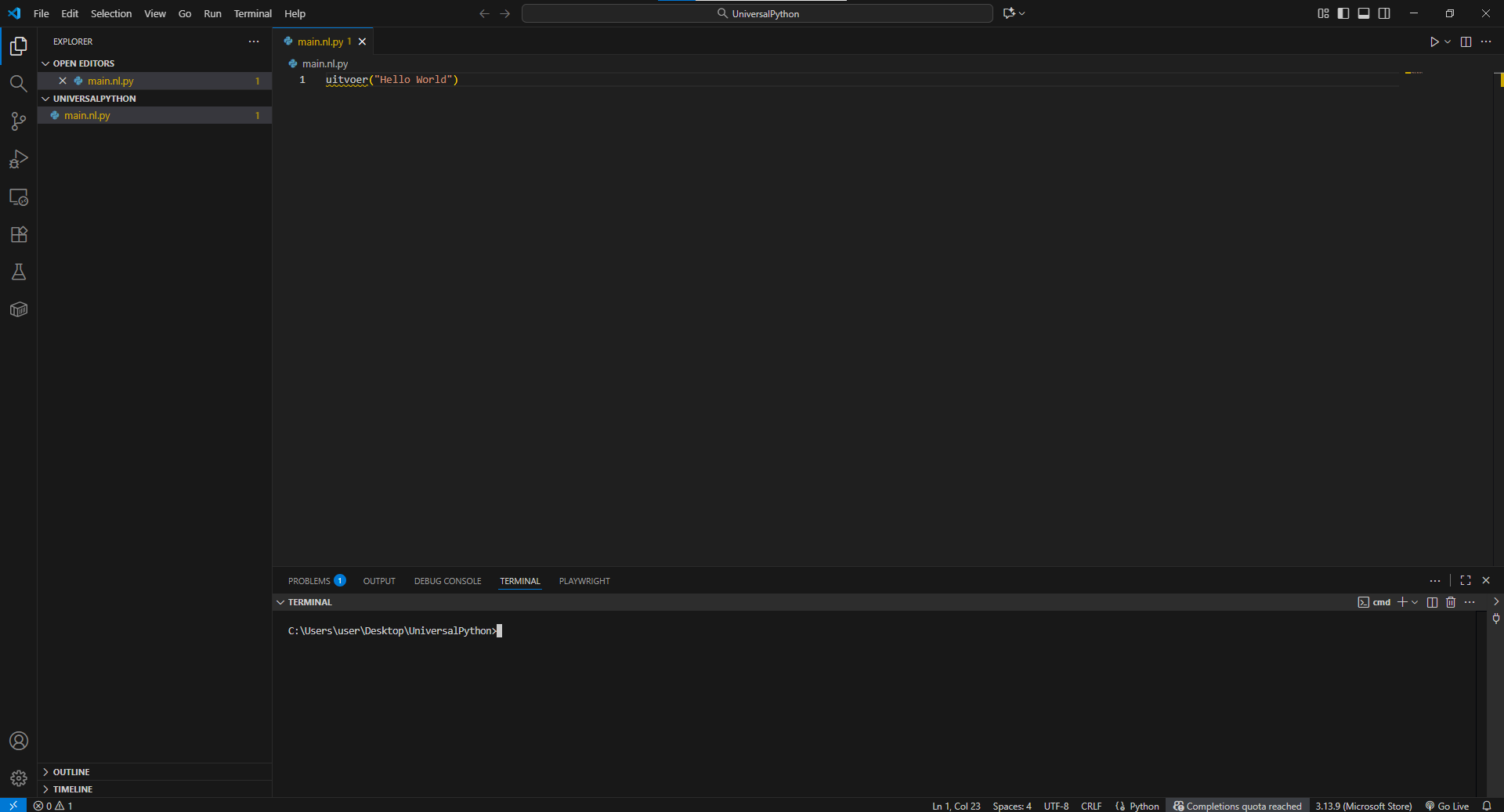
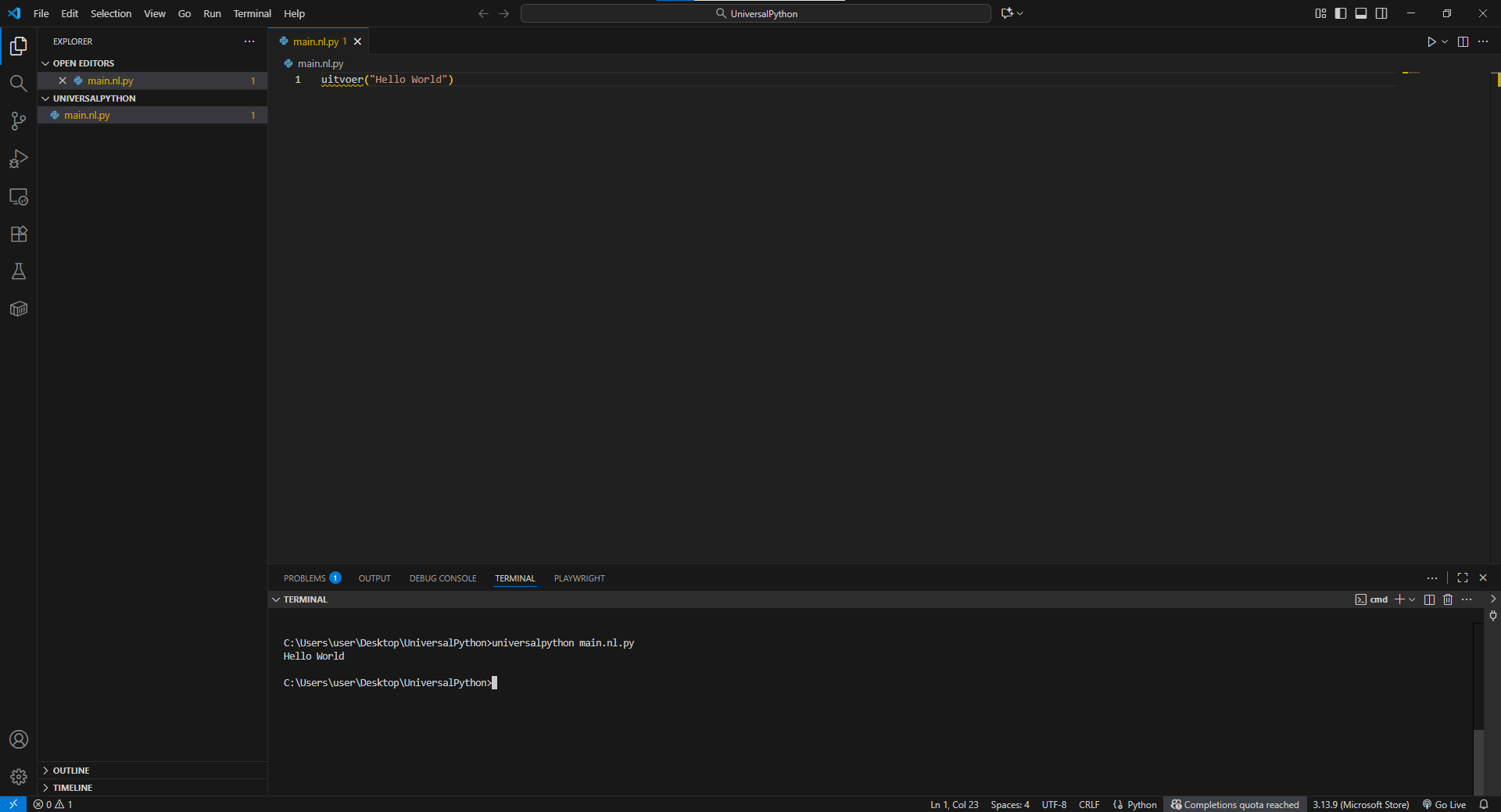
If you see the UniversalPython help menu, you’re ready to start coding! Using UniversalPython in Visual Studio Code
Using UniversalPython in Jupyter Notebook¶UniversalPython can also be used inside Jupyter Notebook for an interactive, notebook-based experience. We provide an official Jupyter kernel that enables you to write and execute UniversalPython code directly in a notebook. Repository: https://github.com/UniversalPython/universalpython_kernel Installation Steps
Once open, you’ll be able to select UniversalPython as a kernel when creating a new notebook.
© Copyright 2025, Saad Bazaz.
This page is licensed under the UniversalPython team. Examples, recipes, and other code in the documentation are additionally licensed under the Zero Clause BSD License. Created using Sphinx 9.1.0. |
| You are visitor 01402503 — GeezerVison does not store the pages you look up. Best viewed with Netscape Navigator 4.7 or Internet Explorer 6 at 800×600. No cookies required. |