
For a set of numbers, you can use a base-2 logarithm to express each value as an exponent on two. NumPy’s log2 function calculates that result element by element for array-like input.
This article shows how to apply np.log2 to an array and choose a known output for values excluded by a mask.
TL;DR
Use NumPy’s log2 ufunc to get the base-2 logarithm of each value in an array.
- Call np.log2(values) for a fresh result array.
- Expect zero to produce negative infinity and negative inputs to produce NaN, each with a warning.
- For a mask, initialize an output array and pass it with out and where.
What Is NumPy log2?
NumPy’s log2 calculates a base-2 logarithm, the exponent on two that corresponds to each input.
| Input form | Example | Returned form |
|---|---|---|
| Scalar | 8 | One scalar logarithm |
| List or tuple | [1, 2, 4] | An array of element-wise results |
| NumPy array | A one- or two-dimensional array | An array with results at corresponding positions |
I use np.array in the sample to make the float input explicit and reuse the same values in the later comparison.
The default np.log2(values) call creates an output array. Optional arguments such as out and where control its destination and the positions to calculate.
Python’s math.log2 is the scalar alternative for one plain number, while NumPy’s function accepts array-like inputs. Python’s documentation says math.log2 is usually more accurate than math.log(x, 2).
NumPy’s log uses base e, so it answers a different question from log2. AskPython’s NumPy log article covers that natural logarithm.
How to Use NumPy log2() Step by Step
I ran the named source file with values including 0.5 and 8, then inspected its output and warning behavior.
Step 1: Install NumPy in a virtual environment
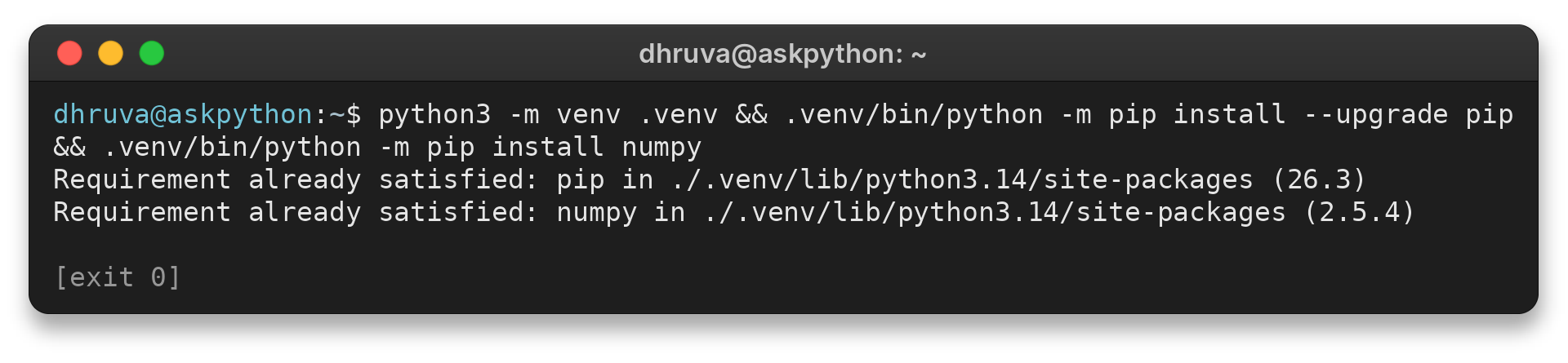
The commands use .venv/bin/python to install NumPy and then run the saved program with that same interpreter. If your shell reports a missing module, check that installation and execution target the same Python environment.
python3 -m venv .venv
.venv/bin/python -m pip install --upgrade pip
.venv/bin/python -m pip install numpy
The terminal confirms that the environment has pip 26.3 and NumPy 2.5.4 available. Your output can say the packages were installed or already satisfied, depending on what is present in the environment.
Requirement already satisfied: pip in ./.venv/lib/python3.14/site-packages (26.3)
Requirement already satisfied: numpy in ./.venv/lib/python3.14/site-packages (2.5.4)
Step 2: Pass an array to np.log2
The demo stores its values in a NumPy array so the same inputs can be reused for the comparison below.
import warnings

import numpy as np

values = np.array([0.5, 1, 2, 4, 8], dtype=float)
print("Input:", values)
print("Base-2 logarithm:", np.log2(values))

edge_values = np.array([4.0, 0.0, -1.0, 8.0])
print("\nUnfiltered values:", edge_values)
with warnings.catch_warnings(record=True) as caught:
    warnings.simplefilter("always")
    unfiltered_result = np.log2(edge_values)
print("Unfiltered result:", unfiltered_result)
print("Warnings:")
for warning in caught:
    print(f"{warning.category.__name__}: {warning.message}")

valid = edge_values > 0
result = np.full(edge_values.shape, np.nan, dtype=float)
np.log2(edge_values, out=result, where=valid)
print("Masked result:", result)

number = 10.0
print("\nnp.log2:", np.log2(number))
print("np.log(x) / np.log(2):", np.log(number) / np.log(2.0))
Activate the environment and run the file. It prints the positive array result and compares two ways to calculate a base-2 logarithm.
source .venv/bin/activate && python3 numpy_log2_demo.py
The command printed the following values and warning messages.
Input: [0.5 1.  2.  4.  8. ]
Base-2 logarithm: [-1.  0.  1.  2.  3.]

Unfiltered values: [ 4.  0. -1.  8.]
Unfiltered result: [  2. -inf  nan   3.]
Warnings:
RuntimeWarning: divide by zero encountered in log2
RuntimeWarning: invalid value encountered in log2
Masked result: [ 2. nan nan  3.]

np.log2: 3.321928094887362
np.log(x) / np.log(2): 3.3219280948873626
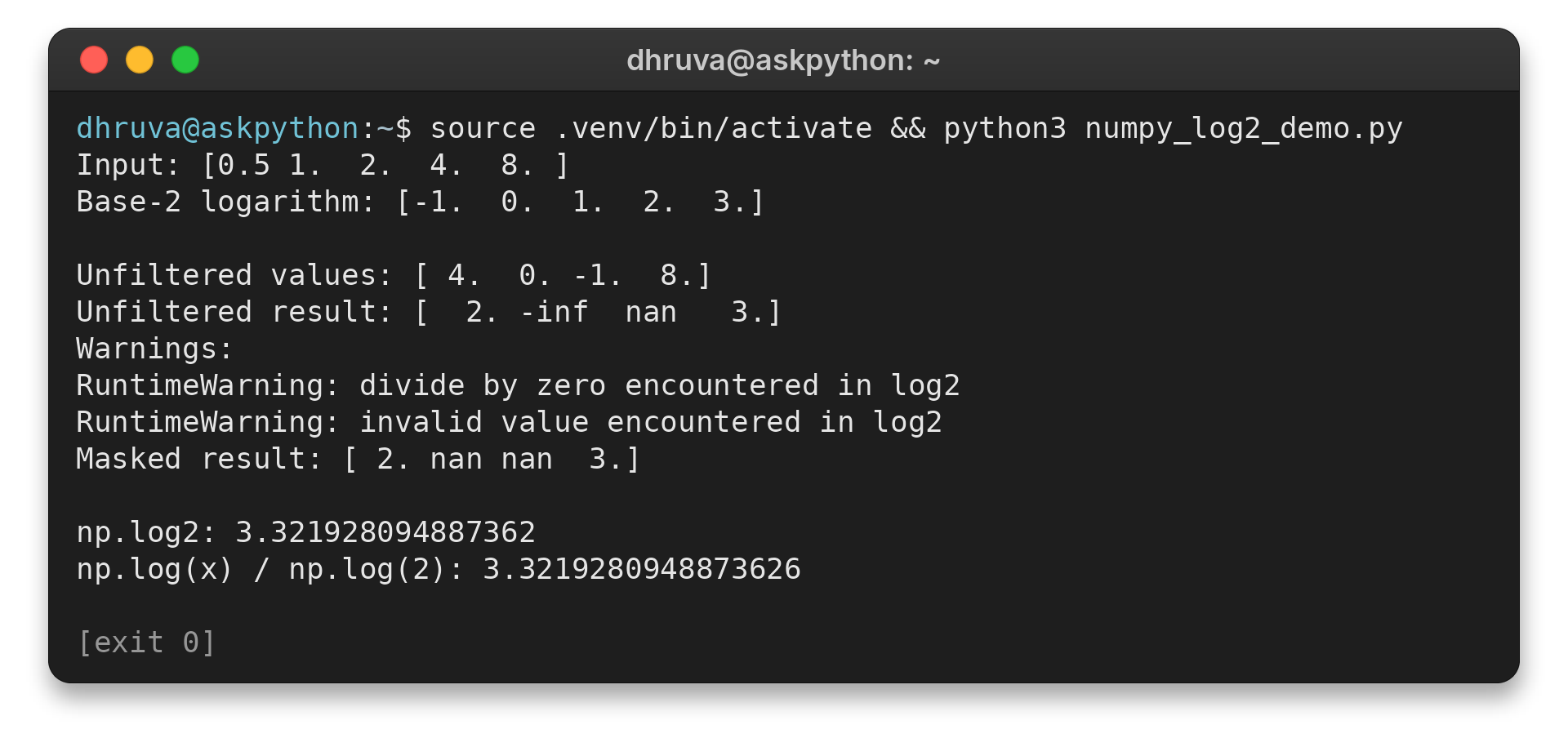
The first result maps 0.5 to -1 and 1 to 0. A positive input below one has a negative logarithm because its exponent is below zero.
The sample converts its inputs to floating-point values, so NumPy prints whole-number answers with a decimal point. This preserves a consistent numeric result type for later calculations.
The result for 10 is about 3.322 because 10 falls between 8 and 16, which correspond to exponents 3 and 4.
On a base-2 scale, an increase of one corresponds to a doubling. Keep fractional results unless a later step explicitly needs a whole-step value, since rounding discards the distance between integer exponents.
File-size ratios illustrate an application of the logarithmic scale. Divide each size by a reference measured in the same units. The log2 of that ratio has no byte unit, so report the reference with the result.
Binary search uses repeated halving, so log2 estimates how many halvings fit into a candidate count. An exact integer loop bound still depends on the algorithm’s stopping rule.
Step 3: Compare the base-2 alternatives
For another base b, divide np.log(x) by np.log(b). This requires a positive input and a positive base other than one. The output compares the formula with np.log2 for base 2.
The displayed answers differ in the final decimal place because the calculation paths round differently, not because the bases differ. I use np.log2 for this base-2 question. Python’s int.bit_length counts binary digits in a positive integer, which is a different task from returning its logarithmic exponent.
Common NumPy log2 Errors and Next Steps
Check the input domain before relying on a log2 result. For an array with zero or negative values, NumPy reports warnings and returns special floating-point values instead of stopping at the first problematic element.
| Input | NumPy result | What to do |
|---|---|---|
| Zero | -inf with a divide-by-zero warning | Decide whether to keep negative infinity or mark the value as missing. |
| Negative value | nan with an invalid-value warning | Check why the input is negative before using the transformed array. |
| Positive value below one | A negative finite result | Keep the result when the data scale permits negative exponents. |
I kept the array calculation because the run returned unaffected positions alongside the warning cases, so I could inspect the full input sequence.
Keep negative infinity when zero is valid for the calculation, and trace an unexpected negative input to its source before using the results elsewhere.
Convert numeric text before calling np.log2
Convert numeric text to a floating-point value before passing it to np.log2. The ufunc cannot safely coerce the string "8" to a number in this call.
import numpy as np

raw_value = "8"
try:
    np.log2(raw_value)
except TypeError as exc:
    print(f"Direct text input: {type(exc).__name__}: {exc}")

numeric_value = np.asarray(raw_value, dtype=float)
print("After numeric conversion:", np.log2(numeric_value))
Run the named file to see the error and the converted value.
source .venv/bin/activate && python3 numpy_log2_input_error.py
Direct text input: TypeError: ufunc 'log2' not supported for the input types, and the inputs could not be safely coerced to any supported types according to the casting rule ''safe''
After numeric conversion: 3.0
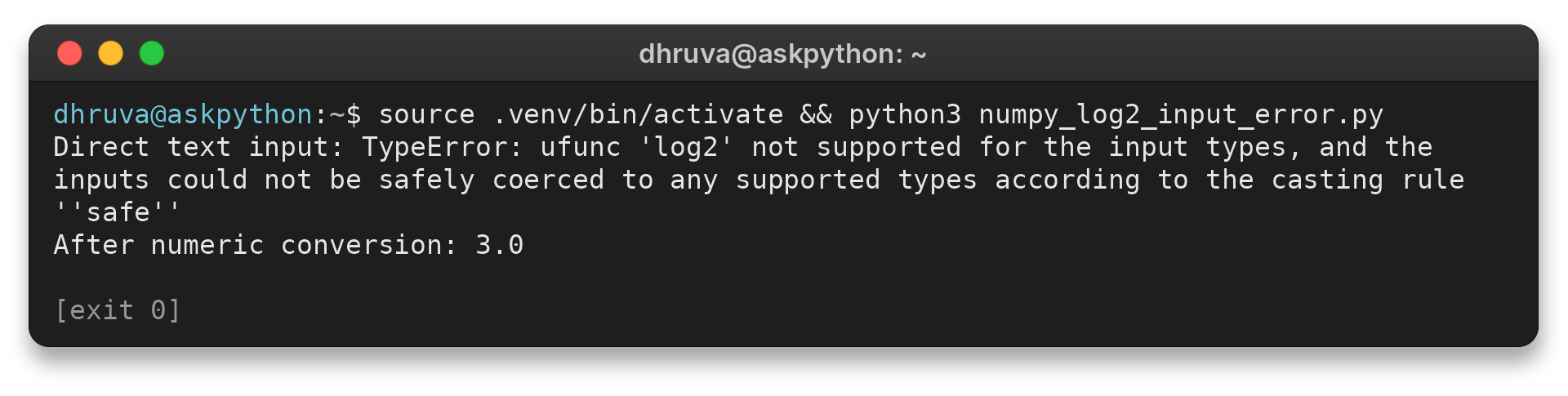
I passed the text value directly and saw the shown TypeError. Converting this numeric text first returned 3.0.
Convert only text you expect to contain numbers. Validate malformed records during input parsing instead of passing them to the logarithm.
Use where with an initialized out array
Use a Boolean condition to select which input values should be transformed.
valid = edge_values > 0
result = np.full(edge_values.shape, np.nan, dtype=float)
np.log2(edge_values, out=result, where=valid)
print(result)
The output is [2. nan nan 3.], with the excluded positions holding the initialized NaN values. False where positions retain whatever was already in out, and dtype=float lets the destination hold both the results and NaN.
The condition can be broadcast over the input array. A same-shaped Boolean array gives a direct per-position filter, while a smaller mask can apply across rows or columns. Check the alignment when the input has more than one dimension.
NaN is a useful placeholder here because a valid input of one produces zero. Filling skipped positions with zero would make them look like that valid result. Preserve the Boolean condition too, since a negative input can produce NaN during calculation and share the same marker.
AskPython’s NumPy log10 guide covers the base-10 version. The same domain check matters there because zero and negative inputs also need an explicit treatment.
Conclusion
Keep the input checks and output policy beside the transformation so later calculations can interpret its special values deliberately.
For function details, see the NumPy log2 reference and the NumPy ufunc guide. Python’s math.log2 documentation explains the scalar alternative. The related AskPython guides cover NumPy’s natural logarithm and NumPy’s base-10 logarithm.
FAQ
These answers cover array input, fractional output, invalid values, base selection, and binary digit counts.
Can np.log2 take a Python list?
Yes. A list is array-like input, so np.log2 applies the calculation to each item and returns an array.
What does np.log2(0) return?
For a NumPy array calculation, zero produces negative infinity and a divide-by-zero warning. Choose whether to keep that value or mark it as missing.
When should I use math.log2 instead of np.log2?
Use math.log2 for one plain Python number. Use np.log2 when the input is a NumPy array or another array-like collection.
Why initialize out when using where?
NumPy leaves positions where the condition is false unchanged. Initialize out first when those positions need a known placeholder.
Does np.log2 return an integer?
No. It can return a fractional floating-point result, such as the value for 10. Use integer conversion only if the task requires a whole-step answer.
How do I calculate a logarithm in another base?
For positive x and positive b other than one, divide np.log(x) by np.log(b). Use np.log2 directly for base 2.
Does np.log2 change my input array?
The default call returns a new array. Pass an out array when you want to choose where the results are written.
Can I pass numeric text to np.log2?
Convert expected numeric text to a floating-point value first. The article’s example shows the TypeError and the converted result.
When should I use int.bit_length?
Use it to count binary digits in a positive integer. np.log2 returns a logarithmic exponent, which may be fractional.
Where do base-2 logarithms help?
They describe scales based on doubling, including file-size ratios and repeated halving in a binary search.


