GeezerVisonThe World Wide Web, restored to 800 pixels of glory. | |||||||||||||||||||||||||||||||||||||||||||||||||||||||||||||||||||||||||||||||||||||||||||||||||||||||||||||||||||||||||||||||||||||||||||||||||||||||||||||||||||||||||||||||||||||||||||||||||||||||||||||||||||||||||||||||||
| Home|About|Gaming cabinet|Archives|How it works|Starter sites | |||||||||||||||||||||||||||||||||||||||||||||||||||||||||||||||||||||||||||||||||||||||||||||||||||||||||||||||||||||||||||||||||||||||||||||||||||||||||||||||||||||||||||||||||||||||||||||||||||||||||||||||||||||||||||||||||
GeezerVison is showing newnex.com — USB Types and Connectors Guide | Newnex 
USB Connector Types GuideIn today’s world, USB connector types are everywhere—powering, charging, and transferring data across the devices we rely on every day. But with so many different types of USB cables like USB-A, USB-C, and USB-B, choosing the right one can be confusing. Here at Newnex, we specialize in designing and manufacturing high-performance USB cables and have crafted this detailed guide to help you navigate the complex world of USB cable types. Our goal is to make it easier for you to understand the distinctions and select the right cable for your application What does USB stand for ?USB stands for Universal Serial Bus. It is a standard for connecting peripherals to computers or smart phones, allowing for data transfer video display and power delivery. There are several types of USB connectors, including USB-A, USB-B, USB-C, Micro-USB, and Mini-USB. Each type has its unique design and use cases, with USB-C being the latest and most versatile. Difference between USB Male & USB Female?When it comes to USB connections, understanding the difference between male and female connectors is essential. This section will explain how each type functions, helping you choose the right connectors for your devices and ensuring seamless data transfer and power delivery. 
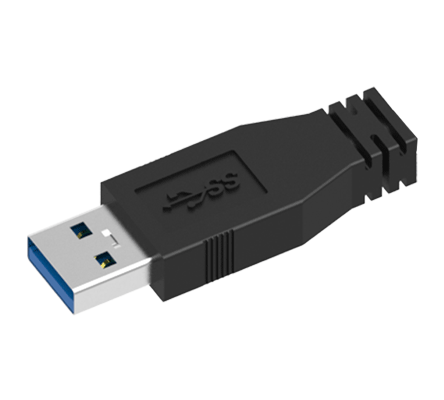
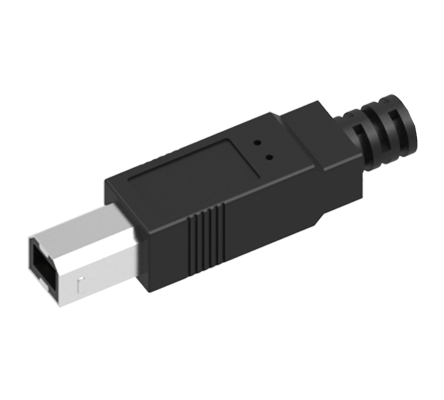
USB Male Connectors:
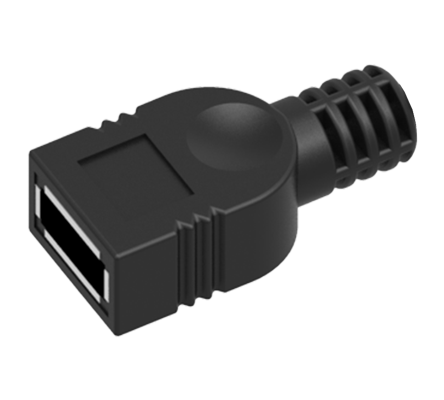
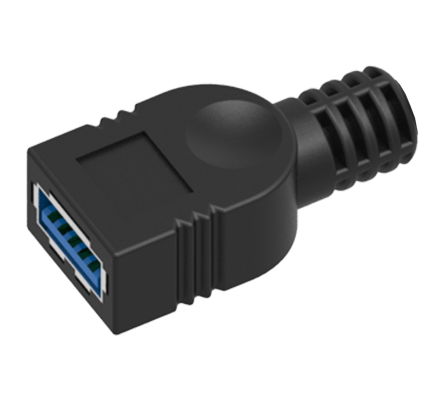
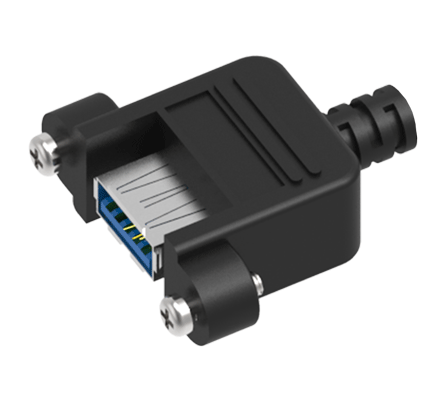
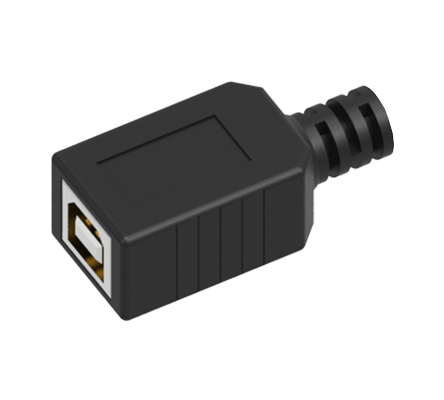
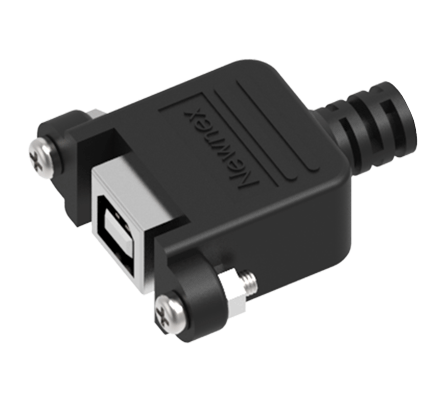
USB Female Ports:
In essence, male connectors fit into female usb ports, enabling connections and data transfer between devices. Identify USB VersionsThe USB standard has evolved significantly since its introduction, offering faster data transfer speeds, greater power delivery, and broader compatibility across devices. This section breaks down the major USB versions, from USB 1.0 to USB4, helping you identify which USB type matches your performance needs and connector compatibility.
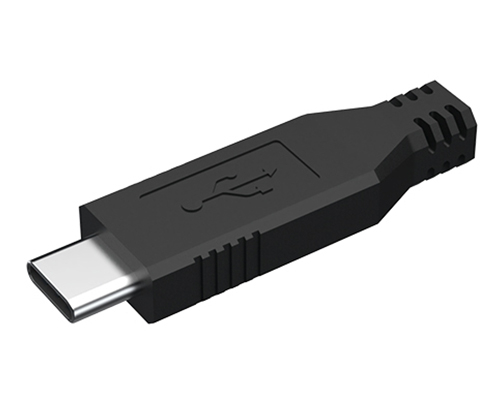
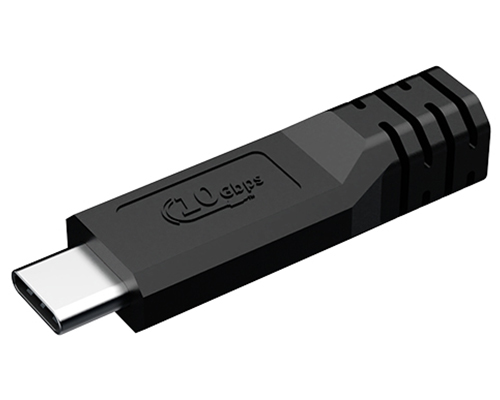
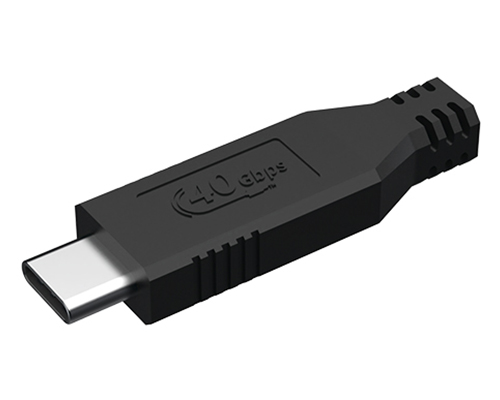
Read our guide on USB 3.2 vs USB-C to understand the difference between the USB version and connector type. USB-CUSB-C, or USB Type-C, is the latest advancement in USB technology. Its reversible connector design offers convenience and works seamlessly with both host PCs and peripherals. USB-C supports standards from USB 2.0 to USB 4.0, delivering data transfer speeds up to 80 Gbps and power delivery up to 240W. These features make it ideal for fast data transfer, charging, and video outputs like USB-C to HDMI. Explore our complete USB-C guide to learn about USB-C specifications, features, and compatibility. Learn more about Newnex’s USB-C cables designed for high-speed data, power delivery, and industrial reliability. USB-C vs Thunderbolt: What’s the difference? Get clarity on compatibility, speed, and cable use cases. USB Type-C
Discover USB-C Connectivity Solutions at NewnexExplore our high-quality USB-C cables and USB-C to USB cables, designed for fast, reliable connections across industrial and commercial applications. 
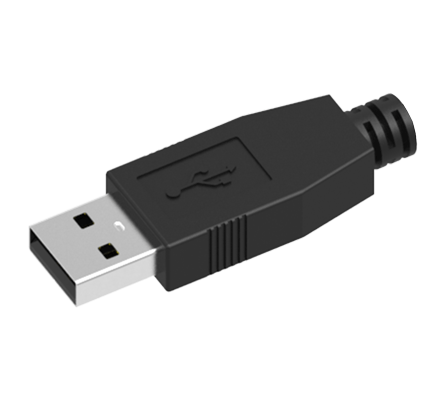
USB-AUSB Type A is the cornerstone of USB connectors, widely recognized for its flat, rectangular shape. This connector is predominantly used on host devices like computers, gaming consoles, and TVs, as well as on USB hubs. It's designed for a unidirectional flow, usually from the host to the peripheral device, which means it provides power along with data transfer. The USB-A connector is versatile, supporting various USB standards, including USB 2.0, USB 3.0, and USB 3.2, with increasing speeds and efficiency. Learn more about 2.0 USB-A Cables Learn more about 3.0 USB-A Cables USB Type-A 2.0
High-Speed USB-A Cables by NewnexExperience seamless connectivity and high-speed data transfer with Newnex’s reliable USB-A cables, designed for industrial and commercial applications. 
USB Type-A 3.0 & 3.1
SuperSpeed USB-A CablesNewnex's USB-A to USB-A cables offer seamless connectivity and high-speed data transfer, meeting USB 3.0 specifications for enhanced performance. 
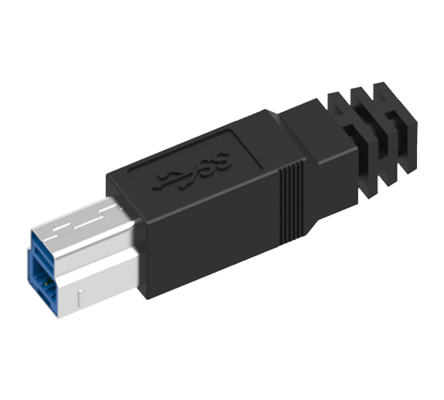
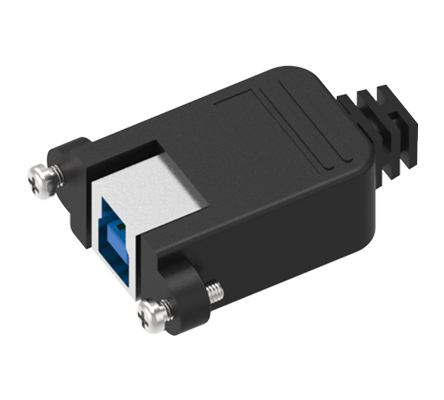
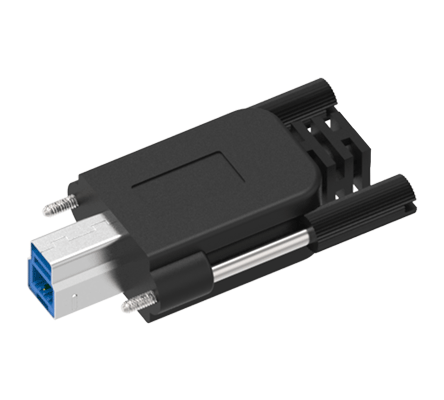
USB-BUSB Type B connectors, essential for peripherals like printers and PTZ cameras, are designed with a unique shape to prevent incorrect connections. This design safeguards your devices by making it impossible to connect two host devices together, a scenario that could lead to hardware damage. While the tech world is gradually moving towards newer, smaller connectors, USB Type B's distinct shape and its role in ensuring the right device connections keep it relevant in many setups. Learn more about 2.0 USB-B Cables Learn more about 3.0 USB-B Cables USB Type-B 2.0
High-Speed USB-A to USB-B CablesNewnex's USB-A to USB-B cables deliver reliable connectivity and rapid data transfer speeds, strictly adhering to USB 2.0 standards for industrial and commercial applications. 
USB Type-B 3.0
SuperSpeed USB-A to USB-B CablesNewnex's USB-A to USB-B cables provide seamless connectivity and super-speed data transfer, fully compliant with USB 3.0 specifications for high-performance applications. 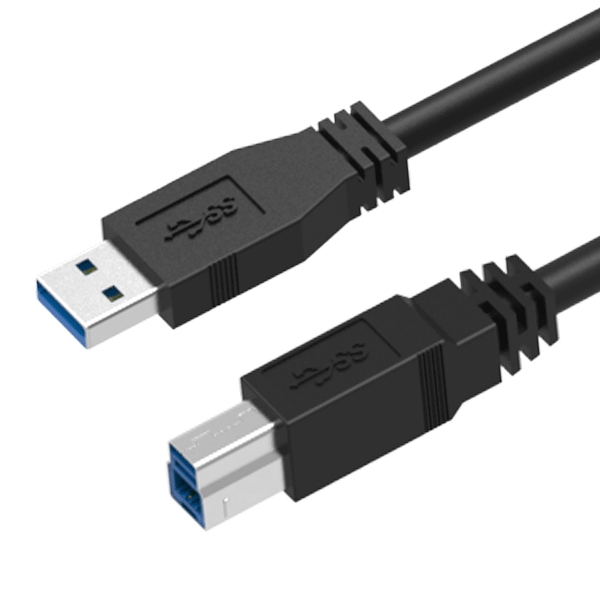
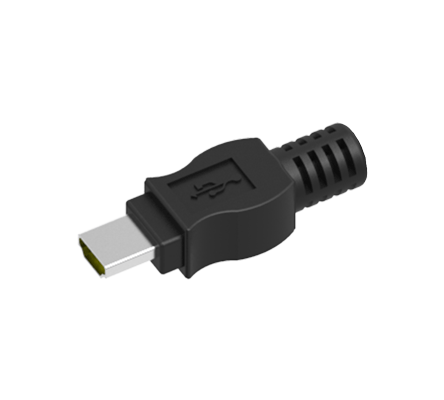
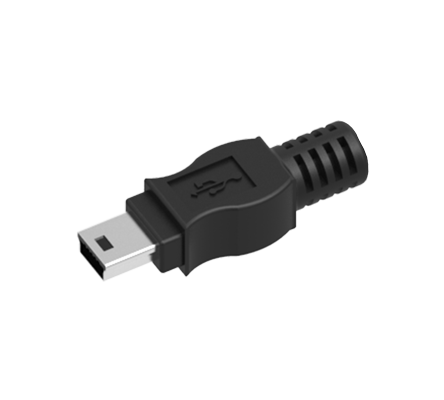
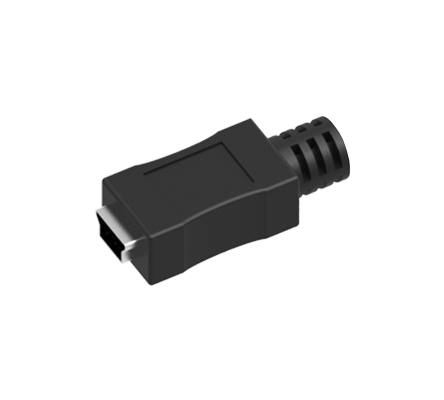
USB MiniMini USB connectors, smaller than the standard USB B, are designed for peripherals needing a compact connection. With 5 pins, including an ID pin, they support USB On-The-Go (OTG), allowing devices like mobile phones to act as USB hosts. Originally popular in early mobilephone, USB Mini B has shifted towards use in digital cameras as devices have trended towards even smaller connectors like micro USB. Today, Mini B serves as a legacy connector, mainly found in specific devices and no longer common for new products. USB Mini A connectors, though less common than Mini B, also provided a compact solution for mobile devices and peripherals. Mini A connectors were used in some early mobile devices and portable gadgets. However, like Mini B, the trend towards smaller and more efficient connectors like micro USB and USB-C has made Mini A connectors less prevalent in modern devices. Learn more about 2.0 Mini USB Cables USB Mini 2.0
Mini USB CablesNewnex's Miniature USB cables provide dependable connectivity and swift data transfer speeds, ideal for compact device setups in industrial and consumer applications. 
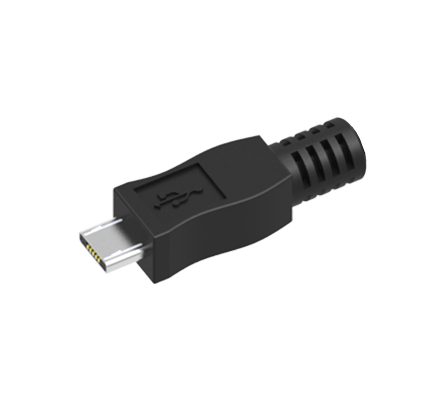
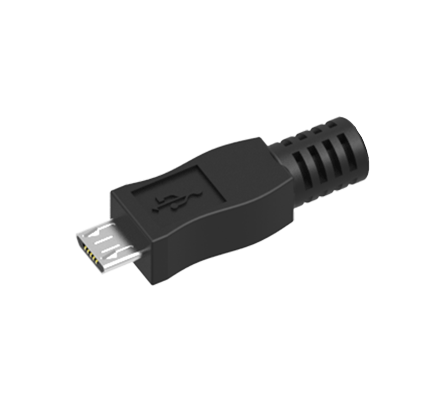
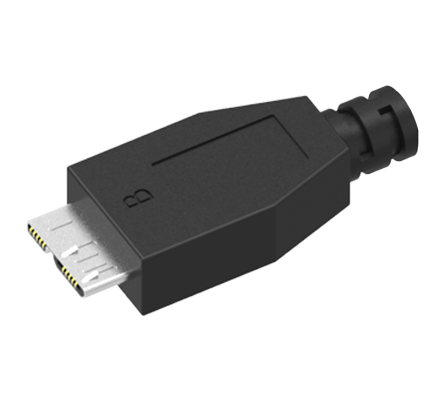
USB MicroThe Micro USB B connector, evolved from Mini USB, has played a pivotal role in enabling slimmer designs for mobile devices while ensuring robust connectivity to computers and hubs across various USB standards. It supports USB On-The-Go (OTG), which allows devices to interface with external peripherals such as drives and cameras, requiring specific cable wiring for OTG functionality. Known for its versatility in charging and data transfer, the Micro USB B connector is widely adopted as a critical interface in numerous portable electronics, seamlessly supporting a range of USB specifications for broad compatibility. Learn more about 2.0 Micro USB Cables Learn more about 3.0 Micro USB Cables Micro USB 2.0
High-Speed Micro USB CablesNewnex's USB Micro B cables provide robust connectivity and high-speed data transfer, perfect for modern portable device configurations in both industrial and consumer applications. 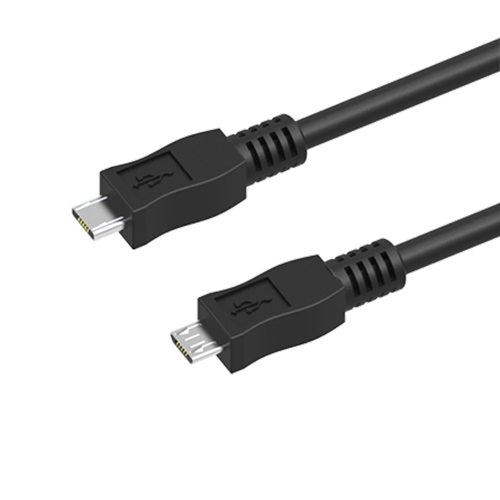
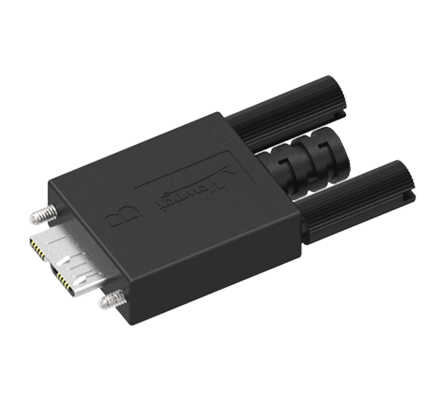
Micro USB 3.0
SuperSpeed USB 3.0 Micro-B CablesNewnex's USB-A to USB Micro B cables deliver robust connectivity and super-speed data transfer, perfectly suited for today’s mobile and industrial device setups. 
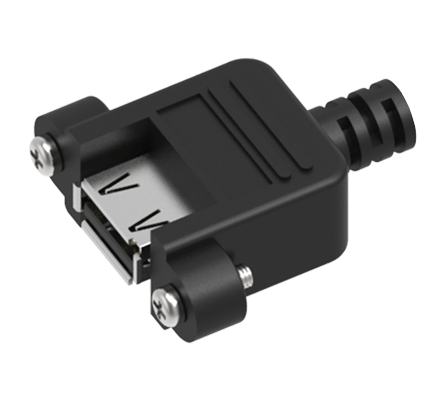
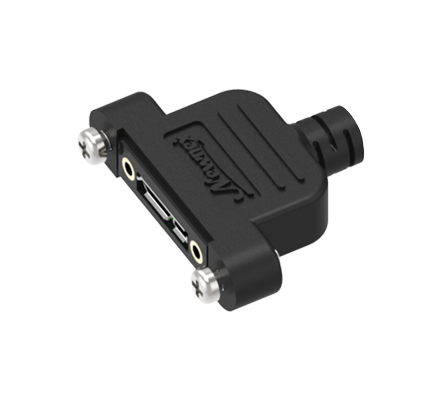
USB Motherboard ConnectorUSB 2.0 cables often use crimp header connectors to connect with motherboard. 5 pin and 10 pin header are the most common seen configurations. Learn more about 2.0 USB Panel Mount Cables Learn more about 3.0 USB Panel Mount Cables Learn more about USB-C Panel Mount Cables USB 2.0 Panel Mount CablesNewnex's USB 2.0 A Panel Mount Female to Crimp Header cables deliver seamless connectivity, supporting both 5-pin and 10-pin configurations for broad compatibility across devices. 
USB 3.0 Internal ConnectorIn order to support the higher USB data rate, the USB 3.0 and USB 3.1 internal connectors were developed to serve to connect front panel external USB ports to the motherboard while maintaining signal integrity. The USB 3.0 internal connector features a 20-pin design that supports two USB 3.0 ports, allowing for dual USB-A connectivity at 5Gbps without bandwidth sharing. It's primarily used for linking SuperSpeed (SS) USB ports on the front panel to the motherboard.
USB 3.0 Panel Mount CablesNewnex's USB 3.0 Dual Panel Mount to Female A cables ensure a reliable and durable connection, seamlessly integrating with 20-pin internal motherboard connectors for industrial and commercial applications. 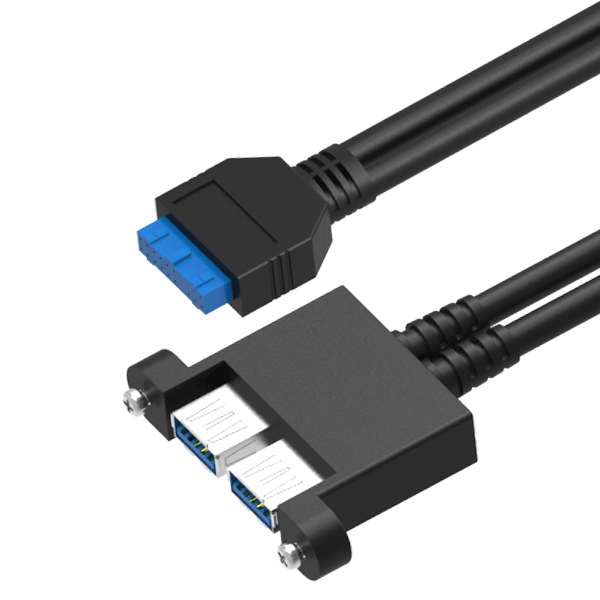
Type-E Key-A HeaderIn contrast, the USB 3.1 internal connectors build upon the USB 3.0 design by offering a more compact form factor and a stronger mechanical latch. While retaining the 20-pin header for single Type-C or dual Type-A connections, it introduces a 40-pin version to support two full-feature Type-C ports. These connectors ensure that the latest USB standards are accessible from the front of PC cases, facilitating easy and efficient connection for a variety of devices.
USB-C Panel Mount CablesNewnex's USB-C Panel Mount to Type-E Male cables offer dependable and durable connections, seamlessly integrating with 20 pin internal motherboard connectors, ideal for industrial setups. 
2026 © Newnex Technology Corp. All Rights Reserved. Privacy Policy | |||||||||||||||||||||||||||||||||||||||||||||||||||||||||||||||||||||||||||||||||||||||||||||||||||||||||||||||||||||||||||||||||||||||||||||||||||||||||||||||||||||||||||||||||||||||||||||||||||||||||||||||||||||||||||||||||
| You are visitor 01402503 — GeezerVison does not store the pages you look up. Best viewed with Netscape Navigator 4.7 or Internet Explorer 6 at 800×600. No cookies required. | |||||||||||||||||||||||||||||||||||||||||||||||||||||||||||||||||||||||||||||||||||||||||||||||||||||||||||||||||||||||||||||||||||||||||||||||||||||||||||||||||||||||||||||||||||||||||||||||||||||||||||||||||||||||||||||||||