GeezerVisonThe World Wide Web, restored to 800 pixels of glory. |
| Home|About|Gaming cabinet|Archives|How it works|Starter sites |
GeezerVison is showing xmlvalid.com — E-Invoice Validator: XRechnung, ZUGFeRD, Peppol, KSeF | xmlvalid Validate e-invoices before they are rejectedXRechnung, ZUGFeRD, Factur-X, Peppol, KSeF, FatturaPA and the formats of 25 countries: the official schema and the business rules the receiving platform runs, every error with its line and what it means. Checked in your browser, nothing is uploaded
Check an invoice
Drop an e-invoice here, its XML or a PDF with the XML inside, or choose one: the validator reads its format and profile and checks it
Or try an example
Nothing is uploaded: the file is read and checked in your browser
E-invoicing
Check invoices the way your country's platform willThe official schemas and business rules of each mandate, with every finding on its line and a page that explains the rule. The invoice never leaves your browser Every mandate with its datesEurope17
FR
France
Factur-X, UBL, CII · BR-FR
DE
Germany
XRechnung, ZUGFeRD
BE
Belgium
Peppol BIS 3.0
NL
Netherlands
SI-UBL 2.0, NLCIUS, Peppol BIS
PL
Poland
KSeF FA(3)
DK
Denmark
OIOUBL 2.1, Peppol BIS
NO
Norway
EHF, Peppol BIS
SE
Sweden
Peppol BIS, Svefaktura
FI
Finland
Finvoice, Peppol BIS
AT
Austria
ebInterface, Peppol BIS
CZ
Czech Republic
ISDOC · EN 16931
HR
Croatia
eRačun · HR CIUS
RO
Romania
e-Factura · CIUS-RO
IT
Italy
FatturaPA · SdI checks
ES
Spain
SPFE, Facturae, VERI*FACTU
PT
Portugal
CIUS-PT
GR
Greece
myDATA, Peppol BIS
E-invoice generator
Create e-invoices that pass the first timeFill in a form or open an invoice you have, and download it as XML or as a PDF with the XML inside. Free, without an account or a monthly limit, and nothing leaves your browser unless you ask AI to read a paper invoice
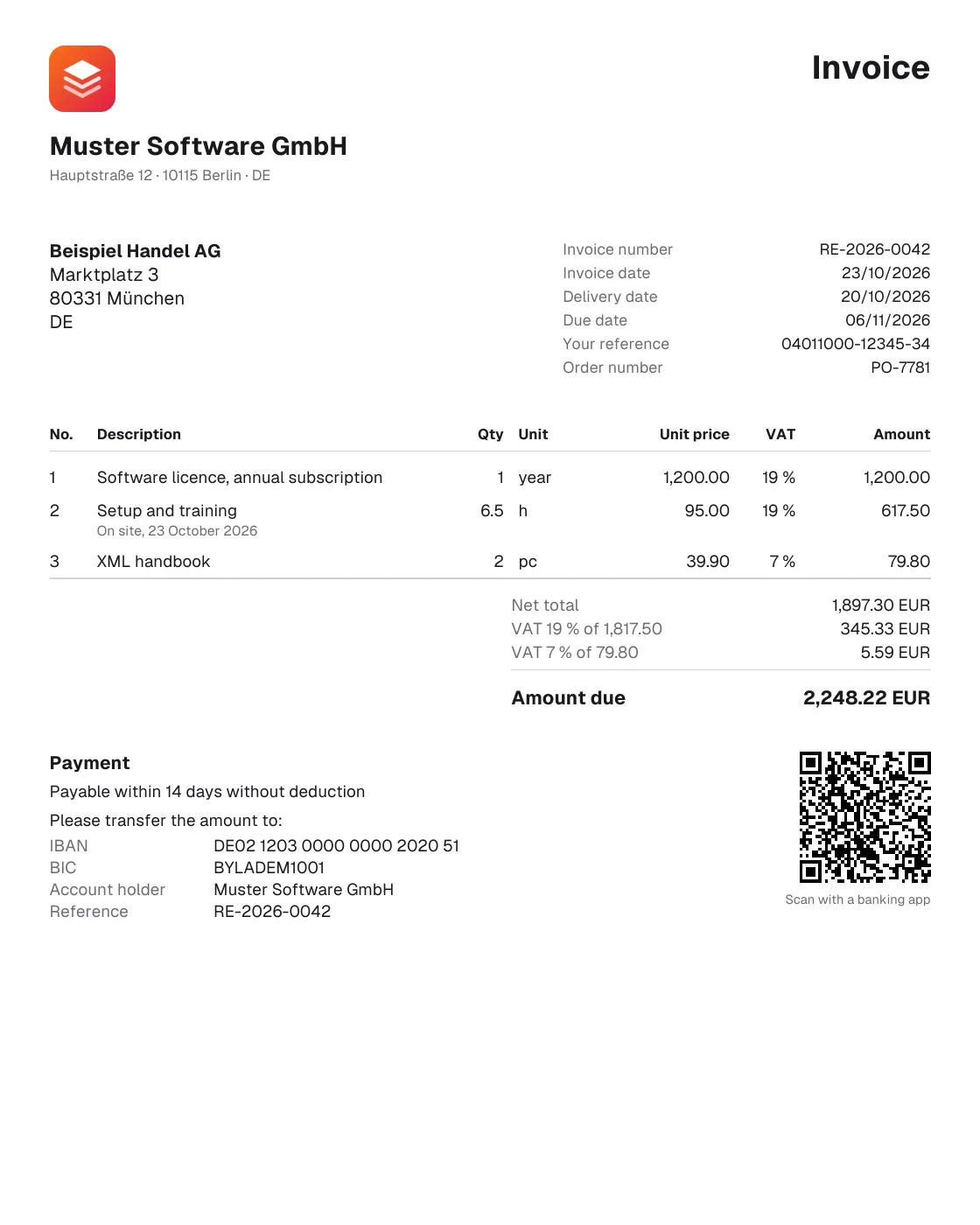
Valid
Factur-X / ZUGFeRD EN 16931
How it works
From file to diagnostics in three steps
New
More than a verdictWhat the validator does once the check has run Fixes the invoiceDate forms, code case, old identifiers and element order put right in your browser, and the invoice checked again. It asks for what only you know and never changes an amount Checks Peppol and VAT registrationsWhether the buyer's Peppol ID is registered and takes this invoice type, and whether VIES knows the VAT numbers. Only those identifiers leave your browser A report that carries the invoiceThe PDF report is a PDF/A-3 file with the checked invoice inside: the verdict, every finding with its rule and the document's SHA-256, ready to archive Checks invoices sent by mailForward an invoice to your own inbox address and get the verdict back by mail, with the report attached Beyond the browser
Keep XML valid after it leaves your deskThe same engine also runs on our servers, for scripts, pipelines and documents that change on their own. Those validations run on our machines, so they count towards your plan The same checks in your pipelineA REST API with an OpenAPI description and SDKs for PHP, Python and TypeScript, a command-line client and a GitHub Action that marks failing lines in pull requests. 100 API validations a month on Free, 10,000 to 100,000 on Pro CI and the command line →$ xmlvalid validate invoices/*.xml --schema xrechnung-3-ubl ✓ invoices/RE-2026-0041.xml valid ✓ invoices/RE-2026-0042.xml valid ✗ invoices/RE-2026-0043.xml 1 error invoices/RE-2026-0043.xml:41:7 [BR-CO-15] Invoice total amount with VAT (BT-112) = … $ xmlvalid validate --url https://example.com/sitemap.xml --schema sitemap-0.9 ✓ https://example.com/sitemap.xml valid $ URL monitorsValidate a published feed, sitemap or partner export every hour or every day, and get an email and a webhook when it stops passing, and again when it recovers See Pro →Errors, explainedWhat 90 common validation messages mean (from a tag mismatch to “This element is not expected”), in libxml2's wording and as Java and .NET report them, why they happen and how to fix them, each with an example XML error messages →Integrations
Plug it into the tools you already useWorkflows, scrapers, API clients, SDKs, AI assistants and CI all reach the same engine, with the same results as the validator n8nCheck invoices from email or files in no-code workflows ApifyA list of URLs in, one row per document out PostmanEvery API request, with real responses AI agentsClaude, ChatGPT, Cursor and VS Code through MCP GitHub ActionsFailing lines marked in pull requests Command lineGitLab CI, pre-commit hooks and scripts PHP, Laravel, SymfonyA validation rule, a constraint or a few lines PythonA sync and an async client, fully typed JavaScript, TypeScriptNo dependencies: Node, Bun, Deno, Workers Free tools
More tools for e-invoices and XMLRead, convert and look up e-invoices, format and query XML or lay it out as a PDF, in your browser. The converter checks what it writes with the validator's own engine E-invoice viewerRead an XRechnung, ZUGFeRD, Factur-X or Peppol invoice as a document, and save it as a PDF E-invoice converterWrite an XRechnung, Peppol BIS, ZUGFeRD or Factur-X invoice in another of these formats, checked before you save it Peppol lookupCheck whether a company is registered in Peppol, under which ID, and which invoices it can receive XML formatterPretty-print or minify XML, keeping text, CDATA and comments as written XML to PDFSave any XML as a PDF to read, print or attach: indented, coloured, with line numbers XPath testerEvaluate XPath 3.1 against a document and see each match with its line Capabilities
Built for production-scale XMLThree things matter when validating real-world XML: file size, privacy and the quality of the error messages. We don't compromise on any of them orders-2026.xml612 MB / 1 GB
RAM
20 MB
Streaming, up to 1 GBDocuments are read in chunks and validated as the stream advances, so memory stays flat: about 20 MB whether the file is 1 KB or 1 GB
engineRust · libxml2
invoice.xml
WebAssembly
↑ 0 B
Private by designThe validator runs inside your browser as WebAssembly. Files you open or paste are never uploaded. Useful when the XML holds payments, invoices or patient data
uploaded0 bytes
14:9
Element 'Note': This element is not expected.
22:31
'EURO' is not a valid value of the atomic type 'CurrencyCode'.
41:7
[BR-CO-15] Invoice total amount with VAT (BT-112)…
Precise diagnosticsEvery problem comes with its exact line and column, a severity level and the parser's explanation. All errors are counted, not just the first one
outputline:col · level · msg
Schema languages
Pick the schema you actually useMost real projects mix at least two of these. XSD, DTD and RelaxNG run on libxml2, so results match what your backend sees; Schematron runs on Saxon, like the official e-invoice validators
XSD
XML SchemaW3C XML Schema 1.0 with complex types, identity constraints and multi-file schemas resolved through imports and includes
Document Type DefinitionValidate against an external DTD file or the DOCTYPE declared in the document. Still the norm for publishing and legacy formats
RelaxNGPattern-based schemas in the XML or the compact syntax, with XML Schema datatypes. Well suited to document-centric and mixed-content XML
SchematronThe business rules of EN 16931, Peppol, XRechnung and national e-invoicing formats, or your own .sch file, run after the schema check on documents up to 50 MB: totals that add up, code lists, mandatory fields. Each finding names its rule, such as BR-CO-15
Questions
Checking e-invoicesWhat the validator checks, and what only the receiving platform can
Check your first e-invoiceNo account required. Your XML stays in your browser |
| You are visitor 01402775 — GeezerVison does not store the pages you look up. Best viewed with Netscape Navigator 4.7 or Internet Explorer 6 at 800×600. No cookies required. |