GeezerVison is showing brry.github.io — git | programming course
git
git is a version control software. With it, you can download repositories, track your changes and develop code collaboratively.
install git
This needs to be done only once :)
- If not already done before: create a github account at https://github.com/signup. Use a short username!
- Download and install git, see https://git-scm.com/downloads
- Restart RStudio (if open)
- Manage authentification without renewing PAT access tokens via SSH (screenshots for these instructions, if wanted):
- RStudio -> Tools -> Global Options -> Git/SVN: Ensure the path to the Git executable is correct.
Create SSH Key, close windowView public key: copy the displayed public key- go to https://github.com/settings/keys and click
New SSH key, name it and paste the public key
- in the RStudio bottom/left Tab
Terminal: type the following (line by line):
git version # just to see git works fine
git config --global user.email "[email protected]"
git config --global user.name "Your_Github_UserName_Here"
use git
To clone a git repo, your IDE handles most the work for you :)
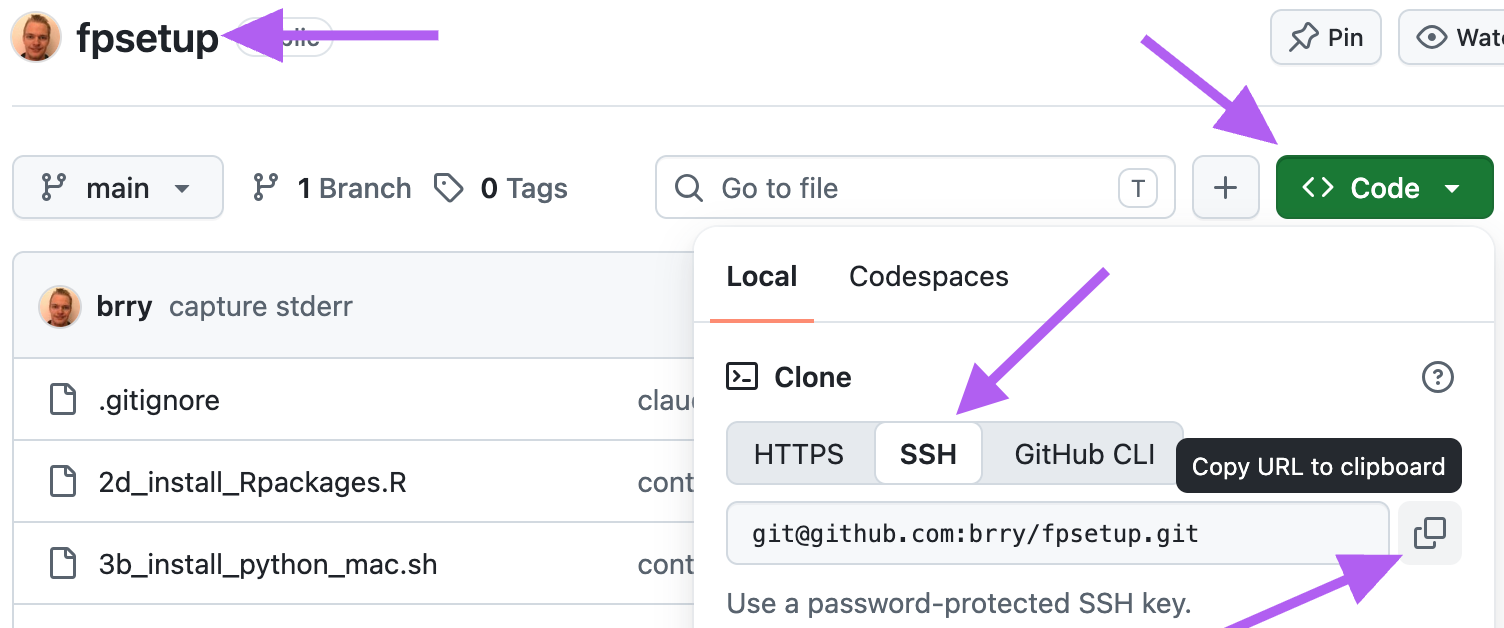
- For VScode, follow their instructions.
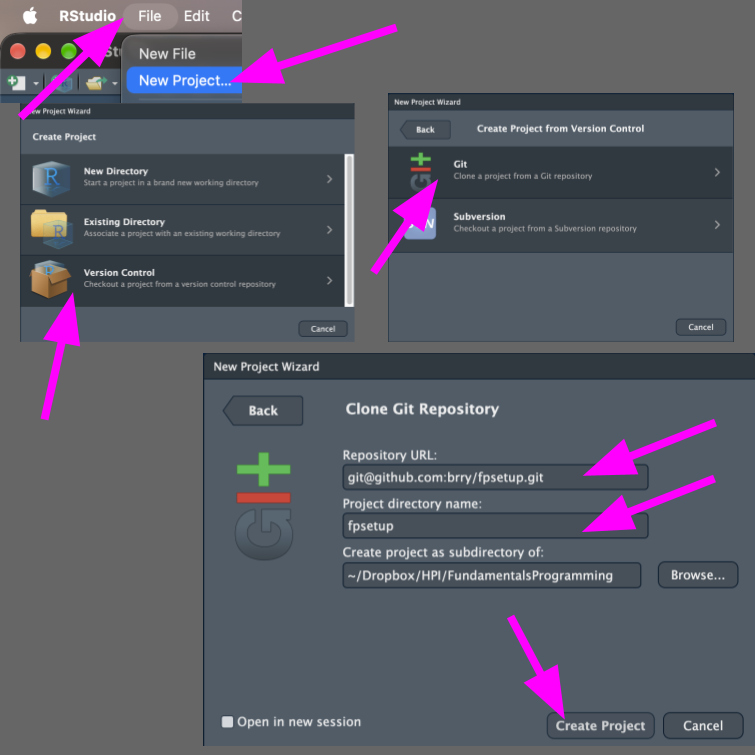
- At RStudio - File - New Project - Version Control - Git,
paste the repository URL, set the subdirectory and create project.
I recommend to keep the Project directory name so local and github folder names match exactly.
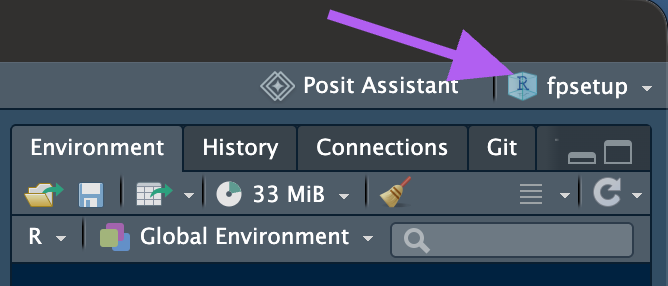
- Make sure you’re in the Rproject (RStudio topright):
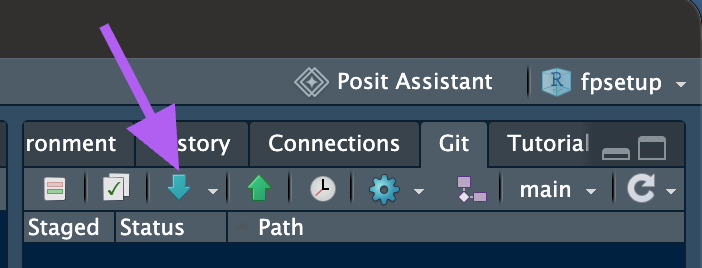
- From now on, get the latest version with a single click on
Pull: