GeezerVisonThe World Wide Web, restored to 800 pixels of glory. |
| Home|About|Gaming cabinet|Archives|How it works|Starter sites |
GeezerVison is showing codebrowser.dev — Explore C, C++, Rust & Dart code on the web Style
Code Browser for C, C++, Rust & Dart by KDABcodebrowser.dev (formerly code.woboq.org) is provided to the community by KDAB. Read more here This is an online C, C++, Rust & Dart code browser. It focuses on improving the code navigation with proper semantic highlighting and tooltips.
Browse Open Source ProjectsC/C++
Qt5
Popular: RustDart
Flutter
Popular: Interactive Live DemoFeature TourTooltip containing all useful information about symbolsThe Code Browser can be used as a Cross Referencer for C, C++, Dart & Rust code. Hover over a symbol, and you can see its type, its documentation or where it is used. 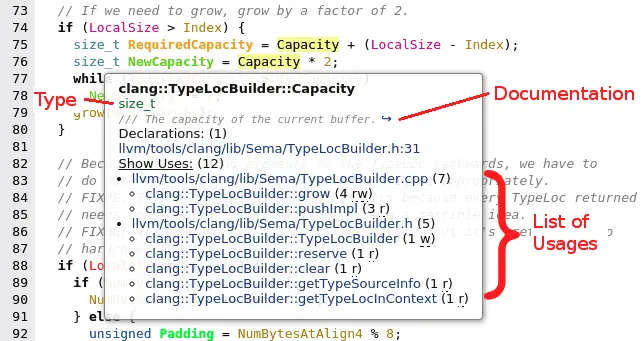
Click on the "Show Uses" label to see the list of usages. You can visit each links to discover how it is used. (Hint: you can open them in different tabs.) In the parentheses you can see the number of uses within each functions. And the letters inside the parentheses are telling how the variable is used:
The function signature contains the name of all the argument (useful
to know what ' 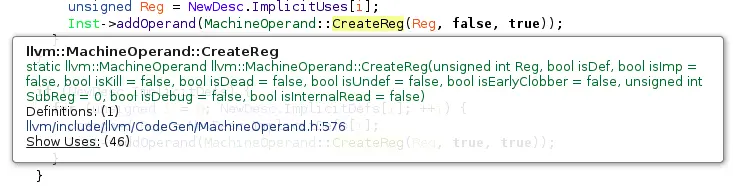
For The Navigation between functionsClicking on a function brings you directly to the implementation. Just like normal URL, you can open it in a tab or new window and use the back button of your browser to come back where you came from. Clicking on a variable brings you to the declaration of this variable Macro expansions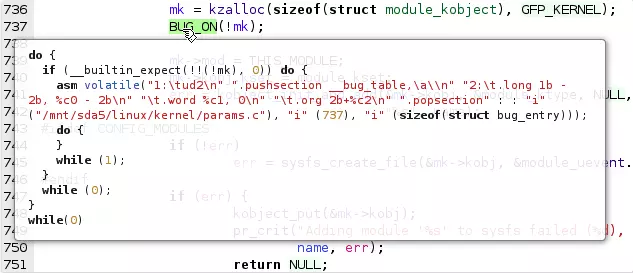
The tool-tip of a macro shows its expansion. Click on a macro to go to the corresponding ContextSometimes, when you are reading the code of a long functions, you may wonder in which function you actually are. You can see the current function in the footer. 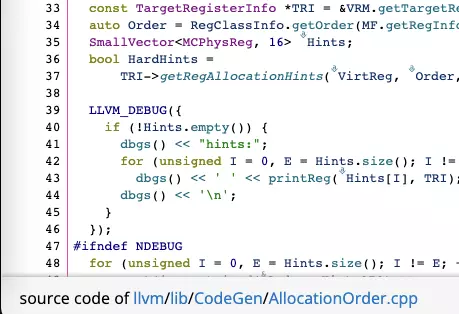
Qt support
The Qt 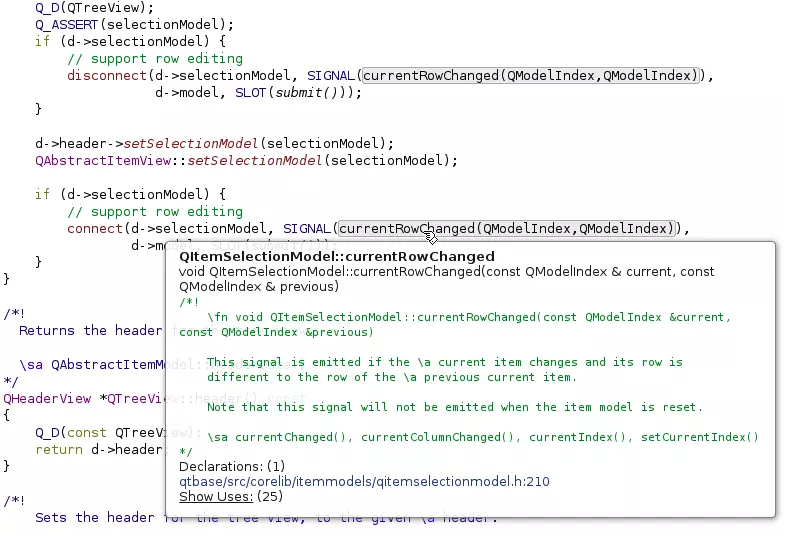
Search for a file or for a functionStart typing the name of a file or the name of a function in the line edit at the top. Result will be auto-completed once you entered 4 characters. Jump directly to the file or that function. 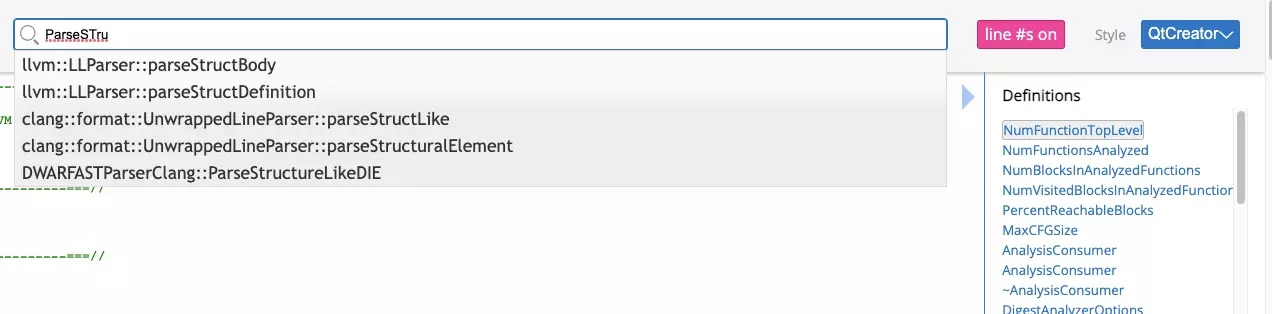
Works also on the main page in codebrowser.dev Show inheritance diagram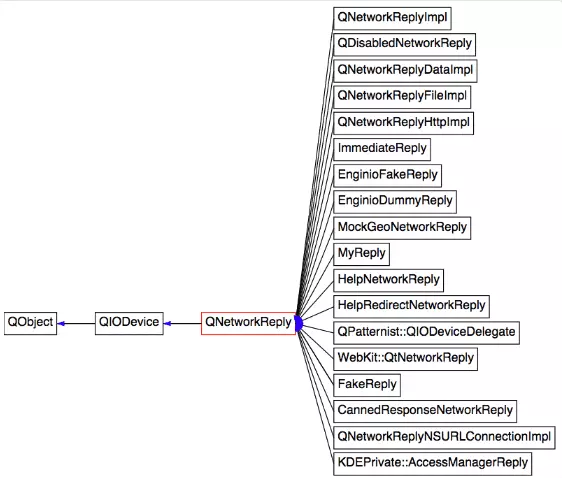
From the tooltip you can access a 🔗 symbol detail page which shows the inheritance diagram of a class Pre-processor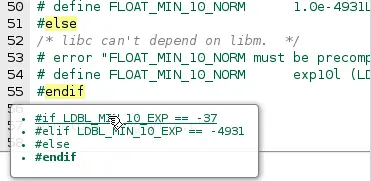
Clicking on an include brings you to that file
The tooltip of an
Usable linksLink to specific line numbers or to specific function or class within a page to show the code to people on a chat or web page. Toggle line number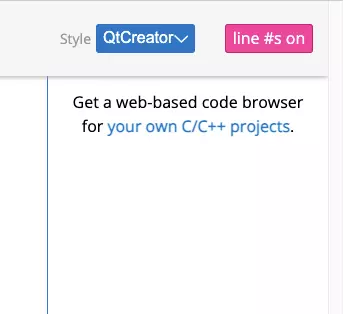
If you wish to copy-paste code, you may want to hide the line numbers. Just click on the link to hide them or show them again. Semantic Coloration - Pick Your Theme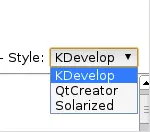
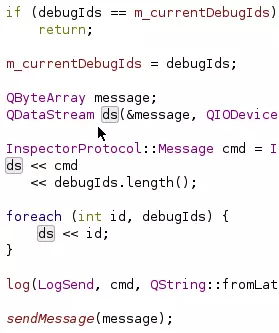
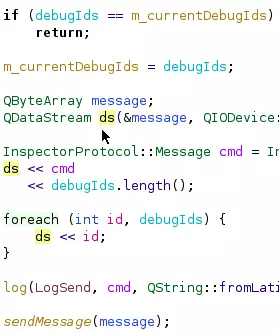
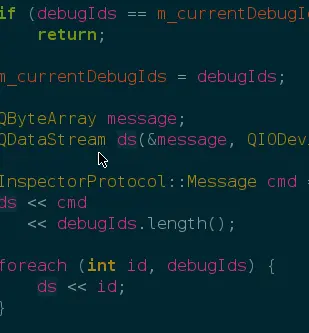
Semantic highlighting makes reading a piece of code easier as it helps differentiating what is what. You can quickly differentiate local variables from member variables or global variables. Virtual functions are in italic. You can see what is a macros, a typedef, or a type.
Different themes are available depending on your taste. Just pick one from the style combo box at the top right. Source codeIf you are interested in the implementation, you can browse the sources of the generator using the Code Browser itself. Or clone the repository from github. You can report issues on the github bugtracker. |
| You are visitor 01402503 — GeezerVison does not store the pages you look up. Best viewed with Netscape Navigator 4.7 or Internet Explorer 6 at 800×600. No cookies required. |