GeezerVisonThe World Wide Web, restored to 800 pixels of glory. |
| Home|About|Gaming cabinet|Archives|How it works|Starter sites |
GeezerVison is showing codeception.com — Quickstart Codeception Quickstart1.InstallAlternative Installations »
Install via Composer
composer require "codeception/codeception" --dev
2. BootstrapExecute:
php vendor/bin/codecept bootstrap This creates the global configuration file codeception.yml, the tests/ directory, and the default test suites. 3. Create TestGenerate your first acceptance test. Acceptance tests emulate the behavior
of a real user visiting your site.
php vendor/bin/codecept generate:cest Acceptance First 4. Write a Basic TestIt's now time to write your first test. Edit the file we've just created tests/Acceptance/FirstCest.php It will check if your frontpage contains the word Home. 5. Configure Acceptance TestsPlease make sure your local development server is running. Put application URL into: tests/Acceptance.suite.yml actor: AcceptanceTester
modules:
enabled:
- PhpBrowser:
url: {YOUR APP'S URL}
6. Run!Tests are executed with 'run' command
php vendor/bin/codecept run --steps This will execute our test with PhpBrowser. It's PHP script that can check HTML page contents, click links, fill forms, and submit POST and GET requests. For tests that require a real browser (e.g. JavaScript) use the WebDriver module. Setup for a Single Test SuiteInstead of the Acceptance Testing (only)php vendor/bin/codecept init Acceptance REST API Testing (only)php vendor/bin/codecept init Api Unit Testing (only)php vendor/bin/codecept init Unit 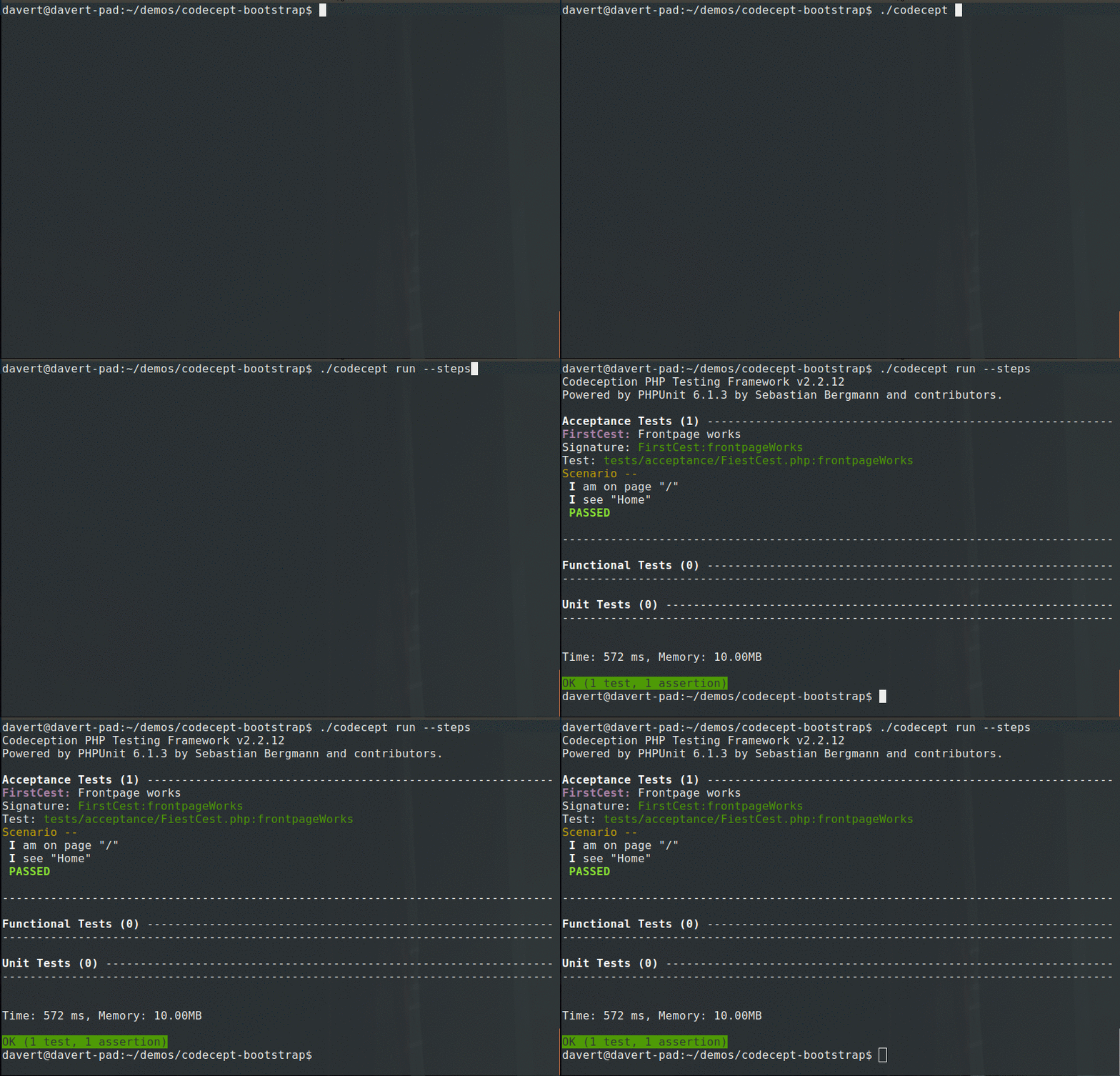
» Next!Read Codeception Guides to learn how to use it. |
| You are visitor 01402503 — GeezerVison does not store the pages you look up. Best viewed with Netscape Navigator 4.7 or Internet Explorer 6 at 800×600. No cookies required. |