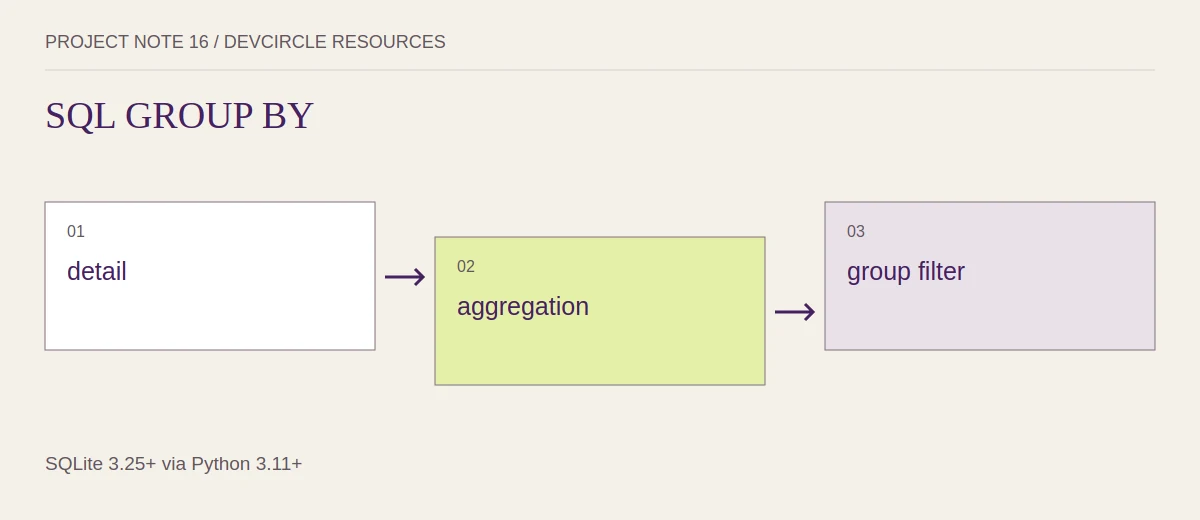
GROUP BY redefines what a single result row stands for. Before grouping, a row might be one order; after grouping by category, it is one category. Keep that shift in mind and many puzzling SQL results become much easier to diagnose.
Create the report from scratch
Run this self-contained fixture with SQLite and Python 3.11+ by saving the script as groups.py and executing python groups.py. Every input row represents one sale measured in synthetic integer cents, while a null amount indicates an unknown value.
import sqlite3
db = sqlite3.connect(":memory:")
db.executescript("""
CREATE TABLE sales(id INTEGER PRIMARY KEY, category TEXT, cents INTEGER);
INSERT INTO sales VALUES
(1,'books',1200),(2,'books',800),(3,'books',NULL),
(4,'tools',500),(5,'tools',NULL);
""")
rows = db.execute("""
SELECT category, COUNT(*) AS rows, COUNT(cents) AS known,
       SUM(cents) AS known_total
FROM sales GROUP BY category ORDER BY category
""").fetchall()
popular = db.execute("""
SELECT category FROM sales GROUP BY category
HAVING COUNT(*) >= 3 ORDER BY category
""").fetchall()
assert rows == [('books', 3, 2, 2000), ('tools', 2, 1, 500)]
assert popular == [('books',)]
print(rows)
print(popular)
db.close()
Interpret a group with incomplete data
In the books category there are three rows, two known amounts, and a sum of 2000 cents (('books', 3, 2, 2000)). The tools category has two rows, one known amount, and a sum of 500 cents (('tools', 2, 1, 500)). Naming the last column known_total builds the limitation into the result itself: the column never claims to include an amount nobody recorded.
Scroll sideways if the columns extend beyond the frame.
| Expression | Value for 'books' (1200, 800, NULL) |
Value for 'tools' (500, NULL) |
Value for an all-NULL group |
Meaning in a report |
|---|---|---|---|---|
COUNT(*) |
3 |
2 |
Number of rows in that group | Total rows in the group, including rows with missing amounts |
COUNT(cents) |
2 |
1 |
0 |
Number of rows in the group where cents IS NOT NULL |
COUNT(*) - COUNT(cents) |
1 |
1 |
Number of rows in that group | Number of rows in the group with a missing cents value |
SUM(cents) |
2000 |
500 |
None (NULL) |
Total of non-null amounts; stays NULL if no amount in the group is known |
AVG(cents) |
1000.0 |
500.0 |
None (NULL) |
Average over known amounts (SUM(cents) / COUNT(cents)), not divided by COUNT(*) |
While COUNT(*) tallies every row inside a group, COUNT(cents) tallies only non-null amounts. Null inputs are ignored by SUM(cents), and when a group lacks any non-null input, SUM(cents) yields NULL (None in Python) instead of 0. Converting that NULL to 0 with COALESCE(SUM(cents), 0) is an explicit formatting decision rather than routine cleanup, since 0 and unknown carry distinct meanings. Also note that AVG(cents) divides by COUNT(cents) (2000 / 2 = 1000.0) rather than COUNT(*) (3).
Separate row filters from group filters
Logically, WHERE runs before GROUP BY and HAVING runs after GROUP BY. The second query (HAVING COUNT(*) >= 3) keeps categories with at least three rows, so it returns [('books',)]: books has three input rows (id 1, 2, and 3), though row 3 has cents = NULL.
Placing WHERE cents IS NOT NULL ahead of GROUP BY discards row 3 and row 5 before any grouping occurs. Within that reduced dataset, books retains just two rows (1200 and 800) and fails HAVING COUNT(*) >= 3—whereas keeping every row from FROM and filtering with HAVING COUNT(cents) >= 3 selects categories that have at least three priced sales while preserving COUNT(*) in the SELECT list. Each query is valid SQL, but each addresses a distinct business question.
To apply a revenue threshold, write HAVING SUM(cents) >= 1000 (or HAVING SUM(cents) FILTER (WHERE cents >= 100) >= 1000 in SQLite 3.30+ and PostgreSQL, when you want a conditional aggregate inside a single column without filtering the entire query). Keep in mind that a group with missing amounts can have an understated SUM(cents). Putting COUNT(*) - COUNT(cents) AS missing_rows next to the total is more honest than printing one number that merely looks complete.
Avoid the ungrouped-column trap
Avoid including an unaggregated detail column like id inside the SELECT clause of a GROUP BY category statement (SELECT id, category, SUM(cents) FROM sales GROUP BY category). Both standard SQL and engines like PostgreSQL reject bare ungrouped columns unless they depend functionally on the grouping key. Although SQLite historically permitted bare columns in aggregate queries—picking a value from an arbitrary row in the group outside the special MIN(x) or MAX(x) case—pairing a random row’s id with SUM(cents) yields misleading results.
To find the specific sale with the largest amount in each category, and decide how ties are handled, reach for a window function: ROW_NUMBER() or RANK() OVER (PARTITION BY category ORDER BY cents DESC). Mixing detail columns into a category-level GROUP BY does not answer that. The window-functions guide shows how detail rows survive alongside per-group rankings and running totals.
Check changes before exporting
Insert a third category, (6, 'paper', NULL), containing one null amount. Running the first query shows ('paper', 1, 0, None) for 'paper', reflecting one row, zero known amounts, and a None sum. Next, add (7, 'paper', 0) for a confirmed free item so 'paper' returns ('paper', 2, 1, 0)—one known amount with a sum of 0—keeping those two states (None vs 0) distinct in Python.
Whenever row order matters, whether for a saved report, pagination, or a test assertion, write an explicit ORDER BY. GROUP BY collects rows logically but promises no sorted output across database engines or query plans. Read SQL join cardinality alongside this guide before aggregating across joined tables: a correct SUM(cents) still gives a wrong total when an earlier join duplicated the sales rows.
Source: SQLite aggregate functions and SELECT processing define COUNT, SUM, FILTER, and grouping behavior.
Download the complete example. Save the file before running it; the guide above names the required runtime.
Keep building
- SQL joins: keep the customers who have no orders
Compare inner and left joins on a tiny reproducible database, including the filter that changes your result.
- SQL window functions: running totals without losing rows
Use a stable row order and an explicit frame to calculate a running total and rank within each account.
- Python SQLite: transactions and parameterized queries
Create a small expense database, insert safely, and prove a failed transaction does not leave partial work.