Conversational Actions were deprecated on June 13, 2023. For more information, see Conversational Actions sunset.
Google Assistant for Developers
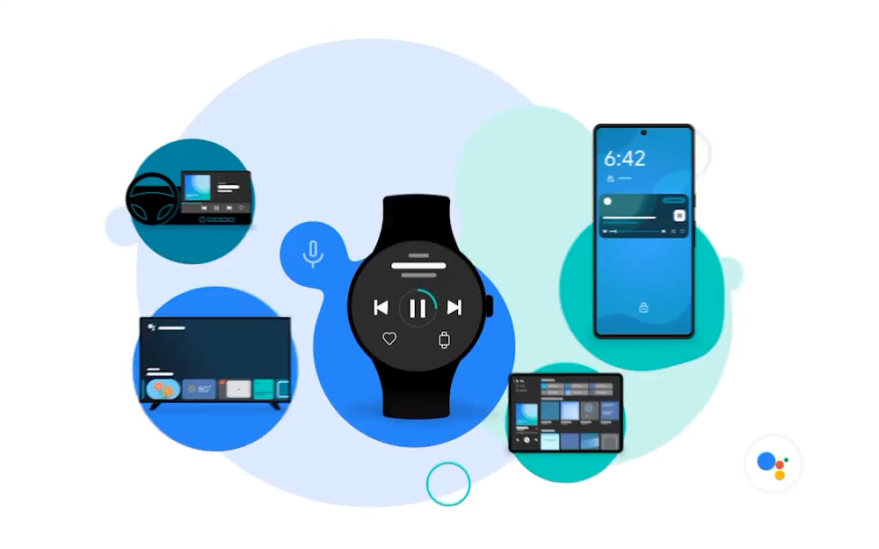
Stay ahead of changing user behavior and create new interactions from proactive assistance to hands-free engagement across your users' primary and companion devices, by integrating with Google Assistant.

Easily enable voice interactions
Leveraging Google technology in AI and NLP, allow your users to talk to Google Assistant – such as to open or jump directly into a specific destination within your app faster and easier – without you needing to create conversation design or map a large number of responses.

Simplify complex tasks across multiple devices
Help your users in their times of need, from voice control during hands-free and eyes-free contexts or multitasking to reducing time to accomplish user tasks, at home, on-the-go, in the car and beyond.

With minimal development costs
Leverage common frameworks your developers are already familiar with as you integrate Google Assistant, such as Android Studio, Widgets and Shortcuts for App Actions and the Actions console for Smart Home.
For Android developers
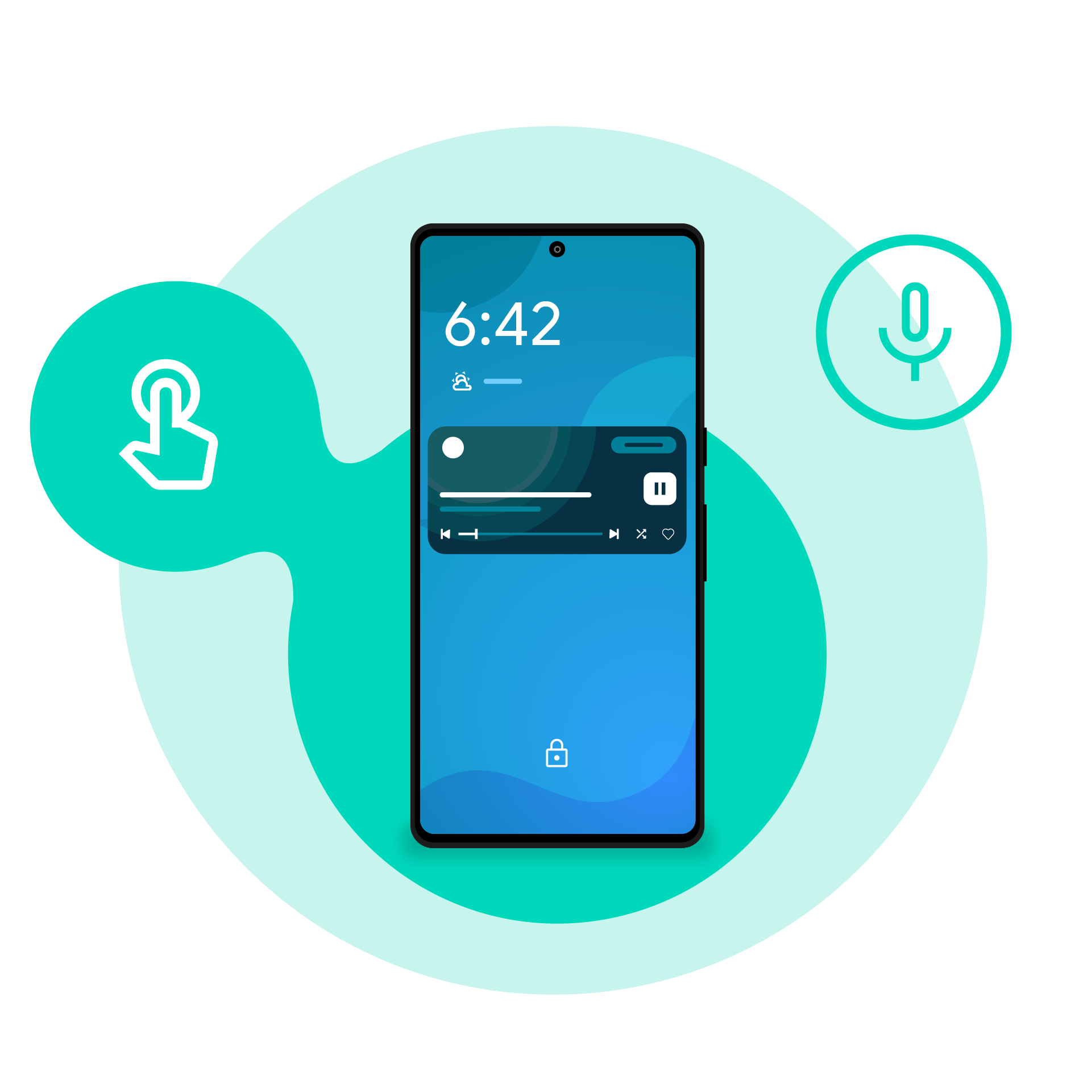
Bring Assistant powered query fulfillment to your Android app
Across the Android ecosystem, users today have more devices than ever before. Each of these devices brings a different user context or situation where Google Assistant can supplement the current user experience, enabling new ways for users to engage with your app.
Features
For Wear Developers
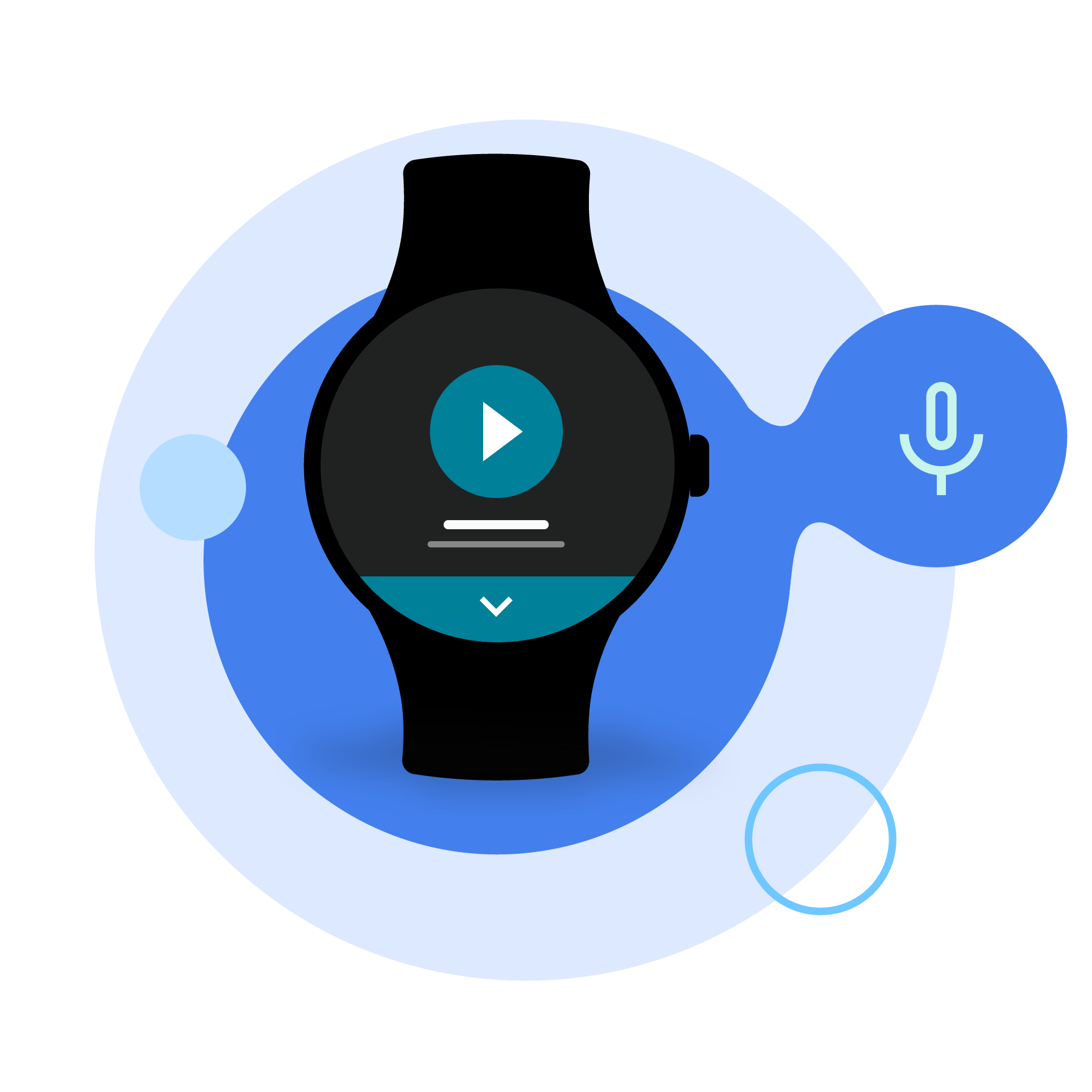
Enable voice commands for your Wear apps
Enable quick, efficient on-the-go scenarios. With App Actions on Wear, developers can extend Wear OS apps with Google Assistant and fast forward users into your app quickly.
Start building
Case Study
Adidas integrates with Google Assistant to bring voice controlled workouts to Wear OS.
For Smart Home Developers
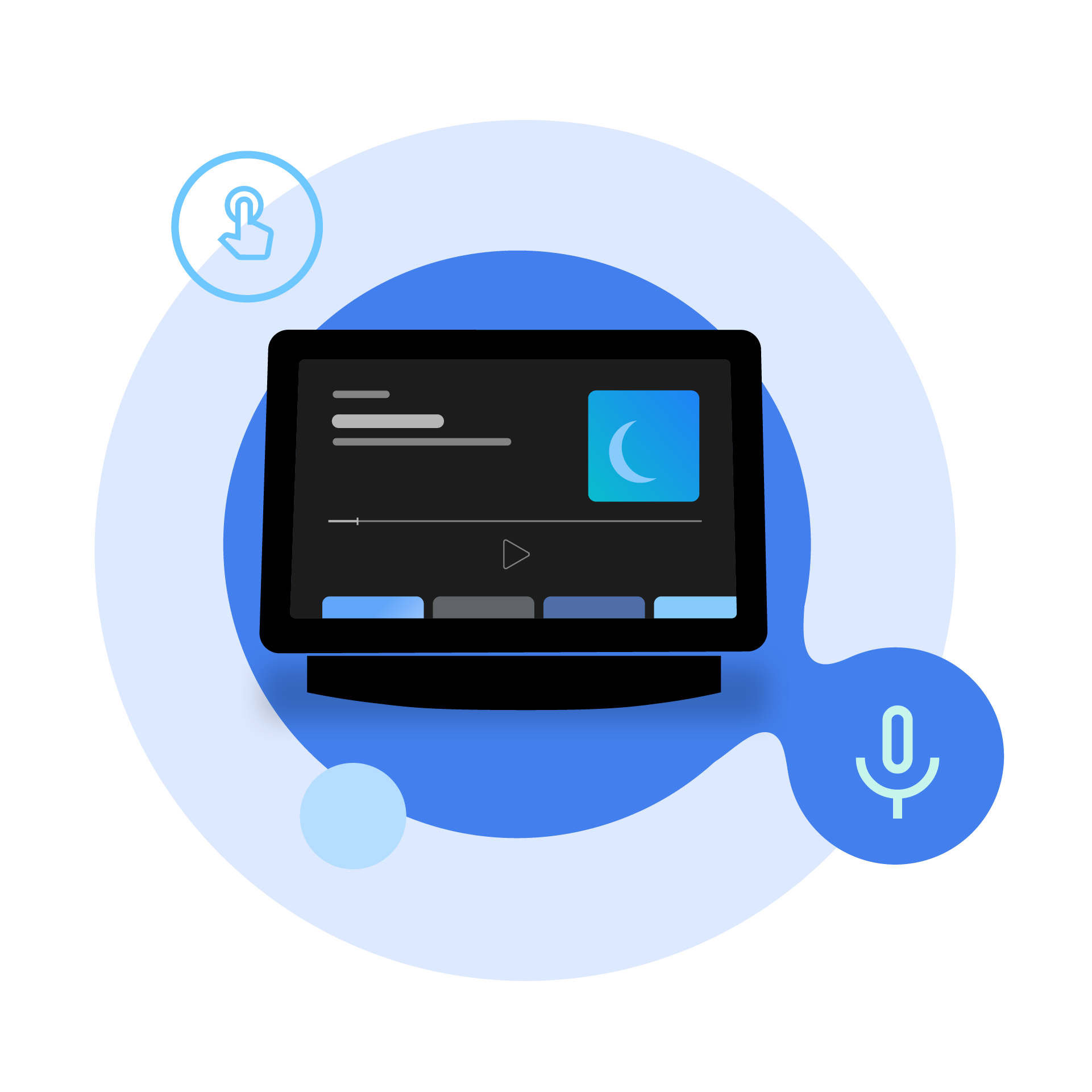
Hands Free Smart Home Control
With Google Home, you can connect your commercially available device with Assistant and deepen user engagement.
Features