Google Cast SDK
The Google Cast SDK enables you to extend your Android, iOS, or Web app to direct its streaming video and audio to a TV or sound system. Your app becomes the remote control to play, pause, seek, rewind, stop, and otherwise control the media.
Google Cast is designed for TV, movies, music, and more. Put your best video content on the biggest screens in the house, or bring your audio content to Google Cast for Audio devices and Google Home devices, including the Nest Hub.
Take a media session you already started on one device (like your phone), move it to your Nest display, or control it from other connected devices around your home.
Google Cast is designed for TV, movies, music, and more. Put your best video content on the biggest screens in the house, or bring your audio content to Google Cast for Audio devices and Google Home devices, including the Nest Hub.
Take a media session you already started on one device (like your phone), move it to your Nest display, or control it from other connected devices around your home.
Broad media support
The SDK supports many media formats, protocols, and codecs to ease integration.
User experience
Use our UX and design guidelines to create a smooth and seamless Cast experience.
Cast Connect
Cast Connect allows your Android TV app to receive messages and broadcast media status as if it were a Chromecast.
Audio devices
Cast apps developed for video and audio can also work on audio-only devices.
Google Cast SDK
The latest version of the Google Cast SDK simplifies several complex parts of the previous SDK and addresses the major pain points identified by content partners and developers. It reduces the amount of code needed to Cast-enable your app, and provides a consistent API across Android, iOS, and Web.
Cast Connect
Android TV Receivers use the Cast Connect library to allow existing sender applications to communicate with Android TV applications via the Cast protocol. Cast Connect builds on top of the Cast infrastructure, with your Android TV app acting as a receiver.

Web Receiver 3.0.0157 released
October 27, 2026 — This update fixes errors, updates the SDK for compatibility with Shaka v5+, allows receiver applications to specify a custom reason on stop(), and adds new APIs.

Android Sender 23.0.0 released
October 19, 2026 — This release updates the AndroidX MediaRouter dependency to 1.9.0-beta01, deprecates PrecacheManager, and exports all available MediaMetadata keys to the receiver.
Comedy Central
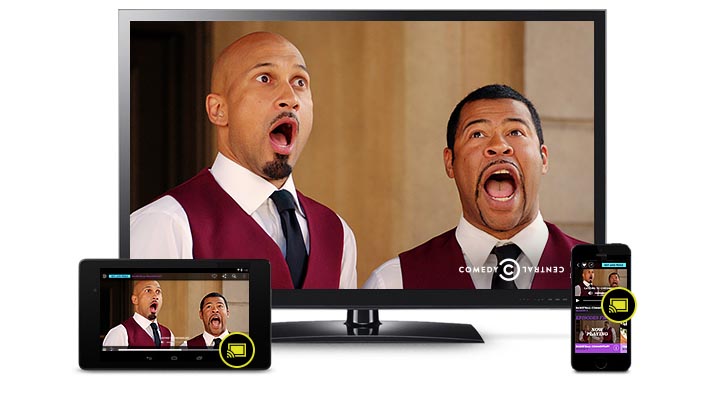
The Comedy Central app lets fans watch their favorite shows in full and on demand from mobile devices. The company created a cast-enabled app so users could bring their small screen experience to their TVs. Now with Chromecast, users watch at least 50 percent more video, with 1.5 times more visits than the average Comedy Central app user.
Haystack TV
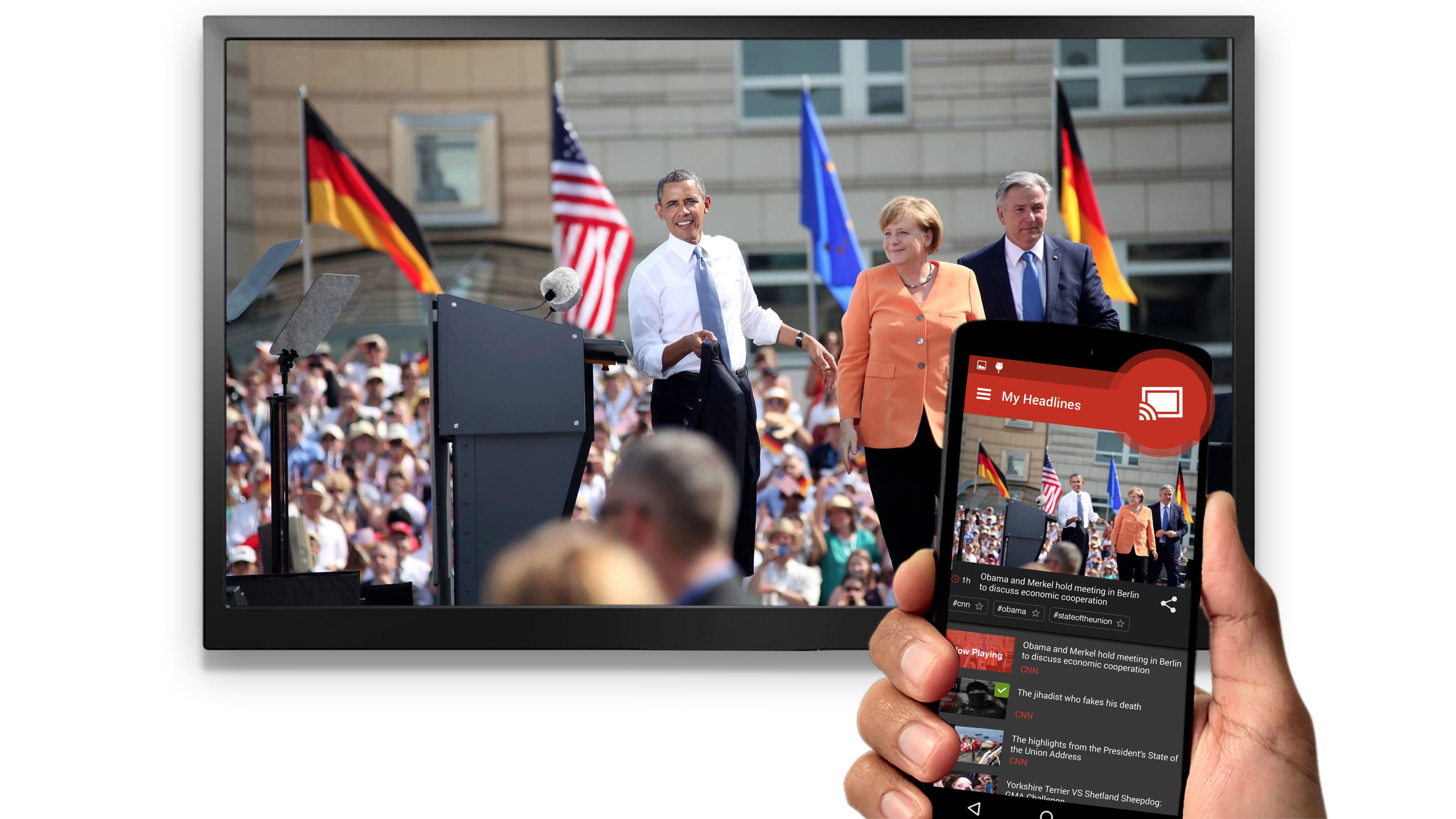
Haystack TV is a personal news channel that lets consumers watch news on any screen, at any time. The company integrated Google Cast technology so users can browse their headline news, choose other videos to play, and even remove videos from their play queue without disrupting the current video on their TVs. With Chromecast, average weekly viewing time has doubled and customers have dramatically improved their ability to stay informed. One-third of Haystack TV customers now view their news via Chromecast.

Nest Hub (2nd gen)
Get help and control your connected home in one view.

Nest Audio
The helpful speaker that’s all about sound.
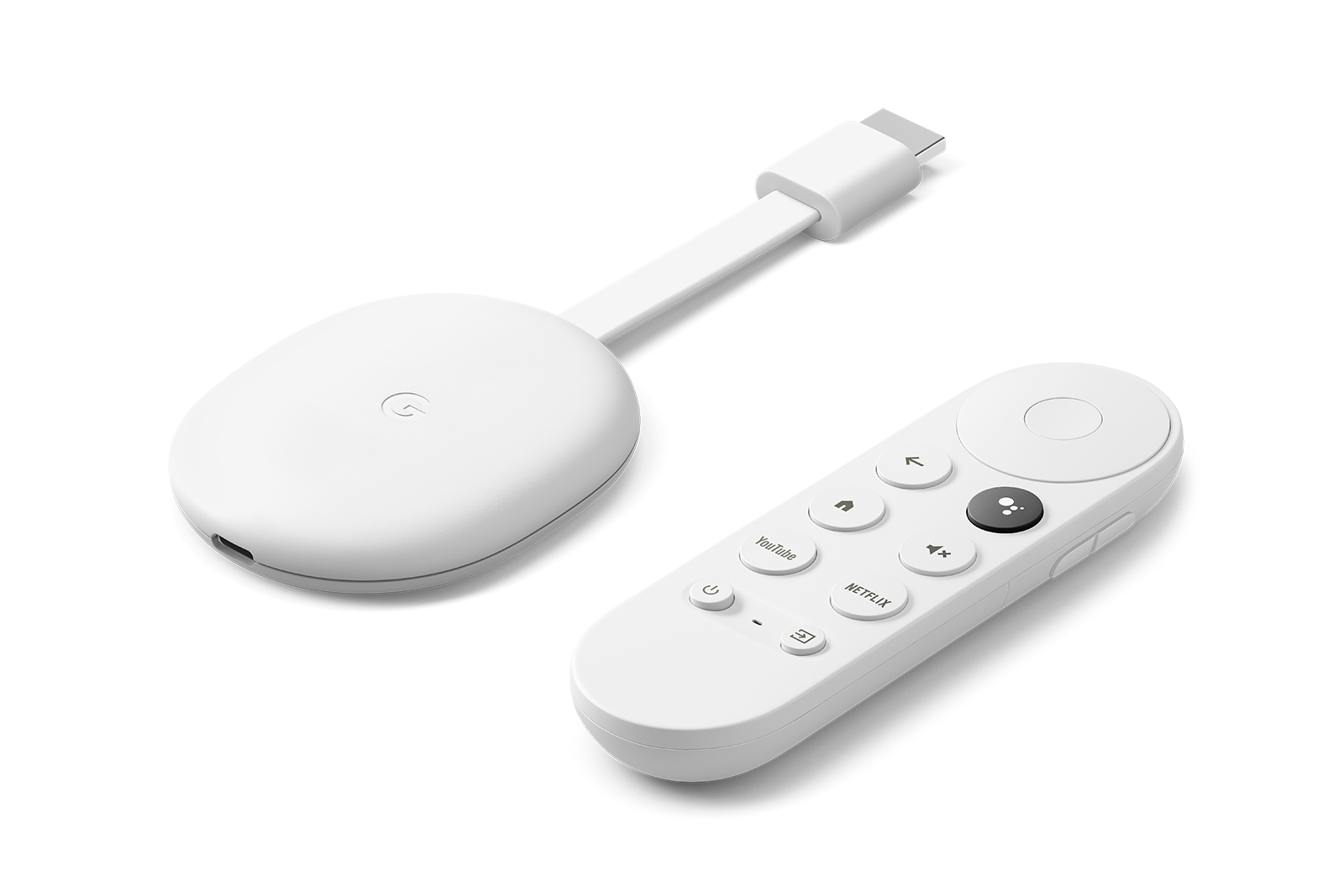
Chromecast with Google TV
Stream entertainment in up to 4K HDR.