Identity Samples
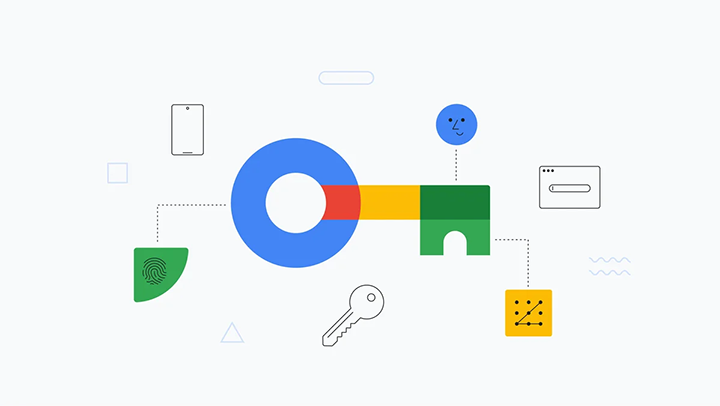
Credential sharing across multiple websites
Google's Credential Sharing allows users to sign in to multiple websites with a single Google account. It requires setting up assetlinks.json files on primary and secondary domains to establish trust.
Credential sharing across multiple websites & apps
Simplify user logins with Google's Credential Sharing. This guide empowers you to create a seamless experience by enabling users to sign in to multiple websites and Android apps using a single Google account.
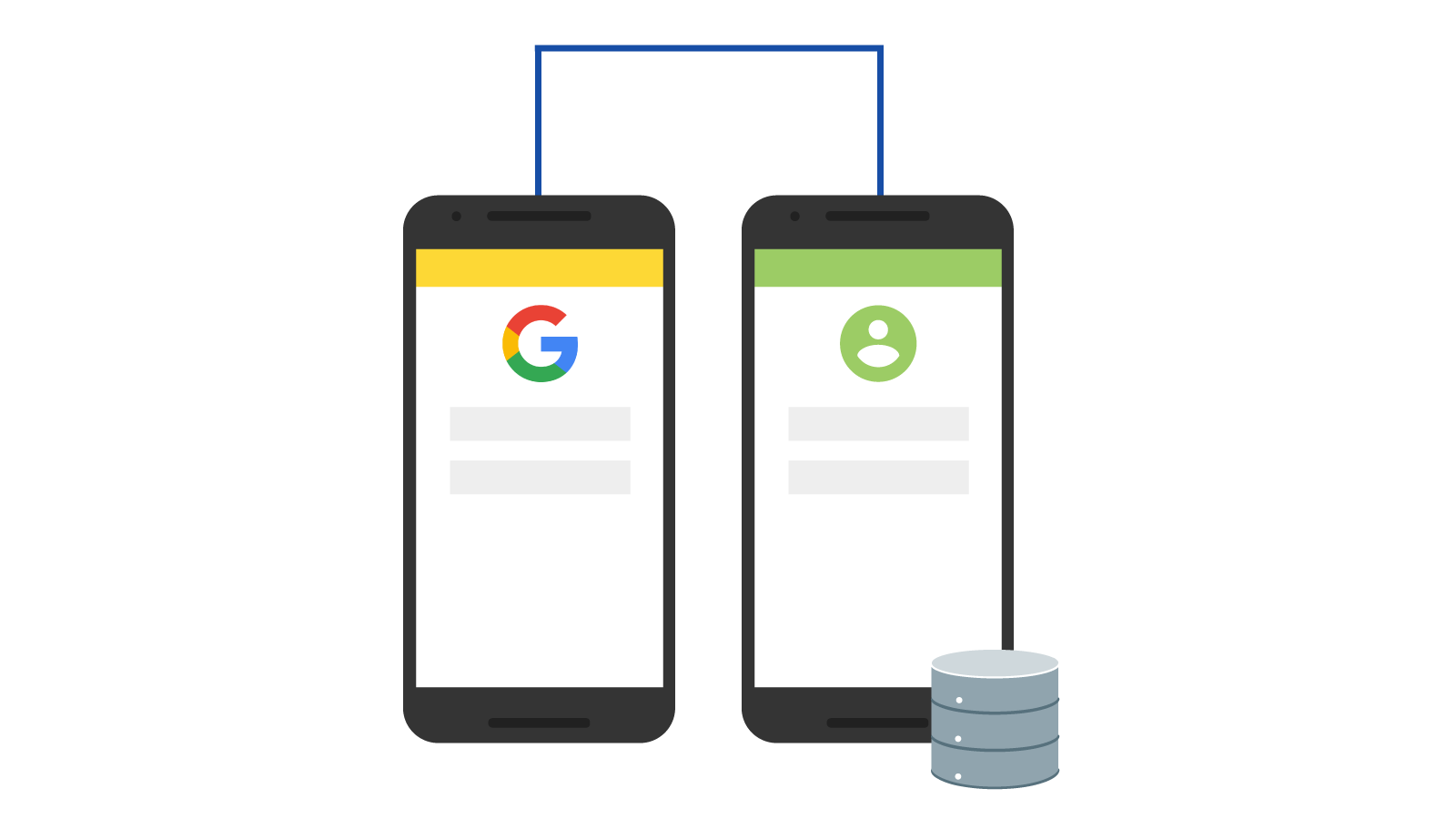
Digital Asset Links
This guide provides sample code in Python and JavaScript to help you leverage Google's API client libraries.

Sign in with Google Case Studies
Explore real-world examples of how businesses have harnessed the power of Google Sign-In to enhance user experience, streamline login processes, and drive user engagement. Learn how you can apply these insights to your own business and achieve similar success.
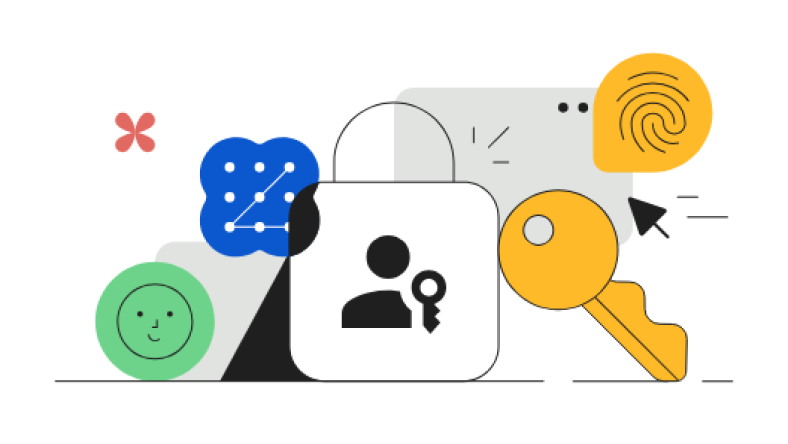
Passkeys Case Studies
Use OAuth 2.0 and our Client libraries to quickly and securely call Google APIs. Google supports common OAuth 2.0 scenarios such as those for web server, client-side, installed, and limited-input device applications.

Sign in with Google - iOS sample app
Integrate Google Sign-In functionality into your iOS and macOS apps. With Google Sign-In, users can sign in to your apps using their existing Google accounts, saving them time and hassle.
Authorization on Windows
A hands-on approach to implementing OAuth 2.0 authorization in your Windows applications. Learn how to seamlessly handle OAuth flows in both traditional and universal Windows apps, ensuring a secure and efficient user experience.
Authorization on iOS
With AppAuth, you can easily communicate with OAuth 2.0 and OpenID Connect providers, allowing users to sign in securely using their existing accounts.

Authorization on Android
The AppAuth for Android library equips you to implement robust authentication flows within your Android applications. Leverage AppAuth to seamlessly communicate with OAuth 2.0 and OpenID Connect providers, enabling users to log in securely using their existing accounts.