Phoenix Code supports extensions for adding features, themes, and language support. Everything is managed through the built-in Extension Manager.
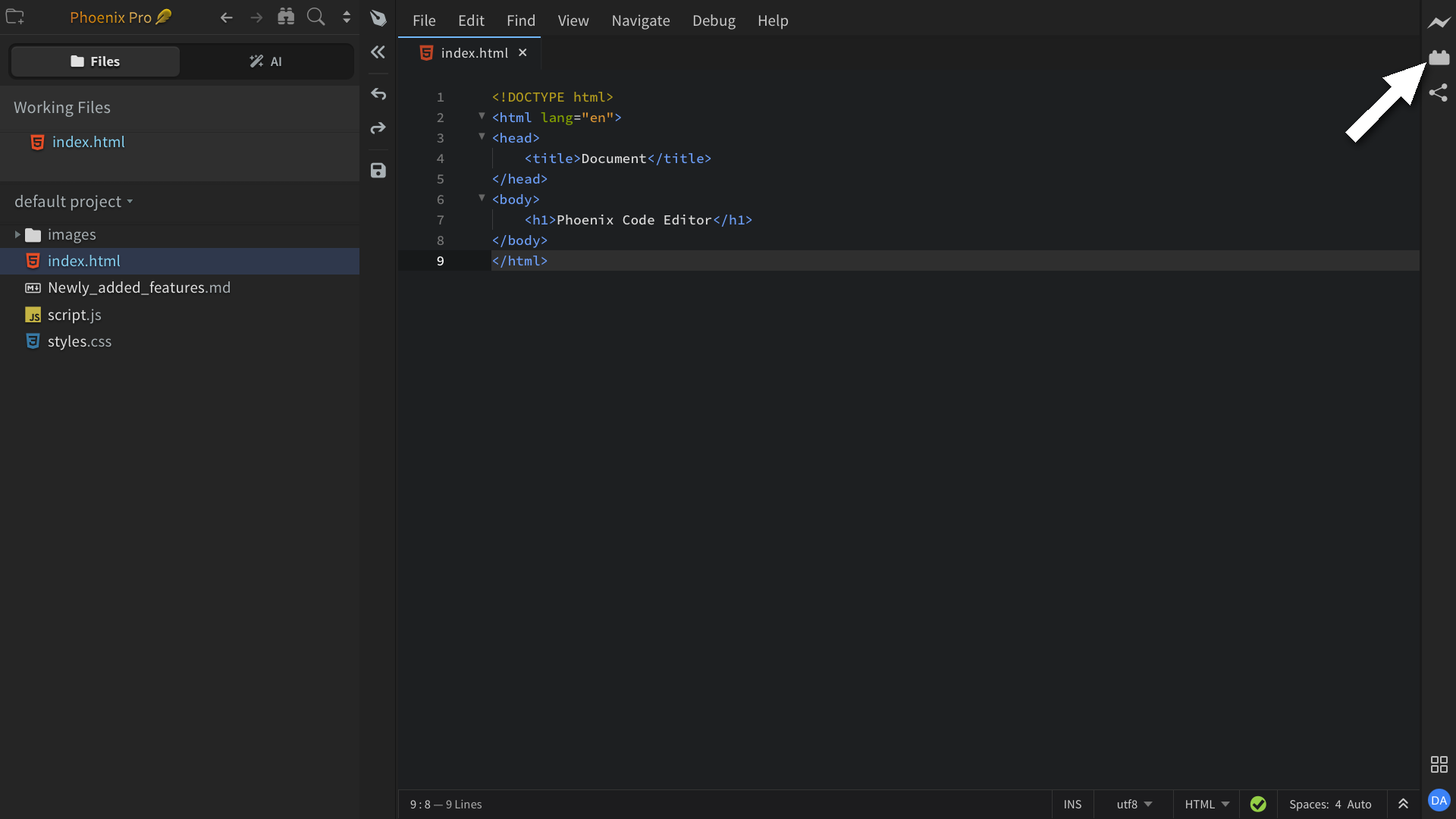
To open the Extension Manager, click the extension icon on the right-hand toolbar, as shown below.
The dialog has four tabs:
| Tab | Contents |
|---|---|
| Available | Marketplace extensions. A search box at the top filters the list. |
| Themes | Marketplace themes. |
| Installed | Everything you've installed. Apply, update, or remove from here. |
| Default | Built-in extensions that ship with Phoenix Code. |
A Sort dropdown at the top of the dialog orders the list by Last Updated (most recently published first), Downloads (most-installed first), Star Rating (highest GitHub stars), or Verified (Phoenix-verified extensions first).
- Install: pick an item from Available or Themes and click Install.
- Update: when a newer version is available, an Update button appears on the extension's card in Installed.
- Remove: click Remove on the card in Installed, then confirm with Remove Extensions and Reload.
Themes
Themes use the same flow under the Themes tab.
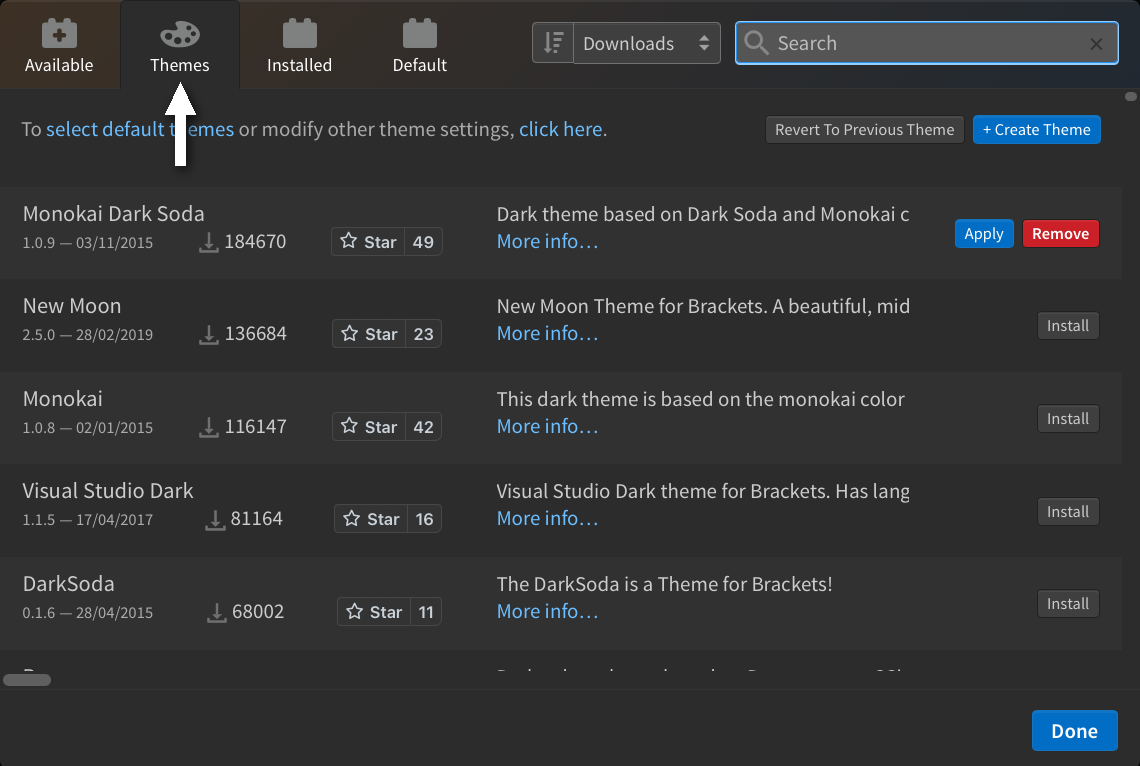
To switch to an installed theme, either pick it from View > Themes... (see Customizing the Editor → Themes) or click Apply next to the theme in Installed.
Create your own
For authoring extensions and themes, see the API section:
- Creating Themes
- Creating Extensions
- Creating Node Extensions
- Debugging Extensions
- Publishing Extensions
Popular Extensions
For a curated list of community extensions worth checking out, see Popular Extensions.