GeezerVisonThe World Wide Web, restored to 800 pixels of glory. | |
| Home|About|Gaming cabinet|Archives|How it works|Starter sites | |
GeezerVison is showing fsprojects.github.io — FsHttp Overview Support my Work Buy a PXL Clock and help me create more videos like this! Use code RONALD for a 25€ discount: https://www.pxlclock.com/?ref=RONALD PXL Clock is a fun device, made with ❤️ - and it's programmable in an easy and quick way.
Find out more:
Join the PXL Clock Community on DiscordFsHttp

FsHttp is a "hackable HTTP client" that offers a legible style for the basics while still affording full access to the underlying HTTP representations for covering unusual cases. It's the best of both worlds: Convenience and Flexibility.
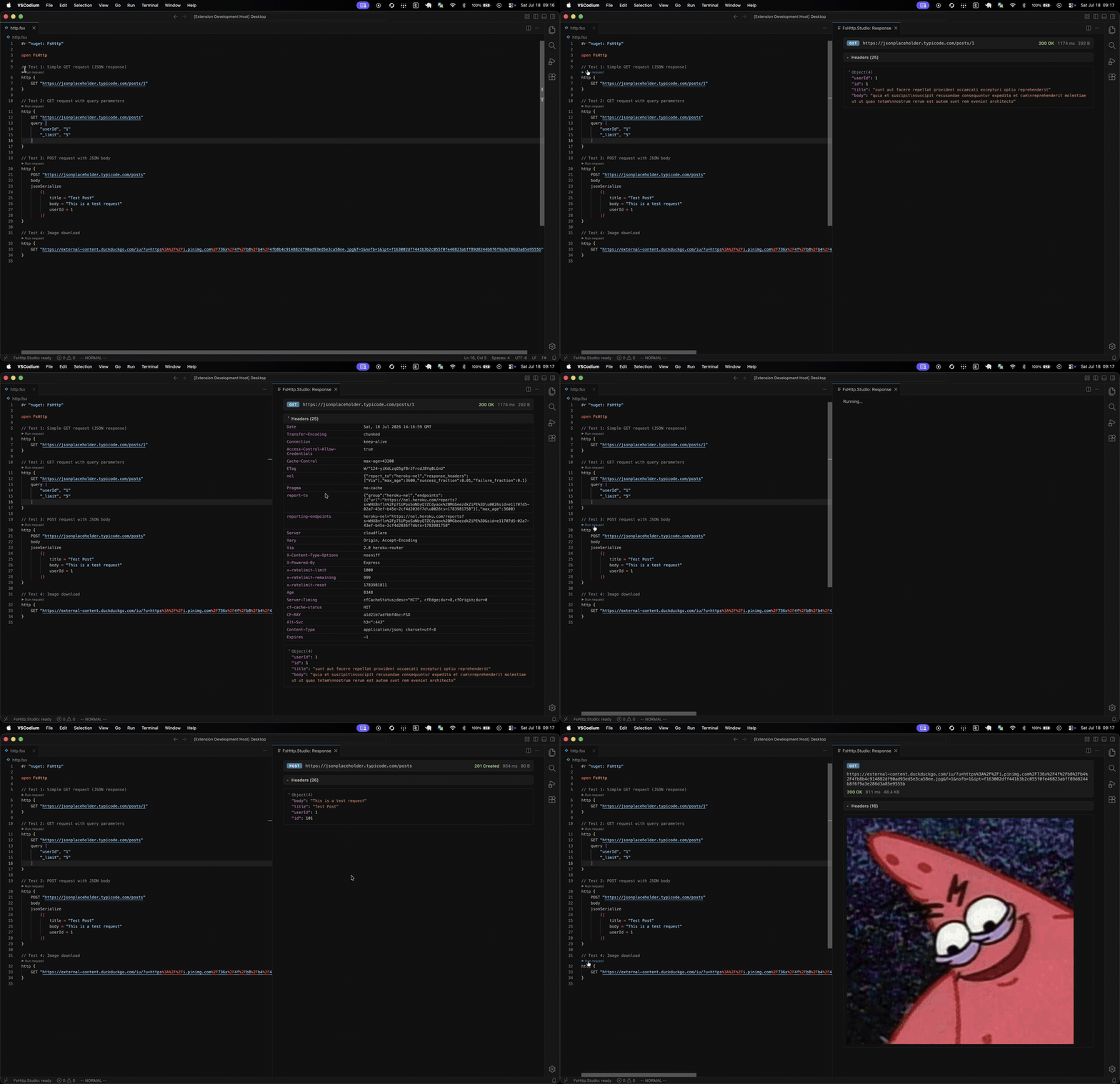
👍 Postman? ❤️ FsHttp! https://youtu.be/F508wQu7ET0 FsHttp Studio - A VS Code Extension for FsHttp👍 Postman? ❤️ FsHttp Studio! Check out FsHttp.Studio by @tw0po1nt - a wonderful VS Code extension that takes the "FsHttp as a Postman alternative" idea to the next level:
It's available on the VS Code Marketplace. A big thank you to @tw0po1nt for putting love and effort into making F# and FsHttp even more accessible and fun to use :) Documentation
F# syntax exampleC# syntax example
FSI / Non-FSI ScenariosAs this is a recurring issue: FsHttp emits console logs per default. They can be disabled by putting this line before any request is made: Release Notes / Migrating to new versions
Building*.Net SDK:* You need to have a recent .NET SDK installed, which is specified in Build Tasks There is a F# build script ( For common tasks, there are bash scripts located in the repo root:
Credits
namespace FsHttp
Multiple items
static member HttpBuilder.http: HeaderContext with get -------------------- property HttpBuilder.http: HeaderContext with get custom operation: POST (string)
Calls IRequestContext.Post
custom operation: CacheControl (string)
Calls IRequestContext.CacheControl
<summary> Used to specify directives that MUST be obeyed by all caching mechanisms along the request/response chain </summary> custom operation: body
Calls IRequestContext.Body
<summary> An explicit transformation from a previous context to allow for describing the request body. </summary> custom operation: jsonSerialize ('a)
Calls IRequestContext.JsonSerialize
Multiple items
module Request from FsHttp.Print -------------------- module Request from FsHttp -------------------- type Request = { header: Header content: BodyContent config: Config printHint: PrintHint } val send: request: IToRequest -> Response
<summary> Sends a request synchronously. </summary> module Fsi
from FsHttp
val disableDebugLogs: unit -> unit
| |
| You are visitor 01402503 — GeezerVison does not store the pages you look up. Best viewed with Netscape Navigator 4.7 or Internet Explorer 6 at 800×600. No cookies required. |