chAI is a clever system that records user interactions in real time to determine whether a user interface is friction-free or not. It improves design feedback by using haptic and behavioral signals in addition to conventional metrics.

We’ve all experienced frustrating websites or apps:
- Confusing design
- Hard-to-find buttons
- Unintuitive navigation
It’s often hard to pinpoint why a UI feels off.
Designers typically rely on:
- Guesswork
- User surveys
→ This doesn't capture real-time user reactions or the intutitveness of UI.
→ This process isn't streamlined and prone to errors.
Hence, chAI

To ensure accurate screen and webcam recordings are time-synchronized:

Annotating user actions based on mouse events for task-based analysis:

We perform gaze detection from webcam frames to understand where the user is focusing:

chAI calculates response times for specific UI tasks to assess efficiency:

All insights are aggregated into a clear, actionable report for designers and developers:

We go beyond basic interaction tracking (clicks & scrolls).
We track:
- Gaze direction
- Facial expressions (emotion detection)
- Keyboard/mouse behavior
- Response times
Combined with machine learning, this lets us:
- Detect if a UI is smooth or causing friction
- Provide actionable feedback to improve the design
- Keyboard Inputs
- Mouse Inputs
- Emotion Detection
- Gaze Detection
- Response Time Logging
- Download and Install the setup of Ollama from this link.
- Open terminal and run the following commands
ollama pull gemma3:1bandollama pull llava:13b
git clone https://github.com/samyamaryal/chAI
cd chAI- Create a conda environment
conda create -n myenv python==3.10
conda activate myenv
pip install -r requirements.txt
if running on macbook do
pip install -r macbook_requirements.txt
NOTE: If you are running this on the Snapdragon X Elite or another ARM-64 architecture, you will need to perform the following steps (this is due to a package dependency on jax/ jaxlib, which do not currently support ARM64 out of the box):
pip uninstall jax jaxlib
Requirements:
- Python 3.10
- Conda
- Webcam access
streamlit run app.py
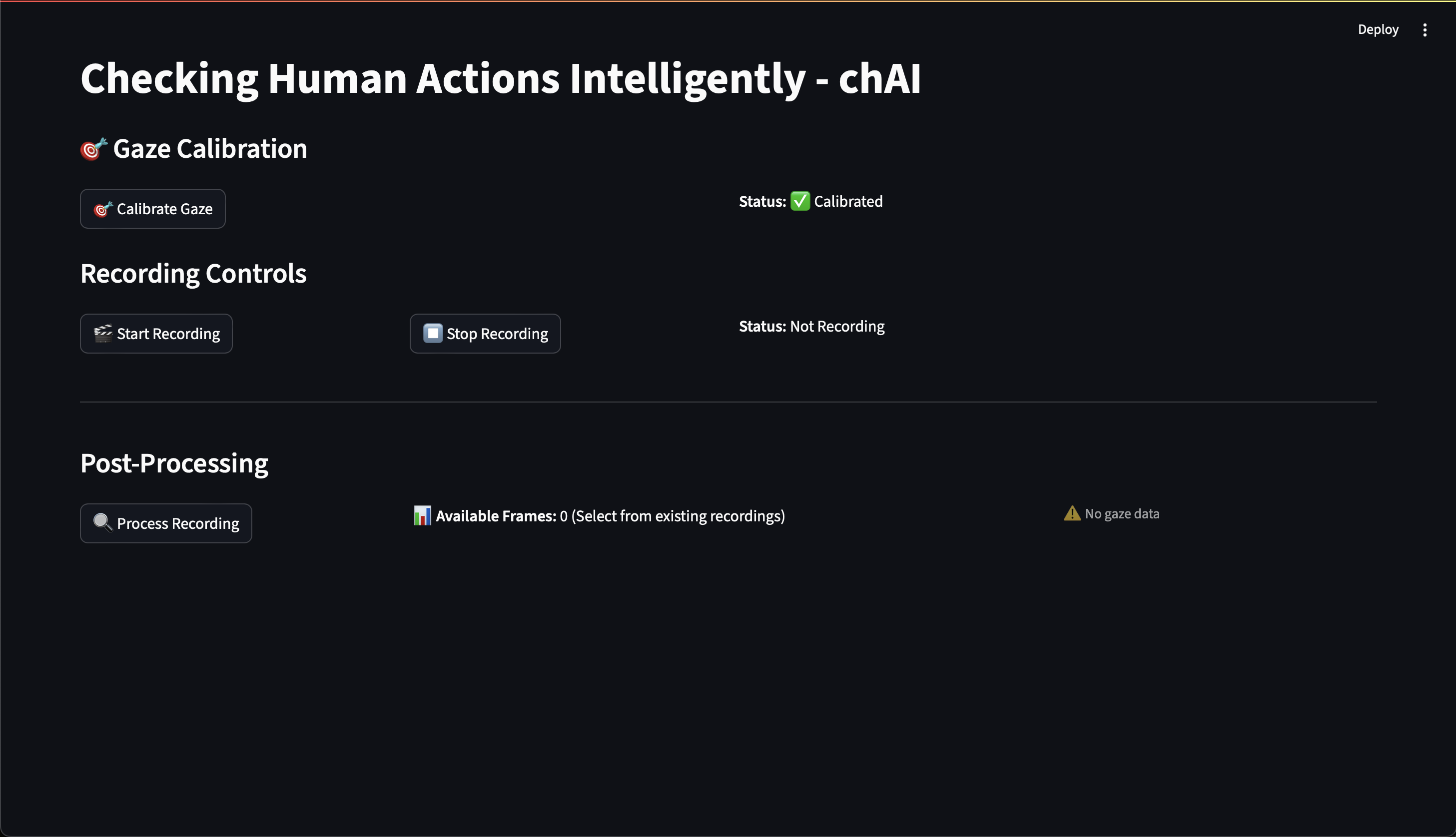
How to use:
- Launch the application
- Calibrate your camera by looking at the dot and pressing [space]
- Record while doing an action on UI (Ground Truth/Developer)
- Process Recoding
- Recod again while doing an action on UI (Tester)
- Process Recoding
- Compare againt Tester's recoding and Developers Recoding
- Read the insights and improve UI/UX accordingly
- Badri (www.linkedin.com/in/badri-ramesh-7aa89b179)
- Sanyog (https://www.linkedin.com/in/sanyogsharma19/)
- Vivek (https://www.linkedin.com/in/vivekdhir77/)
- Samyam (https://www.linkedin.com/in/samyam-aryal/)
- Suvid (http://www.linkedin.com/in/suvid-singh)
- VR/AR device development support
- Live friction score dashboard.
- Insights based on mouse movements.
- Recommentations to improve UI based on user interactions
- Integration with web and app builders - offer as a plugin for tools like figma, webflow or VS code to give live usability feedback duing development
- Personalized UI adaptation - dynamizally adjust UI layouts in real time based on individual user behaviour.
MIT License — use freely, contribute openly.
chAI: Understand the human behind the click.